
Streaming intermediate
A Stream Deck running Bitfocus Companion turns a Blackmagic ATEM into plain-word buttons with colors that show what's live, and the same panel can run PTZ cameras, projectors, and more. Here's how to connect Companion to an ATEM and build a volunteer page.
Oct 11, 2026 • 6 min read

Streaming intermediate
To put song lyrics over the camera shot on a Blackmagic ATEM Mini, feed the slides computer into an ATEM input and key it over the camera. Here's how luma and chroma keys work for lyrics, how to design slides that key cleanly, and who should run it.
Oct 11, 2026 • 6 min read

Streaming intermediate
Many churches use an ATEM Mini as a camera switcher and send its output into OBS over USB as a webcam. The ATEM gives volunteers real buttons; OBS adds lyrics, graphics, recording, and streaming. Here's how to set it up, split the jobs, and avoid the common sync and quality problems.
Oct 11, 2026 • 6 min read
Streaming intermediate
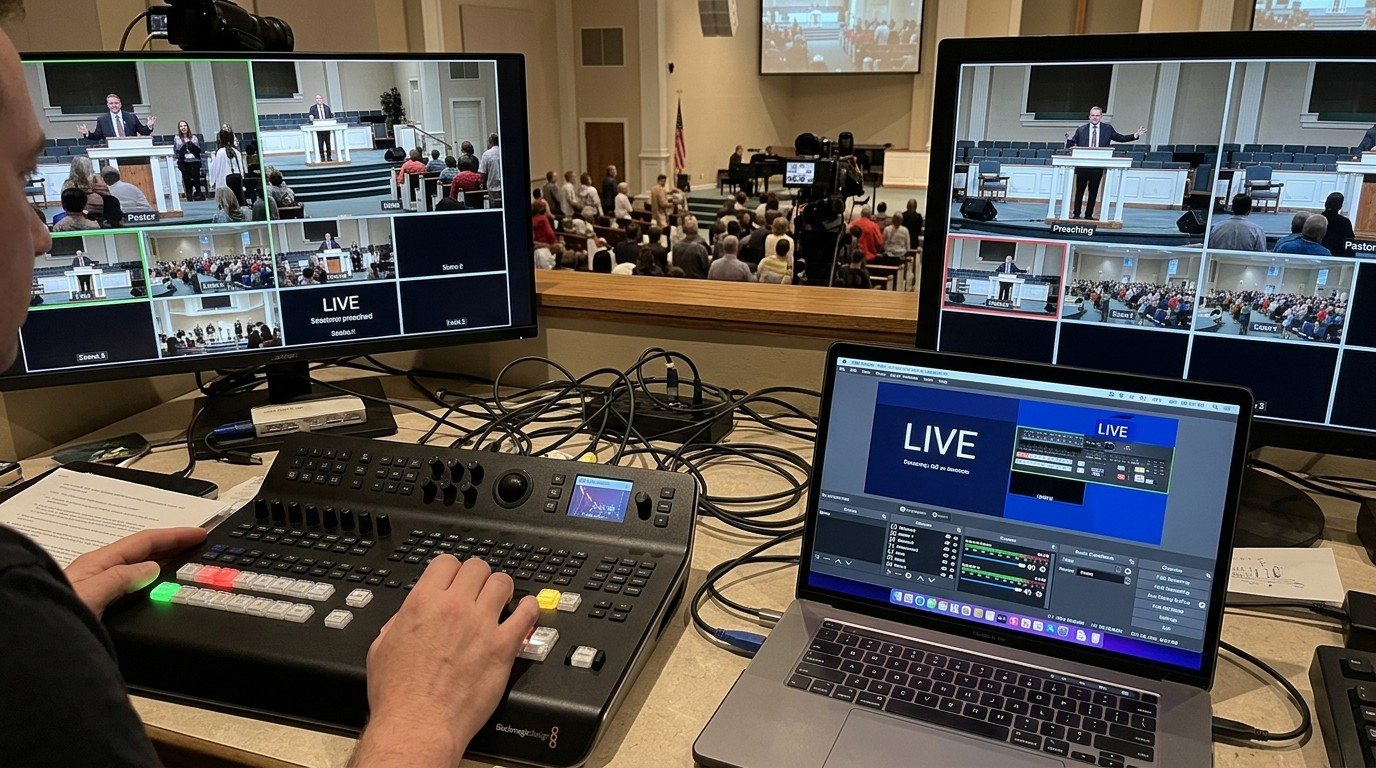
The ATEM Mini's buttons handle switching, but keys, audio, media, and streaming live in ATEM Software Control. Put it on a second computer over the church network and hand it to its own volunteer. Here's how to connect it, what that seat does, and how the two people work together.
Oct 11, 2026 • 6 min read
Streaming beginner
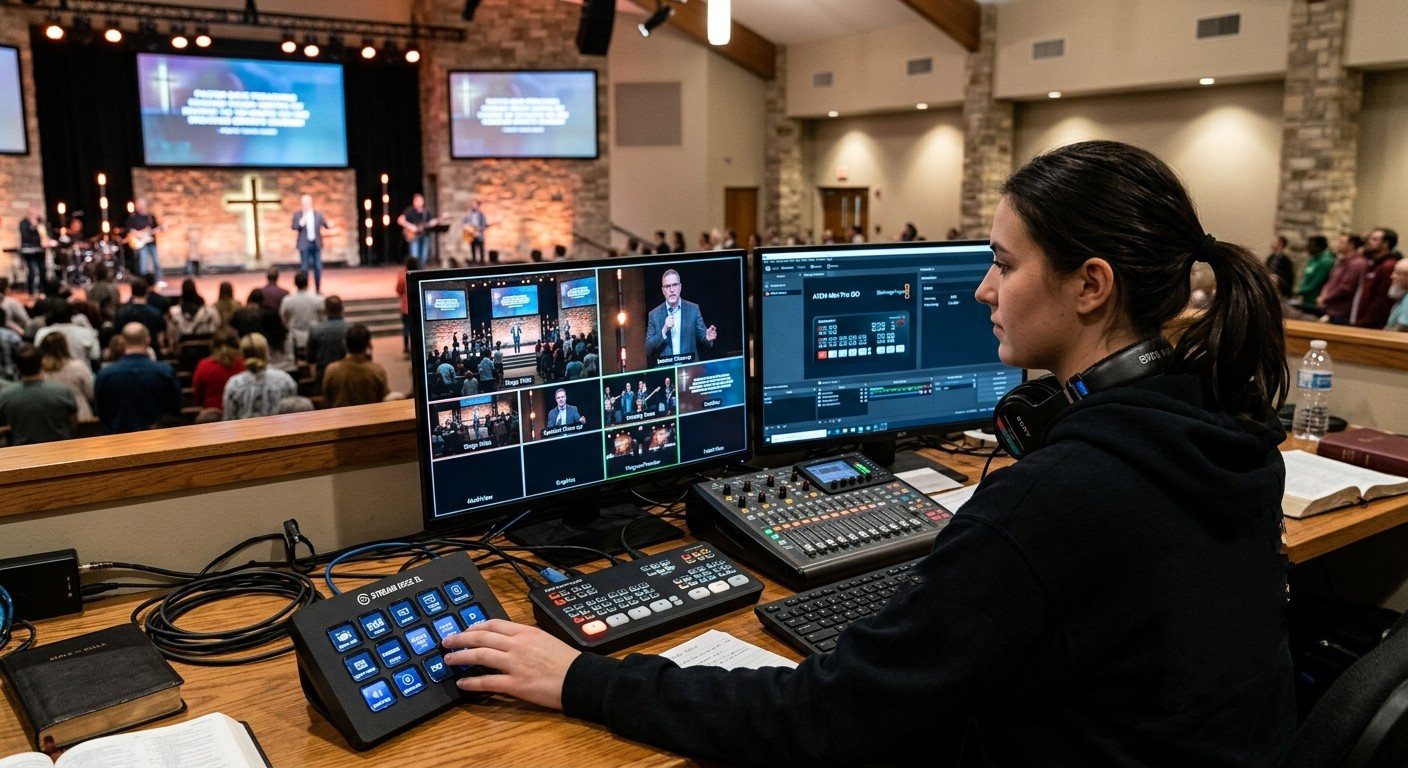
The Blackmagic ATEM Mini is easy to start with, and easy to overload one volunteer with. Split it into seats: one person on the switcher's buttons, another on ATEM Software Control for keys, audio, and the stream, and another on PTZ cameras. Here's how, and how Bitfocus Companion and WorshipMetrics fit.
Oct 11, 2026 • 6 min read
Streaming beginner
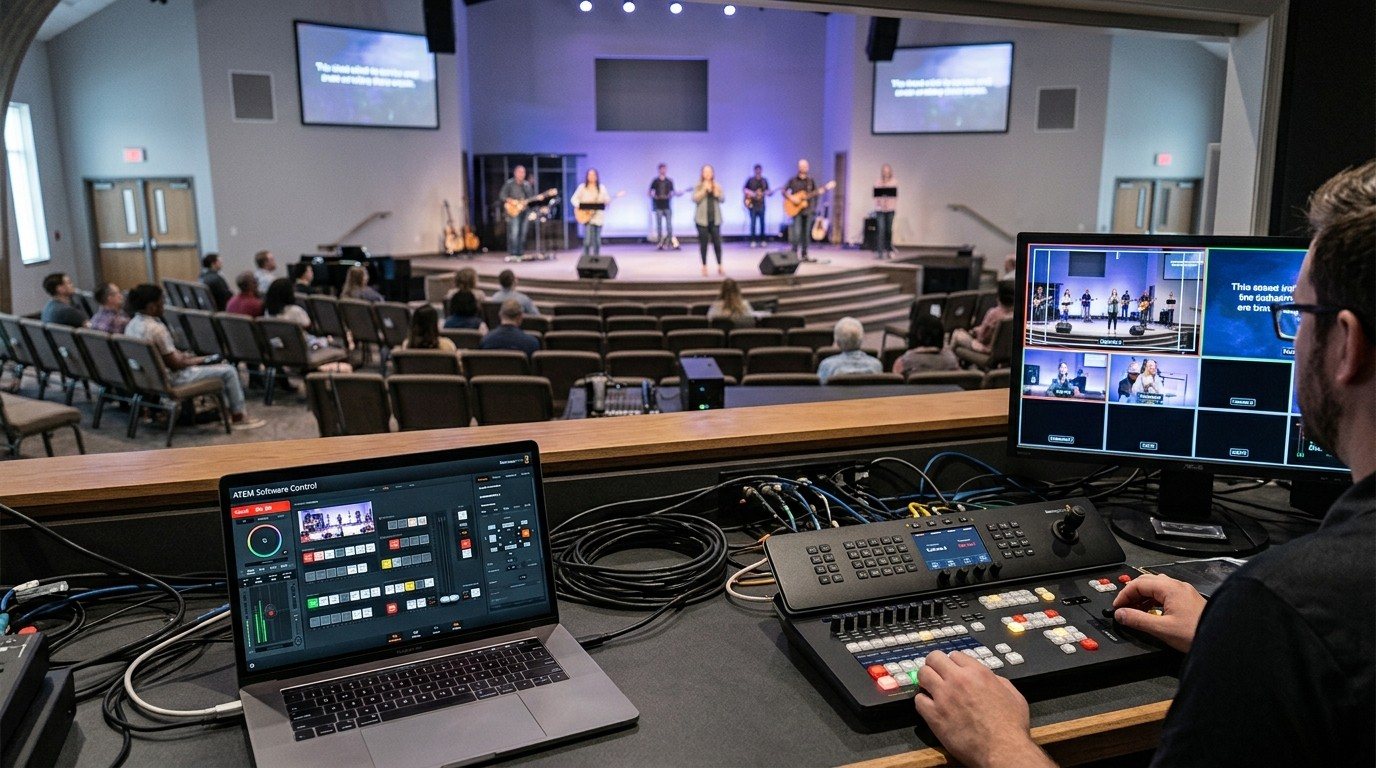
WorshipMetrics works with Blackmagic ATEM switchers in the booth: Tech Manager controls cut, preview, and program; Present slides can cut the ATEM; Camera Control runs PTZ cameras; and the team shares chat, alerts, and wiring diagrams. Here's what's included, and what stays on the ATEM itself.
Oct 11, 2026 • 6 min read
Streaming beginner
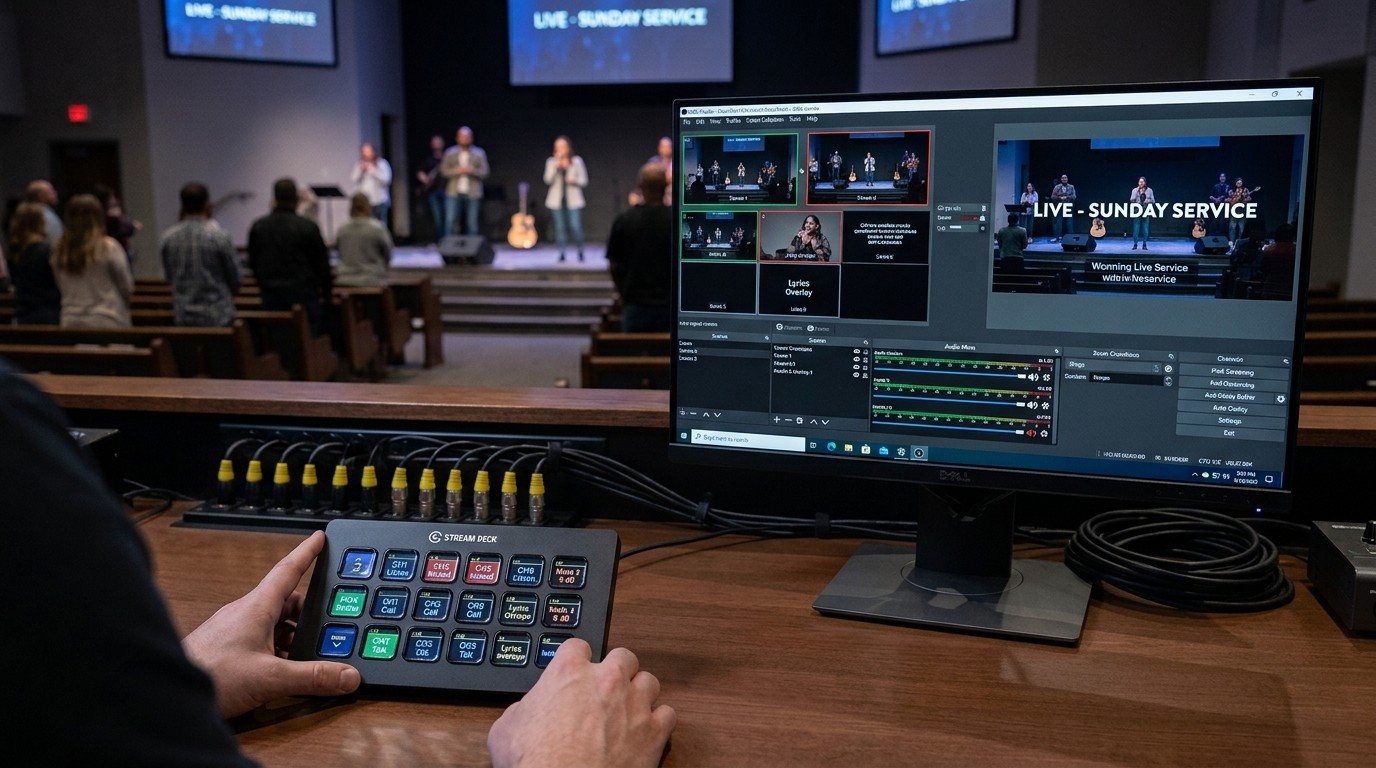
Bitfocus Companion is free software that turns a Stream Deck or a tablet into buttons for OBS, vMix, PTZ cameras, projectors, sound boards, and hundreds of other networked devices. For a church, that means plain-word buttons a volunteer can learn in one Sunday. Here's what it is, what it can do, and how WorshipMetrics builds it in.
Oct 11, 2026 • 6 min read
Streaming beginner
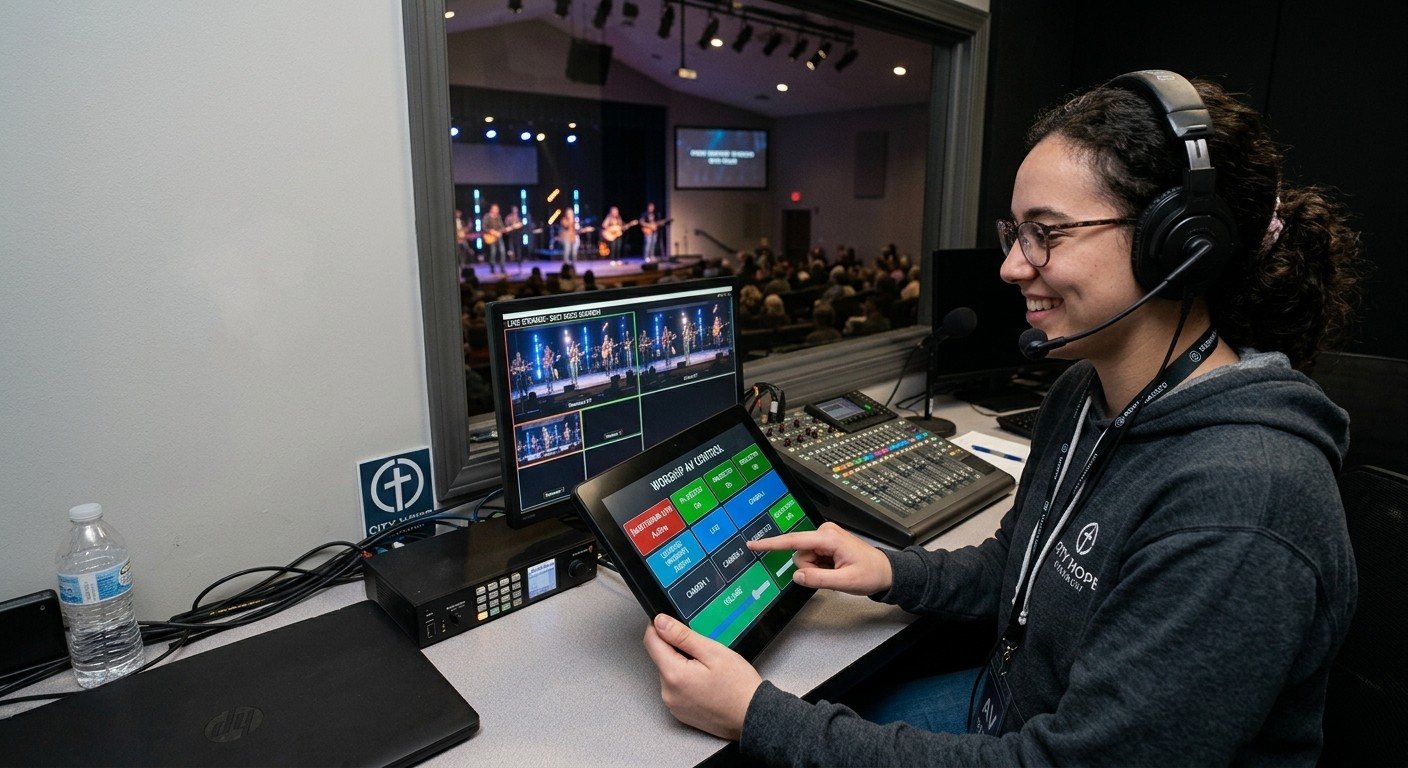
Custom AV touch panels used to mean a programmed control system. With Bitfocus Companion, an ordinary Android tablet on the church Wi-Fi can become a touch panel for the stream, cameras, projectors, and sound, with big plain-word buttons a volunteer can use. Here's how to set one up and keep it reliable.
Oct 11, 2026 • 6 min read
Streaming beginner
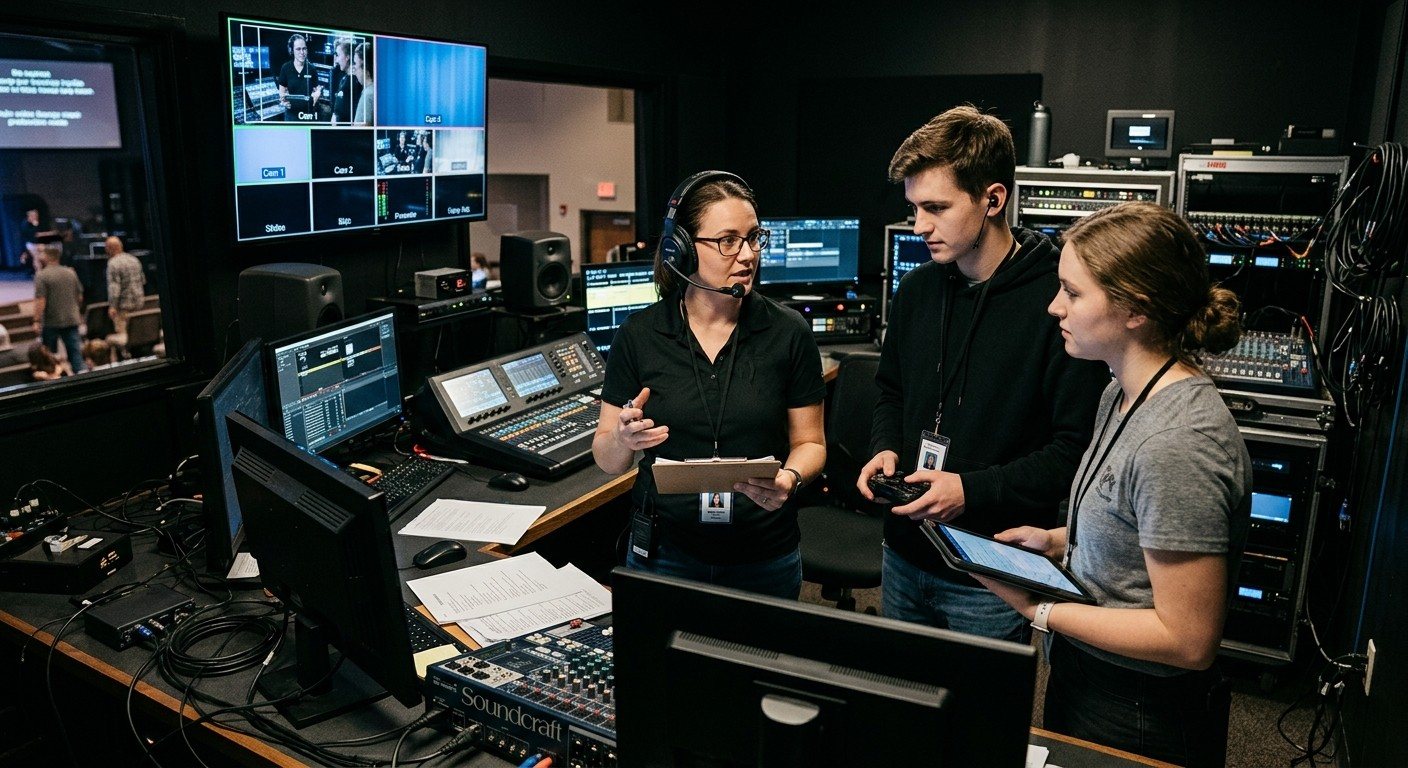
When one volunteer runs slides, cameras, and the stream at once, the booth only works for experts. Split the job into three seats (director, slides, cameras) using NDI and PTZ camera control, and an ordinary volunteer can learn any one of them. Here's how it works with OBS and vMix.
Oct 11, 2026 • 6 min read
Streaming intermediate
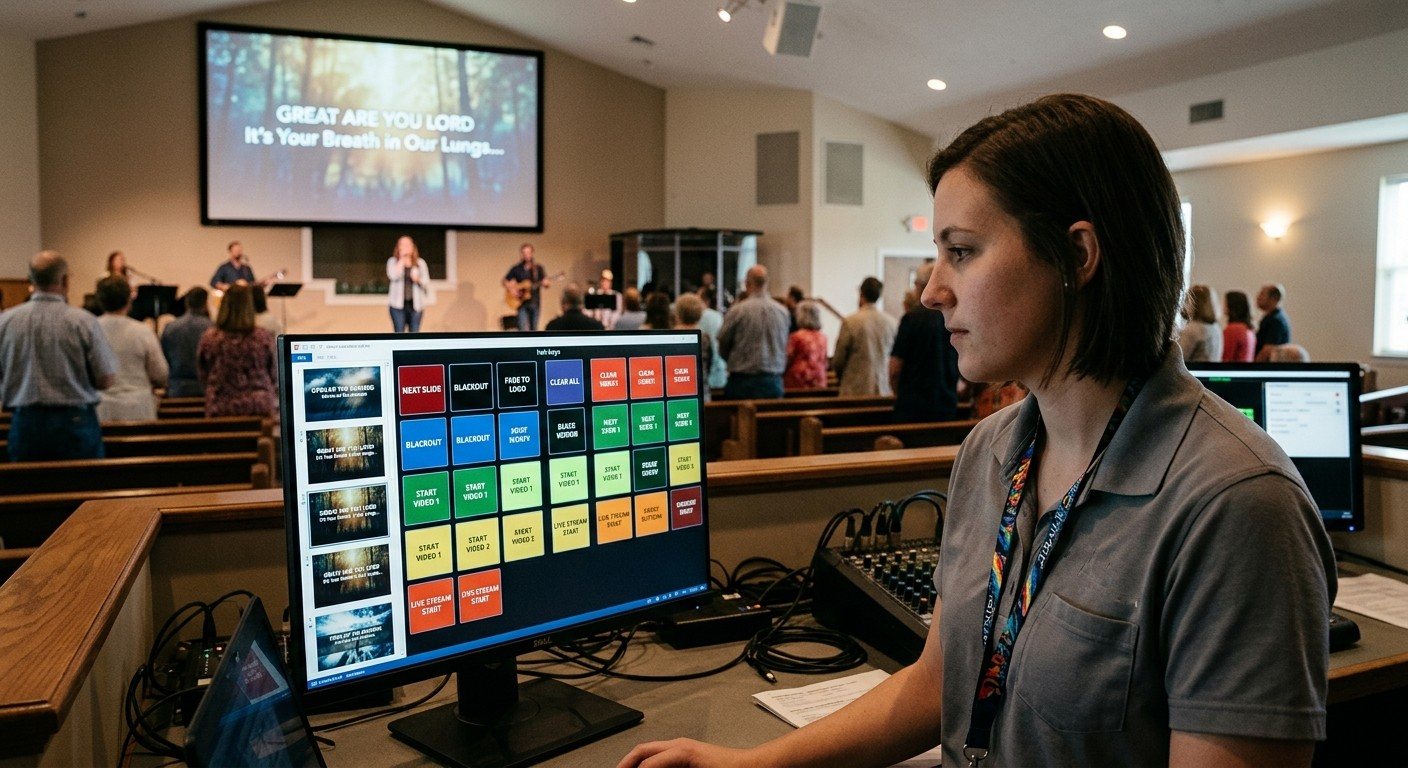
WorshipMetrics Present works with Bitfocus Companion three ways: a Companion tab that shows your buttons inside Present, slides that press Companion buttons when they go live, and Companion buttons that drive Present. Here's what each does, how to set it up, and what to know about the church network.
Oct 11, 2026 • 6 min read
Streaming intermediate
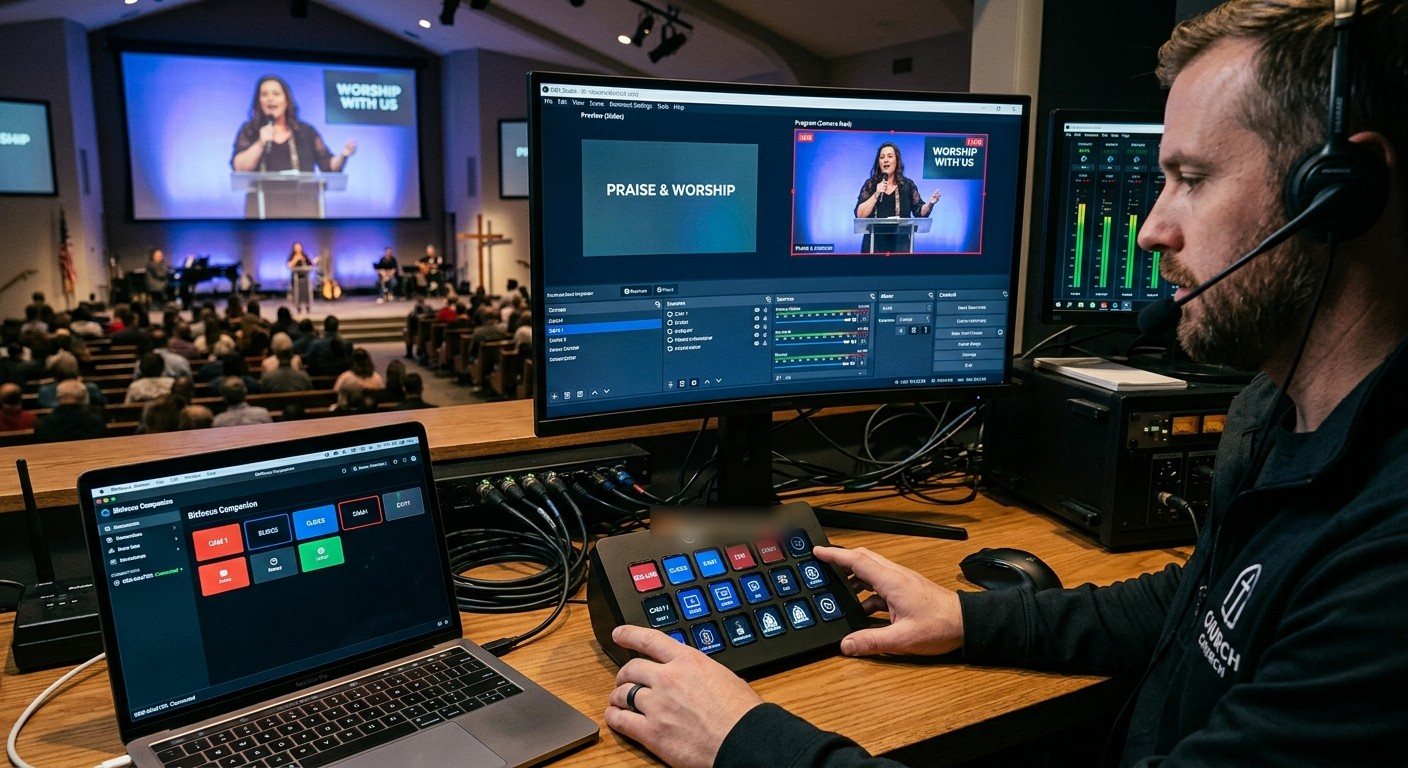
A step-by-step guide to connecting OBS to Bitfocus Companion over OBS's built-in WebSocket server, then building buttons for scenes, the stream, and recording, with feedback that shows what's live. Written for church booths and volunteer operators.
Oct 11, 2026 • 6 min read
Streaming beginner
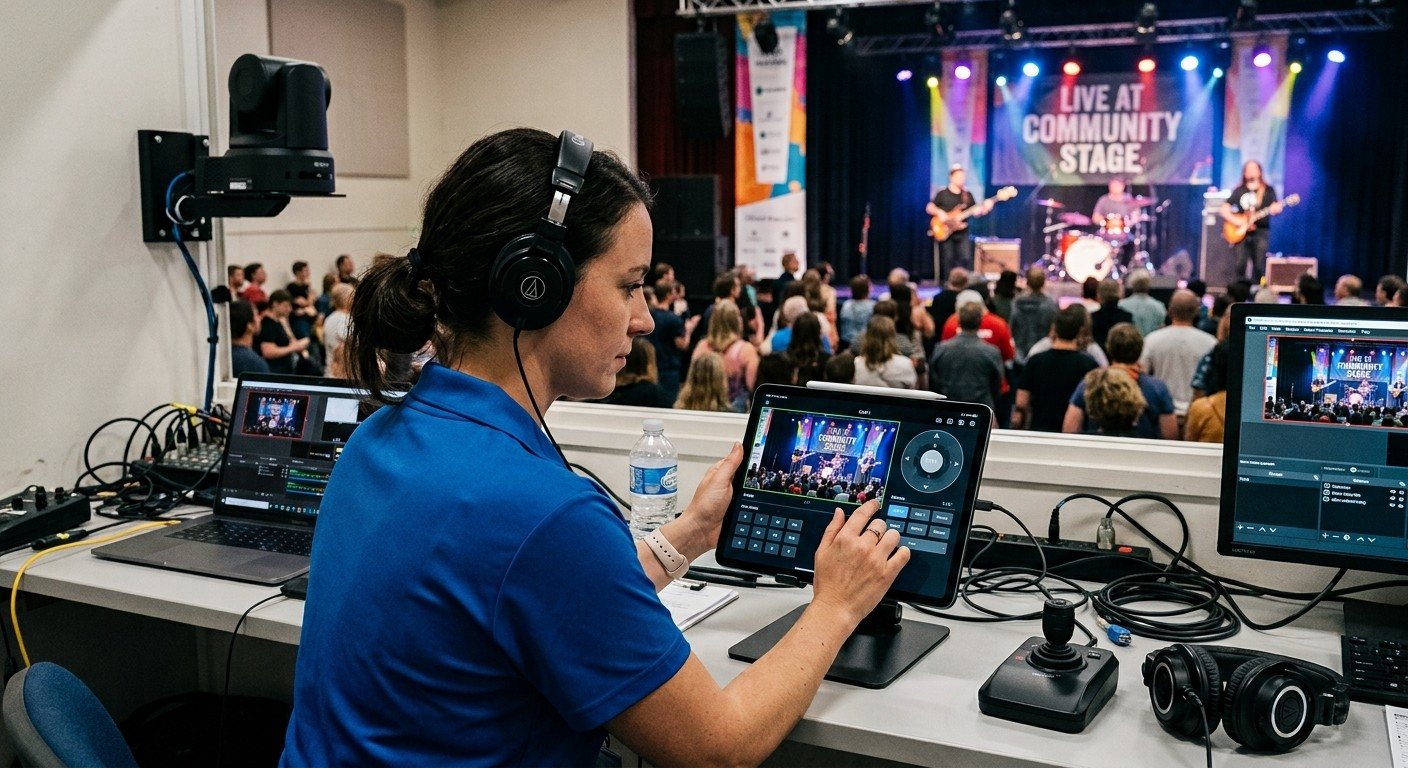
Moving PTZ cameras while switching OBS is two jobs at once, and both suffer. Give the cameras to their own volunteer with a tablet, browser, or joystick, so the OBS operator just picks the shot that's ready. Here's how to set it up for a church.
Oct 11, 2026 • 6 min read
Streaming intermediate
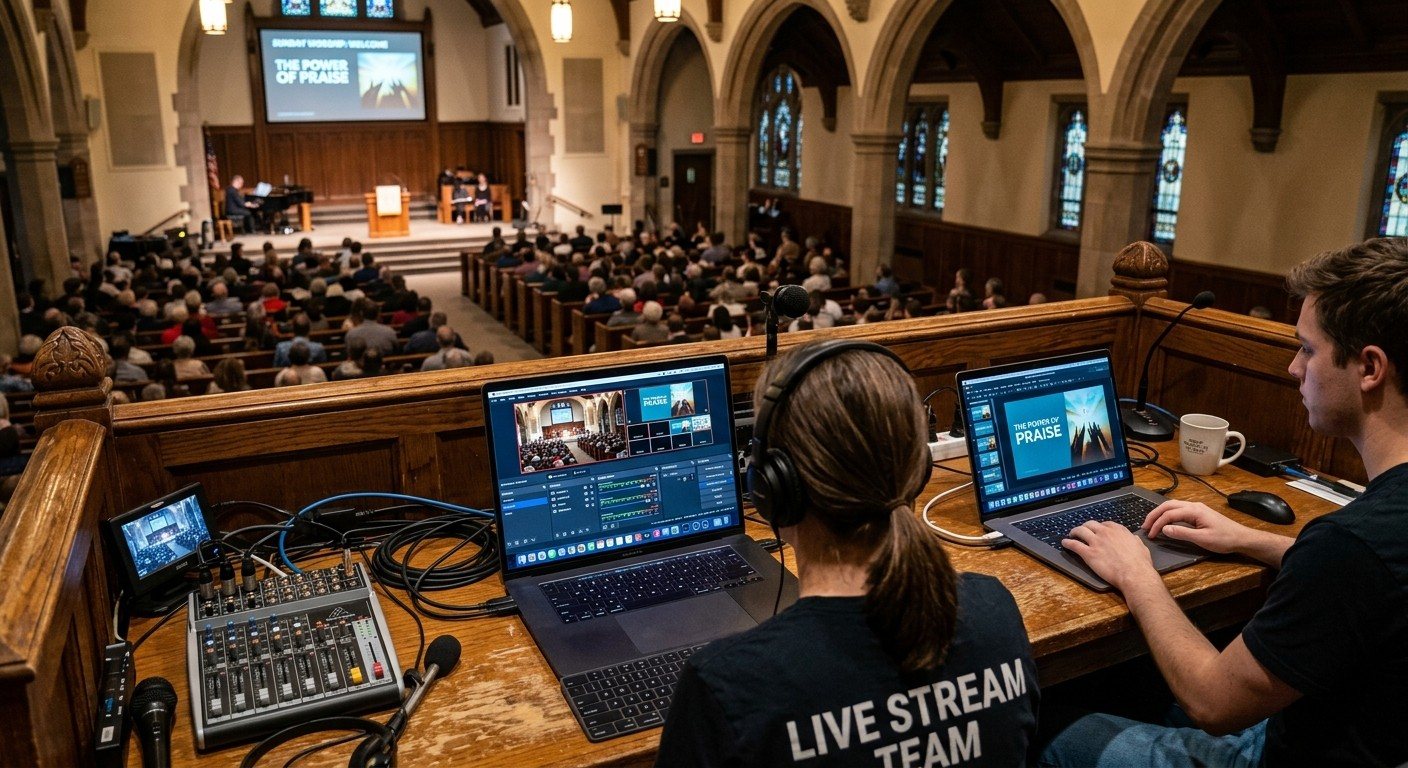
Running slides and OBS on the same computer makes the stream fragile and the booth hard to learn. Move slides to a second computer and send them to OBS over NDI with the free DistroAV plugin. Here's the setup, step by step, and what it changes on Sunday.
Oct 11, 2026 • 6 min read
Streaming beginner
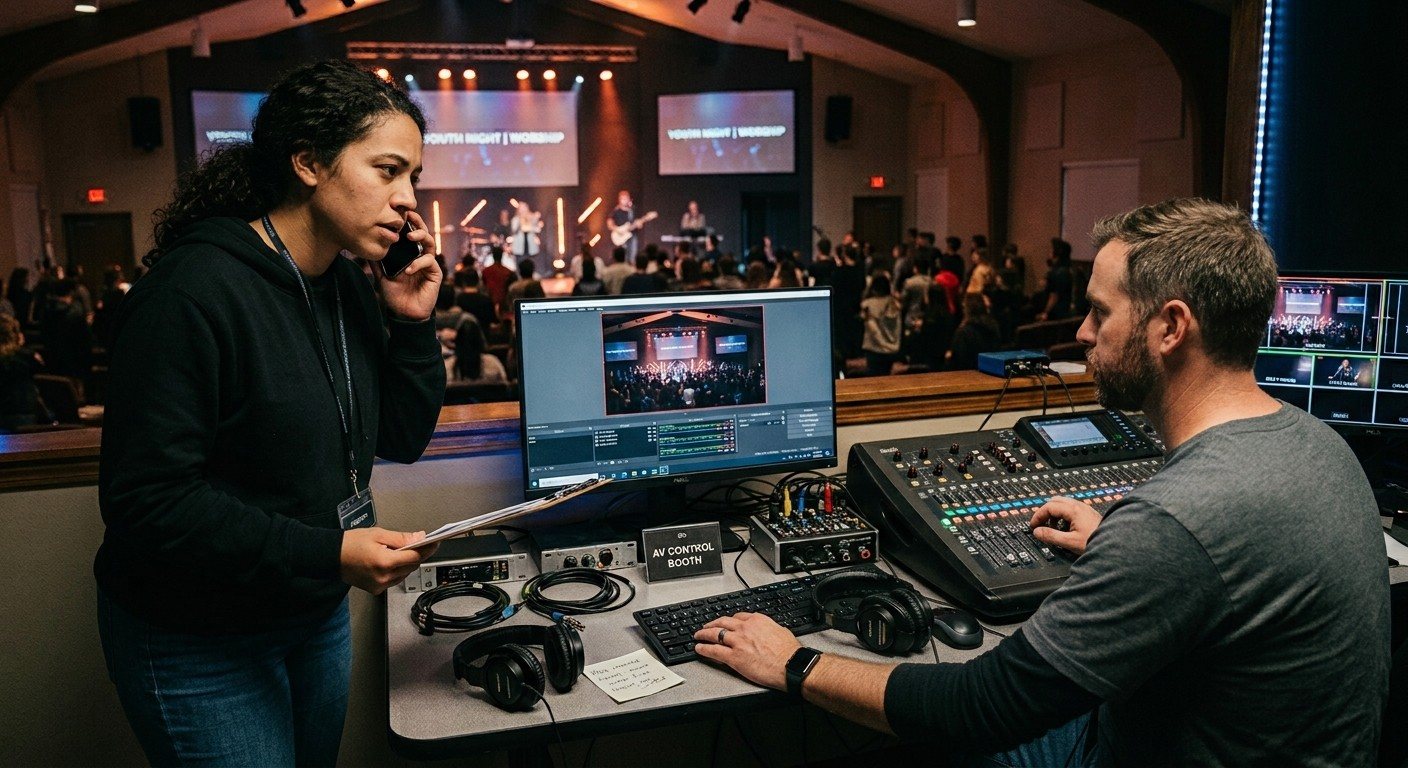
One computer running slides, OBS, and the stream works until it doesn't. Encoding overloaded, a slide crash that takes the stream down, one volunteer juggling everything: these are signs it's time to split. Here's how to tell, and what the move involves.
Oct 11, 2026 • 6 min read
Streaming beginner
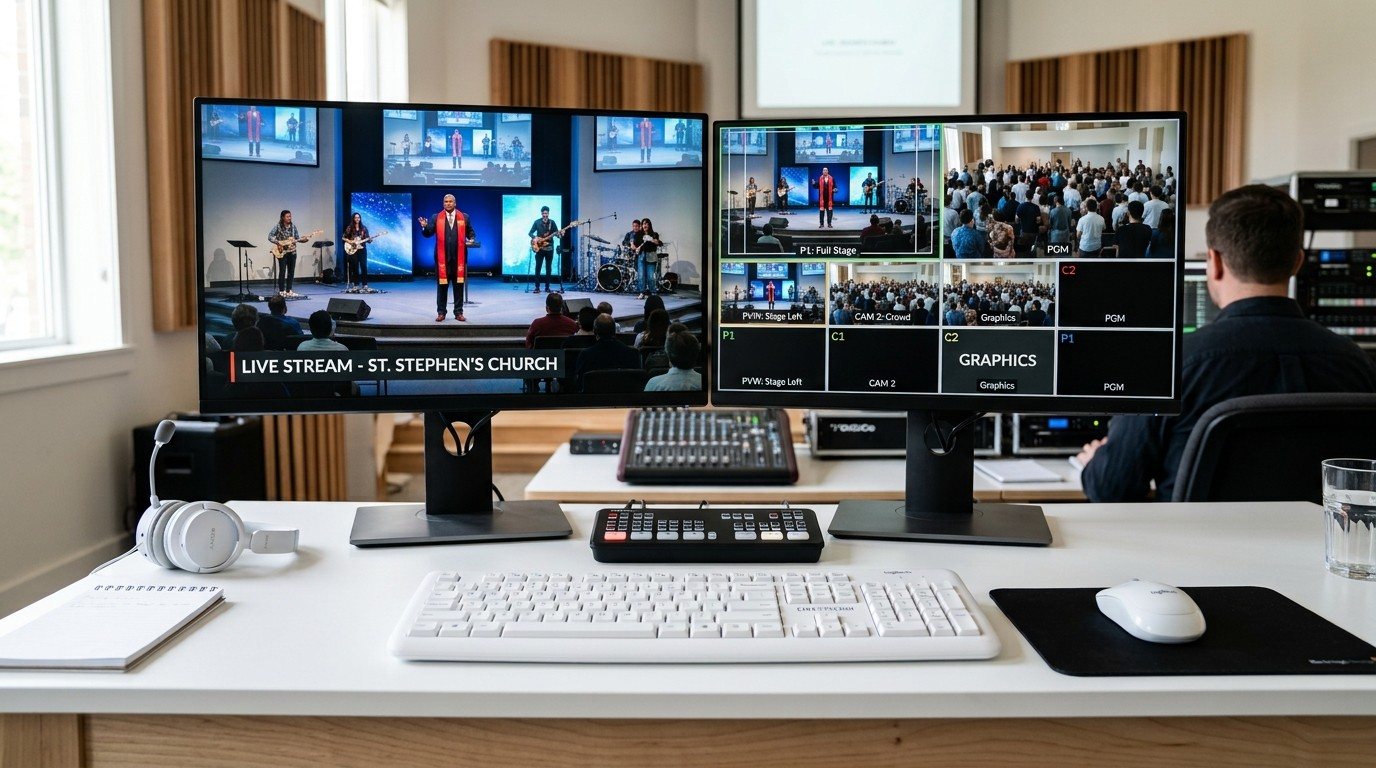
The ATEM Mini is a great first switcher. As a church adds cameras, graphics, room screens, and volunteers, it can start to feel small. Here are the signs, the options (a bigger ATEM, adding OBS or vMix, or a full livestream system), and how to keep what you already own.
Oct 11, 2026 • 6 min read
Streaming intermediate
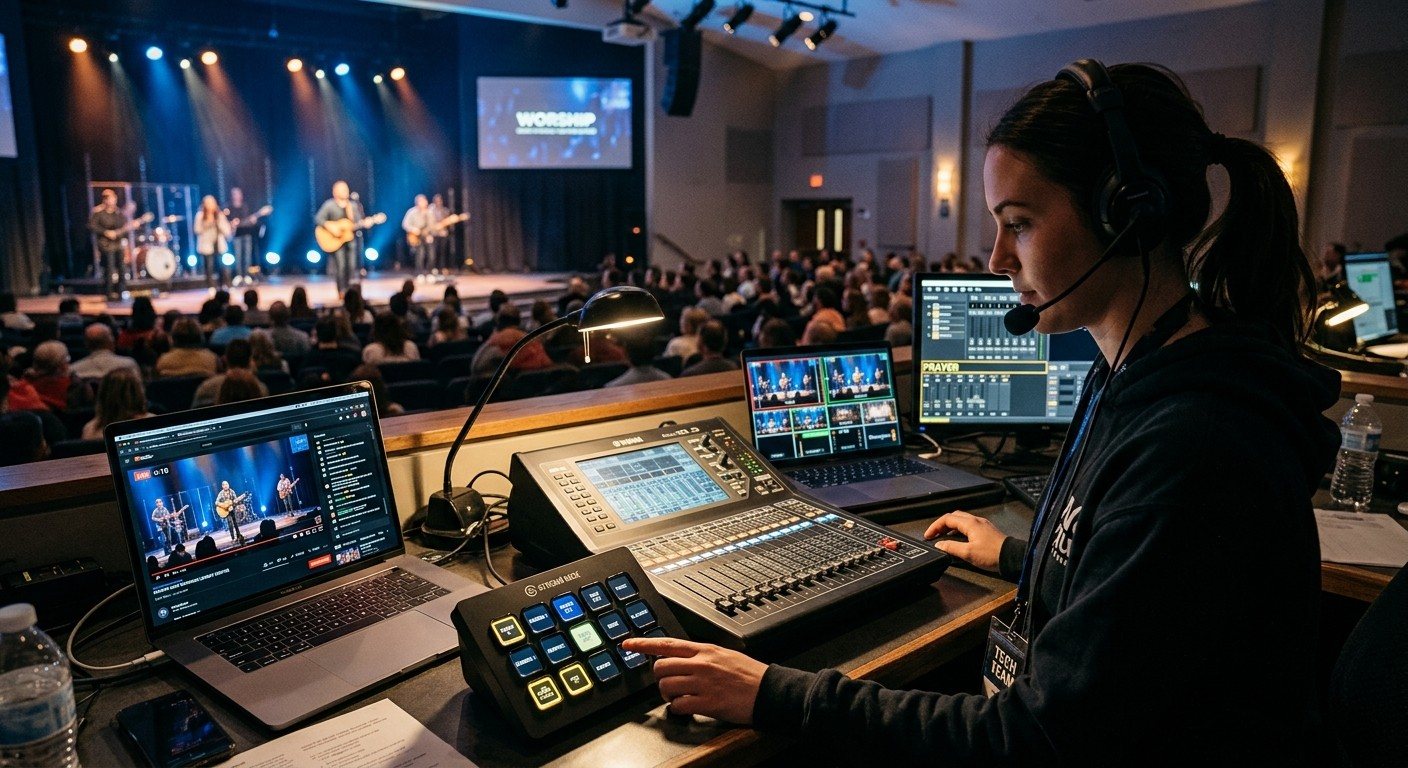
A step-by-step guide to connecting vMix to Bitfocus Companion and building volunteer buttons for cutting inputs, toggling lyrics overlays, and starting the stream and recording, with button colors that show what's in preview and program. Written for church booths.
Oct 11, 2026 • 6 min read
Streaming intermediate
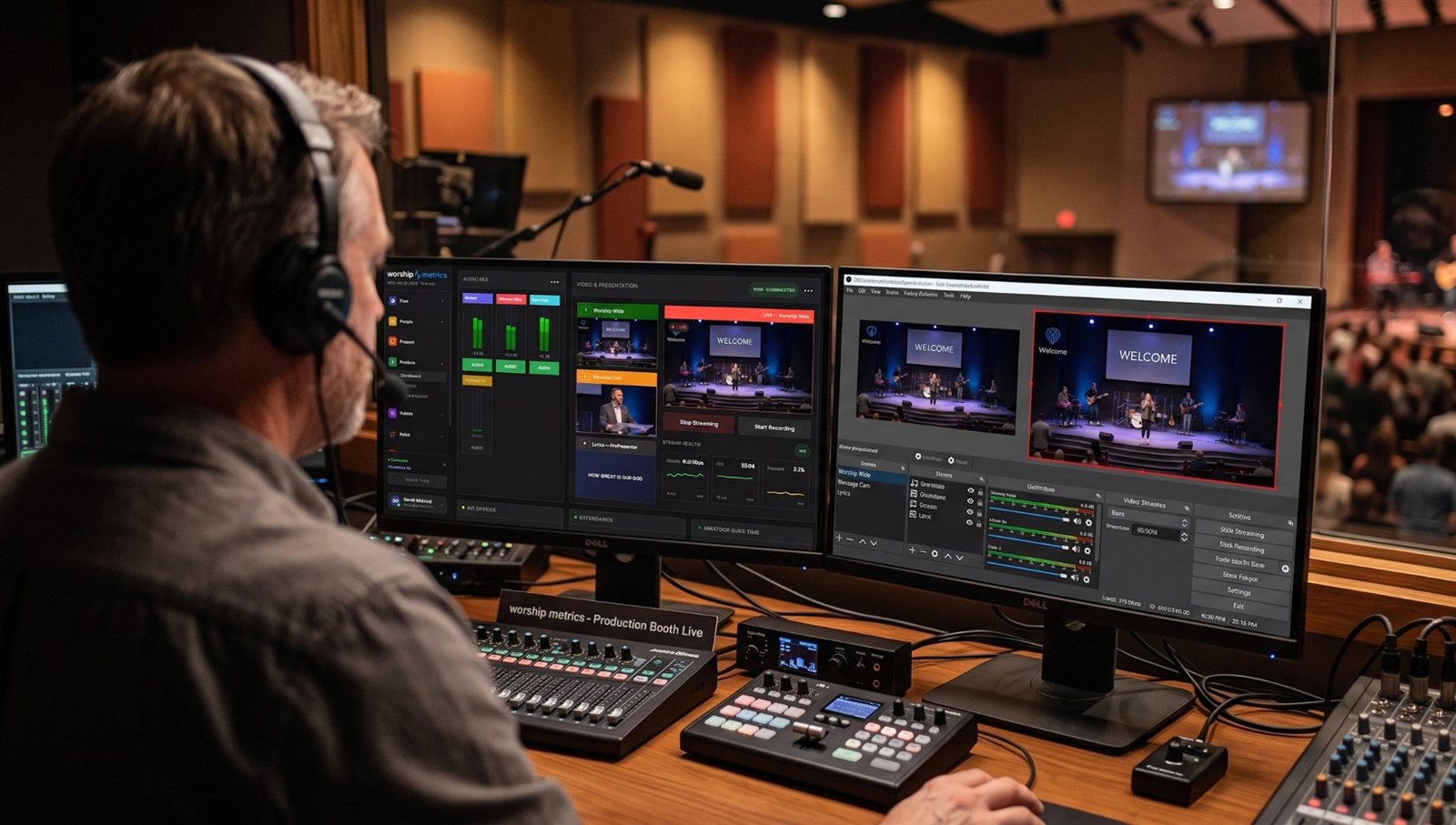
The vMix Web Controller and WorshipMetrics handle vMix. But a church booth has more: projectors, a Blackmagic ATEM switcher, a lighting console, a sound board. Bitfocus Companion ties them to vMix, so one button can cut the camera, change the lights, and switch the projector. Here's how churches put it together.
Oct 11, 2026 • 6 min read
Streaming beginner
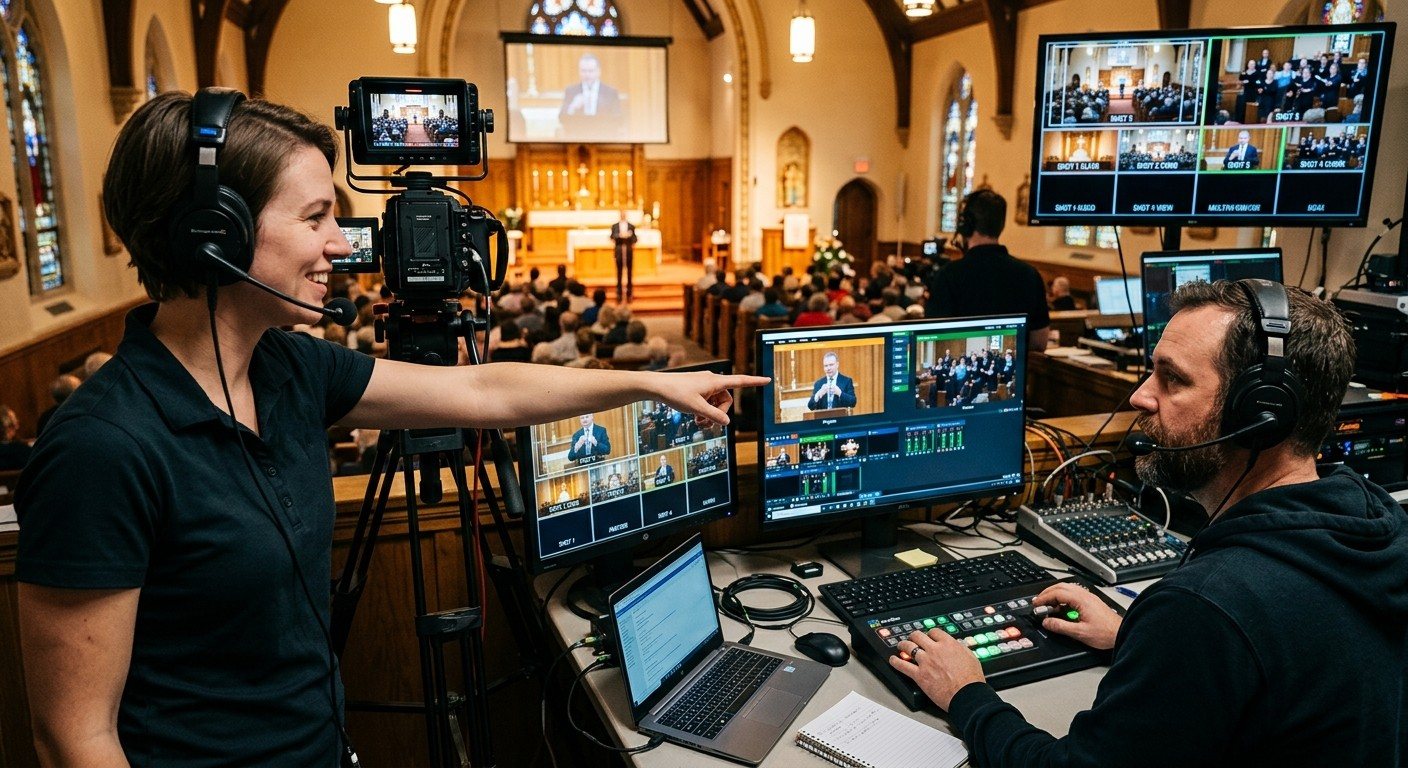
vMix can handle a lot of cameras, but one person can't frame them and switch them at the same time. Add a camera operator with a tablet or joystick, and your vMix director can focus on the service. Here's how to set up the camera seat, and how the two work together.
Oct 11, 2026 • 6 min read
Streaming intermediate
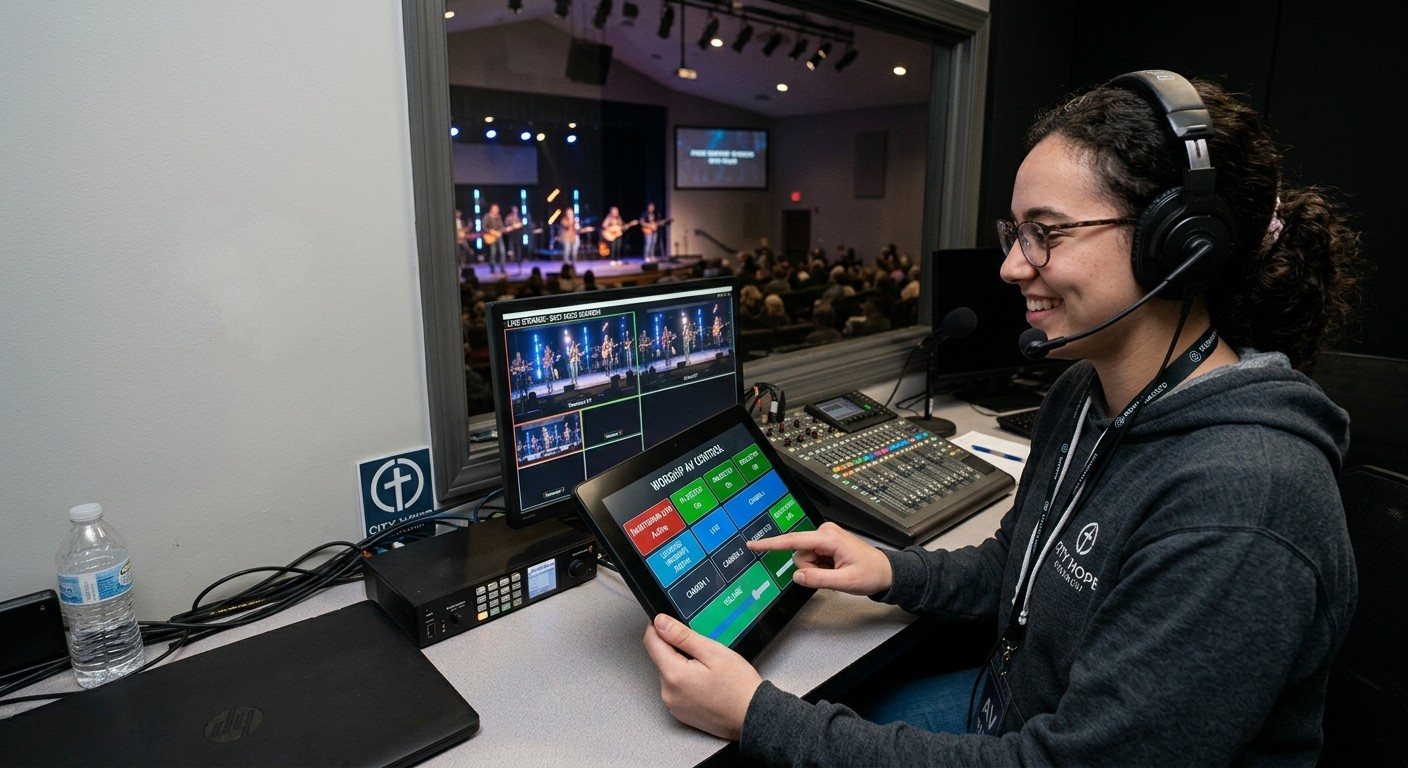
vMix can turn each PTZ camera position into its own 'virtual' input. Put one in Preview and the camera moves to that shot, ready for the director to take. That means a camera volunteer can call shots from the vMix Web Controller on a phone, tablet, or laptop. Here's how it works and how to set it up.
Oct 11, 2026 • 6 min read
Streaming intermediate
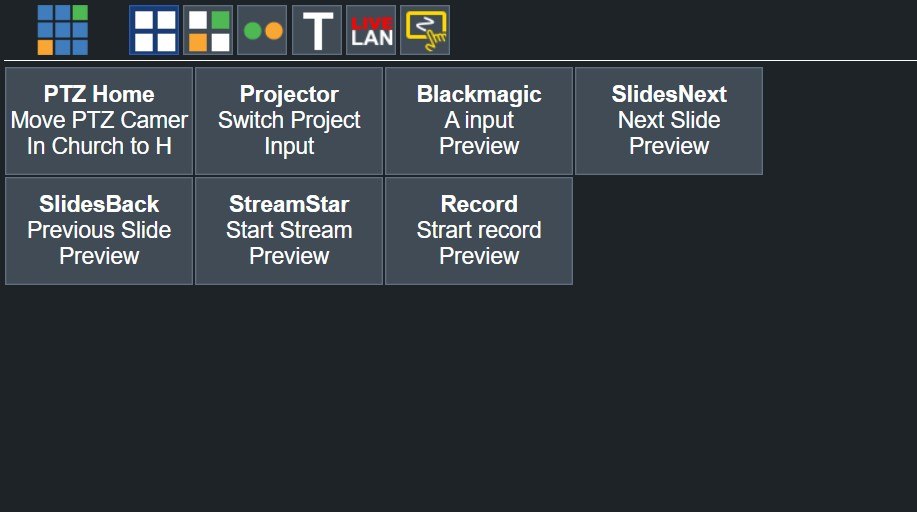
Every vMix shortcut can become a button on the vMix Web Controller's Shortcuts page, ready on any phone, tablet, or laptop on the church network, with password protection. Here's how to create shortcuts in vMix, label them so volunteers understand them, and build a simple button panel without any extra software.
Oct 11, 2026 • 6 min read
Streaming beginner
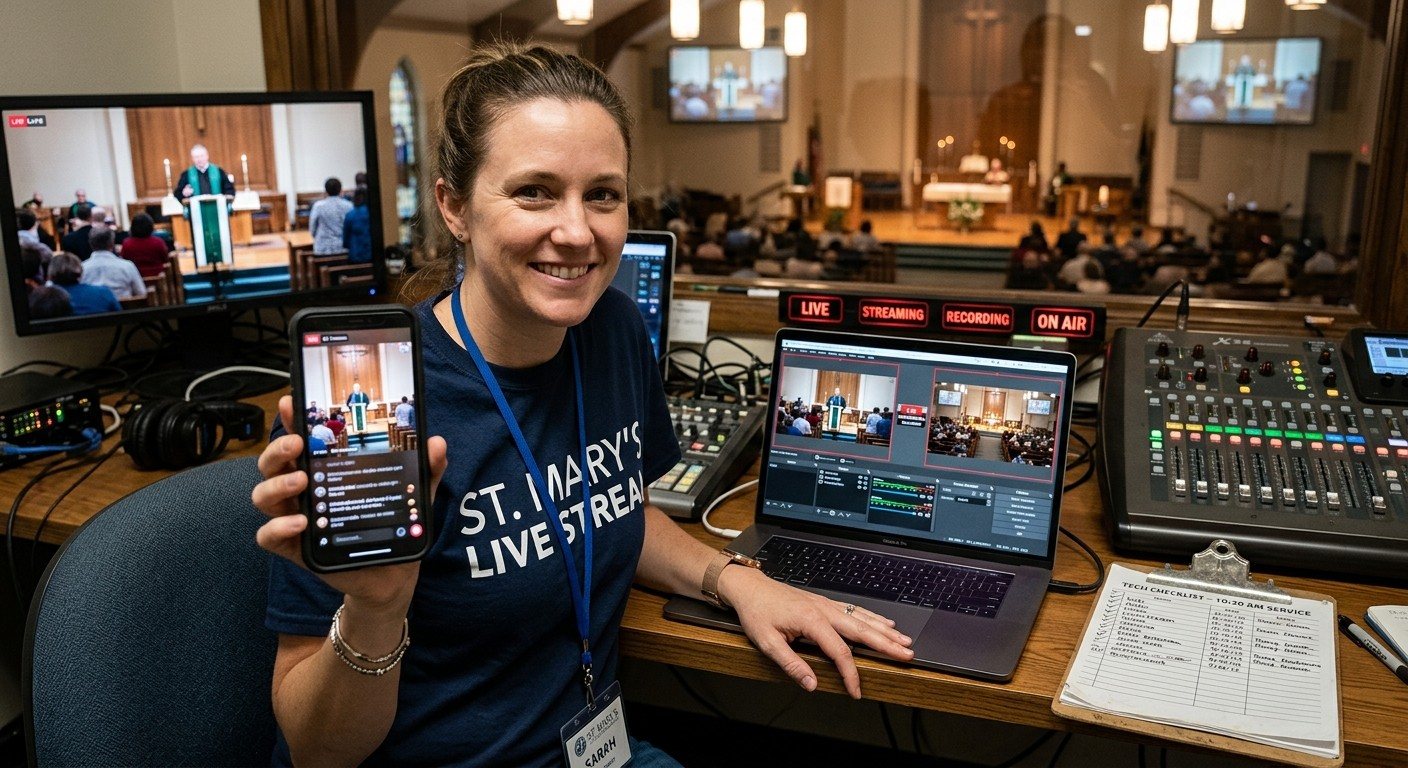
Forgetting to hit Stream or Record is one of the most common church livestream mistakes, usually because the director is busy with everything else. Give the stream and recording to their own volunteer, using vMix Web Controller shortcuts and a simple checklist. Here's how.
Oct 11, 2026 • 6 min read
Streaming beginner
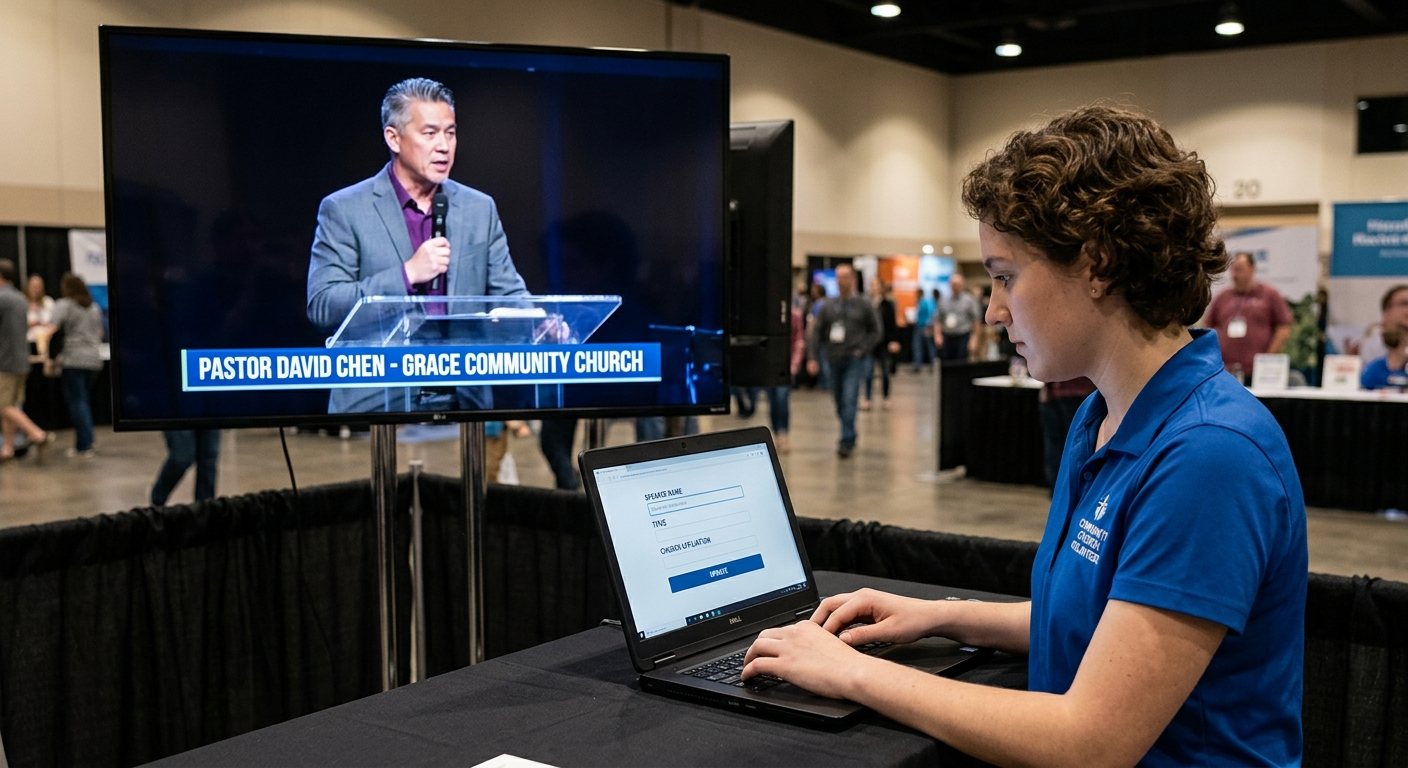
Typing names and scripture references into vMix titles in the middle of a service is a job of its own. With the vMix Web Controller's Title Editor, a volunteer can do it from a laptop or tablet while the director switches. Here's how to set up the titles seat.
Oct 11, 2026 • 6 min read
Streaming intermediate
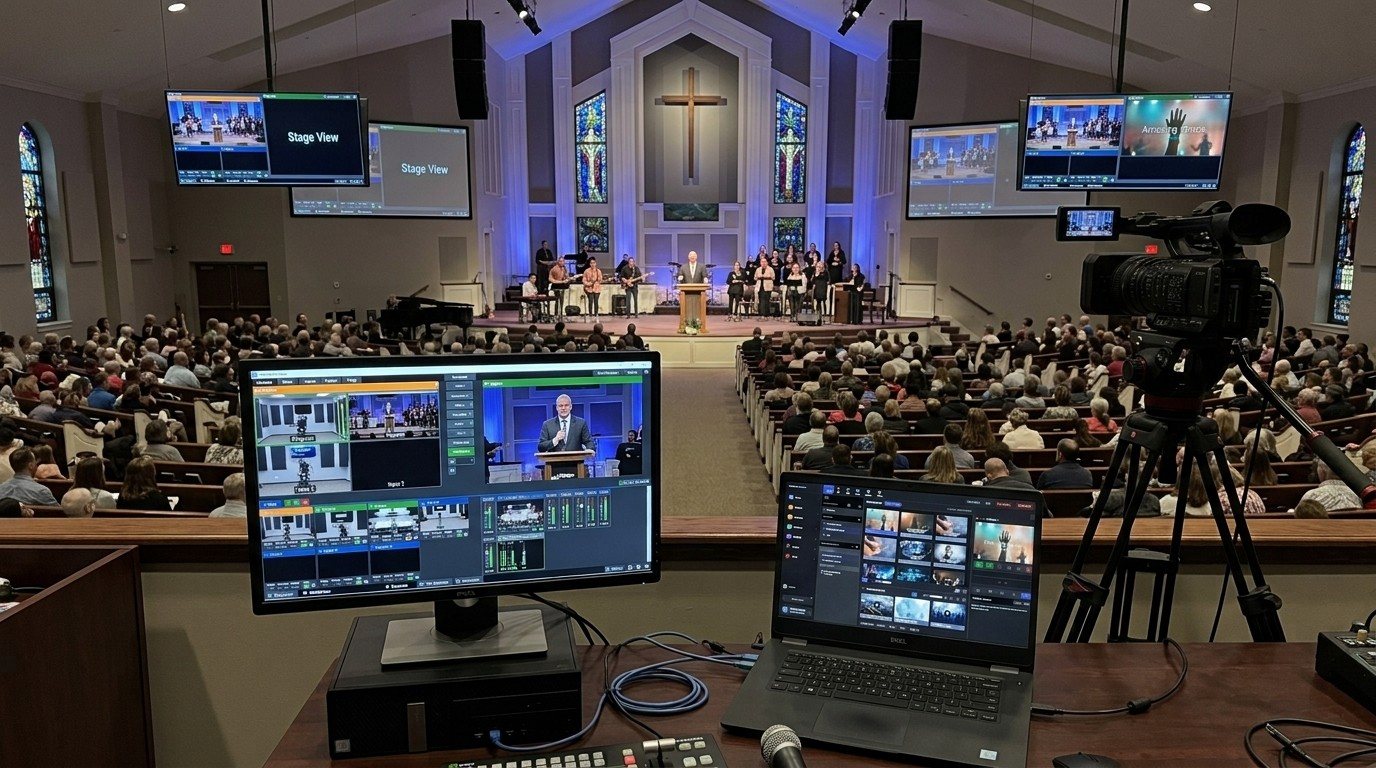
vMix takes NDI natively, which makes it easy to move slides to a second computer. Your lyrics operator gets their own seat, the vMix machine only switches and streams, and lyrics can sit cleanly over the camera. Here's how to set it up for a church.
Oct 11, 2026 • 6 min read
Streaming beginner
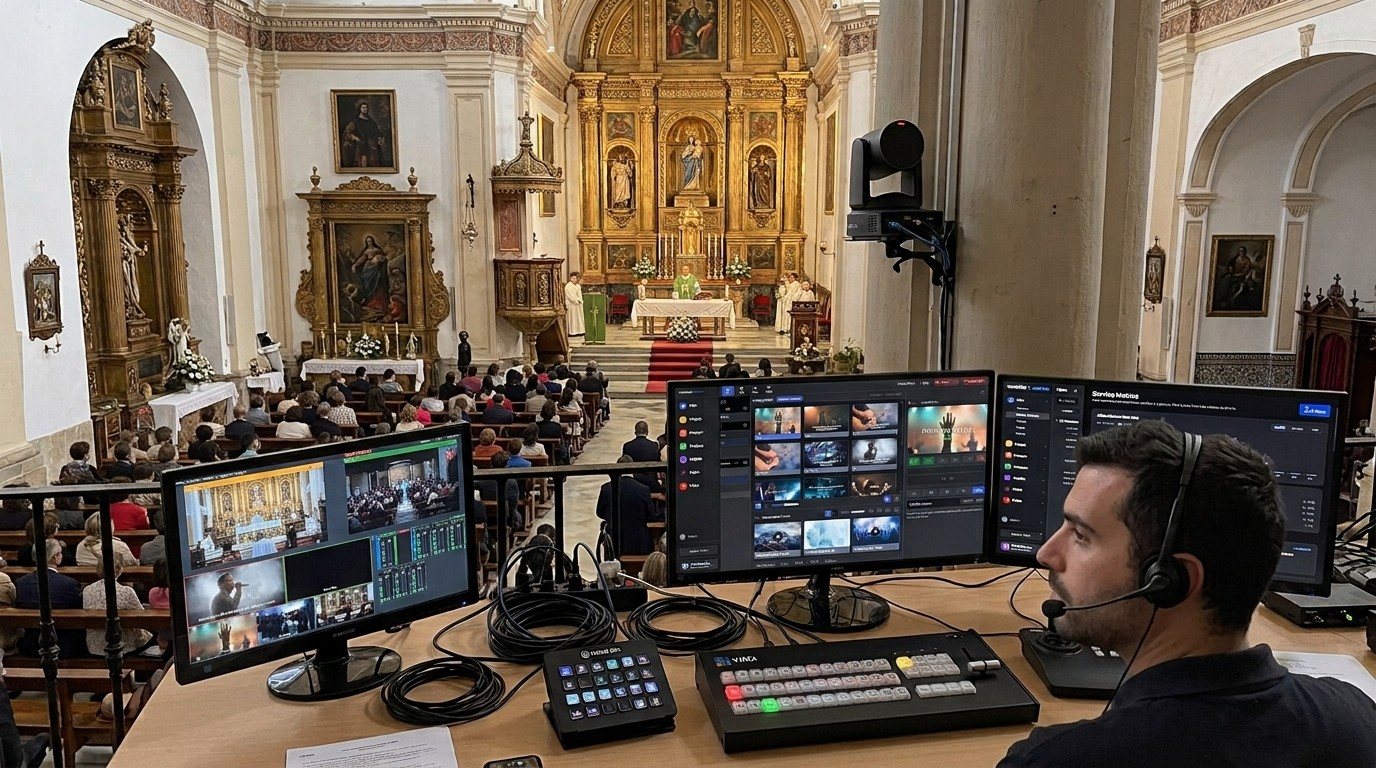
vMix runs on one computer, but it doesn't have to be run by one person. With vMix's built-in Web Controller, volunteers can type titles, call PTZ camera shots, and start the stream from any phone, tablet, or laptop on the church network. Add WorshipMetrics and Bitfocus Companion and the team can do even more. Here's how to split the jobs.
Oct 11, 2026 • 6 min read
Streaming beginner
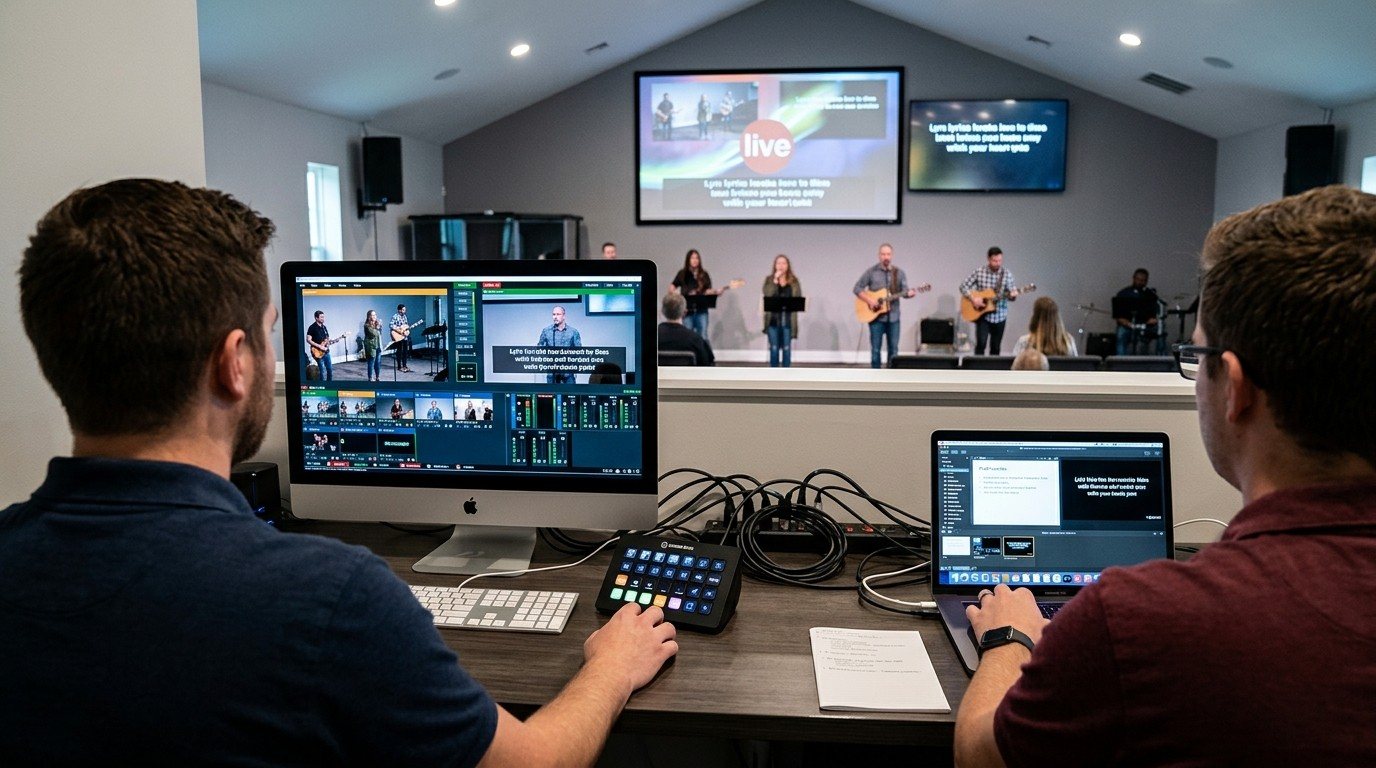
vMix includes a free Web Controller that lets volunteers switch, edit titles, run shortcuts, and more from a web browser on the church network. Here's how to turn it on, keep it secure, and what each page does, written for church booths.
Oct 11, 2026 • 6 min read
Streaming beginner
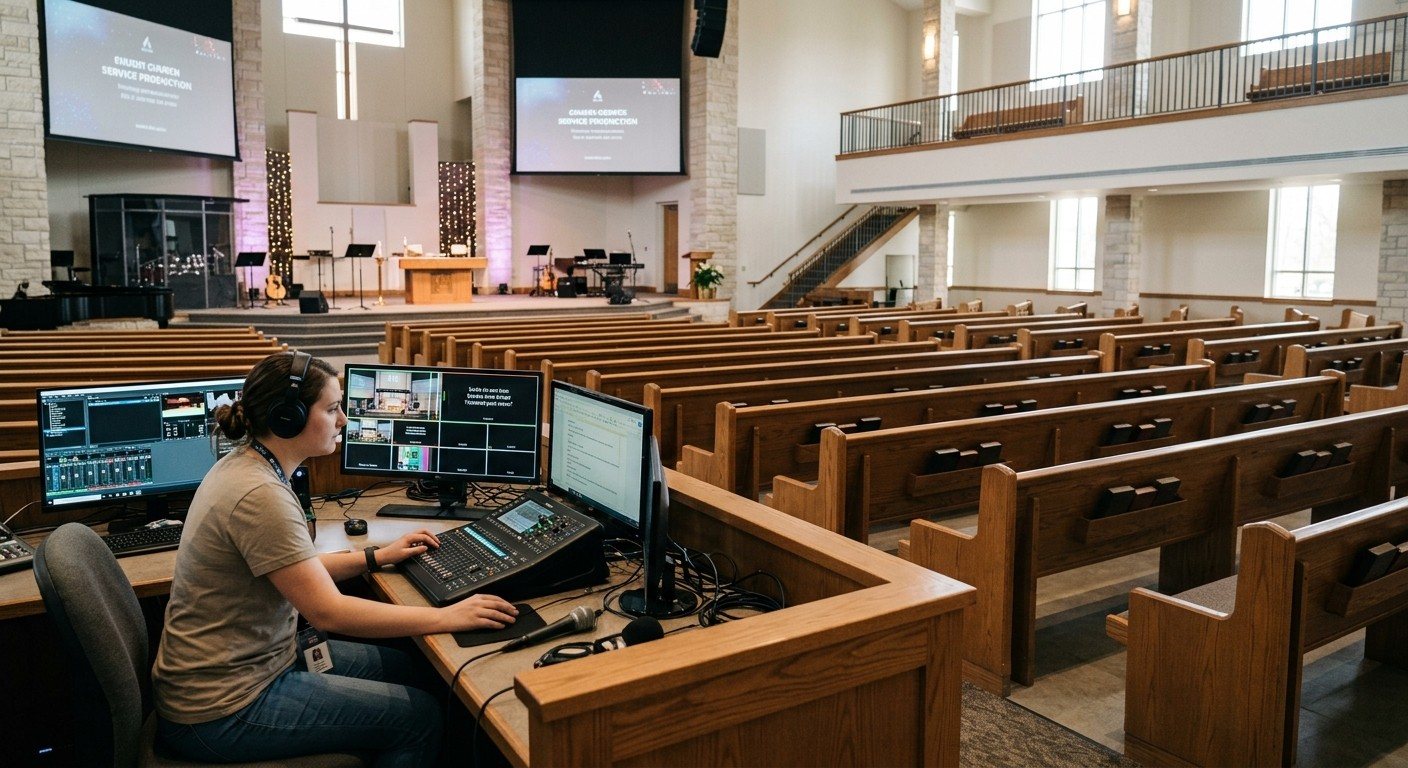
The vMix Web Controller is a great way to share one job at a time. When your volunteers are ready to do more (talk as a team, get alerts, see the wiring, get help, and control vMix from anywhere), WorshipMetrics builds on it. Here's what each one does, side by side, and how volunteers grow from one to the other.
Oct 11, 2026 • 6 min read
Streaming beginner
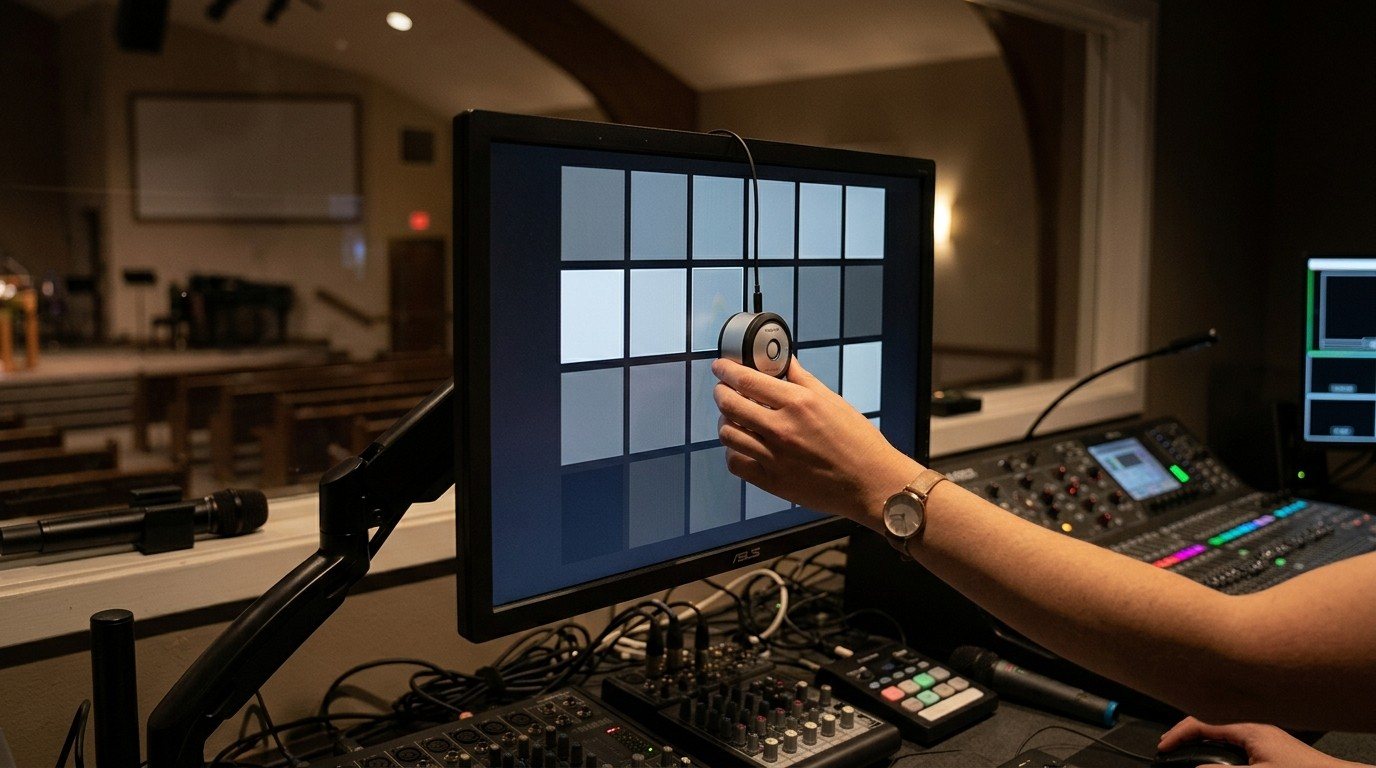
If every monitor in the booth shows a different picture, nobody can tell what the livestream really looks like. Why mixed monitors make color impossible to tune, what calibrated monitors and Rec.709 mean in plain English, why medical-grade monitors are the wrong tool, and a simple plan to get every screen telling the truth.
Oct 10, 2026 • 6 min read
Streaming beginner
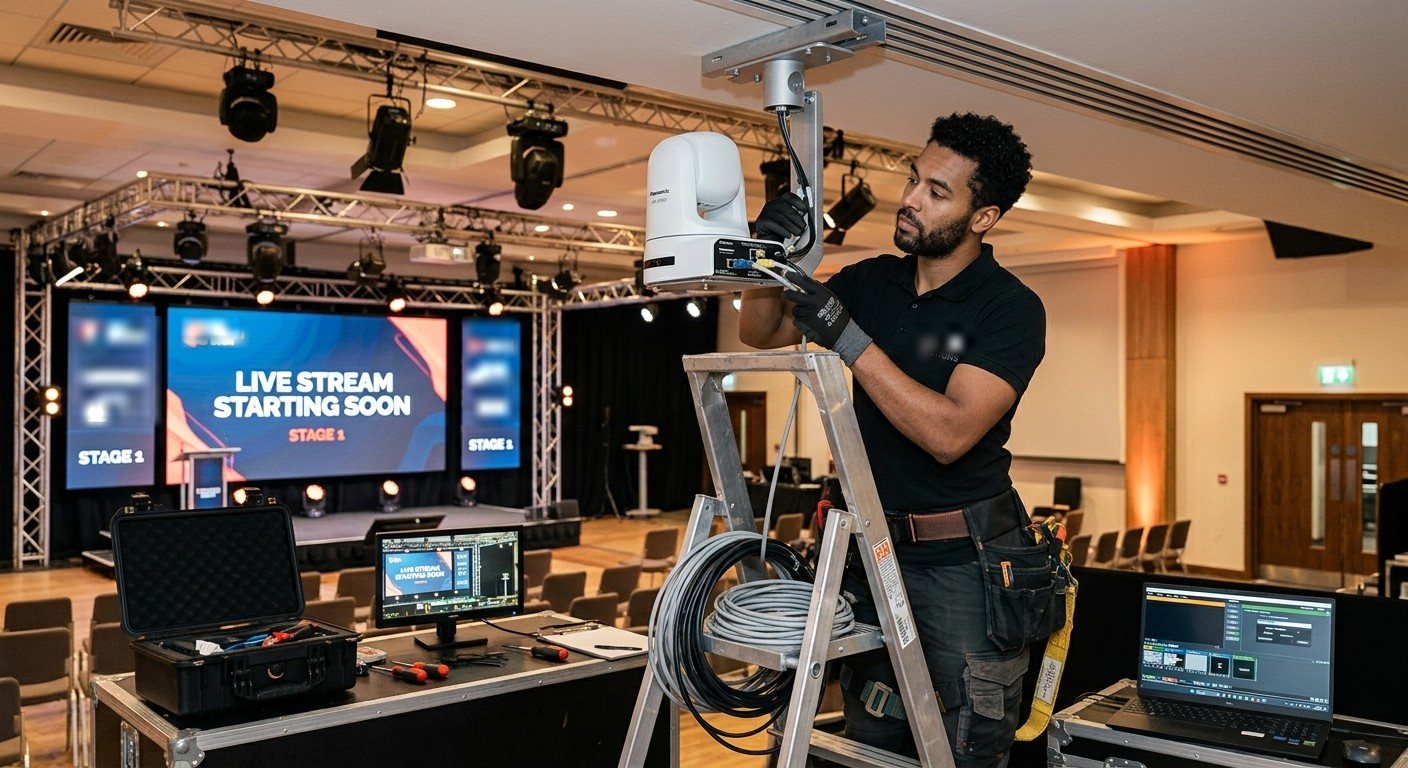
A great sound system doesn't make a great livestream. Streaming and video production need their own design: cameras, a production computer, a stream mix, the network, room outputs, and monitoring. Here's what a stream-first church system includes and how to find an integrator who builds one.
Oct 10, 2026 • 6 min read
Streaming beginner
What to look for in a church streaming computer: processor, graphics card, memory, capture card, drives, network and Windows edition, explained in plain English, with the specs we use at three sizes and the mistakes that make a fast computer fail on Sunday.
Oct 9, 2026 • 6 min read
Streaming beginner
Building a church livestreaming computer can save money if you have the right volunteer. Buying it built buys testing, a warranty and Sunday support. Here's an honest comparison, what 'tested' really means, and the middle path: build to a proven parts list.
Oct 9, 2026 • 6 min read
Streaming beginner
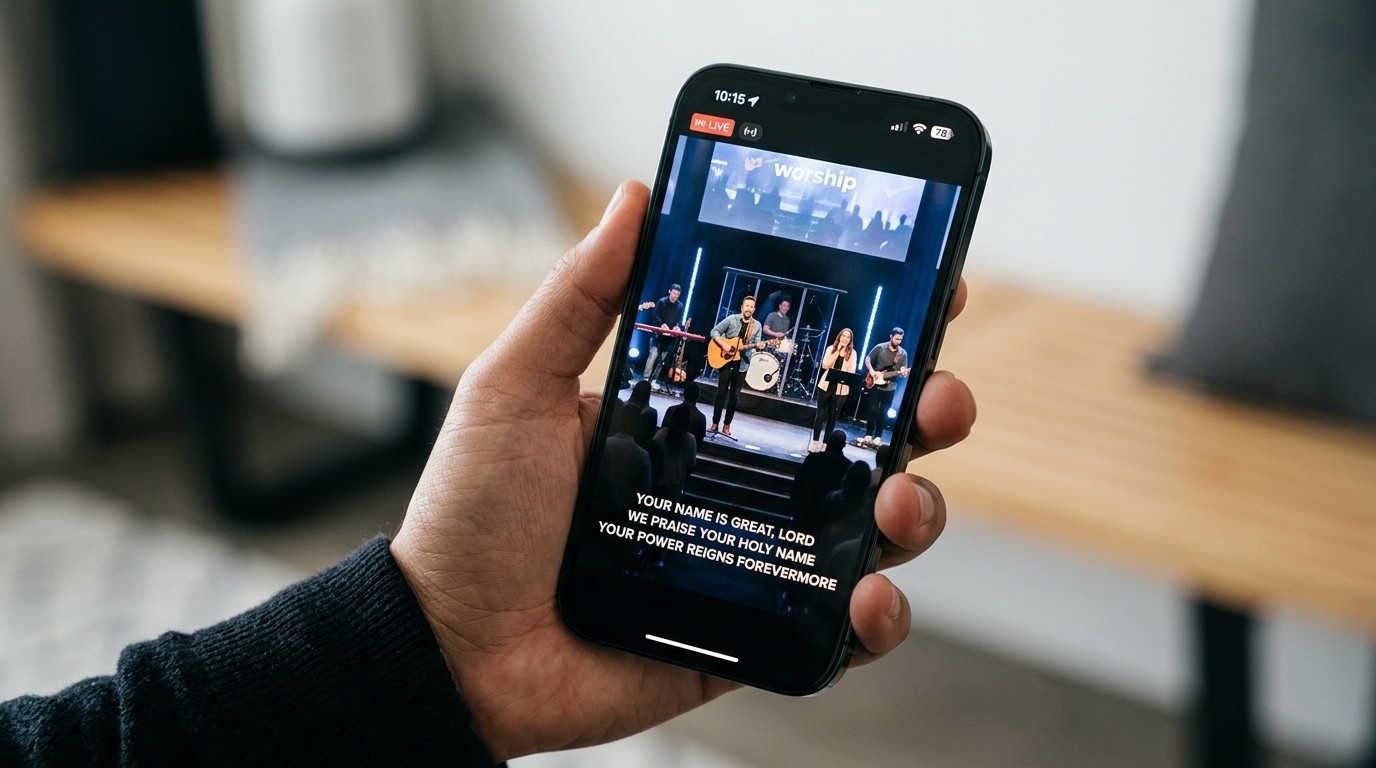
People watching online can't sing along if they can't see the lyrics. Here's a plain-English guide to getting your song lyrics, scripture, and sermon slides into your church livestream: the three common ways to do it, which one fits your church, and how to make it look clean.
Oct 9, 2026 • 6 min read
Streaming intermediate
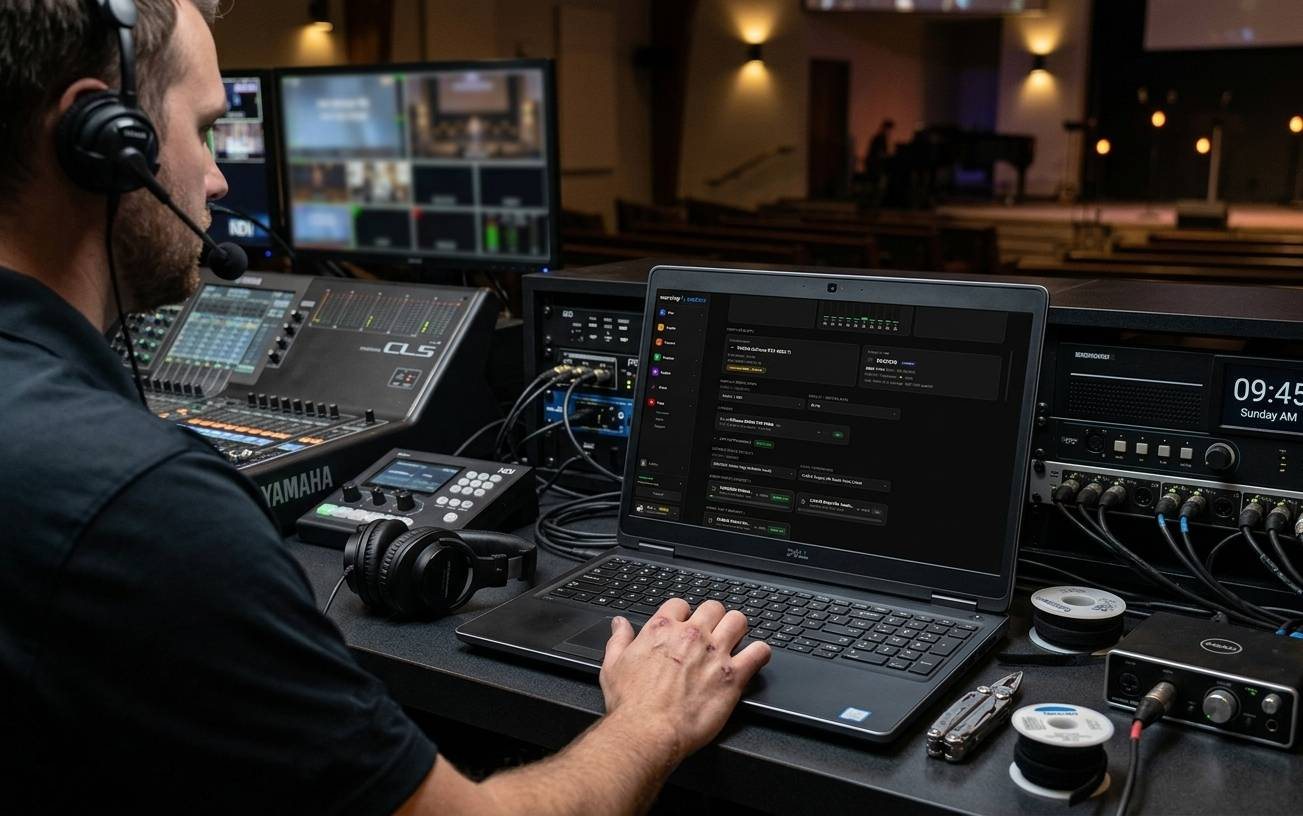
A practical checklist for running NDI video on a church network: wired gigabit switches, PoE power budget, keeping production traffic away from guest Wi-Fi, how much bandwidth NDI|HX3 and full NDI use, and what to ask your IT volunteer before you buy cameras.
Oct 9, 2026 • 6 min read
Streaming beginner
A plain-English tour of what's inside a church livestreaming computer and what plugs into it: the capture card, graphics card, network card, USB ports, processor, drives and software, and how cameras, ProPresenter and the sound board get in and the stream and screens get out.
Oct 9, 2026 • 6 min read
Streaming beginner
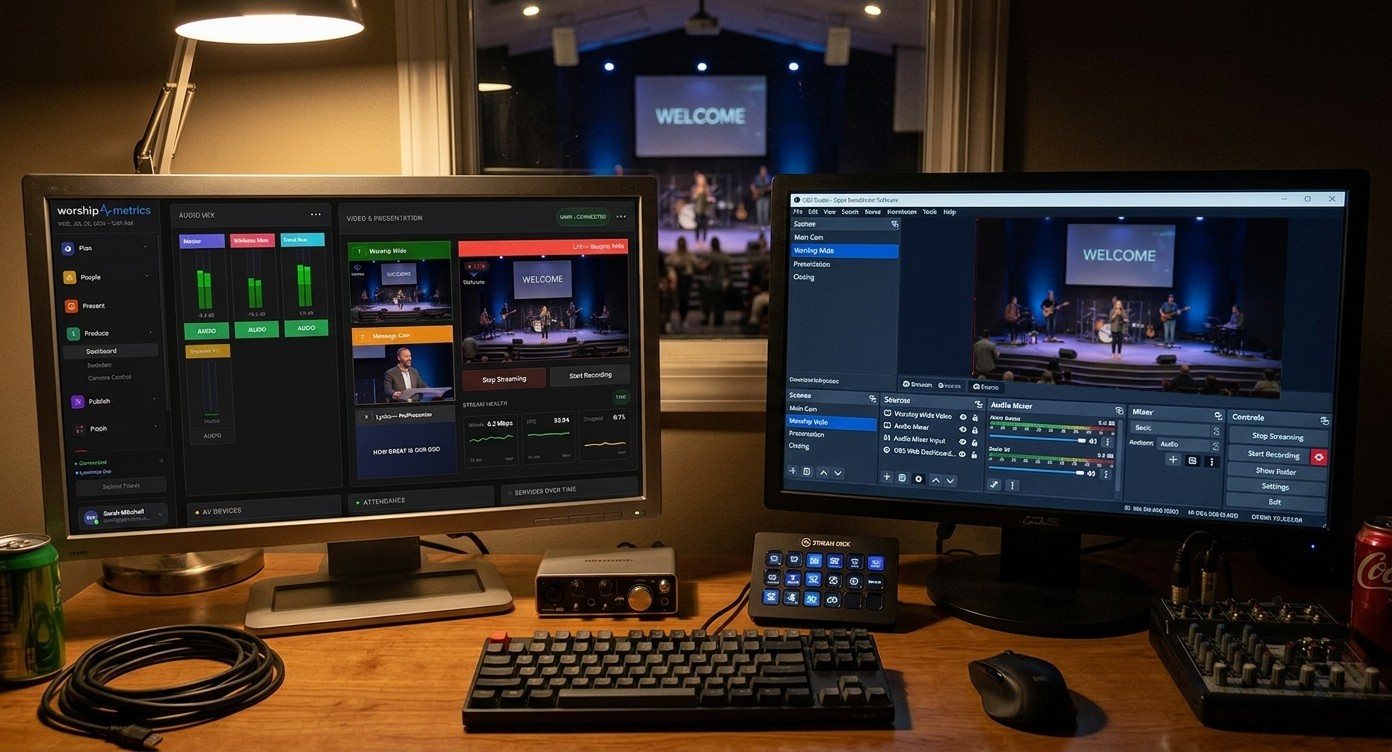
Three ways to get a church service online: a switcher with built-in streaming, a standalone encoder like the Magewell Ultra Stream, or a streaming computer running OBS or vMix. What each can and can't do, what it costs you in flexibility, and when a small box is the most affordable upgrade.
Oct 9, 2026 • 6 min read
Streaming beginner
Four ways to show the service on lobby, cry room, kids' check-in and overflow TVs: HDMI from the streaming computer, HDMI over Ethernet extenders, NDI decoders like the Magewell Pro Convert NDI to HDMI, or playing the YouTube stream. What each costs in delay, distance and effort, and which one we recommend.
Oct 9, 2026 • 6 min read
Streaming beginner
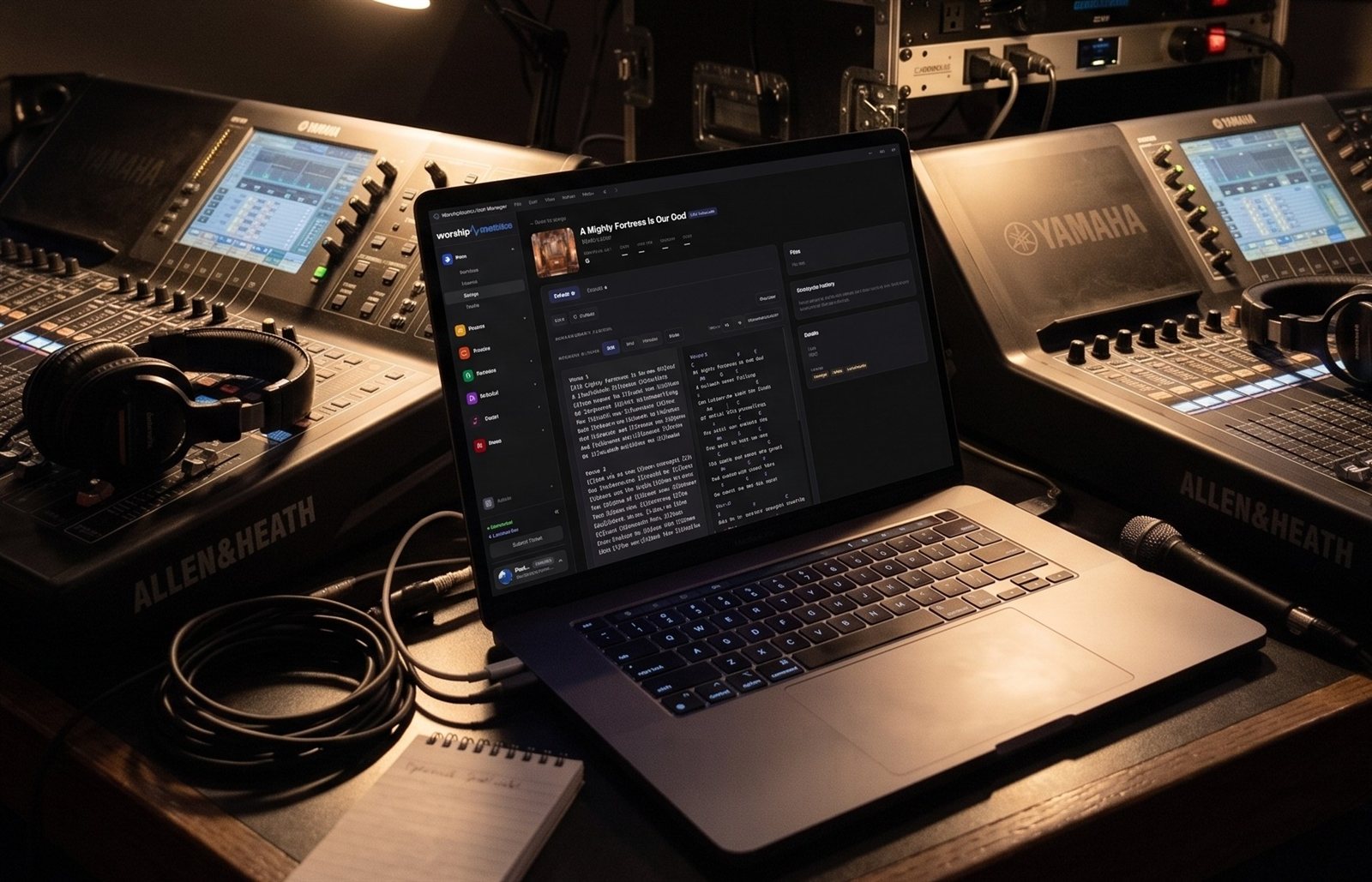
Lots of churches love Macs, and so do we. WorshipMetrics supports Mac. Here's where a Mac shines in the booth (ProPresenter, volunteer stations, planning), and why we still recommend a Windows computer for the core livestreaming system: vMix, multi-input capture, room outputs, a long-term-support OS and serviceable rack hardware.
Oct 9, 2026 • 6 min read
Streaming beginner
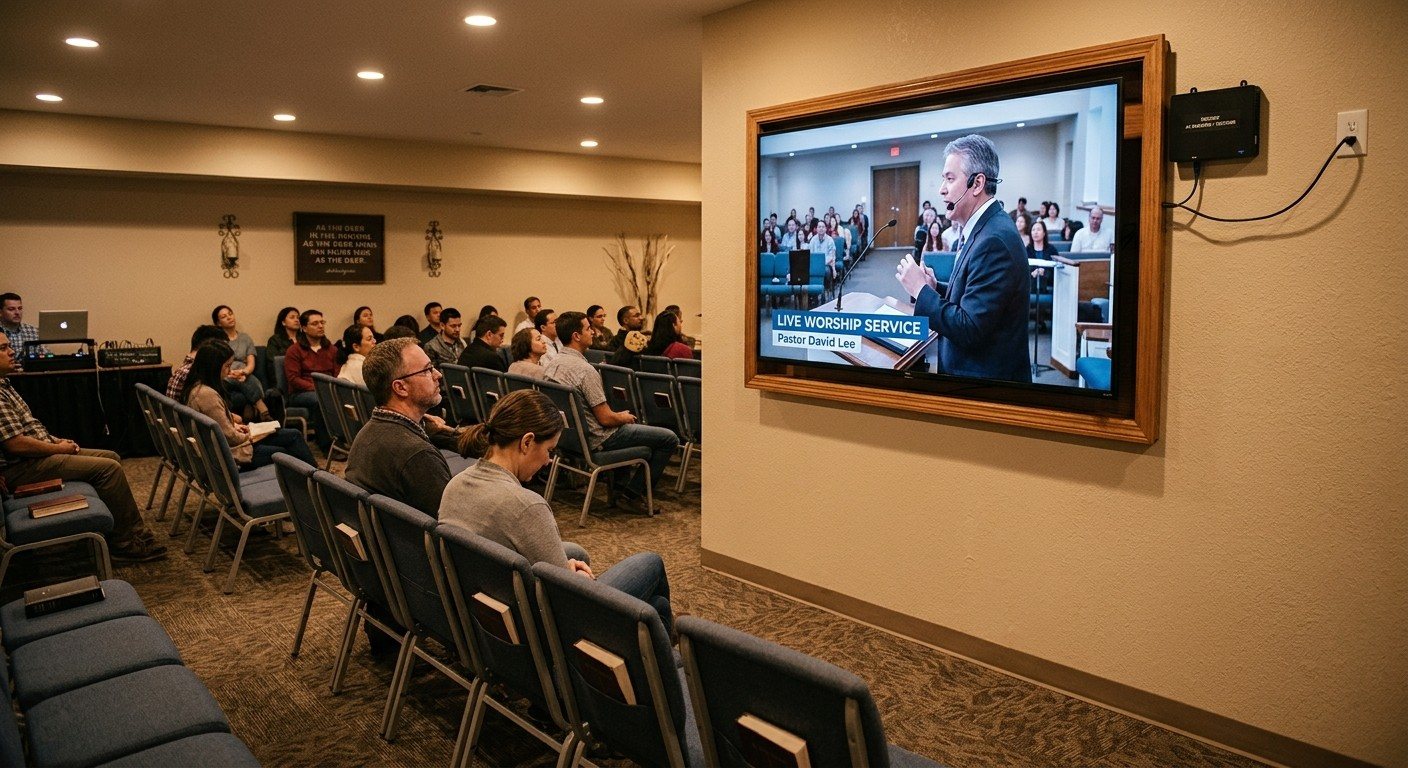
An NDI encoder puts an HDMI or SDI device on the church network; an NDI decoder turns a network feed back into HDMI for a TV or projector. How churches use Magewell Pro Convert encoders and decoders to reuse existing cameras, move ProPresenter onto the network, and feed lobby and overflow screens.
Oct 9, 2026 • 6 min read
Streaming intermediate
NDI isn't limited to one building. NDI Bridge connects NDI sources between campuses over the internet, and NDI Remote brings a missionary, guest speaker or remote volunteer into your production from a simple link. How churches use them, what they need, and what to watch.
Oct 9, 2026 • 6 min read
Streaming beginner
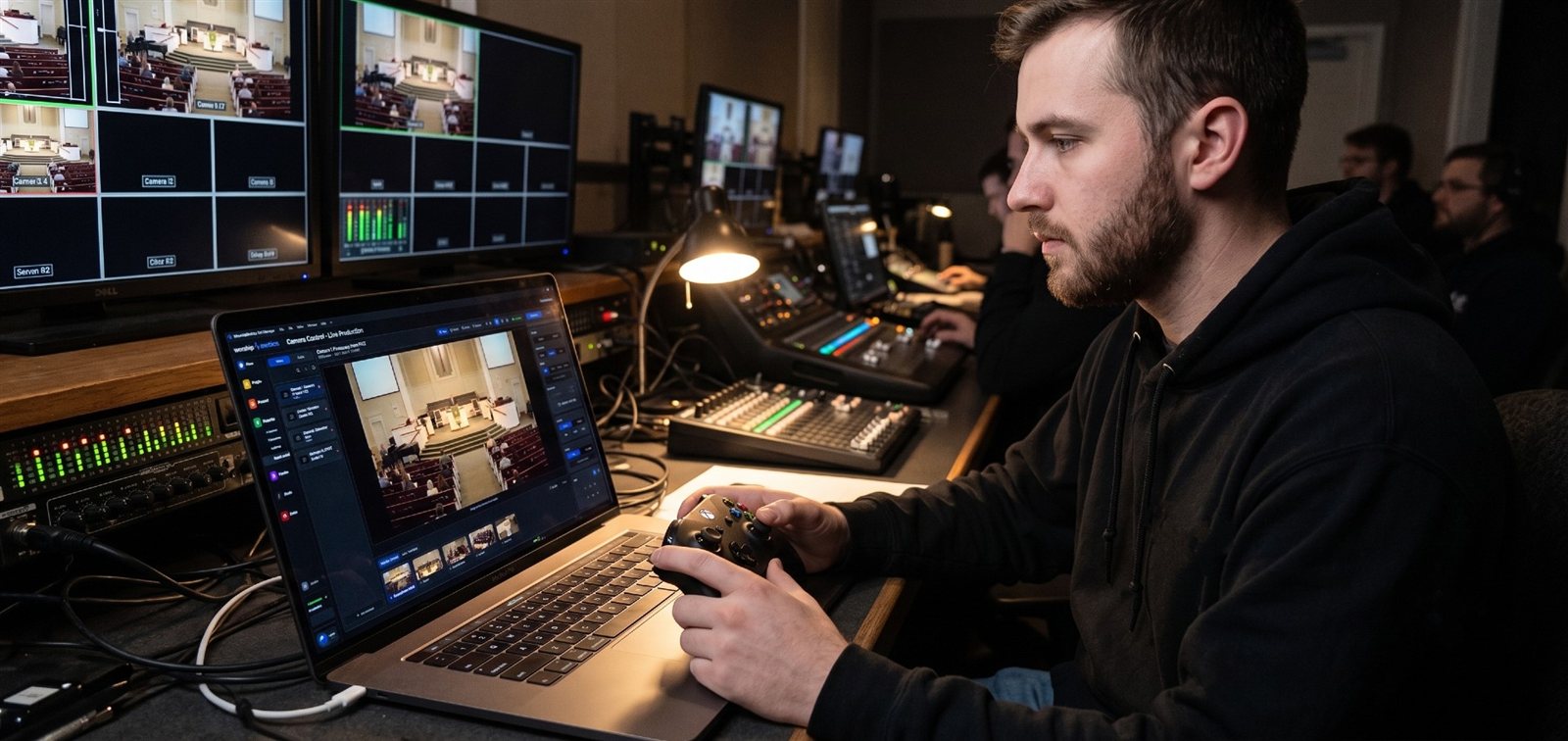
NDI PTZ cameras carry video, audio, camera control and power over one network cable. Why we recommend them for most churches, what NDI|HX3 means on a spec sheet, what to check before you buy, and how they work with Camera Control and our Livestream Systems.
Oct 9, 2026 • 6 min read
Streaming beginner
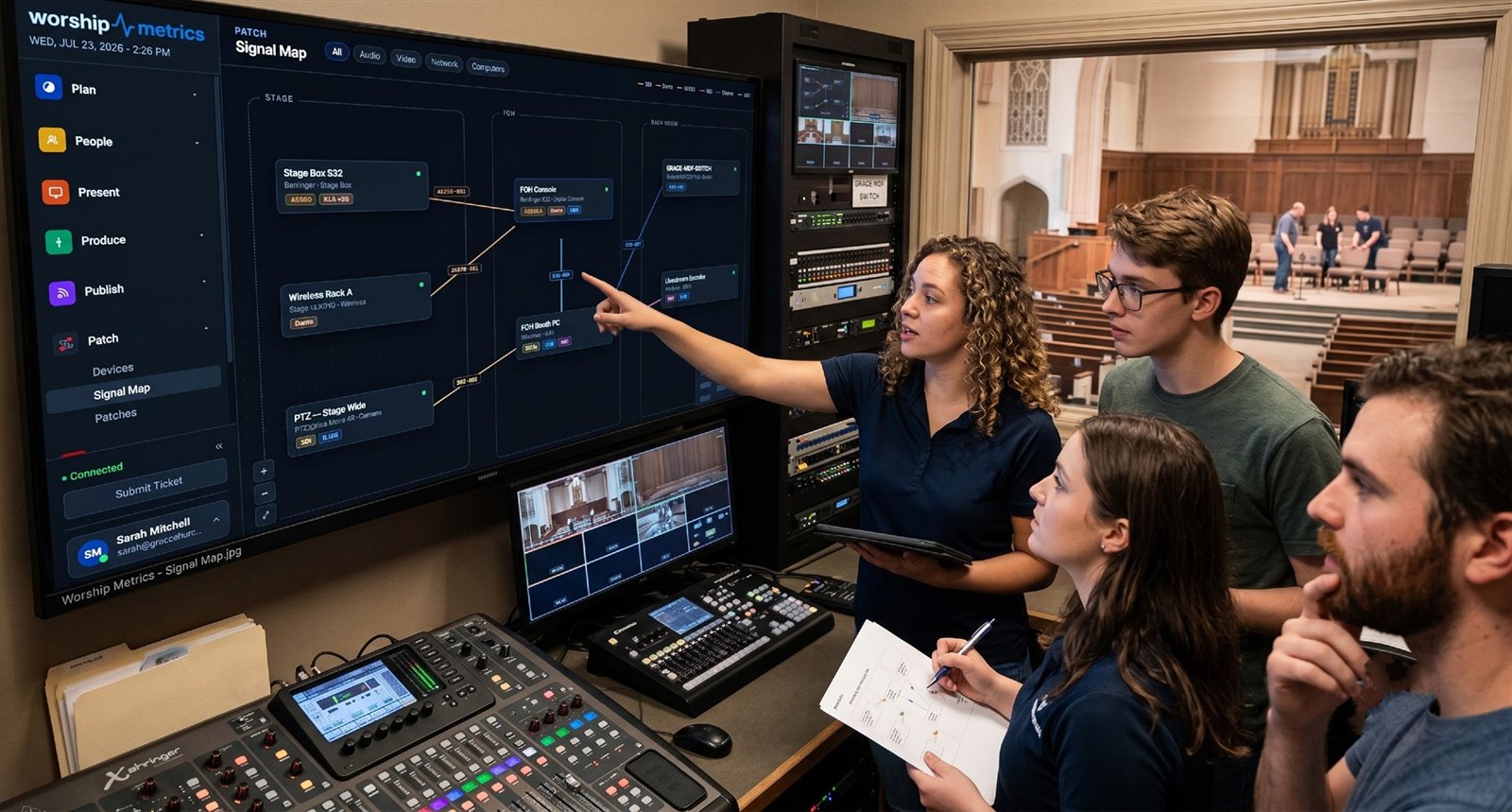
Where the savings actually come from when a church moves video onto the network with NDI: fewer and cheaper cable runs, no video router, software switching instead of hardware inputs, no extenders, and growth one piece at a time. Plus the costs NDI doesn't remove.
Oct 9, 2026 • 6 min read
Streaming beginner
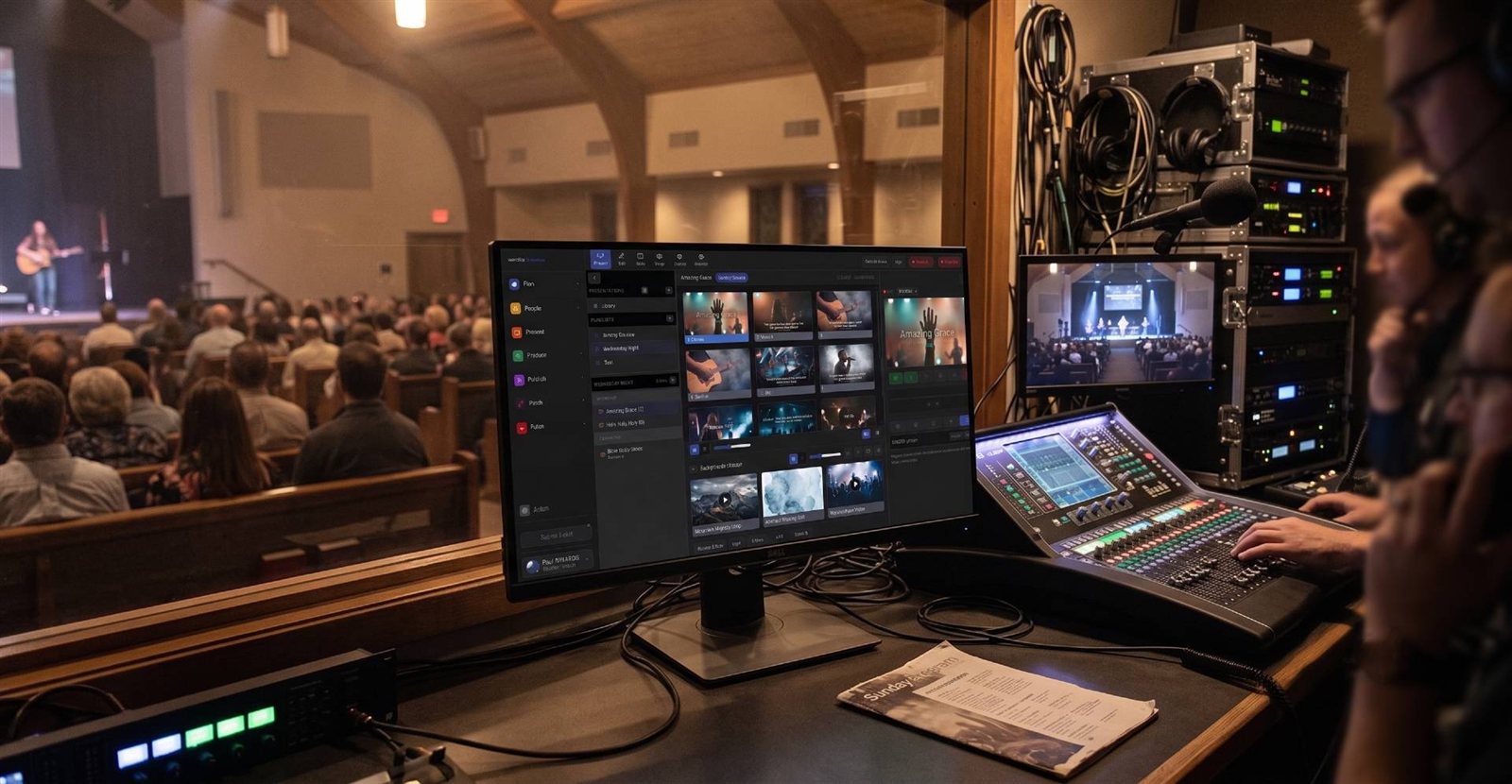
When sermon slides run on the pastor's own laptop, the usual fix is a capture card plus long HDMI runs or HDMI-over-Cat5 extenders back to the booth. With free NDI screen capture (Screen Capture on Windows, Scan Converter on Mac), the laptop sends its screen over the network instead. Here's how.
Oct 9, 2026 • 6 min read
Streaming beginner
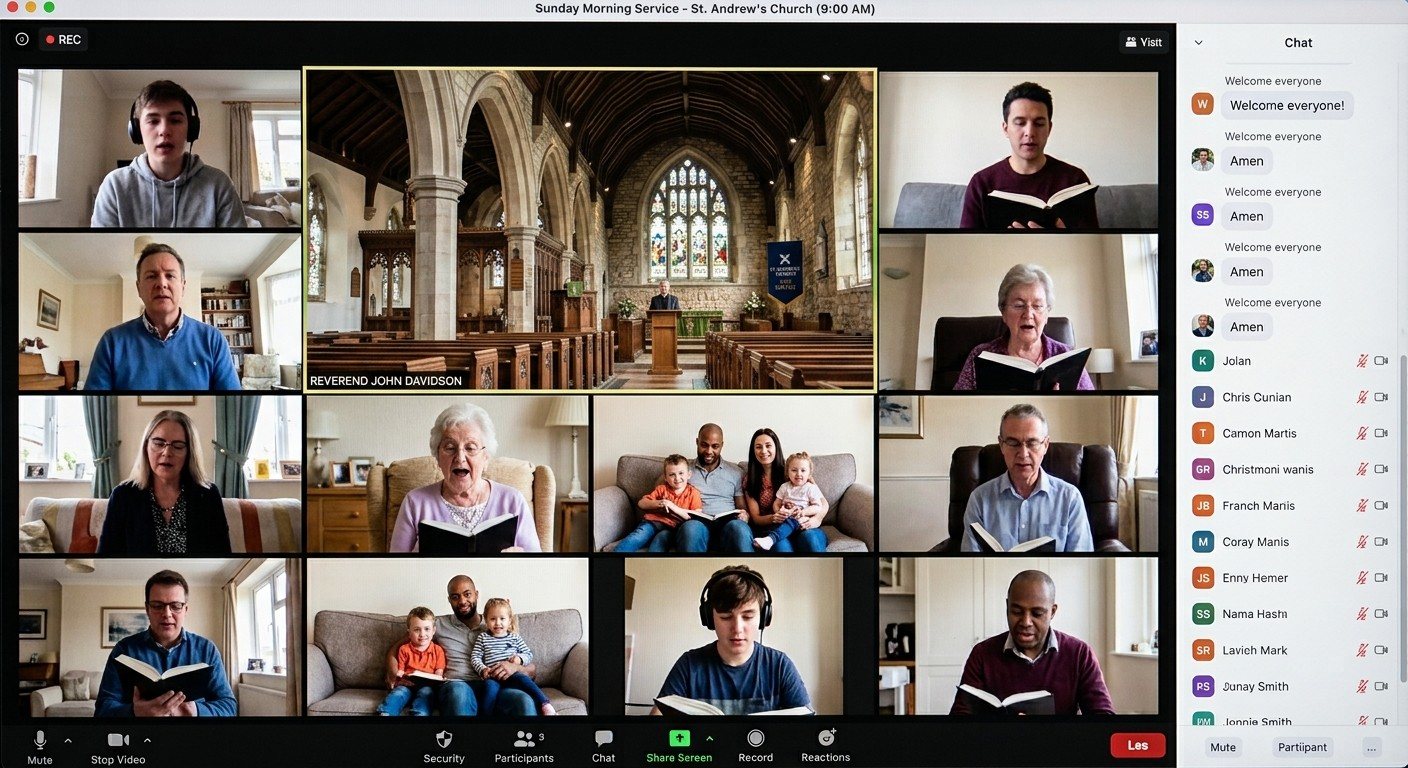
Homebound members, hybrid small groups, prayer meetings and board meetings often happen on Zoom or Teams. With the free NDI Webcam Input (Windows) or NDI Virtual Input (Mac), your production feed becomes a webcam those apps can use: the real camera shots, slides and sound, not a laptop pointed at the stage.
Oct 9, 2026 • 6 min read
Streaming beginner
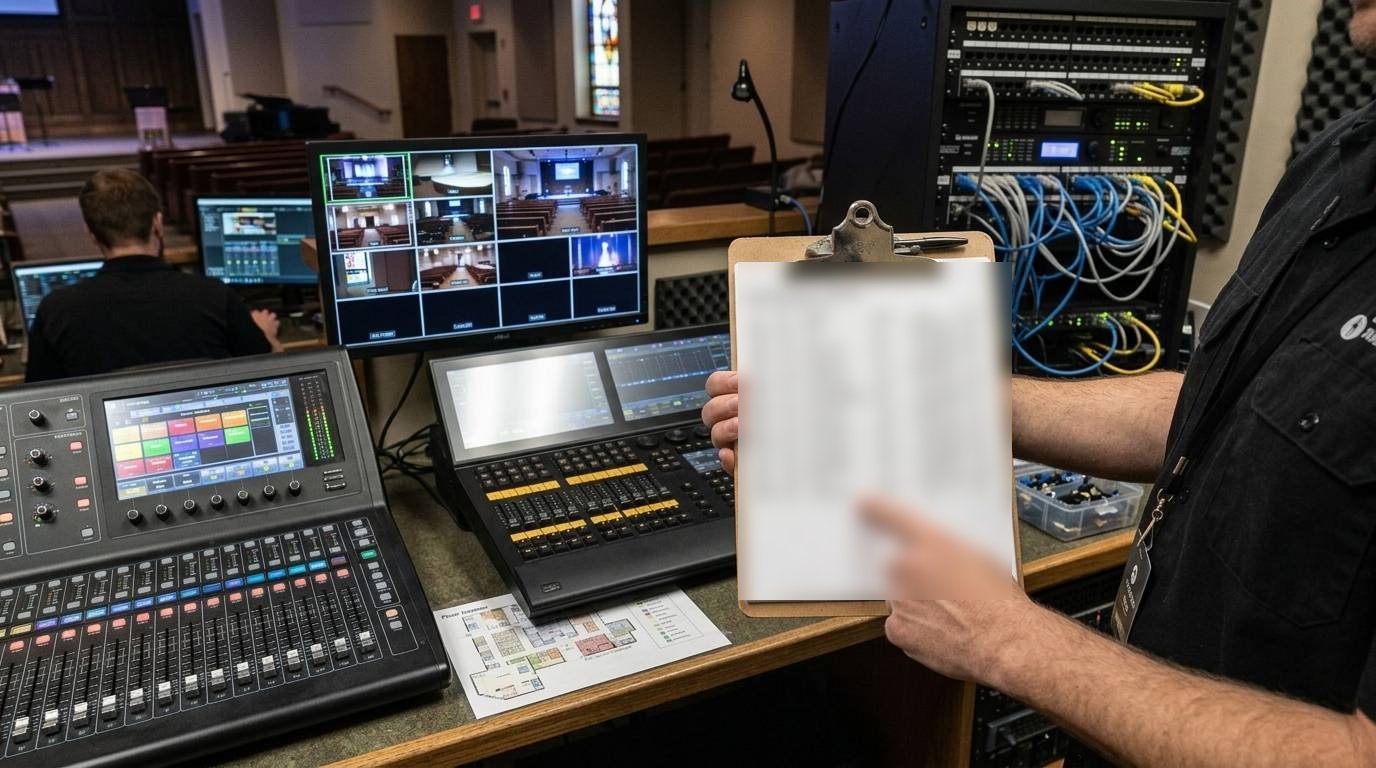
HDMI, SDI and NDI each have a place in a church AV system. A plain-English comparison of distance, reliability, cost, power and flexibility, when each is the right choice, and why most churches move toward NDI over time without ripping out what works.
Oct 9, 2026 • 6 min read
Streaming beginner
That retired office laptop can become an NDI screen. With the free NDI Studio Monitor (Windows) or NDI Video Monitor (Mac), any computer on the network shows any NDI source full screen on a TV: the service in the overflow room, lyrics on a stage confidence monitor, or the program feed in the cry room.
Oct 9, 2026 • 6 min read
Streaming beginner
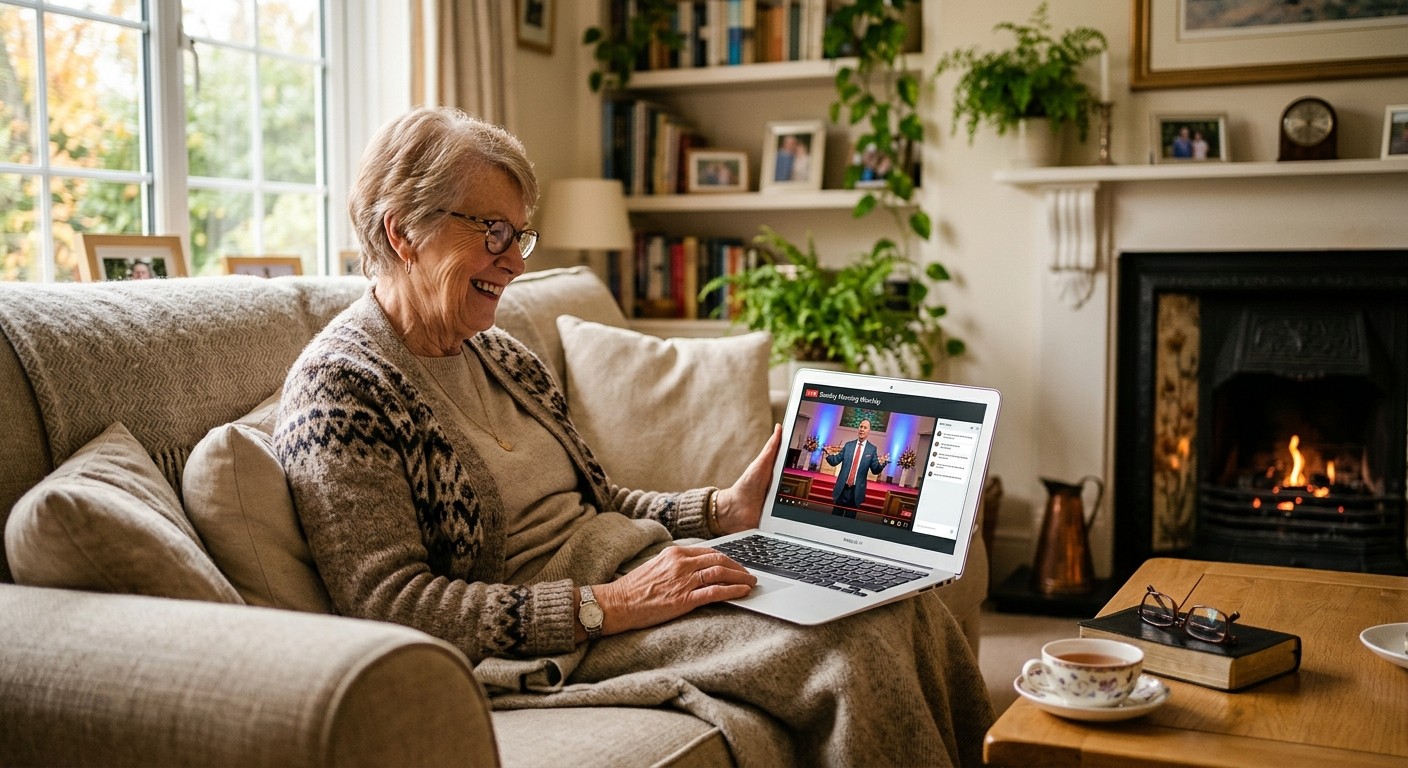
Members, shut-ins, and visitors look for last Sunday's service on your church website. Here's how to keep past services and sermons on your site: where recordings come from, how to embed them, how to organize an archive people can actually use, and how to keep it up to date every week.
Oct 9, 2026 • 6 min read
Streaming beginner
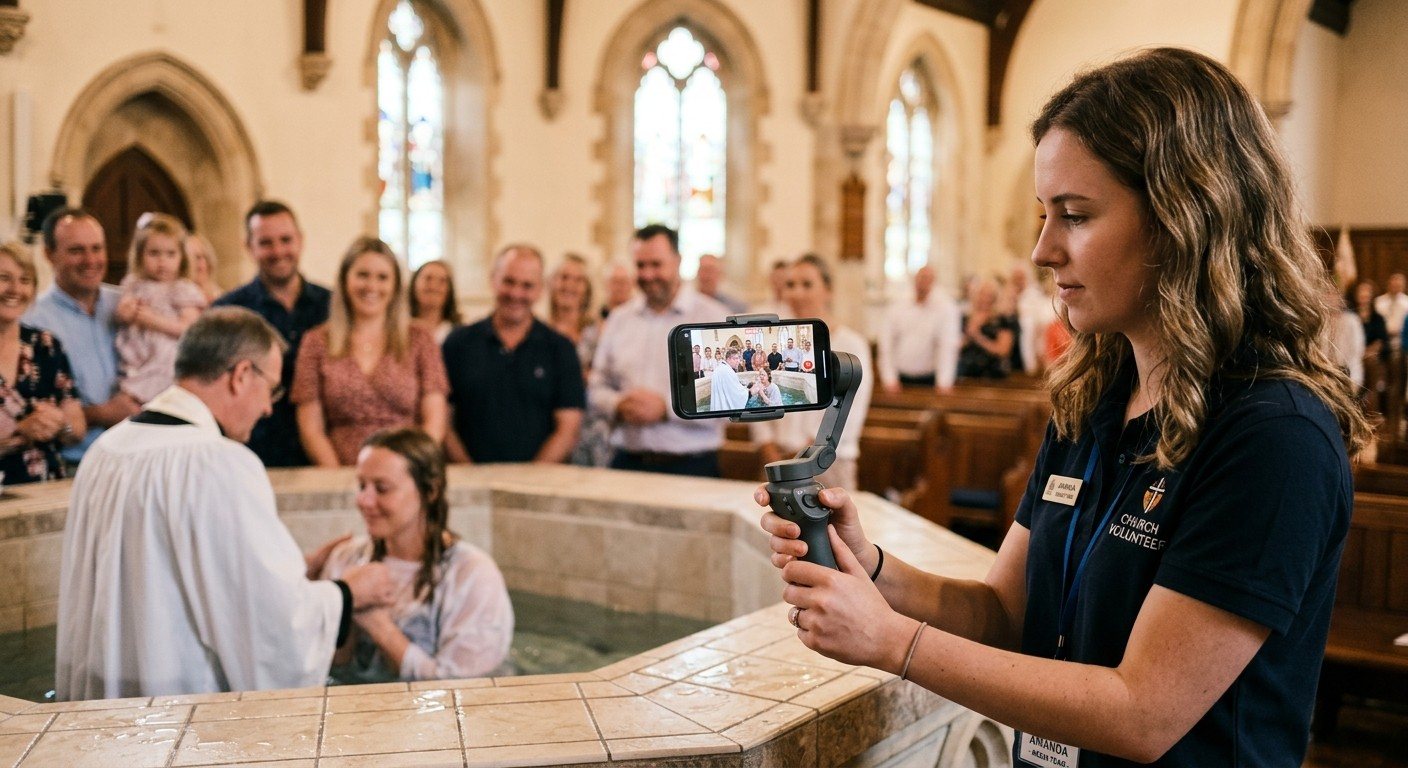
With the NDI Camera app, a phone your church already owns becomes a wireless camera that shows up directly in vMix, OBS, Wirecast or ProPresenter. How it works, what it's great for (baptisms, kids' moments, a roaming angle), how to set it up on a production Wi-Fi network, and the limits to know.
Oct 9, 2026 • 6 min read
Streaming beginner
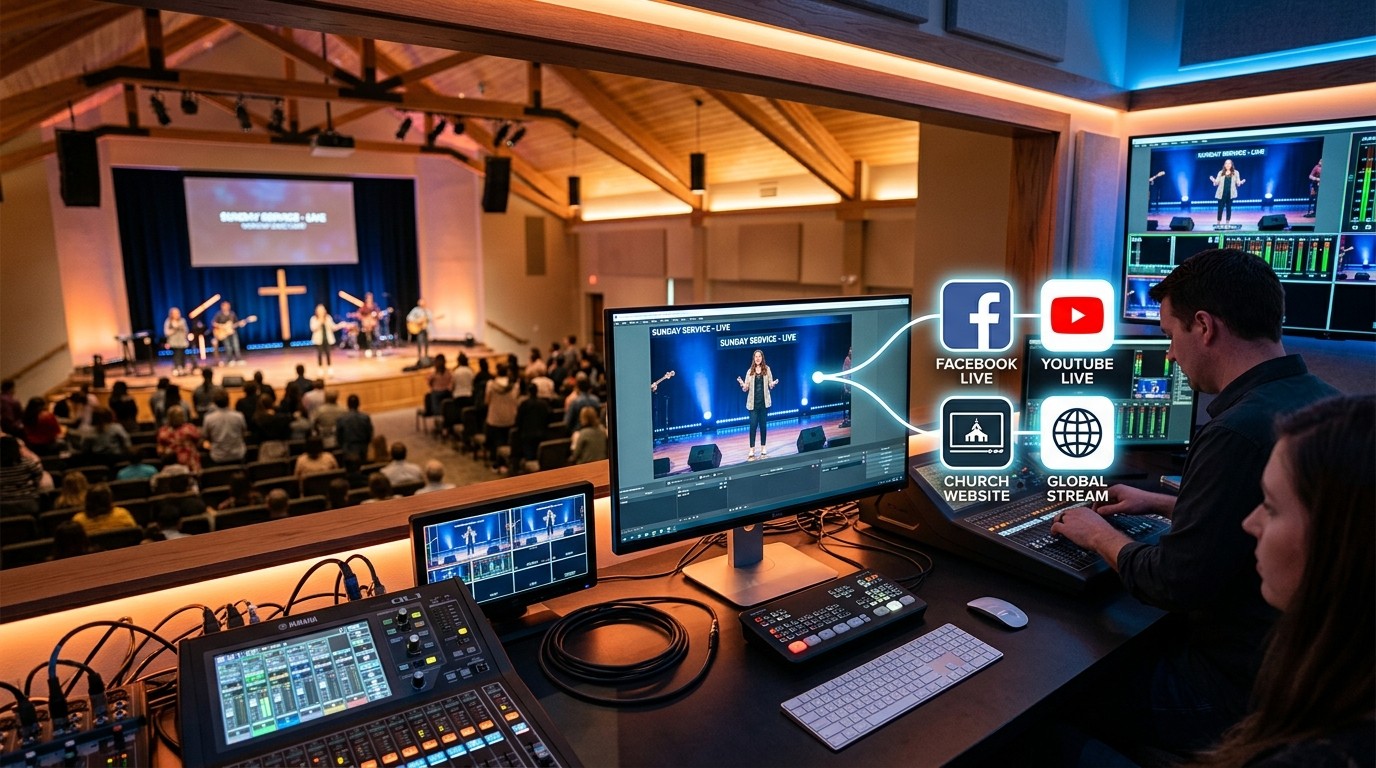
Many churches stream to Facebook, but members also look for the service on the church website. Here's how to get your service live on Facebook and your website at once, and recorded for later, without running two streams from the booth.
Oct 9, 2026 • 6 min read
Streaming beginner
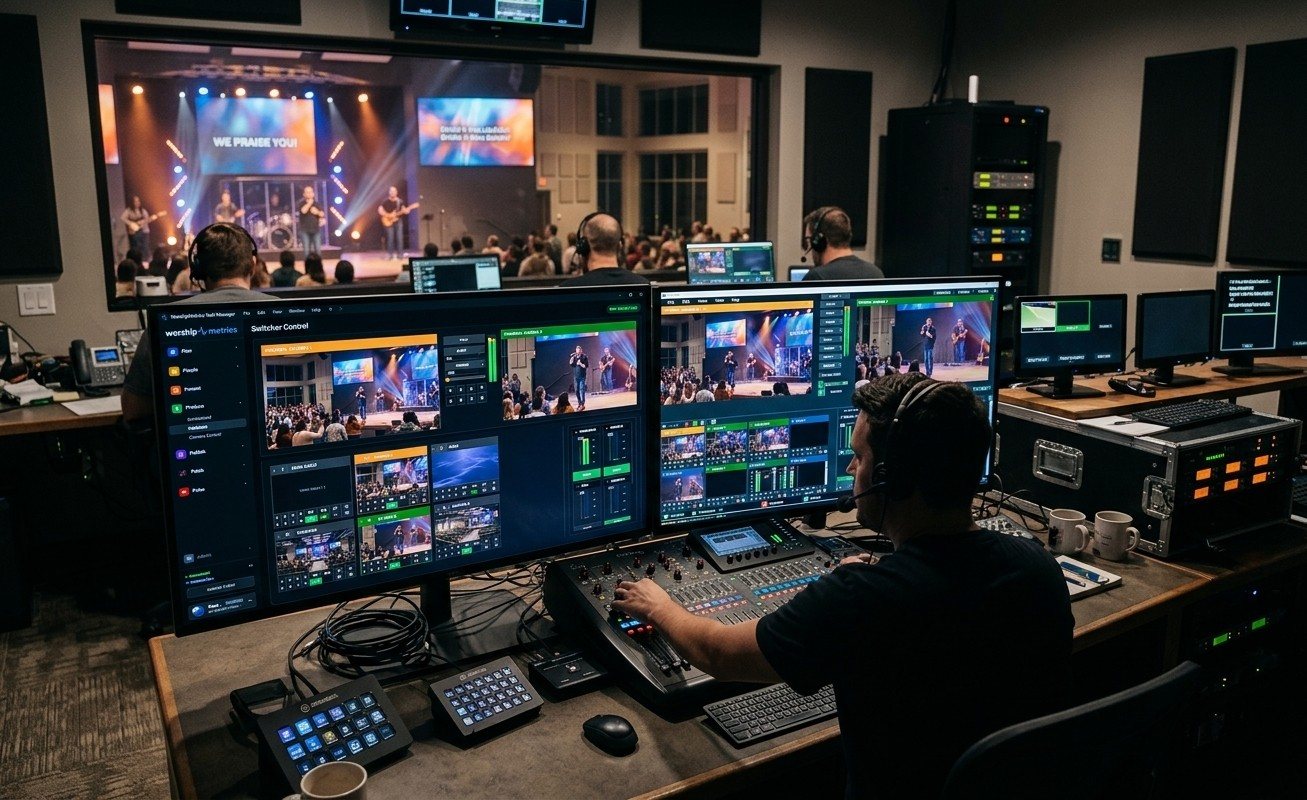
vMix publishes tested hardware specs for live production computers. WorshipMetrics Livestream Systems start from those same tested designs and add what a church needs: a rack build, a locked-down Windows install, OBS and vMix, room outputs, monitoring, a warranty and a consultation that reuses your gear. Here's a fair side-by-side.
Oct 9, 2026 • 6 min read
Streaming beginner
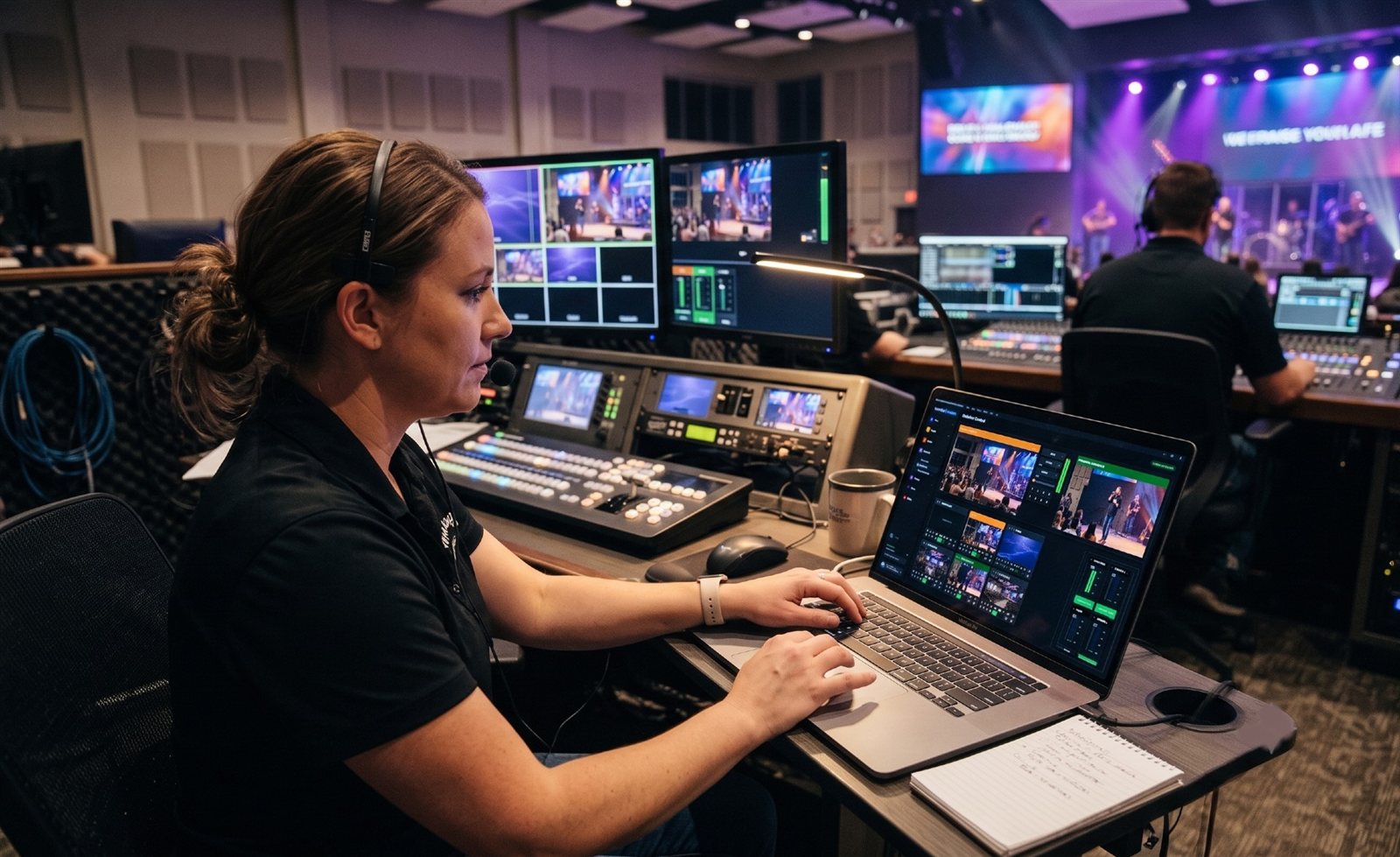
NDI sends live video, audio and camera control over an ordinary computer network instead of dedicated video cables. What it is, how it works in a church, the difference between full NDI and NDI|HX, and where it fits next to HDMI and SDI.
Oct 9, 2026 • 6 min read
Streaming beginner
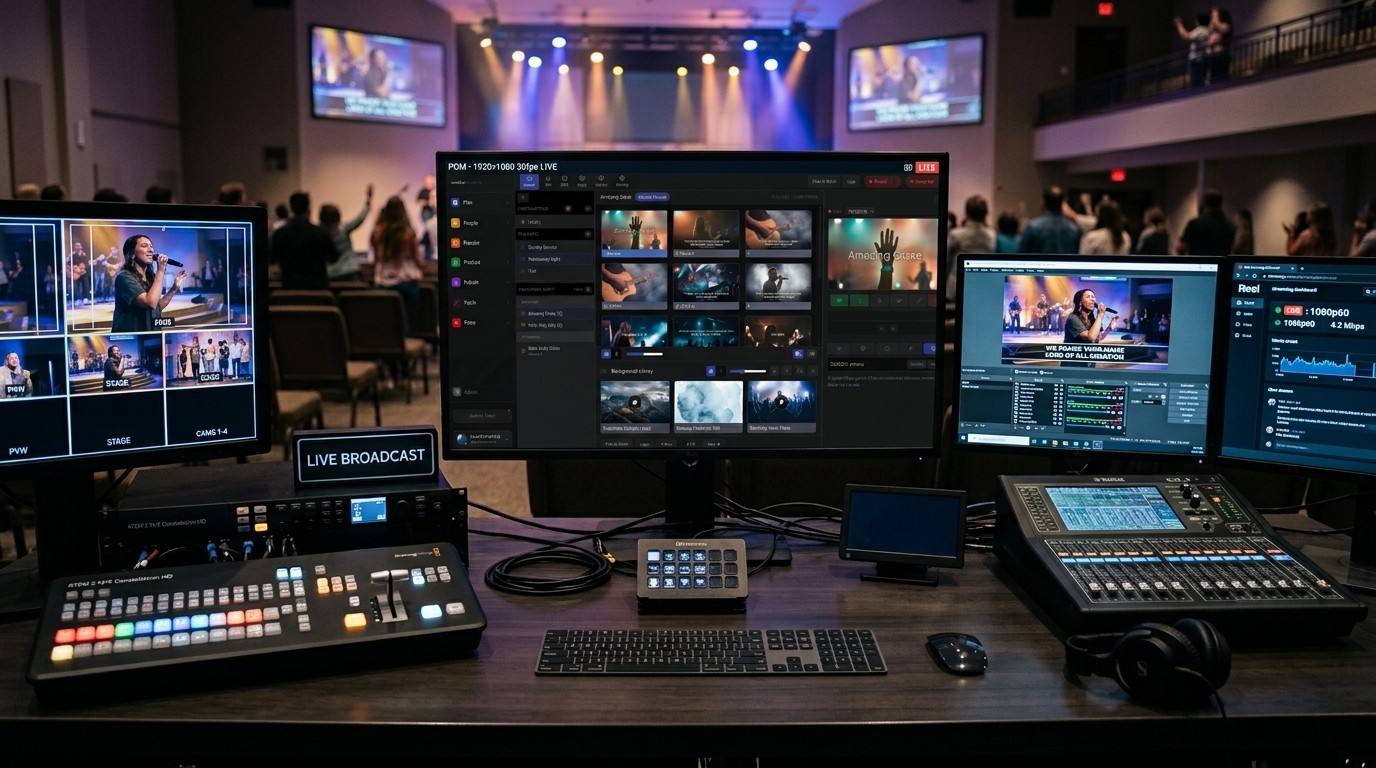
A plain-English guide to choosing a church livestreaming system by what actually matters: seats, cameras, screens in the room and who runs it. What a reference system is, what each tier is built for, and how to tell when you need more, or less, than you think.
Oct 9, 2026 • 6 min read
Streaming beginner
A streaming computer that's only used on Sunday is the one most likely to be mid-update on Sunday. Why Windows updates, driver updates and app updates break church streams, what you can do on the computer you have today, and why our Livestream Systems run Windows 11 IoT Enterprise LTSC.
Oct 9, 2026 • 6 min read
Streaming beginner
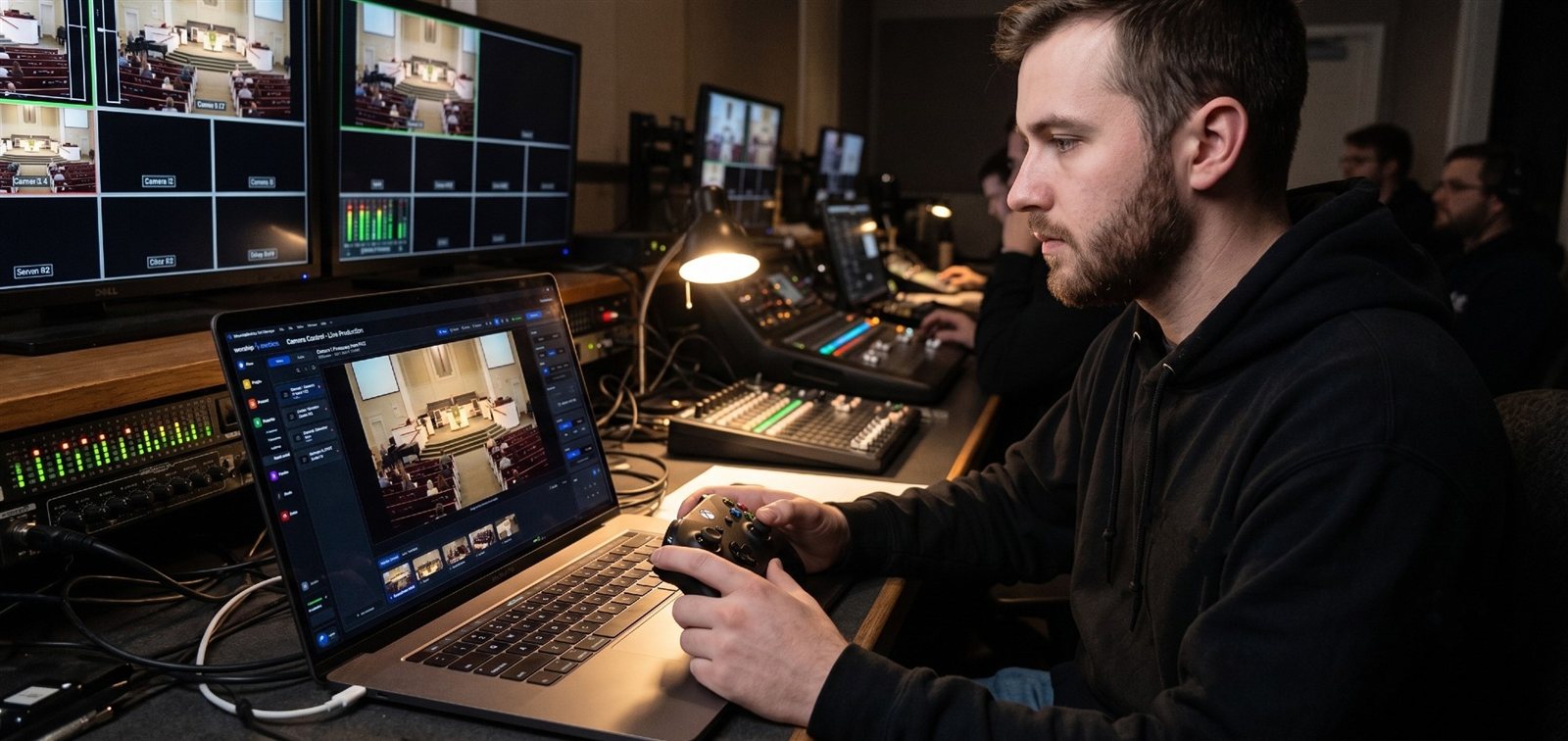
Your camera team needs a common language before it can tell a story together. Here are the four shots every church operator should know, how to name PTZ presets by purpose, five rules for cutting with the story, and how to mark moments live for your clipper.
Oct 3, 2026 • 6 min read
Streaming beginner
No single platform does every job. YouTube is best for search and archive, Facebook for local sharing, and a private community for being known. Here's how to use each on purpose, plus the YouTube and Facebook habits that keep your content working long after Sunday.
Oct 3, 2026 • 6 min read
Streaming beginner
Before you buy another camera, open your church's live stream as a stranger would and time how long it takes to request prayer, get a reply, and find a next step. Here is the audit, step by step, and what to fix first.
Oct 2, 2026 • 6 min read
Streaming beginner
Most churches started streaming because they had to, and never went back to ask why they still do. A one-sentence purpose statement fixes more Sunday decisions than any new camera, and you can write it in a single leadership meeting.
Oct 2, 2026 • 6 min read
Streaming beginner
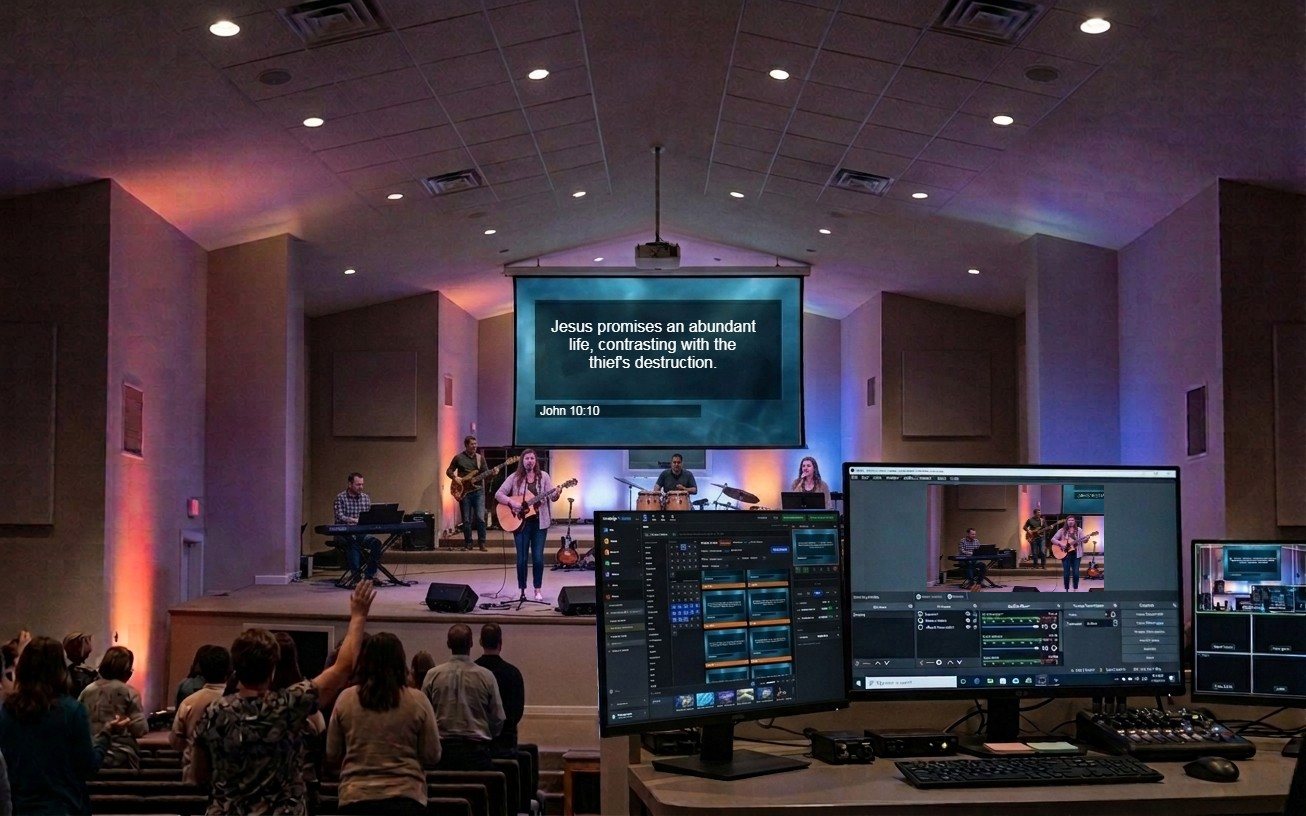
Most church streams open on a black screen or a frozen logo. A five-minute welcome loop with service times, a prayer link, and a live shot of the room tells online viewers they're expected. Here is how to build one, plus two lower thirds that welcome instead of promote.
Oct 2, 2026 • 6 min read
Streaming beginner
A church stream can be technically perfect and still feel cold. Engagement isn't about energy or gimmicks. It's visible hospitality: welcoming people at home, showing the congregation, inviting a response, and having a real person answer.
Oct 2, 2026 • 6 min read
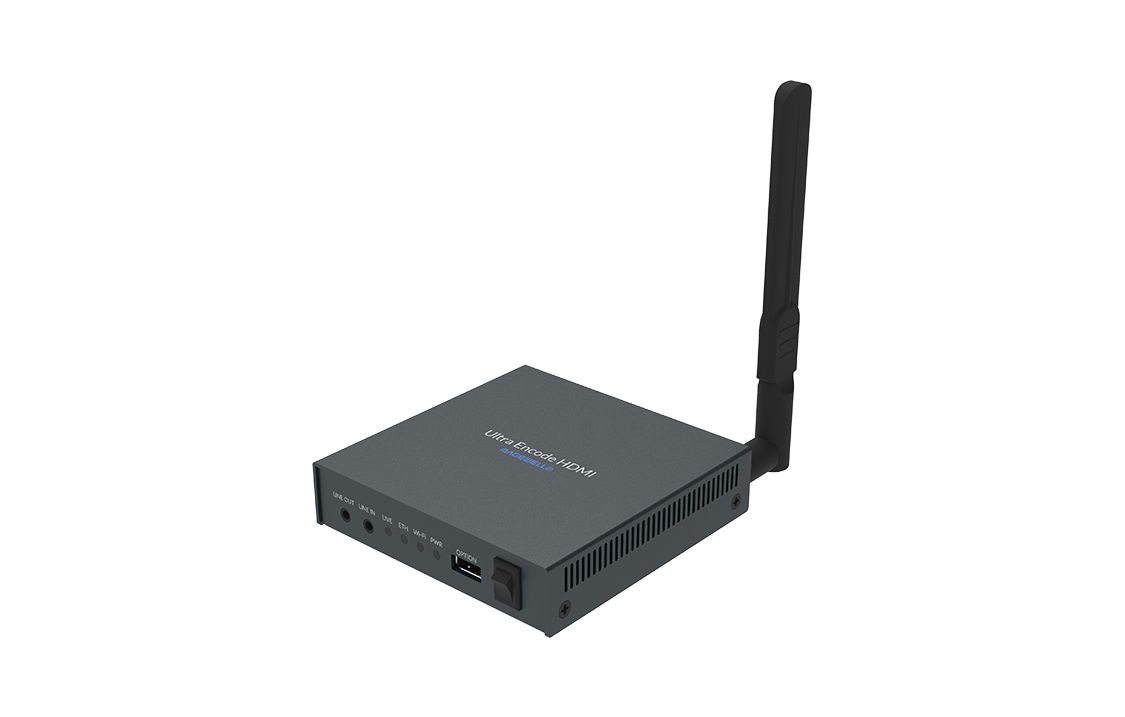
Streaming beginner
A symptom-first field guide to the hardware encoder failures church streams actually hit — boxes stuck on connecting, rejected stream keys, no-signal inputs, unreachable web UIs, quality collapse — with fast checks for each, the upgrades that end the guessing, and the honest question about whether you still need the box.
Sep 6, 2026 • 6 min read
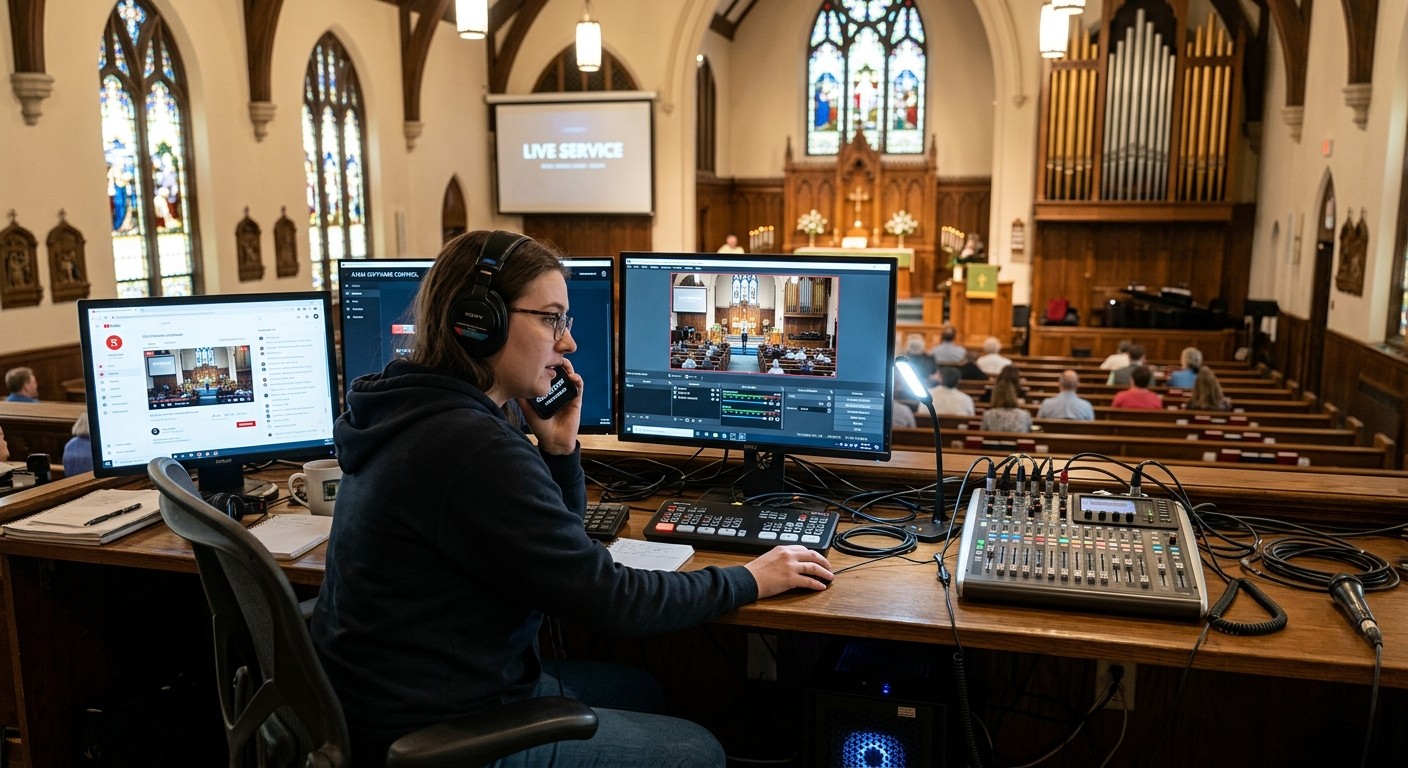
Streaming beginner
A symptom-first field guide to the OBS failures church booths actually hit — black sources, refused connections, dropped frames, silent streams — with the fast checks for each, and the two upgrades that make next Sunday's troubleshooting faster: a mapped system and AI that knows your wiring.
Sep 6, 2026 • 6 min read
Streaming beginner
A symptom-first field guide to the ATEM and video switcher failures church booths actually hit — switchers the computer can't see, black inputs, webcam outputs that vanish, direct streams that drop, keyers gone wrong — with fast checks for each, and the upgrades that end the guessing.
Sep 6, 2026 • 6 min read
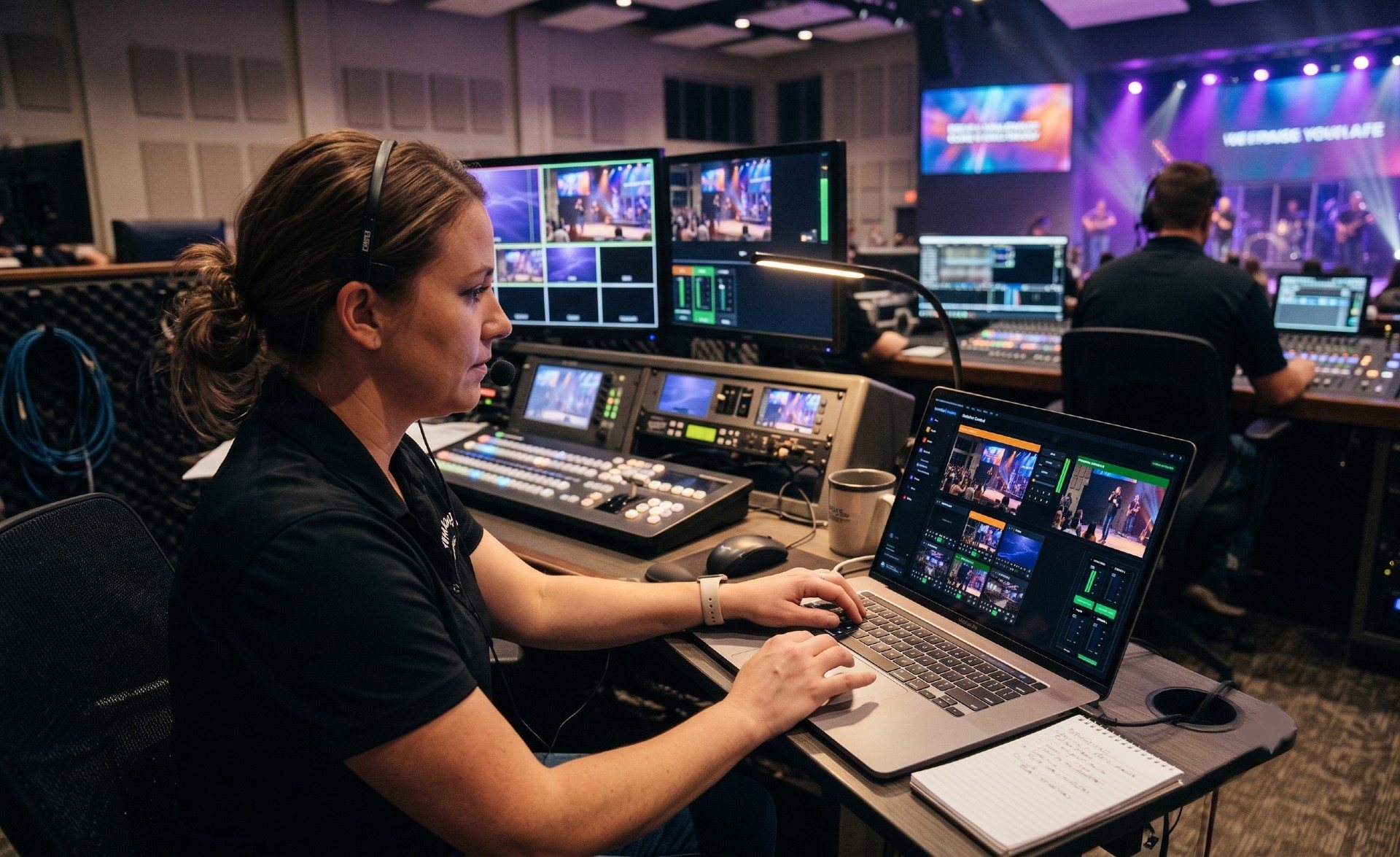
Streaming beginner
A symptom-first field guide to the vMix failures church booths actually hit — blank inputs, missing NDI cameras, sagging render FPS, silent buses — with the fast checks for each, and the two upgrades that make next Sunday's troubleshooting faster: a mapped system and AI that knows your wiring.
Sep 6, 2026 • 6 min read
Streaming beginner
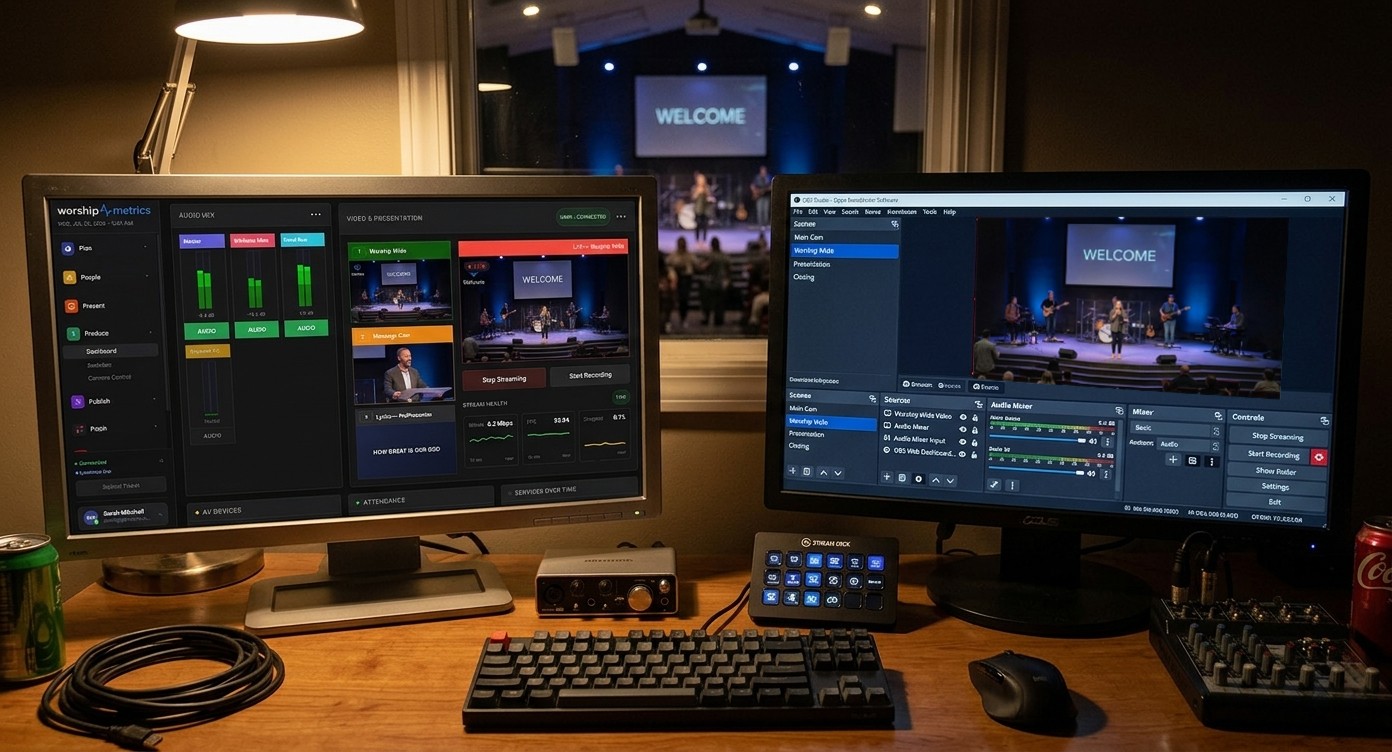
OBS speaks a remote-control protocol built for exactly this. Your church keeps OBS running free and local in the booth, while WorshipMetrics relays scene switching, stream, and recording control — plus live monitoring — to any device your team signs into.
Sep 5, 2026 • 6 min read
Streaming beginner
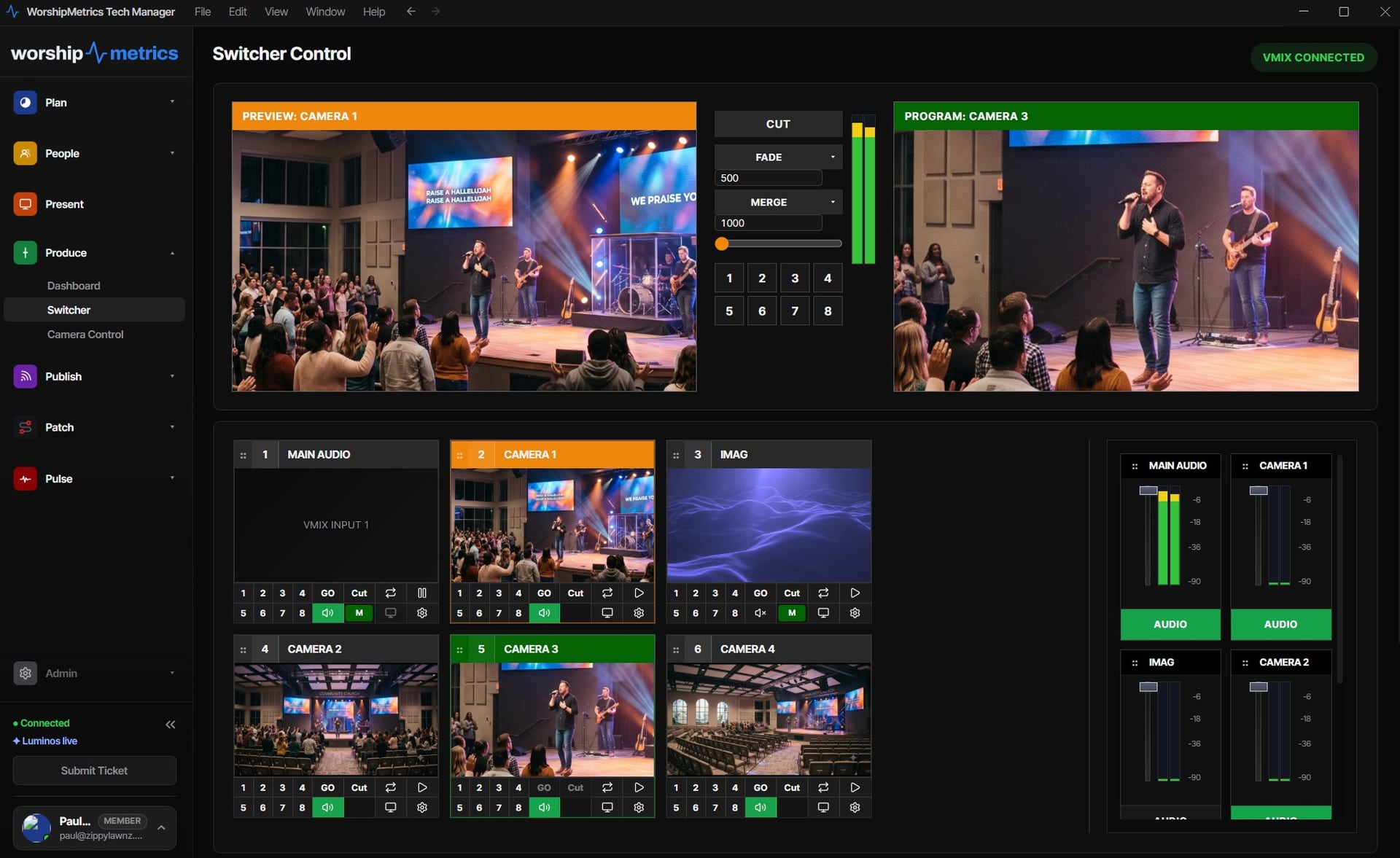
Most 'cloud production' rents you a switcher on someone else's servers. For churches, the better model keeps the switching local — on the gear you own — and puts the cloud where it belongs: monitoring, collaboration, support, and one platform instead of six subscriptions.
Sep 5, 2026 • 6 min read
Streaming beginner
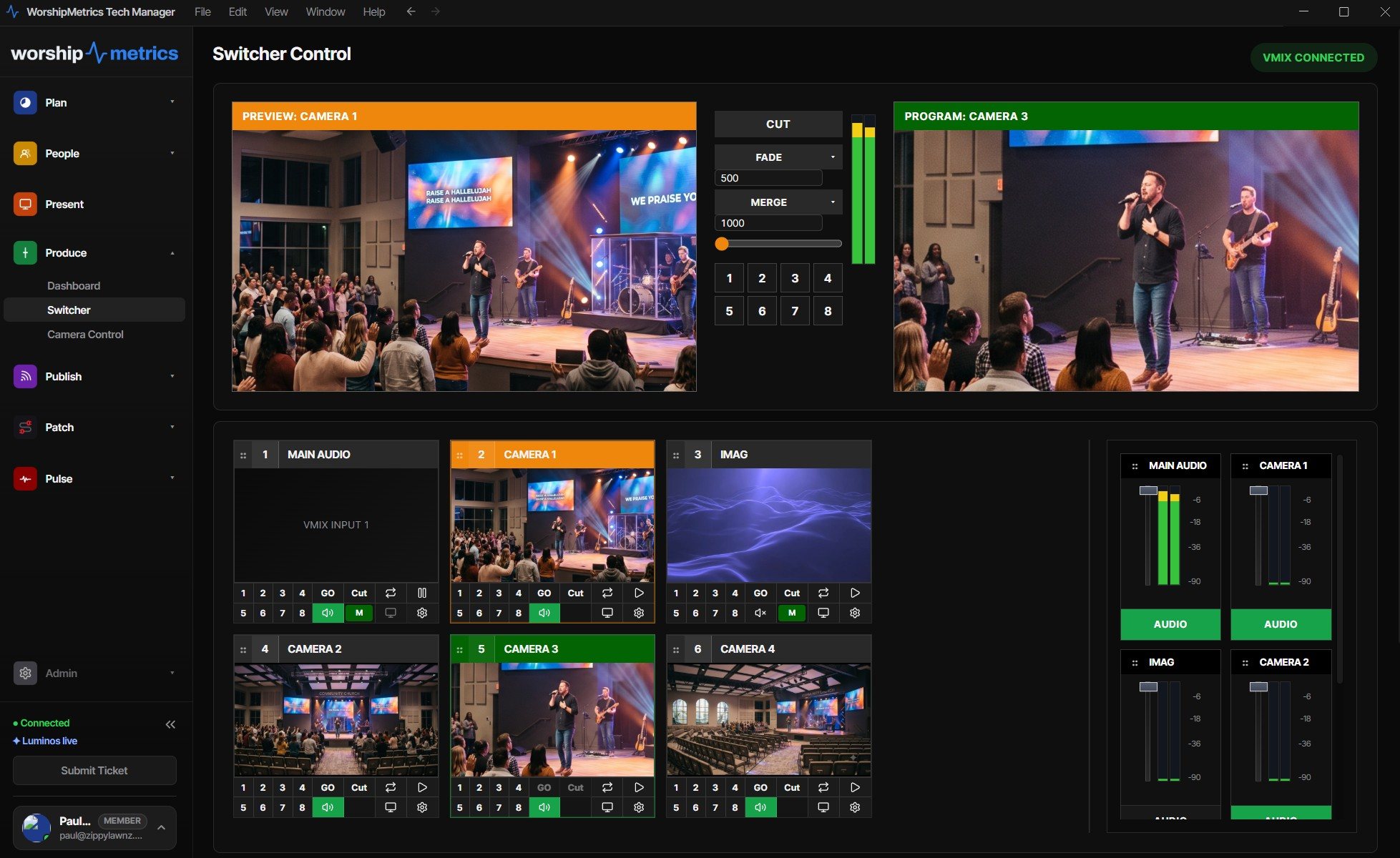
Your vMix keeps running in the booth — free, local, reliable — while the full switching surface mirrors to any device: cut, transition, T-bar, overlays, bus audio, live preview and program. Here's how church cloud vMix works, and why it beats renting vMix in the cloud.
Sep 5, 2026 • 6 min read
Streaming beginner
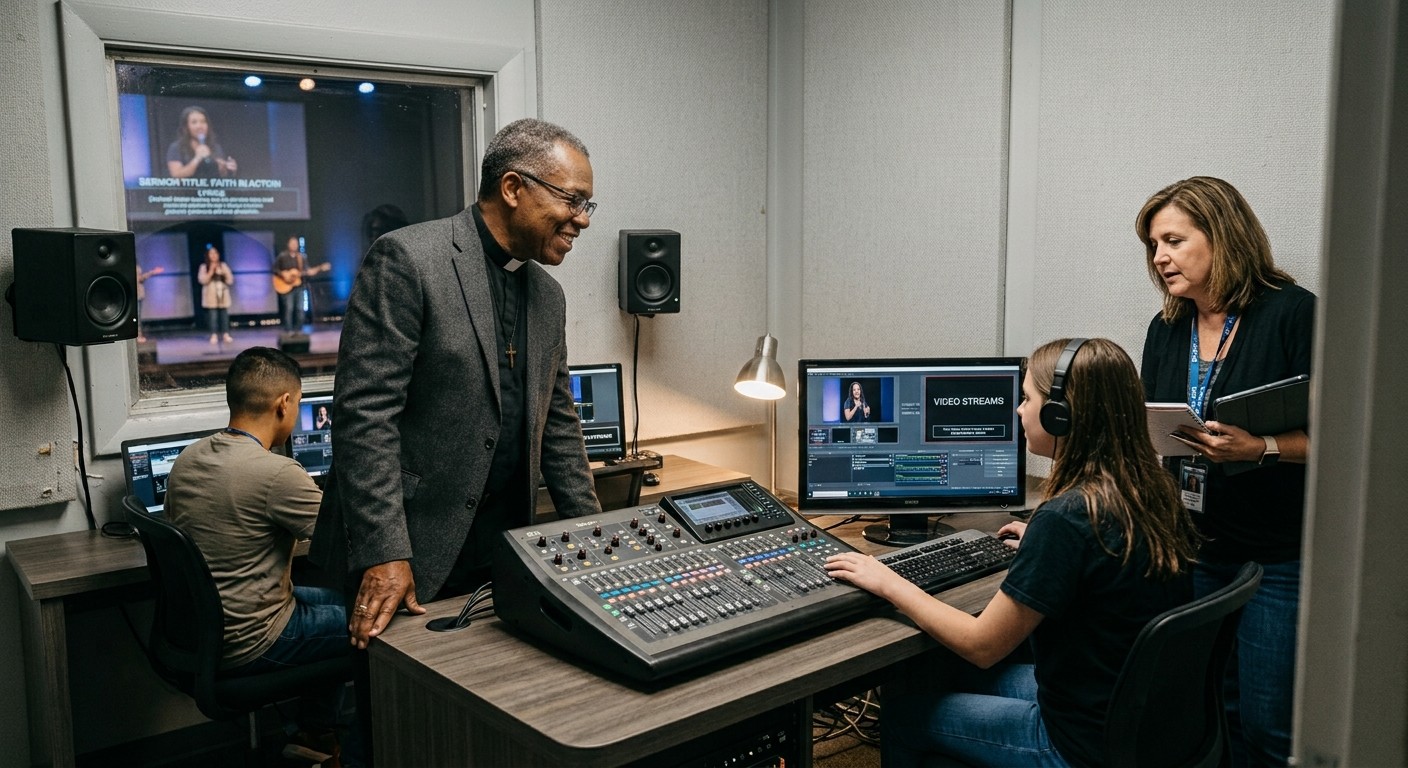
Right now, from anywhere, without calling the booth: heartbeats every few seconds, an honest online badge, server-side watching that never blinks, and a dashboard a youth minister can read — the visibility that makes shared OBS access safe.
Sep 4, 2026 • 6 min read
Streaming beginner
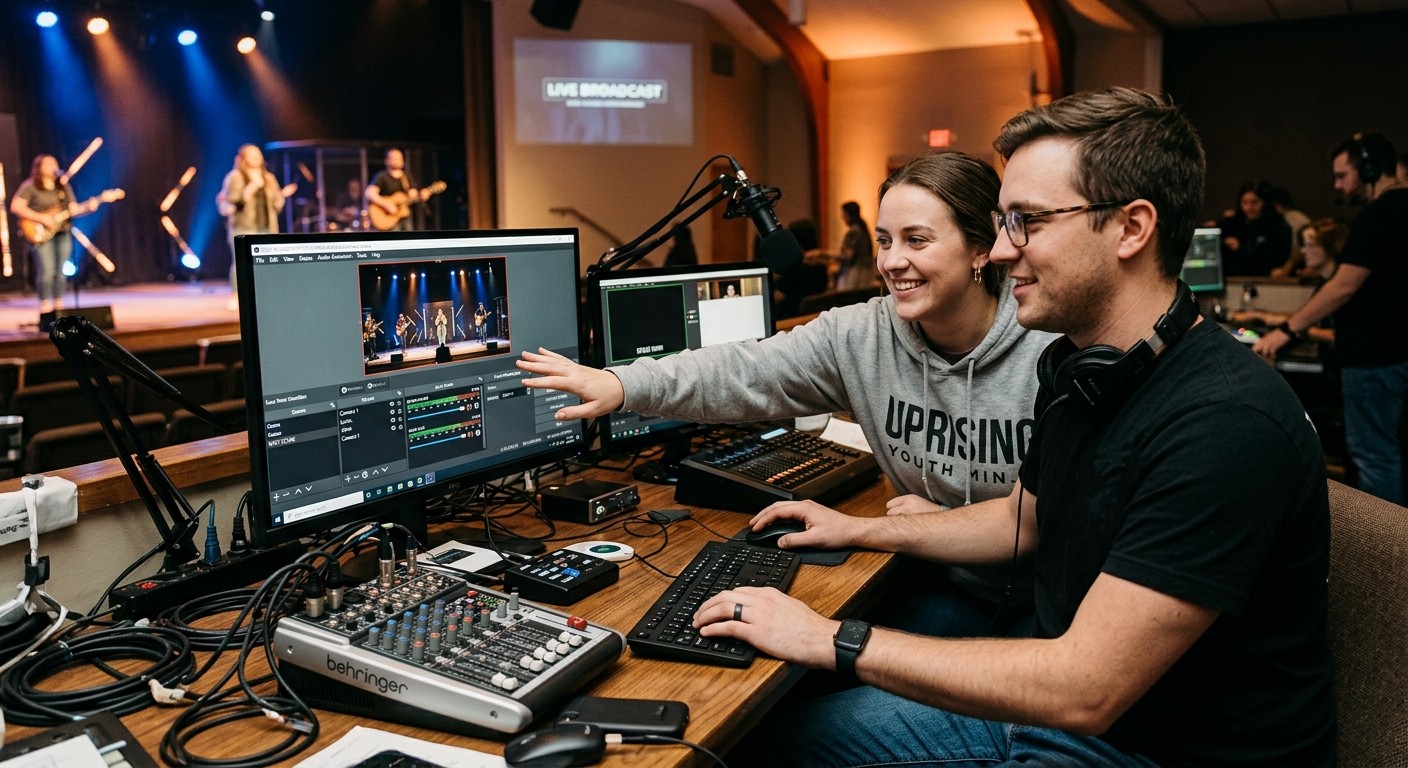
Yes — in the booth, at no cost, and from anywhere on the paid plans: OBS's WebSocket protocol lets authorized helpers see the live state and control scenes, stream, and recording. Here's exactly what remote OBS control can and can't do, honestly.
Sep 4, 2026 • 6 min read
Streaming intermediate
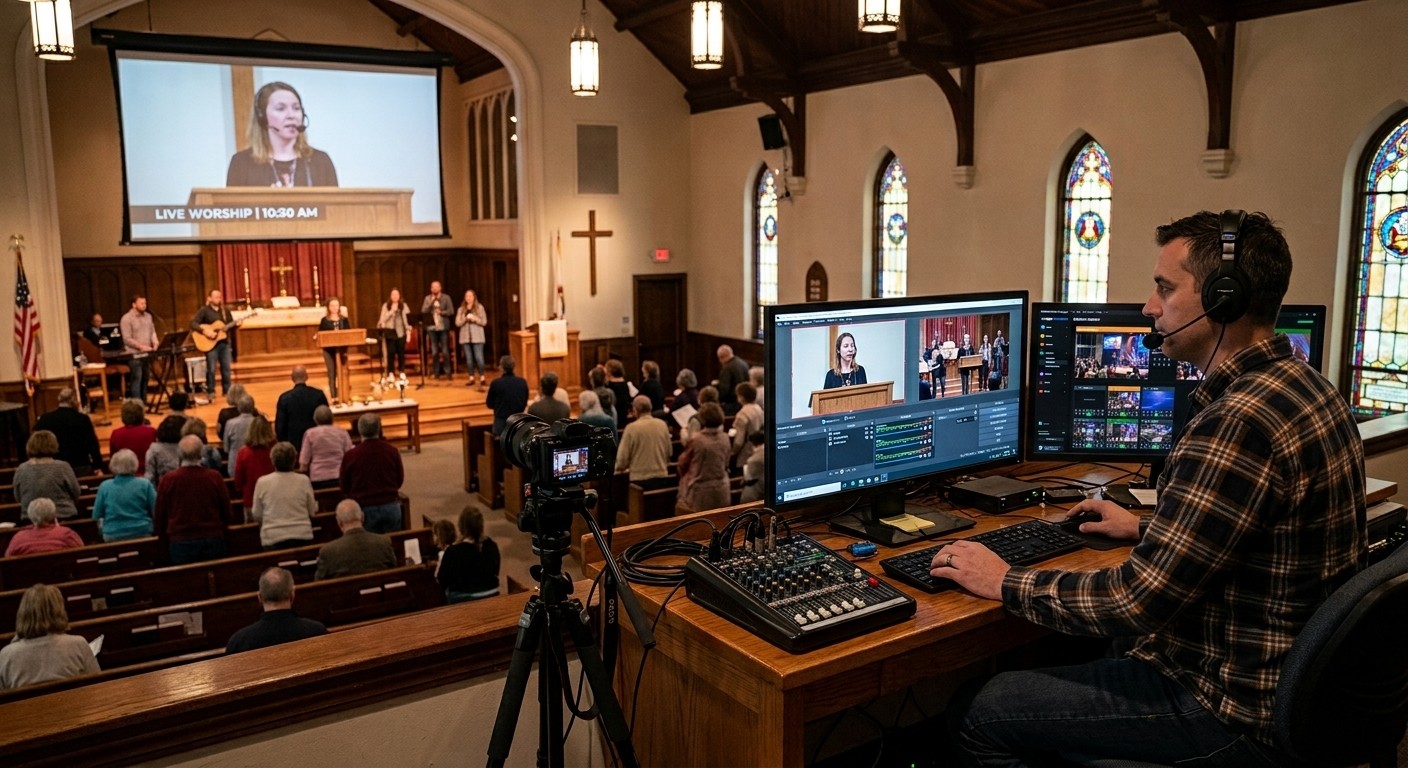
In sync at the call to worship, half a second off by the closing prayer — creeping desync isn't a delay problem, it's a clock problem. The sample-rate audit that fixes most of it, and the telemetry that catches the rest.
Sep 4, 2026 • 6 min read
Streaming intermediate
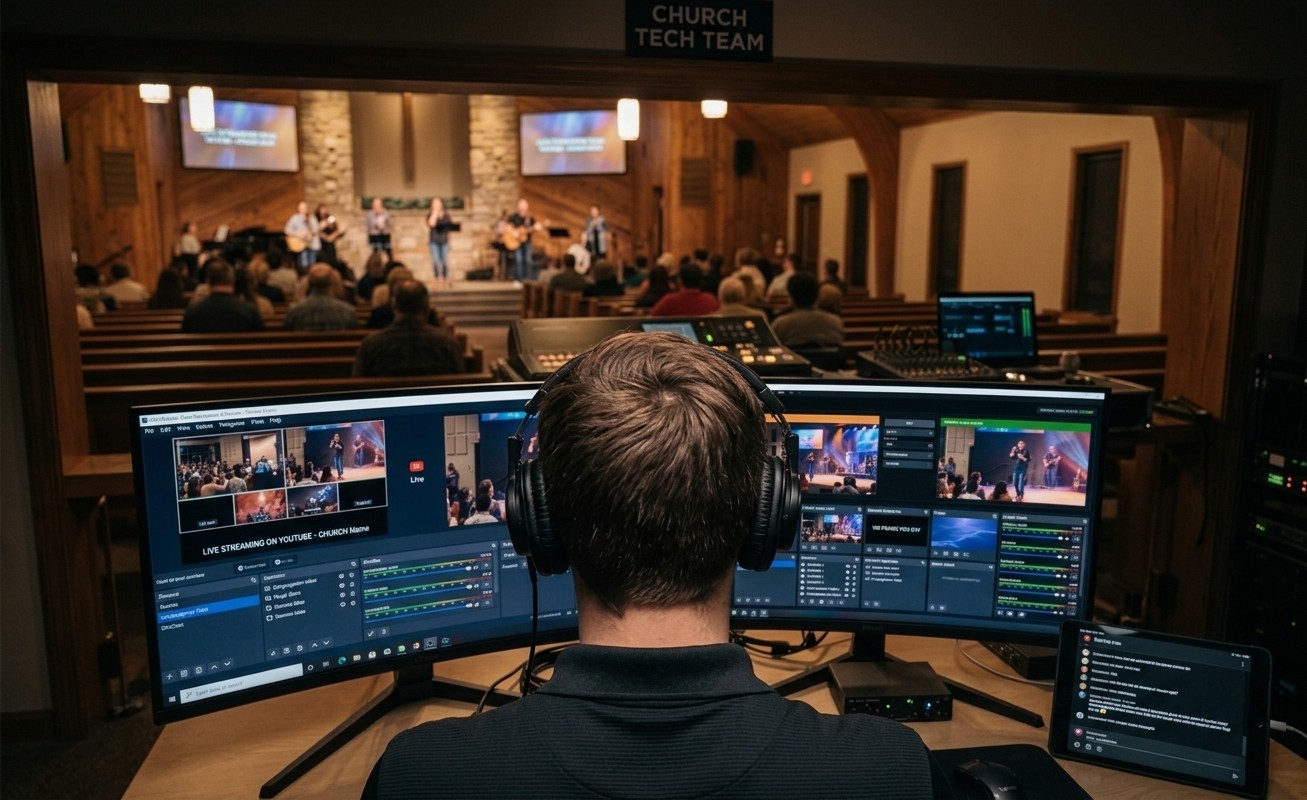
The warning appears during the second song, not the announcements, for a reason: worship is the hardest content your encoder faces all week. The real fixes — and how to see the overload coming before the congregation does.
Sep 4, 2026 • 6 min read
Streaming beginner
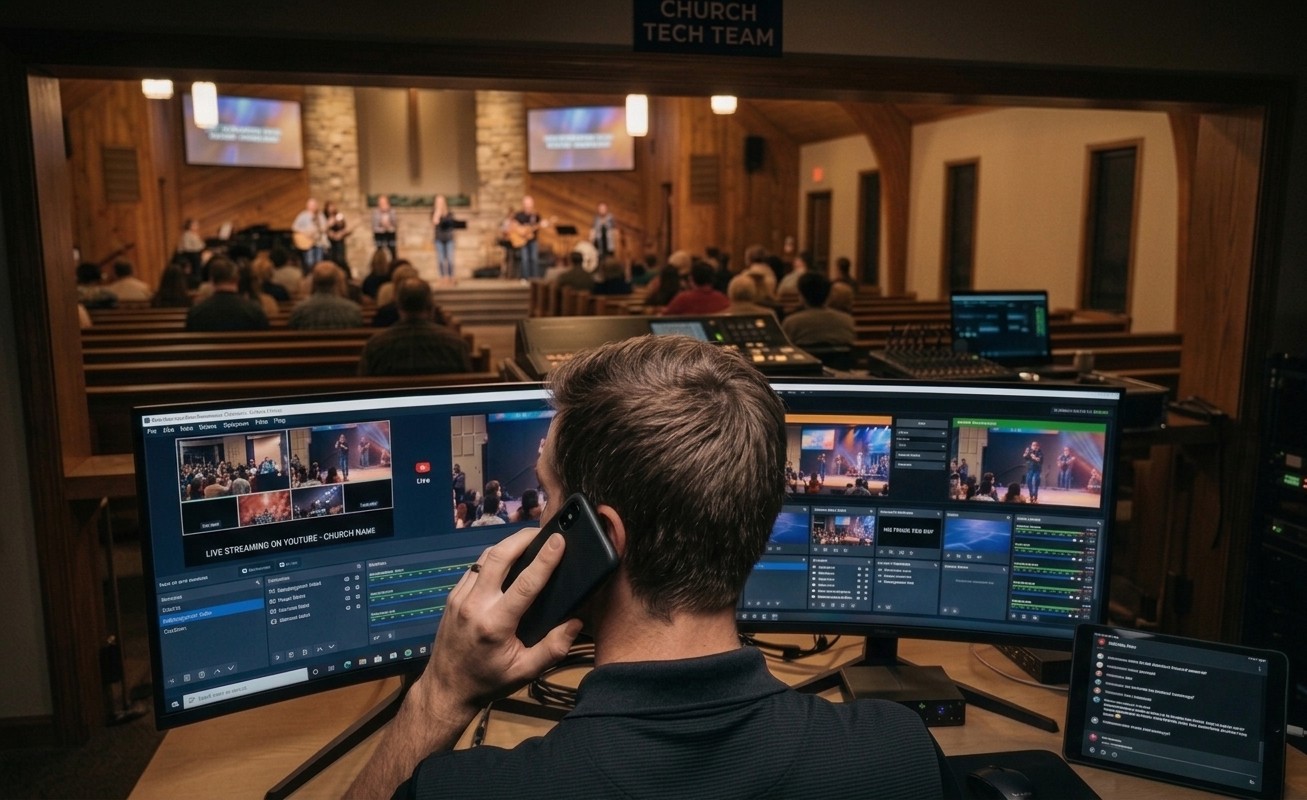
Yes — remote scene, stream, and recording control over OBS's WebSocket, live booth telemetry, and a support layer that can already see your system when you call. The end of troubleshooting-by-panicked-phone-description.
Sep 4, 2026 • 6 min read
Streaming beginner
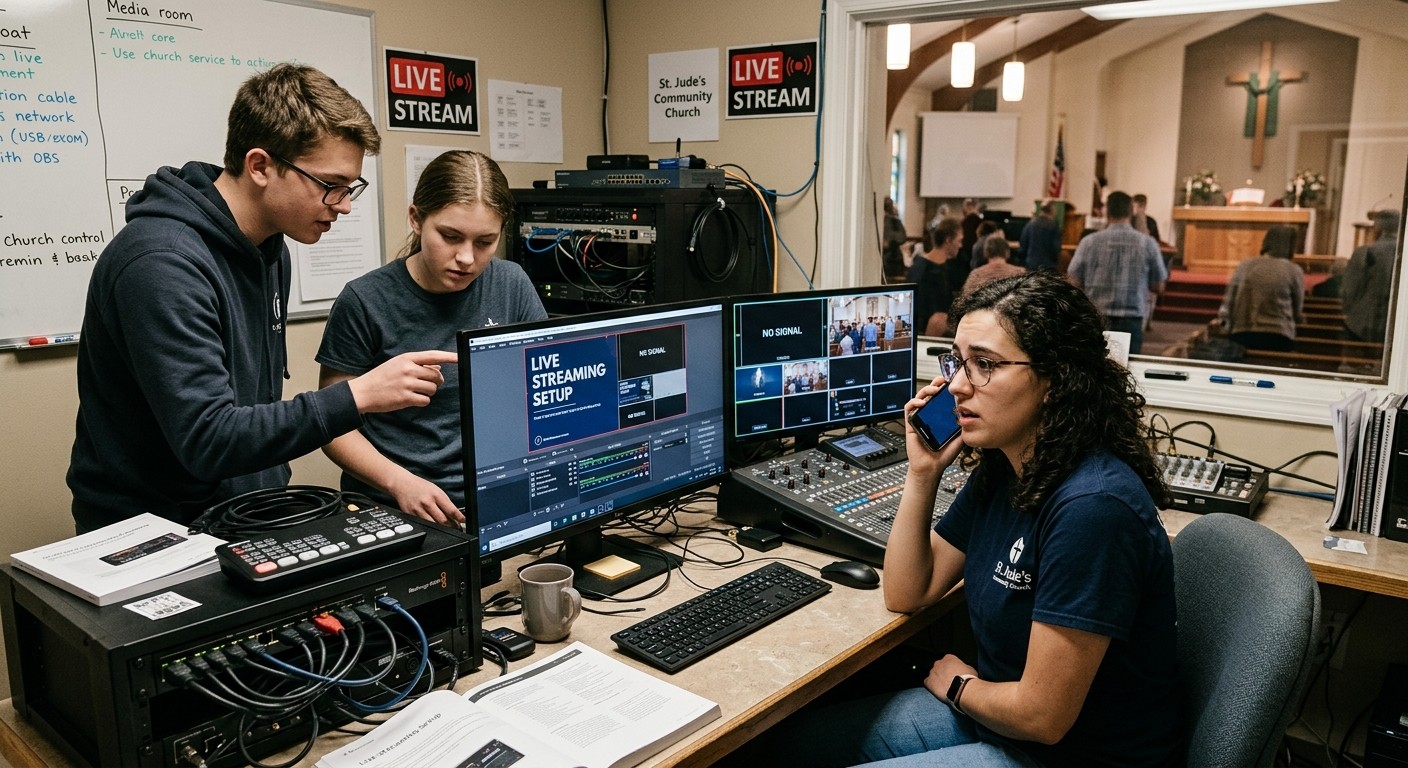
Plugins are OBS's superpower and its leading cause of mysterious instability — often after an update nobody watched happen. The minimal-surface policy for Sunday machines, and the test discipline that lets you have the cool stuff safely.
Sep 4, 2026 • 6 min read
Streaming intermediate
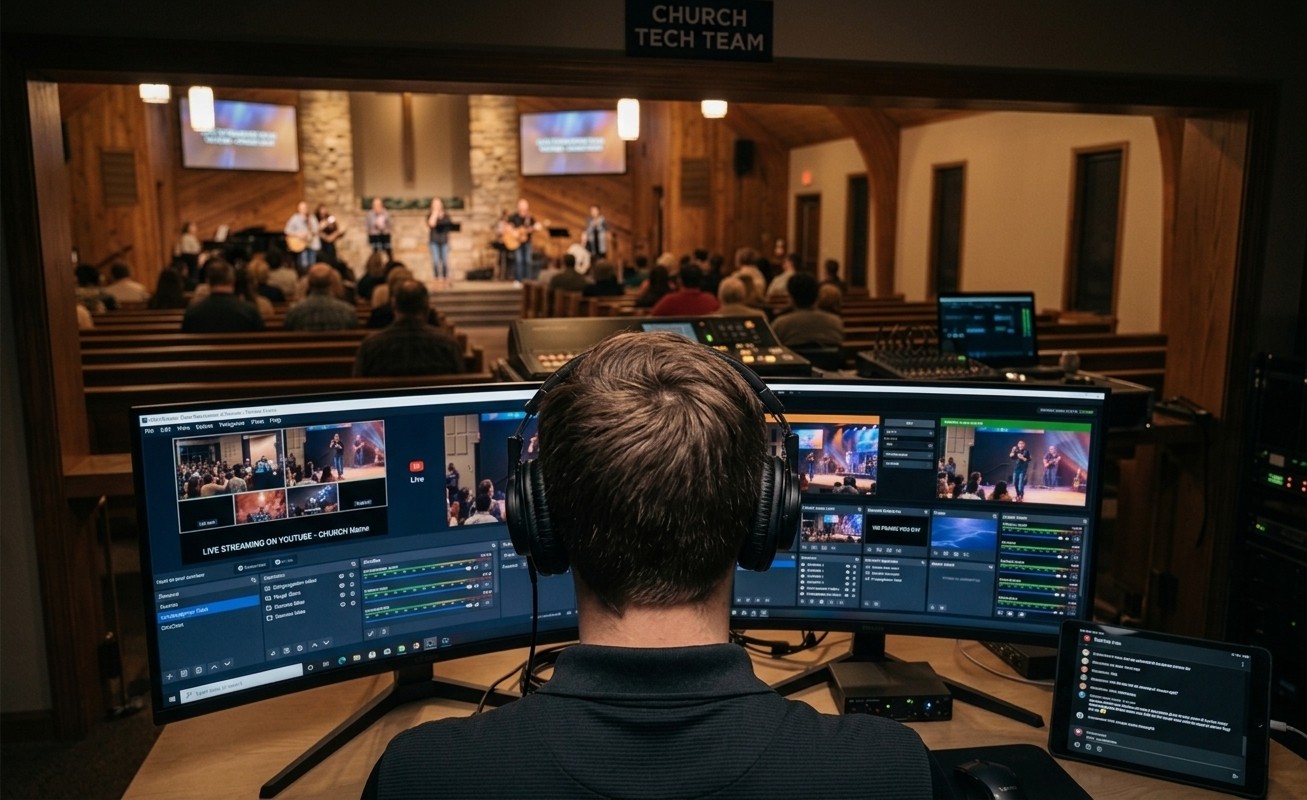
The preview window shows video before compression; your viewers see it after. Between the two sit the bitrate, the encoder, and the platform's re-encode — here's which one is stealing your quality, and the telemetry that settles it.
Sep 4, 2026 • 6 min read
Streaming beginner
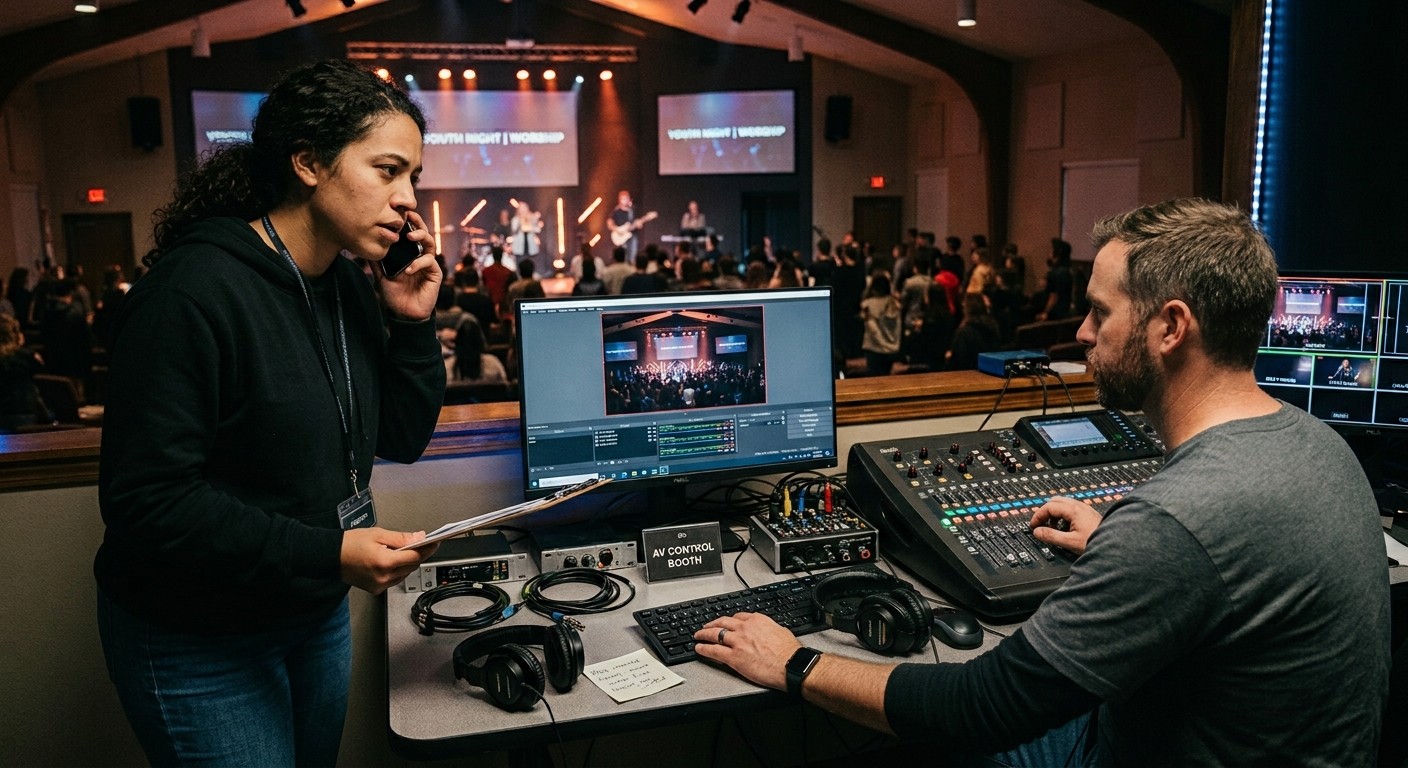
Encoding overload one week, silent audio the next, a corrupted recording the week after — when the problems rotate, the problem isn't any of them. It's a booth running without margin, memory, or a team. Here's the stack that ends the whack-a-mole.
Sep 4, 2026 • 6 min read
Streaming beginner
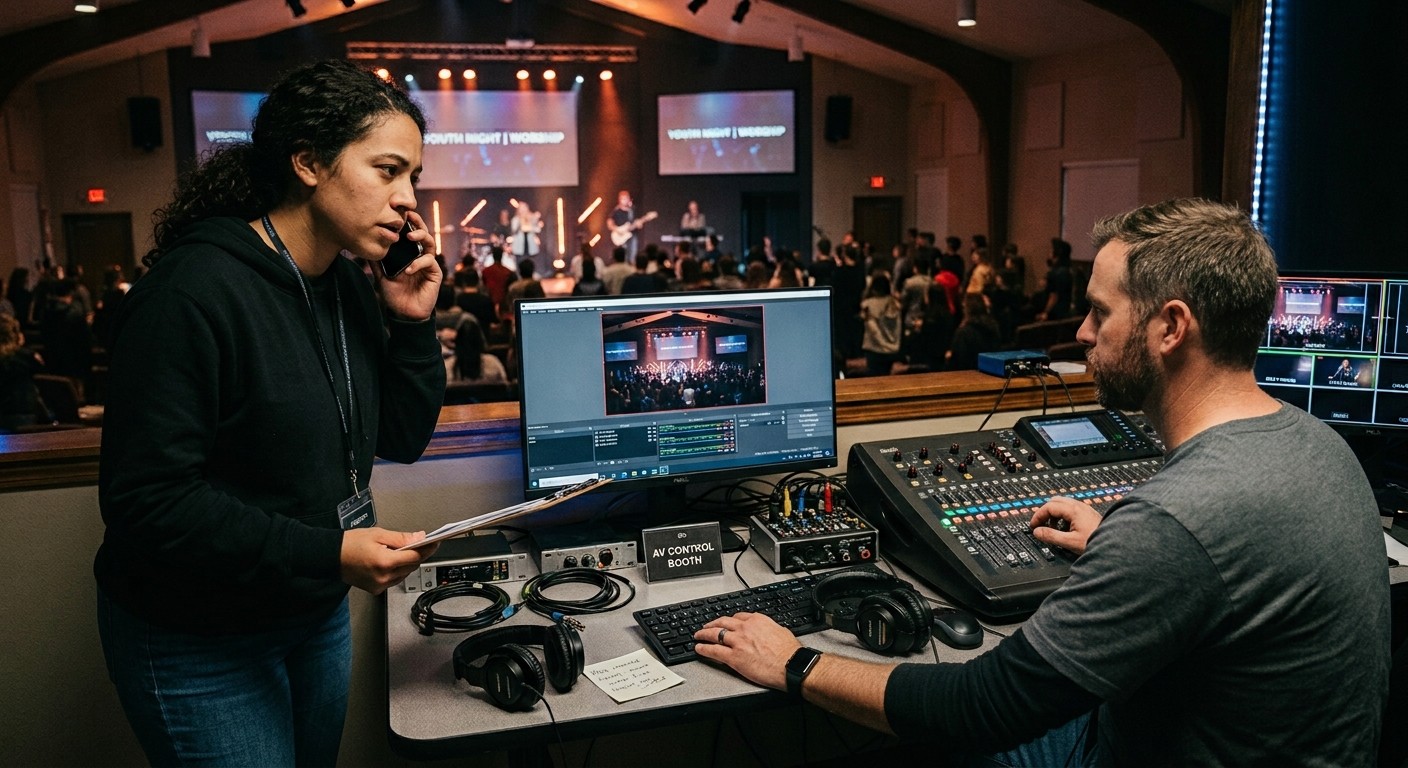
The honest answer about corrupted MP4s, the one settings change that prevents the next one, and the redundancy plan that means a crash never again decides whether the baptism was recorded.
Sep 4, 2026 • 6 min read
Streaming beginner
Last week the stream was perfect; this week it's broken, and nobody touched anything — allegedly. Why multi-operator booths drift, the OBS discipline that contains it, and the settings paper trail that ends the whodunit for good.
Sep 4, 2026 • 6 min read
Streaming beginner
OBS is free — which means there's no support line, and forum answers arrive Tuesday for a problem that's happening Sunday at 9:40. Here's the support stack churches actually need: automation, visibility, a team, and a number that answers.
Sep 4, 2026 • 6 min read
Streaming intermediate
The Sunday-morning triage order for an OBS that crashes on startup — Safe Mode first, then drivers, plugins, and config — plus the Tuesday disciplines that make launch-day surprises structurally rare.
Sep 4, 2026 • 6 min read
Streaming beginner
Probably not — and the honest reasons why, including the two situations where an upgrade genuinely makes sense. Most churches contemplating a switch are trying to buy their way out of a problem no software has ever fixed.
Sep 4, 2026 • 6 min read
Streaming beginner
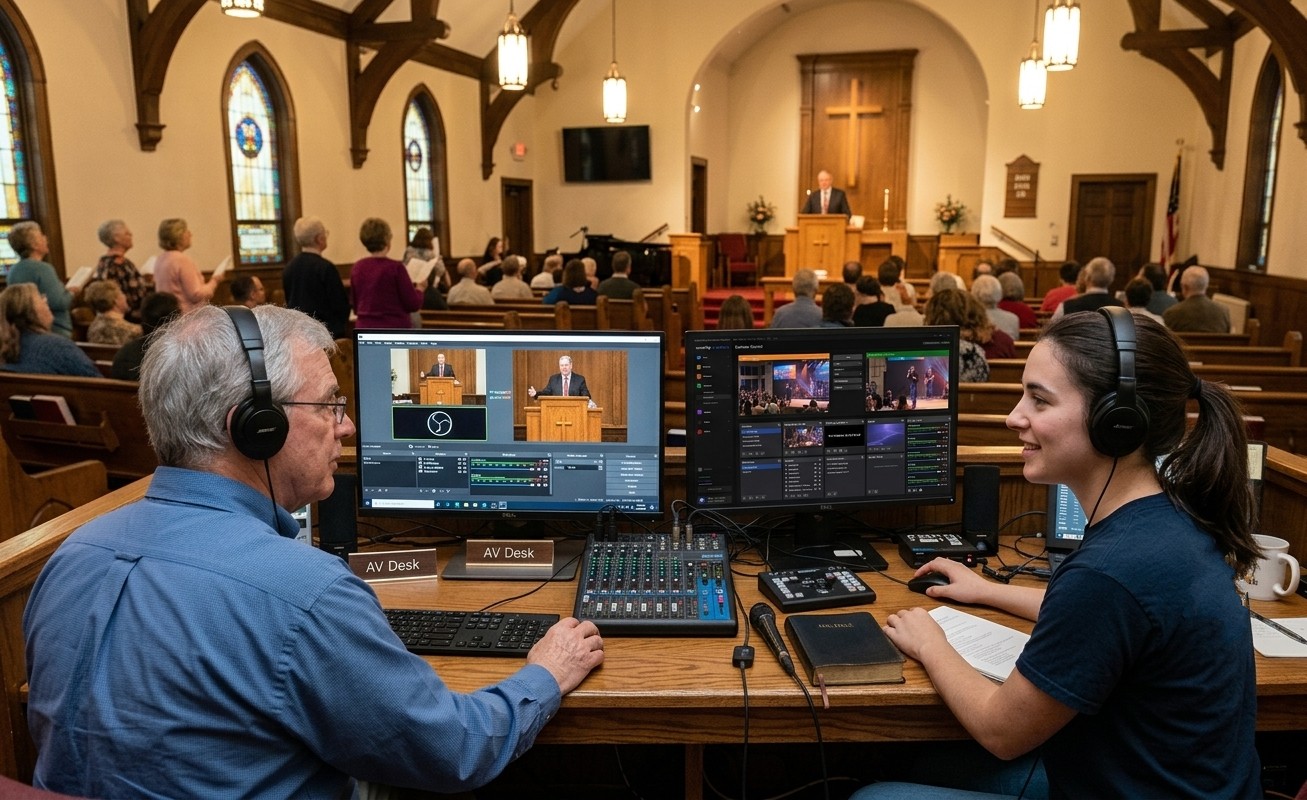
Your church chose the free encoder the whole streaming world runs on — and then, like most churches, parked one volunteer in front of it forever. The same OBS system can hold a whole team: more seats, more servants, and a youth pipeline.
Sep 4, 2026 • 6 min read
Streaming beginner
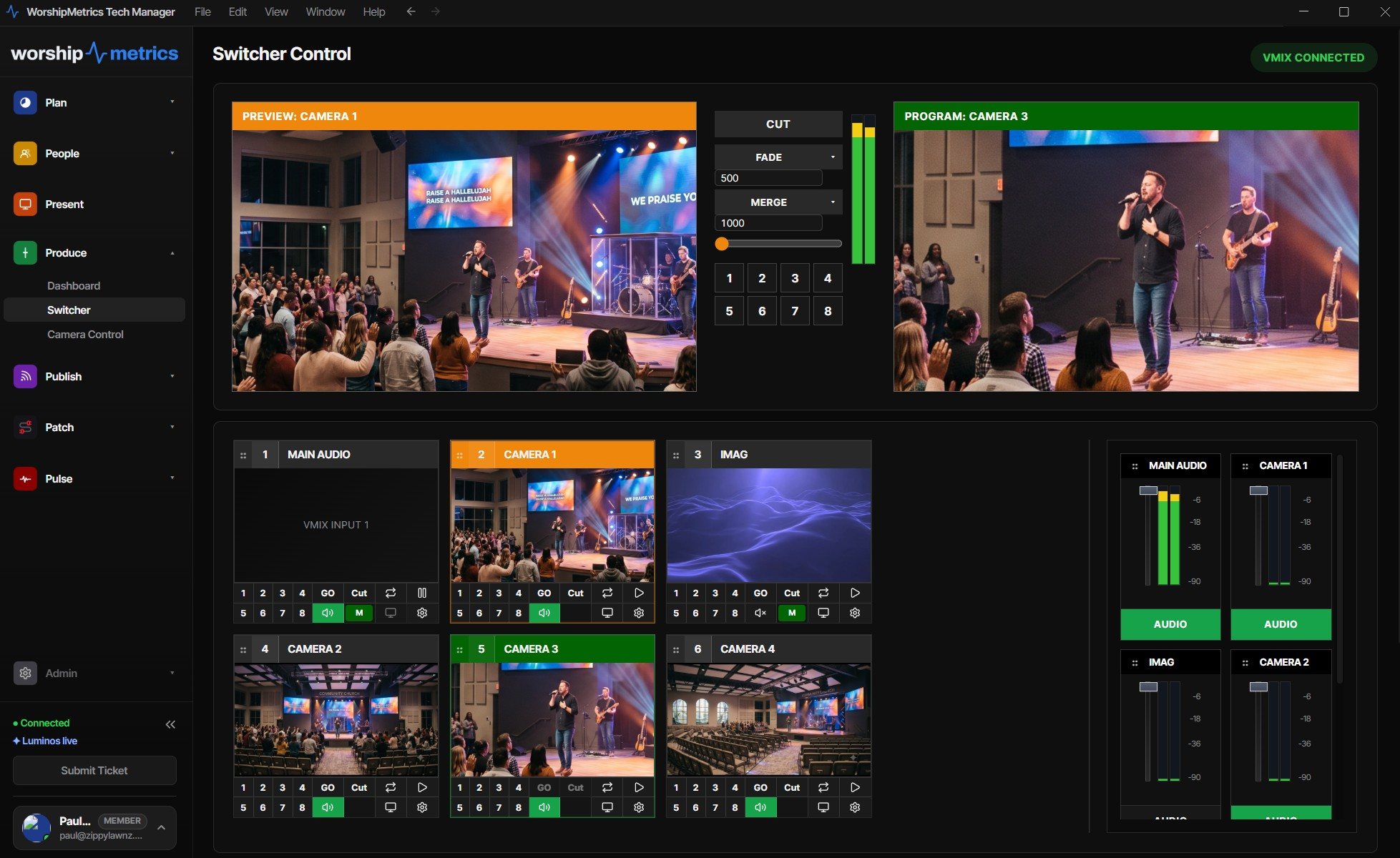
Yes — locally for free, and from anywhere on the paid plans: the full vMix switching surface (preview/program, T-bar, transitions, overlays, bus audio) mirrored to any device, with every remote action logged. Here's how one seat becomes a shared surface.
Sep 3, 2026 • 6 min read
Streaming beginner
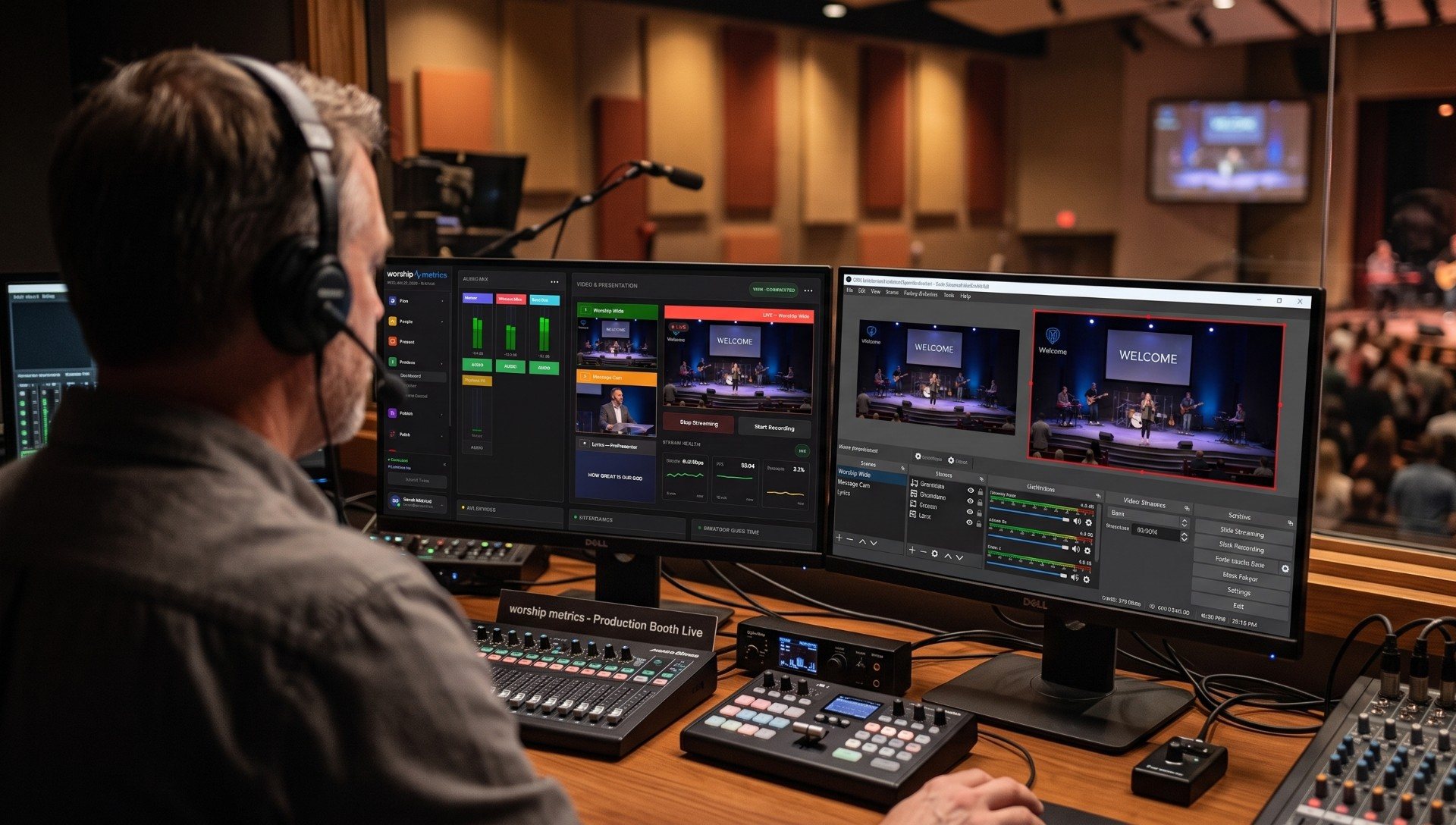
The hard investment is behind you — a capable vMix system and someone who can drive it. What most churches haven't seen yet is how many people can serve around that one system: nine real seats, most of them reachable by a teenager with a mentor.
Sep 3, 2026 • 6 min read
Streaming beginner
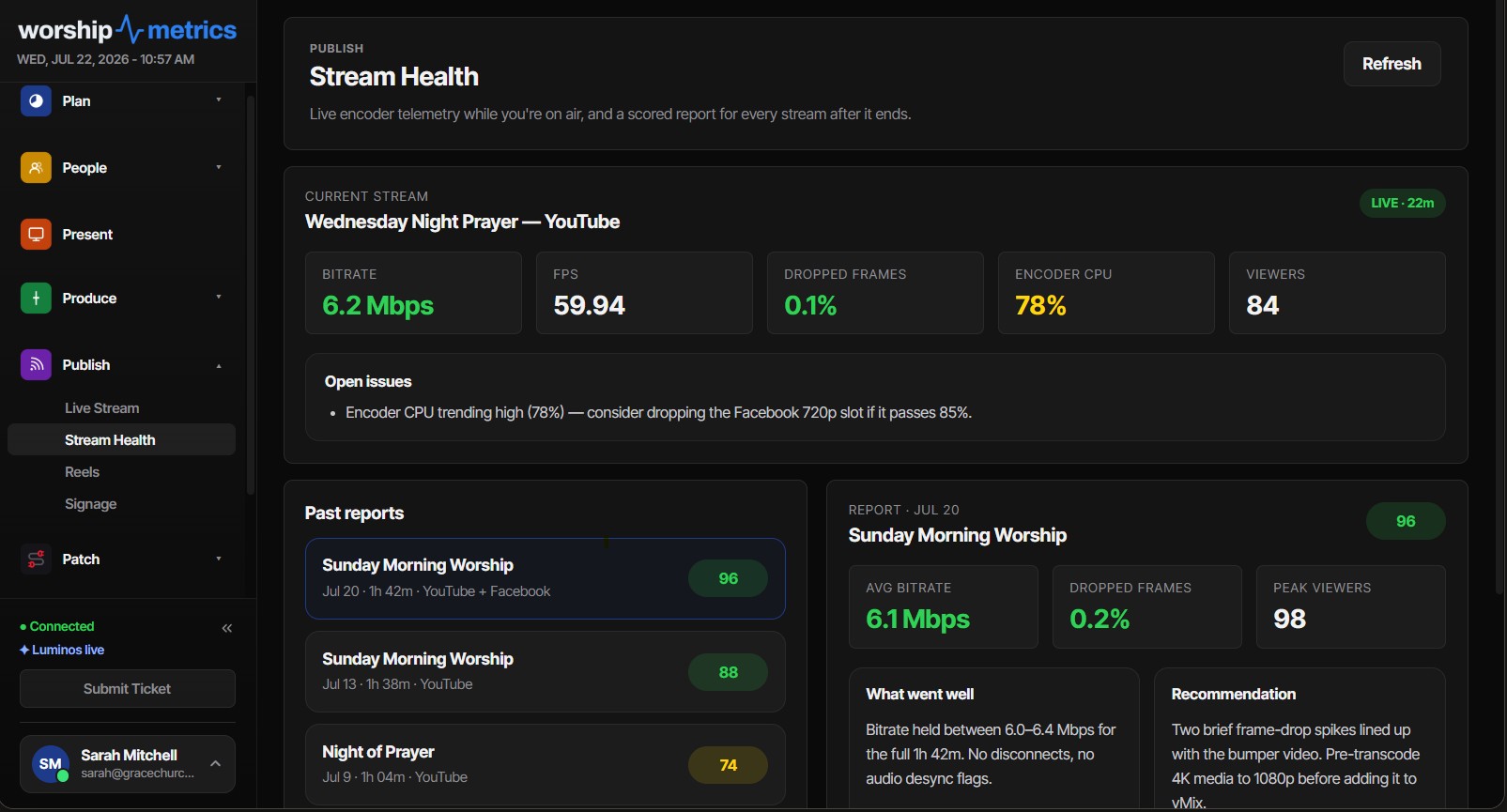
When your church stream drops, WorshipMetrics emails your team automatically and texts anyone who opts in. Here's how to set it up, who should get it, and how the fix can be one tap away.
Sep 1, 2026 • 6 min read
Streaming beginner
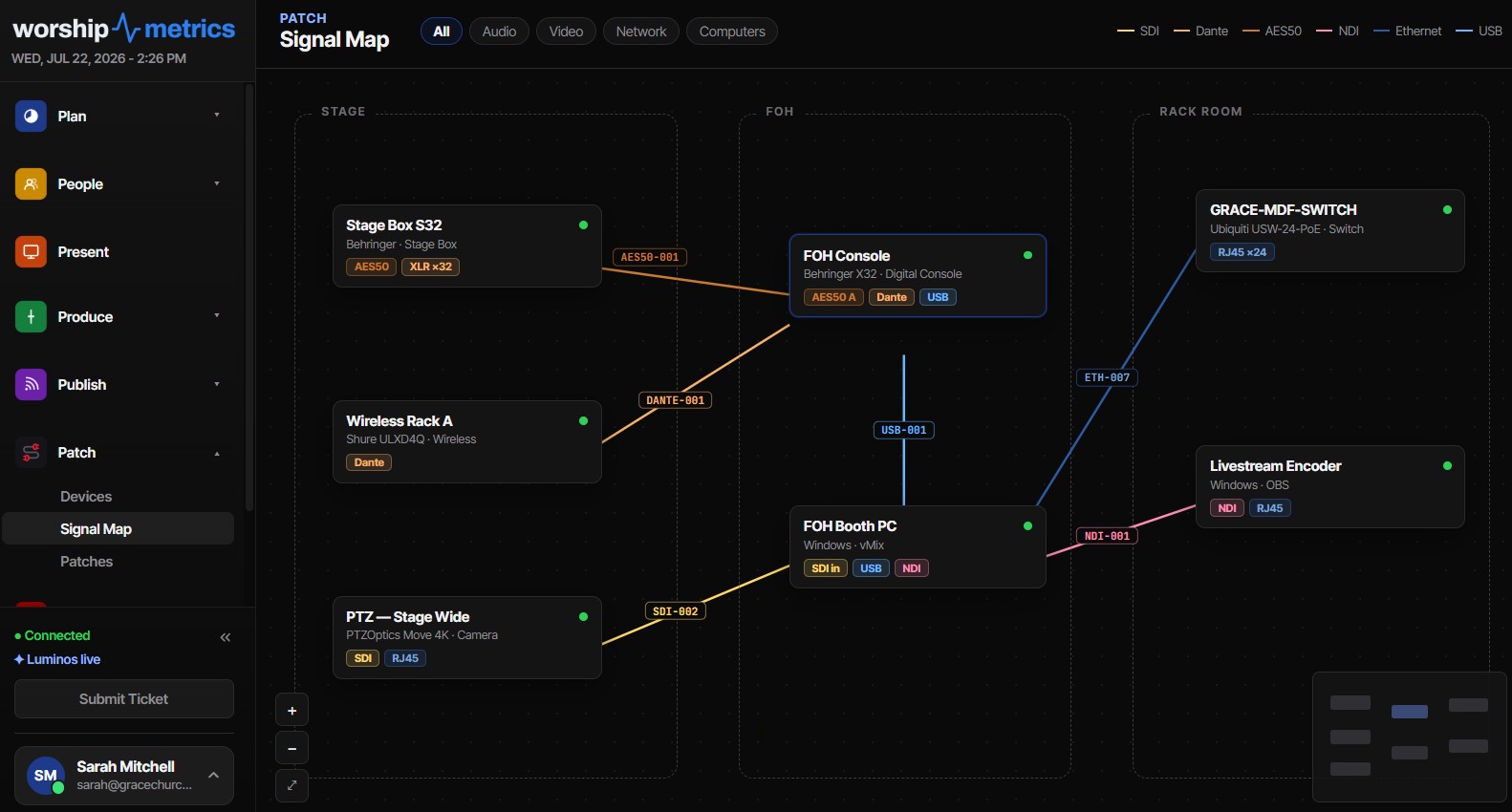
Probably the wrong question — the encoder should be on wired Ethernet, and WiFi should carry the phones. Here's how to test what your connection can really do, and how to know for certain instead of guessing.
Sep 1, 2026 • 6 min read
Streaming beginner
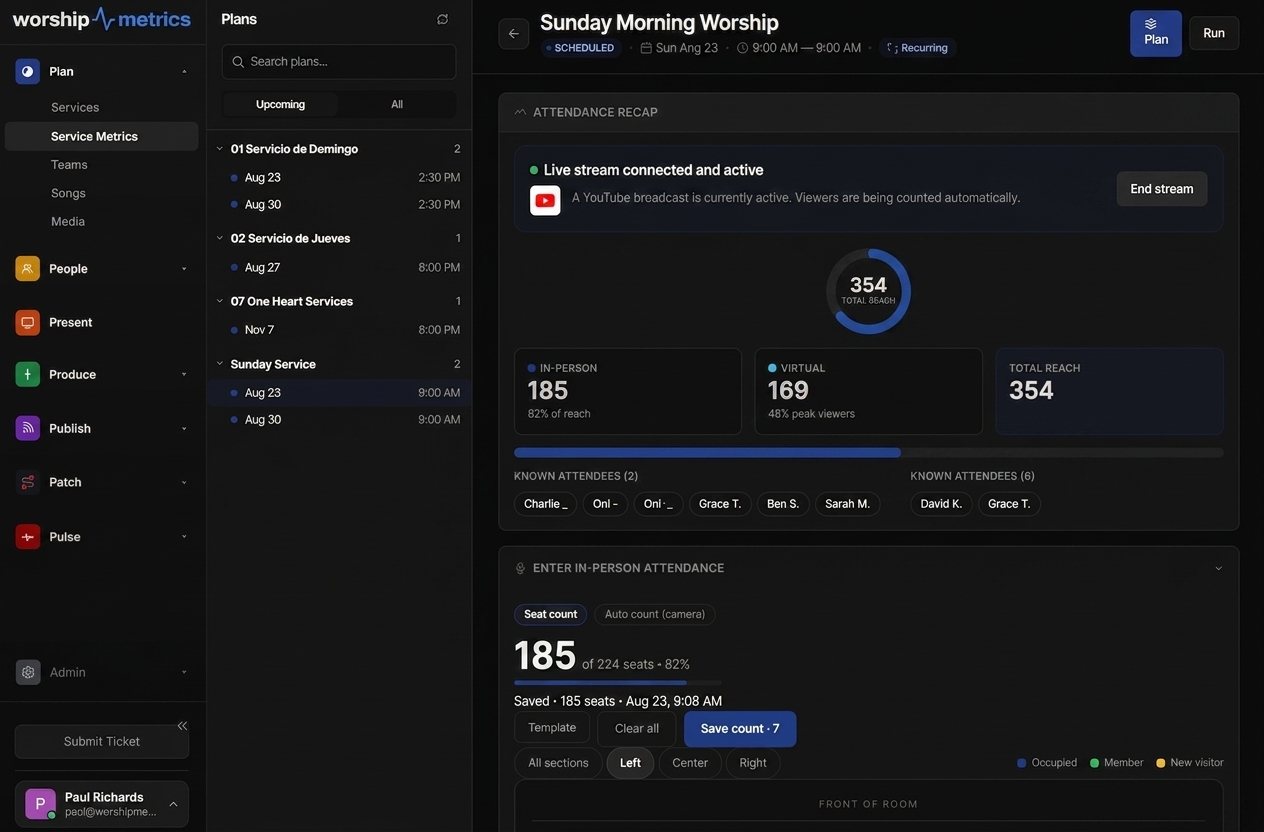
Platform 'views' mix replays, partial watches, and autoplay — the honest measure of your online congregation is concurrent viewers during the live window. Here's how that number gets counted, stored, and compared over time.
Sep 1, 2026 • 6 min read
Streaming intermediate
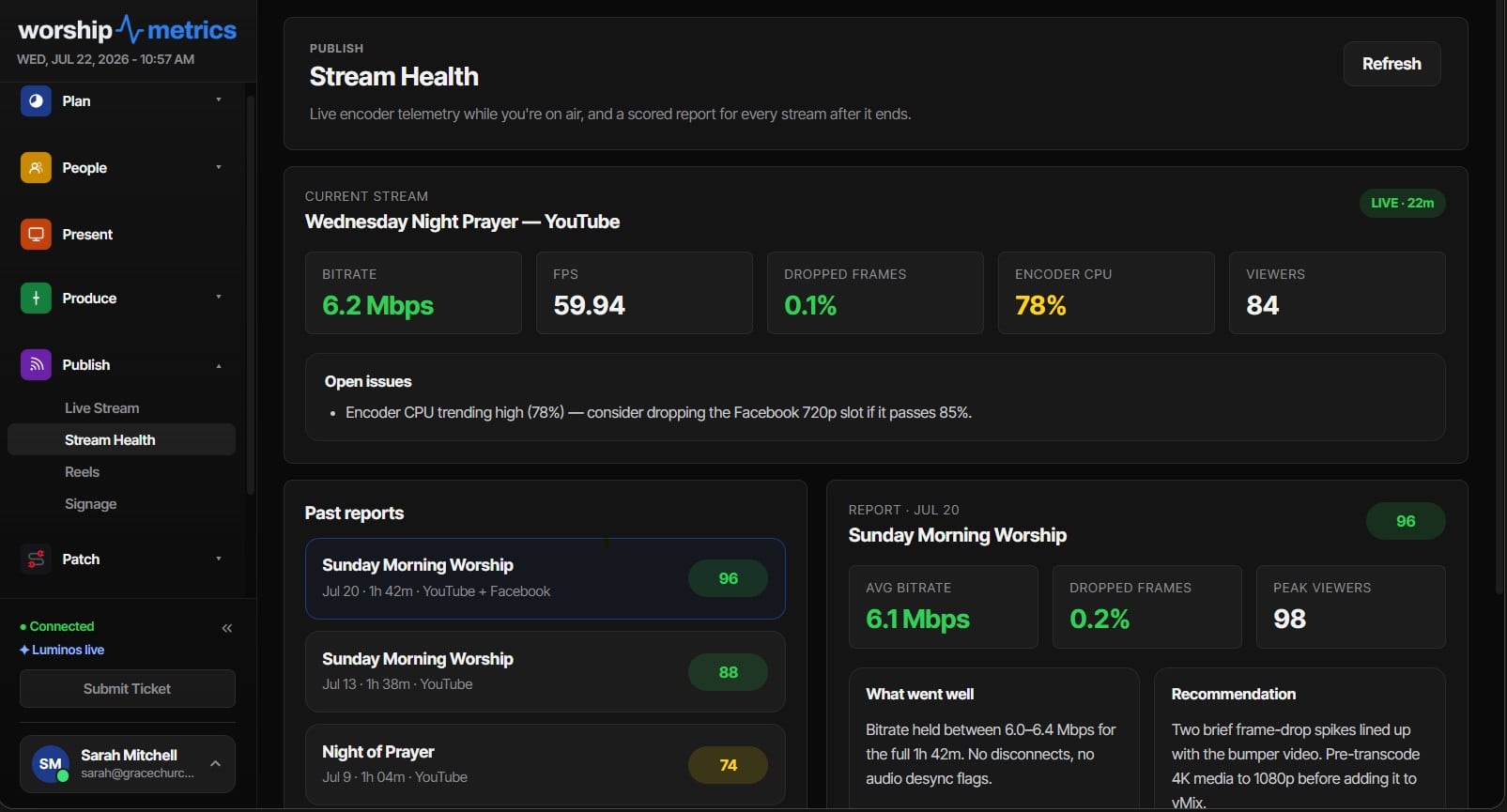
A stream that starts clean and degrades mid-service is usually a resource story — creeping RAM pressure, a warming CPU, a filling disk, or greeting-time WiFi surges. Five-second telemetry catches the slide that per-service averages hide.
Sep 1, 2026 • 6 min read
Streaming intermediate
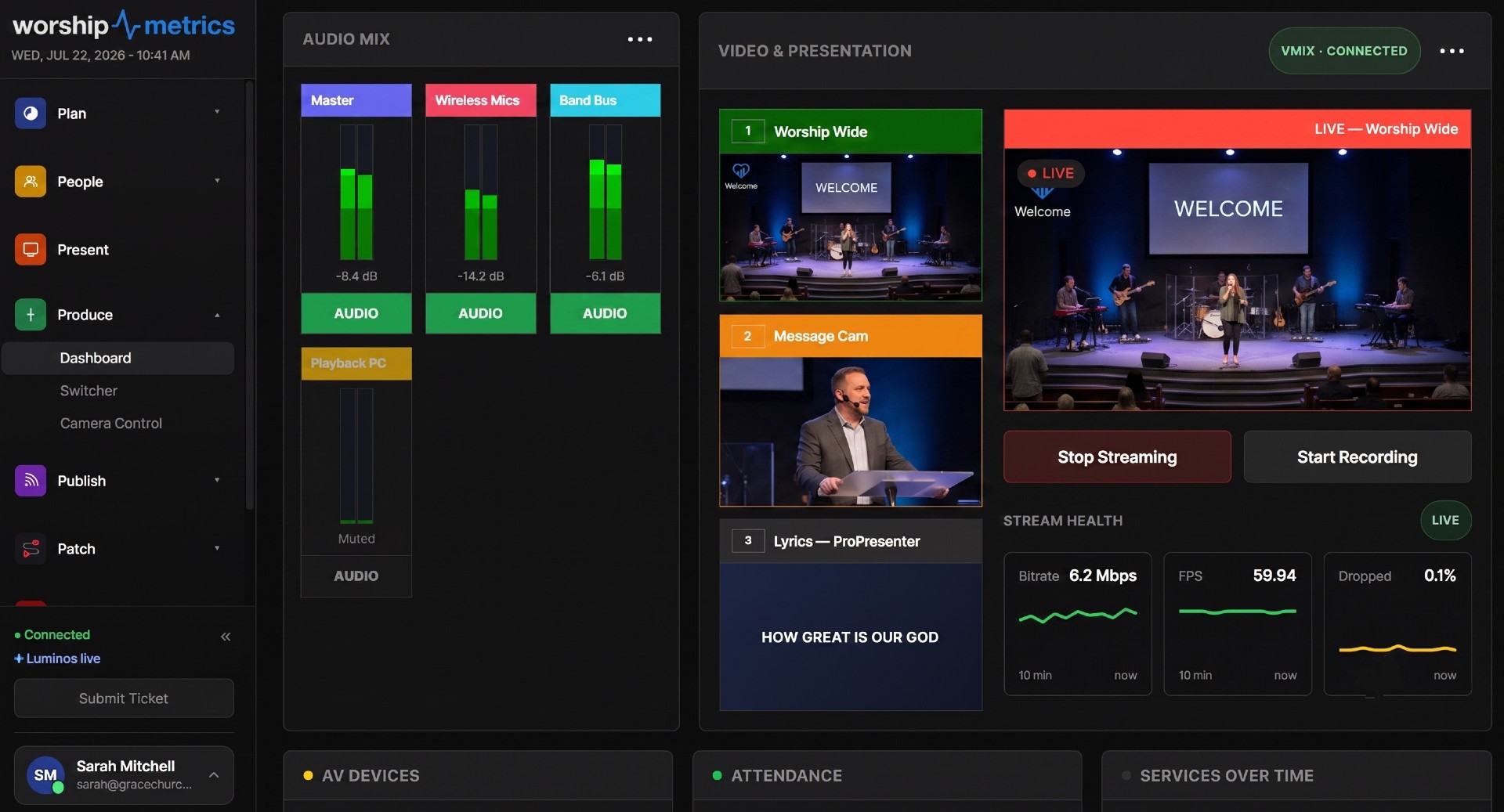
How to choose H.264 bitrate, GOP size, profile, and rate control for a church live stream — and how to read the settings your stream health report captures when Sunday goes sideways.
Aug 2, 2026 • 6 min read
Streaming beginner
A plain-English guide to the stream health score — the telemetry behind it, what each penalty means, and the practical fix for every common deduction.
Aug 2, 2026 • 6 min read
Streaming intermediate
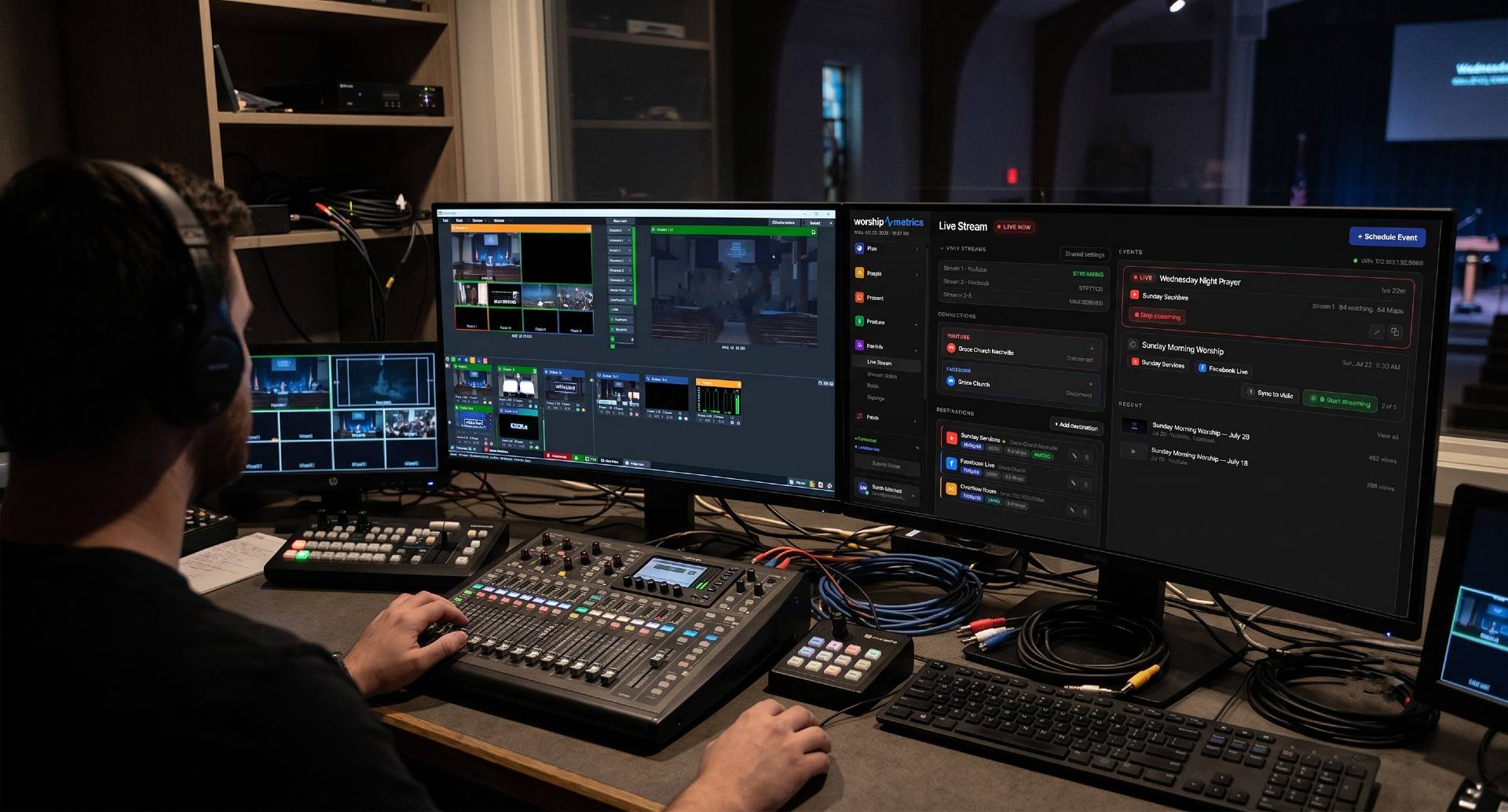
What RTMPS and SRT actually are, when each one fits a church uplink, and how to configure vMix or OBS to push a rock-solid stream to WorshipMetrics.
Aug 2, 2026 • 6 min read
Streaming intermediate
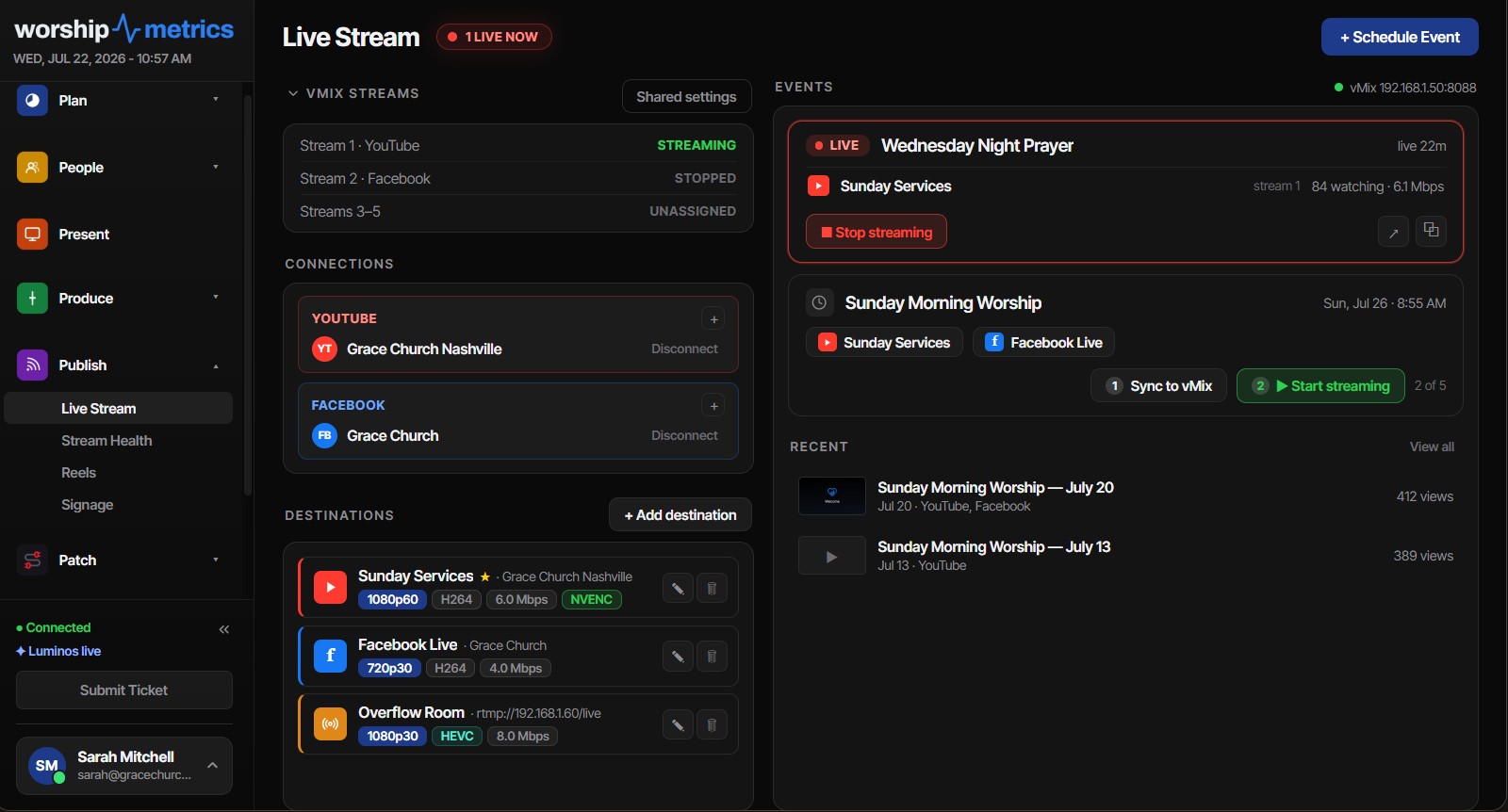
A reference for how YouTube broadcasts and streams actually work — reusable keys, lifecycle transitions, auto-stop pitfalls, scheduling, and privacy modes.
Aug 2, 2026 • 6 min read
Streaming beginner
What a church live streaming platform actually needs to handle — destinations, recordings, clips, monitoring, and support — and how to evaluate your options honestly.
Jul 22, 2026 • 6 min read
Streaming beginner
A calm, step-by-step recovery playbook for when the stream dies during a service — and how to build a booth where you find out before the congregation does.
Jul 22, 2026 • 6 min read
Streaming beginner
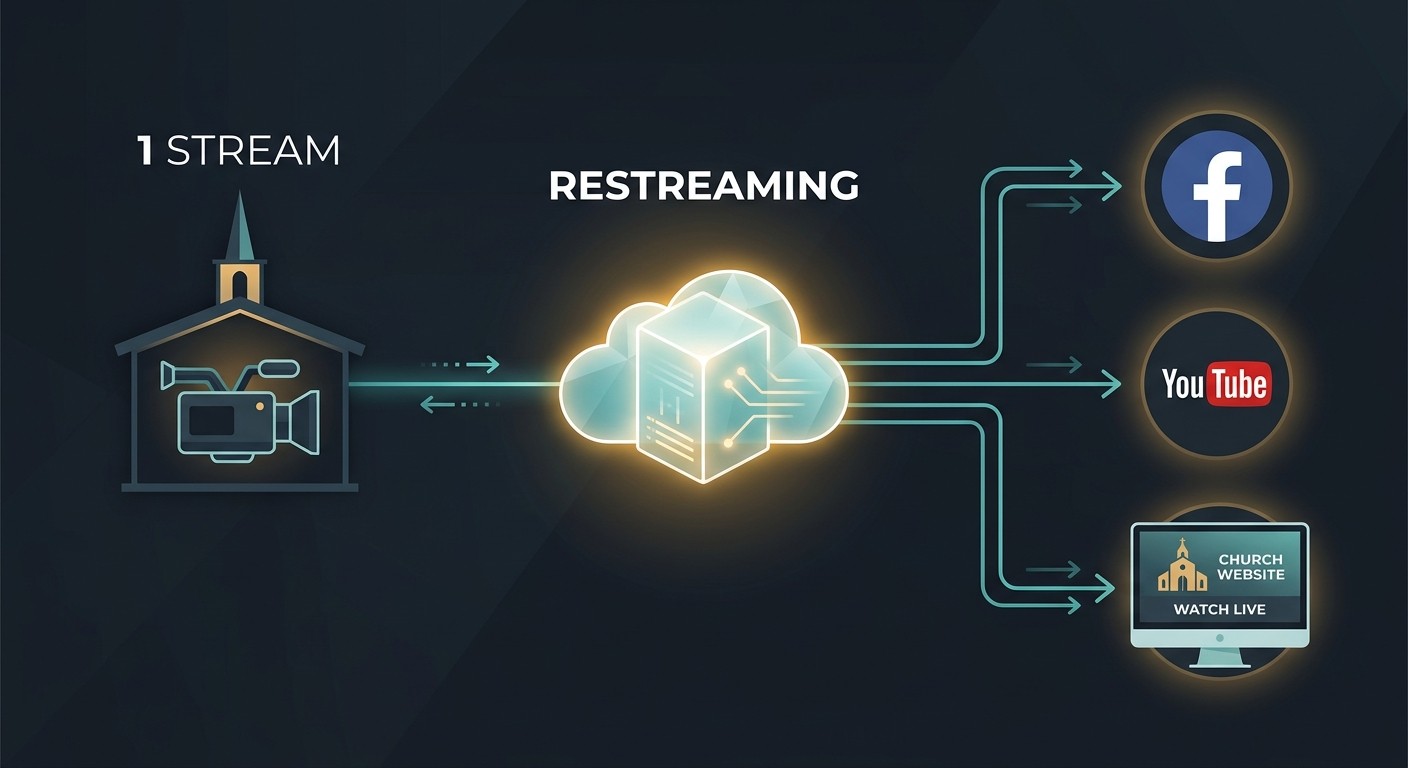
How restreaming works, why it beats streaming to each platform directly, and what a church booth needs to run multi-destination streaming reliably.
Jul 22, 2026 • 6 min read
Streaming intermediate
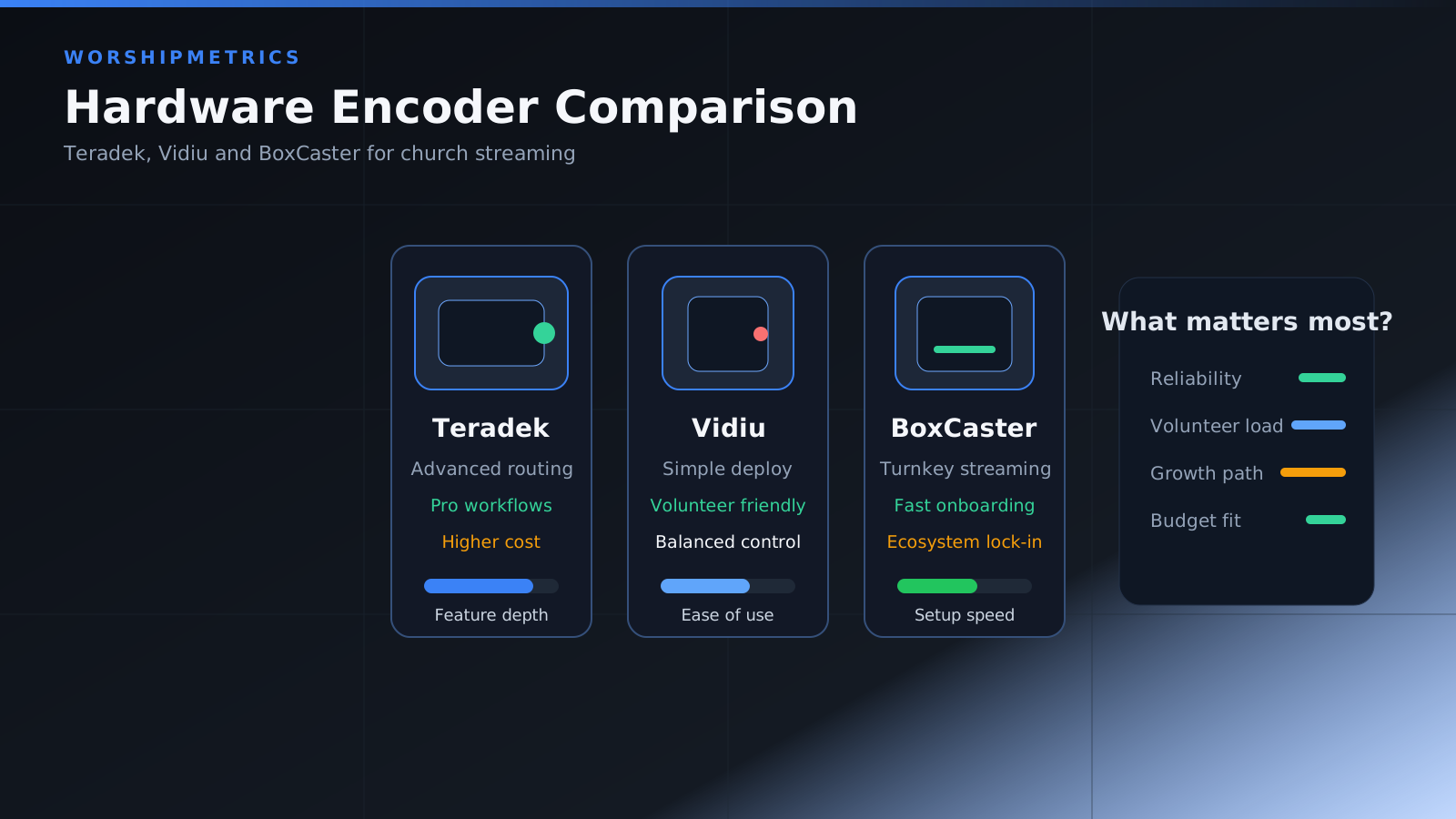
How to compare popular hardware encoders for congregation livestreaming and remote production needs.
Apr 5, 2024 • 6 min read
Streaming intermediate
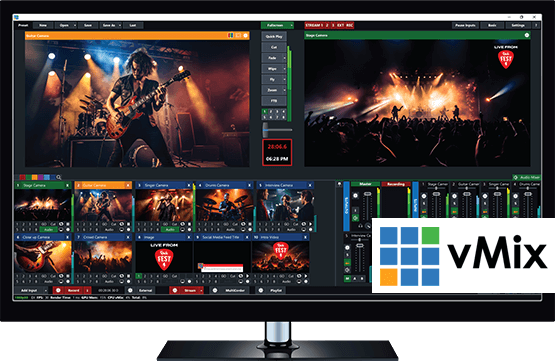
A practical vMix setup guide for church services, including inputs, outputs, performance, and operator workflow.
Mar 20, 2024 • 6 min read
Streaming intermediate
A practical comparison of ATEM, Roland, and vMix for church livestream and production workflows.
Feb 20, 2024 • 6 min read

Streaming advanced
When NDI makes sense for church production, what the network must support, and what to watch before you deploy it.
Feb 10, 2024 • 6 min read
Streaming beginner
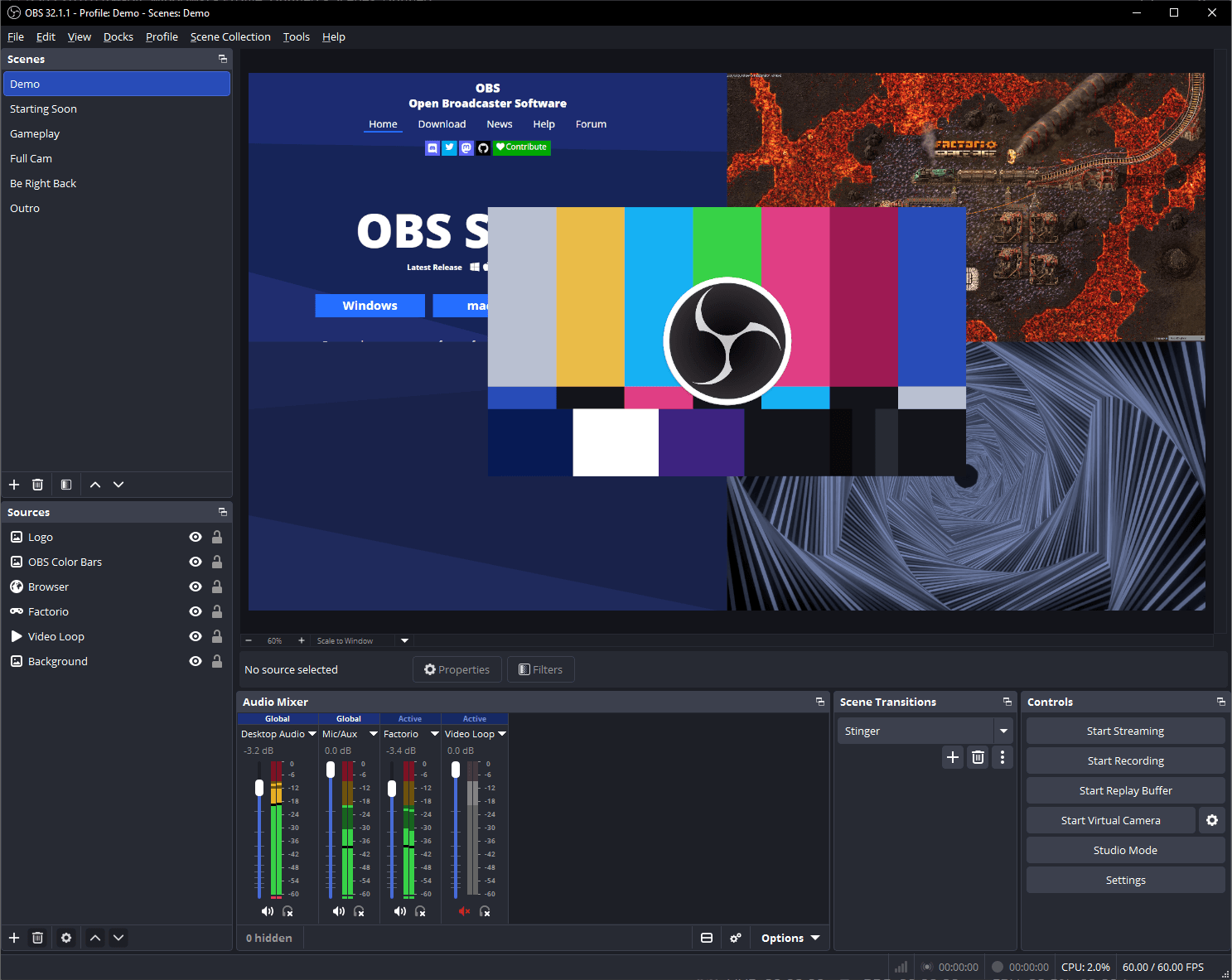
A church-friendly guide to multi-platform streaming, bandwidth planning, and operational simplicity.
Feb 1, 2024 • 6 min read
Streaming beginner
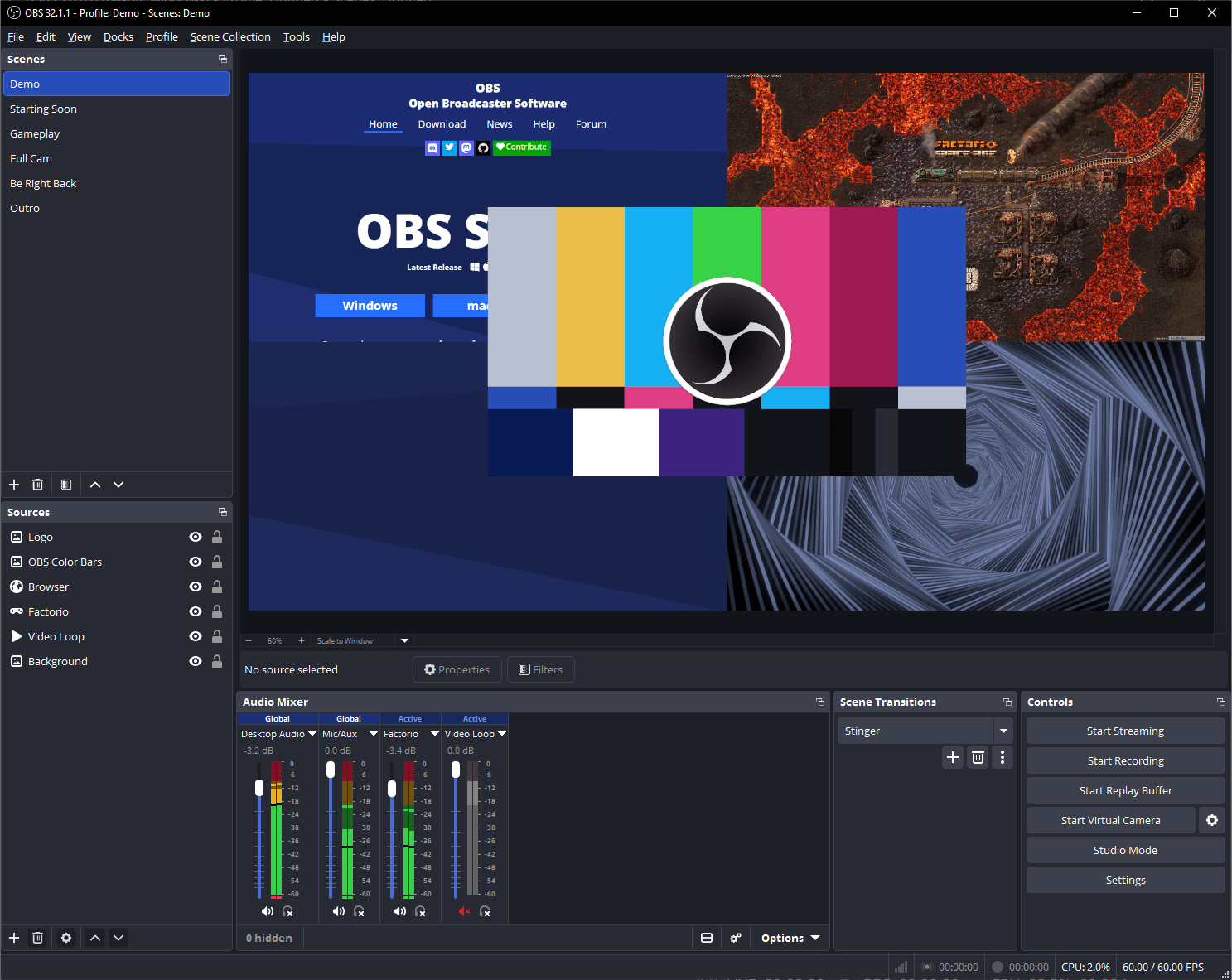
Step-by-step OBS Studio setup for church live streaming, including scenes, bitrate, audio routing, and stability.
Jan 15, 2024 • 6 min read