The short answer: yes — and it changes what a Sunday emergency is
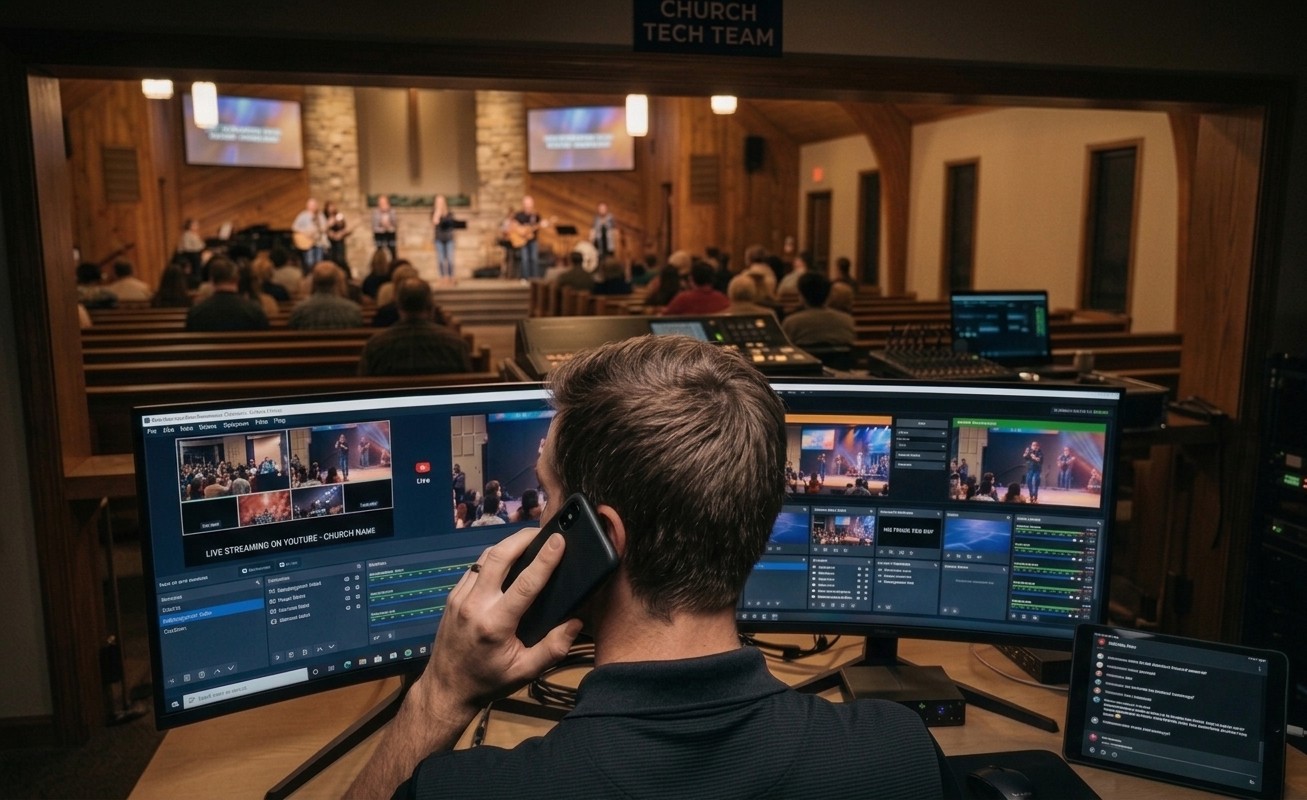
Every church OBS booth eventually lives this scene: something breaks mid-service, the volunteer calls the one person who knows OBS, and that person — at a lake house, in pajamas, three states away — tries to fix a computer by asking questions about what the screen looks like. “Click Settings. No, the gear icon. What does it say now?” Twenty minutes of archaeology, conducted over a phone, while the congregation watches a frozen frame.
The scene is obsolete. OBS has spoken a remote-control protocol for years — WebSocket v5, built into the app — and WorshipMetrics cloud control turns it into something a church can actually use on a Sunday: an authorized helper, anywhere, sees the booth’s live state and can switch scenes and start or stop the stream and the recording directly. Not screen-sharing. Not a description relay. The actual controls, with the actual state visible.
Here’s what the modern version of that panicked phone call looks like, layer by layer.
Layer 1: the helper can see before they touch
Half of remote troubleshooting is just knowing what’s true, and that part no longer requires a conversation. The booth’s Tech Manager app streams live telemetry — is OBS running, is the stream up, is the recording rolling, what’s the encoder doing, how’s the machine itself — so the veteran at the lake house opens their phone and sees the situation in ten seconds. Often the “emergency” resolves right there: “You’re actually still live — YouTube’s player hiccuped, not the stream. Tell the pastor’s spouse to refresh.”
No port forwarding makes this possible in a church context: Tech Manager holds one secure outbound connection, so there’s no firewall hole, no VPN, and no IT volunteer summoned mid-service. Only people invited to your team can connect, and every remote action is logged to the support history with a name on it.
Layer 2: the routine stuff is one tap from fixed
The dirty secret of Sunday OBS emergencies: most were never emergencies. When a stream drops or a recording stops mid-service, Tech Manager says so at once and offers a one-tap restart — a pop-up on the booth and a row in Alerts on the veteran’s phone. The volunteer taps Restart, or the veteran does it from the beach; about 20 seconds later the booth confirms it’s running again. The call that used to interrupt vacation becomes a single tap. What reaches humans is the residue that genuinely needs judgment, which is exactly the division of labor that makes volunteer-run booths viable.
Layer 3: when your team is out of depth, the next layer can see too
Some Sundays exceed everyone you’ve got — the crash that self-healing deliberately won’t paper over, the audio gremlin nobody’s met before. Here’s where the phone call is transformed rather than eliminated: 910-WORSHIP support starts from your system’s actual record — the live telemetry, the settings this stream ran with, what’s already been offered and tried — instead of from “describe your setup.” And churches on the Sunday Assurance add-on have a production pro on call every Sunday morning who can see the system the moment the call connects. The gap between “our volunteer is stuck” and “someone competent is looking at it” shrinks to about a minute.
What this unlocks — beyond the emergencies
Notice what these layers quietly make possible: the reason churches keep one indispensable expert chained to the booth was never ego — it was that help couldn’t reach the room. Once it can, the volunteer question changes shape. A rookie can run their first solo Sunday with a mentor on the panel from a couch. A student can hold a real seat with a safety net that doesn’t require an adult’s physical presence. The expert takes an actual vacation.
Remote fixing is the headline. Remote presence — the thing that lets a team exist at all — is the story. If your booth still runs on one irreplaceable person and a prayer, start there: a different OBS problem every Sunday explains why the fixes were never going to be enough on their own.
Related questions
- Can OBS be controlled remotely during a church service?
- Yes. WorshipMetrics connects to OBS over its WebSocket (v5) protocol, so an authorized person anywhere can switch scenes and start or stop the stream and recording — with the booth's live state visible, not described over the phone. Local control in the booth is free on every plan; the from-anywhere layer comes with Pro and Max.
- Does remote help require port forwarding or remote-desktop software?
- No. The booth's Tech Manager app makes one secure outbound connection — no firewall holes, no VPN, no one wrestling with screen-sharing while the service runs. Only people invited to your team can connect, and every remote action lands in the support history.
- What if nobody on our team knows how to fix it?
- That's what the support layer is for: 910-WORSHIP starts from your system's actual history — telemetry, settings, what Self Healing already flagged and who answered — and with the Sunday Assurance add-on, a production pro is on call Sunday mornings who can see your setup the moment you dial.
Why Does OBS Say 'Encoding Overloaded' in the Middle of Worship?
NextAre OBS Plugins Safe for a Church Stream?
Related Articles

Bitfocus Companion + ATEM Mini: A Stream Deck Panel for Your Church Switcher
A Stream Deck running Bitfocus Companion turns a Blackmagic ATEM into plain-word buttons with colors that show what's live, and the same panel can run PTZ cameras, projectors, and more. Here's how to connect Companion to an ATEM and build a volunteer page.

Lyrics Over the Camera on an ATEM Mini: Luma Keys, Chroma Keys, and the Slides Computer
To put song lyrics over the camera shot on a Blackmagic ATEM Mini, feed the slides computer into an ATEM input and key it over the camera. Here's how luma and chroma keys work for lyrics, how to design slides that key cleanly, and who should run it.

ATEM Mini + OBS for Church: Hardware Camera Switching with OBS for Graphics and Streaming
Many churches use an ATEM Mini as a camera switcher and send its output into OBS over USB as a webcam. The ATEM gives volunteers real buttons; OBS adds lyrics, graphics, recording, and streaming. Here's how to set it up, split the jobs, and avoid the common sync and quality problems.