 Produce
Run the booth from one window.
Tech Manager turns the production computer into mission control: audio meters, video and presentation preview, camera control, and stream health side by side. Volunteers see one calm dashboard instead of five scattered apps. We support OBS, vMix, Blackmagic and NDI to make your production run smoothly.
Free Forever account required. Works on all plans. Tech Manager is one feature of the broader WorshipMetrics platform.
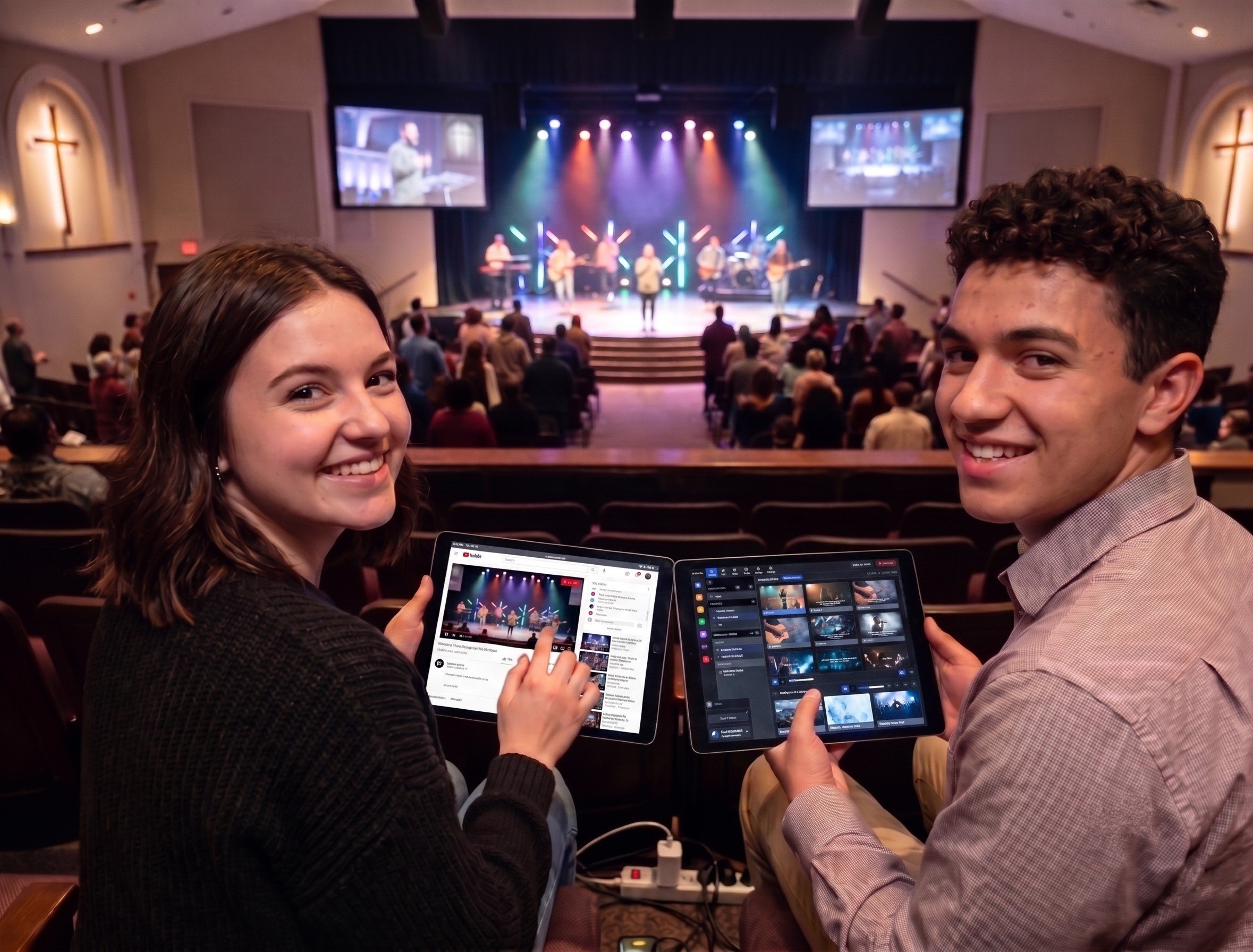
The one-line explanation
Tech Manager is the desktop bridge between your physical AV system and the WorshipMetrics platform. It keeps the booth grounded in reality while Services runs the plan and Luminos understands what changed in the system.
What's inside
Everything the booth does, in one app.
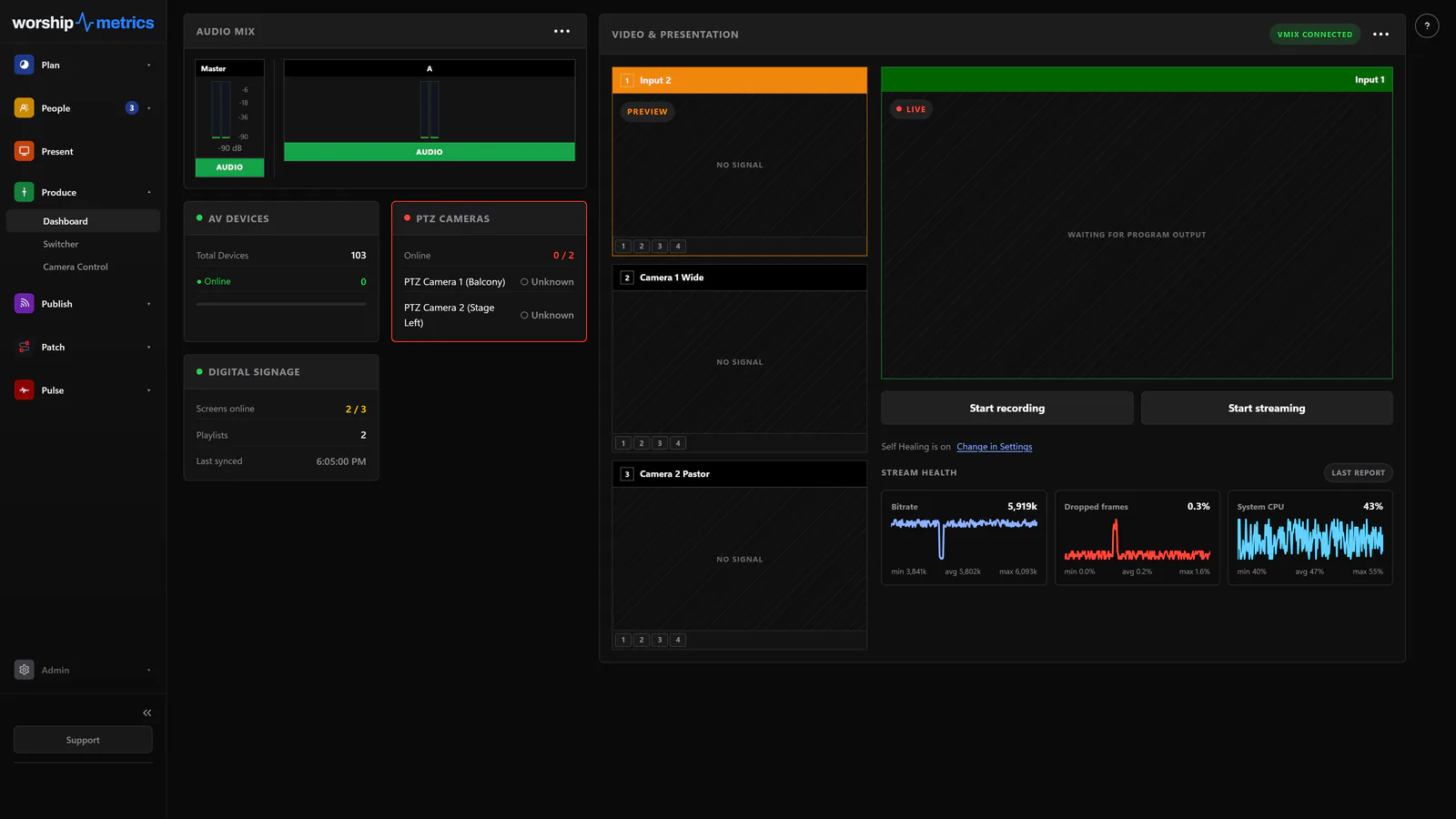
The production dashboard
Live scene thumbnails you can cut to Program with a click, per-input play/pause, overlay toggles, an enlargeable program view, and audio meters for every bus — beside stream health sparklines for bitrate, dropped frames, and CPU.
Real switcher control
Transitions with adjustable duration — cuts, fades, wipes, zooms, even stingers — a hands-on T-bar, overlay 1–4 control, and bus audio mute and volume. Deep vMix integration, OBS scene control, and Blackmagic ATEM status at a glance.
PTZ camera control
Drive cameras with a virtual joystick, a physical gamepad, or the pointer: drag a box to frame a shot, click to center a subject. Nine thumbnail presets per camera, autofocus zones, and cross-brand image adjustment — exposure, white balance, color — under one UI.
Self Healing, one tap away
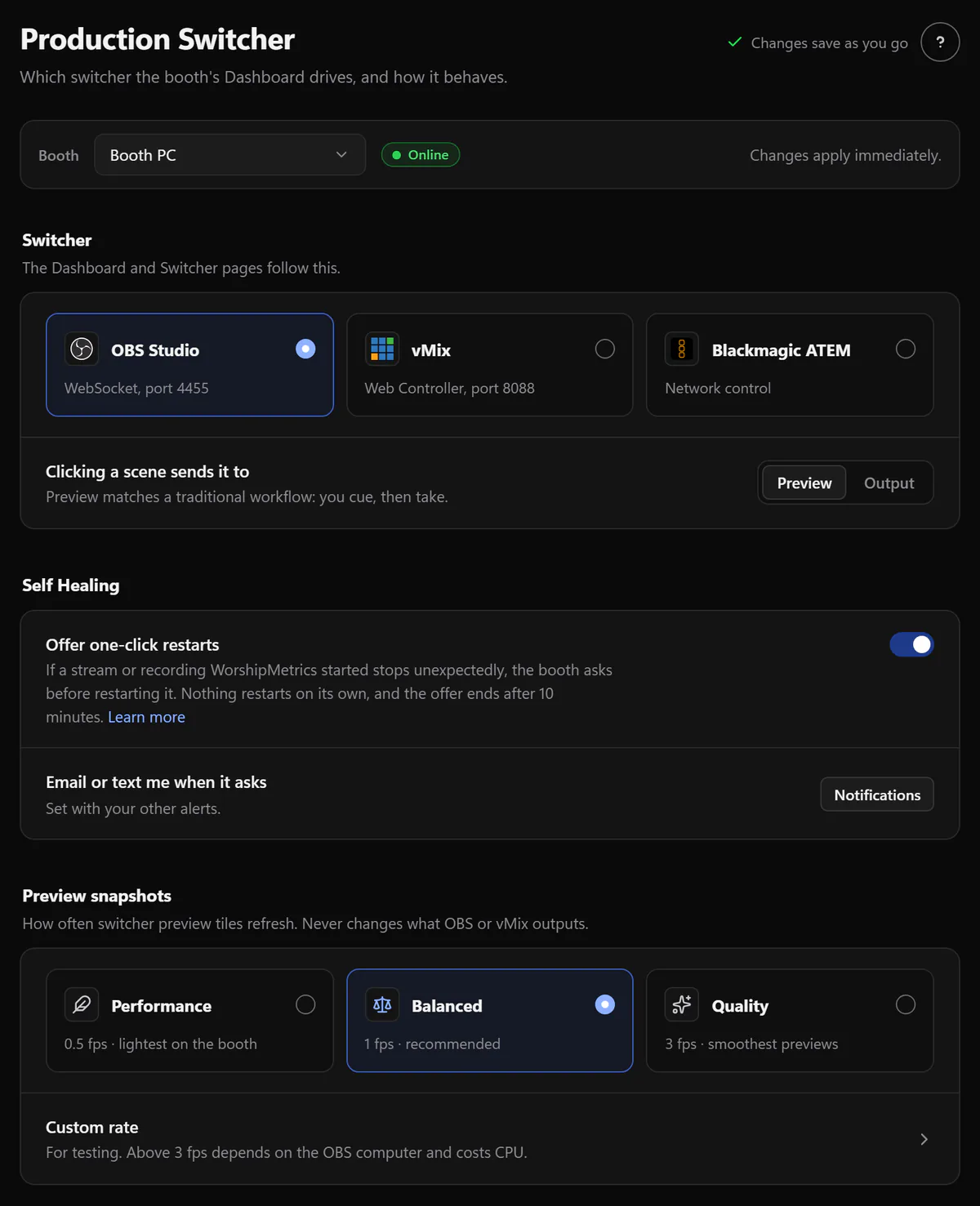
The moment a stream or recording stops unexpectedly in OBS or vMix, the booth tells you and offers a one-tap restart — on the booth, in the app, by email or text. Every offer and every answer is logged to your system history — nothing happens silently.
The booth's black box
Full hardware telemetry — CPU, GPU, temperatures, RAM, disks, displays, audio devices — plus event-driven USB tracking and a software-and-driver inventory. When something changes in the booth, the record shows exactly what and when.
Volunteer remote & Live Run
A QR code opens a volunteer console on any phone on the booth's network — secured with rotating session tokens. The Live Run rundown advances the service from any device on that network.
Attendance, two ways
A manual seat counter volunteers actually use, and, on Pro and Max, camera Auto-Count that tallies the room from an RTSP camera or webcam — on a schedule or on demand.
Reels, rendered locally
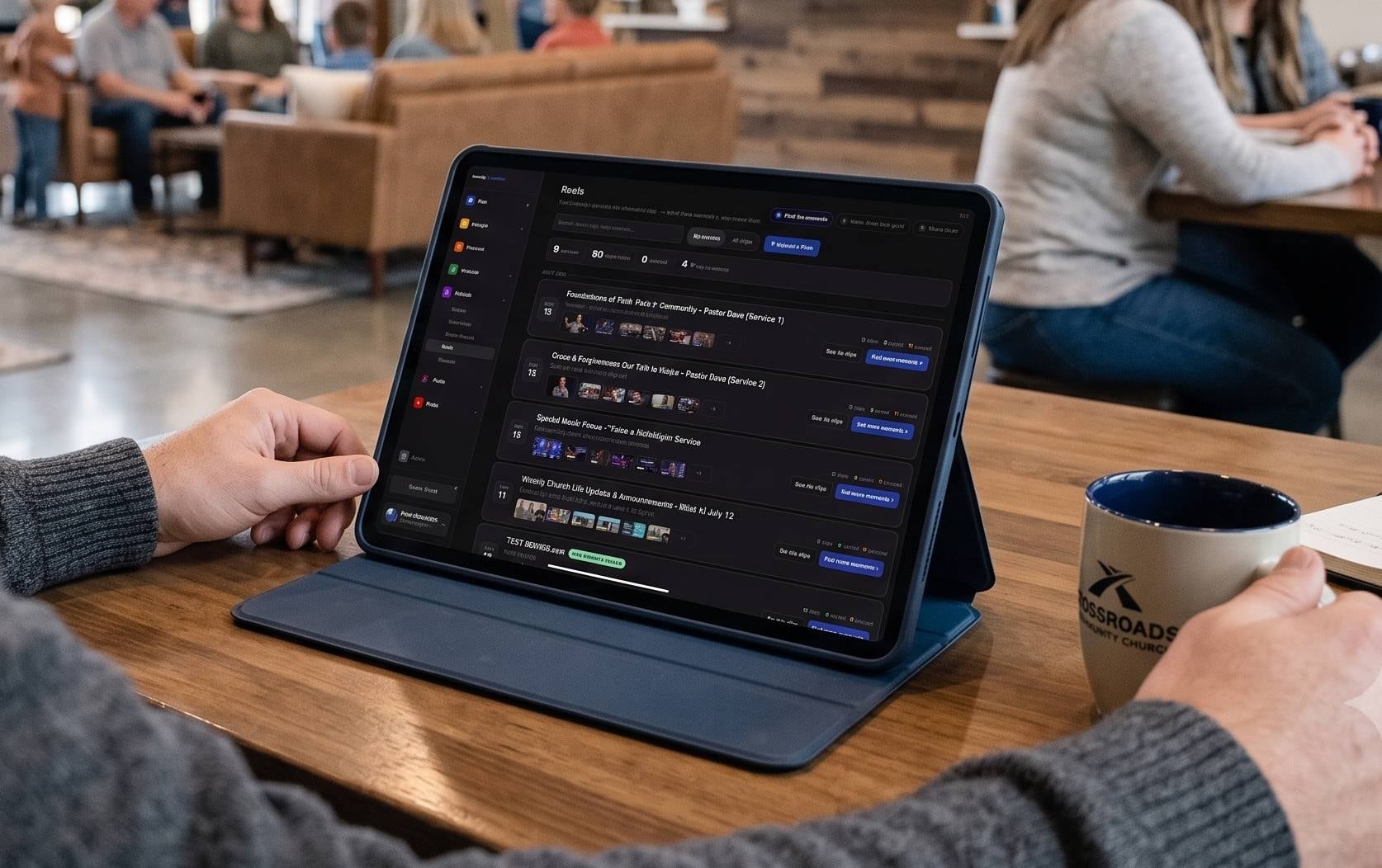
Whisper transcription runs on the booth PC, AI analysis finds the moments, and bundled FFmpeg renders vertical, square, and widescreen clips with burned-in captions and your branded intro — no upload required.
NDI, three ways
Send slides as an NDI source, receive NDI cameras as live media, and publish Present output with a true alpha channel — a clean key for your switcher, no chroma keying.
Switcher and camera control runs locally in the booth on every plan, free. Pro and Max add cloud control — the full vMix panel, plus OBS scene, stream, and recording control, from anywhere. Running vMix or OBS? See the full vMix and OBS integrations, and how Self Healing watches their stream and recording.
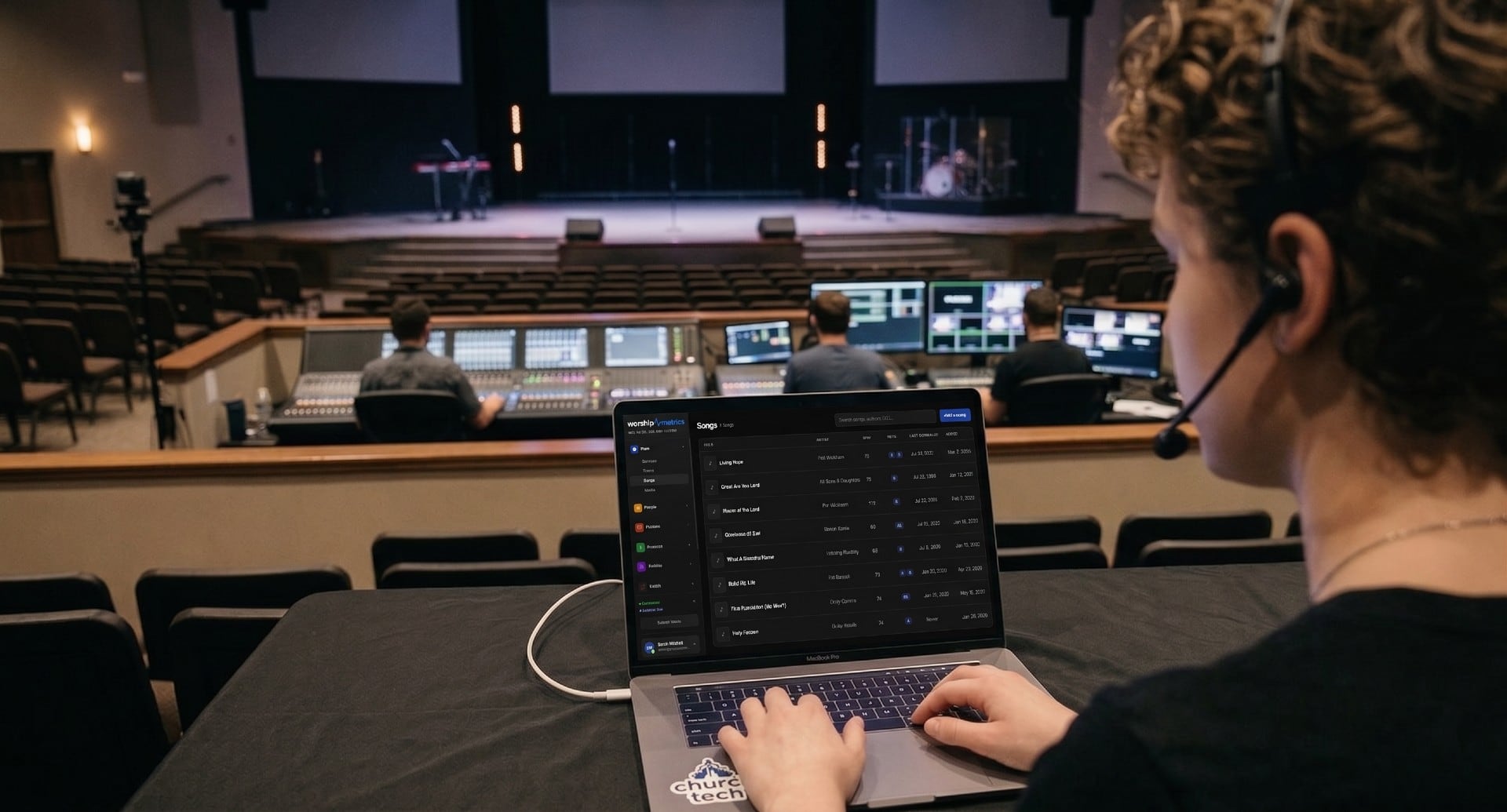
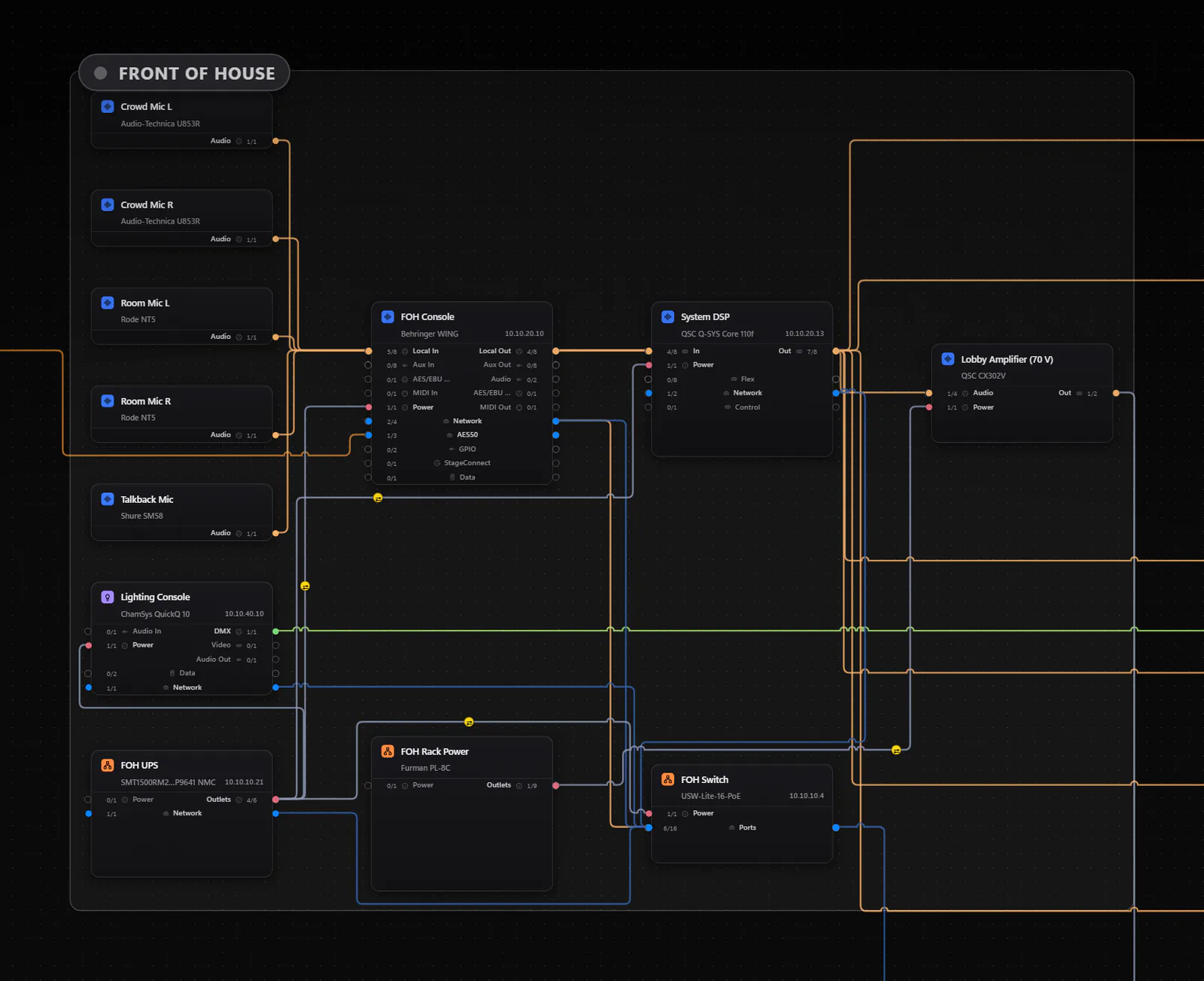
What the booth actually sees
One screen that makes the system legible.
This view is the practical value of Tech Manager. Instead of keeping the booth state in one operator's head, the system map, device health, and production context are visible in software the rest of the platform can understand.
What it does
Runs silently. Works constantly. Keeps the booth connected to the platform.
Tech Manager starts with your production computer and watches the system, then tells you the moment something needs a person. You do not manage it. It just works, feeding data to the cloud.
The problem underneath
The gear got better faster than teams could absorb it.
Church production technology has become dramatically more capable. The survey suggests capability and operability have come apart — churches can install more than they can realistically sustain.
- +15pp
- growth in churches naming system complexity a core operational challenge, now 38%
- +23pp
- growth in networking and infrastructure as a production priority, now 64%
- 27%
- now report higher expectations from church leadership, nearly double two years ago
Tech Manager exists for the gap between those two things. It documents what you own, watches it continuously, and gives support the context to help without a volunteer having to explain the room first.
Source: Church Production Magazine, “Then vs. Now: How Church Production Is Shifting,” Research Series, June 2026.
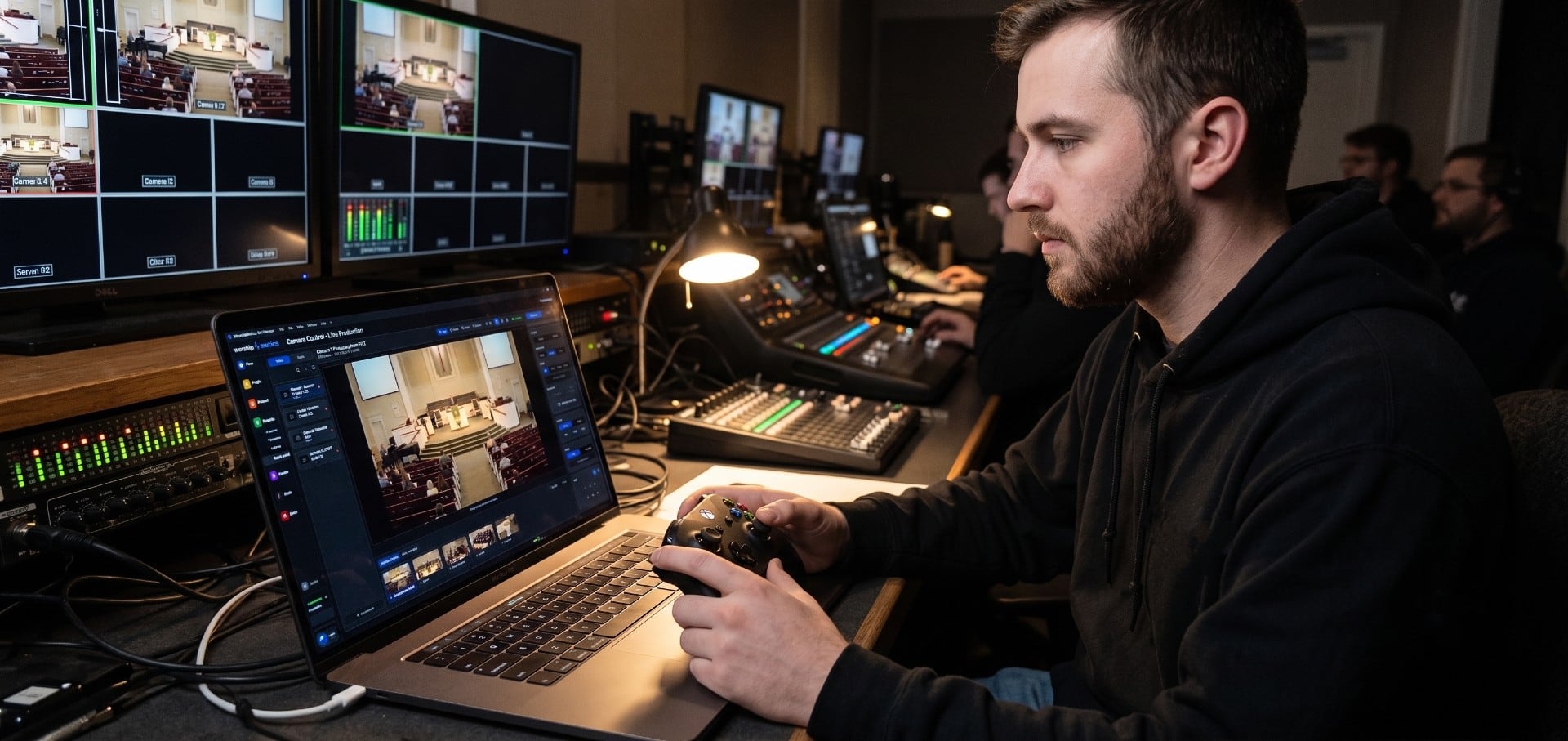
Camera control
Give a volunteer a controller they already know how to hold.
Driving a PTZ camera well is a motor skill, and most churches hand the job to someone who does it one Sunday a month. So Camera Control offers more than one way in — a virtual joystick, the keyboard, or a physical gamepad plugged straight into the laptop.
- Target — click the picture and the camera centers on that spot
- Frame — drag a box and the camera reframes and zooms to match it
- Search — recenter with a wide pull to recover a shot that got lost
- Presets stored with a thumbnail, so volunteers recall shots by picture instead of by number
Auto-discovery
Recognizes hundreds of devices. Directly controls the ones that matter live.
Scan your network and your AV inventory builds itself — PTZ cameras, encoders, Dante devices, NDI sources, and managed switches are discovered, documented, and monitored. A focused set goes further with direct control: vMix, OBS, Blackmagic ATEM, PTZOptics and Sony VISCA cameras, BirdDog, Behringer X32 and Midas M32, Q-SYS, and UniFi.
PTZ Cameras
Your PTZ cameras, discovered and pre-configured.
Tech Manager discovers and documents the PTZ cameras found in congregations today, from broadcast-grade Sony and Panasonic units to the most common Amazon-native brands — with direct pan, tilt, zoom, and preset control on VISCA-family and BirdDog cameras. When a camera is found on your network, Tech Manager pre-fills the RTSP stream URL, VISCA control port, and PTZ settings automatically.
PTZOptics users
PTZOptics: VISCA over TCP. Sony, BirdDog and most NDI cameras: VISCA over UDP 52381. Tech Manager picks the right one per camera. NDI-enabled PTZOptics cameras also appear in the NDI device list automatically.
Budget Amazon PTZ users
Tech Manager handles the common RTSP, VISCA, and ONVIF patterns automatically. If your camera has a network connection, we can likely remotely monitor and manage it for you.
View supported brands and devices
Need something custom?
Don't see your exact device? Add it manually and Tech Manager will remember it — including RTSP URL, PTZ settings, and notes — so the next scan still knows what belongs in your system.
Quick summary
A 422-model device catalog. Tech Manager recognizes the gear congregations actually use — from PTZOptics and Blackmagic ATEM to Yamaha DM3, QSC Q-SYS, Shure wireless, and your entire Dante network.
Feature 1 — Present
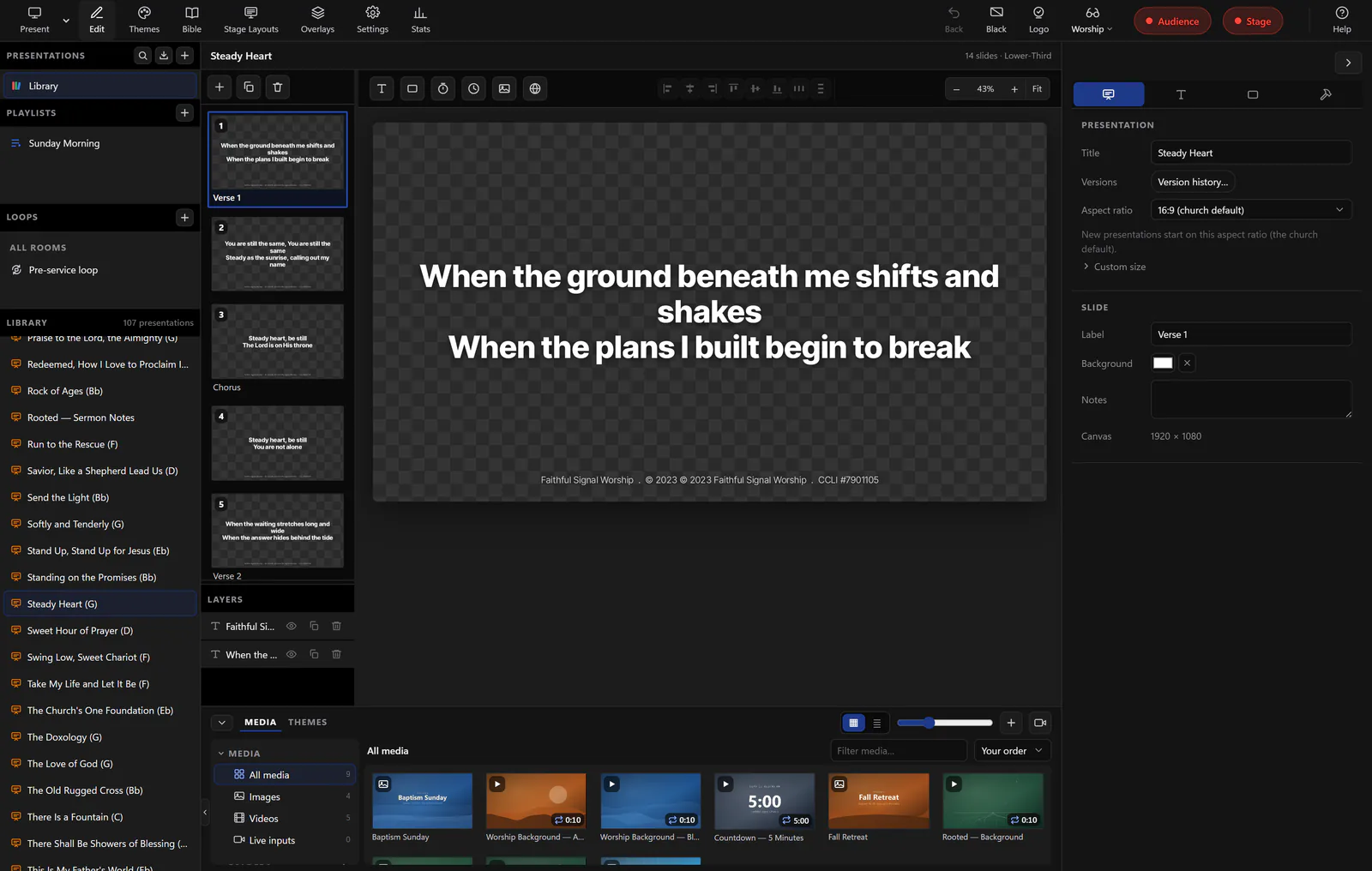
The presentation engine is in the app, not a second program.
Present runs inside Tech Manager, so lyrics, scripture, slides, and the stage display come from the same window that watches your gear — no separate presentation machine, and no retyping the setlist on Saturday night.
- A full 1920×1080 slide editor with layered items and per-church themes
- Scripture to slides from six translations, straight into the live playlist
- Program and stage outputs to any connected screen, each with its own layout
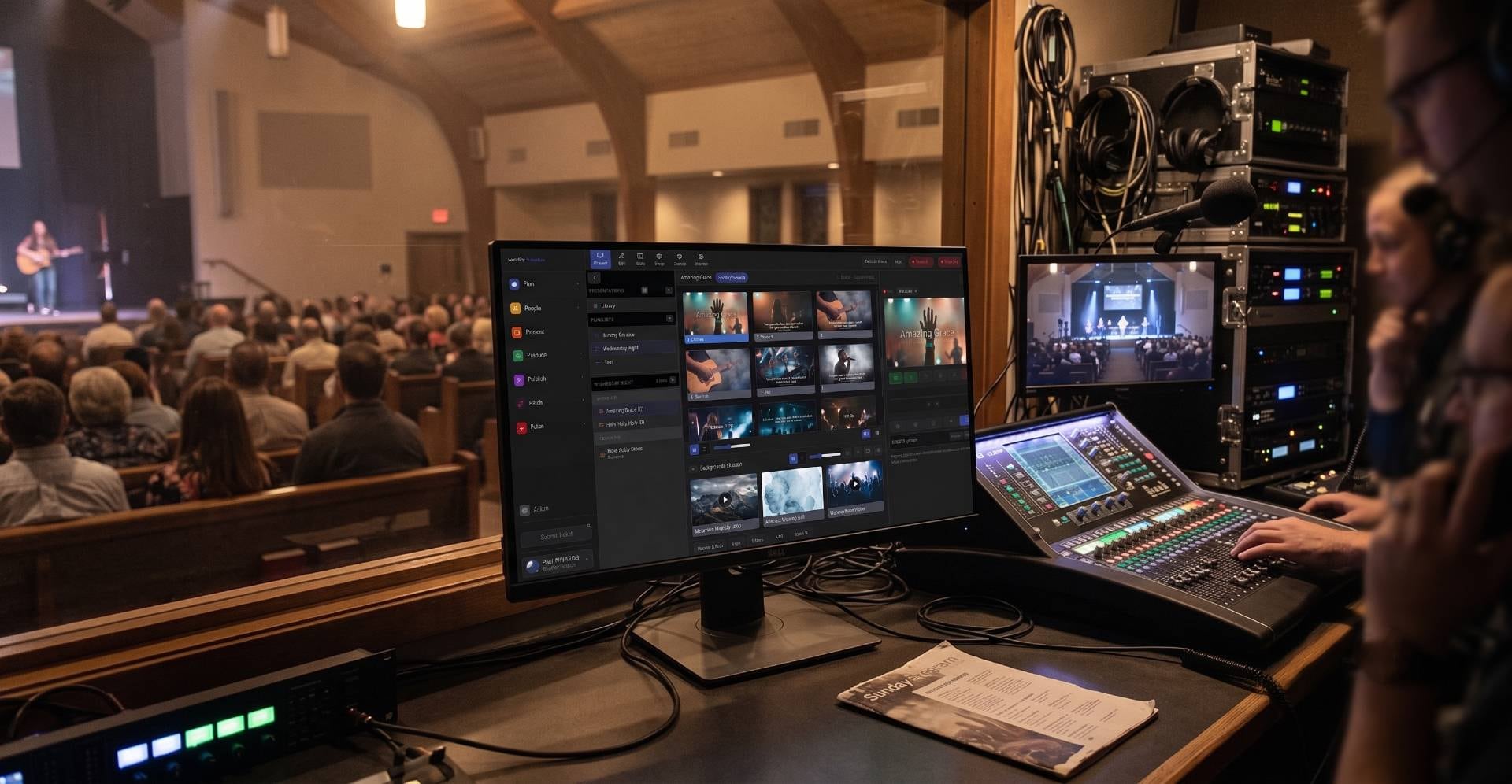
Feature 2 — Support chat
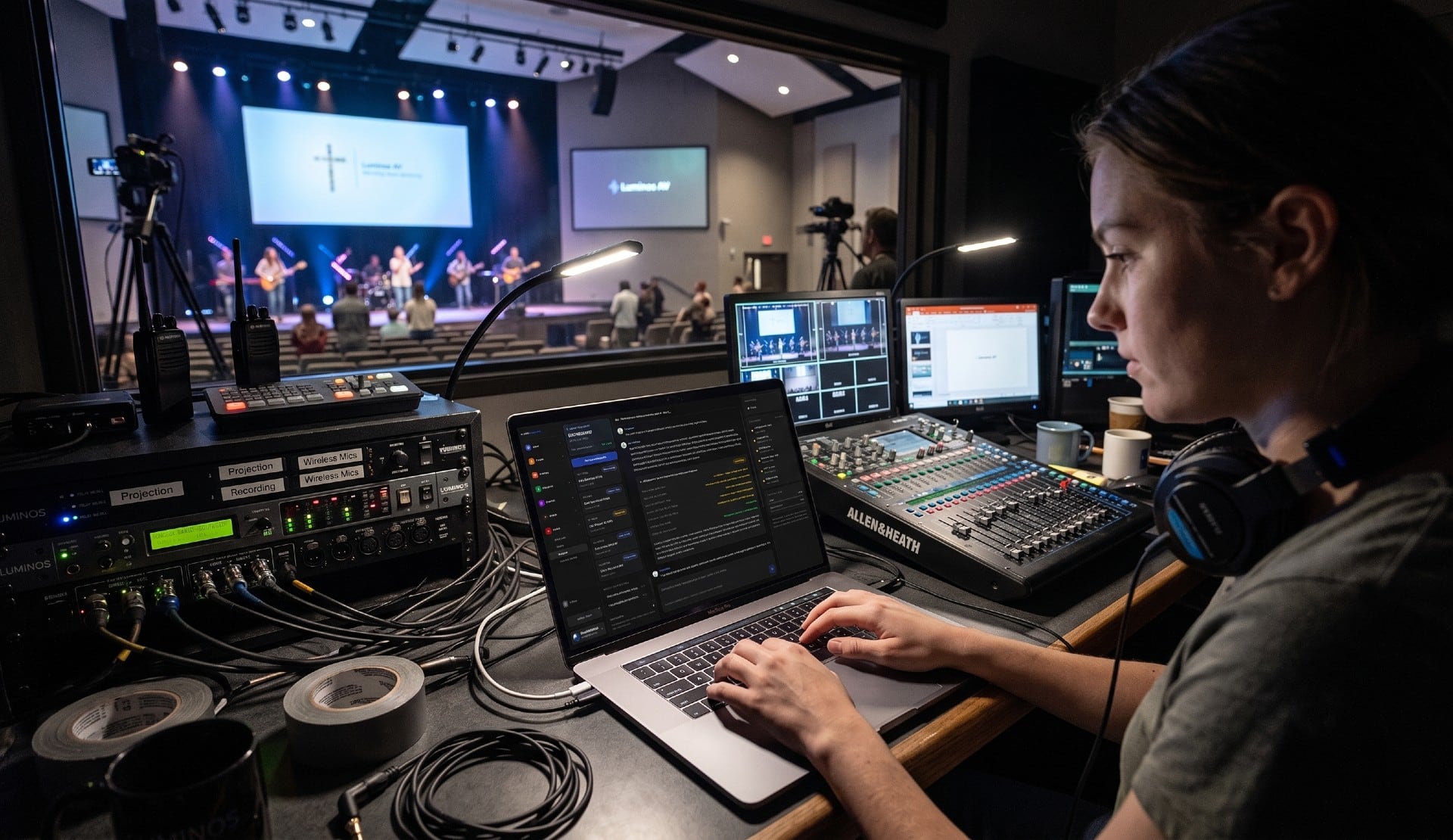
Ask Luminos, and it already knows what your booth looks like.
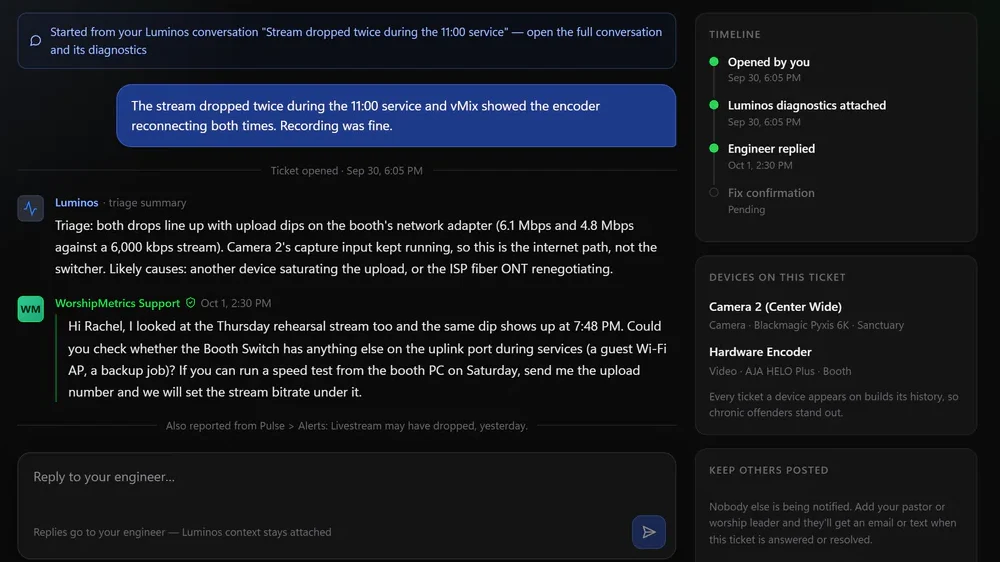
Luminos lives in the app with your live system in view — every device, connection, and stream. That is the difference between generic troubleshooting advice and a specific answer about the machine actually in front of you.
- Chat support that reads your real device list, not a generic help article
- Precise, checkable steps a volunteer can follow under pressure
- Escalations carry the diagnosis with them, so nothing gets re-explained
Feature 3 — Phone support
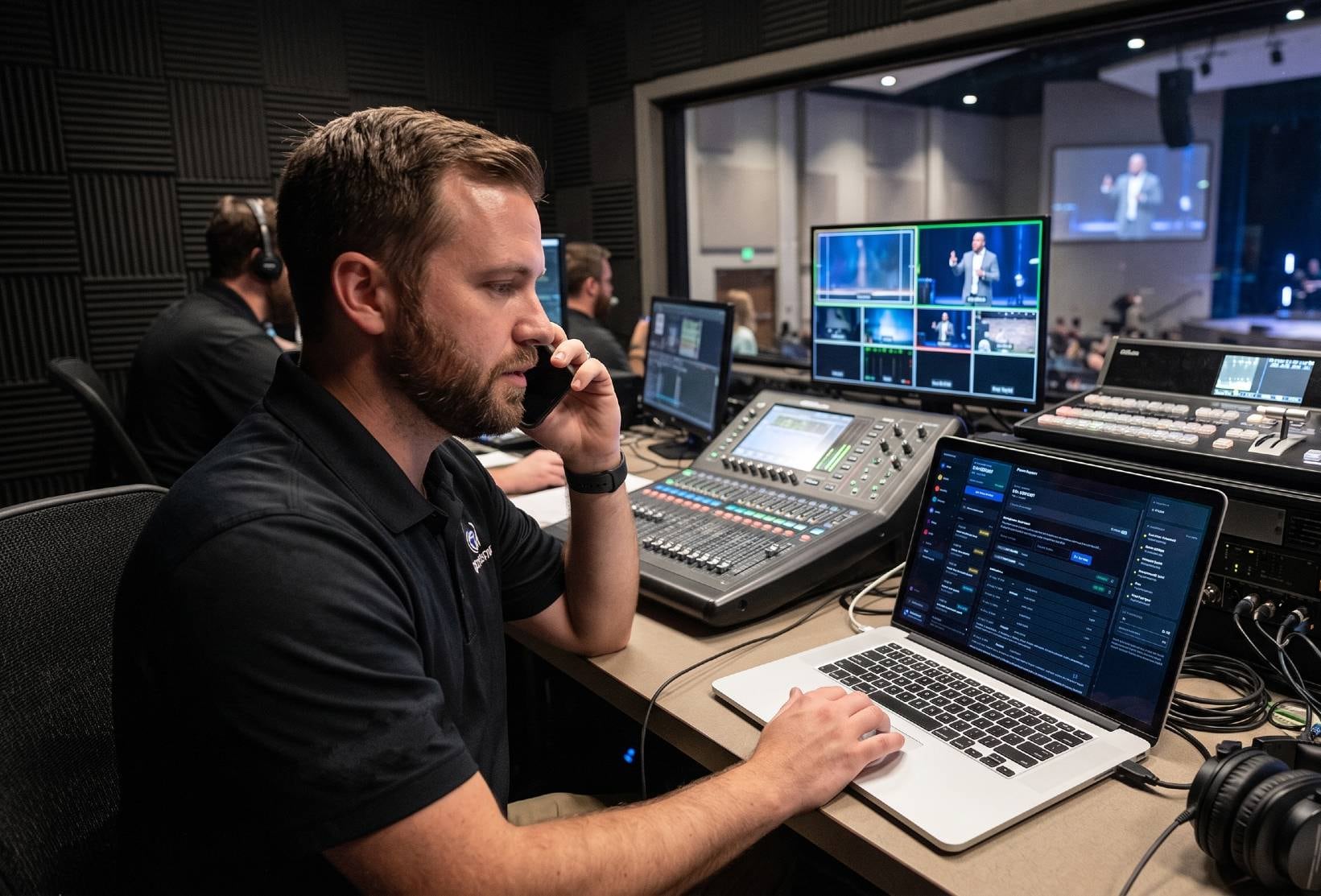
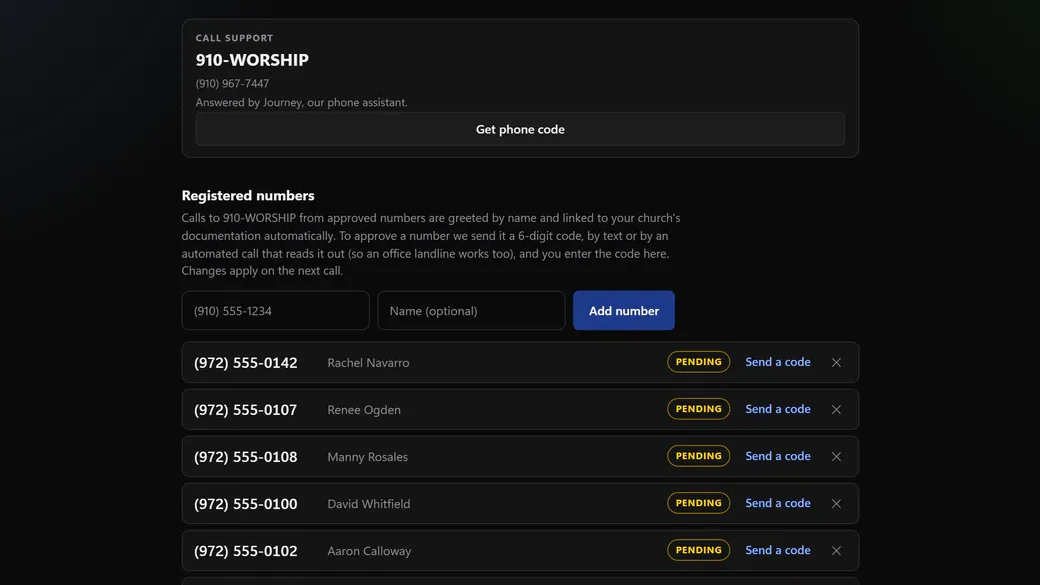
Call 910-WORSHIP and skip the part where you describe your setup.
Once Tech Manager is running, the phone line sees the same live system the app does. On Pro and Max, Journey answers any hour with your system already documented, and with Care or Sunday Assurance, a person on our team picks up when it matters.
- Support that opens with your system already on screen
- No re-explaining the room every time someone new picks up
- A free onboarding call gets you documented so support is this good from day one
Feature 4 — AV inventory
Know what you own before you need to fix it.
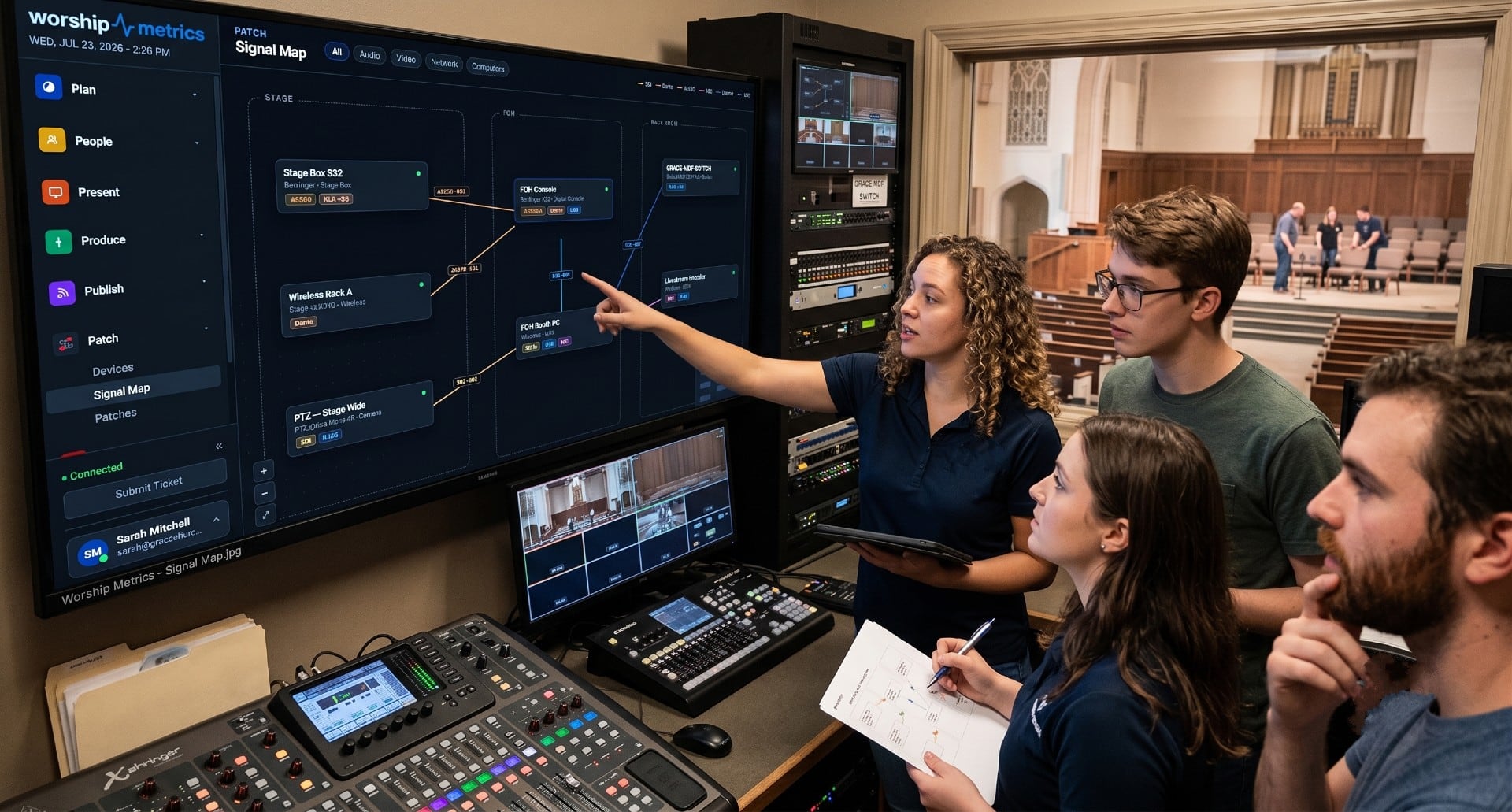
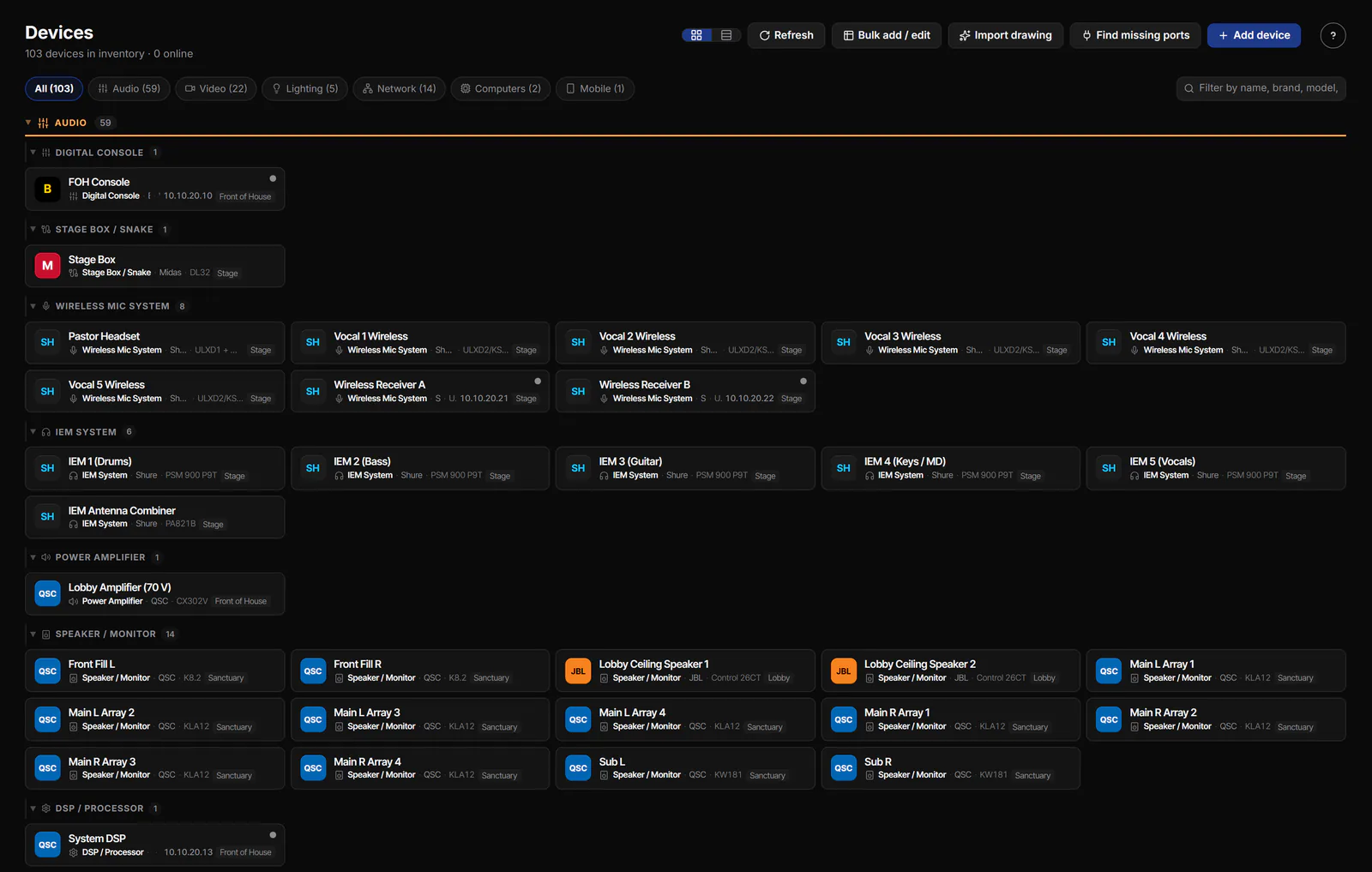
Tech Manager keeps a living inventory of the gear in your production world so the booth is not depending on memory, screenshots, or one volunteer who knows where everything is.
- Track cameras, switchers, displays, encoders, and booth computers in one place
- Keep device names, locations, notes, and connection details together
- Turn a messy rack into something the whole team can actually understand
Feature 5 — System documentation
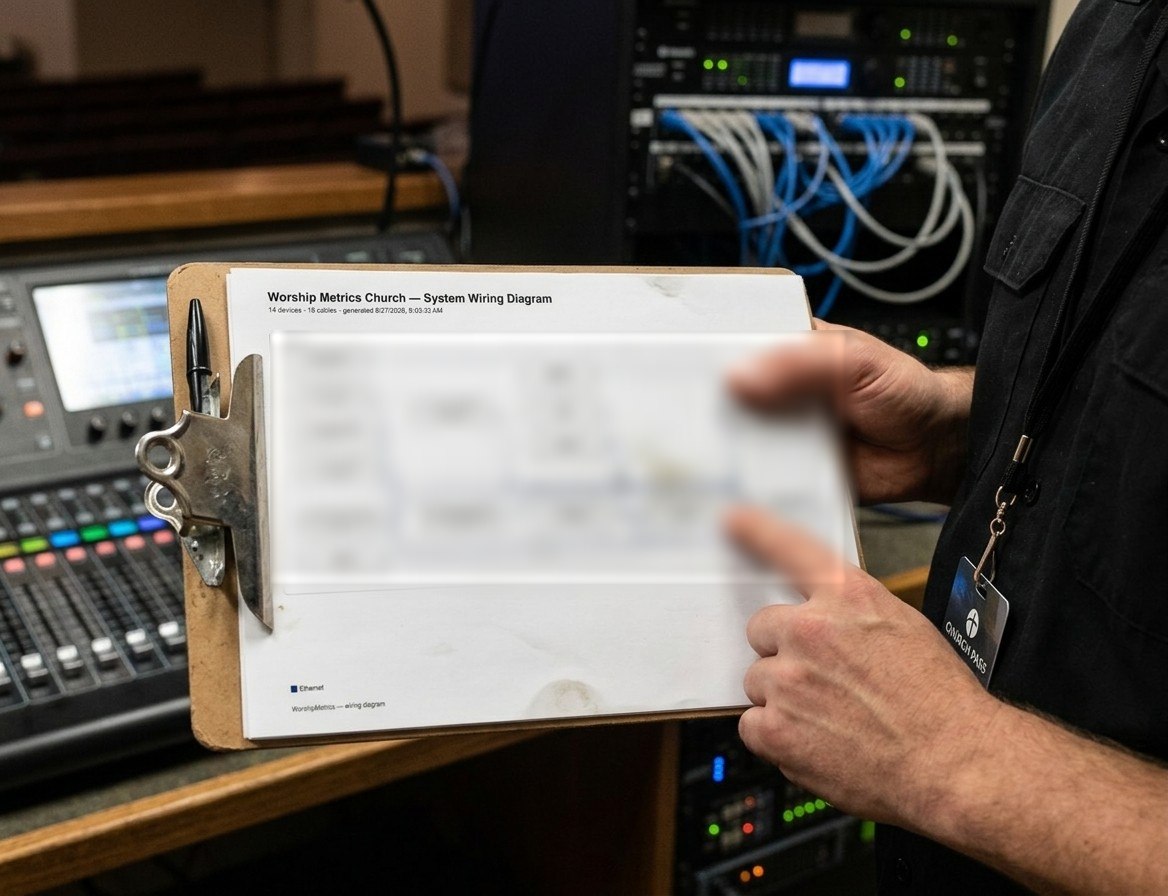
Document the system once. Keep the knowledge when volunteers change.
System documentation is not glamorous, but it is what keeps a ministry from starting over every time a volunteer leaves or a cable gets moved without a note.
- Capture the shape of the system before something breaks
- Store notes, network details, and production context with the actual device
- Give new volunteers a faster path into a booth they did not build themselves
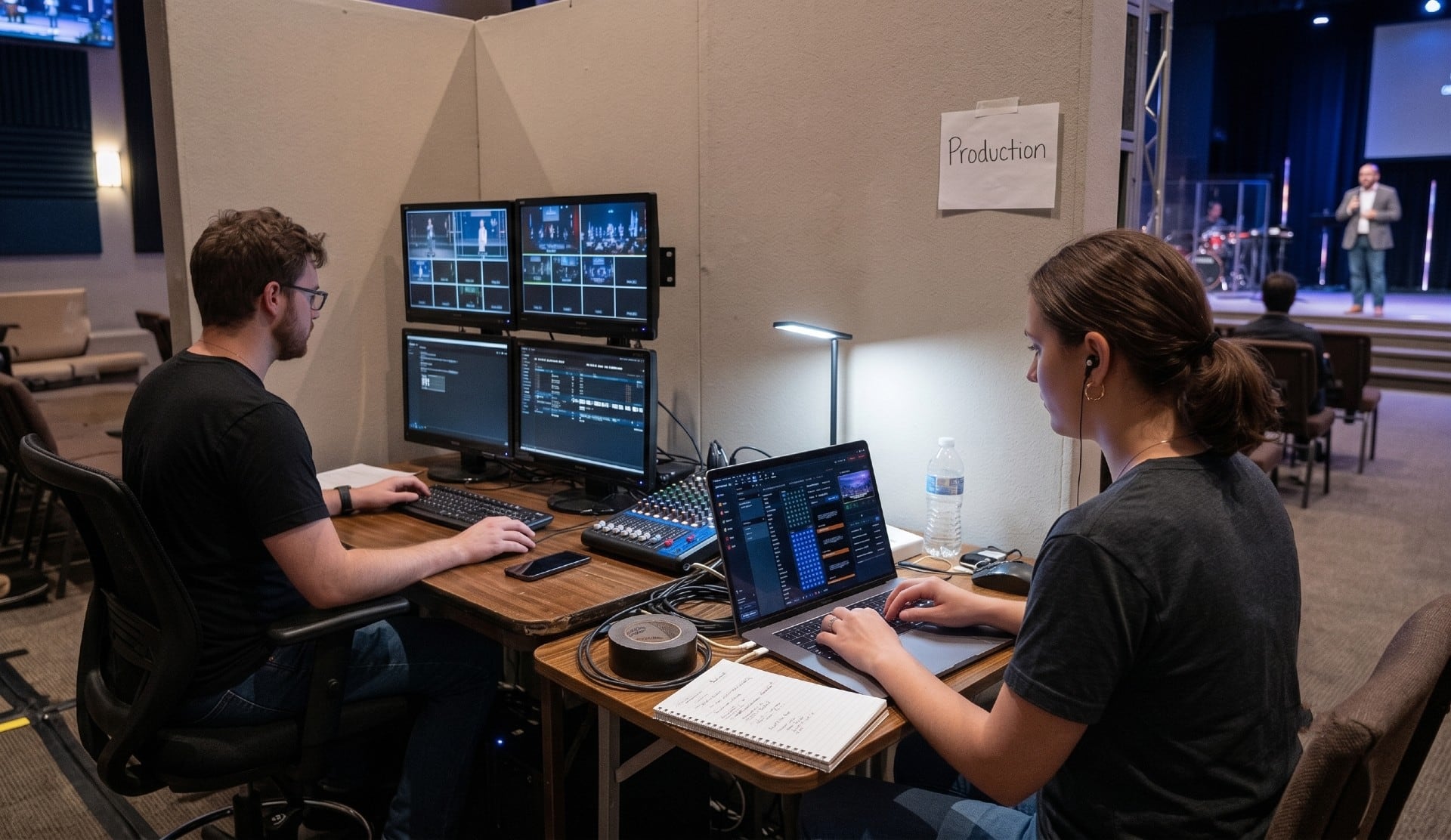
Feature 6 — Dashboard check
Start Sunday with one quick dashboard check.
The dashboard is the practical heartbeat of the booth. One glance tells the team whether the system is healthy enough to trust before the room fills up.
- See the status that matters without hunting through five utilities
- Use the booth check as part of a repeatable Sunday routine
- Give the team a shared operating picture before service starts
Feature 7 — Remote switcher control
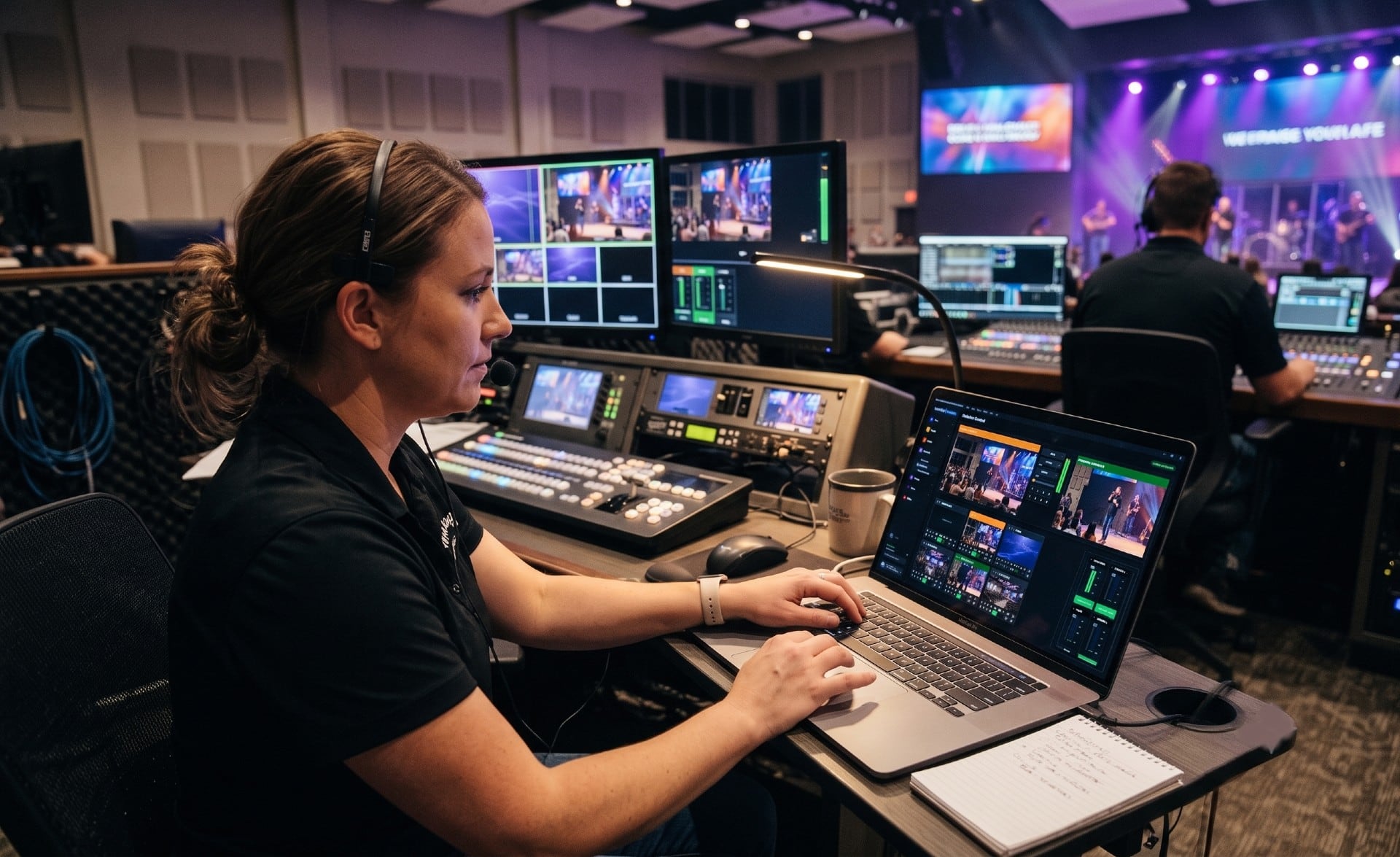
Keep critical controls reachable without staying chained to one station.
Remote video switcher control gives the booth more flexibility when the person who needs to make a change is not standing directly in front of the primary machine.
- Control key switching actions from the wider Tech Manager workflow
- Reduce dependence on one physical position in the room
- Support teams that are sharing work across volunteers and devices
Feature 8 — Stream health
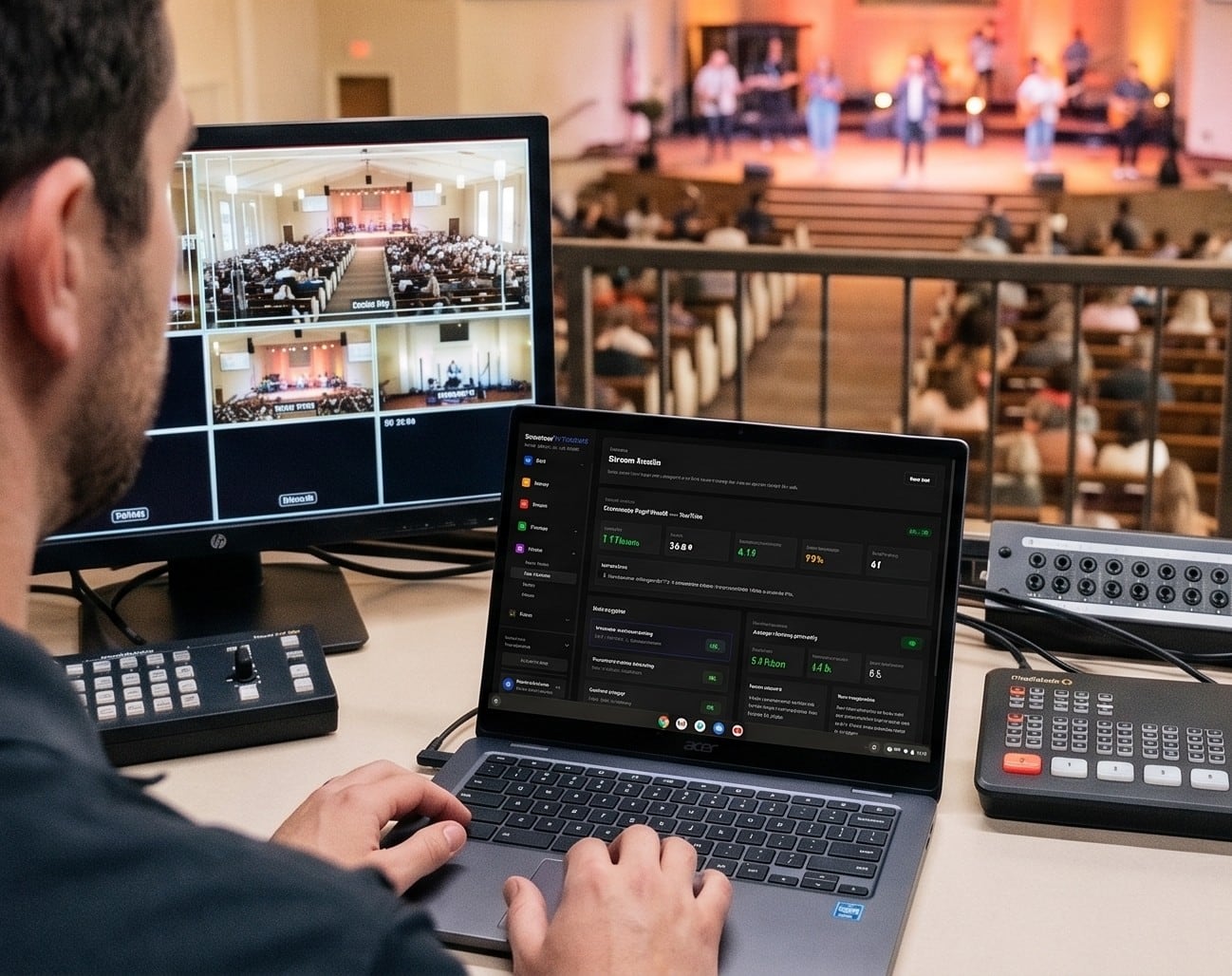
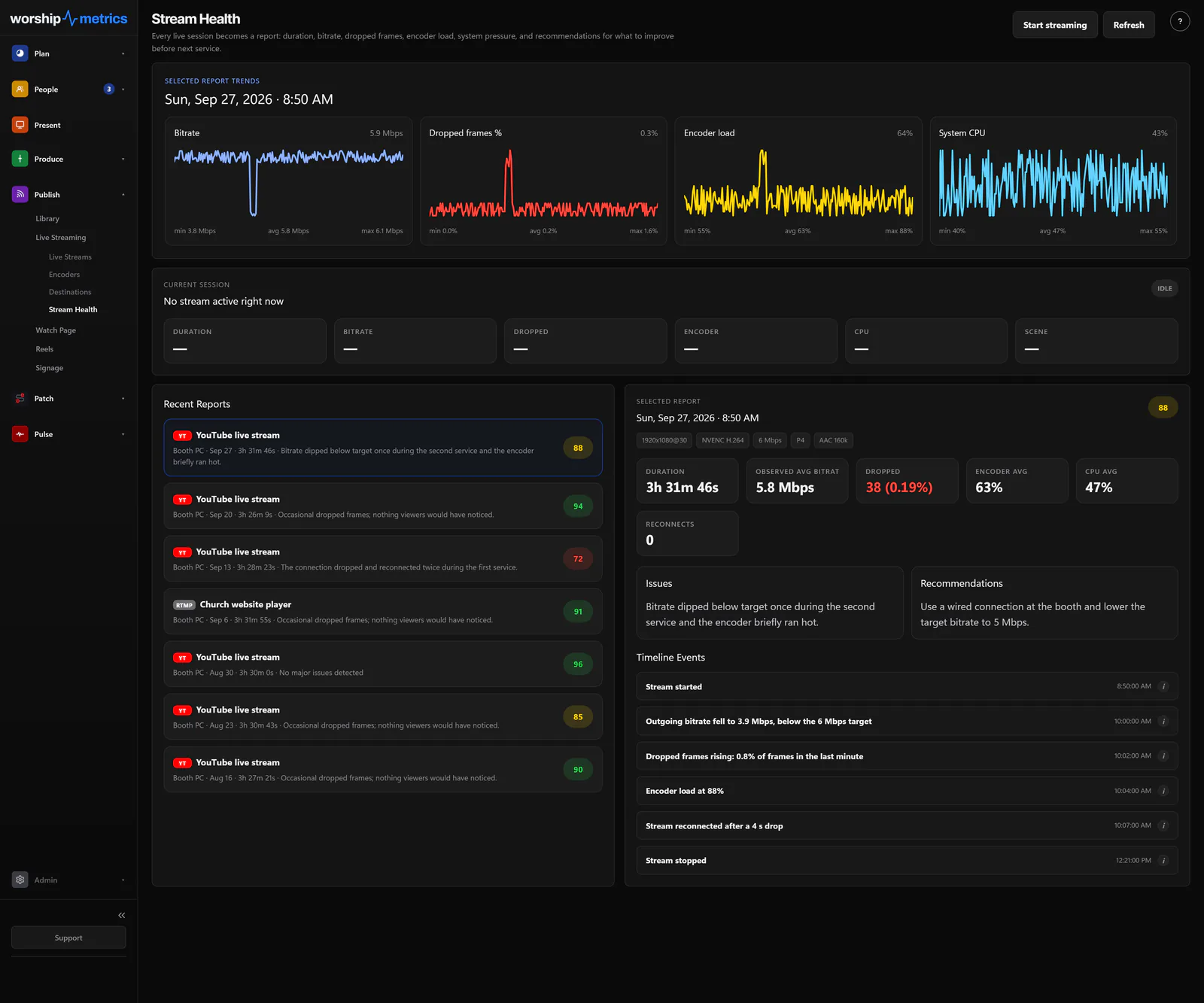
See stream problems while there is still time to respond.
Tech Manager watches the stream continuously so bitrate drops, encoder strain, and feed instability show up before the online congregation starts texting somebody in the booth.
- Live visibility into OBS, vMix, and encoder health
- A clearer picture of what changed before the stream went bad
- One place to check the room before service starts
Feature 9 — Reels local mode
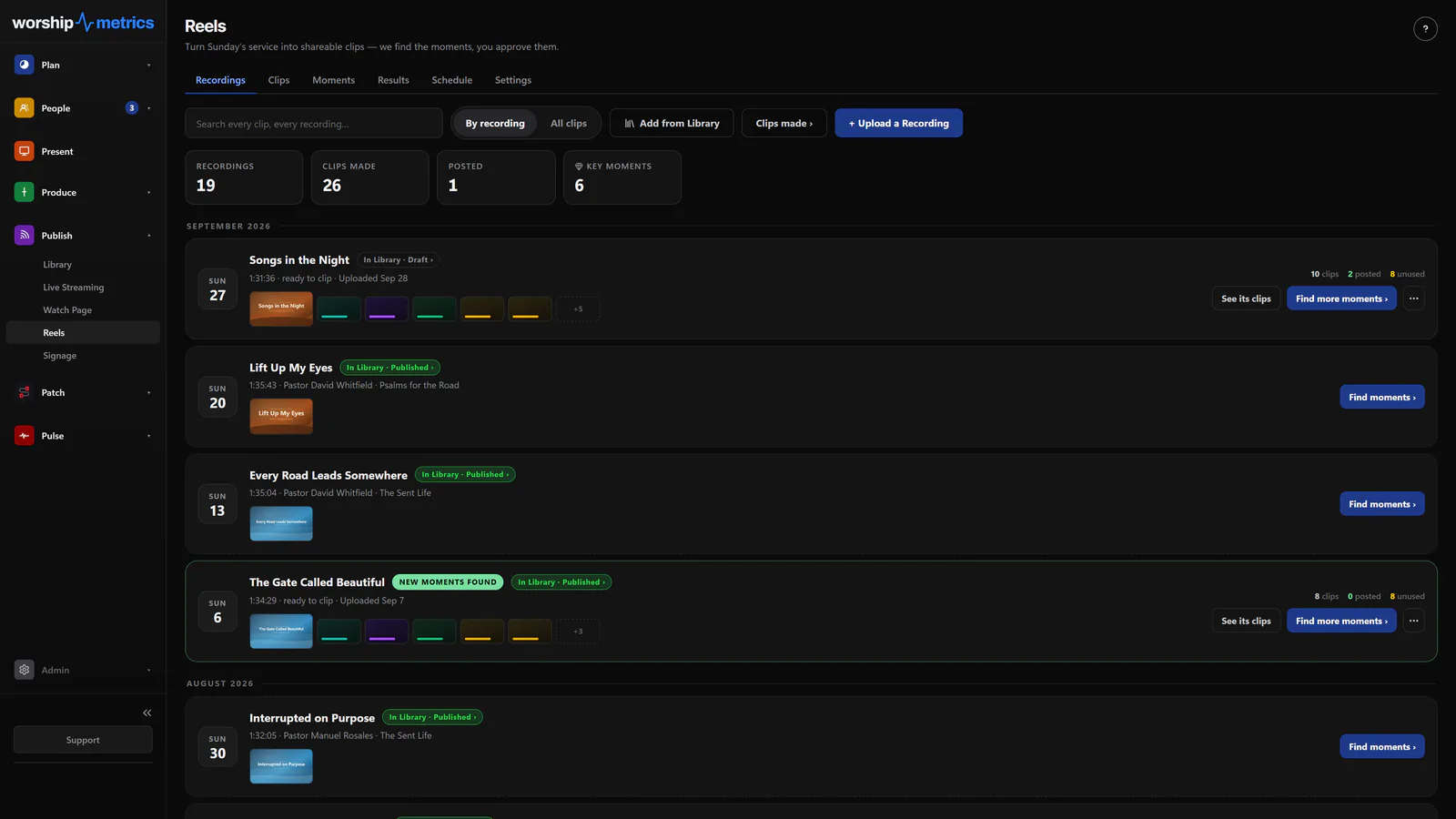
Turn Sunday into clips before Monday becomes another editing job.
Reels local mode keeps sermon clipping close to the booth so churches can publish faster without needing a second, separate content stack just to get started.
- Import, transcribe, clip, and render from the local workflow
- Give churches a usable content engine without waiting on cloud automation
- Pair the booth workflow with the social workflow more naturally
How it works with Luminos
Tech Manager is what gives Luminos eyes and ears.
Without Tech Manager, Luminos is a data assistant. With Tech Manager installed, Luminos becomes a real-time AV support system that knows your exact hardware, watches your system continuously, and can diagnose and fix problems with specificity that no generic AI can match.
What Luminos already knows with Tech Manager
- Your exact processor, GPU, RAM, and OBS version
- Your OBS scenes and encoder settings, plus the computer's CPU, memory and disk health
- Your internet upload speed and connection type
- Every camera and device on your network
- A 30-minute timeline of what happened before the issue
- Your full support history and what fixed problems in the past
Why that context matters
That context is what turns a 20-minute support call into a 3-minute resolution. Tech Manager is free to install. Luminos becomes dramatically more useful the moment it can see your real system.
Learn more about Luminos →Tier comparison
Choose the level of visibility your team needs.
| Feature | Free | Pro | Max |
|---|---|---|---|
| System documentation | Full | Full | Full |
| AV monitoring (24/7 while Tech Manager runs), Signal Map & alerts | Included — the pledge | Included | Included |
| OBS monitoring | Basic | Full + Luminos AI | Full + Luminos AI |
| Luminos AV diagnostics | 5 AI conversations a month (verified churches) | Unlimited* + remote action | Unlimited* + remote action |
| Local signage hosting | 1 screen | Unlimited | Unlimited |
| PTZ camera control | Local | Local + browser (beta) | Local + browser (beta) |
| Reels (AI clipping) | Local workflow | Cloud Reels + AI social posts | Cloud Reels + AI social posts |
| Cloud live streaming (built-in encoder, or from OBS or vMix) | No | No | Included |
| Stream-health alerts wired to your stream | No | No | Included |
*Unlimited for your church's own use, for help with your church's audio, video, lighting, streaming and WorshipMetrics.
Free Forever. No credit card. Runs on Windows and Mac.
Tech Manager installs in under five minutes. Connect your WorshipMetrics account, let it scan your network, and your system is documented, monitored, and cloud-connected before the next service.
Requires a WorshipMetrics account. Beta download links are shared during a discovery call.
Related pages
Services
See how the service plan and live Sunday workflow sit upstream of the booth layer Tech Manager powers.
Explore →Volunteers
See how stronger volunteer coordination reduces the pressure that usually lands on one booth expert.
Explore →Luminos AI
See how Luminos uses Tech Manager context for hardware-specific diagnostics and support.
Explore →Technical details
For the person who reads the spec sheet.
Platform
Native desktop app for Windows 10/11 (64-bit, x64 and ARM), installed or portable, signed with an EV certificate; and for Apple Silicon Macs (macOS 12 or later), signed and notarized by Apple. Both are kept current by automatic updates
Production software
OBS Studio (WebSocket v5), vMix (HTTP + TCP APIs), Blackmagic ATEM cut/preview/program control, and HyperDeck status monitoring
Audio metering
Real-time vMix master and bus meters at ~30 fps over a persistent TCP connection — the same numbers vMix shows, beside your other tiles
Camera protocols
VISCA over TCP for PTZOptics and VISCA over UDP 52381 for Sony, BirdDog and most NDI cameras, picked per camera, with a command watchdog that stops runaway cameras, ONVIF fallback, and HTTP control for supported brands — image adjustment adapters for Sony, BirdDog, and generic VISCA cameras
NDI
NDI send (slides), NDI receive (cameras as live slide media), and alpha-channel NDI output from Present for clean keys
Protocol relay
Fires OSC, RossTalk, RTP-MIDI, HTTP, and Q-SYS QRC onto the booth network on behalf of the cloud — browsers can't open those sockets; Tech Manager can. PJLink projectors are monitored for power, lamp, and error state
Telemetry
Hardware snapshots every heartbeat: CPU, GPU, temperatures, memory, storage, displays, audio devices, USB (event-driven), network — plus hourly software and driver inventory
Cloud link
Outbound-only encrypted WebSocket — no port forwarding, no firewall changes, works behind church networks; booth pairing uses one-time, admin-issued enrollment codes that expire in 30 minutes
Self Healing
Watches OBS and vMix stream and recording; an unexpected stop raises an instant restart offer on the booth and in Alerts (email, text, desktop notification), one tap from anyone on the team — on by default, every offer and answer logged
Volunteer remote
LAN mobile console served from the booth on a QR link, secured with per-session rotating tokens — volunteers' phones never need accounts
Reels engine
Local Whisper transcription (five model sizes up to large-v3), bundled FFmpeg rendering at 1080×1920, 1080×1080, and 1920×1080, with caption burn-in and branded intros
Every feature, every plan
Tech Manager's booth features aren't tier-gated — download it free and the whole booth toolkit comes with it
FAQ
Questions about Tech Manager
What is Tech Manager?
Tech Manager is a free desktop app for Windows and Mac that powers the booth inside the broader WorshipMetrics platform. It documents your AV system, monitors signals continuously, and gives Luminos the context it needs to diagnose issues fast.
Does Tech Manager require any special hardware?
No. Tech Manager is the desktop bridge between your physical AV system and the WorshipMetrics cloud, and it runs on a computer your church already owns: a Windows PC (Windows 10 or 11, 64-bit) or an Apple Silicon Mac (macOS 12 or later).
What happens if our stream or recording drops mid-service?
Self Healing, on by default, notices the moment an OBS or vMix stream or recording stops unexpectedly. It tells you on the booth, in the app, and by email or text, and offers a one-tap restart that anyone on your team can take from wherever they are. Nothing restarts until a person taps Restart.
Why does Luminos need Tech Manager for AV support?
Without Tech Manager, Luminos can answer questions about ministry data. With Tech Manager installed, Luminos gains real-time visibility into your actual hardware, OBS state, cameras, network health, and support history so it can diagnose AV problems specifically instead of generically.
WorshipMetrics Livestream Systems
Want a booth computer that's ready for Tech Manager?
Every Livestream System ships with Tech Manager installed, on a locked-down Windows build we've burned in under a real multi-camera load. Map what you already have and we'll tell you what to reuse.
From the Knowledge Base