 Team Chat
A fully featured team collaboration tool built for church production.
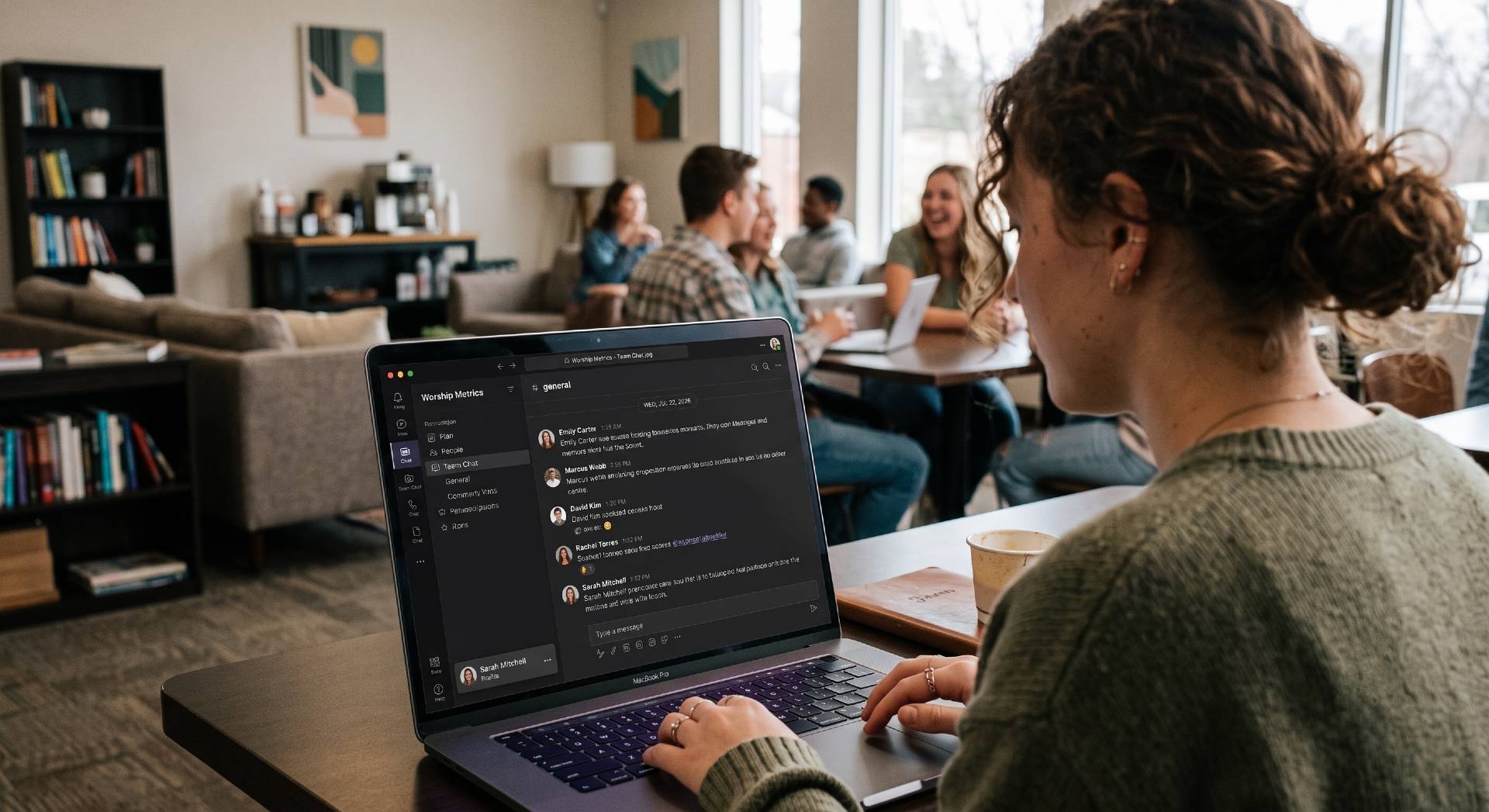
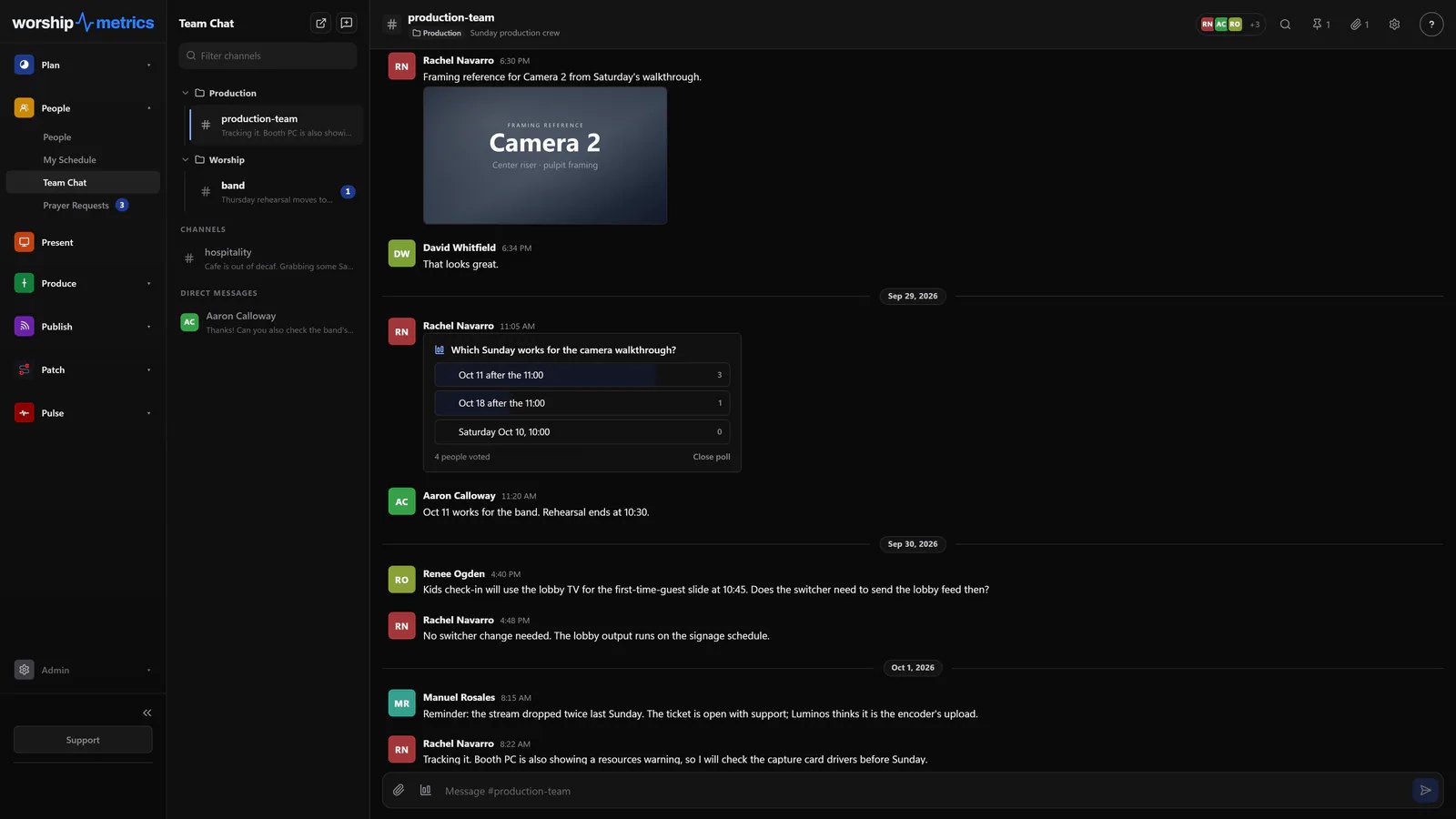
Private messages, group chats, public and private channels, and file sharing — all inside the same platform that plans the service and runs the room. Keep your production team in sync before, during, and after every Sunday.
Team chat is included free, forever. No separate tool required.
What's included
Everything your team needs to collaborate, free forever.
Most church teams cobble together communication across group texts, Discord servers, and hallway conversations. Team Chat brings private messaging, group collaboration, channels, and file sharing into one place that already knows your service workflow.
Private & group messaging
Send direct messages to individual team members or create group conversations with the exact people who need to be in the loop. Private, focused, and built for production teams.
Public & private channels
Create open channels for your whole production team or locked channels for specific roles. Audio gets its own space. Lighting gets its own space. Nobody gets flooded with messages they don't need.
File sharing
Share run-of-show docs, lyric sheets, stage plots, and setlists directly in the channel where the team is already talking. No more hunting through email threads or shared drives.
Team member profiles
Every volunteer and staff member gets a profile tied to their role. Know who is on audio this week, who is running cameras, and who to message when something changes.
Channels for every team
Public or private. Every role gets the right space.
Create public channels where the whole production team can see updates, or private channels for audio, lighting, and camera teams to coordinate without cross-talk. Each channel keeps its conversations focused and every team member knows exactly where to look.
- Public channels for announcements, service plans, and team-wide updates
- Private channels for role-specific coordination without noise
- Direct messages for one-on-one communication between team members
- Group messages for quick coordination among a few people
- File sharing directly in channels — no more digging through email
Sunday morning
The channel the booth actually watches.
Cue confirmations, timing checks, and quick adjustments happen in the same place the team is already looking — the production channel, open on a phone or the booth screen, with the plan a click away.
- Cue confirmations travel with the service timeline
- Operators, directors, and volunteers communicate without yelling across the booth
- Channels stay organized by production area so messages are actionable
Before, during & after
Stay in sync through the entire week, not just Sunday morning.
When the plan changes on Thursday night or a volunteer drops out on Saturday, the whole team knows without a chain of forwarded messages. Team Chat keeps every ministry team connected through planning, rehearsals, the live service, and the debrief that follows.
Before Sunday
Share service plans, coordinate rehearsals, and confirm assignments. Everyone walks in prepared.
During Sunday
The production channel keeps the booth in sync. Quick fixes, cue confirmations, and timing checks in real time.
After Sunday
Debrief what worked, share clips, and start planning next week while it's still fresh.
Stop running Sunday through a pile of text messages.
Give your team private messaging, group chats, channels, and file sharing — all inside the workflow they're already using. Team Chat is included free, forever.
Modernize your AV · Instant tech support
Download Tech Manager free — and put a tech support number in the booth.
Tech Manager connects your church's AV system to WorshipMetrics: documented, monitored around the clock while it runs (it starts with the computer), and backed by a number your team can call the moment anything acts up. Our AI support sees your actual system — so issues get solved before frustration starts.
New to us? Call and we'll put you in touch with the team. How phone support works →
Tech support, any time
910-WORSHIP(910) 967-7447
AI phone support any hour on Pro and Max · a person on the line with Care or Sunday Assurance.