 Present · Lyrics
Nobody should retype the setlist.
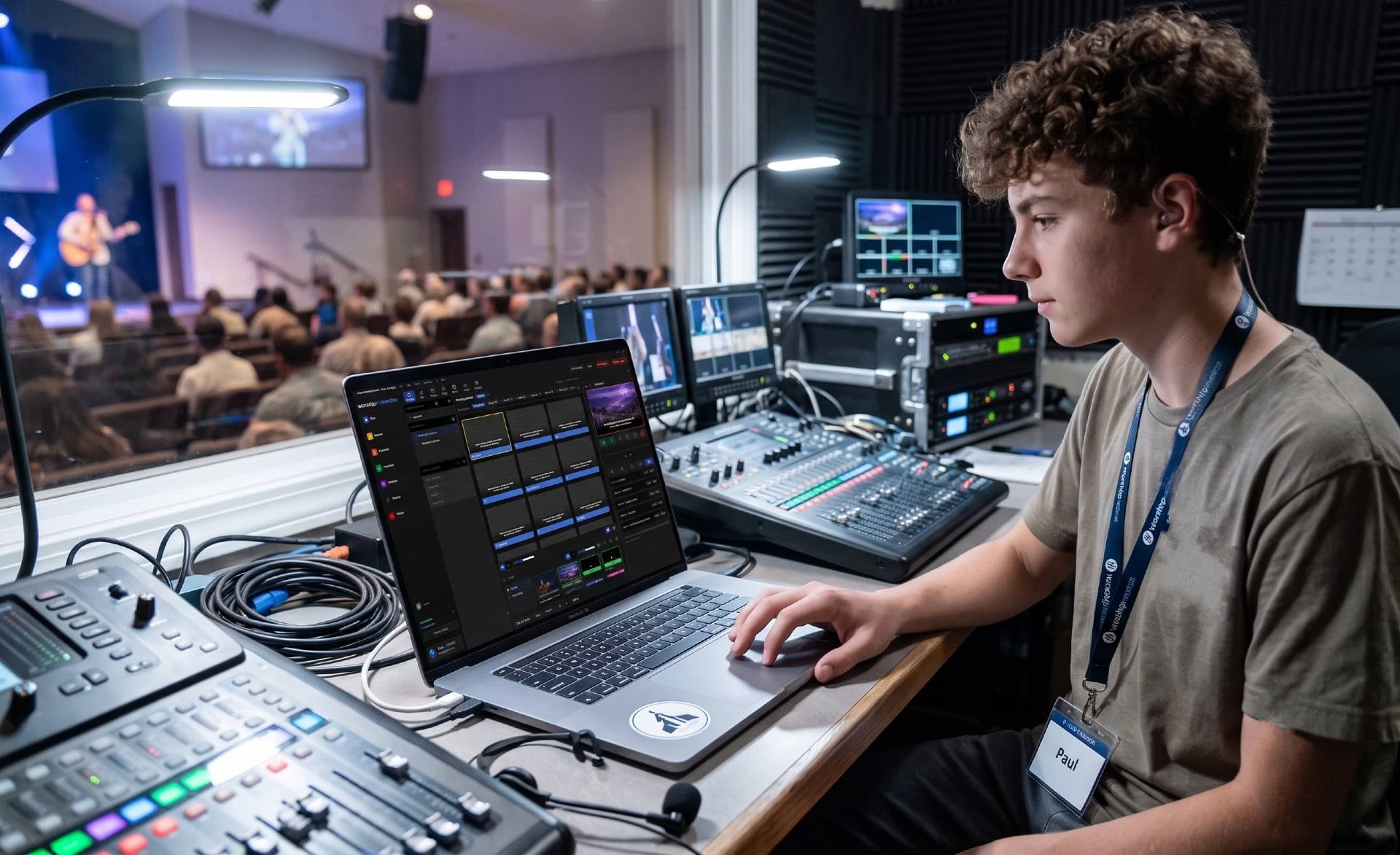
Your song library already knows the words, the arrangement, and the key. Lyrics slides build themselves from it — in your church's colors, with sections the operator can read at a glance.
Core presentation is free forever. Bring your existing song library with you.
Songs → slides
One library. Every screen it needs to reach.
The same song record feeds the projection screens, the stage monitor's chord chart, and the CCLI report at the end of the year. Update the arrangement once and every one of those follows — because they were never separate copies to begin with.
- Arrangements stay in lockstep between Songs and Present
- Named keys — the same song in E for one leader, G for another
- Chord charts transpose at render time, so one chart serves every key
- What was actually sung feeds your CCLI reporting automatically
What the operator sees
The whole song, on one screen, before it starts.
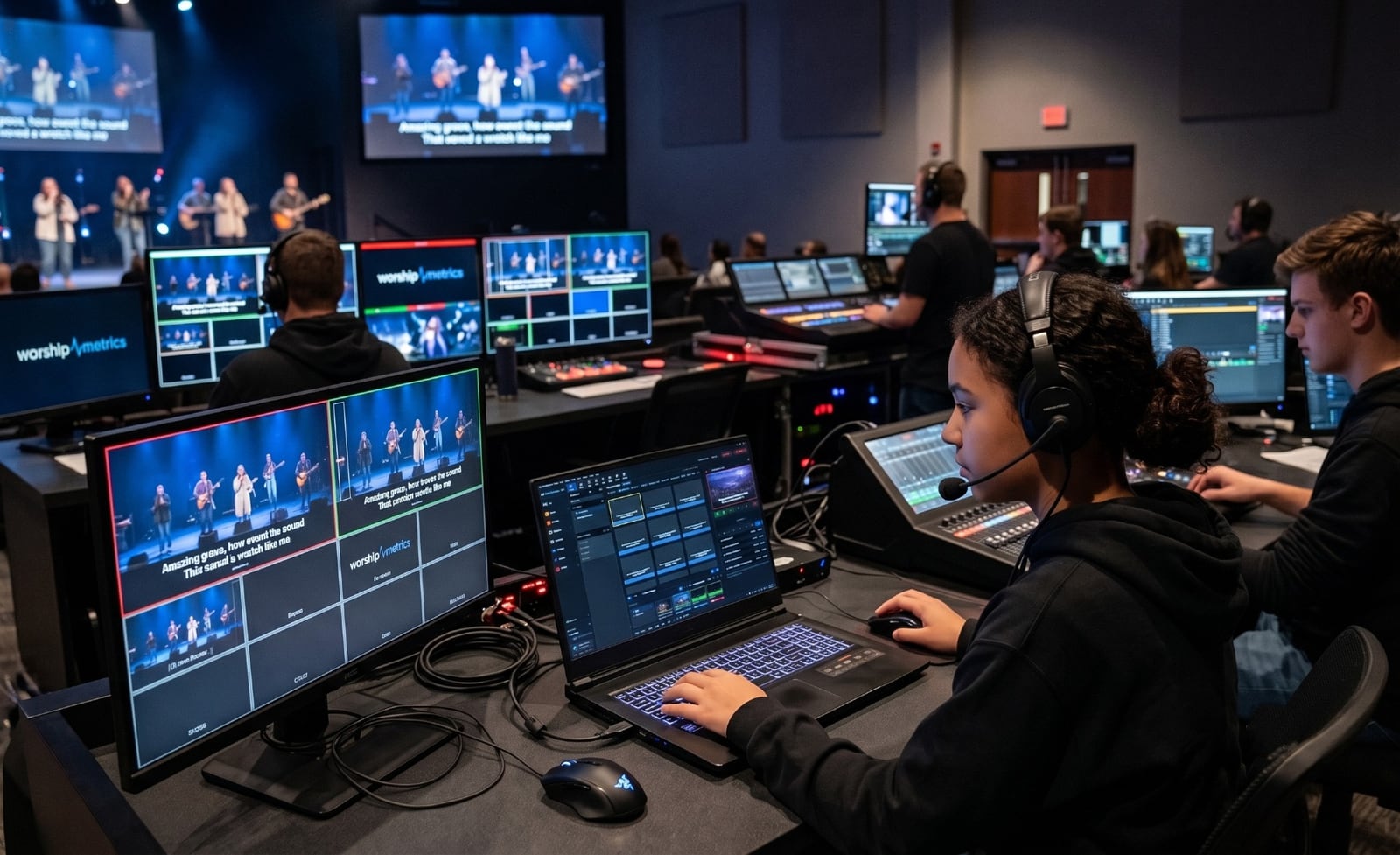
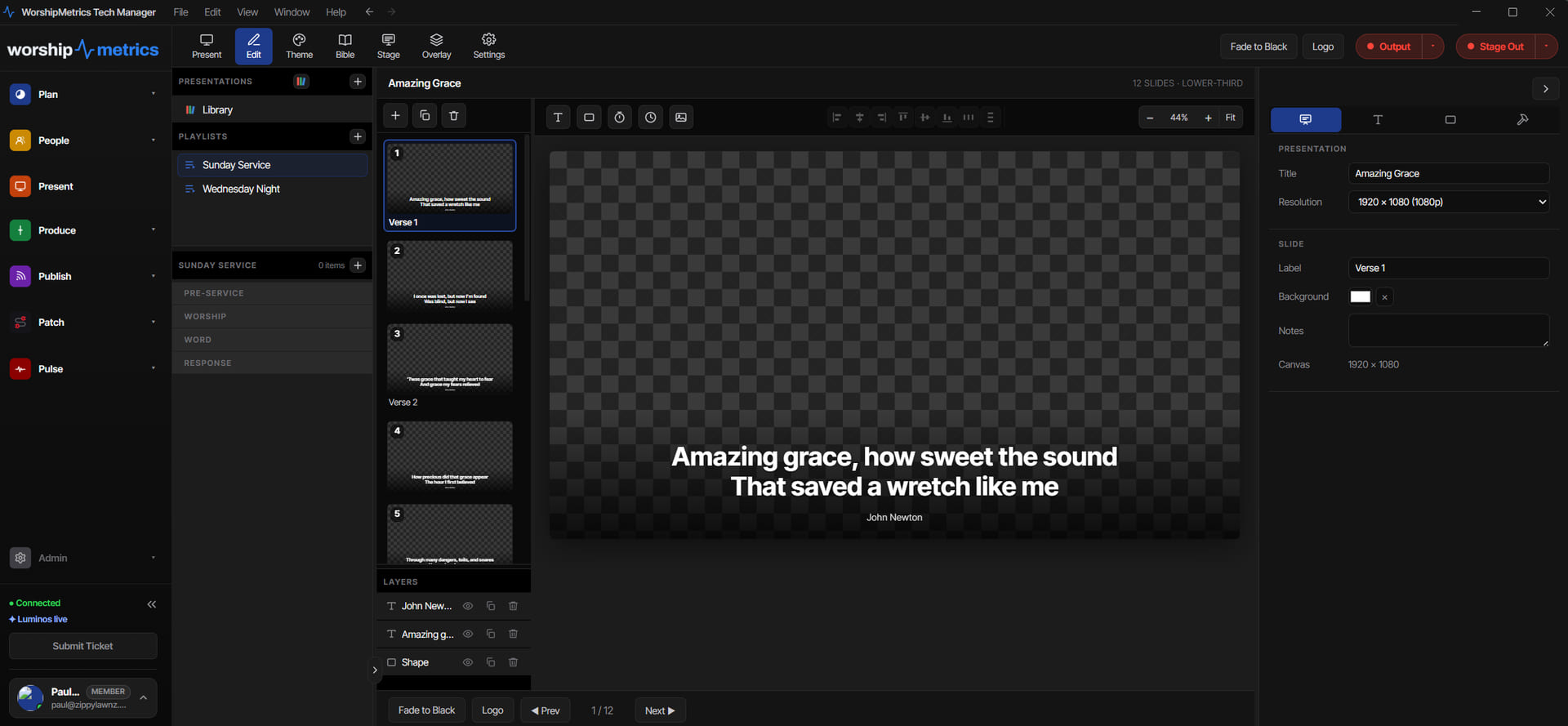
Nothing about running lyrics should be a surprise. Every slide in the arrangement is visible at once, in order, so the person clicking through knows what is coming next instead of discovering it a beat late.

What makes it easy on Sunday
Built for whoever is running it this week.
The arrangement drives the slides
Lyrics follow the arrangement the worship leader actually chose — verse, chorus, bridge, tag, in the order this Sunday needs. Change the arrangement in Songs and the slides follow.
Sections you can see coming
Every section carries an identity color — Verse, Chorus, Bridge, Tag, Vamp — so the operator reads the shape of the song at a glance instead of guessing where the repeat lands.
Text that always fits
Shrink-to-fit sizing keeps a long verse on one slide without a volunteer hand-tuning font sizes on Saturday night.
Six layouts, your brand
From Centered Classic to Lower-Third, each layout inherits your church's colors, fonts, and logo through themes — so lyrics look like your church without anyone designing under pressure.
Lyrics over anything
Words sit on their own layer above stills, motion backgrounds, or live camera — so you can change the background mid-set without touching a single lyric slide.
Bring your existing library
Import ProPresenter 7 shows straight into Present; bring ProPresenter 4–6, ChordPro, and OpenLyrics files in through Songs, or paste plain text. Your catalog comes with you.
Why backgrounds never break lyrics
Words live on their own layer.
Media, lyrics, props, and announcements stack independently. Swap the motion background between songs and the words stay exactly where they were — and a lower third can appear over both without disturbing either.
Technical details
For the person migrating the library.
Import formats
ProPresenter 7 shows (.pro) straight into Present; through Songs: ProPresenter 4–6 (.pro4, .pro5, .pro6), ChordPro (.cho, .crd, .chopro), OpenLyrics (.xml), OpenSong, and plain pasted text
Lyric layouts
Six templates including Centered Classic and Lower-Third, each themeable with church colors, fonts, and logo
Section identity
Verse, Chorus, Bridge, Tag, and Vamp carry consistent colors across the slide grid, the playlist, and the stage display
Text handling
Shrink-to-fit sizing on a 1920×1080 authoring canvas, with per-run typography control when you want it
Arrangements & keys
Shared two-way with the Songs library; named keys per arrangement with starting key, ending key, and capo
NDI output
Lyrics can go out over NDI.
Moving a library over? The migration guide walks through what carries across and what to check first.
Put the words up without the Saturday-night scramble.
Lyrics are part of Present, in the same platform that plans the service, runs the booth, and streams the message.
Modernize your AV · Instant tech support
Download Tech Manager free — and put a tech support number in the booth.
Tech Manager connects your church's AV system to WorshipMetrics: documented, monitored around the clock while it runs (it starts with the computer), and backed by a number your team can call the moment anything acts up. Our AI support sees your actual system — so issues get solved before frustration starts.
New to us? Call and we'll put you in touch with the team. How phone support works →
Tech support, any time
910-WORSHIP(910) 967-7447
AI phone support any hour on Pro and Max · a person on the line with Care or Sunday Assurance.