 Plan Services, songs, and attendance, with the team scheduled.
 People Your directory, volunteers, and team chat in one place.
 Present Lyrics, scripture, slides, and stage display, free in any browser.
 Produce One dashboard for the switcher, PTZ cameras, and the stream.
 Publish Stream Sunday, keep every sermon on your watch page, clip it.
 Patch Every device, cable, and signal path, mapped and printable.
 Pulse Know the moment the stream or a device drops.
Church AV & livestream upgrades
Planning a livestream upgrade? Start here.
We design, build, and install church livestream systems, manage the project from start to finish, and keep it running with the WorshipMetrics platform built in.
Or call 910-WORSHIP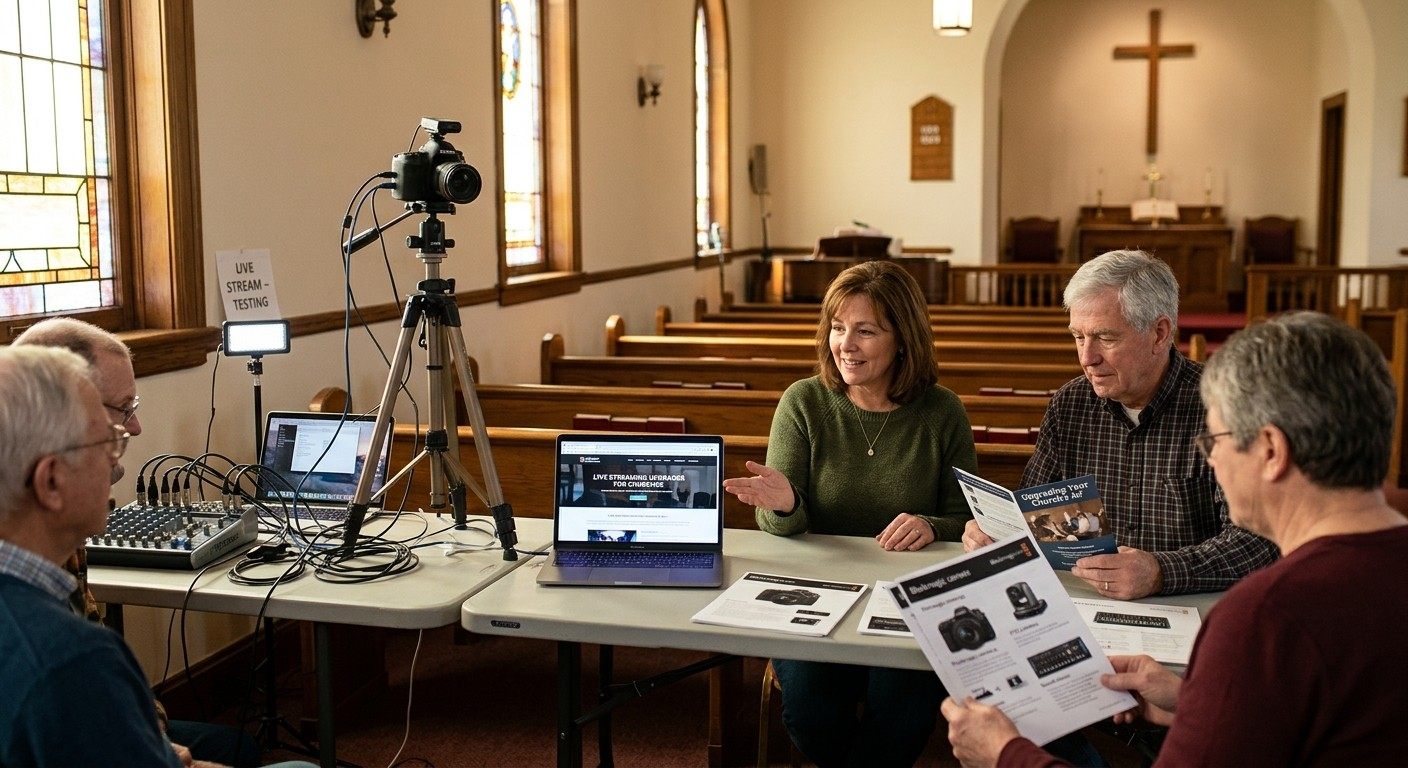
Why churches call
It usually starts with a Sunday like this.
It's 9:07. The stream has been frozen for three minutes, and the first text just arrived from a member who watches from home. The one volunteer who knows the streaming computer is away this week. Someone in the booth is pulling at a bundle of cable nobody labeled, looking for the one that matters.
The service goes on and the room never notices. The people at home do, and so does the person in the booth who is already dreading next Sunday.
Most upgrade calls begin with a morning like that, or with the quieter version: the system still works, as long as the same one person is there. Either way, it's the moment to fix the root cause instead of adding another box to the rack.
The stream drops, or looks dated
Frozen streams, out-of-sync audio, one wide shot. People at home notice, and so do the volunteers who dread Sunday.
Only one person can run it
When the system lives in one volunteer's head, every vacation is a crisis. A good upgrade makes the booth teachable.
You're adding something
More cameras, screens in the room, an overflow space, a second service or campus. The old setup wasn't built for it.
The gear is aging out
An old streaming computer, an outgrown switcher, cables nobody can trace. Upgrading is the moment to get it right.
Not sure which it is? Take the 2-minute AV checkup, or read our church AV planning guide.
After the upgrade
Sunday, after.
A good upgrade is not a bigger pile of gear. It's a booth that one window can run, that a new volunteer can learn, and that doesn't depend on anyone's memory.
The booth
One calm window instead of five apps.
Tech Manager puts the switcher, the cameras, the audio meters, and the stream health on one screen, on a PC the church already owns. The person on duty watches one window and knows what every light means.
See Tech Manager →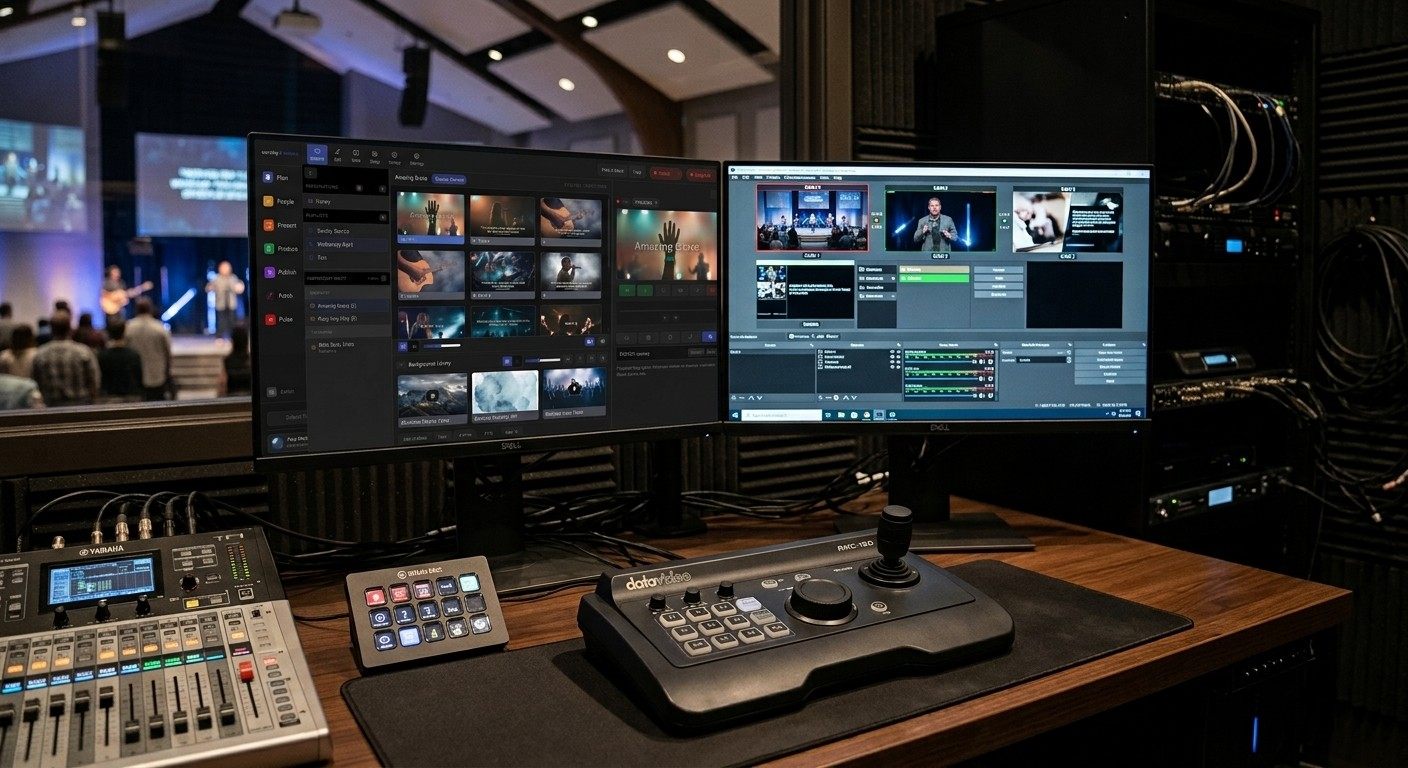
The team
A booth you can hand to someone new.
When the system is documented and the booth is one window, a teenager can learn it on a Sunday morning, with the person who used to be the only one standing beside them instead of being called on vacation.
See the seats people can fill →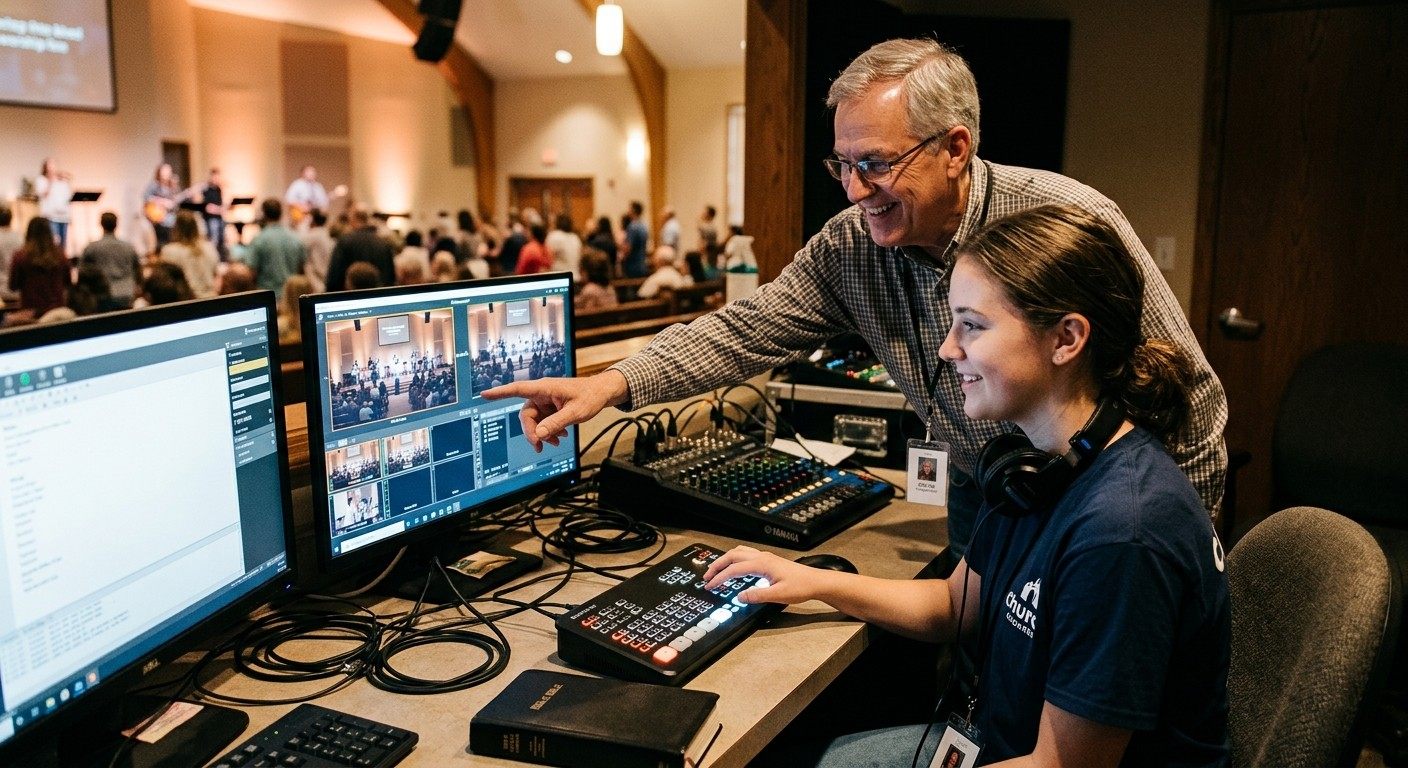
The documentation
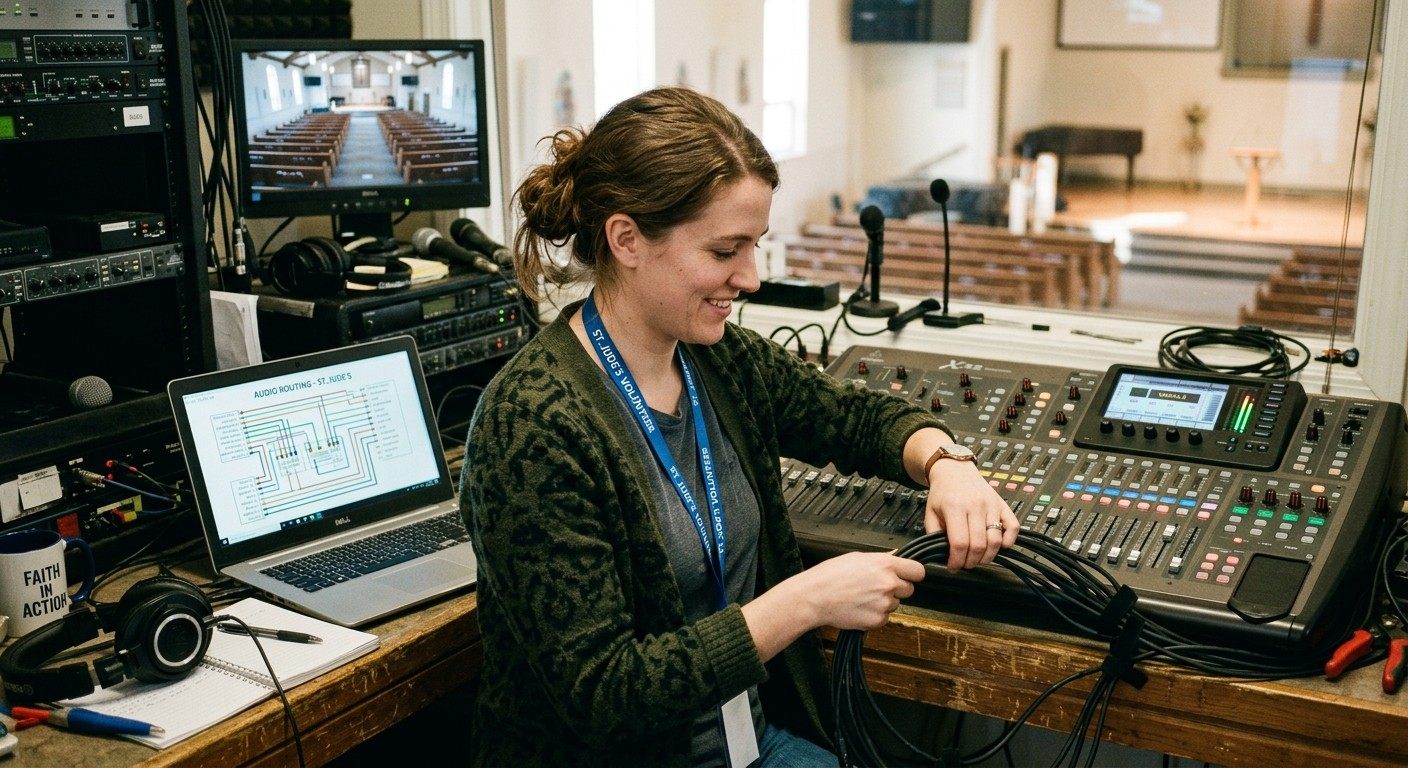
Every cable labeled, every device on the map.
The Signal Map records every device and cable run, and prints a wiring diagram and a patch sheet for the booth binder. The next person to open the rack can read it, and so can support when you call.
See System Documentation →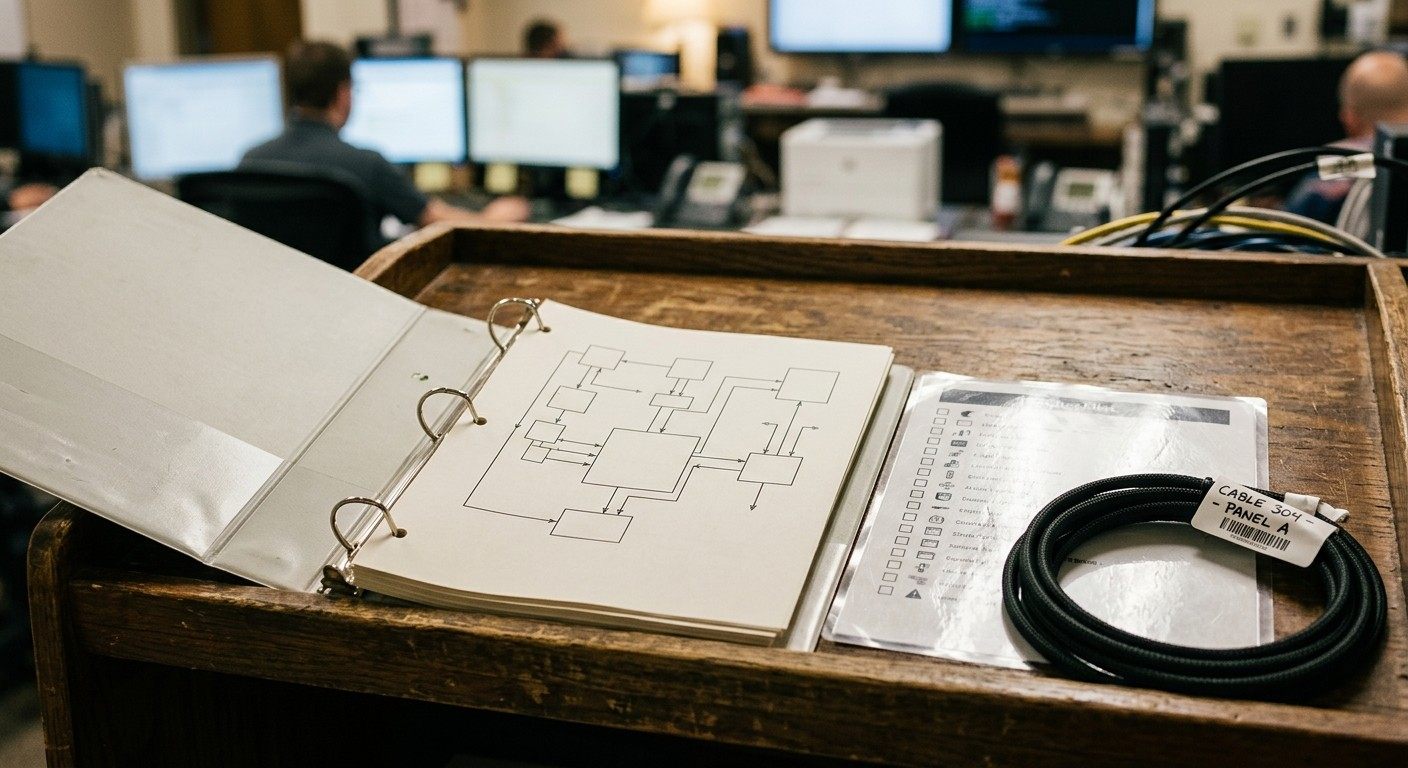
Room to grow
Built with the next thing in mind.
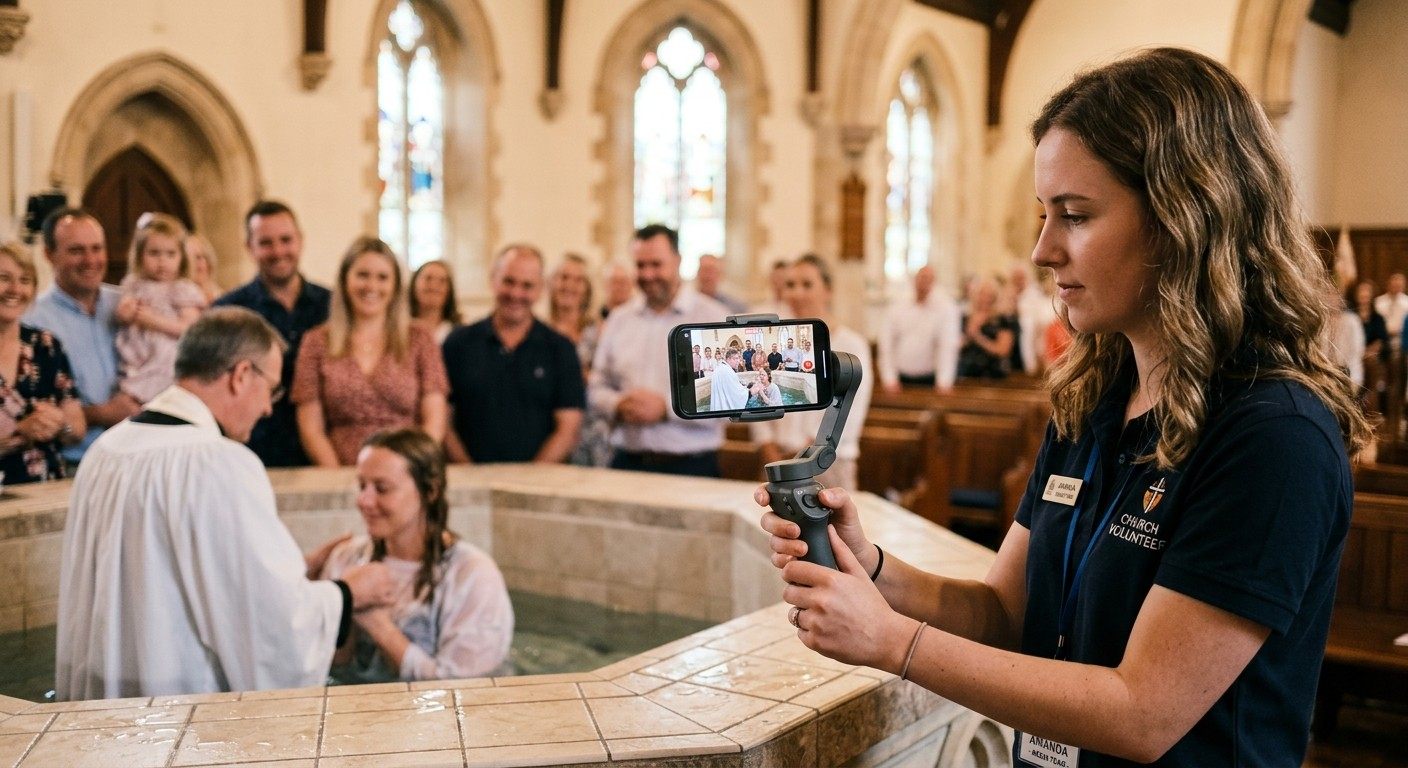
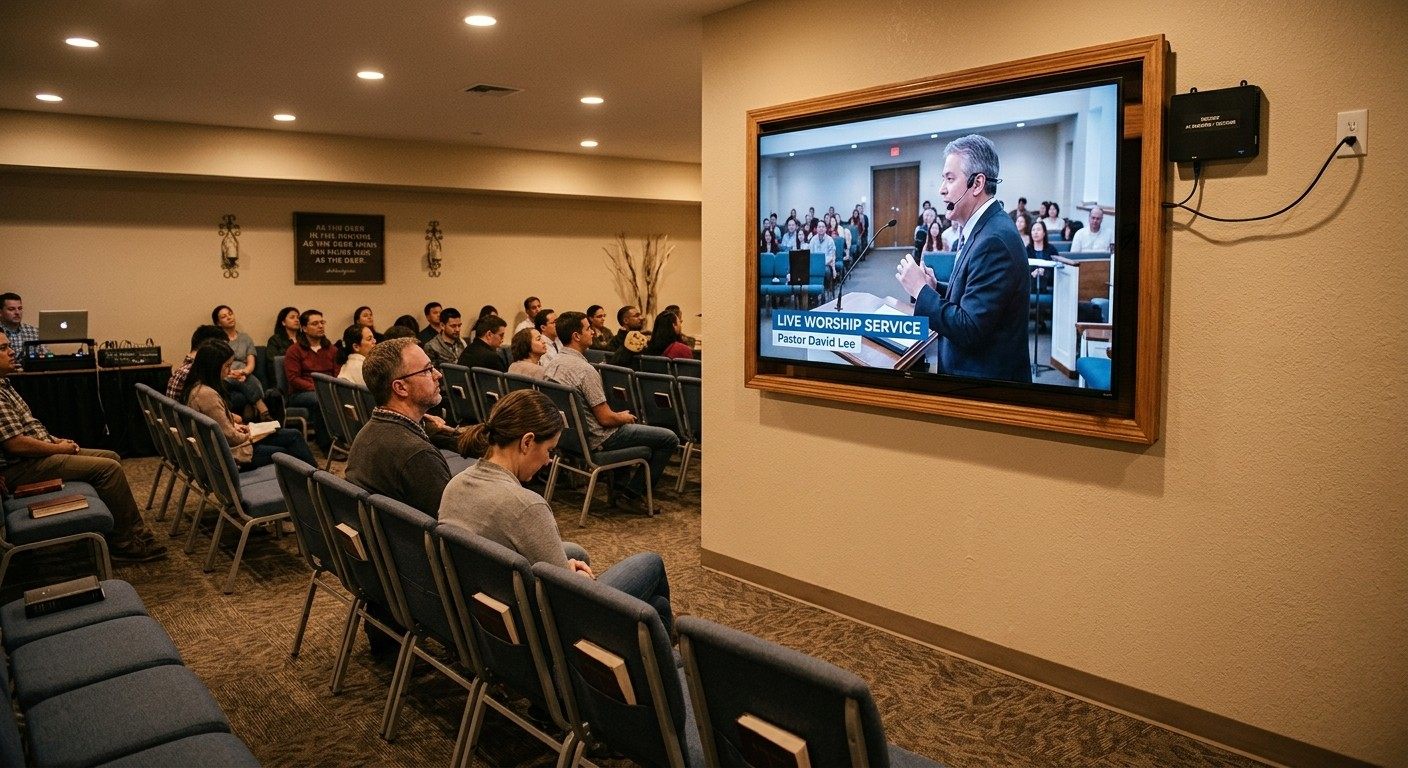
A camera at the baptistry, a TV in the overflow room, a second service. A system designed for your room leaves the door open for what you add next, without starting over.
Adding cameras or rooms over the network? Read NDI for churches.
How an upgrade works
One team, from the first call to Sunday morning.
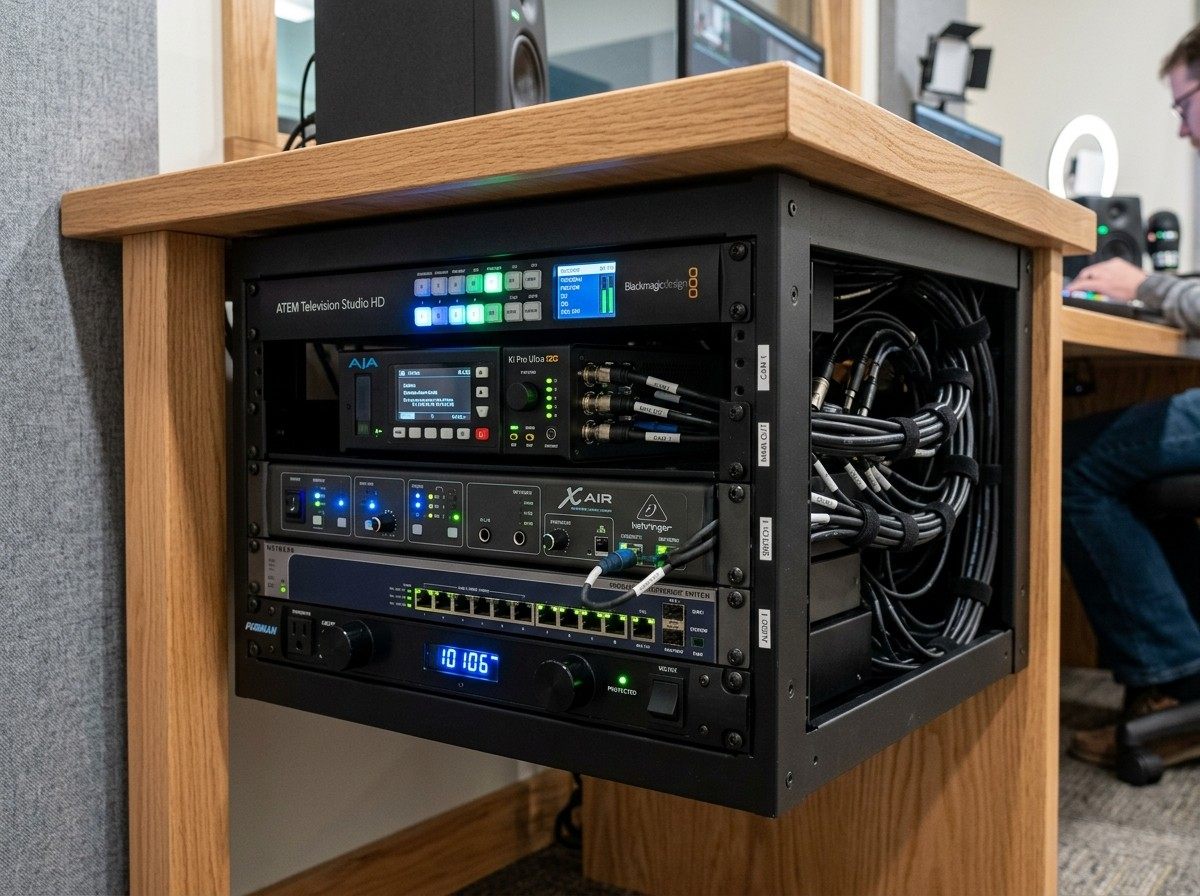
You talk to the same people the whole way: the ones who design the system, build and test it, and answer the phone after it's installed.
- 1
Map what you have
Write down your room, your team, your budget, and what keeps breaking, then map your current gear so we can show you what to reuse. Questions along the way? Call 910-WORSHIP.
- 2
Design and quote
We match a system to your room, from one of our Good, Better and Best designs or a modified version, and quote only what's missing.
- 3
Build and test
We build the system, install and tune the software, and burn it in under a real multi-camera load before it ships.
- 4
Project management and installation
A dedicated project manager plans the timeline with you and coordinates the build, shipping, and installation. Remote setup is included; on-site installation is available.
- 5
Training and handoff
Your on-site contact gets a walkthrough of the finished system, its documentation, and the Sunday checklist. Team training is available and quoted separately.
- 6
Monitoring and support
Every system is monitored by WorshipMetrics and covered by a 3-year warranty, and you can call 910-WORSHIP: AI phone support any hour on Pro and Max, a person on the line with Care or Sunday Assurance.
WorshipMetrics Livestream Systems
Three starting points, fitted to your room.
Built on OBS or vMix, monitored by WorshipMetrics, and covered by a 3-year warranty. Every system includes 1 year of WorshipMetrics Max, a $1,188 value.
Good
Essentials
Churches of roughly 100-400 seats, 2-4 cameras, one volunteer running the stream.
Quoted for your room
Free consultation
See what's included →Better
Studio
Churches of roughly 500-2,000 seats with a production team, IMAG screens and multiple camera angles.
Quoted for your room
Free consultation
See what's included →Best
Broadcast
Large and multi-campus churches, broadcast-minded teams, 4K production.
Quoted for your room
Free consultation
See what's included →The difference
The software inside every system.
We build our own platform, WorshipMetrics, and every system runs on it. That's how we can keep watch after the install, support you with your system in front of us, and make the booth easier for volunteers.
Monitored every Sunday
Pulse watches the computer, the devices, and the stream, and alerts you the moment something drifts, often before anyone in the room notices.
Learn more →Support that can see your system
Because your system is connected, support starts from what's actually happening in your booth, not a guess over the phone.
Learn more →A booth volunteers can run
Tech Manager puts the switcher, cameras, audio, and stream health in one calm window, so more people can serve with confidence.
Learn more →Stream everywhere, recorded and clipped
With Max, send one feed to YouTube, Facebook, and your website, recorded and archived, and turned into clips your team can share.
Learn more →Documented from day one
The Signal Map records every device and cable run, so the system never again lives in one volunteer's head.
Learn more →Included with every system
- A system designed for your room, built and tested before it ships
- A dedicated project manager from start to finish
- Remote setup, then a walkthrough and handoff to your on-site contact
- 1 year of WorshipMetrics Max (a $1,188 value)
- Monitoring by WorshipMetrics and a 3-year warranty
- 910-WORSHIP: AI phone support any hour on Pro and Max, a person with Care or Sunday Assurance
Quoted separately
So you only pay for what your team needs.
- On-site installation
- Team training
- PTZ cameras and room extras
Near West Chester, PA? See local installation and training.
Prefer to build it yourself? Every system's parts list is free to read and print. Need advice or training instead? See consulting.
Questions churches ask before an upgrade
How much does a church livestream upgrade cost?
Each Livestream System (Good, Better, or Best) is quoted for your room. The quote depends on your room, what you already own, and whether you want on-site installation and training. The consultation is free.
Do we have to replace everything?
No. Map your current system and we'll tell you what to reuse. Many upgrades keep the cameras, sound board, or screens a church already has and replace only what's holding the stream back.
Who manages the project?
A dedicated project manager, assigned to your church for the whole upgrade. We also ask you to name one on-site contact who works with them and takes the system handoff.
Do you install on-site?
Remote setup is included with every system. On-site installation and training are available and quoted separately, so you only pay for what your team needs.
What's included with the WorshipMetrics software?
Every Livestream System includes 1 year of WorshipMetrics Max, a $1,188 value: livestreaming to every destination and recording, plus monitoring, Tech Manager, and the rest of the platform. After that year, every module stays free forever, and you can keep Max for hosted streaming if you want it.
What if something breaks?
Every system is covered by a 3-year warranty, and Better and Best get advance replacement. Because the system is monitored and connected, many problems are fixed remotely without a visit.
From the Knowledge Base
Questions churches ask before an upgrade, answered in the Knowledge Base.
Get started
Start your upgrade with a free account.
Sign up free and map the gear you have today in the Signal Map. Every module is free forever, monitoring and alerts included. No credit card, and no call or approval needed.
Questions? Call 910-WORSHIP or email hello@worshipmetrics.com.
- Sign up on your own, any time
- Setup help by phone and email
- On-site installation and training available
- AI phone support any hour