 Present · Stage display
The monitor that keeps the platform calm.
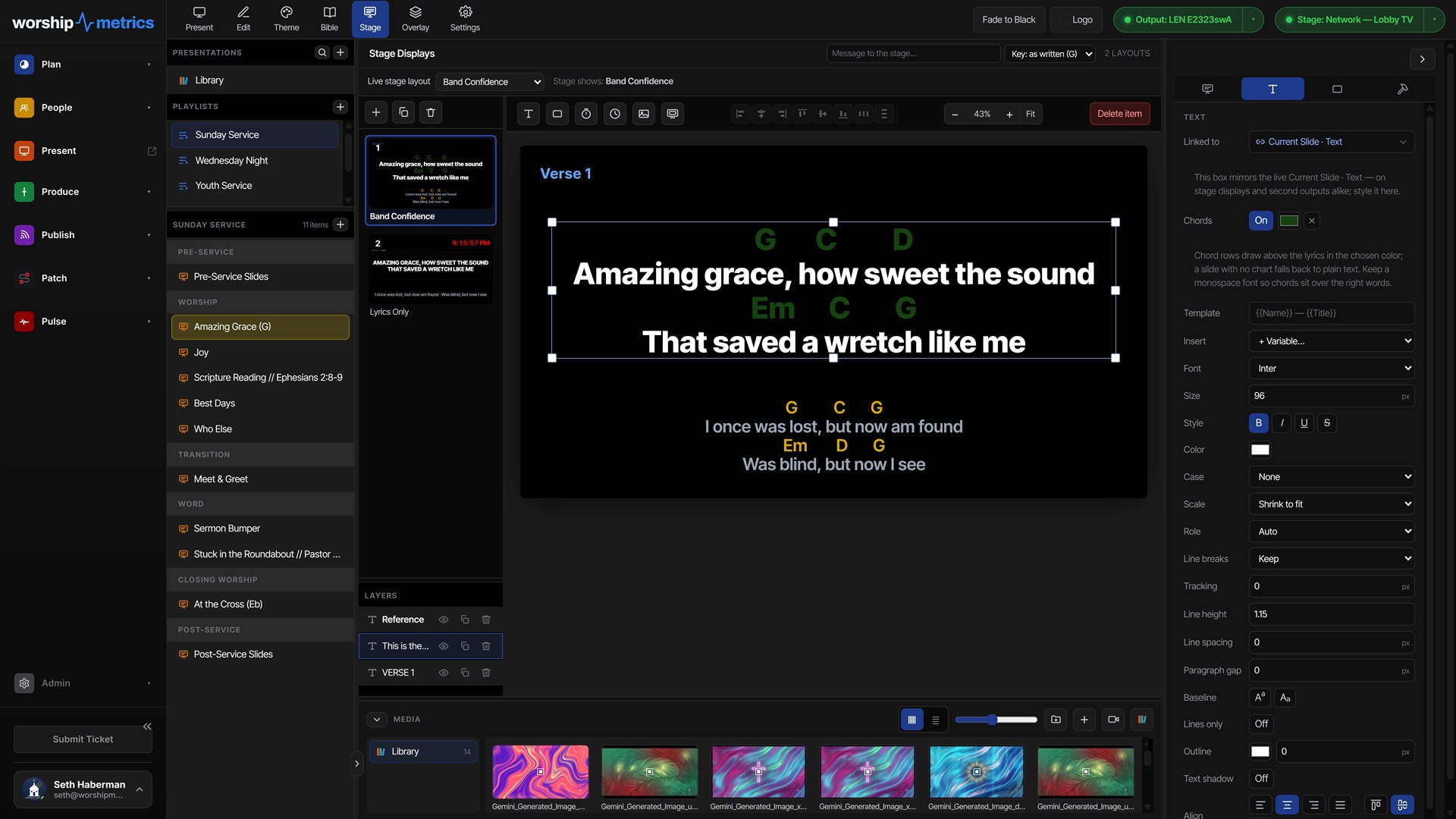
A stage display should answer the three questions every worship leader has mid-song: what words are up, what's coming next, and how much time is left. Ours answers all three — plus the chord chart in the right key, and whatever the booth needs to tell you.
Runs from the browser on any spare screen — no second computer required.
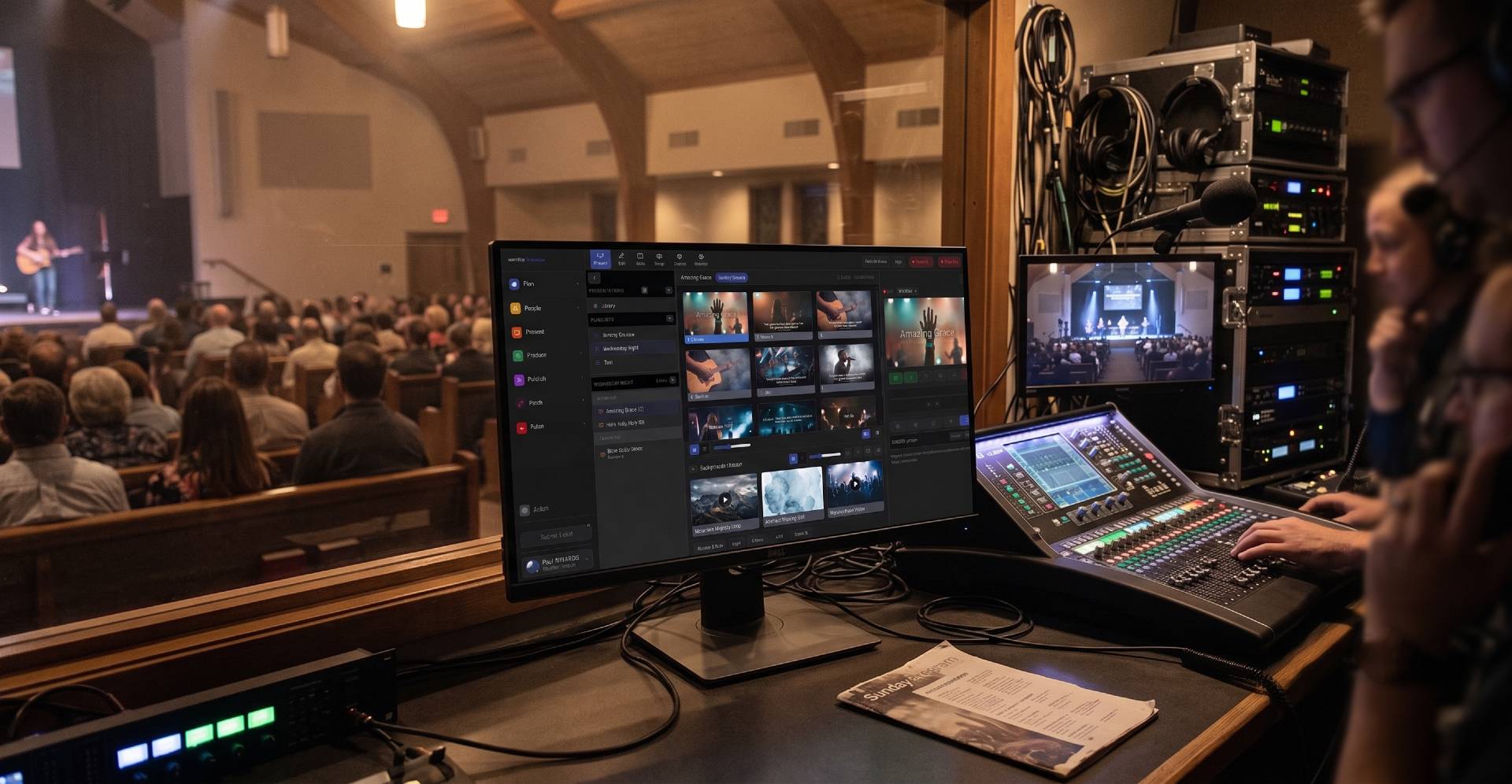
Anatomy
Every region is something you chose to put there.
The stage layout is built in the same slide editor you already use — so the monitor shows what your platform actually needs, not a fixed template someone else designed.
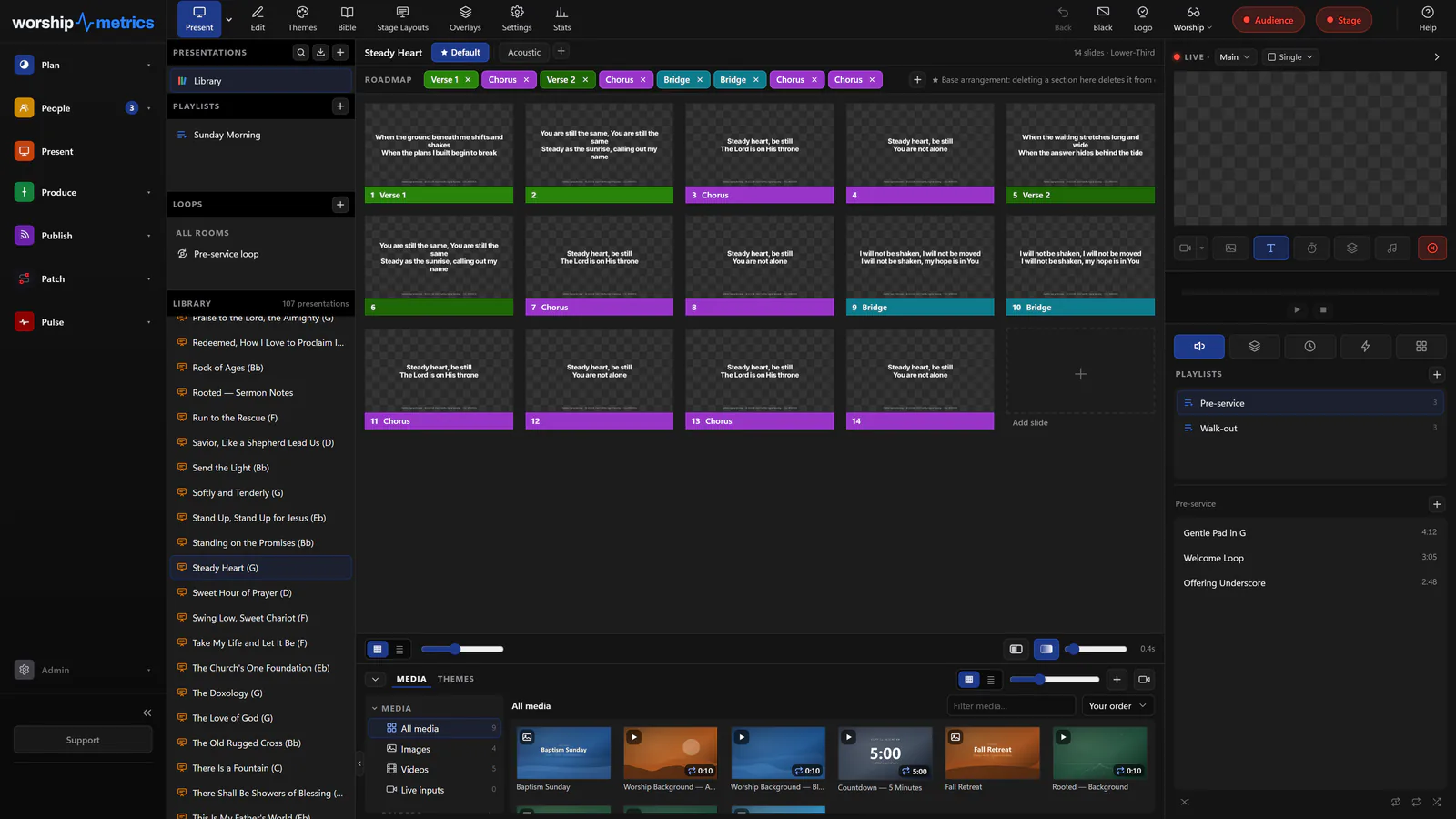
What you can put on it
Eleven live sources, in any arrangement.
The words they're singing now
Current slide text, big and legible from the back of the platform — the single thing every stage monitor exists to show.
What's coming next
The next slide, so a worship leader knows whether the bridge repeats before the band gets there.
Section labels, ahead of time
Current and next section — Verse 2, Chorus, Bridge, Tag — so the arrangement is visible instead of remembered.
Chord charts, in the right key
The chart transposed to the key this arrangement is actually played in, pulled from the Songs library.
Notes for this moment
Current and next slide notes — the transition cue, the scripture reference, the reminder to hold after the last chorus.
Clocks and timers
Time of day, a countdown to service, or the sermon timer — with warning and overrun colors when it's running long.
A message from the booth
The stage message: “two minutes,” “mic is hot,” “skip the last verse.” Typed in the booth, read on the platform.
A mirror of the program
When it helps, mirror exactly what the congregation sees — useful for a speaker who wants the room's view.
One layout per screen
The drummer doesn't need the chord chart.
Each output carries its own stage layout, so the monitor at the keys can show chords and the next section while the one at the back of the room shows a countdown and the current lyric. Same service, different screens, no compromise.
- A separate layout per stage output, saved with your church's themes
- Program mirror when a speaker wants exactly what the room sees
- Timers with warning and overrun colors that read from across the platform
- Booth messages that appear instantly without touching the program output
Technical details
For the person who sets it up.
Bindable sources
Current and next slide text, current and next notes, section label and next section label, song title, slide count, stage message, transposed chord chart, song key, clocks, and timers
Layout editor
The same 1920×1080 slide editor used for program slides — regions are placed, sized, and themed like any other item
Per-output layouts
Each stage output holds its own layout and role, so different platform positions see different information
How it opens
A borderless fullscreen browser window on the display you choose, synced live to the program — Chromium-based browsers on desktop
Chord charts
Rendered from the arrangement's named key, including capo renditions, straight from the Songs library
Program mirror
Any stage output can mirror the program feed instead of showing stage content
Give the platform what it needs to see.
Stage display is part of Present, in the same platform that plans the service, runs the booth, and streams the message.
Modernize your AV · Instant tech support
Download Tech Manager free — and put a tech support number in the booth.
Tech Manager connects your church's AV system to WorshipMetrics: documented, monitored around the clock while it runs (it starts with the computer), and backed by a number your team can call the moment anything acts up. Our AI support sees your actual system — so issues get solved before frustration starts.
New to us? Call and we'll put you in touch with the team. How phone support works →
Tech support, any time
910-WORSHIP(910) 967-7447
AI phone support any hour on Pro and Max · a person on the line with Care or Sunday Assurance.