 First screen free
Beautiful church signage.
No hardware. No subscription.
Just your TV.
Any TV with a web browser becomes a church screen, no box to install. Show the slides your team already builds in Present: make a loop of announcements, pictures, and videos, add the TV on Publish > Signage, and change what each screen shows from anywhere. Your first screen is free; Pro and Max run every TV in the building.
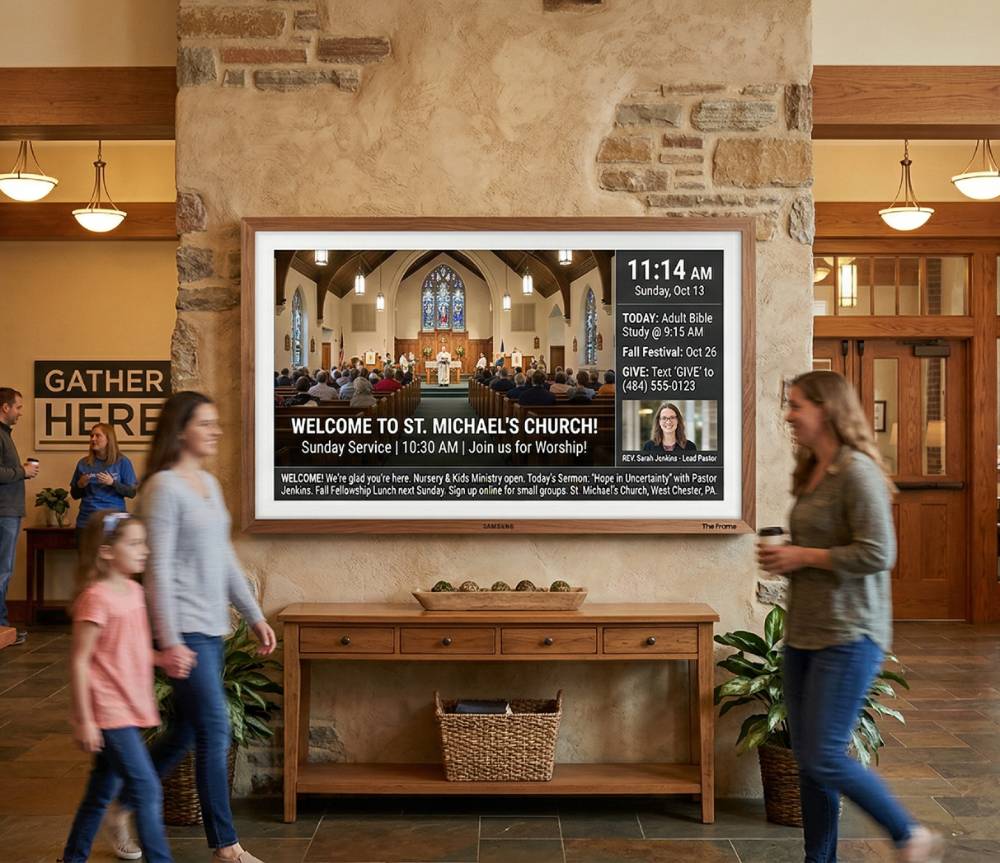
Set it up once. Change it from anywhere.
Step 1 — Build a loop in Present
Under Loops in Present, drag in presentations or single slides from your Library, plus pictures and videos, and set how many seconds each one shows. A Present playlist works too.
Step 2 — Add the TV on Publish > Signage
Click Add TV screen, give the screen a name, and choose the loop or playlist it shows. WorshipMetrics makes a link for that screen.
Step 3 — Open the link on your TV
Open the link once in the TV's web browser. After that, your team changes what it shows from Publish > Signage without touching the TV again. Present sends new slides to your screens whenever it is open on any computer signed in to your church.
Why teams actually keep this updated
There is no second set of slides to keep current. The announcements your team already builds in Present are the ones on the lobby TV, in the same Present themes as Sunday, and switching what a screen shows is one dropdown.
Manage every TV in your building from one place.
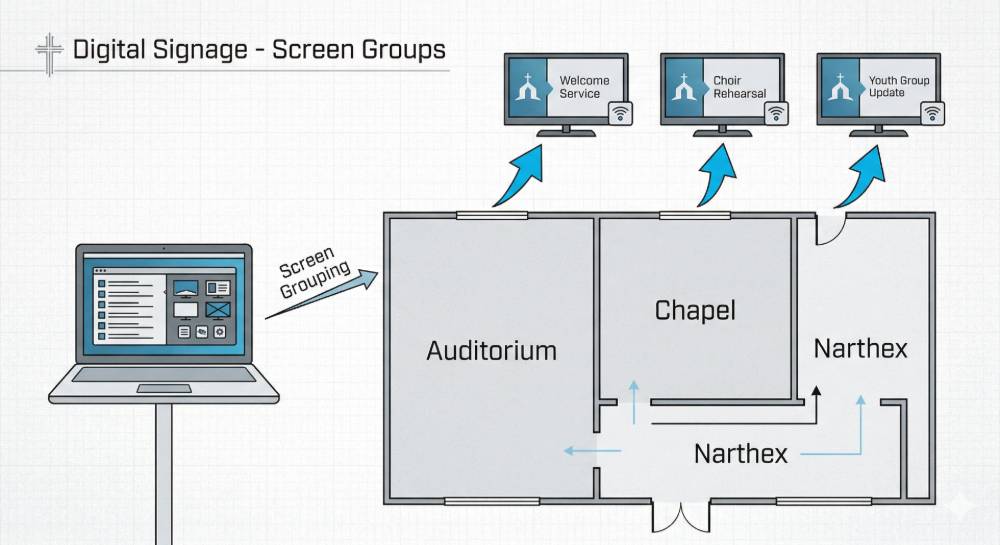
Every screen you add is listed on Publish > Signage. Choose what each one shows from its own dropdown, or use Cast to all to put one loop on every screen at once. Name your screens and sort them into display groups like Lobby, Hallway, and Children's Wing.
Health monitoring
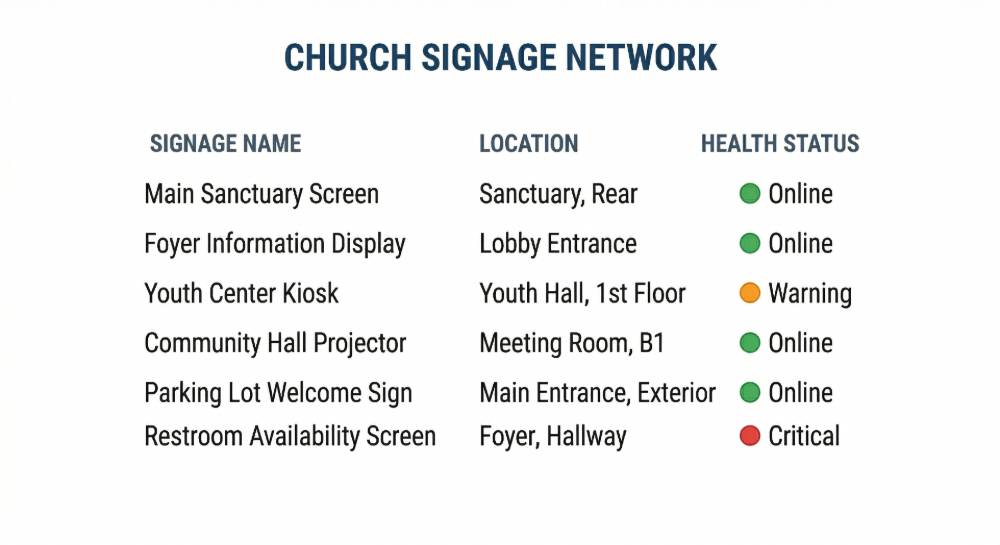
Know your screens are running — before Sunday morning.
Every TV checks in every 60 seconds, and Publish > Signage shows which screens are online. If a screen stops checking in for 30 minutes, your church's admins get an email, so a dark lobby TV doesn't wait until Sunday morning to be noticed.
One platform
Already using signage? The platform takes it further.
Signage doesn't stand alone: your screens show the same Present loops and playlists your team runs on Sunday, and they live in the same account as attendance, AV monitoring, and production control — one system, no duplication.
First screen free · Any SmartTV
Free signage display
- Your first screen is free, on any SmartTV browser
- Same Present loops and playlists, same content system
Connected · One platform
Signage + attendance + production
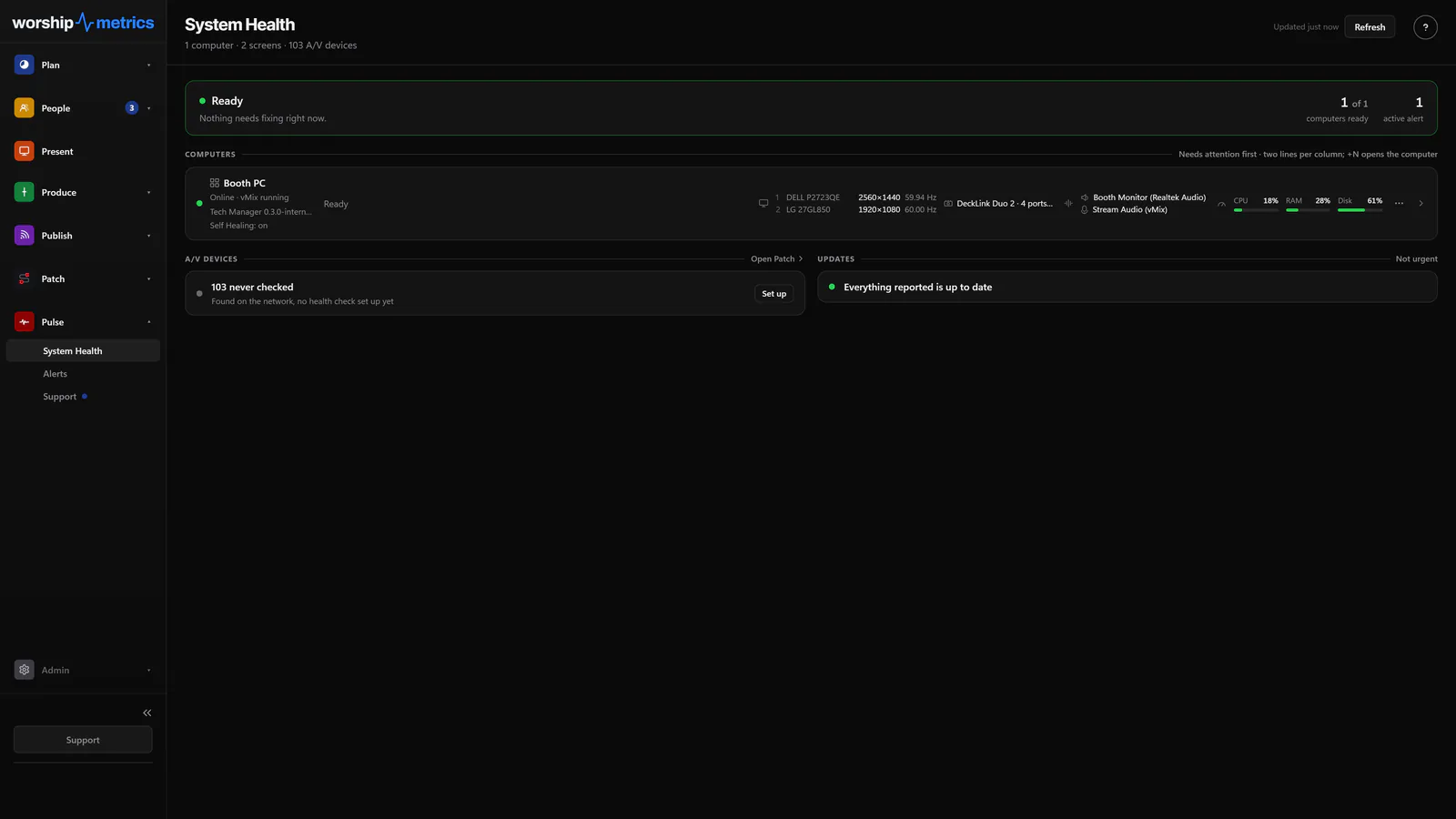
- Your displays join attendance, AV monitoring, and production control in one account
- Same login, same Present library — everything stays in sync
Your lobby display could be live in ten minutes.
No hardware to buy. Your first screen is free. Build a loop in Present, click Add TV screen on Publish > Signage, and open the link on your TV.
Create your free signage displayFirst screen free · No credit card · Works on any SmartTV browser
Modernize your AV · Instant tech support
Download Tech Manager free — and put a tech support number in the booth.
Tech Manager connects your church's AV system to WorshipMetrics: documented, monitored around the clock while it runs (it starts with the computer), and backed by a number your team can call the moment anything acts up. Our AI support sees your actual system — so issues get solved before frustration starts.
New to us? Call and we'll put you in touch with the team. How phone support works →
Tech support, any time
910-WORSHIP(910) 967-7447
AI phone support any hour on Pro and Max · a person on the line with Care or Sunday Assurance.