Free on Mac & PC · No credit card
Free AI sermon clips, on your church's computer.
Tech Manager, our desktop app for Mac and Windows, transcribes the whole service, finds the moments worth sharing and renders them as captioned clips for YouTube Shorts, Instagram, TikTok and Facebook. The heavy lifting runs on your computer, so it's free. You only pay if you want to clip in the cloud.
Create your free account, then sign in to Tech Manager on the booth computer.
How it works
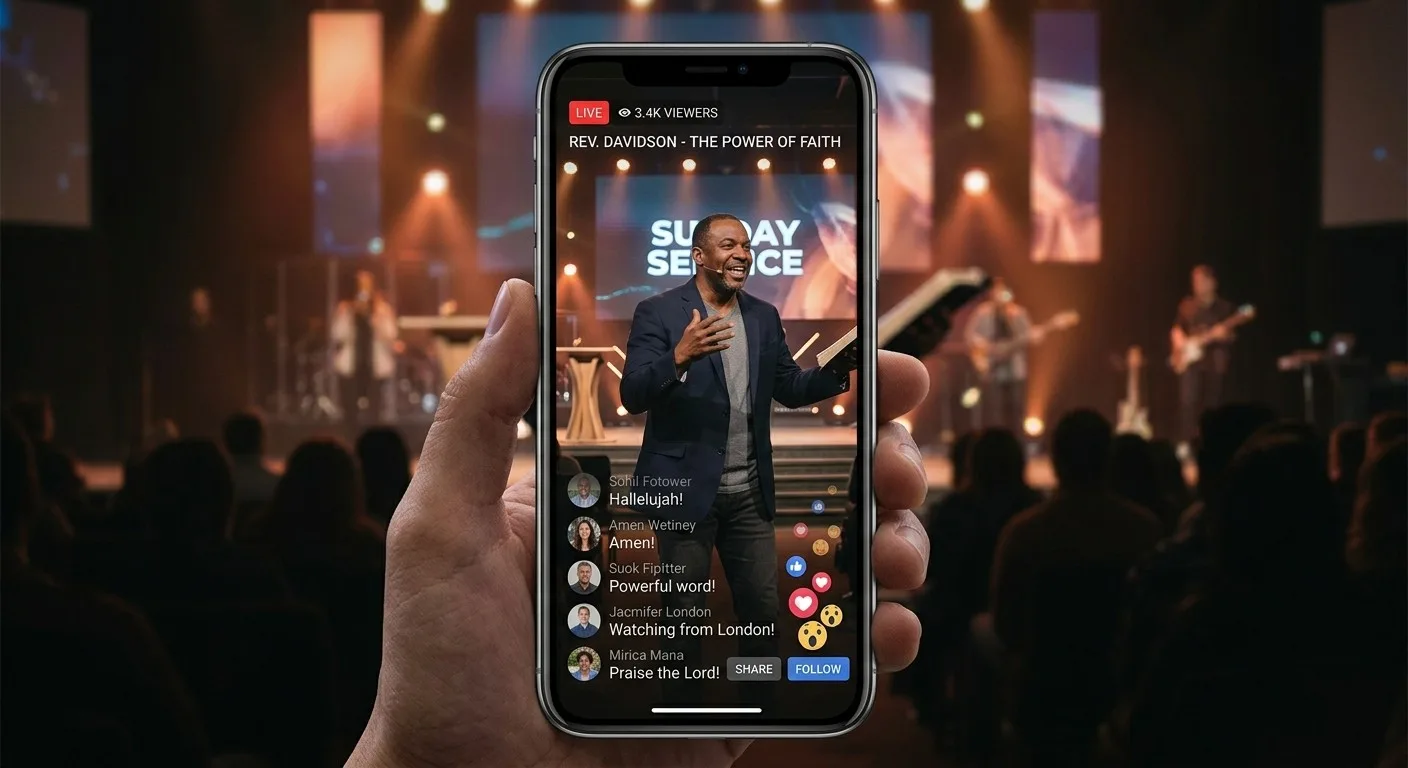
From Sunday's sermon to clips you can post.
- 1
Bring in Sunday's video
Open Reels in Tech Manager and import the service video (MP4, MOV, MKV and more), or open a message from your WorshipMetrics library.
- 2
AI finds the moments
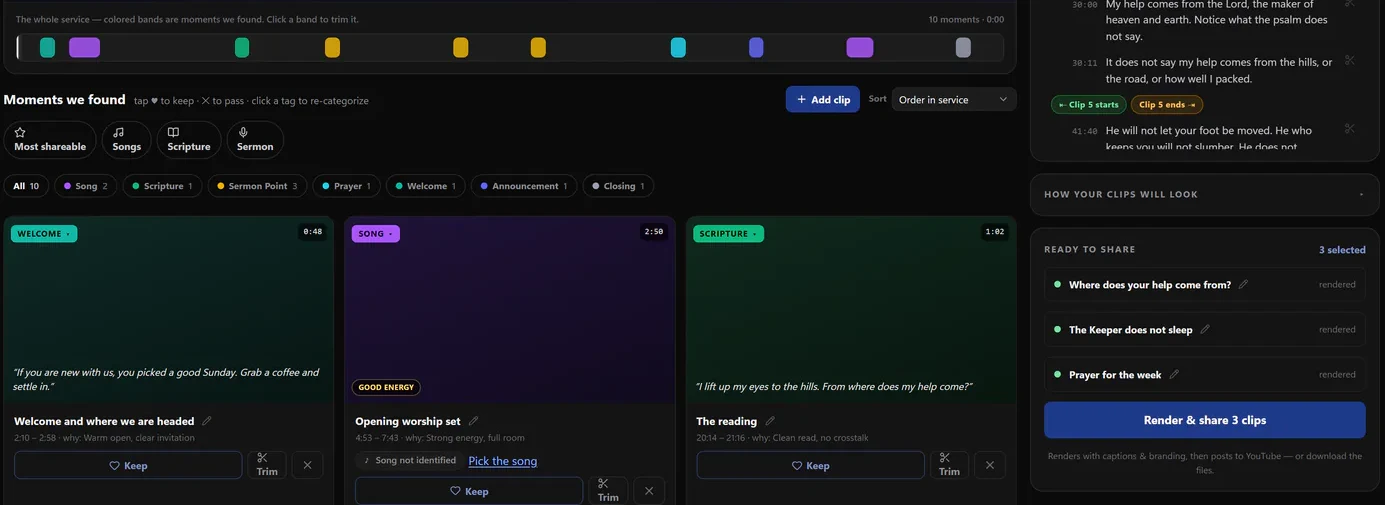
Tech Manager transcribes the service on your computer. Reels then suggests the songs, sermon points and scripture readings, plus one to three Key Moments of 30 to 60 seconds, each with the reason it was picked.
- 3
Keep, trim and post
Keep the ones you like and trim them. Reels renders each clip vertical, square or wide with the captions burned in. Post it to YouTube or save the file to share anywhere.
Ready to post
Everything a clip needs, without a video editor.
Formats and captions
Vertical, square or wide, with captions burned in.
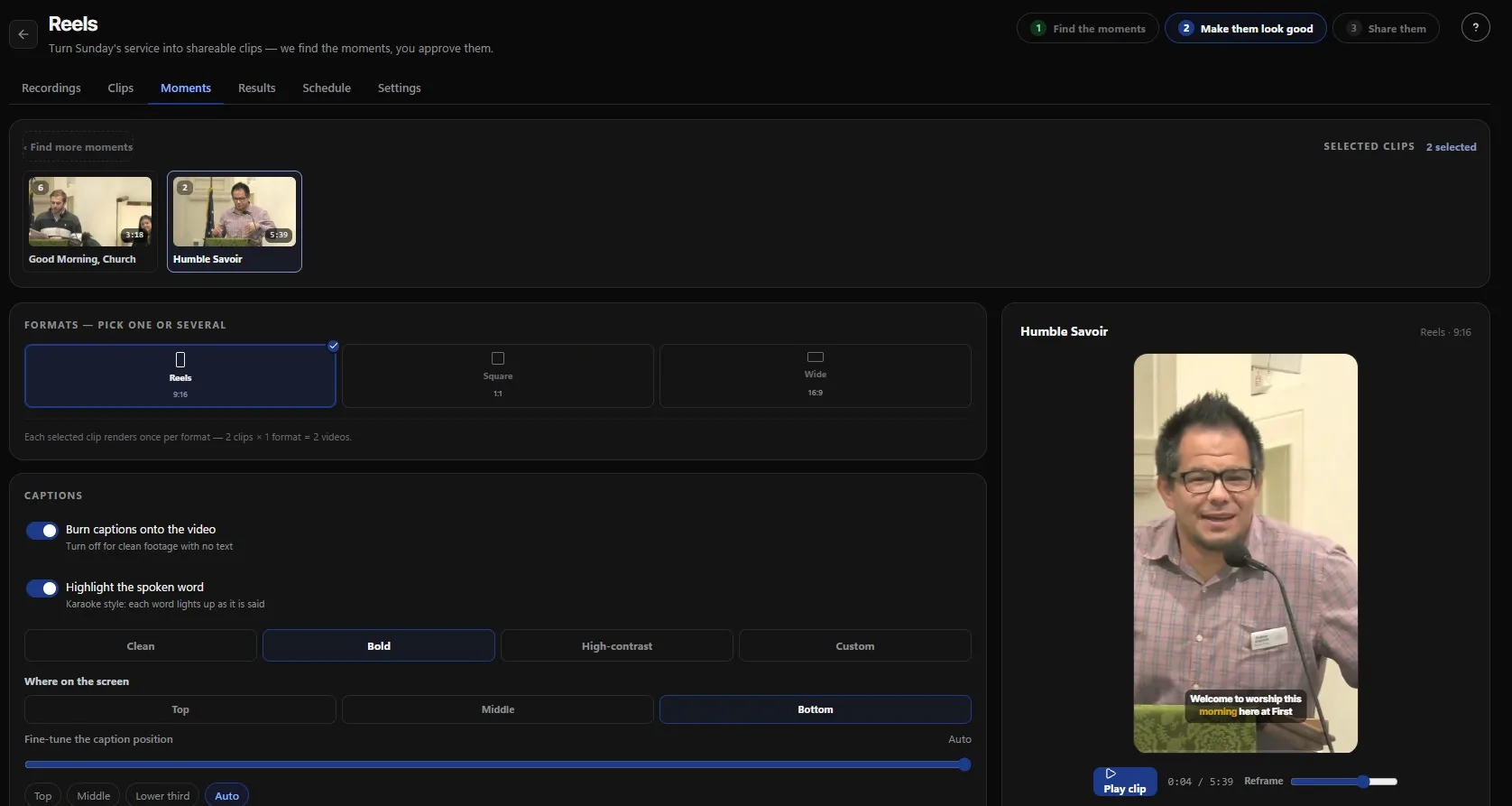
Pick one format or several, and each clip renders once per format. Captions are burned onto the video, and each word can light up as it's said. Choose a clean, bold or high-contrast style and put the captions at the top, middle or bottom.
Thumbnails
A thumbnail from your own clip.
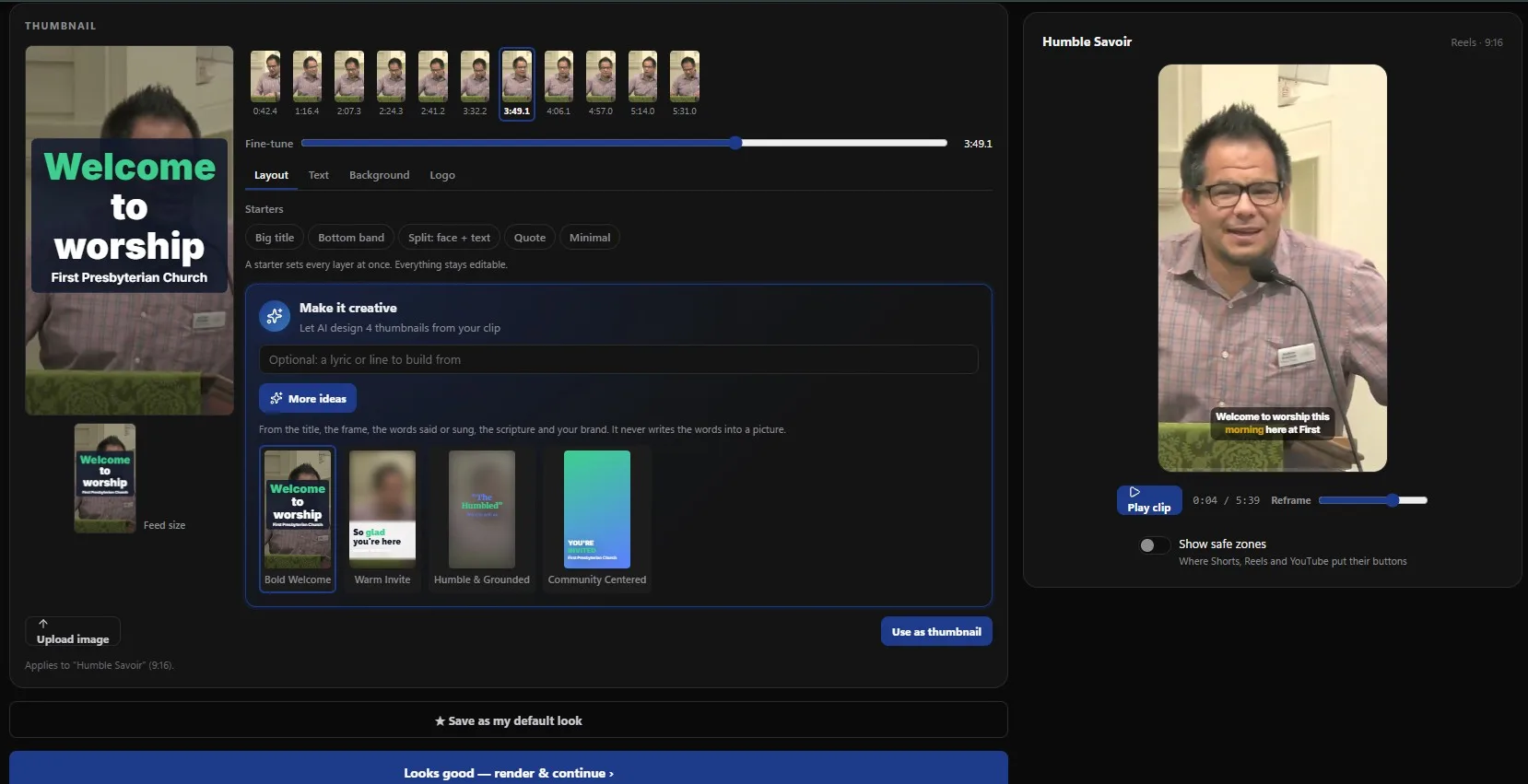
Pick any frame, start from a layout like Big title, Bottom band or Quote, or let AI design thumbnail ideas from the clip. A Reframe slider keeps the speaker in the vertical frame, and safe zones show where Shorts and Reels put their buttons.
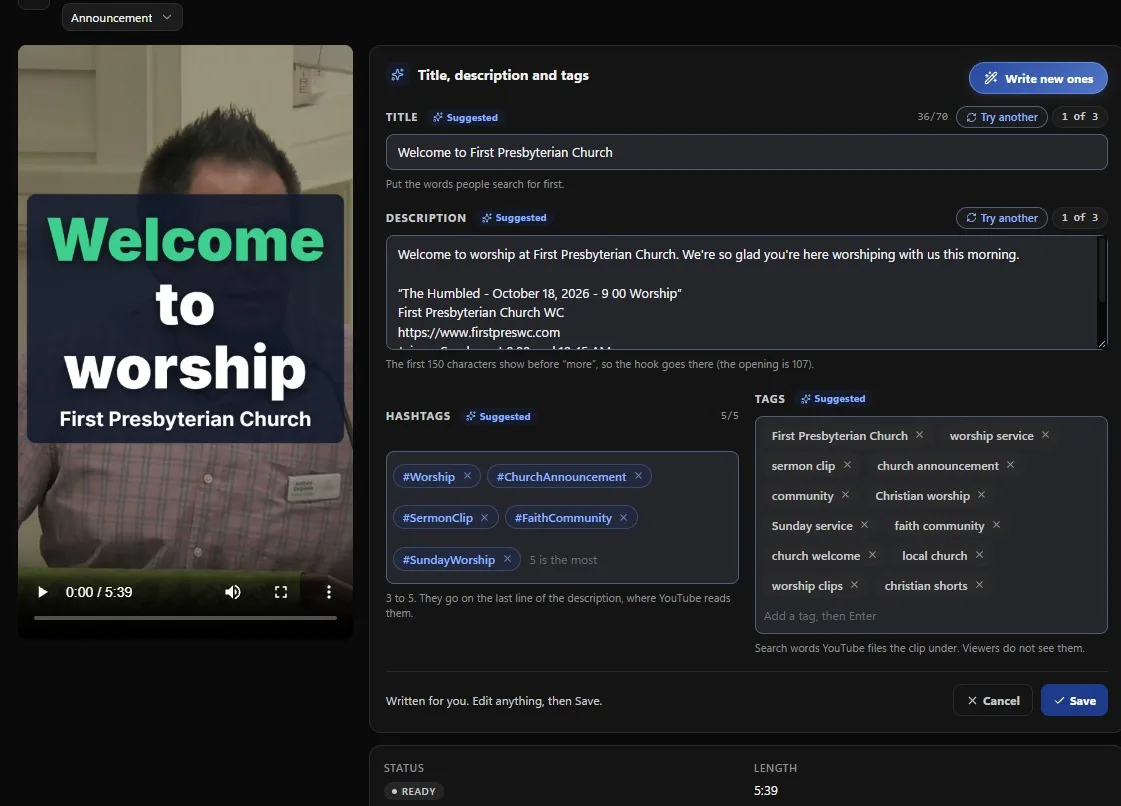
Title, description and hashtags
The post is written for you.
Reels writes a title with the words people search for first, a description with the hook in its opening line, hashtags and YouTube tags. Don't like one? Try another. Edit anything, then save.
What's free and what isn't
Free on your computer. Paid only in the cloud.
When the transcription and the rendering run on your church's own computer, they don't cost us anything, so they don't cost you anything. Cloud clipping runs on our servers, and it comes with the paid plans.
| Feature | Tech Manager Free | Cloud Reels Pro & Max |
|---|---|---|
| Transcription and rendering | On your church's Mac or PC | In the WorshipMetrics cloud |
| Price | Free | Included with Pro and Max |
| Finds the moments in the service | Yes | Yes |
| Captions burned in, vertical, square or wide | Yes | Yes |
| AI-written titles and descriptions | Yes, with a daily allowance | Yes |
| Where you work on clips | On that computer | Any browser, from anywhere |
| Your service video | Stays on that computer until you post a clip | Uploaded to your church's account |
Pro is $49/mo and Max is $99/mo, or $39 and $79 at founding prices. See pricing
Built for churches
Made for sermons, not influencers.
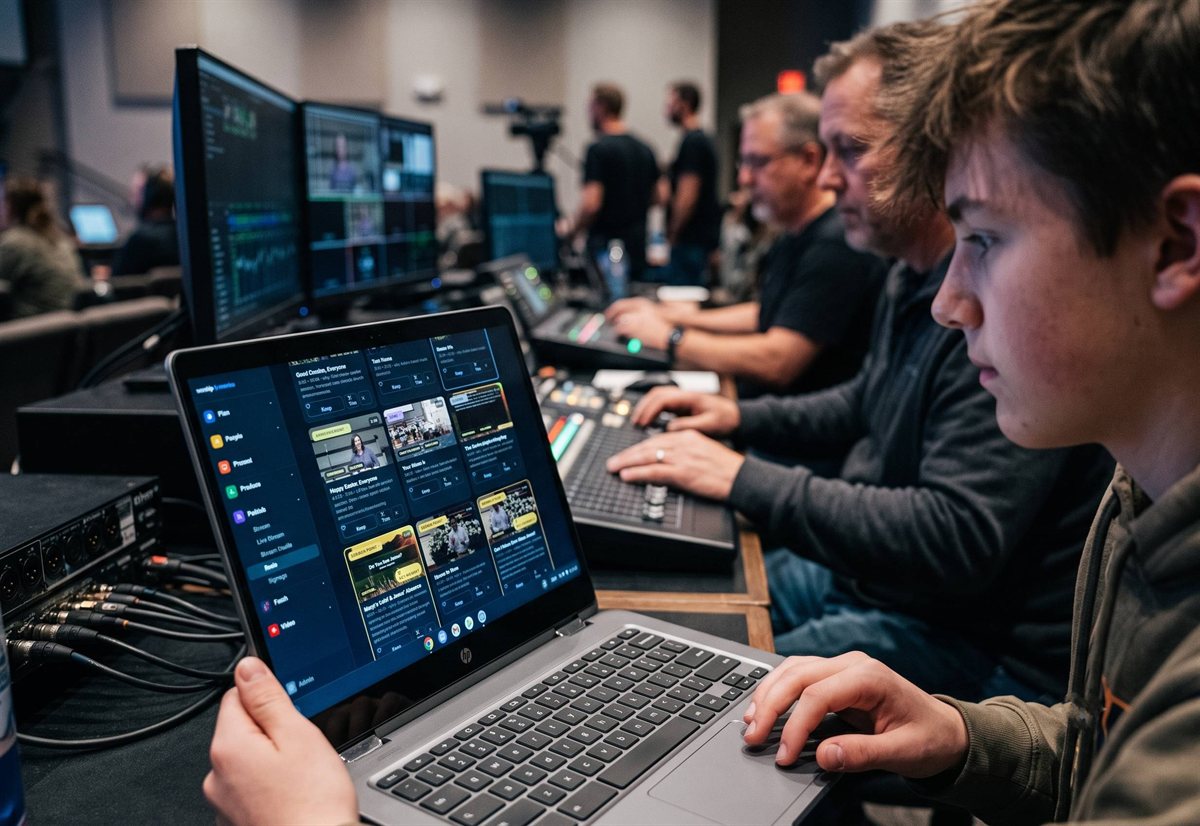
Reels knows what a service looks like: the welcome, the songs, the scripture reading and the sermon. It picks out the moments that make sense on their own, and it writes a title and description in plain words your team can edit.
A newcomer rarely commits to an hour-long livestream before visiting, but many will watch a one-minute clip to see what your church is like.
FAQ
Questions churches ask about free sermon clips
Is AI sermon clipping really free?
Yes, when it runs in Tech Manager, our free desktop app for Mac and Windows. The transcription and the video rendering run on your church's computer instead of our servers, so we don't charge for it. There's no trial clock and no credit card.
What do we pay for, then?
Clipping in the cloud. With Pro or Max, your team can upload a service and work on clips from any browser, from anywhere, instead of from the booth computer. Pro is $49 a month ($39 at founding prices) and Max is $99 ($79 at founding prices).
What computer does Tech Manager need?
Windows 10 or 11 (64-bit), or a Mac with Apple Silicon (M1 or newer) on macOS 12 or later. Most churches install it on the computer that already runs the stream.
Does our sermon video leave the building?
Not while you work in Tech Manager. The video and the clips you haven't posted stay on that computer, and only a finished clip is uploaded, when you post or schedule it. The AI that picks Key Moments and writes titles reads the transcript text in our cloud.
Is there a limit?
Finding moments and rendering clips on your computer has no cap. The AI that scores Key Moments and writes titles has a daily allowance for each church. If you go past it, Reels still finds the moments with its built-in scoring, and the AI writing is back the next day.
Is there a watermark?
No. The only logo on your clips is your church's, and you can turn it off.
Does it work for sermons in Spanish or other languages?
Yes. Pick your church's language in Tech Manager's settings, from 23 languages. English is ready when you install; other languages need a free speech model download the first time.
Do we need a video editor?
No. Reels suggests the moments and renders the clips. A volunteer decides which ones to keep, trims them if needed, and posts them.
Does a person approve every clip?
Yes. Reels suggests, and your team decides. Nothing posts until someone on your team picks it and posts it.
Clip this Sunday's sermon for free.
Create your free account, install Tech Manager on the booth computer, and let Reels find the moments.