Church livestream setup
EspañolA livestream your volunteers can actually run.
What a church livestream setup needs, what fits a church your size, how OBS, vMix and the ATEM compare, and how to split the booth so it doesn't depend on one person.
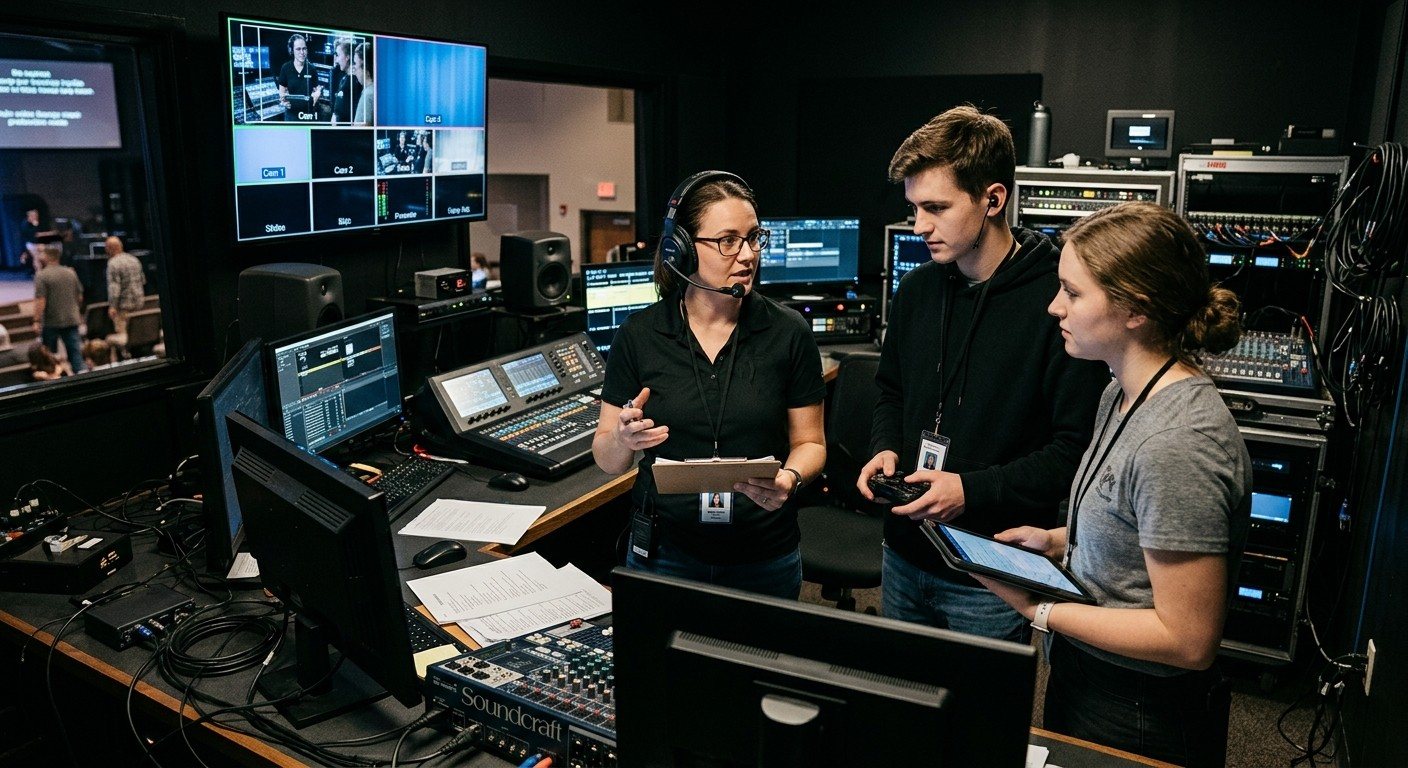
The basics
Six parts of every church livestream
Every setup, from one camera to a full production, comes down to the same six parts. Get these right before you spend on anything fancier.
Cameras
One to start; two to four for most churches. PTZ cameras let one volunteer run several angles, and NDI models carry video, control and power on one cable.
Why NDI PTZ cameras →A switcher
Where you choose the shot: free OBS, vMix, or a Blackmagic ATEM. This choice shapes everything else, so it has its own section below.
Compare OBS, vMix, ATEM →A stream audio mix
The room mix almost never sounds right online. A separate mix for the stream is the single biggest quality upgrade most churches can make.
Why a separate stream mix →Lyrics and slides
People at home want to sing along. Send slides into the stream directly, ideally as lyrics over the camera, not a camera pointed at the screen.
Lyrics on your livestream →Internet and destinations
A wired connection for the streaming computer, and one stream sent to YouTube, Facebook and your website at once.
One stream, every destination →Someone watching it
Monitoring that tells the team the moment the stream or recording stops, instead of a text from someone at home.
Free monitoring →What fits your church
Setups by church size
Start where you are. Most churches grow through these stages a piece at a time, keeping what works.
Starting out
One volunteer, one or two cameras, a laptop.
A camera or two into free OBS, or an ATEM Mini, with slides sent in from the presentation computer and a wired internet connection.
Growing
Churches of roughly 100-400 seats, 2-4 cameras, one volunteer running the stream.
Two to four cameras, slides on their own computer over NDI, and the job split between two or three volunteers. Our Good system starts at $4,995.
Established
Churches of roughly 500-2,000 seats with a production team, IMAG screens and multiple camera angles.
More cameras, room screens and overflow fed from the same system, and a real production team. Our Better system starts at $8,995; Best is built for broadcast-minded and multi-campus churches.
Choose your switcher
OBS, vMix or an ATEM?
All three work well in churches, and many churches combine them. What matters most is how easily your volunteers can share the job.
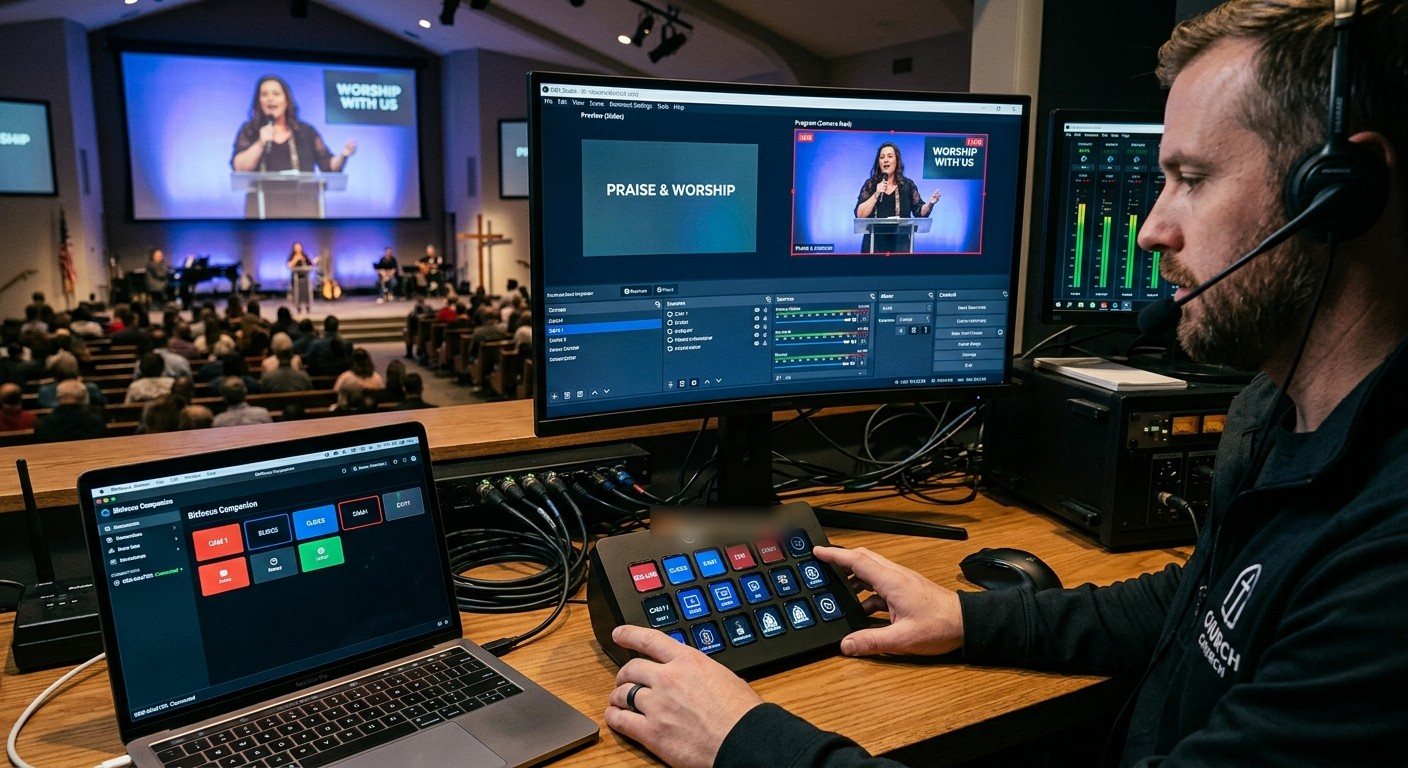
OBS Studio
Free software
Best for: Churches starting out, and teams who like to tinker. Flexible scenes, lyrics and streaming.
Sharing it with volunteers: Slides on a second computer over NDI, a Stream Deck with Bitfocus Companion, and OBS scenes, stream and recording from WorshipMetrics.
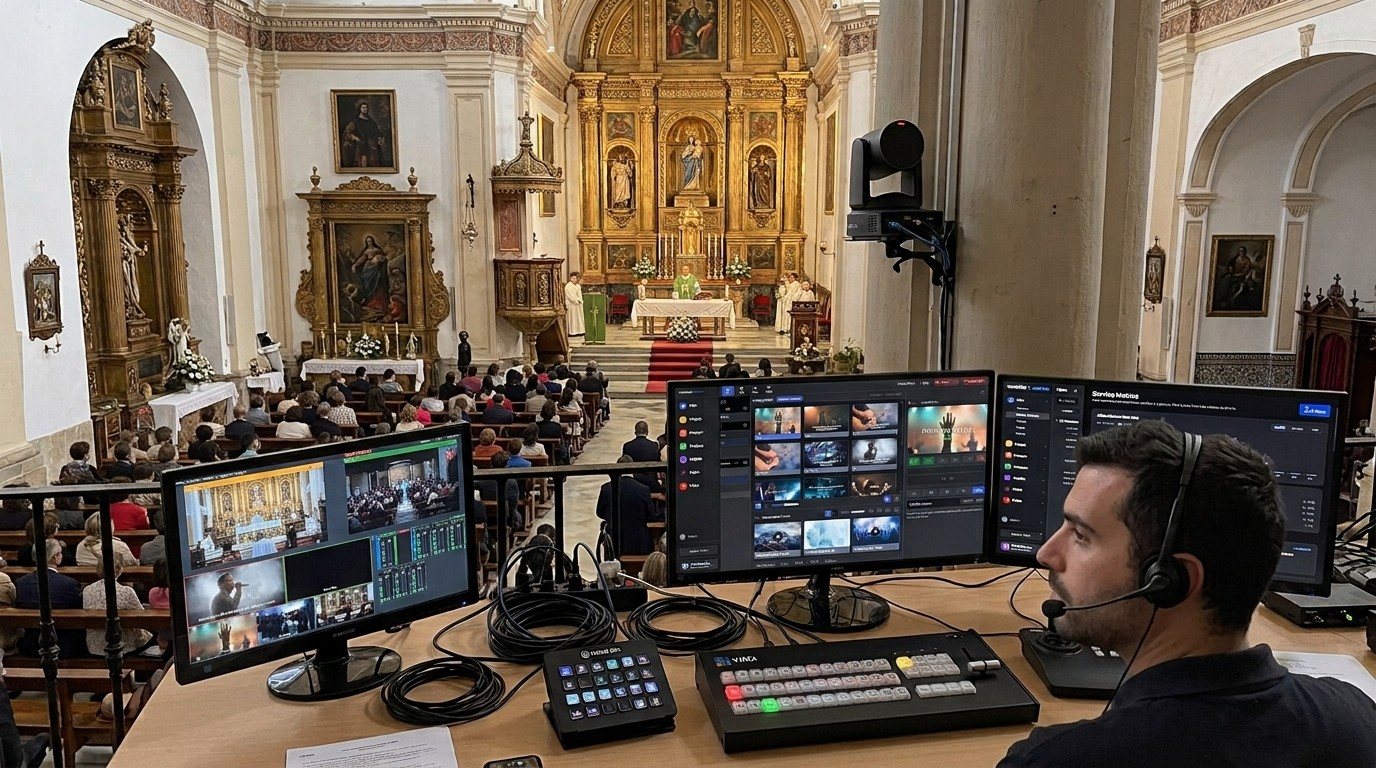
vMix
Paid software, included in our Better and Best systems
Best for: Multi-camera production with graphics, replay, and outputs for the room and the stream.
Sharing it with volunteers: The built-in Web Controller lets volunteers run titles, PTZ shots and the stream from any browser on the church network, and WorshipMetrics adds the full vMix panel from anywhere.
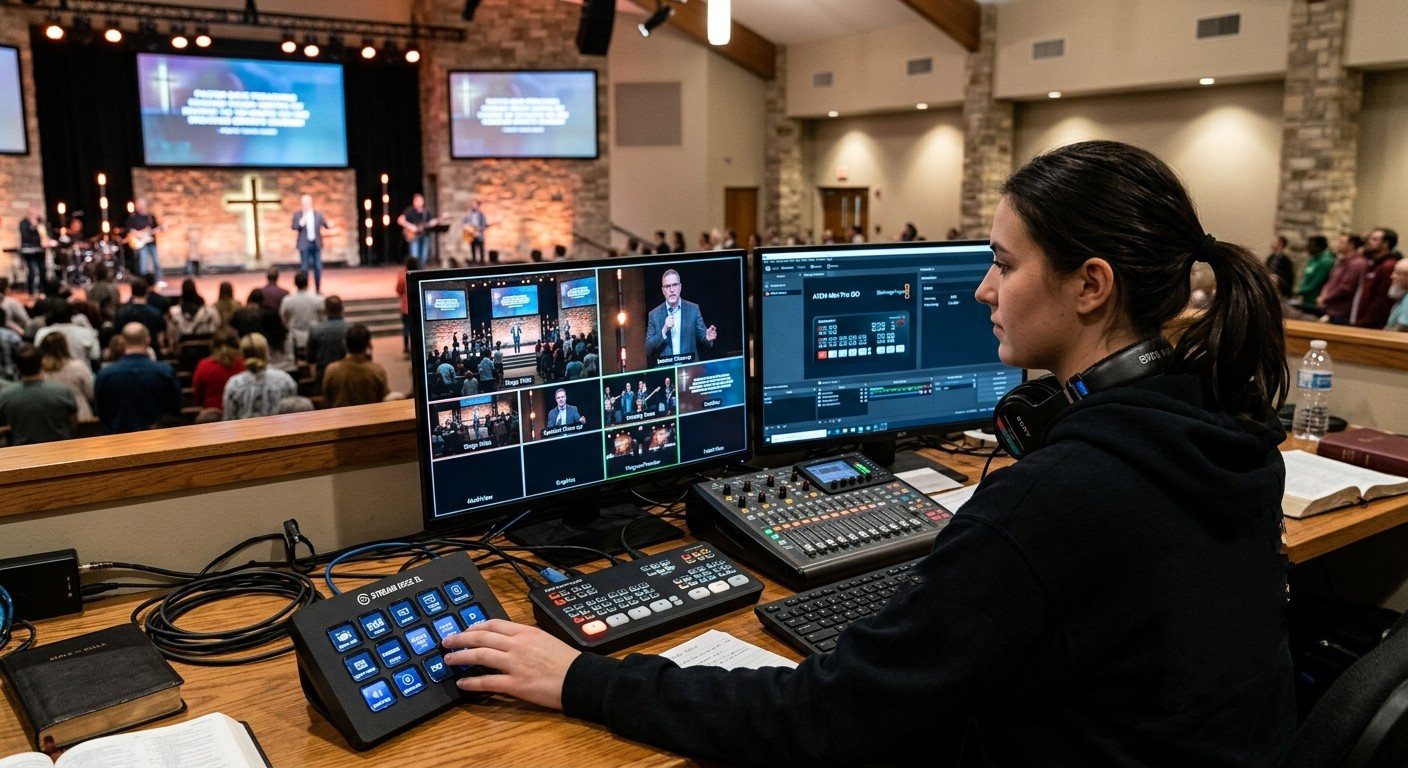
Blackmagic ATEM
Hardware switcher
Best for: Churches who want physical buttons and simple, dependable switching.
Sharing it with volunteers: ATEM Software Control on a second computer for keys, audio and the stream, a Stream Deck with Companion, and ATEM cut, preview and program from Tech Manager in the booth.
Side by side: video switcher showdown · ATEM Mini vs. vMix · should we switch from OBS?
Want us to help you pick and set it up? The consultation is free.
Easier to run
The best setup is the one your team can run without you.
Most church livestreams don't fail because of the gear. They fail because only one person knows how to run them. These four habits change that.
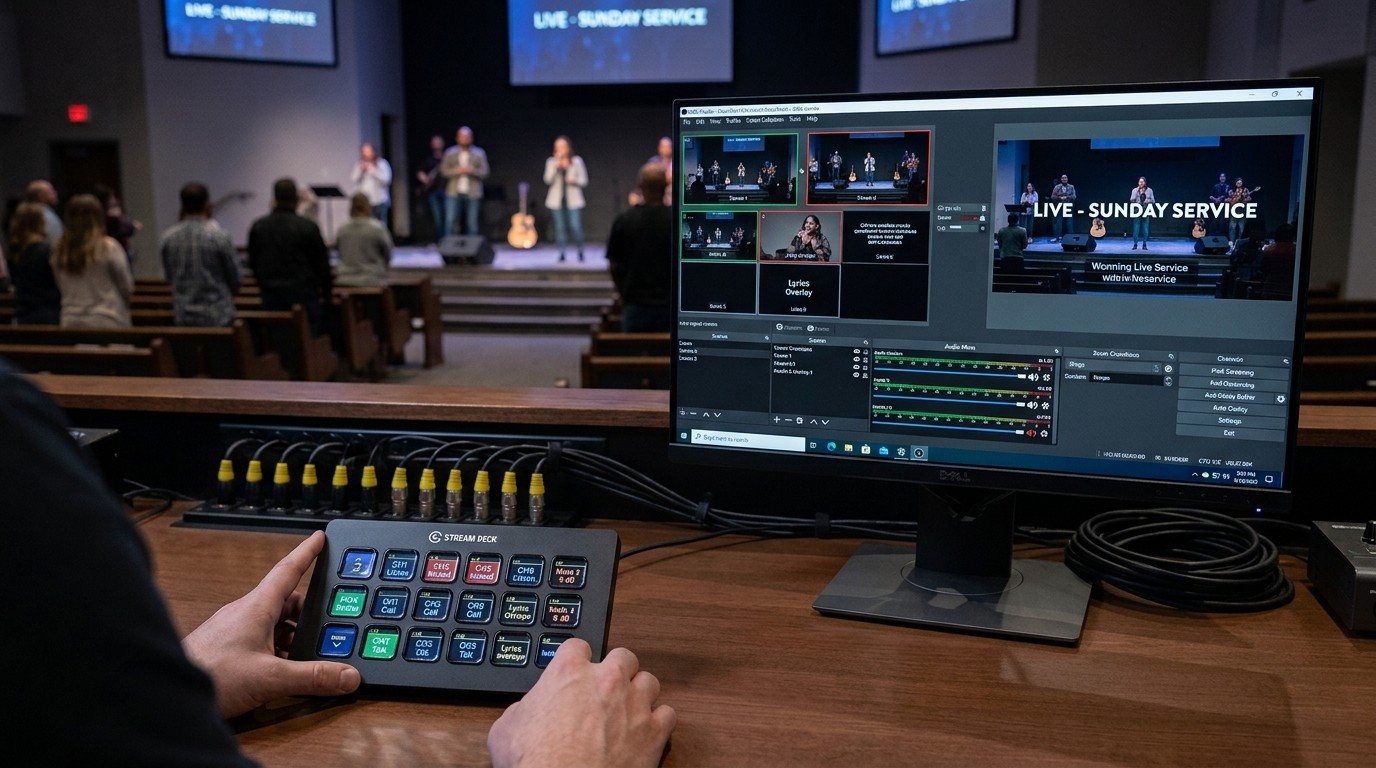
Split the job into seats
A director, a slides operator, and a camera operator. Each seat is one job a volunteer can learn in a Sunday or two.
The three-seat setup →Give volunteers plain-word buttons
Bitfocus Companion turns a Stream Deck or an inexpensive tablet into buttons like "Pastor," "Lyrics On," and "Start Service."
Bitfocus Companion for churches →Connect the team
Team chat, alerts, the same wiring diagrams, AI help and one schedule, so the seats work as one team, in the booth or not.
A connected livestream team →Make the booth welcoming
Labels, a checklist, monitors on arms, quiet gear, and an open chair for the next volunteer.
The volunteer-friendly booth →Where WorshipMetrics fits
One platform around whatever switcher you choose.
WorshipMetrics works with OBS, vMix and the ATEM, and ties the rest of your church media together.
Tech Manager
Controls OBS, vMix and the ATEM from the booth, free on every plan, and watches the streaming computer's health.
Monitoring and alerts
Email, web push and optional SMS text when the stream, recording or a device needs attention.
Present
Lyrics and slides built from the service plan, sent into the stream over NDI, with a Companion tab beside the slides.
Camera Control
PTZ cameras from the booth, free, or from a browser or tablet on Pro and Max: picture presets, joystick, focus lock.
Cloud control
The full vMix panel, or OBS scenes, stream and recording, from any browser on Pro and Max.
Signal Map and team chat
Wiring diagrams everyone can see, and one place for the team to plan Sunday.
Want help building it?
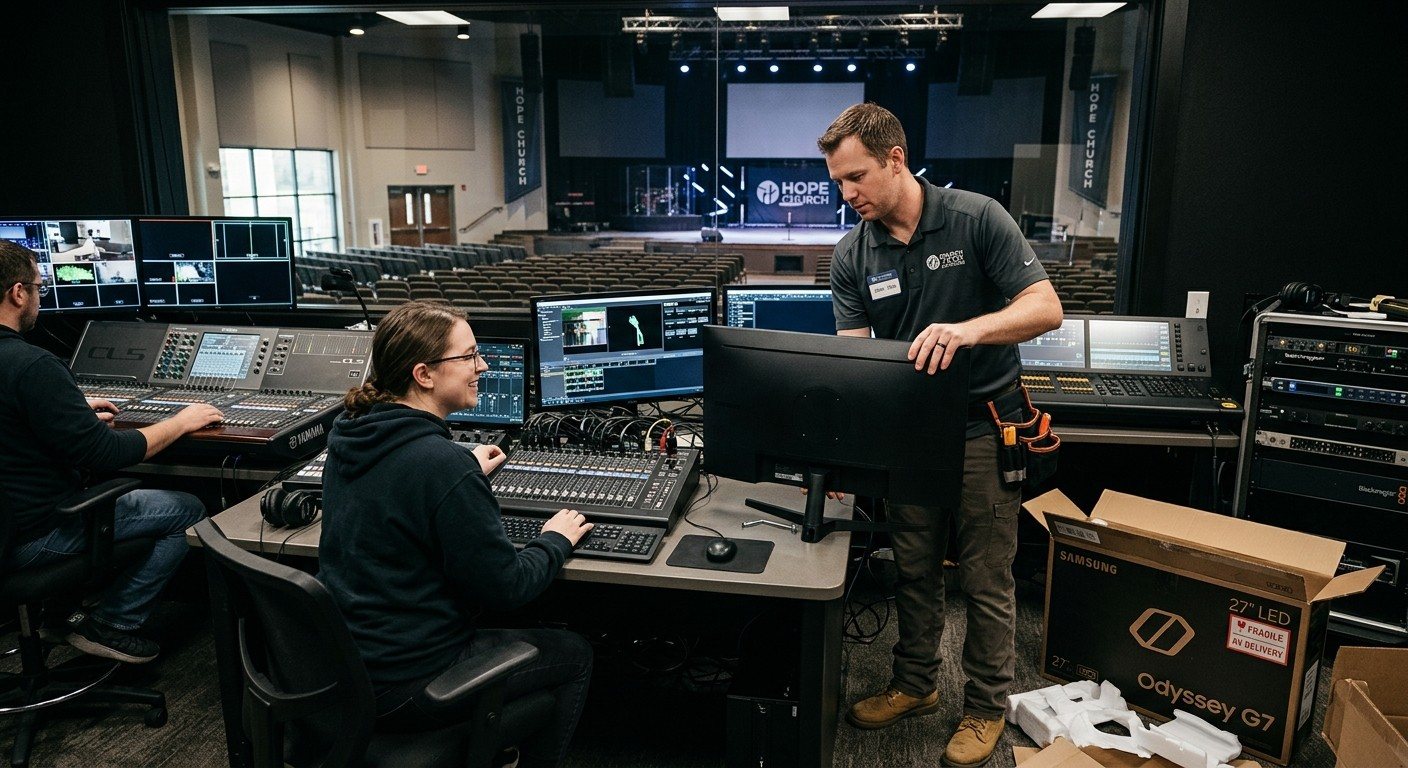
Livestream Systems, built around what you already own.
We're a livestream and video integrator for small and mid-size churches. Our Livestream Systems come in Good, Better and Best versions, starting at $4,995. Every upgrade gets a project manager, remote setup is included, and on-site installation and training are quoted separately.
Choosing who to work with? How to choose a church AV integrator · what to expect, step by step
From the Knowledge Base
Church livestream setup questions.
Free consultation
Want help building your setup?
Tell us about your church and what you have today. We'll recommend what fits, whether that's a new livestream system, help installing it, or getting more out of the gear you already own.
- A free, no-pressure call with our team
- Remote setup and onboarding included
- On-site installation and training available
- Phones answered 7 days a week
Rather talk now?
Call 910-WORSHIPQuestions churches ask
What equipment do we need to livestream a church service?
At minimum: a camera, a way to switch or capture it (free OBS on a computer, vMix, or a hardware switcher like an ATEM Mini), an audio feed from your sound board, and a wired internet connection. Most churches add a second camera, lyrics and slides in the stream, a separate stream audio mix, and monitoring that alerts the team if the stream stops.
How much does a church livestream setup cost?
It ranges widely. A one-camera starter setup can cost a few hundred dollars if you already have a computer. Our Livestream Systems start at $4,995 for the Good system, as a reference price for the system itself. Mapping what you already own is the best way to lower the cost, because reusable equipment doesn't need to be bought again.
Should our church use OBS, vMix, or an ATEM?
OBS is free and flexible, and a good place to start. vMix adds multi-camera production power, replay, and room outputs. An ATEM gives volunteers physical buttons and simple switching. Many churches combine them, for example an ATEM switching cameras into OBS, and grow from one to another.
How do we make our livestream easier for volunteers?
Split the work into smaller seats (director, slides, cameras), give volunteers plain-word buttons with a Stream Deck or tablet, write a one-page checklist per seat, and use tools that alert the team when something breaks and let a helper see the system from anywhere.
Can WorshipMetrics help us build our livestream setup?
Yes. We're a livestream and video integrator for small and mid-size churches. Start with a free consultation: map what you already own, and we'll recommend what to reuse, what to upgrade, and what to add. Every upgrade gets a project manager, remote setup is included, and on-site installation and training are quoted separately.