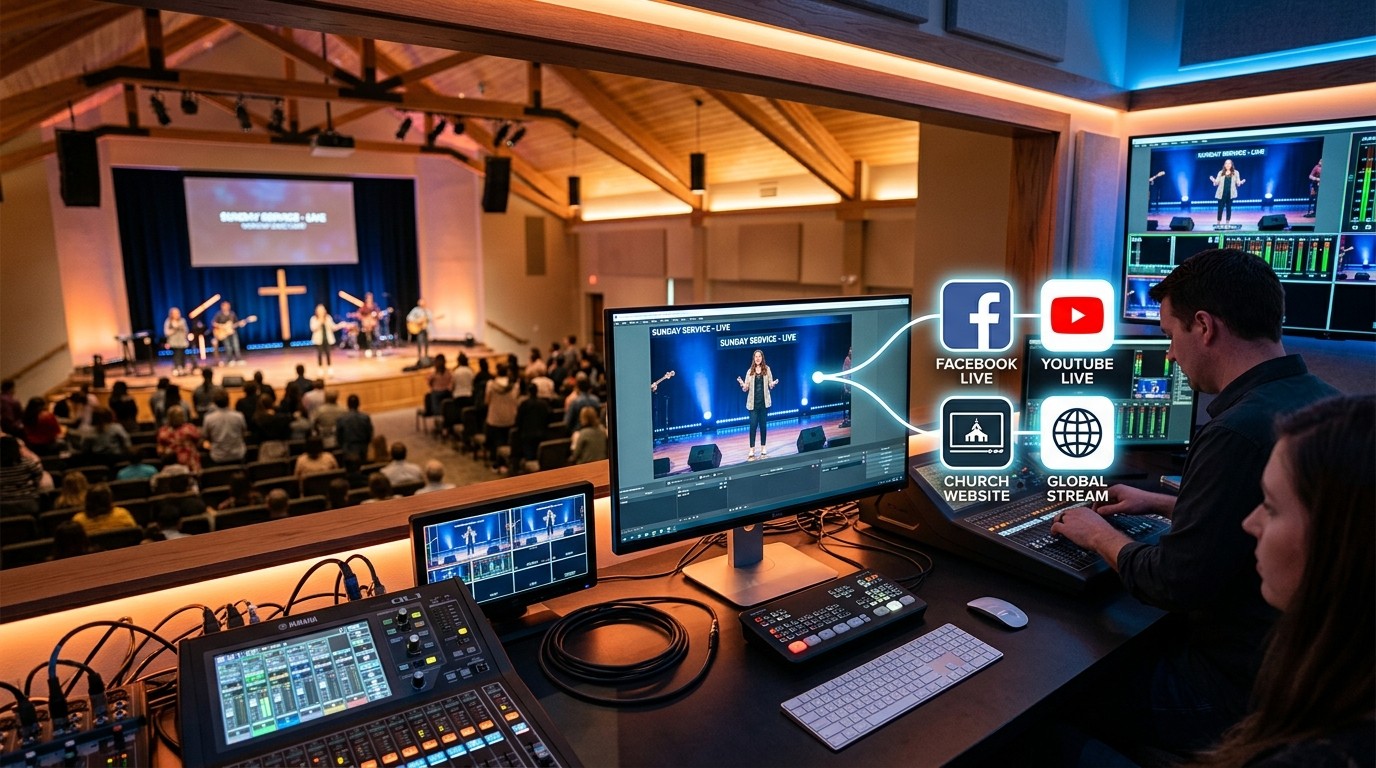
Two places your people look
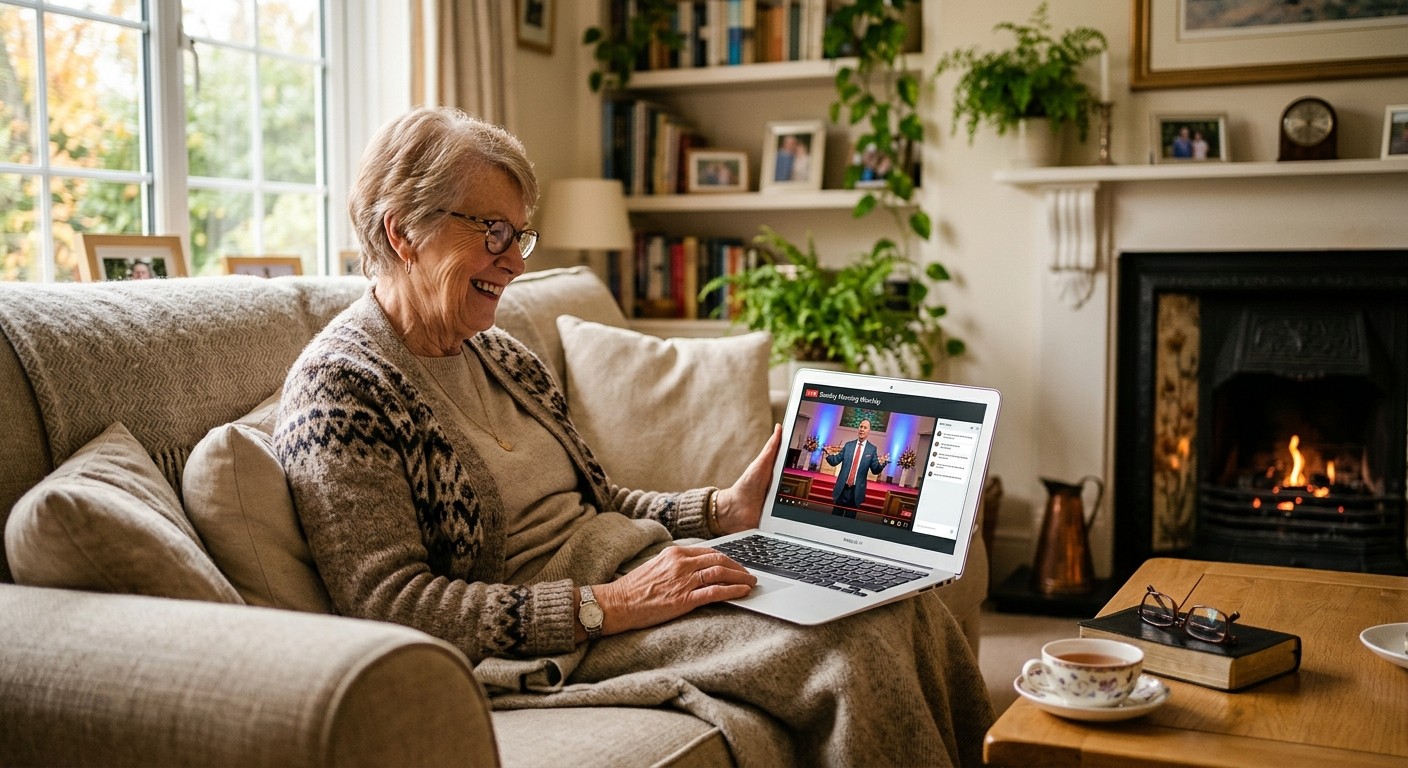
Some of your congregation watches on Facebook. Others, often older members, visiting family, or people who don’t use social media, go to your church website looking for “watch live.” If the service is only on Facebook, they miss it.
Getting the service onto both, and recorded so people can watch later, is one of the most common requests we hear.
The problem with doing it by hand
The obvious approach is to stream twice: once to Facebook and once to your website. That usually means:
- Twice the upload bandwidth from your church’s internet connection, which can cause both streams to stutter (see is our church WiFi good enough to livestream?)
- More load on the streaming computer
- Two things to start, watch, and stop every Sunday, with more chances for something to go wrong
The better way: one stream out, many destinations
Instead, send one stream from your booth to a service that copies it to every destination: Facebook, YouTube, and a player on your website. This is called restreaming or multistreaming. (See restreaming for churches.)
| Streaming twice from the booth | One stream, restreamed | |
|---|---|---|
| Upload from church | Double | Single |
| Things to manage on Sunday | Two | One |
| If the church internet hiccups | Both destinations suffer | One feed to recover |
| Recording | You have to manage it | Usually recorded automatically |
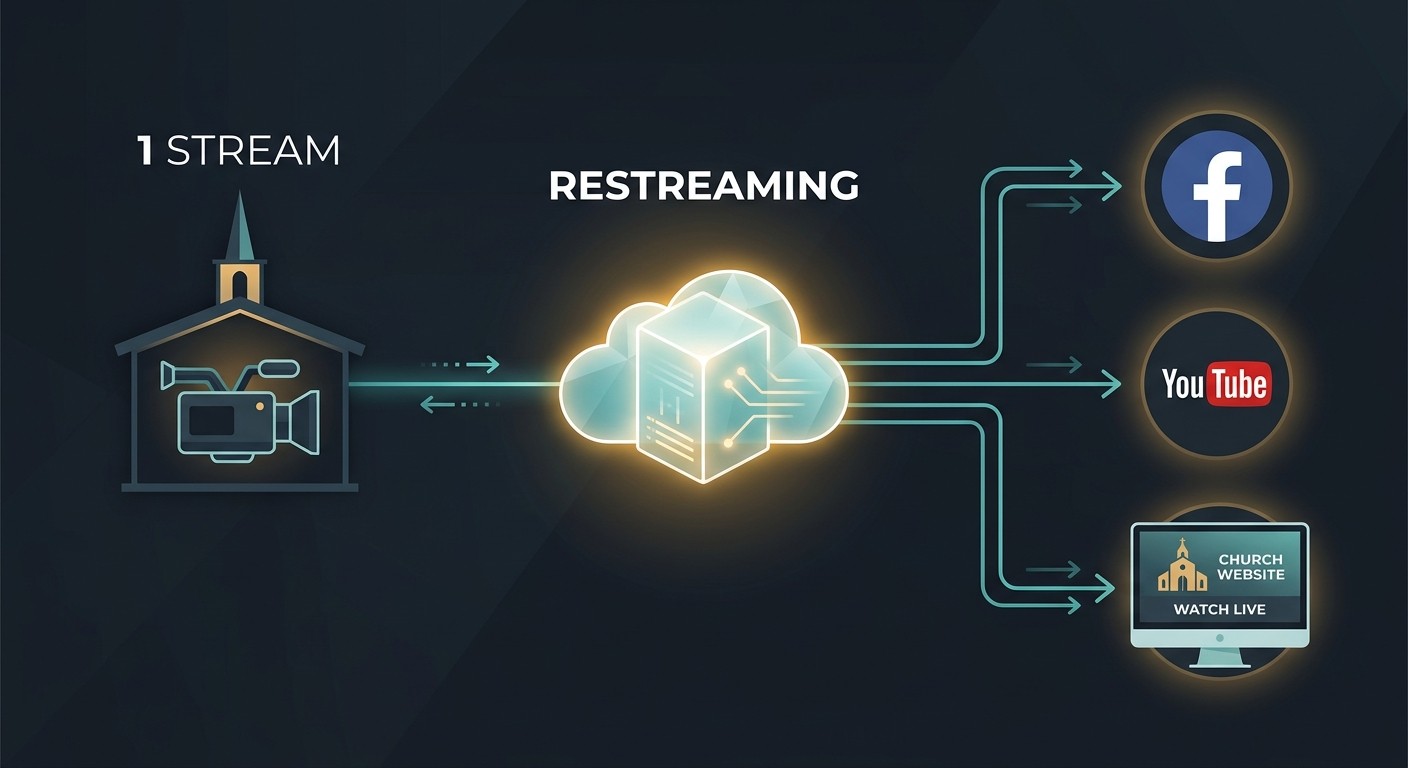
Putting it on your website
You need a page on your church website with a video player that shows the live service. Options:
- A dedicated website player from your streaming service. It’s the most reliable option, and the recording can stay on your site afterward.
- Embed YouTube Live. Works well and is free, though YouTube’s branding and suggestions appear.
- Embed Facebook Live. Possible, but often less reliable and can prompt viewers to log in.
Put the player on an easy-to-find page, like yourchurch.org/watch, and link to it from your homepage and emails.
Don’t forget the recording
People watch later in the week: shut-ins, travelers, families with sick kids. Make sure every service is recorded and posted where people can find it, ideally organized on your website and YouTube. (See past services on your church website.)
How WorshipMetrics does it
With WorshipMetrics streaming, you send one feed from your booth, and it reaches Facebook, YouTube, your own website player, and other destinations, recorded and archived. WorshipMetrics handles the platform connections, schedules your broadcasts, and fetches the stream keys. Sending one feed to every destination, with your own website player and cloud recordings, comes with the Max plan; streaming to YouTube and Facebook from Tech Manager on your church’s computer is free on every plan. Either way, monitoring alerts your team if the stream stops.
Then turn the recording into short clips for the week with Reels. (See how to turn your livestream into Shorts.)
Want help setting it up?
Call 910-WORSHIP. Journey, our AI phone assistant, answers any hour and connects you with our team. Or book a call.
Related questions
- Can we stream our church service to Facebook and our website at the same time?
- Yes. Send one stream from your booth to a service that restreams it to several destinations: Facebook, YouTube, and a video player on your website. That avoids running two streams from one computer and one internet connection.
- How do we put our church livestream on our website?
- Embed a video player on a page of your website. The simplest approach is a streaming service that gives you a website player along with Facebook and YouTube, so the same stream appears everywhere and the recording stays on your site afterward.
- Why not just embed our Facebook Live video on our website?
- You can, but Facebook embeds can be unreliable, may ask viewers to log in, and make it harder to keep an archive on your own site. A dedicated website player is usually more dependable for members who don't use Facebook.
Turn Any Smartphone into a Wireless Church Camera with NDI
NextvMix Reference Systems vs. WorshipMetrics Livestream Systems: What's Different for Churches
Related Articles

Bitfocus Companion + ATEM Mini: A Stream Deck Panel for Your Church Switcher
A Stream Deck running Bitfocus Companion turns a Blackmagic ATEM into plain-word buttons with colors that show what's live, and the same panel can run PTZ cameras, projectors, and more. Here's how to connect Companion to an ATEM and build a volunteer page.

Lyrics Over the Camera on an ATEM Mini: Luma Keys, Chroma Keys, and the Slides Computer
To put song lyrics over the camera shot on a Blackmagic ATEM Mini, feed the slides computer into an ATEM input and key it over the camera. Here's how luma and chroma keys work for lyrics, how to design slides that key cleanly, and who should run it.

ATEM Mini + OBS for Church: Hardware Camera Switching with OBS for Graphics and Streaming
Many churches use an ATEM Mini as a camera switcher and send its output into OBS over USB as a webcam. The ATEM gives volunteers real buttons; OBS adds lyrics, graphics, recording, and streaming. Here's how to set it up, split the jobs, and avoid the common sync and quality problems.