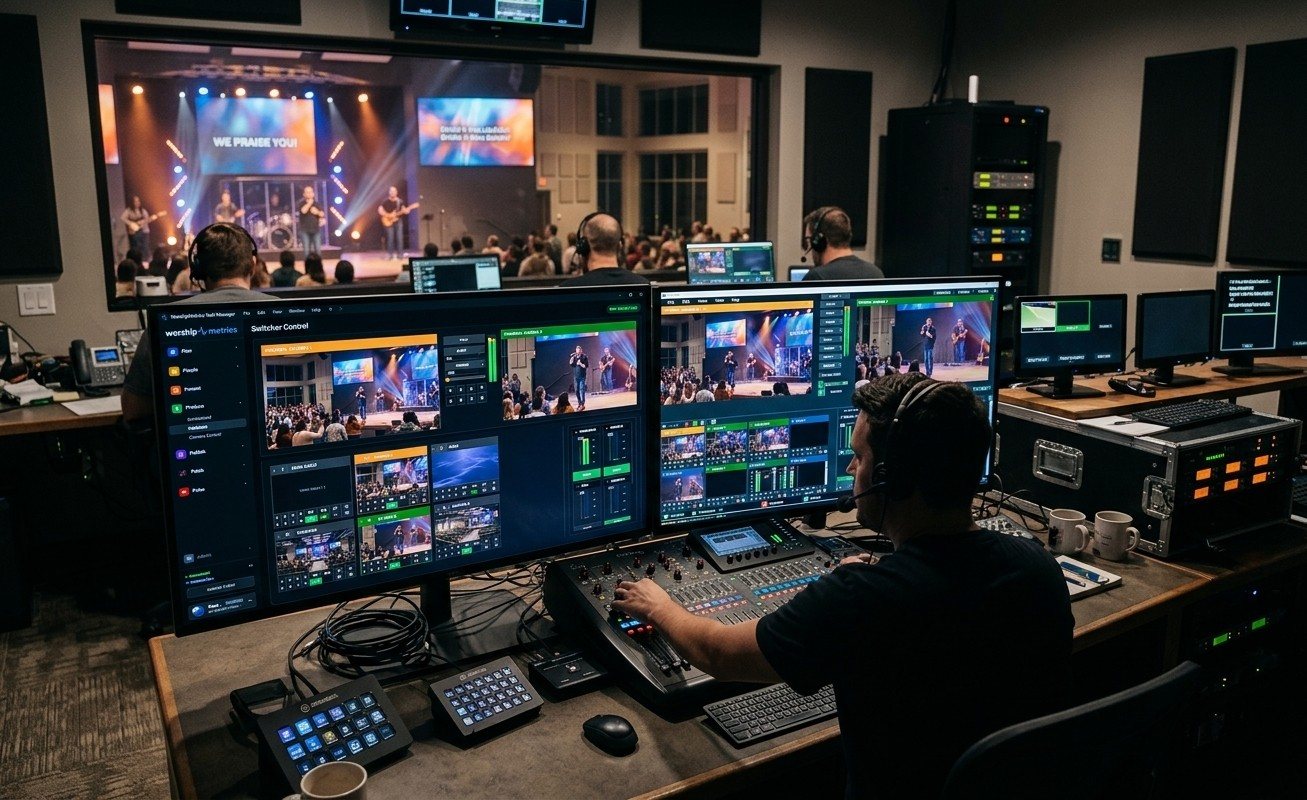
Two kinds of tested system
If you’ve shopped for a church streaming computer, you may have run into vMix Reference Systems. vMix, the live production software many churches use, publishes them. WorshipMetrics has Livestream Systems. Both are tested starting points, sometimes called reference designs, and they’re closely related, but they do different jobs.
In short: vMix publishes a tested parts list for any live production. We build a tested Sunday system for churches, starting from that kind of tested hardware.
What vMix Reference Systems are
As of October 2026, vMix’s reference systems page describes them as recommended specifications for building a custom live production computer. There are five models:
| vMix model | What it is | Camera inputs (roughly) |
|---|---|---|
| Sapphire | 16-inch gaming laptop plus external capture | 4 HD |
| Opal | Desktop, Core Ultra 5, entry graphics card | 4 HD |
| Ruby | Desktop, Core Ultra 5, RTX 5060 Ti | 8 HD, 4-camera instant replay |
| Topaz | Desktop, Core Ultra 7, RTX 5070 Ti, 64GB | 8 HD or 4 4K, 8-camera replay |
| Obtanium | Server-class, Xeon W, up to three capture cards | 24 HD or 6 4K |
The parts are, in vMix’s words, components it has tested and verified for vMix, and you can swap parts to suit your needs. Capture options include Magewell, Blackmagic and AJA cards. You take the spec to a vMix reseller or system builder, who builds and prices it.
That’s genuinely useful. vMix knows what its software needs, and a reference spec takes the guesswork out of buying a production computer. We start from the same kind of tested hardware.
What a church needs on top of the computer
A church isn’t a TV truck or an esports studio. A few things are different:
- The operator is usually a volunteer, often a different one each week.
- The system runs once or twice a week, so a surprise Windows update or a forgotten setting can sit unnoticed until Sunday morning.
- The room matters as much as the stream: projectors, IMAG screens, lobby TVs and overflow rooms all need video too.
- The budget is shared with everything else in ministry, and there’s often equipment that’s still good.
- Help has to be reachable on Sunday morning, not just on weekdays.
A spec sheet can’t cover those. That’s the layer our Livestream Systems add.
Side by side
| vMix Reference Systems | WorshipMetrics Livestream Systems | |
|---|---|---|
| What you get | A tested parts list | A built, tested system, or the parts list if you’d rather build it |
| Who it’s for | Any live production | Churches, sized by seats, cameras and volunteers |
| Form factor | Laptop, desktops, server | 4U rackmount for the booth rack |
| Windows | Windows 11 | Windows 11 IoT Enterprise LTSC: security fixes, no surprise feature updates |
| Software | vMix | OBS and vMix installed and tuned; the Good tier runs free OBS out of the box |
| Capture | Magewell, Blackmagic or AJA | Magewell, chosen for 24/7 operation and support across nearly every app |
| Room outputs | Depends on the build | Planned in: IMAG, confidence monitors, lobby and overflow (Better and Best) |
| Monitoring | Not included | WorshipMetrics monitoring: temperatures, dropped frames, stream status, alerts to your phone |
| Testing | Parts verified for vMix | Installed, tuned and burned in under a real multi-camera load before it ships |
| Warranty | From your builder | 3 years; advance replacement on Better and Best |
| Prices | From your builder | Published reference prices, so you can plan |
| Cameras | Not included | Not included; PTZ cameras are a suggested add-on, quoted in your consultation |
| Your existing gear | Up to you | A free consultation that maps what you have and reuses what works |
How the tiers line up
Roughly speaking:
- Essentials (Good) sits between vMix’s Opal and Ruby: Core Ultra 5, RTX 5060, 32GB, and a Magewell Pro Capture Quad for up to 4 cameras. It’s sized for 100 to 400 seats and one volunteer, and it runs free OBS so a small church doesn’t have to buy vMix on day one.
- Studio (Better) lines up with Topaz: Core Ultra 7, RTX 5070 Ti, 64GB, 8 Magewell SDI inputs, instant replay, and outputs for IMAG and confidence monitors.
- Broadcast (Best) is in Obtanium territory: Xeon W, error-correcting memory, 4K SDI, dual 10GbE and built-in remote management, so our team can restart or repair it without a site visit.
See the full specs and reference prices on the Livestream Systems page, and how every part connects in the wiring diagram.
Which should your church choose?
Choose a vMix Reference System if you have an experienced tech director, you’re committed to vMix, you have a builder you trust, and you’re comfortable owning setup, updates and support yourselves.
Choose a WorshipMetrics Livestream System if you want the whole Sunday system thought through: built for a rack, locked down, monitored, under warranty, and planned around the gear you already own. Or if you’d like to start on OBS and grow into vMix later.
Either way, the best first step is the same: write down what you already have. Our map-your-system checklist takes a few minutes, and it’s the best way to get the best price, because we can reuse what still works and only quote what’s missing. (See how to map your church AV system before a consultation.)
Related reading
Related questions
- What are vMix Reference Systems?
- They're hardware specifications published by vMix: lists of computer parts and capture cards that vMix has tested and verified for its software, in five sizes from a laptop to a server-class machine. You take the spec to a reseller or system builder, who builds the computer for you.
- How are WorshipMetrics Livestream Systems different from vMix Reference Systems?
- They start from the same kind of tested hardware, then add what churches need: a rackmount build, a long-term-support edition of Windows, both OBS and vMix installed, outputs for projectors and overflow rooms, WorshipMetrics monitoring, a 3-year warranty, published reference prices, and a free consultation that designs around equipment you already own.
- Can a church just use a vMix Reference System?
- Yes. A vMix Reference System is a solid computer for vMix. Churches choose WorshipMetrics Livestream Systems when they want the whole Sunday system planned, built, tested and supported, or when they want to run free OBS instead of buying vMix.
How Do We Stream Our Service to Facebook and Our Church Website at the Same Time?
NextWhat Is NDI? IP Video for Churches in Plain English
Related Articles

Bitfocus Companion + ATEM Mini: A Stream Deck Panel for Your Church Switcher
A Stream Deck running Bitfocus Companion turns a Blackmagic ATEM into plain-word buttons with colors that show what's live, and the same panel can run PTZ cameras, projectors, and more. Here's how to connect Companion to an ATEM and build a volunteer page.

Lyrics Over the Camera on an ATEM Mini: Luma Keys, Chroma Keys, and the Slides Computer
To put song lyrics over the camera shot on a Blackmagic ATEM Mini, feed the slides computer into an ATEM input and key it over the camera. Here's how luma and chroma keys work for lyrics, how to design slides that key cleanly, and who should run it.

ATEM Mini + OBS for Church: Hardware Camera Switching with OBS for Graphics and Streaming
Many churches use an ATEM Mini as a camera switcher and send its output into OBS over USB as a webcam. The ATEM gives volunteers real buttons; OBS adds lyrics, graphics, recording, and streaming. Here's how to set it up, split the jobs, and avoid the common sync and quality problems.