Introduction
vMix can be a powerful foundation for church live production, especially when a team needs more flexibility than a hardware switcher alone can provide. That flexibility only helps if the machine and workflow are built to support it.
For many congregations, vMix becomes the center of livestream production, graphics, recording, and output routing. That makes it incredibly capable, but also means discipline matters more than ever.
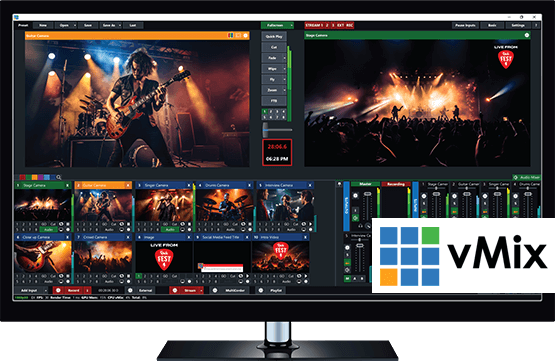
Start with a Production-Ready Computer
CPU, GPU, storage, and network stability matter more in vMix than in simpler appliance workflows. The software can only be as stable as the production machine behind it.
Before building your project, confirm:
- the production computer has adequate CPU and GPU headroom
- storage is fast enough for recording demands
- the internet path is wired and stable
- background tasks are minimized during service hours
- the machine is not trying to be both office PC and production system
Most instability blamed on vMix is actually host-computer instability.
If you’re buying or replacing that computer, our Livestream Systems are vMix machines built on vMix’s own tested hardware recommendations, with Magewell capture and a locked-down Windows install, in Good, Better and Best sizes. (See how they compare with vMix’s own reference systems.)
Build Inputs Around Service Flow
Inputs should reflect how your service actually runs: cameras, lyrics, confidence feeds, lower thirds, prerecorded media, and overflow needs. Clean organization matters before creative complexity does.
Strong input naming and grouping help volunteers understand what is happening quickly. If every source looks interchangeable, the system becomes harder to trust under pressure.
Manage Outputs Intentionally
The stream, recording, in-room displays, and overflow destinations should be planned as separate responsibilities. Treating them as one generic output creates troubleshooting headaches later.
Ask clearly:
- what is the livestream output?
- what is being recorded locally?
- what feeds room displays or confidence monitors?
- what should continue if the internet fails?
Clear output thinking is one of the biggest markers of a mature vMix workflow.
Keep Volunteers Oriented
vMix can do a lot, which means volunteers can also get lost quickly. Naming, layouts, shortcuts, and documented procedures matter for confidence under pressure.
Volunteer-friendly vMix setups usually include:
- clearly labeled input groups
- a limited set of live actions per operator
- documented scene and transition logic
- shortcuts or control surfaces for repetitive tasks
- fallback steps for common problems
The goal is not maximum power. It is repeatable operation.
Monitor the System While It Runs
Dropped frames, encoder load, network degradation, and source problems should be visible while the service is happening, not discovered after it ends.
Teams should be able to answer in real time:
- is the stream stable?
- is encoder load rising?
- is a source failing intermittently?
- is recording still active?
Visibility is what turns vMix from a flexible tool into a trustworthy production system.
Document the Show Logic
Complex vMix projects become fragile when the logic only exists in one operator’s memory. Document:
- what each major scene or input group is for
- how lower thirds are triggered
- how backup sources are brought in
- how streams and recordings are started and stopped
That documentation keeps the project supportable even if key volunteers rotate out.
Conclusion
vMix is excellent for church production when the system around it is documented, monitored, and sized for the real service load.
The more flexible the software becomes, the more important clear structure becomes. Good vMix systems feel calm because someone did the hard thinking before Sunday started.
One button panel for the whole booth: Bitfocus Companion for churches: one button panel for your whole AV system. See also vMix + Companion setup · designing Companion pages for volunteers.
Share the vMix PC with more volunteers: Splitting vMix roles for church volunteers. See also the vMix Web Controller for volunteers · calling PTZ shots with vMix virtual inputs.
LED Walls vs Projectors: The Church Sanctuary Display Guide
NextTraining Volunteer AV Teams & Creating Production Runsheets
Related Articles
Choosing a PTZ Camera for Church Live Streaming
How to choose PTZ cameras for a church: how much zoom your room needs (with the math), NDI vs SDI vs HDMI vs USB, how many cameras to buy, sensors and low light, control and auto-tracking, and current models and prices at every budget.
Church Streaming Services Compared: Resi, BoxCast, YouTube, Facebook and More (2026)
Church live streaming services side by side: what Resi, BoxCast, Subsplash, Vimeo, Restream, Castr, SermonAudio, YouTube and Facebook cost in 2026, how each handles reliability and simulcasting, what happens to your recordings, and which fits your church.
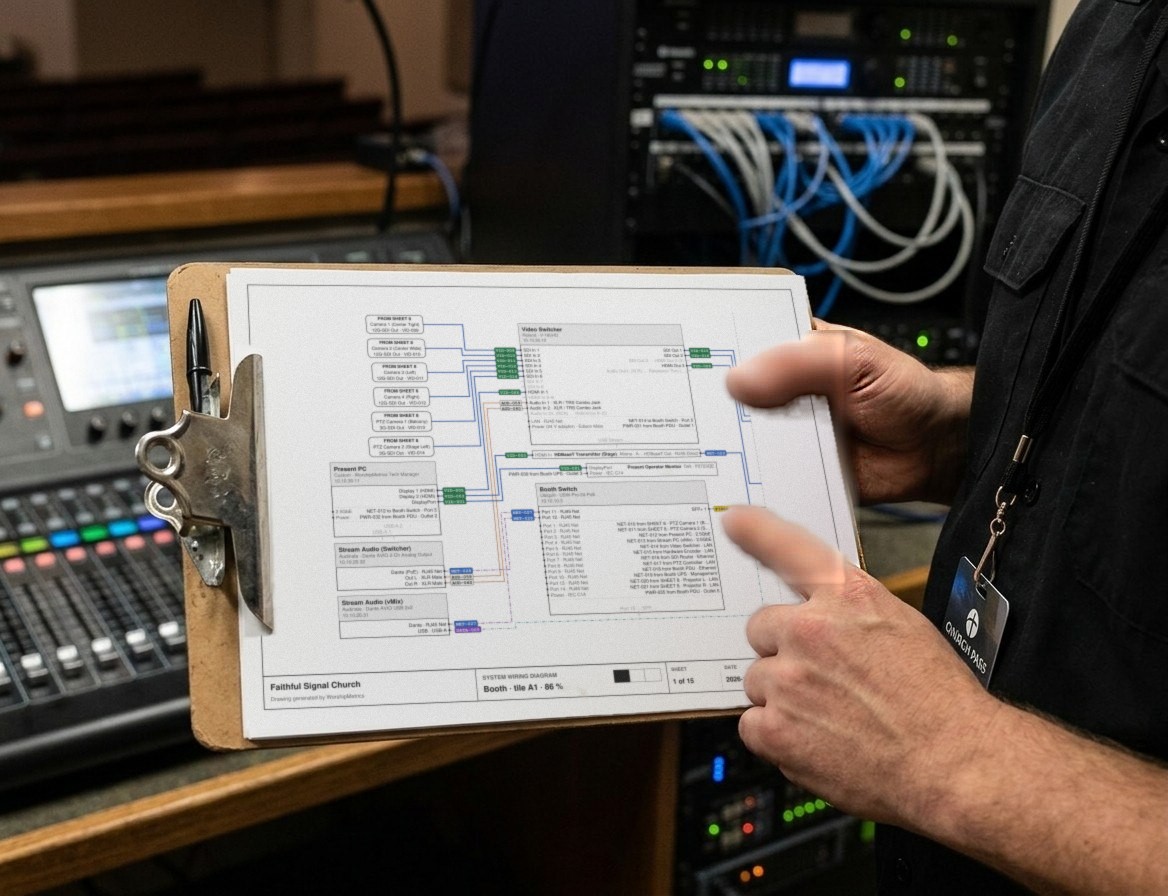
Church Video System Design: Planning From Sanctuary to Stream
How to plan a church video system before you buy anything: what it's for, where the cameras go, how video, audio and slides flow to the stream, which cables run where, and how to document it so the next volunteer can run it.