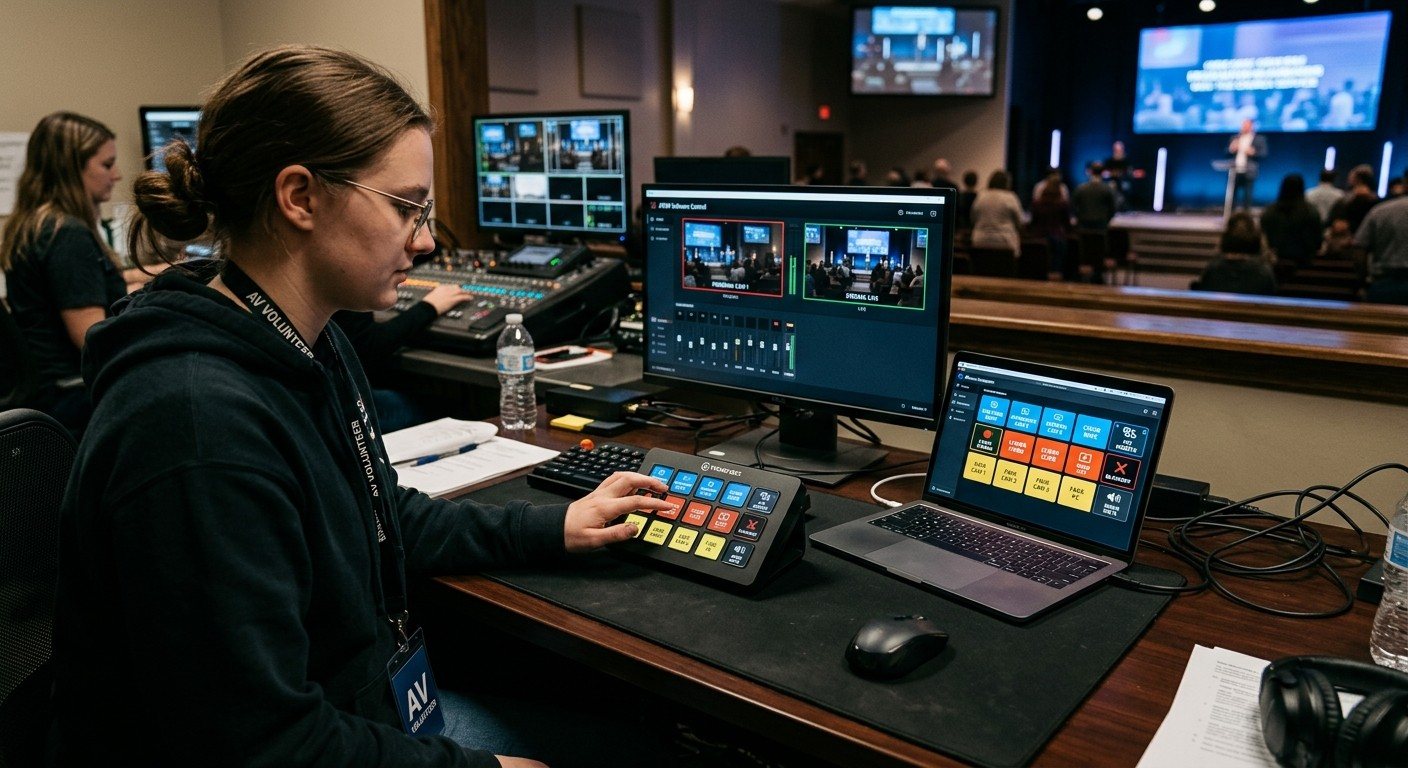
The panel is part of the booth
Bitfocus Companion can put your whole system on a few buttons. Whether a volunteer can use them depends on how they’re laid out. The same rules that make a volunteer-friendly booth apply here.
Seven rules for a volunteer page
- Plain words. “Pastor Wide,” not “Scene 4” or “CAM2 P3.”
- One page per seat. A director page, a slides page, a camera page. (See the three-seat setup.)
- Follow the order of the service. Start at the top left, end at the bottom right.
- Colors that always mean the same thing, on every page.
- Feedback, not just buttons. A button should show what’s live, not only what was pressed.
- Make ending things hard to hit by accident.
- Leave space. An empty button between groups is easier to read than a full grid.
A color code that works
| Color | Meaning |
|---|---|
| Red | Live: on air, streaming, recording |
| Green | Ready: in preview, next up |
| Blue | Cameras and shots |
| Yellow | Slides and lyrics |
| Gray | Off, or not in use |
| Dark red, in a corner | Ends something: stop stream, end service |
Write the code on the booth checklist, so it’s the same for everyone.
A sample director page
| Column 1 | Column 2 | Column 3 | Column 4 |
|---|---|---|---|
| Start Service | Welcome | Worship | Sermon |
| Wide | Pastor | Band | Slides |
| Lyrics On/Off | Lower Third | ||
| Stream ● | End Service |
A sample camera page
One button per preset, named after the shot, with a short name for the camera: “C1 Pulpit,” “C1 Wide,” “C2 Piano,” “C2 Band.” (For a dedicated camera seat, see adding a camera operator to OBS or to vMix.)
Test it like a newcomer
- Hand the panel to someone who’s never run the booth. Ask them to run a pretend service.
- Watch where they hesitate. That’s a label to rename or a button to move.
- Run a full rehearsal before the first real Sunday on a new page.
- Change one thing at a time after that, and tell the team when you do.
Keep it documented
Panels change, and the person who built them won’t always be there. Keep a printed copy of each page, and what each button does, in the booth binder. In WorshipMetrics, the Signal Map documents the devices and addresses behind the buttons, team chat is a good place to announce a changed button, and Present’s Companion tab shows the same pages beside the slides. (See Companion buttons inside WorshipMetrics.)
Related questions
- How should we label Stream Deck or Companion buttons for volunteers?
- Use the words your team says out loud: 'Pastor Wide,' 'Lyrics On,' 'Start Service.' Avoid device names, numbers, and abbreviations like 'Scene 4' or 'CAM2 PRST3.' If a new volunteer hesitates before pressing a button, rename it.
- How many buttons should a volunteer page have?
- As few as the job needs: often six to twelve. Put the buttons used every week on the first page, and move rarely used or risky buttons to a second page.
- How do we stop volunteers from pressing the wrong button?
- Put buttons that end or interrupt things (stop stream, end service, blackout) in a corner, in a different color, or on a separate page. Use feedback colors so the panel shows what's live, and test the whole page in a run-through.
How to Set Up a Church Stream Mix: Aux, Matrix, or a Second Mixer
NextBitfocus Companion Buttons Inside WorshipMetrics: The Companion Tab, Slide Actions, and Commands
Related Articles

Making a Complicated Church AV System Easy to Run, Without Hiring an AV Company
Many church AV systems aren't too old or too small. They're too complicated for a volunteer. A simple button panel built with Bitfocus Companion can hide that complexity behind plain-word buttons, and a church can often build it themselves. Here's when that works, when to call a professional, and how to start.

Your Church Livestream Team, Connected Even When They're Not at Church
A three-person livestream team only works if everyone shares the same plan, the same wiring diagram, and the same news when something breaks. Here's how WorshipMetrics connects the director, slides, and camera volunteers through the week: chat, alerts, documentation, AI help, scheduling, and cloud control for OBS and vMix.

The Three-Person Church Livestream Team: Director, Slides, and Cameras
A church livestream runs best with three clear jobs: a director on OBS or vMix, a slides operator, and a camera operator. Here's what each role does before, during, and after the service, what skills it takes, and how the three talk to each other.