
Three seats, one team
Splitting the livestream into seats (director, slides, and cameras) makes each job easier to learn. It also means more people need to know what’s going on. The slides volunteer needs the song list. The camera volunteer needs to know the baptism moved to the second service. The director needs to know about the dropped frames last week.
When that lives in five group texts and one person’s memory, the team is only as connected as its busiest member. WorshipMetrics gives the whole team one place, in the booth or at home.
What the team shares
| What it does | Why the team cares | |
|---|---|---|
| Team chat | Channels, direct messages, reactions, polls, and files | Sunday’s plan, the run sheet, and the stage plot in one place |
| Alerts | Email, web push, and optional SMS text when the stream, recording, or a device has a problem | The right people know in minutes, not from a text from the congregation |
| The Signal Map | Every device and cable, with a printable wiring diagram | Everyone sees the same system, even the newest volunteer |
| AI help | Luminos in the app, Journey on 910-WORSHIP | Answers that know your setup, at any hour |
| Scheduling | A month at a time, with accept and decline | Every seat covered before Saturday night |
| Cloud control | The full vMix panel, or OBS scenes, stream, and recording, from a browser | A mentor or backup can help without being in the room |
What it looks like during the week
- Tuesday: the director posts last Sunday’s notes in the production channel: one late lyric, one camera preset to fix.
- Thursday: the worship leader finalizes the songs; the slides volunteer sees the plan and builds ahead.
- Saturday: the schedule shows all three seats confirmed. A new camera volunteer opens the Signal Map to see which camera is which.
- Sunday, 9:40: the stream drops. The director gets the alert, and so does the tech director at home, who opens the panel and confirms it’s back.
Help from anywhere, honestly scoped
Cloud control doesn’t move your production to the cloud. OBS or vMix keeps running on the booth computer, and WorshipMetrics mirrors and relays control over one secure outbound connection, so a slow internet moment never freezes the room. (See cloud video production for churches.)
- vMix: the full switching panel: preview, program, transitions, T-bar, overlays, and audio. (See cloud vMix production.)
- OBS: scenes, stream, and recording. Detailed editing stays in the booth. (See cloud OBS production.)
- Only invited team members, with their own sign-ins, and every remote action logged.
Local control in the booth is free on every plan. Cloud control comes with Pro ($49/month) and Max ($99/month).
Next: the three-person church livestream team, or can volunteers run the livestream when the tech director is out?
Related questions
- How can a church media team communicate outside of Sunday?
- Use one shared place for the plan, questions, and files instead of scattered group texts. WorshipMetrics Team Chat gives the team channels, direct messages, reactions, polls, and file sharing, alongside the schedule, the wiring diagrams, and the alerts.
- Can our livestream volunteers get alerts when something breaks?
- Yes. WorshipMetrics alerts the team when the stream or recording stops or a device has a problem, by email, web push notifications (including the iPhone home-screen app), and optional SMS text messages.
- Can volunteers help with OBS or vMix from home?
- Yes. With WorshipMetrics cloud control, invited team members can use the full vMix switching panel, or OBS scenes, stream, and recording, from any browser. The switching still runs on the booth computer, and every remote action is logged.
Why Your Church Livestream Sounds Bad, and How a Separate Stream Mix Fixes It
NextThe Three-Person Church Livestream Team: Director, Slides, and Cameras
Related Articles

Making a Complicated Church AV System Easy to Run, Without Hiring an AV Company
Many church AV systems aren't too old or too small. They're too complicated for a volunteer. A simple button panel built with Bitfocus Companion can hide that complexity behind plain-word buttons, and a church can often build it themselves. Here's when that works, when to call a professional, and how to start.

The Three-Person Church Livestream Team: Director, Slides, and Cameras
A church livestream runs best with three clear jobs: a director on OBS or vMix, a slides operator, and a camera operator. Here's what each role does before, during, and after the service, what skills it takes, and how the three talk to each other.
Designing Bitfocus Companion Button Pages Your Church Volunteers Can Actually Use
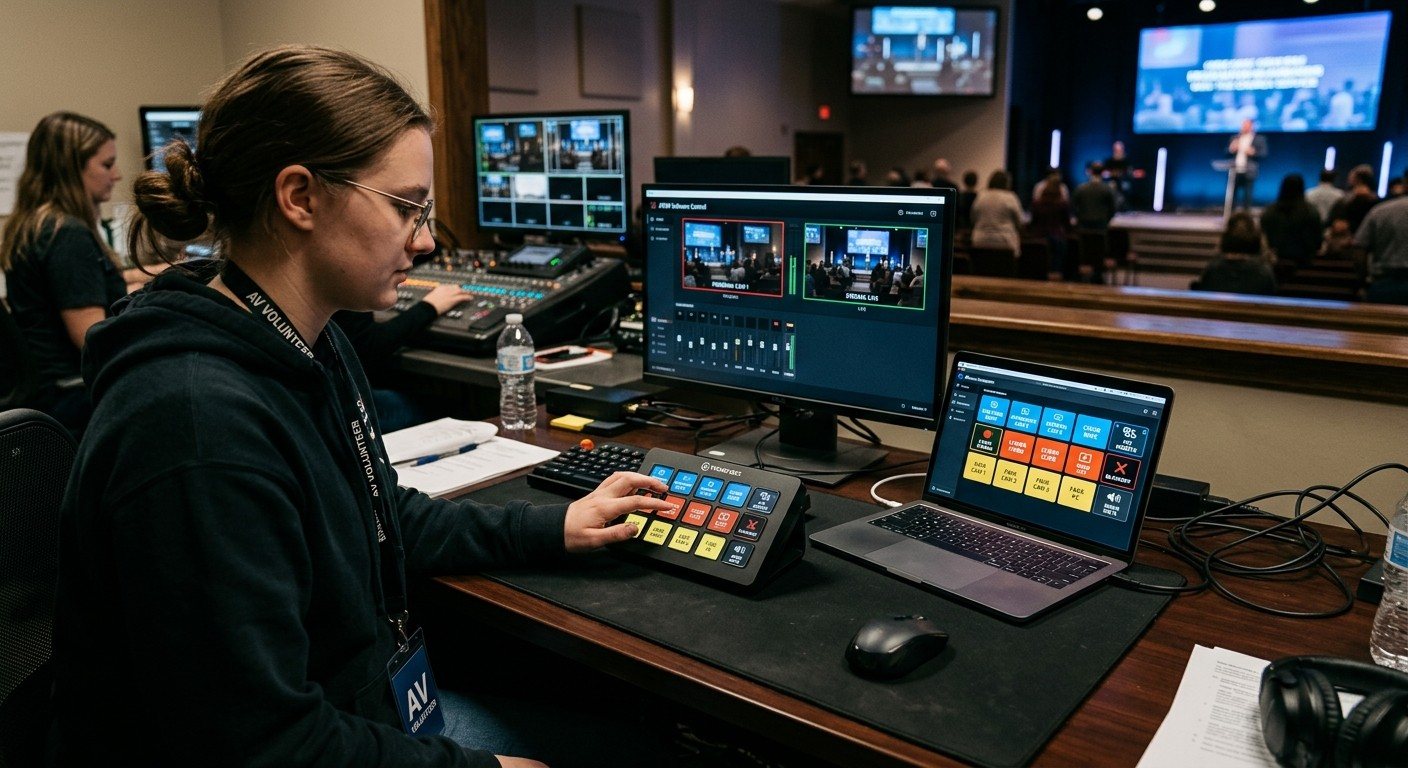
A Companion panel is only volunteer-friendly if it's designed that way. Plain-word labels, one page per seat, colors that mean the same thing everywhere, feedback that shows what's live, and dangerous buttons that are hard to hit. Here's a practical layout guide for church booths.