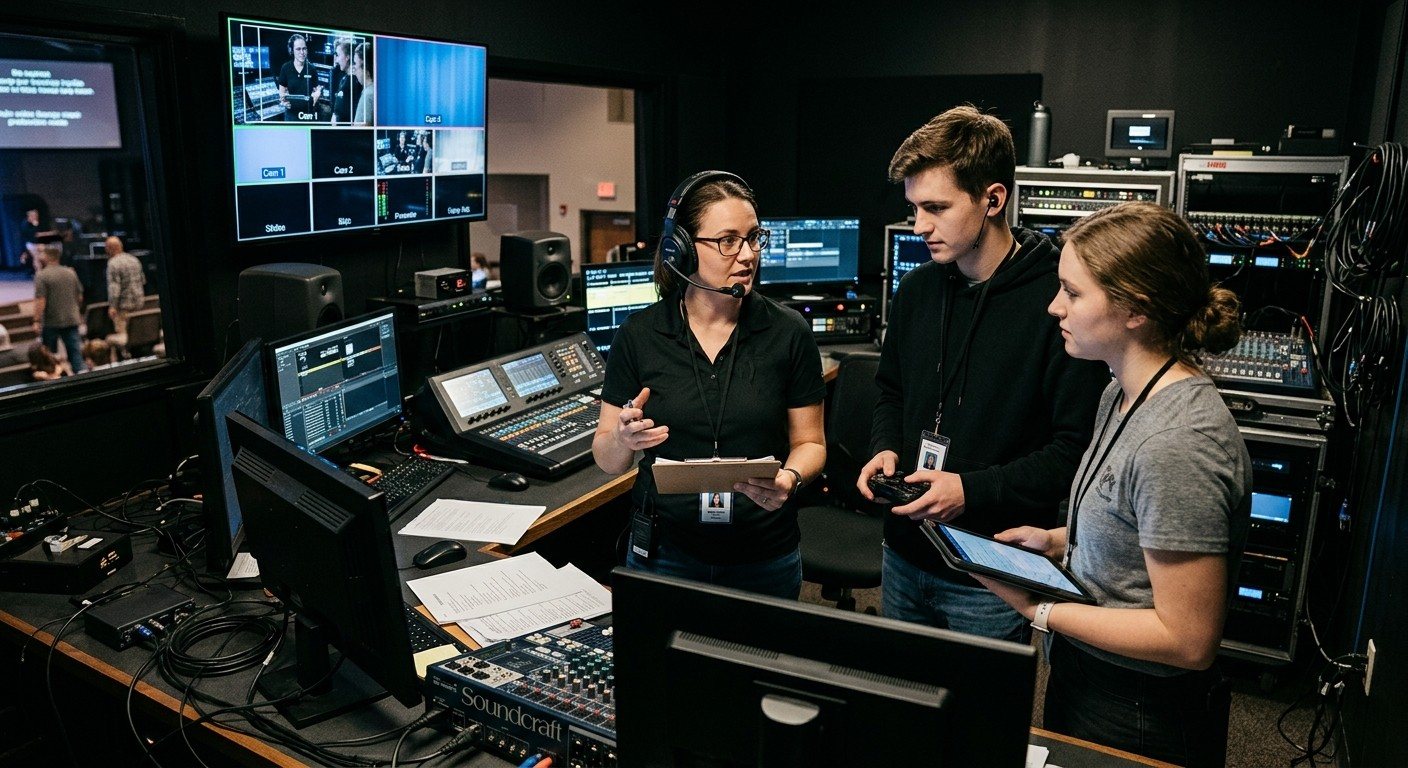
The one-person booth problem
In many churches, the livestream is one volunteer and one computer. That person advances the lyrics, cuts between cameras, nudges the PTZ camera when the pastor walks, watches the audio, and keeps an eye on the stream, all at once, during worship.
Some people are great at that. But it has a cost:
- Only experts can do it. A new volunteer looks at that screen and quietly decides it isn’t for them.
- One mistake hits everything. A crashed slide program can take the stream down with it.
- One computer does too much. Slides, switching, and encoding on one machine is a common cause of “Encoding overloaded” in the middle of worship. (See why OBS overloads during worship.)
- It burns out the one person who can do it. (See the church tech burnout cycle.)
The fix usually isn’t a new switcher. It’s splitting the job.
The three seats
| Seat | One job | How it’s set up |
|---|---|---|
| Director | Switching, the stream, and recording | OBS or vMix on the streaming computer |
| Slides | Lyrics, scripture, and sermon points | A second computer, sending slides over NDI |
| Cameras | Framing the shots and recalling presets | PTZ camera control from a tablet, browser, or joystick |
Each seat is one job a volunteer can learn in a Sunday or two. And you don’t have to start with three: most churches go from one seat to two, then add the third when they have PTZ cameras and a willing volunteer.
Seat two: slides on their own computer, over NDI
NDI sends video over your church’s ordinary network. Your slides computer, running ProPresenter, WorshipMetrics Present, or anything else, sends its output as an NDI source, and the streaming computer picks it up like a camera. No capture card, no long HDMI run. (New to NDI? See what is NDI?)
What that buys you:
- The slides operator never touches the streaming computer. No accidental clicks on the live stream.
- Each computer does less, so the stream is steadier.
- Lyrics can sit cleanly over the camera shot when the slides send a transparent background. (See NDI alpha-channel slides.)
How-to guides: two-computer OBS setup · two-computer vMix setup
Seat three: cameras as their own job
If you have PTZ cameras, framing shots is a job of its own, and it’s a hard one to do while also switching. Give it to a third person with a tablet, a browser, or a joystick, and the director just picks the shot that’s ready.
WorshipMetrics Camera Control is built for this seat: nine presets per camera, each showing a picture of the shot (“Pulpit,” “Wide,” “Piano”) instead of “Preset 3,” plus touch, keyboard, game pad, and joystick control, and focus lock so the shot stays on the speaker. It’s free in the booth on every plan.
How-to guides: adding a camera operator to OBS · adding a camera operator to vMix
Keeping three people on the same page
Three seats only work if the team works as one. That’s where WorshipMetrics comes in. The whole team, in the booth or not, shares:
- Team chat, with channels, direct messages, and files, so Sunday’s plan isn’t scattered across group texts.
- Alerts by email, web push, and optional SMS text when the stream, recording, or a device has a problem.
- The same wiring diagrams and system notes in the Signal Map.
- AI help that knows your setup: Luminos in the app, and Journey on 910-WORSHIP.
- One schedule, planned a month at a time, so each seat is covered. (See volunteer scheduling.)
- Cloud control: the full vMix panel, or OBS scenes, stream, and recording, from any browser. (See cloud vMix and cloud OBS.)
More: your livestream team, connected even when they’re not at church.
Where to start
- Running everything on one computer? Start with seat two. (See is it time to move OBS to two computers?)
- Have PTZ cameras? Add seat three when you have a volunteer for it.
- Write each seat its own one-page checklist. (See the Sunday checklist.)
- Recruit for a seat, not “the booth.” (See smaller jobs get more yeses.)
All three seats, explained as a team: the three-person church livestream team.
Building or upgrading the system? Our Livestream Systems are designed for this setup: NDI-ready, with outputs for the room and PTZ cameras that a volunteer can run.
One button panel for the whole booth: Bitfocus Companion for churches: one button panel for your whole AV system. See also designing Companion pages for volunteers · a touch control panel with an Android tablet.
Share the vMix PC with more volunteers: Splitting vMix roles for church volunteers. See also the vMix Web Controller for volunteers · calling PTZ shots with vMix virtual inputs.
Using a Blackmagic ATEM? Splitting ATEM Mini jobs for church volunteers. See also ATEM Software Control on a second computer · Bitfocus Companion + ATEM.
The big picture: church livestream setup: what you need, OBS vs. vMix vs. ATEM, and a booth volunteers can run.
Better livestream audio: Why your church livestream sounds bad, and how a separate stream mix fixes it. See also the stream audio seat · setting up a stream mix.
Related questions
- How do you make a church livestream easier for volunteers to run?
- Split the work into smaller jobs. Instead of one person running slides, cameras, and the stream on one computer, give each job its own seat: a director on OBS or vMix, a slides operator on a second computer sending slides over NDI, and a camera operator controlling the PTZ cameras. Each seat can be learned in a Sunday or two.
- Can you run OBS or vMix with two computers?
- Yes. Run slides on one computer and send them over the church network as an NDI source; OBS picks it up with the free DistroAV plugin, and vMix takes NDI natively. The streaming computer only has to switch and stream, and the slides operator never touches it.
- How many volunteers does a church livestream need?
- One person can run a simple stream, but two or three makes it far easier to learn and far less stressful: a director for switching and the stream, a slides operator, and, if you have PTZ cameras, a camera operator. Smaller jobs are also easier to recruit for.
The Three-Person Church Livestream Team: Director, Slides, and Cameras
NextThe Stream Audio Seat: Giving One Church Volunteer the Livestream Mix
Related Articles

Bitfocus Companion + ATEM Mini: A Stream Deck Panel for Your Church Switcher
A Stream Deck running Bitfocus Companion turns a Blackmagic ATEM into plain-word buttons with colors that show what's live, and the same panel can run PTZ cameras, projectors, and more. Here's how to connect Companion to an ATEM and build a volunteer page.

Lyrics Over the Camera on an ATEM Mini: Luma Keys, Chroma Keys, and the Slides Computer
To put song lyrics over the camera shot on a Blackmagic ATEM Mini, feed the slides computer into an ATEM input and key it over the camera. Here's how luma and chroma keys work for lyrics, how to design slides that key cleanly, and who should run it.

ATEM Mini + OBS for Church: Hardware Camera Switching with OBS for Graphics and Streaming
Many churches use an ATEM Mini as a camera switcher and send its output into OBS over USB as a webcam. The ATEM gives volunteers real buttons; OBS adds lyrics, graphics, recording, and streaming. Here's how to set it up, split the jobs, and avoid the common sync and quality problems.