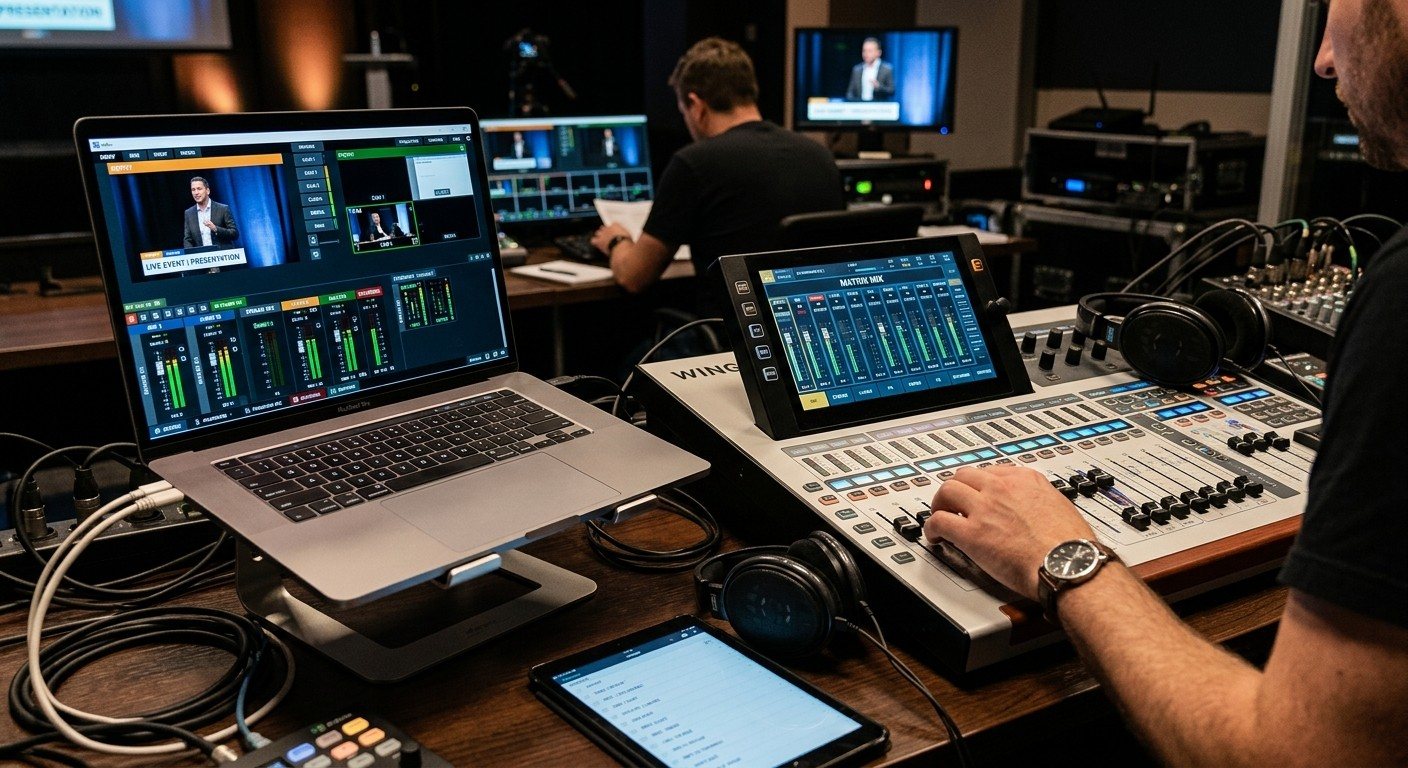
Three ways to build a stream mix
| Aux bus | Matrix | Second mixer | |
|---|---|---|---|
| What it is | A separate mix of every channel | Your main mix, plus extra sources | Its own board, fed by a split |
| Flexibility | High | Medium | Highest |
| Setup time | Most | Least | Most, plus hardware |
| Follows front-of-house changes | If post-fader | Yes, automatically | No |
| Best for | A volunteer who owns the stream mix | Small teams, quick wins | Large churches with a stream audio room |
(Why a stream mix at all? See why your church livestream sounds bad.)
Option 1: An aux bus
- Pick a free aux or mix bus and name it “STREAM.”
- Set its sends post-fader, so mutes and fades from the main engineer follow.
- Build the mix: start with vocals and the pastor, then bring in drums, bass, guitars and keys more than the room mix has them.
- Add room or audience microphones for the congregation’s singing.
- Add a compressor and a limiter on the bus.
- Route the bus to the board’s USB or Dante outputs feeding the streaming computer. (See getting the board into OBS, vMix, or an ATEM.)
- Save it in a scene so it’s the same every Sunday.
Option 2: A matrix
- Create a stereo matrix named “STREAM.”
- Feed it the main mix, then add a little of the band or drum subgroup and the room microphones.
- Add a limiter, and route it to the USB or Dante outputs.
A matrix is quick and follows every front-of-house change, but you can’t turn individual channels up or down for the stream.
Option 3: A second mixer
A split of every input feeds a second board, often in another room, with its own engineer. It’s the most independent, and the most people and equipment. Most churches don’t need it until the stream has its own audio team.
Board-by-board guides
- Behringer X32 / Midas M32: X32 streaming audio into OBS and vMix · gain staging for worship
- Behringer Wing: Wing streaming integration
- Behringer XR18: a streaming aux over USB
- Allen & Heath SQ: SQ-5 streaming over USB
- Yamaha TF: TF1 USB streaming
- Mackie DL32R: a streaming bus
- Analog boards: Yamaha MG16XU over USB into OBS
Check it like a viewer
- Listen on headphones, then on a phone speaker.
- Watch the actual stream for a minute, with sound, every Sunday.
- Compare speaking and singing levels across the whole service.
Where WorshipMetrics helps
Document the STREAM bus, its routing, and its USB or Dante channels in the Signal Map, so it survives volunteer turnover. WorshipMetrics monitoring flags silence and clipping on the stream, and Tech Manager can control Behringer X32 and Midas M32 boards.
Related questions
- Should we use an aux or a matrix for our church stream mix?
- An aux bus gives you a fully separate mix, channel by channel, which is the most flexible. A matrix starts from your main mix and lets you add extra sources, like room microphones and more band, which is quicker to set up and stays in step with front-of-house changes. Many churches start with a matrix and move to an aux when someone owns the stream mix.
- Should the stream mix be pre-fader or post-fader?
- Post-fader for most churches, so when the front-of-house engineer mutes or fades a channel, it follows in the stream. Pre-fader gives full independence but means every mute has to happen in both mixes.
- How loud should the church stream mix be?
- Aim for a steady, healthy level that peaks well below clipping, and use a limiter on the stream bus. Streaming platforms normalize loudness, so a consistent mix around -16 to -14 LUFS integrated is a good target; steadiness matters more than raw loudness.
The Stream Audio Seat: Giving One Church Volunteer the Livestream Mix
NextDesigning Bitfocus Companion Button Pages Your Church Volunteers Can Actually Use
Related Articles
Sound Board Scenes, Stream Deck, and WorshipMetrics: Making Church Audio Volunteer-Friendly
Church audio gets easier when the hard work is saved once and recalled with a button. Board scenes, Bitfocus Companion on a Stream Deck or tablet, and WorshipMetrics slide actions and monitoring turn complicated console moves into plain-word buttons a volunteer can trust.
Pastor Too Quiet, Out of Sync, or Echoey: Fixing the Three Classic Church Livestream Audio Problems
Most church livestream audio complaints come down to three problems: levels (the pastor is too quiet or the band is too loud), sync (lips and sound don't match), and room sound (echoey, distant, or doubled). Here's how to spot each, why it happens, and how to fix it in OBS, vMix, or an ATEM.
Why Your Church Livestream Sounds Bad, and How a Separate Stream Mix Fixes It
The mix that sounds great in the sanctuary almost never sounds right on a phone at home. The room adds drums, voices and reverb the board never sends. A separate stream mix (an aux, a matrix, or a second mixer) is the single biggest audio upgrade most churches can make. Here's why, and how to start.