Save the hard work once
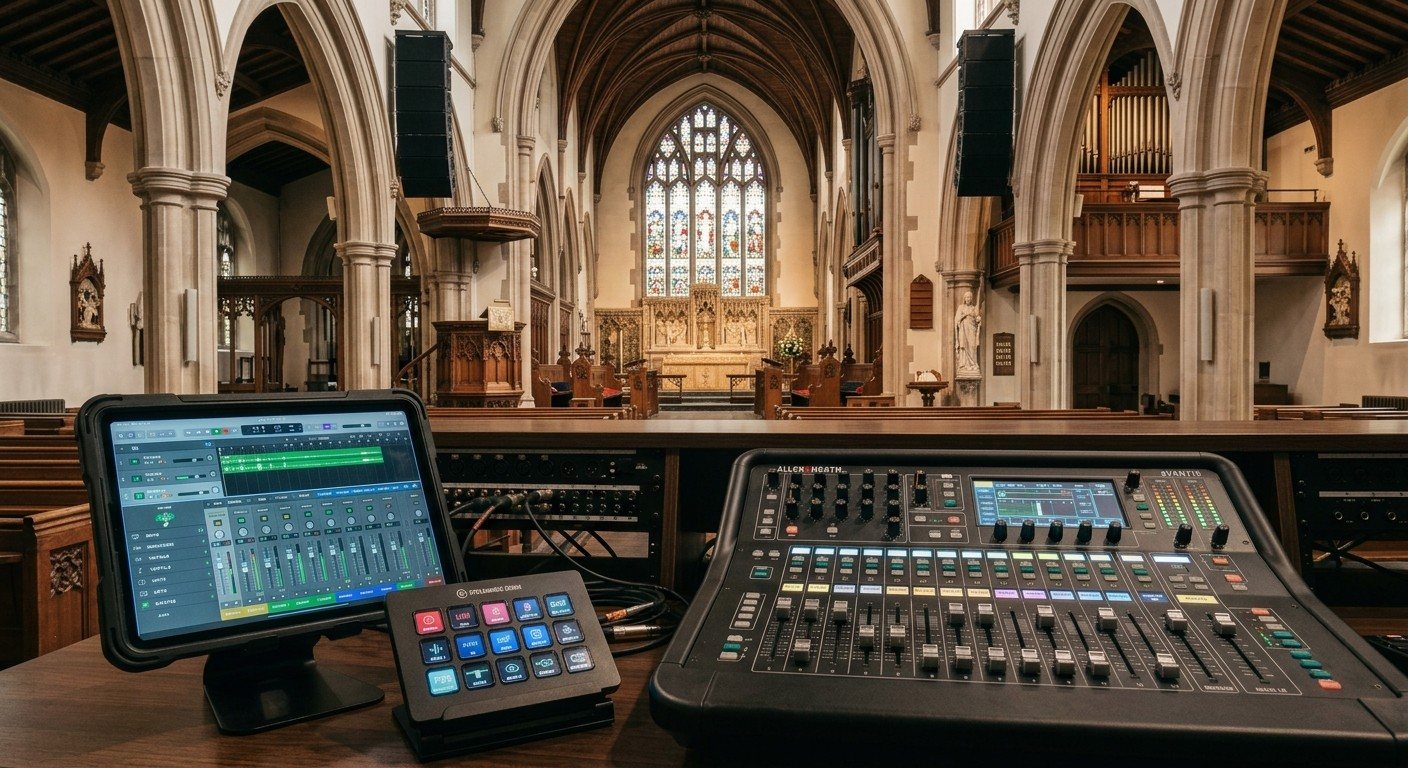
The best church audio volunteers aren’t the ones who can rebuild a mix from scratch. They’re the ones with a known-good starting point and a few clear moves. Three tools make that possible.
1. Board scenes
A scene saves the whole board: levels, mutes, EQ, effects, routing, and the stream mix.
- A “Sunday” scene that’s the starting point every week.
- Variations for special services: communion, a guest band, a baptism.
- Lock or protect settings volunteers shouldn’t change.
- Save after every change you mean to keep, and back the scenes up off the board.
Board guides: X32 scene recall for volunteers · Wing scene workflow · SQ-5 scenes and shows · TF1 scene memory
2. Bitfocus Companion buttons
Bitfocus Companion can control many networked digital boards from a Stream Deck or an inexpensive tablet.
| Button | What it does |
|---|---|
| Sunday scene | Recall the starting point |
| Pastor mic | Unmute or mute, glowing when live |
| Band mutes | Mute the band group between sets |
| Room mics up / down | For congregational singing |
| Video playback | Unmute the computer’s audio for a video |
The same panel can also run the stream, the cameras, and the projector. (See controlling projectors, PTZ cameras, and sound boards.)
3. WorshipMetrics
- Slides that change the audio: a Present slide can send a command to a Behringer X32 or Midas M32 when it goes live, for example unmuting the pastor when the sermon title appears. (See protocol triggers in Present.)
- Board control for Behringer X32 and Midas M32 through Tech Manager.
- Companion inside Present: your audio buttons beside the slides. (See Companion buttons inside WorshipMetrics.)
- A safety net: monitoring flags silence and clipping on the stream.
Rules that keep it safe
- Agree with the sound team which buttons the booth is allowed to press.
- Keep level changes small and labeled. “Room mics +” is safer than a fader jump.
- Never put “mute all” next to anything you press often.
- Write it down. Which button does what, and how to do it by hand. (See designing Companion pages for volunteers.)
Who uses these buttons? Usually the stream audio seat.
Related questions
- How do sound board scenes help church volunteers?
- A scene saves the whole board (levels, mutes, EQ, routing, the stream mix) so a volunteer recalls a known-good starting point instead of rebuilding it every week. Most churches keep a Sunday scene, plus a few for special services.
- Can a Stream Deck control a church sound board?
- Yes, with Bitfocus Companion, for many networked digital boards. Buttons can mute or unmute channels, recall scenes, and change levels, with colors that show the current state. Check that Companion supports your board.
- Can WorshipMetrics control our sound board?
- WorshipMetrics can control Behringer X32 and Midas M32 boards, and Present slides can send commands to an X32 or M32 when they go live. Monitoring also flags silence and clipping on the stream.
Bitfocus Companion for Churches: One Button Panel for Your Whole AV System
NextMaking a Complicated Church AV System Easy to Run, Without Hiring an AV Company
Related Articles
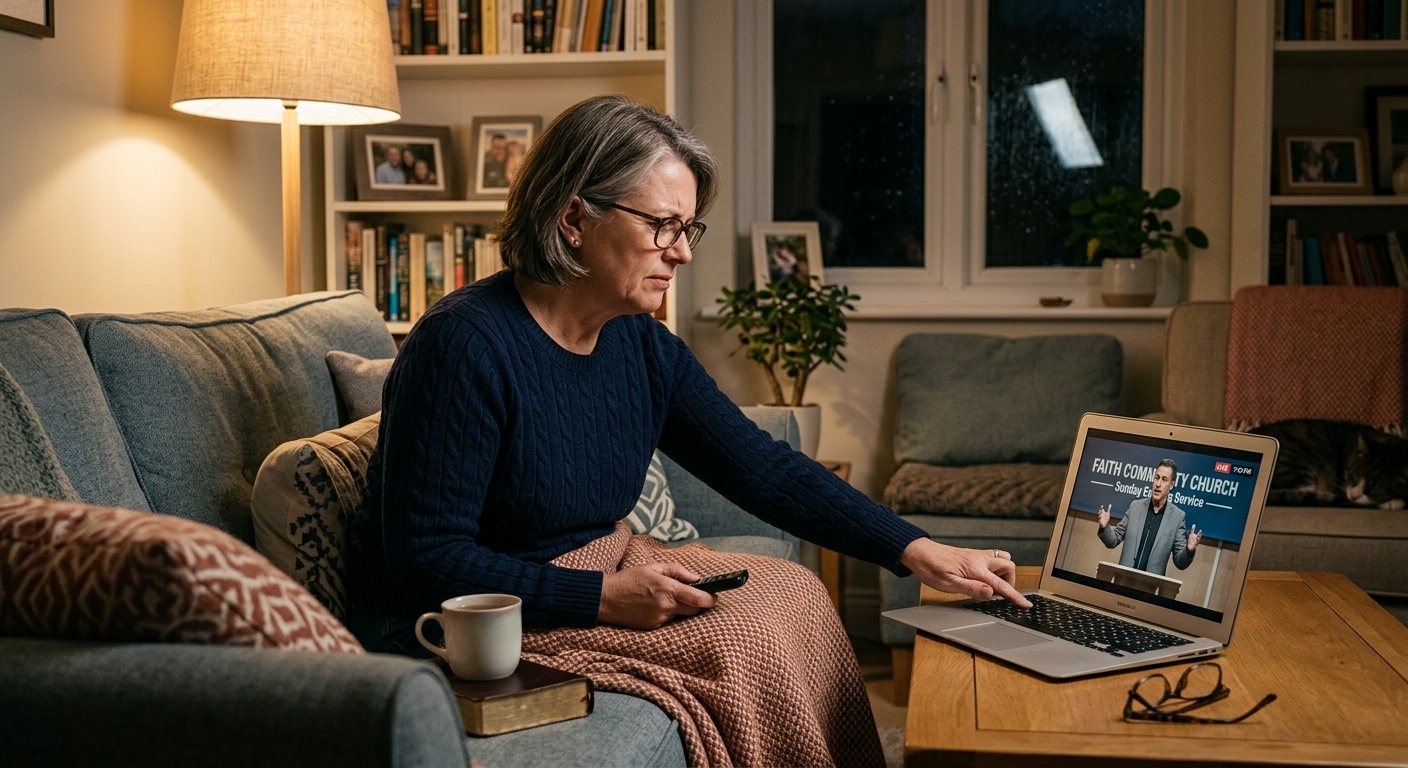
Pastor Too Quiet, Out of Sync, or Echoey: Fixing the Three Classic Church Livestream Audio Problems
Most church livestream audio complaints come down to three problems: levels (the pastor is too quiet or the band is too loud), sync (lips and sound don't match), and room sound (echoey, distant, or doubled). Here's how to spot each, why it happens, and how to fix it in OBS, vMix, or an ATEM.
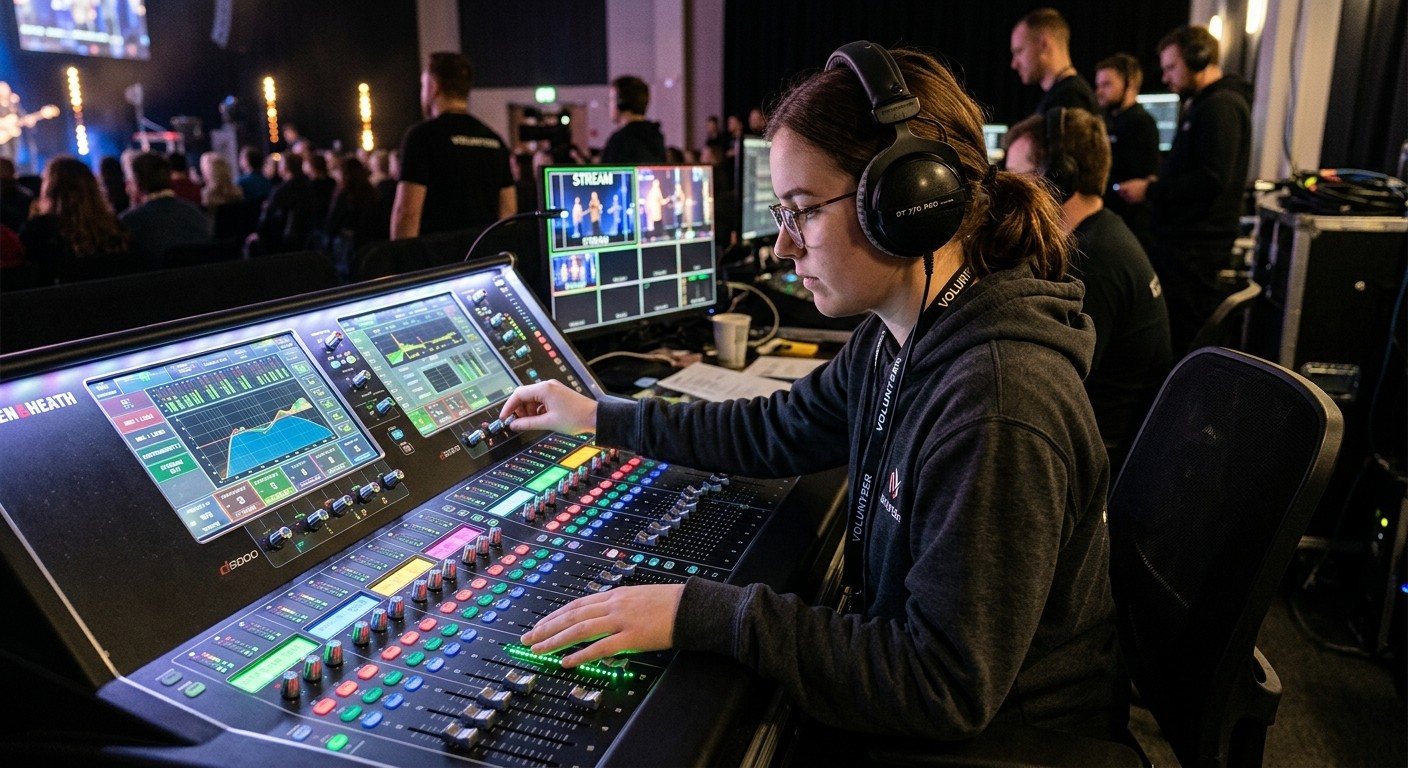
Why Your Church Livestream Sounds Bad, and How a Separate Stream Mix Fixes It
The mix that sounds great in the sanctuary almost never sounds right on a phone at home. The room adds drums, voices and reverb the board never sends. A separate stream mix (an aux, a matrix, or a second mixer) is the single biggest audio upgrade most churches can make. Here's why, and how to start.
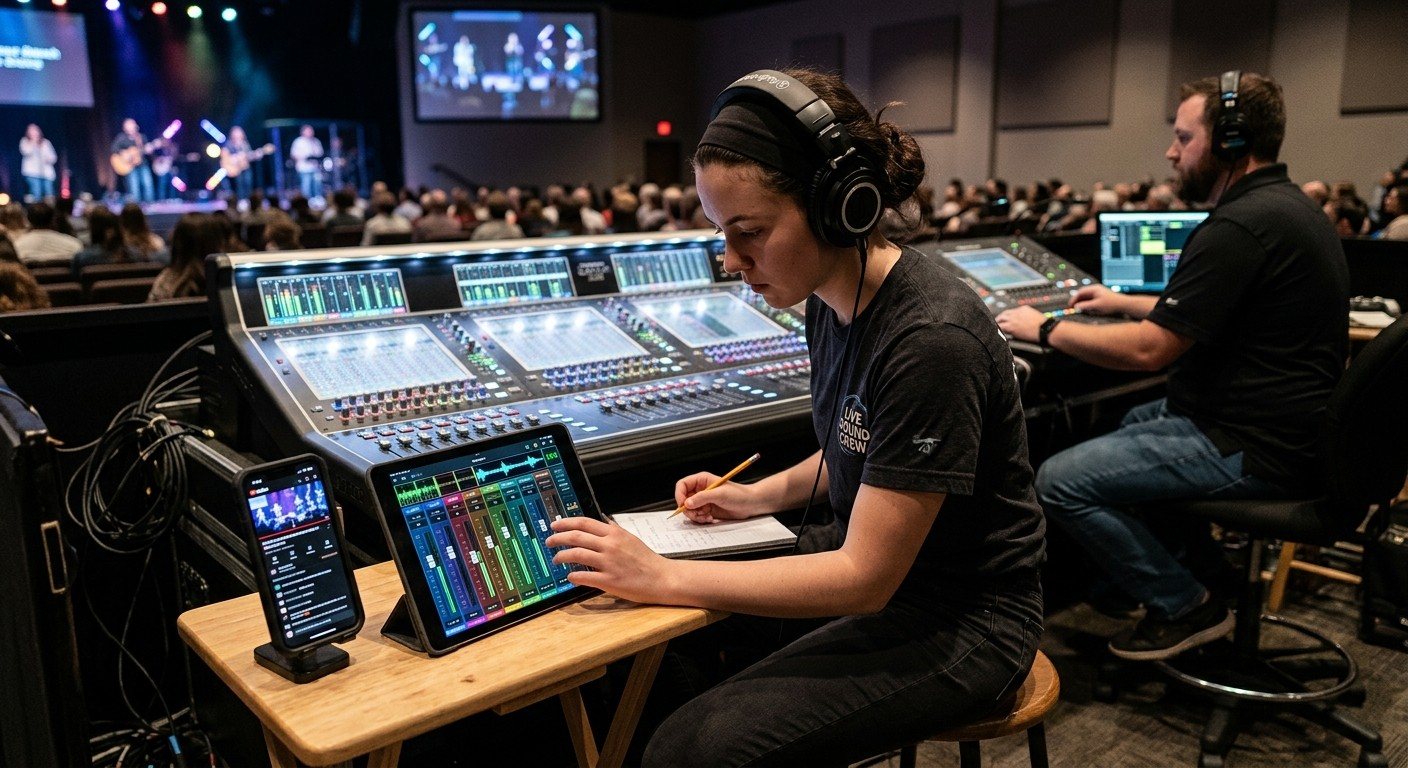
The Stream Audio Seat: Giving One Church Volunteer the Livestream Mix
The front-of-house engineer is mixing for the room. Someone needs to listen to what people at home hear. Here's what the stream audio seat does, what it needs, a Sunday checklist, and how it fits with the director, slides, and camera seats on a church livestream team.