
The system isn’t broken. It’s just hard to run.
A lot of churches have perfectly good equipment: a capable streaming computer, PTZ cameras, a digital sound board, a projector. The problem is that running Sunday means touching all of it, each in its own way. So only one or two people can do it. (See why is our church AV system too hard for volunteers?)
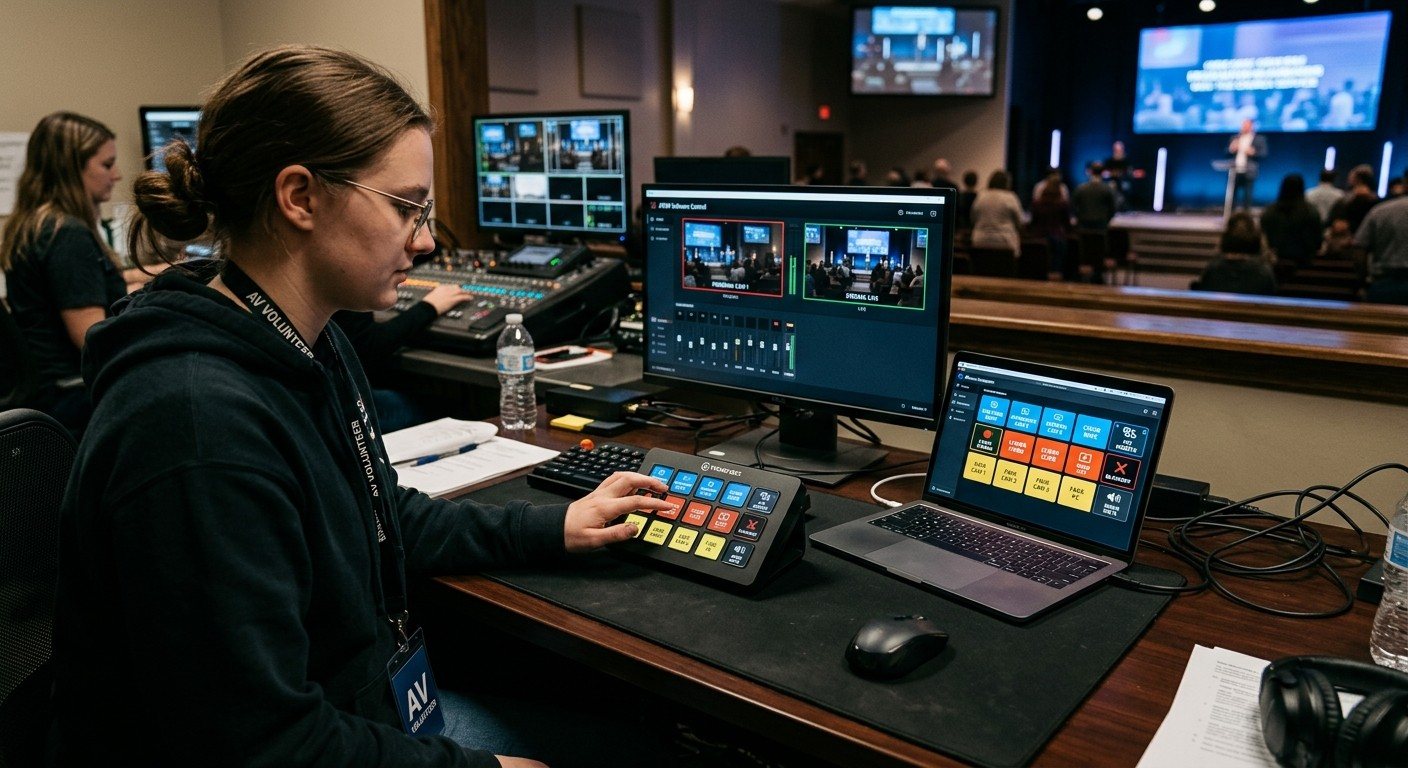
The usual instinct is to replace the system or call an AV company. Sometimes that’s right. But often the real fix is simpler: put the complicated parts behind a few plain-word buttons.
What a button panel changes
| Before | After |
|---|---|
| Open OBS, start the stream, start the recording, unmute the pastor’s mic, turn on the projector | Press Start Service |
| Find the camera software, recall preset 3, then cut to camera 2 in OBS | Press Pastor Close |
| Remember the shutdown order | Press End Service |
The knowledge doesn’t disappear. It’s built into the button once, by someone who understands the system, and then anyone can use it.
Why this is newly possible for churches
Programmed control systems have been around for decades, and in large buildings they’re the right tool. What’s changed is free software. Bitfocus Companion connects to hundreds of products: OBS, vMix, ATEM switchers, ProPresenter, PTZ cameras, projectors, and many sound boards. It runs on a computer you already own, and its buttons can live on a Stream Deck or an inexpensive Android tablet.
That puts a simple control panel within reach of a church volunteer who’s comfortable with technology.
What you can do yourself, and when to call a pro
Usually DIY-friendly:
- A button panel for the booth: stream, recording, scenes, lyrics, camera presets
- A projector on/off panel
- A camera panel for the camera volunteer
Usually worth a professional:
- New wiring, racks, or permanent installation
- Control of a large building with many rooms and systems
- Anything involving electrical work or rigging
(For more on that decision, see do we need to hire a church AV company?)
How to start
- List what happens every Sunday, step by step, in order.
- Group the steps into moments: start, worship, sermon, prayer, end.
- Build one button per moment in Companion. (See designing Companion pages for volunteers.)
- Test with someone who’s never run the booth. If they hesitate, rename the button.
- Write it down, so the panel doesn’t depend on the person who built it.
Where WorshipMetrics helps
WorshipMetrics brings Companion into the rest of your system. Present shows your Companion buttons in its Companion tab, slides can press buttons on their own, and Companion buttons can drive Present. The Signal Map keeps the devices and their addresses documented, monitoring alerts the team when the stream or a device has a problem, and Luminos or Journey on 910-WORSHIP can help when a button doesn’t do what you expected. (See Companion buttons inside WorshipMetrics.)
And if you do want a hand building it, our Livestream Systems include a Stream Deck option, and we’re glad to help you plan your panel.
Related questions
- Can a church build its own AV control panel?
- Often, yes. With free Bitfocus Companion, someone comfortable with technology can build button panels for OBS, vMix, cameras, projectors, and sound boards, and run them on a Stream Deck or a tablet. Large, complex buildings may still need a professionally programmed control system.
- When should a church hire a professional for AV control?
- When the job involves wiring, rack design, permanent installation, or control of a large building with many rooms and systems. For a single booth and a sanctuary, a church can often build a reliable button panel itself.
- What makes church AV hard for volunteers?
- Usually not the equipment itself, but the number of separate controls: each device has its own software and menus, and Sunday requires all of them at once. A button panel that turns several steps into one plain-word button removes most of that difficulty.
Sound Board Scenes, Stream Deck, and WorshipMetrics: Making Church Audio Volunteer-Friendly
NextA Touch Control Panel for Your Church with an Inexpensive Android Tablet
Related Articles

Your Church Livestream Team, Connected Even When They're Not at Church
A three-person livestream team only works if everyone shares the same plan, the same wiring diagram, and the same news when something breaks. Here's how WorshipMetrics connects the director, slides, and camera volunteers through the week: chat, alerts, documentation, AI help, scheduling, and cloud control for OBS and vMix.

The Three-Person Church Livestream Team: Director, Slides, and Cameras
A church livestream runs best with three clear jobs: a director on OBS or vMix, a slides operator, and a camera operator. Here's what each role does before, during, and after the service, what skills it takes, and how the three talk to each other.
Designing Bitfocus Companion Button Pages Your Church Volunteers Can Actually Use
A Companion panel is only volunteer-friendly if it's designed that way. Plain-word labels, one page per seat, colors that mean the same thing everywhere, feedback that shows what's live, and dangerous buttons that are hard to hit. Here's a practical layout guide for church booths.