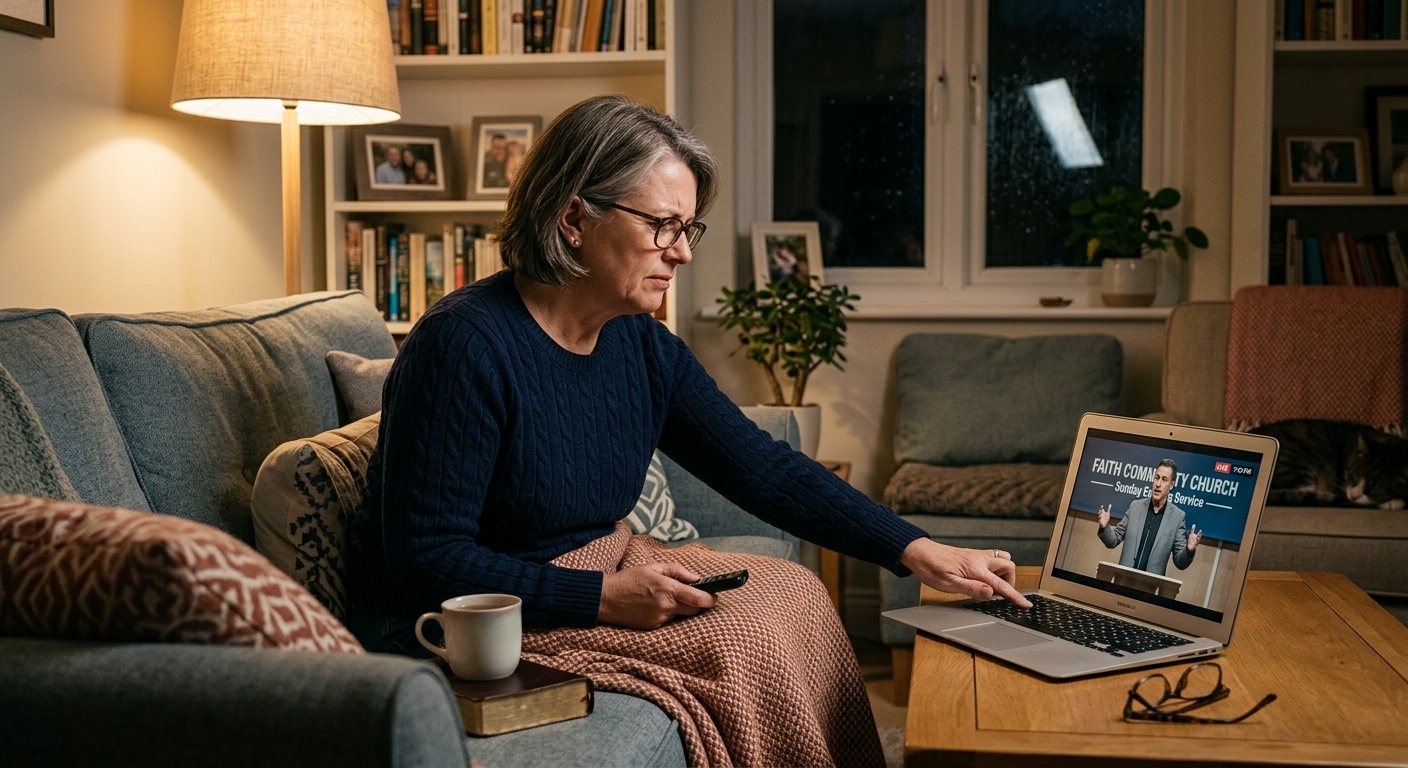
Problem 1: Levels
What people say: “The pastor is too quiet.” “The music blasts my ears.” “I keep changing the volume.”
Why it happens: the stream gets the room’s mix. In the sanctuary, the band is helped by the room itself, and speech is set for a big space. On a phone, nothing balances it out.
How to fix it:
- Use a separate stream mix. (See why your livestream sounds bad and how to set one up.)
- Put a compressor and a limiter on the stream bus, so speaking and singing land at similar loudness.
- Aim for steady, not loud. Streaming platforms adjust loudness, so consistency matters more than volume.
- Check across the service: welcome, a song, the sermon, a video, the closing. The jumps between them are what viewers notice.
More: streaming mix too loud or too quiet.
Problem 2: Sync
What people say: “Their lips don’t match the words.”
Why it happens: cameras, capture, and video processing delay the picture. Audio arrives first.
How to fix it:
- Do a clap test. Someone claps on stage in front of a camera; watch the recording frame by frame.
- Delay the audio to match, in the tool that mixes your stream:
- OBS: Advanced Audio Properties, Sync Offset. (See OBS audio drifting out of sync for long-service drift.)
- vMix: the audio input’s delay setting.
- ATEM: the audio delay for that input in ATEM Software Control. (See ATEM Mini audio delay.)
- Re-check whenever you change cameras or capture.
More: audio delay on the video stream · camera lagging behind audio.
Problem 3: Room sound
What people say: “It sounds like they’re in a gym.” “There’s an echo.” “It sounds far away.”
Why it happens: a microphone is hearing the room (a camera’s built-in mic, or too much audience mic), or two sources are on at once.
How to fix it:
- Use only the board’s stream mix. Mute camera microphones in OBS, vMix, or the ATEM.
- Use room or audience microphones as seasoning, enough to hear the church singing, not enough to wash out the words.
- Look for doubles: the same audio coming in twice, once by USB and once through a camera or HDMI.
More: echo and feedback on the church live stream · crackling and popping audio.
Make someone responsible
Most of these problems are caught in the first minute by someone who’s listening to the stream. That’s the stream audio seat.
Where WorshipMetrics helps
WorshipMetrics monitoring flags silence and clipping on the stream, which catches the worst cases (no audio at all, or distortion) while the service is still going. The full list of audio fixes is in church stream audio troubleshooting.
Related questions
- Why is the pastor so quiet on our church livestream?
- Usually because the stream gets the room mix, where speech is set for the sanctuary and the music is boosted by the room itself. A separate stream mix with the pastor at a steady level, plus a compressor and limiter on the stream bus, keeps speaking and singing at similar loudness.
- How do I fix audio that's out of sync on our church stream?
- Cameras and video processing delay the picture, so the sound arrives first. Add a small audio delay (often somewhere around 50 to 200 milliseconds, but measure yours) in OBS's Advanced Audio Properties, vMix's audio input settings, or the ATEM's audio mixer, using a clap test to match them.
- Why does our church livestream sound echoey?
- Usually because a microphone is picking up the room (a camera mic, or too much audience mic), or because two audio sources are on at once. Use only the board's stream mix, keep room mics as seasoning, and make sure camera audio is muted.
A Touch Control Panel for Your Church with an Inexpensive Android Tablet
NextWhy Your Church Livestream Sounds Bad, and How a Separate Stream Mix Fixes It
Related Articles
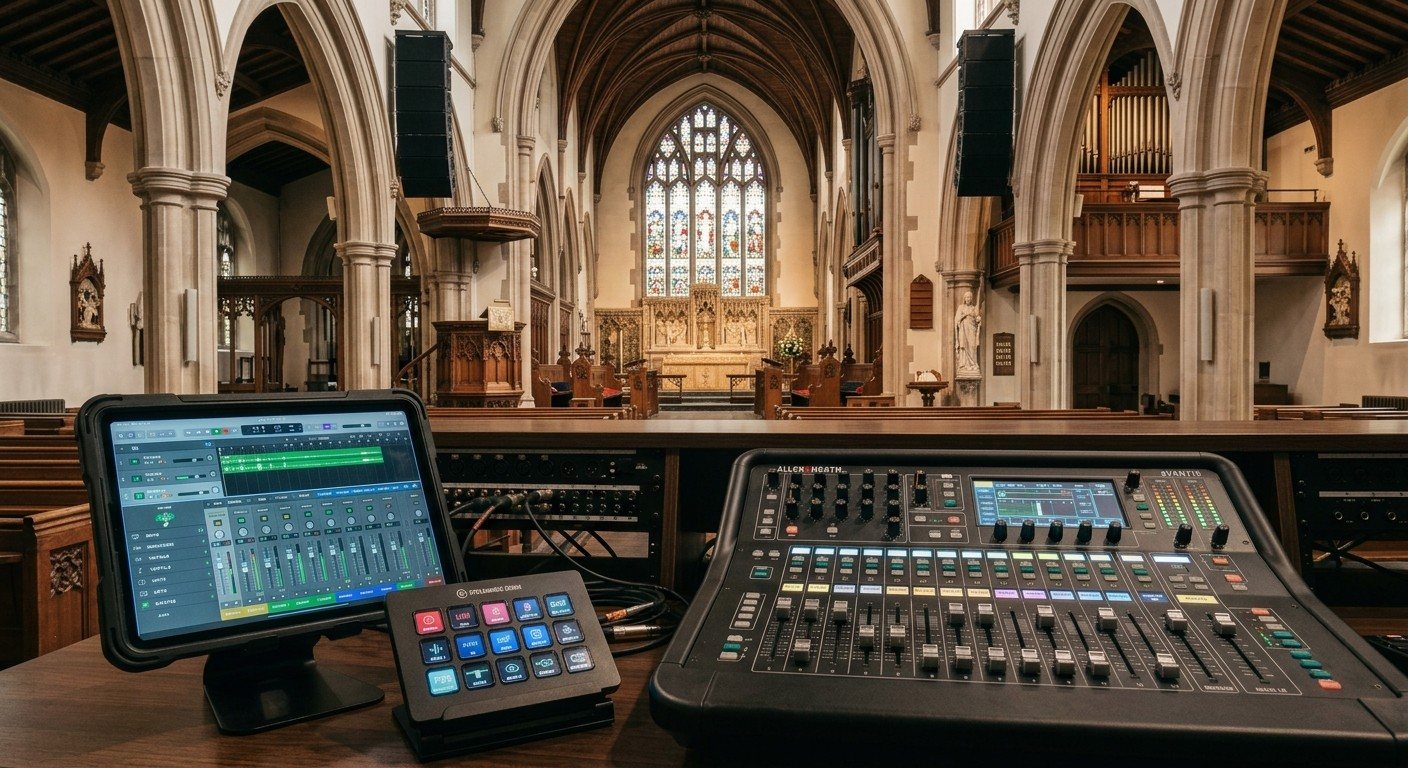
Sound Board Scenes, Stream Deck, and WorshipMetrics: Making Church Audio Volunteer-Friendly
Church audio gets easier when the hard work is saved once and recalled with a button. Board scenes, Bitfocus Companion on a Stream Deck or tablet, and WorshipMetrics slide actions and monitoring turn complicated console moves into plain-word buttons a volunteer can trust.
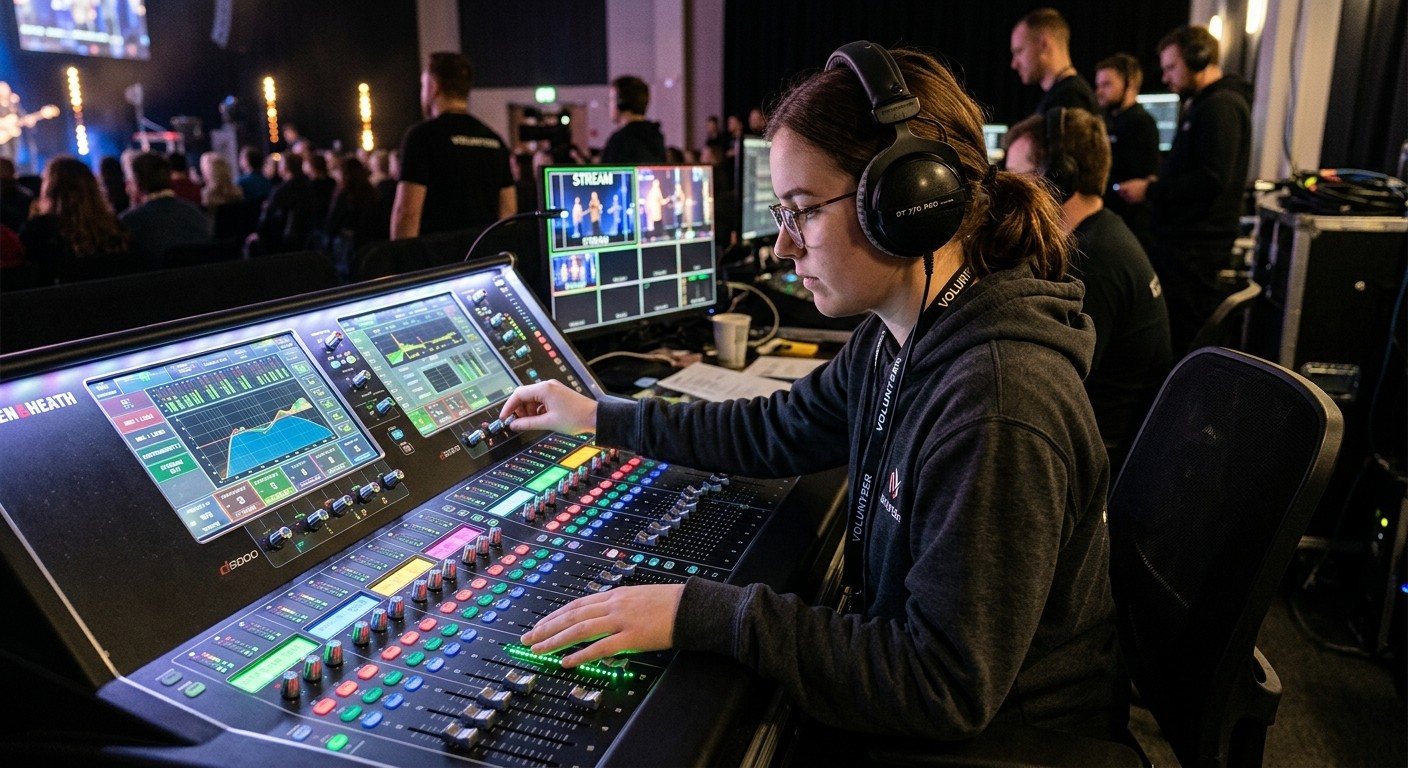
Why Your Church Livestream Sounds Bad, and How a Separate Stream Mix Fixes It
The mix that sounds great in the sanctuary almost never sounds right on a phone at home. The room adds drums, voices and reverb the board never sends. A separate stream mix (an aux, a matrix, or a second mixer) is the single biggest audio upgrade most churches can make. Here's why, and how to start.
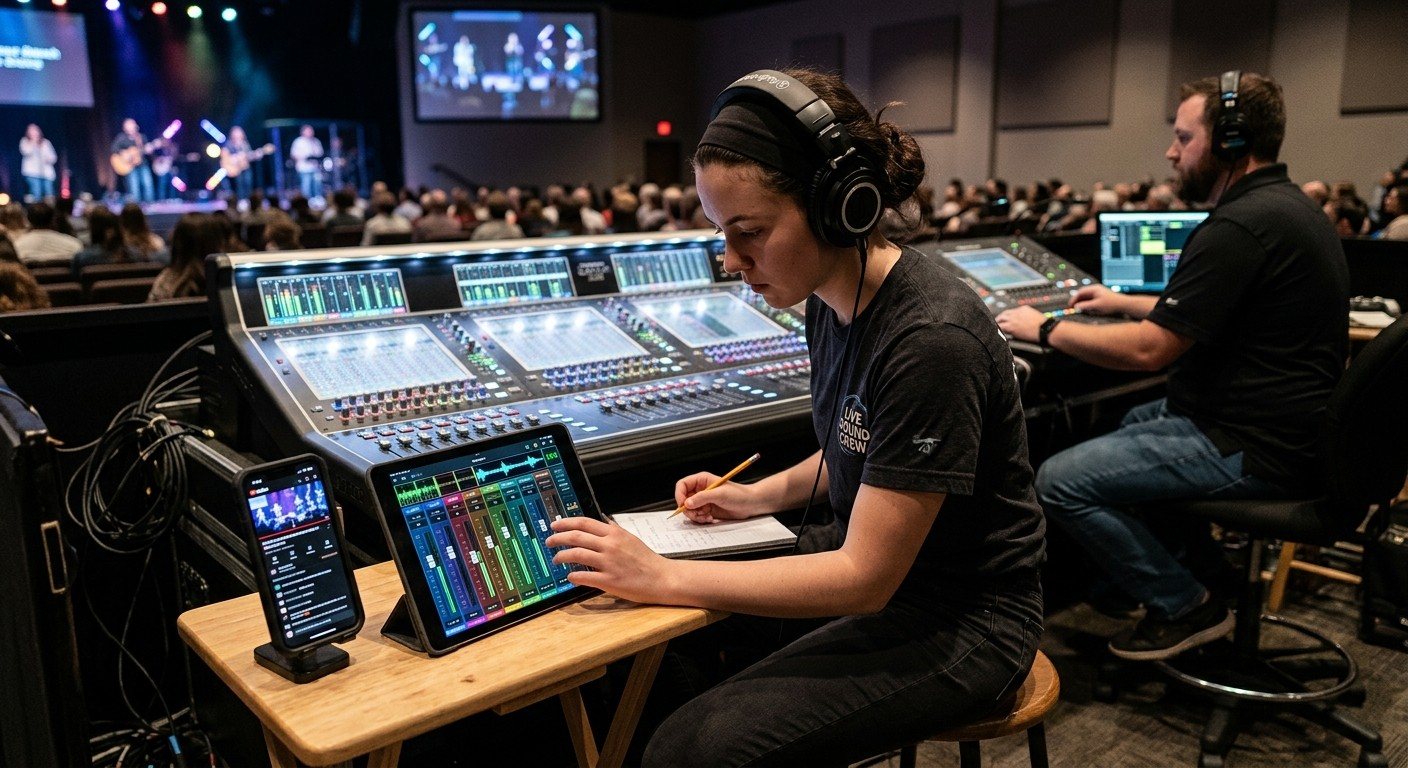
The Stream Audio Seat: Giving One Church Volunteer the Livestream Mix
The front-of-house engineer is mixing for the room. Someone needs to listen to what people at home hear. Here's what the stream audio seat does, what it needs, a Sunday checklist, and how it fits with the director, slides, and camera seats on a church livestream team.