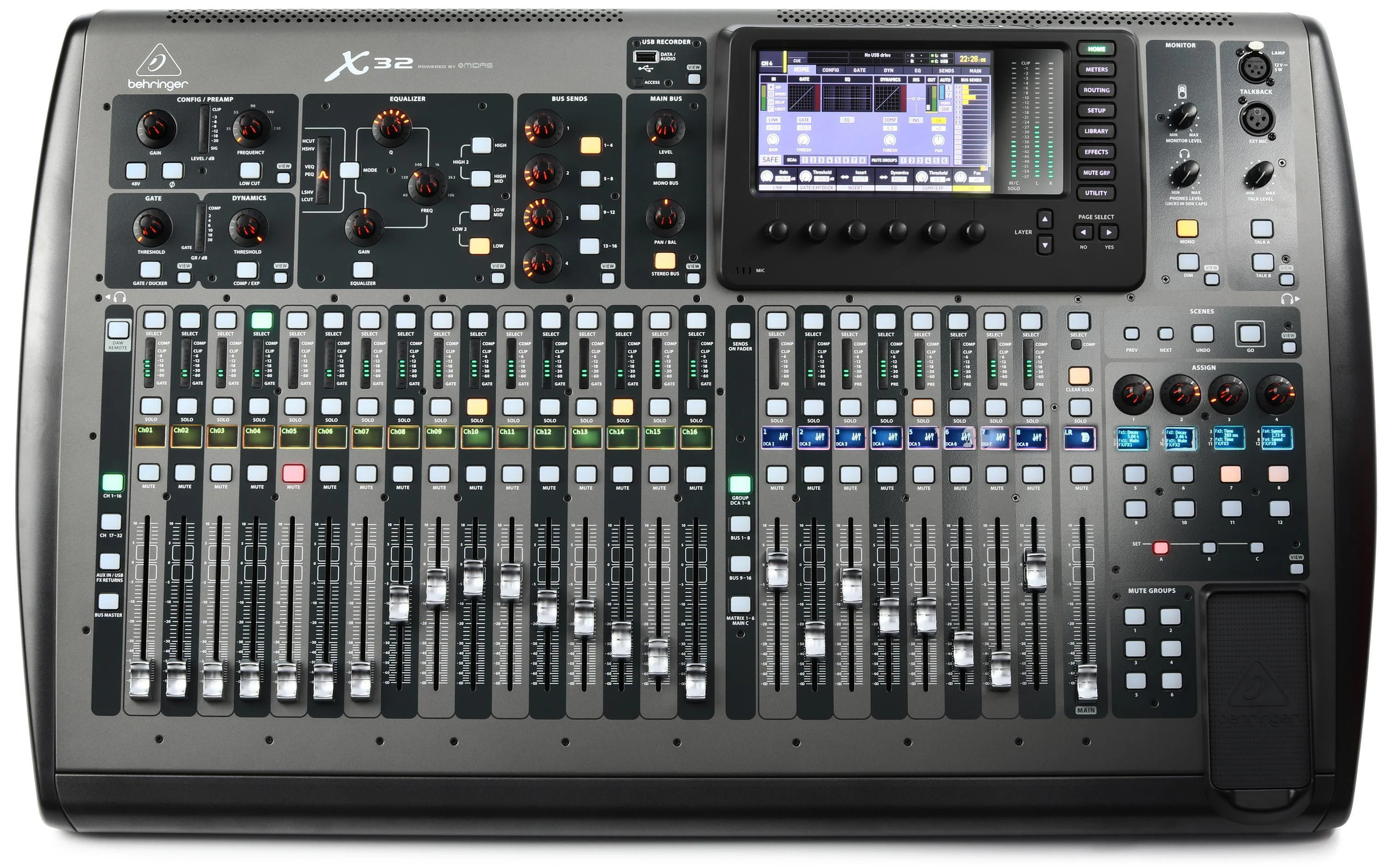
How to use this guide when the service starts in twenty minutes
This is a field guide, not a lecture. Scan the ten symptoms below, find the one in your headphones, and run its fast checks in order — each links to a full deep dive if the quick version doesn’t land the fix. Audio’s master rule: follow the meters upstream. Somewhere between the microphone and the platform there’s a meter that moves and, right after it, one that doesn’t — the break lives between them. And as everywhere in the booth: change one thing at a time, and say what you touched.
This guide is part of a series — the booth’s other front doors are OBS, vMix, ProPresenter, and PTZ camera troubleshooting, and the pre-service half of all of them lives on one printable checklist.
1. The stream is silent — but the room sounds fine
The room proves the mixer works; the silence proves the stream feed doesn’t. Fast sequence: is the encoder’s audio meter moving? If yes, the problem is downstream (track selection, a muted output, the platform); if no, walk upstream — the mixer’s stream bus level, the USB/interface routing, the cable. Nine times out of ten it’s a mute or a bus assignment, not hardware.
Deep dives: no audio on YouTube or Facebook Live, and mixer USB audio not recognized.
2. The USB mixer feed vanished after a reboot or update
Windows re-enumerated the devices overnight and the encoder is now listening to a “USB Audio Device” that no longer exists — or the console’s USB mode changed. Fast sequence: re-select the device in the encoder, confirm the console’s USB routing still sends the buses you think it does, and check the sample rate matches on both ends.
Deep dives: mixer USB not recognized by the streaming PC, and the X32-specific USB fixes.
3. The stream is too quiet — or slamming into the red
Platforms normalize loudness, listeners ride tiny phone speakers, and the level that looks right on the board can land wrong online. Fast sequence: check the encoder meter’s average level (peaks around −6 dB, speech sitting healthy, never pinned), fix it at the stream bus, not the master, and listen to the actual platform output for thirty seconds — not just the local meters.
Deep dive: stream audio too loud or too quiet, calibrated properly.
4. Crackling, popping, or dropouts
Digital audio’s signature complaint, and almost always a clocking or buffer problem: two devices disagreeing about the sample rate, a buffer set optimistically small, or a USB cable/port with an opinion. Fast sequence: match sample rates end to end (48 kHz everywhere is the church standard), raise the buffer, and move the USB cable off the hub onto a direct port.
Deep dive: crackling and popping on the stream, root-caused.
5. Echo or feedback on the stream
Echo online means the same signal is arriving twice a few hundred milliseconds apart — classically a microphone hearing the room plus a direct feed, or monitoring looped back into the mix. Feedback that only the stream hears follows the same logic: find the second path and close it.
Deep dive: echo and feedback on the church live stream.
6. Audio drifts out of sync as the service goes on
Starts together, ends apart: that’s drift, and it’s a sample-rate mismatch wearing a mystery costume — a 44.1 kHz device in a 48 kHz world, or a capture device buffering under load. The fix is upstream of any sync slider.
Deep dives: why audio drifts by the end of the sermon, and audio/video sync fixes.
7. The lips and the sound are offset — by the same amount, all service
Constant offset is latency, not drift: the video path (cameras, switcher, NDI) takes longer than the audio path. Measure it once with a clap on camera, delay the audio to match the slowest video, write the number down where the next operator will find it.
Deep dives: audio and video out of sync, and camera video lagging behind audio.
8. The stream mix sounds nothing like the room
Speech buried, band enormous, prayers inaudible — because the stream got the house mix, and the house mix leans on a physical room the stream can’t hear. The structural fix: a dedicated aux or bus mix for the stream, balanced in headphones against what the platform actually receives, owned by someone who checks it weekly.
Deep dives: routing a proper stream mix from your mixer, the X32 stream-audio setup, and the XR18 aux-over-USB recipe.
9. Wireless mics drop out mid-sentence
The most theatrical failure and the most preventable: batteries below half, antennas behind a metal rack, or a frequency newly contested since someone’s gear moved in nearby. The habits beat the heroics — batteries at 75%+ before every service, line-of-sight antennas, a frequency scan whenever dropouts cluster, and spares staged where the pastor can reach them.
Deep dive: the maintenance rhythm that keeps consumables honest.
10. It worked last Sunday
A scene didn’t recall, a guest engineer “fixed” the gain structure, phantom power got switched off a channel that needs it, the master was muted during teardown and nobody noticed. Digital consoles make this survivable: a known-good scene saved and actually recalled pre-service is the audio version of a settings baseline.
Deep dives: scene recall that volunteers can trust, and training volunteers on the workflow, not folklore.
When the list stops helping: three upgrades that change the game
If this page fixed your morning, bookmark it and go do the service. But notice the assumption under every fix: someone who knows the signal path was standing in the booth. That assumption is upgradeable.
Upgrade one: a mapped signal path is a path anyone can follow
“Follow the meters upstream” takes thirty seconds when the path is documented — which aux feeds the stream, which USB port, which cable — and half a service when it lives in the sound person’s head. A Signal Map — every device, every labeled cable, every port, printable as patch sheets — turns audio troubleshooting into wayfinding, and makes the knowledge transferable: new volunteers train against the map, a labeling discipline survives re-patches, and the booth survives its builder leaving.
Upgrade two: put the audio on watch
Stop discovering audio problems from the comments. Pulse runs pre-service audio checks and audio-state warnings — the muted master gets caught Saturday, not mid-prelude — with published thresholds and alerts that reach the sound lead’s phone. And because the booth’s SPL history lands in every service’s report, “how loud was it really at 9:40?” finally has an answer instead of an argument.
Upgrade three: Luminos — help that already knows your board
Luminos, the AI assistant in WorshipMetrics, doesn’t answer audio questions from generic checklists — it reads your church: your inventory, your Signal Map down to which aux feeds the encoder, live state from the booth machines Tech Manager watches, and every past incident. “Why is the stream silent when the room is fine?” gets an answer that walks your actual path, not the internet’s average one. It’s there for the volunteer alone at the board, and it answers 910-WORSHIP by voice as Journey.
How WorshipMetrics handles this
The ten symptoms above stop being emergencies when the audio path lives inside a watched, documented system: Pulse checks the audio before the room fills and warns the moment state goes wrong, the Signal Map holds the routing your team used to keep in their heads, every service’s report carries the SPL history alongside the stream health score, and Luminos reads all of it — so the next troubleshooting session starts with the answers pre-loaded. Monitoring, the map, and alerts are free forever; the fastest way to a calmer Sunday mix is to let the system start listening this week.
Better livestream audio: Why your church livestream sounds bad, and how a separate stream mix fixes it. See also the three classic livestream audio problems · getting the sound board into OBS, vMix, or an ATEM.
Related questions
- What is the fastest way to troubleshoot church stream audio during a service?
- Work from the symptom, not from theory: identify which of the ten failure shapes you're hearing — silent stream, missing USB feed, wrong level, crackle, echo, drifting sync, constant offset, a buried mix, wireless dropouts, or settings that changed since last Sunday — and run that symptom's short checks in order. Follow the meters upstream: the first meter that is NOT moving sits just after the break.
- Why does the stream sound bad when the room sounds great?
- Because they are different mixes for different rooms. The house mix leans on the physical room — the band's stage volume, the congregation, the acoustics — none of which the stream hears. A stream that gets the raw house mix buries the vocals and loses the speech. The fix is structural: a dedicated aux or bus mix for the stream, checked in headphones, not assumed.
- How do we stop discovering audio problems after the service is over?
- Put the audio on watch. WorshipMetrics runs pre-service audio checks and audio-state warnings — a muted master or a dead feed gets caught Saturday instead of mid-prelude — and the booth's SPL history lands in every service's report, so 'how loud was it really?' has an answer. Alerts reach the sound lead's phone with published thresholds, not vibes.
One Platform Instead of Six Subscriptions: The Church Tech Stack, Consolidated
NextHardware Encoder Troubleshooting for Church Streams: The 10 Problems Behind Almost Every Sunday Failure
Related Articles
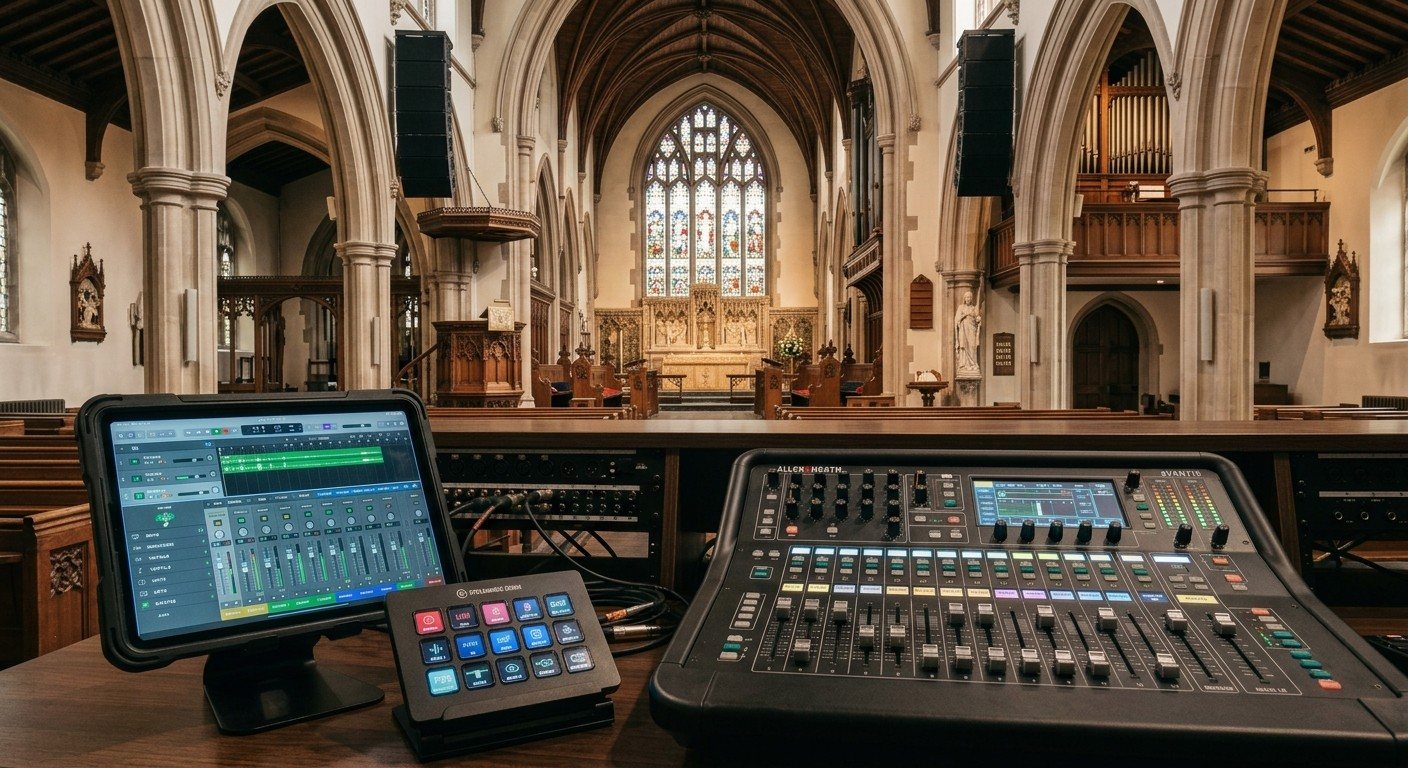
Sound Board Scenes, Stream Deck, and WorshipMetrics: Making Church Audio Volunteer-Friendly
Church audio gets easier when the hard work is saved once and recalled with a button. Board scenes, Bitfocus Companion on a Stream Deck or tablet, and WorshipMetrics slide actions and monitoring turn complicated console moves into plain-word buttons a volunteer can trust.
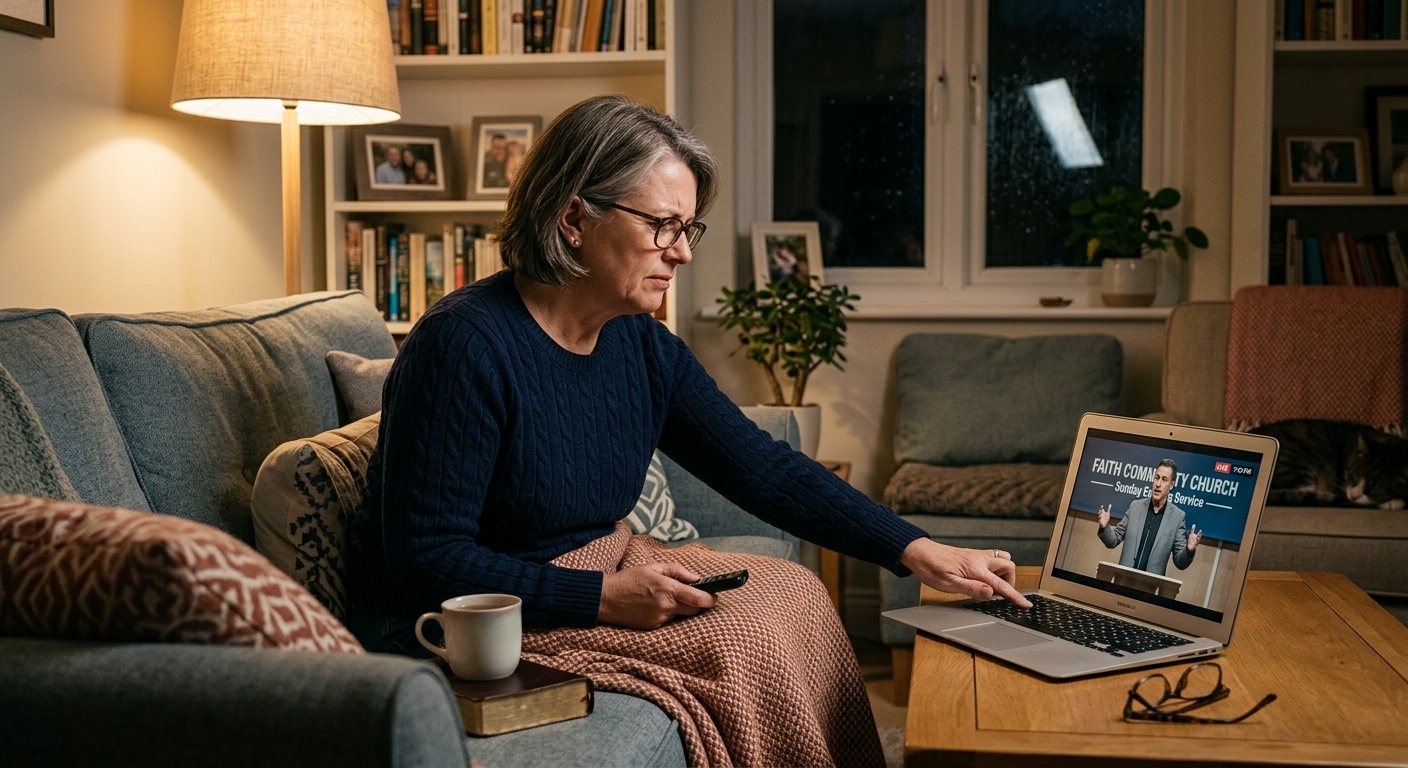
Pastor Too Quiet, Out of Sync, or Echoey: Fixing the Three Classic Church Livestream Audio Problems
Most church livestream audio complaints come down to three problems: levels (the pastor is too quiet or the band is too loud), sync (lips and sound don't match), and room sound (echoey, distant, or doubled). Here's how to spot each, why it happens, and how to fix it in OBS, vMix, or an ATEM.
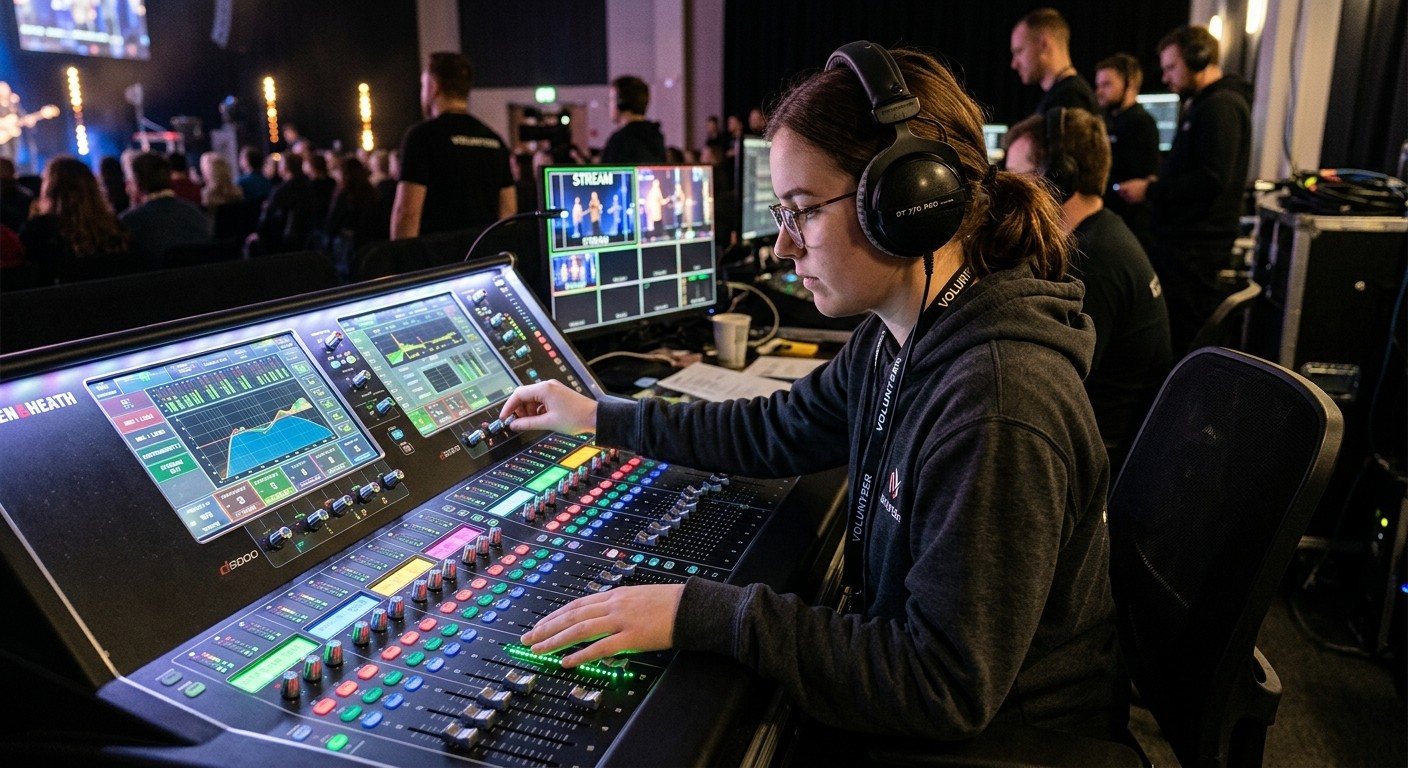
Why Your Church Livestream Sounds Bad, and How a Separate Stream Mix Fixes It
The mix that sounds great in the sanctuary almost never sounds right on a phone at home. The room adds drums, voices and reverb the board never sends. A separate stream mix (an aux, a matrix, or a second mixer) is the single biggest audio upgrade most churches can make. Here's why, and how to start.