Introduction
Church AV systems age faster than teams realize because the knowledge around them is rarely written down. Inventory and maintenance work may feel administrative, but they directly affect Sunday reliability.
The congregation usually only sees the system when something fails. That is why preventive work matters so much. Inventory and maintenance are how you reduce surprises before they become public problems.
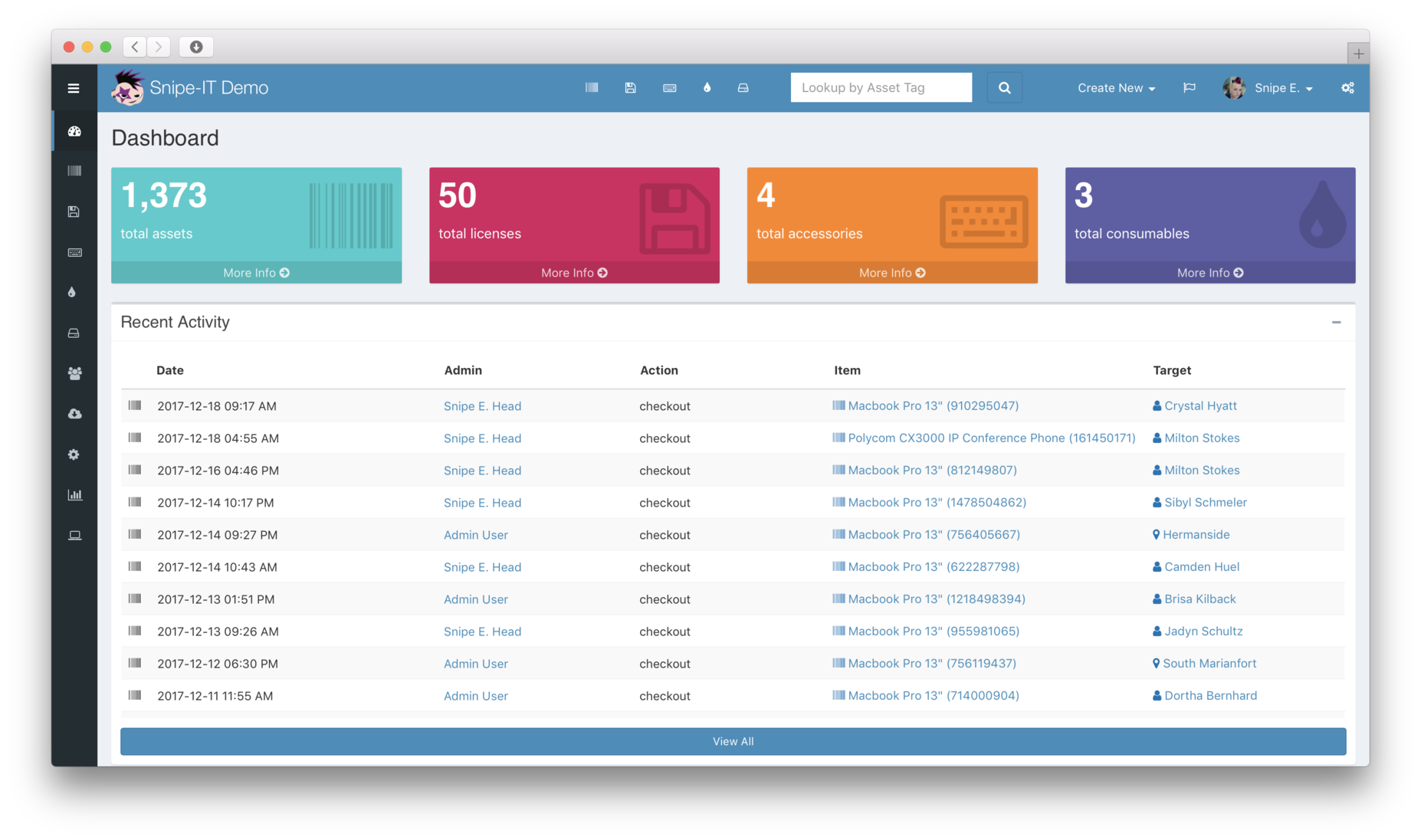
Build a Real Inventory, Not a Gear List
A useful inventory includes model numbers, firmware versions, physical locations, cable paths, assigned roles, and notes about how each device fits into the larger system.
A spreadsheet of purchase history is not enough. A real AV inventory should help answer questions like:
- What is this device for?
- Where is it physically located?
- What signal chain is it part of?
- How old is it?
- What other gear depends on it?
If a new volunteer or staff member cannot understand the system from the inventory, the inventory is not finished.
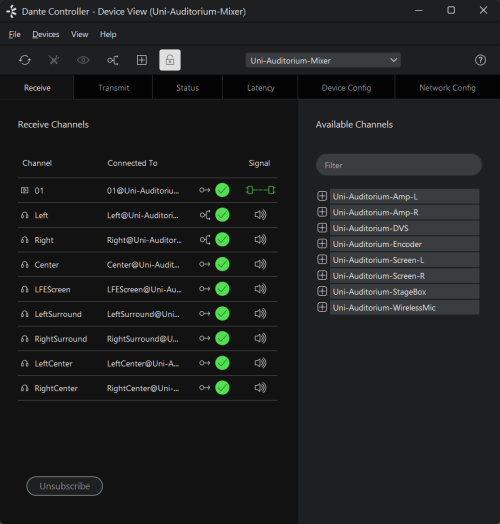
Create a Maintenance Calendar
Regular review matters more than perfect review. Schedule recurring checks for firmware, cabling, UPS batteries, cooling, storage, and network health instead of waiting for a failure.
A healthy maintenance rhythm might include:
- monthly quick checks for key devices
- quarterly deeper inspection of cabling and power
- regular firmware review windows
- scheduled recording-storage cleanup
- annual replacement planning for aging systems
The point is consistency, not complexity.
Document What Changes
Volunteer turnover and one-off fixes create invisible drift. Every change to signal flow, network settings, or hardware assignments should be recorded while it is still fresh.
That includes things like:
- a camera that moved
- a switch port that changed
- a production computer that got replaced
- a firmware update that solved or introduced issues
- a cable reroute made during a special event
Untracked changes turn support into archaeology.
Use Maintenance to Reduce Volunteer Stress
Volunteers should not discover weak batteries, missing adapters, or failing switch ports during service. Inventory and maintenance protect the people serving, not just the hardware.
The goal is a system that feels calm to the people operating it. A calm system is one where common failure points have already been checked and documented before Sunday morning arrives.
Review the System After Major Events
Holidays, conferences, and special productions stress the system in unique ways. Those events are often the best time to identify what needs stronger maintenance or replacement planning.
Ask after a major event:
- what failed or degraded?
- what ran hotter or harder than expected?
- what workaround did the team rely on?
- which temporary changes were never documented afterward?
Those answers often shape the next quarter of maintenance work.
Build a Replacement Roadmap Alongside Maintenance
Maintenance keeps current gear healthy, but it should also reveal what equipment is nearing the end of its useful life. The best inventory systems support both current support and future budgeting.
Flag devices by age, support risk, and ministry importance so leadership can prioritize replacements before a critical failure forces the conversation.
Conclusion
Inventory management and maintenance schedules are not glamorous, but they are often the difference between a stable ministry system and recurring technical surprises.
The strongest AV environments are not necessarily the newest ones. They are the ones where equipment, changes, and responsibilities are visible enough that the team can support the system with confidence.
Buying replacements? See consumer vs. commercial-grade AV gear for churches and why church AV belongs in a rack.
Video Switcher Showdown: ATEM vs Roland vs vMix for Churches
NextLive Captions & Accessibility for Church Streams
Related Articles
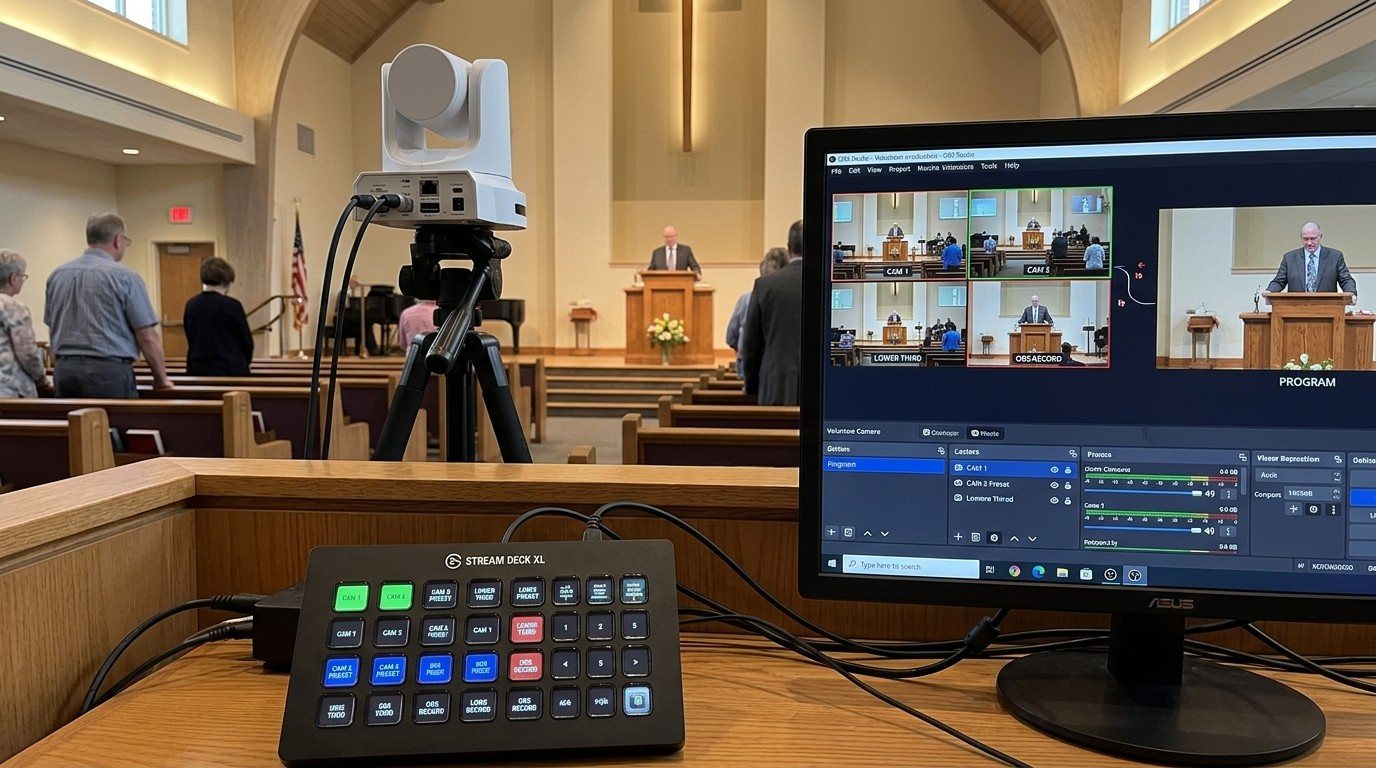
Controlling Projectors, PTZ Cameras, and Sound Boards with Bitfocus Companion
Bitfocus Companion can control far more than OBS and vMix. Projectors over PJLink, PTZ cameras over VISCA, digital sound boards over the network, and almost anything else with an IP address. Here's how churches connect the rest of the room, and how to plan a 'Start Service' button that does it all.
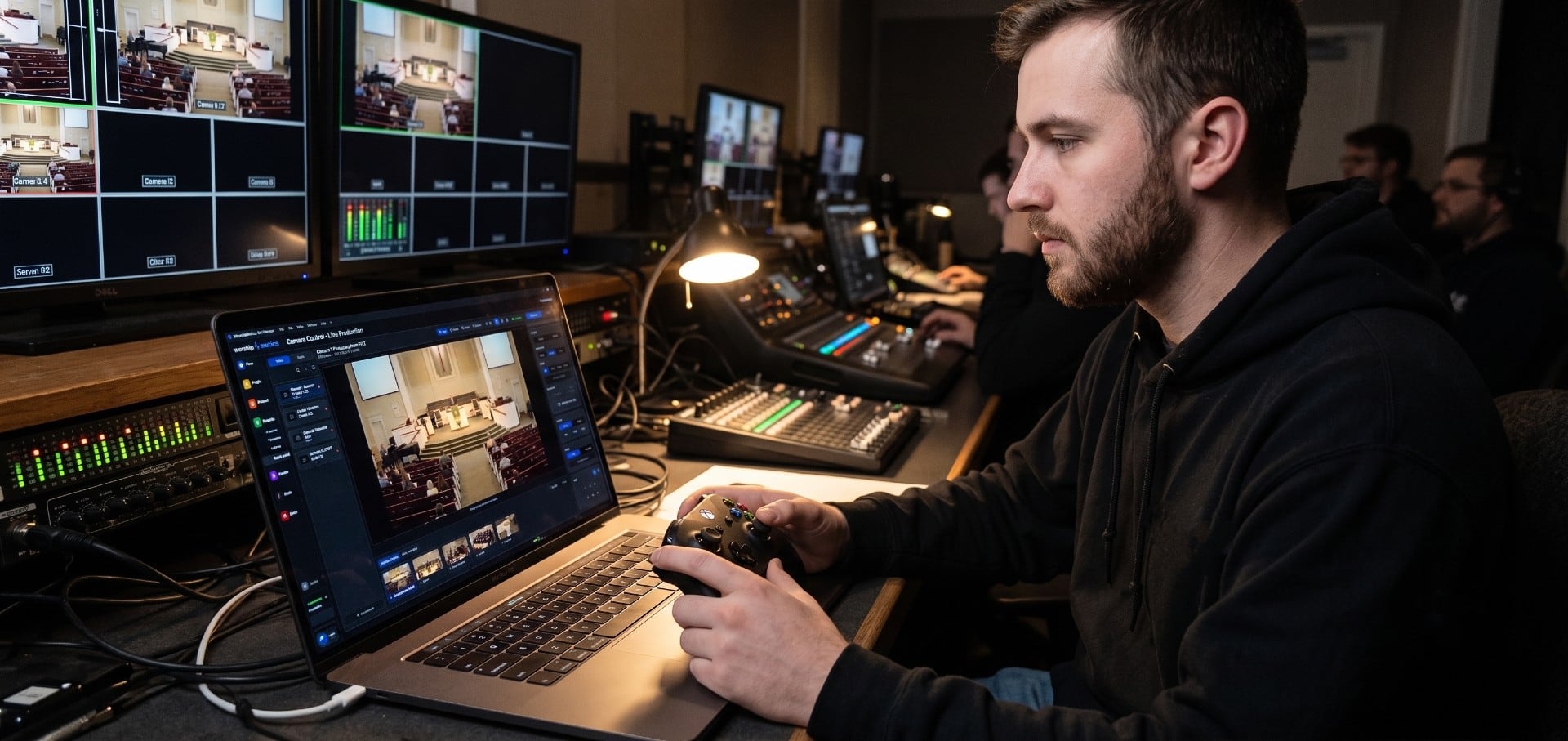
PTZ Camera Troubleshooting for Churches: The 10 Problems Behind Almost Every Sunday Failure
A symptom-first field guide to the PTZ and network camera failures church booths actually hit — cameras that vanish from the network, presets that drift, flicker under LED lighting, video lagging the audio — with fast checks for each, and the upgrades that end the guessing: a mapped system, cameras on watch, and AI that knows your wiring.
AI That Knows Your Wiring: How Luminos and Journey Actually Work
The AV manager's tour of the context architecture: how the Signal Map, live inventory, telemetry, and support history become an assistant that answers questions about YOUR booth — in the app as Luminos, on the phone as Journey.