Beyond the switcher
Most churches start using Bitfocus Companion for OBS or vMix. The bigger win comes when the same panel controls the rest of the room: the projector, the cameras, the sound board. That’s how a “Start Service” button can actually start the service.
What you need for any device
- It’s on the network (or connected another way Companion supports).
- Network control is turned on in the device’s own settings.
- It has a fixed IP address, so Companion can always find it.
- Companion has a connection for it: a brand-specific module, or a generic protocol like PJLink, VISCA, OSC, HTTP, or TCP.
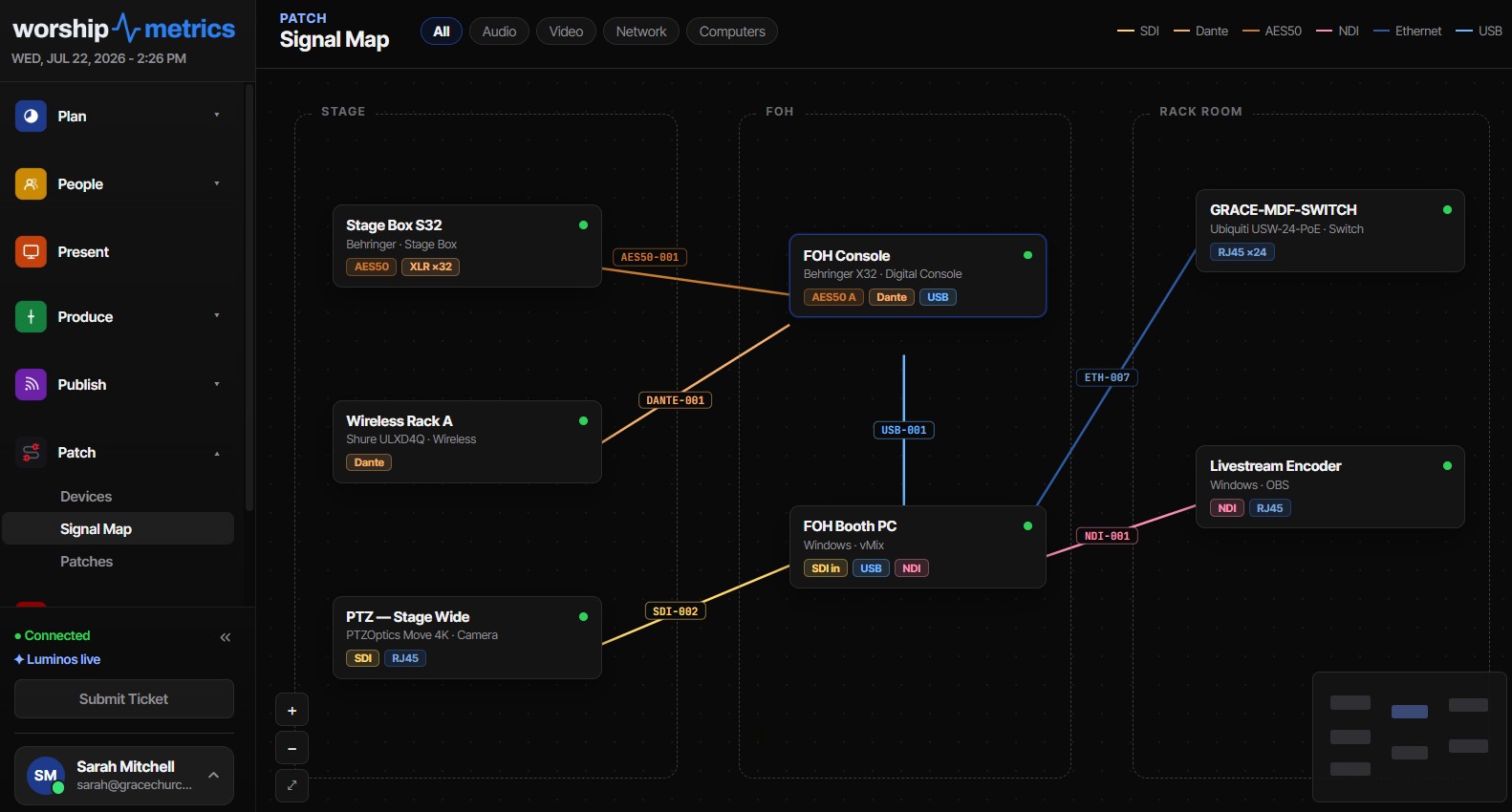
Record every device’s address in one place. (See the Signal Map and the handoff checklist.)
Projectors and displays
- PJLink is a common standard for power and input control on business and education projectors. Turn it on in the projector’s network settings, then add a PJLink connection in Companion.
- Useful buttons: “Projectors On,” “Projectors Off,” “Input: Slides,” “Input: Camera.”
- Tip: projectors take time to warm up, so put “Projectors On” in the pre-service routine, not at the start of worship.
PTZ cameras
- Companion has modules for many PTZ brands, plus generic VISCA over IP.
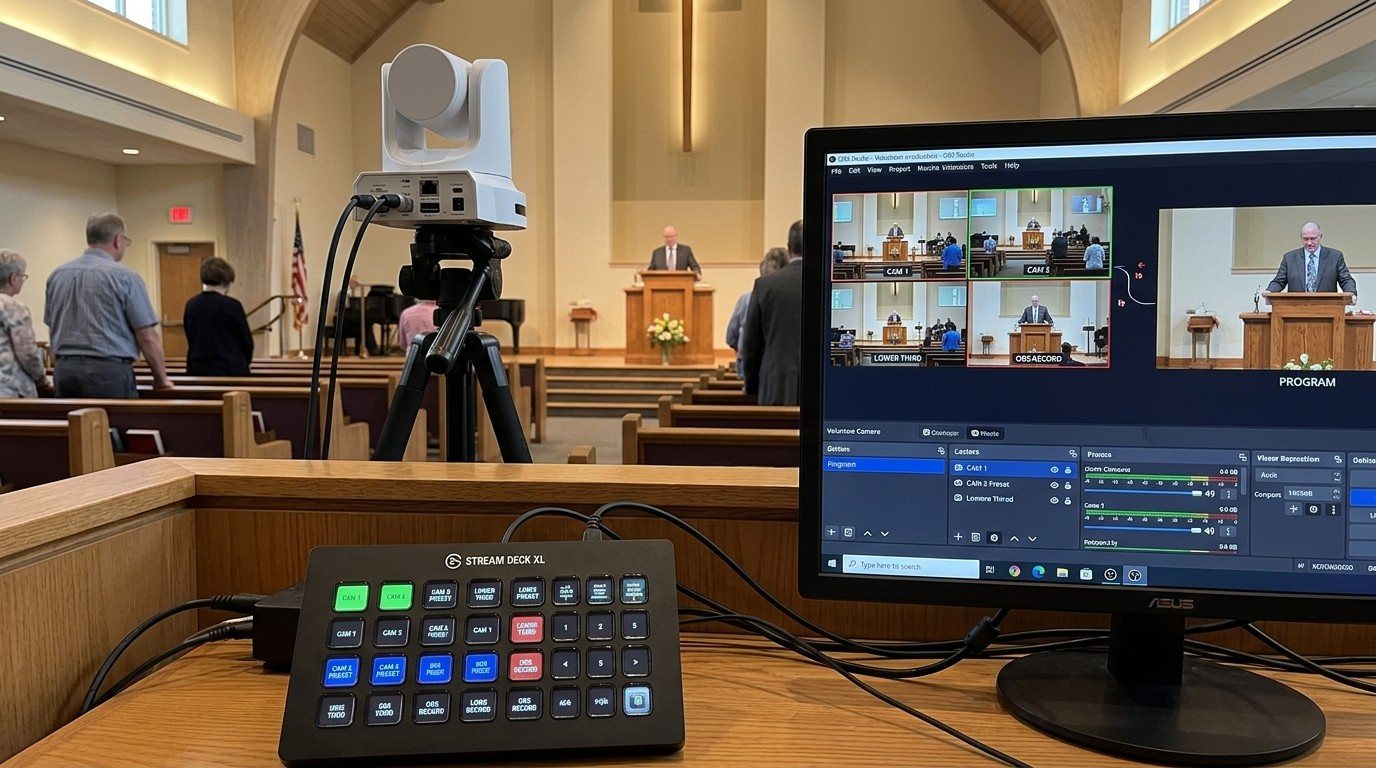
- Useful buttons: one per preset (“Pulpit,” “Wide,” “Piano”), plus nudge and zoom buttons for the camera seat.
- Tip: check your camera’s manual for the control protocol and port it uses, and set the same in Companion. (See VISCA over IP for church PTZ cameras.)
Sound boards
- Many networked digital consoles have Companion modules.
- Useful buttons: “Pastor Mic On,” “Band Mutes,” “Recall Scene: Sunday.”
- Tip: talk with your sound team first. Buttons that change levels during a service should be agreed on, labeled clearly, and kept off the director’s page if the sound volunteer owns the mix.
Anything else with an IP address
Companion’s generic HTTP, OSC, and TCP connections can send commands to devices that don’t have their own module, including WorshipMetrics Present’s command addresses. (See Companion buttons inside WorshipMetrics.)
Putting it together: a “Start Service” button
| Device | Action |
|---|---|
| Projector | Power on, input: slides (pressed 10 minutes early, on a separate pre-service button) |
| PTZ camera 1 | Recall “Wide” |
| Sound board | Recall the Sunday scene |
| OBS or vMix | Start recording, start streaming, switch to Welcome |
| Present | Go to the welcome slide |
Build it in pieces, test each piece, then combine them. If one device doesn’t respond, the rest of the button still works, so check each one in a run-through.
Where WorshipMetrics helps
Tech Manager’s monitoring watches the streaming computer and connected devices and alerts your team when something goes offline, which is often the first sign a Companion button will stop working. The Signal Map keeps every device and its address documented, and Camera Control gives the camera seat picture presets alongside your Companion buttons.
Better livestream audio: Why your church livestream sounds bad, and how a separate stream mix fixes it. See also scenes, Stream Deck, and WorshipMetrics for audio · the stream audio seat.
Related questions
- Can Bitfocus Companion turn projectors on and off?
- Yes, for many projectors. Projectors that support PJLink (common on business and education models) can be powered on and off and switched between inputs from Companion, and many brands also have their own modules. The projector must be on the network with network control enabled.
- Can Companion control PTZ cameras?
- Yes. Companion has modules for many PTZ camera brands and for generic VISCA over IP, so buttons can recall presets, move the camera, and adjust zoom and focus.
- Can Companion control a digital sound board?
- Many networked digital consoles have Companion modules, so a button can mute or unmute channels, recall a scene, or change a level. Check Companion's connection list for your console before you plan around it.
Bitfocus Companion Buttons Inside WorshipMetrics: The Companion Tab, Slide Actions, and Commands
NextOBS + Bitfocus Companion Setup for Church: Volunteer Buttons for Scenes, Stream, and Recording
Related Articles
PTZ Camera Troubleshooting for Churches: The 10 Problems Behind Almost Every Sunday Failure
A symptom-first field guide to the PTZ and network camera failures church booths actually hit — cameras that vanish from the network, presets that drift, flicker under LED lighting, video lagging the audio — with fast checks for each, and the upgrades that end the guessing: a mapped system, cameras on watch, and AI that knows your wiring.
AI That Knows Your Wiring: How Luminos and Journey Actually Work
The AV manager's tour of the context architecture: how the Signal Map, live inventory, telemetry, and support history become an assistant that answers questions about YOUR booth — in the app as Luminos, on the phone as Journey.
Connecting a UniFi Controller to WorshipMetrics: Port-Precise Truth
How to link a Ubiquiti UniFi controller to WorshipMetrics with an API key or a local admin account, and what port-precise topology unlocks: auto-inferred Ethernet wires, live PoE draw per port, and negotiated vs. maximum link speed.