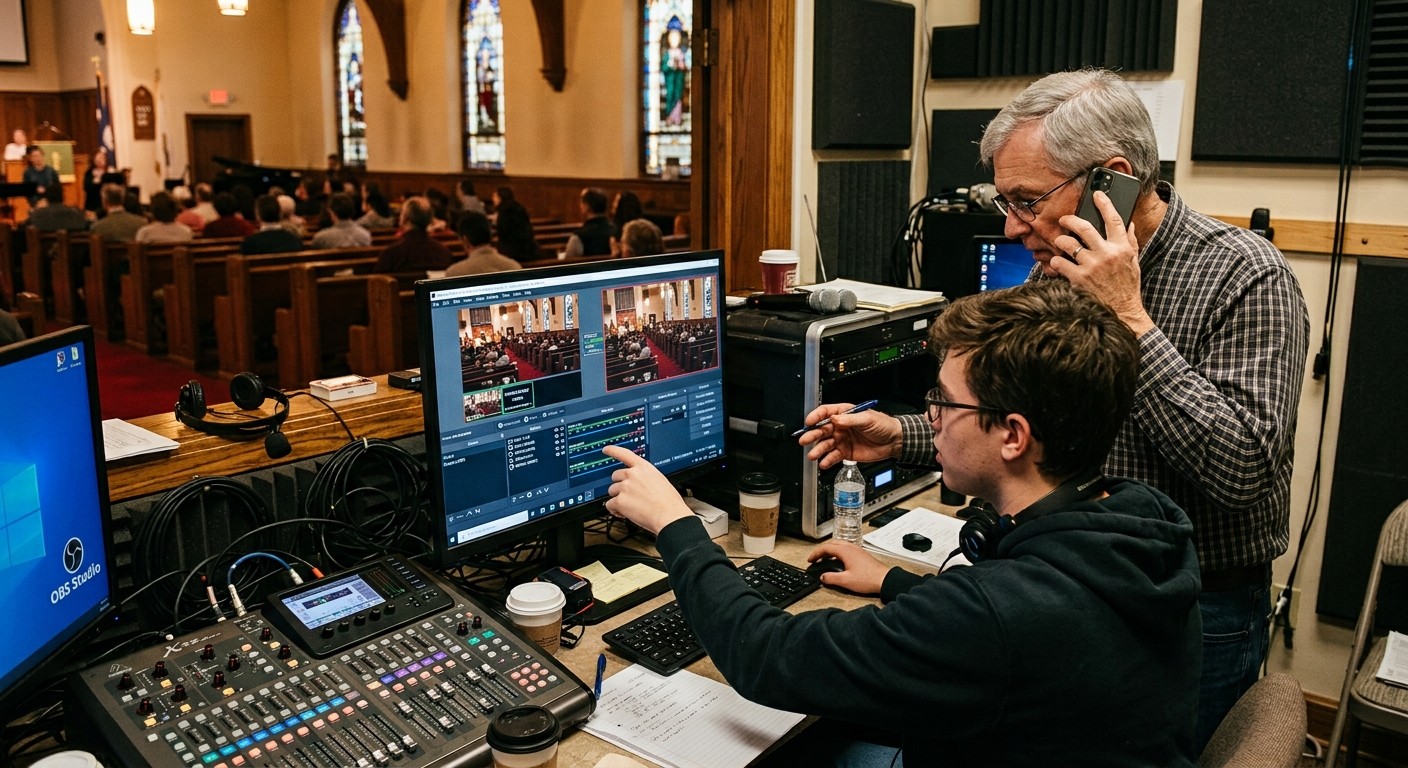
The demo that explains everything
Here’s the moment AV managers get it. A volunteer types: “the confidence monitor is dark.” A generic chatbot responds with a checklist scraped from the whole internet — check the power, check the input, is it plugged in? Reasonable, and useless, because it doesn’t know what a confidence monitor is in your building.
Luminos answers differently, because it has read your church: your confidence monitor is a documented device in your inventory, fed by a specific labeled cable from a specific output, and the booth machine’s telemetry is arriving every few seconds. The answer names the actual cable and the actual port, checks what the system can observe, and walks the volunteer to the two things worth touching. Same question, different universe — and the difference is entirely context. This post is the tour of where that context comes from, for the person who’ll be asked to explain it: the AV manager.
The four context layers
Layer 1: your inventory. Every device your church has documented in System Documentation — make, model, location, what it connects to. This is the AI’s cast of characters: when someone says “the rear PTZ,” it knows which physical camera that is.
Layer 2: the Signal Map, pulled on demand. The wiring itself — every documented run with its cable ID and port labels, the same map that prints as your wiring diagram. When a question is about paths (“why would camera two lose signal but camera one is fine?”), the assistant can pull the full map and reason over your actual topology. If you’ve connected a UniFi controller, the network layer documents itself — auto-inferred Ethernet runs, live PoE, negotiated link speeds — so the map the AI reads gets truer without anyone drawing.
Layer 3: live telemetry. What’s happening right now: machine vitals, stream and recording state, encoder performance, sampled continuously from the booth. This is what separates “have you tried restarting?” from “your encoder load has been climbing since 9:20 — here’s what that means.”
Layer 4: history. Every service’s health report with the settings it ran under, every Self Healing restart offer and answer, every past incident. The assistant knows your booth’s normal — so it recognizes your abnormal, and never asks you to re-explain last month.
One more dimension surprises people: the same context engine answers ministry questions, not just wiring ones — “how did attendance trend across the last eight weeks?”, “give me a summary before Monday staff meeting” — because service metrics live in the same system the AI reads.
Two front doors: the app and the phone
All of that context feeds one intelligence with two faces. Luminos lives in the app — the chat your team uses at the desk. Journey answers 910-WORSHIP — same knowledge, by voice, which matters more than it sounds: the volunteer mid-crisis doesn’t have to find a browser, and the student alone in the booth can literally call for help and reach something that already knows the room. Luminos is unlimited on Pro and Max (on Free, 5 conversations a month for verified churches); Journey comes with Pro ($49/mo, 2 hours a month) and Max (5 hours) — with the human ladder (Care, Sunday Assurance, and our team on the number) standing behind it.
The flywheel every AV manager should understand
Here’s the strategic point hiding in the architecture: documentation is now an investment with compounding returns. Every device you add to the inventory, every cable you label into the Signal Map, every service the telemetry records — all of it makes every future answer smarter, for every volunteer, on both doors, forever. The afternoon you spend labeling cables used to benefit whoever read the binder; now it trains your church’s own support system. Documentation stopped being paperwork the day something started reading it.
That’s also the honest limit to state to your leadership when they ask the framework questions: the AI knows what’s documented and observed — nothing more, and it proposes rather than acts. Which means the AV manager’s old job description quietly gained a line: you’re not just maintaining a system anymore. You’re curating the context that makes the whole ministry’s helper wise.
Related questions
- What's the difference between Luminos and Journey?
- Same intelligence, two front doors: Luminos is the assistant inside the WorshipMetrics app; Journey is the voice answering 910-WORSHIP by phone. Both read the same context — your inventory, Signal Map, live telemetry, and support history — so a volunteer gets the same system-aware help whether they type or dial.
- What does the AI actually know about our church's system?
- What you've documented plus what the platform observes: every device in your inventory, the Signal Map down to labeled cables and ports (pulled on demand), live machine and encoder telemetry, every service's health report with its settings, and the support history of what's been tried before. It also answers ministry-data questions — attendance trends, week-over-week comparisons.
- How is this different from asking a general-purpose chatbot?
- A general chatbot knows how AV works in general; it has never seen your building. Context-grounded AI answers about your camera two, your cable NET-014, your Sunday's telemetry — and the documentation flywheel means every device you add makes every future answer better.
AI in the Booth: How It Helps Students Serve, Not Replaces Them
NextHow Do Churches Get Tech Support for Their AV Systems?
Related Articles
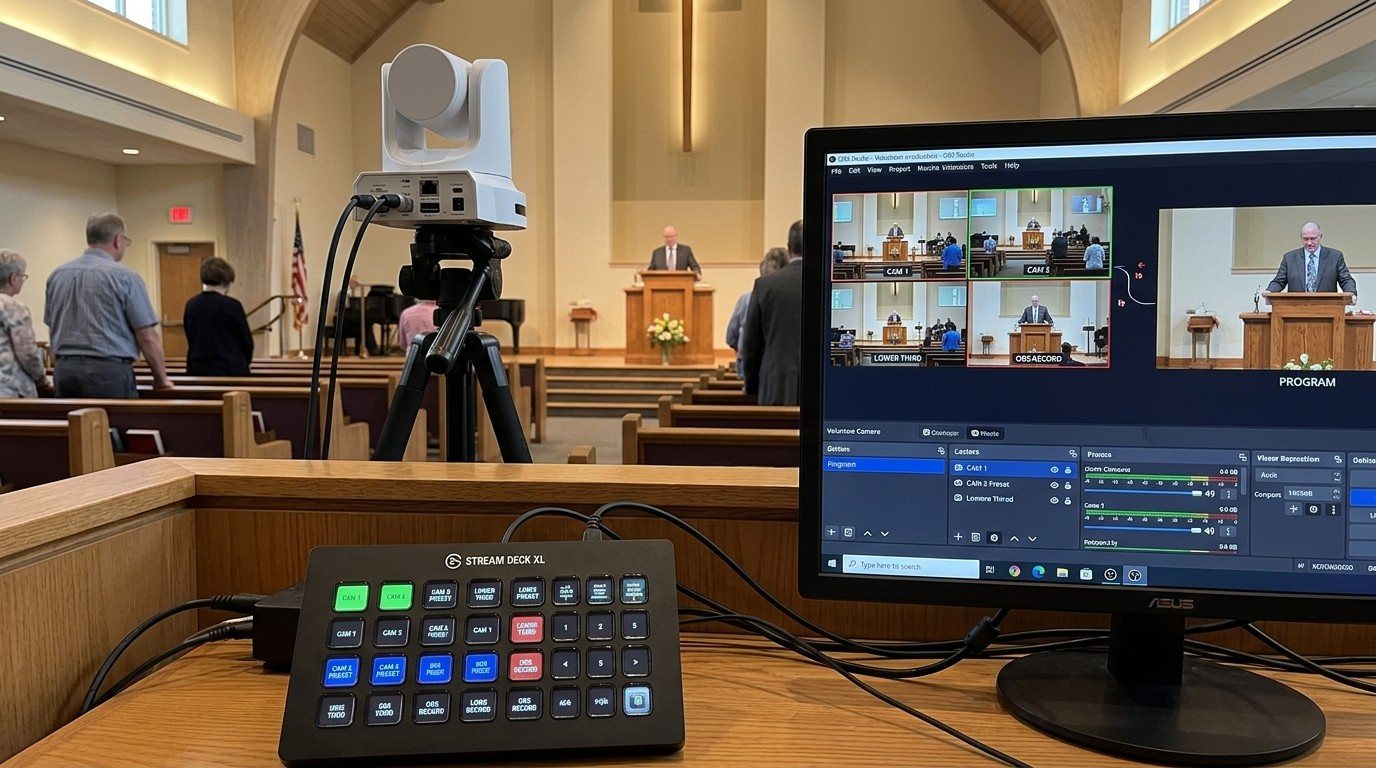
Controlling Projectors, PTZ Cameras, and Sound Boards with Bitfocus Companion
Bitfocus Companion can control far more than OBS and vMix. Projectors over PJLink, PTZ cameras over VISCA, digital sound boards over the network, and almost anything else with an IP address. Here's how churches connect the rest of the room, and how to plan a 'Start Service' button that does it all.
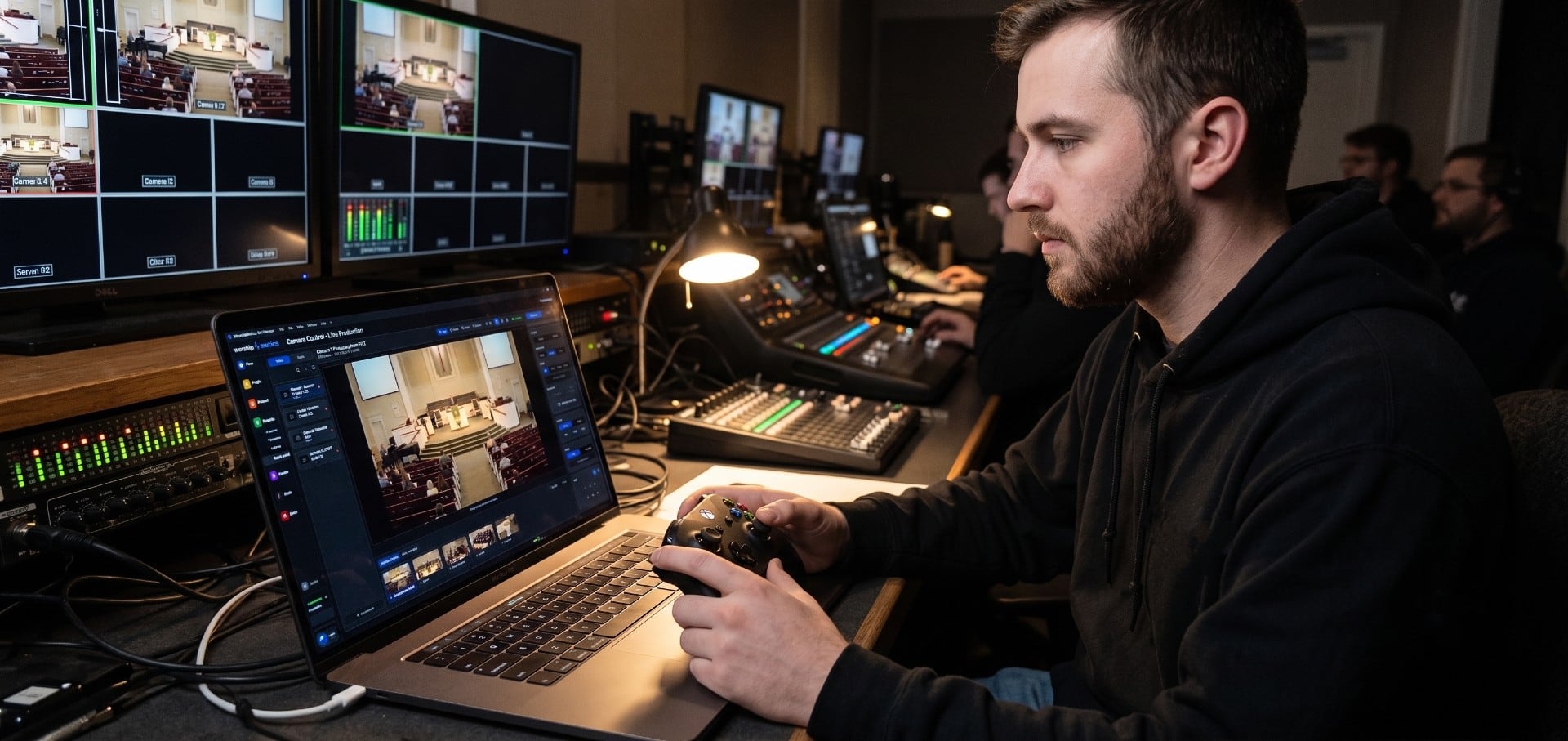
PTZ Camera Troubleshooting for Churches: The 10 Problems Behind Almost Every Sunday Failure
A symptom-first field guide to the PTZ and network camera failures church booths actually hit — cameras that vanish from the network, presets that drift, flicker under LED lighting, video lagging the audio — with fast checks for each, and the upgrades that end the guessing: a mapped system, cameras on watch, and AI that knows your wiring.
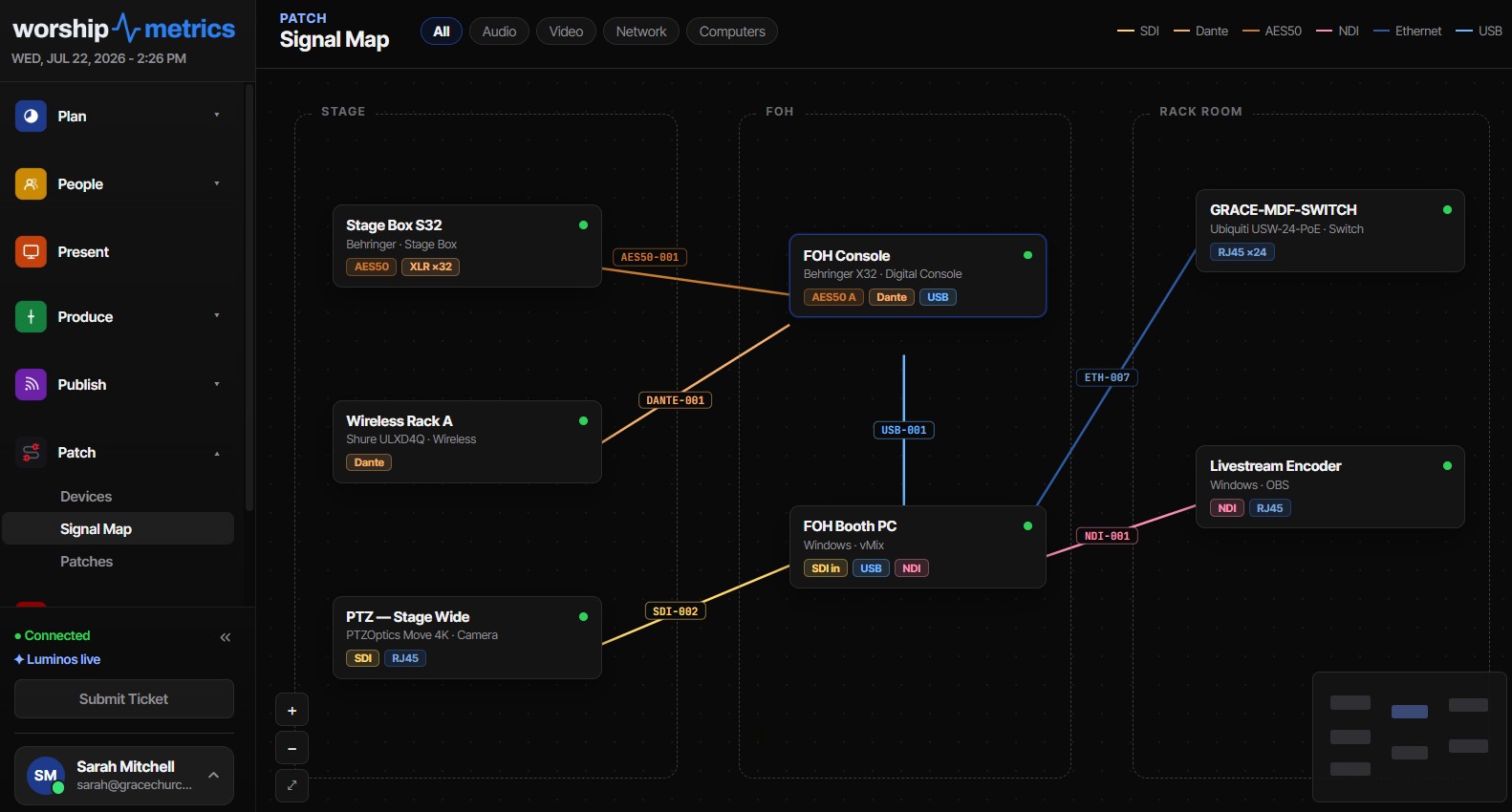
Connecting a UniFi Controller to WorshipMetrics: Port-Precise Truth
How to link a Ubiquiti UniFi controller to WorshipMetrics with an API key or a local admin account, and what port-precise topology unlocks: auto-inferred Ethernet wires, live PoE draw per port, and negotiated vs. maximum link speed.