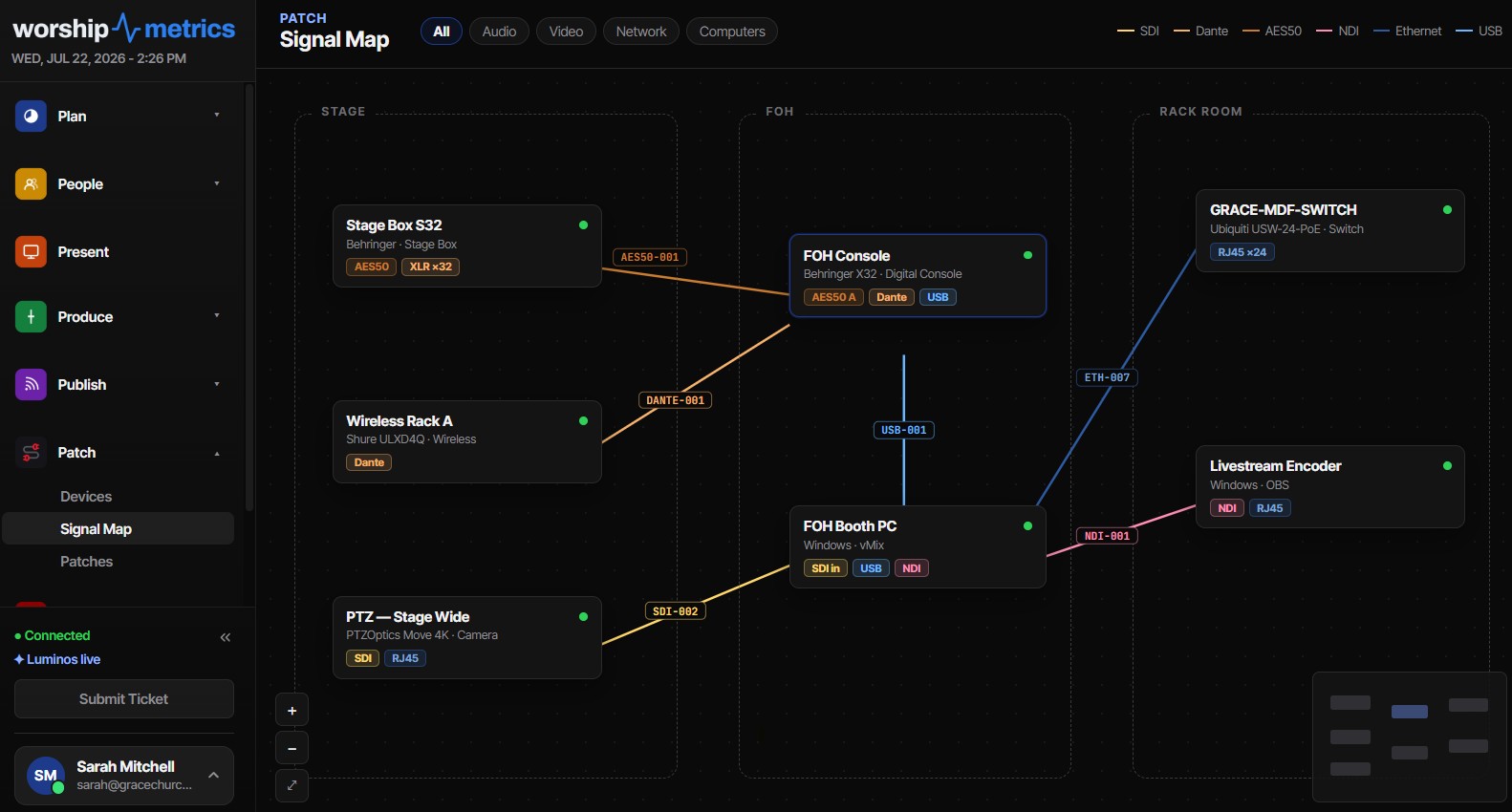
The label maker isn’t the problem
Every church tech booth has a label maker in a drawer. Most also have a snake of unlabeled cables behind the rack, three strips of masking tape that say “TO BOARD,” and one mystery run nobody has been brave enough to unplug since 2019.
The label maker isn’t the problem. The problem is that most churches label cables ad hoc — one at a time, in the vocabulary of whoever happened to be holding the tape — and ad-hoc systems don’t survive the one thing every volunteer team is guaranteed to experience: turnover.
This article walks through a labeling system that does survive. It rests on one rule — every cable gets a stable ID that stays with it — plus a signal map and a printed patch sheet that all speak the same language.
Why ad-hoc labeling fails
Ad-hoc labels fail for predictable reasons, and it’s worth naming them so your new system avoids each one:
They describe destinations, not identities. A label that says “TO PROJECTOR” was true the day it was written. Then the projector moved, or a second one was added, or the cable got repurposed for a confidence monitor. The label didn’t change, and now it’s actively misleading — which is worse than no label at all.
They depend on one person’s vocabulary. “Dave’s camera run” is a perfectly clear label to Dave. When Dave steps down, it’s a riddle. Labels written in terms of people, ministries, or events (“Easter feed”) stop making sense the moment the context walks out the door.
They get renumbered. This is the quiet killer. A well-meaning volunteer “cleans up” the numbering — cable 3 was removed, so cables 4 through 9 shift down to close the gap. Every photo, every note in the shared drive, and every label on the far end of a 150-foot run is now wrong. Renumbering doesn’t tidy a system; it silently invalidates every record ever made of it.
They only exist on the cable. A label with no matching document is a fact with no backup. If the label falls off — and adhesive labels on flexible cable do fall off — the information is gone.
If your team has lived through any of these, you know the symptom: tracing. Someone on a Sunday morning, flashlight in teeth, following a cable hand-over-hand through a loom because nothing written down can be trusted. A good labeling system exists to make tracing unnecessary.
The rule that makes a system survive: stable cable IDs
The fix is a scheme borrowed from broadcast and integration work, scaled down for a volunteer team:
Every cable gets an ID made of a signal-type prefix plus a zero-padded number — and that ID never changes and is never reused.
Examples:
VID-001,VID-002— video runsAUD-001,AUD-002— audio runsNET-001throughNET-014— general EthernetDMX-001— lighting control
Three properties make this work:
The prefix tells you what the cable carries, not where it goes. VID-003 is a video cable forever, no matter which camera or switcher input it serves this season. When the stage gets rearranged, the cable’s identity doesn’t. Destinations live in the patch sheet, where they’re cheap to update; identity lives on the label, where it’s expensive to update.
The number is zero-padded to three digits. VID-001 sorts correctly in every spreadsheet, file name, and printed list. VID-1, VID-10, and VID-2 do not. Three digits is enough headroom for any church system, and the consistency makes lists scannable at a glance.
IDs are never renumbered and never recycled. If VID-001 is retired — the cable failed, the run was pulled — the ID retires with it. VID-002 stays VID-002 forever, and the next new video run takes the next unused number. Gaps in the sequence are not a mess to clean up; they’re a historical record that says “a cable used to exist here,” which is genuinely useful three years later.
This property makes the system turnover-proof. A new volunteer doesn’t need to know the history, the people, or the building — only one rule: the number on the cable matches the number on the sheet, and both are permanent.
Label the cable itself — both ends
With the ID scheme settled, the physical part is straightforward:
Label both ends of every run. The end behind the rack and the end at the stage box. A cable labeled at only one end is only half findable.
Use labels that survive handling. For permanent installed runs, laminated wrap-around labels or printed heat-shrink hold up best. For cables coiled and thrown in a road case weekly, self-laminating wrap labels (the kind with a clear tail that wraps over the printed text) resist abrasion far better than a flat sticker. Flag-style labels read easily in a dense loom but snag more; use them where cables live undisturbed.
Put the ID first, big. VID-003 in the largest type the label allows. A second line with the current patch (“CAM 2 → SW IN 3”) is fine — just accept that the second line is disposable and the first line is not. When the patch changes, re-label at leisure or just trust the sheet; the ID keeps working either way.
Skip labeling patch-bay jumpers and anything under about a meter if it’s visually traceable end to end. Label effort belongs on the runs that disappear into walls, floor pockets, and looms.
One honest note: the labels themselves come from your label maker, not from software. What software should give you — and what the rest of this article is about — is the authoritative list the label maker copies from.
The signal map is the master; labels are the copy
A labeling system needs a single source of truth, and it should not be the cables. Cables get replaced, labels wear off, and nobody can read a label inside a wall. The master record is your signal map: the drawing (or app) that shows every device, every port, and every cable ID connecting them.
The discipline is simple and directional:
- New cable? It gets its ID in the signal map first, at the moment it’s added — then the physical label is printed to match.
- The map records the full truth: cable ID, signal type, source device and port, destination device and port.
- The physical label carries only the ID. Everything else is looked up.
This ordering matters. If labels are made first and documented “later,” later never comes, and you’re back to ad-hoc. If the map assigns the ID, the map is always complete by construction.
Keeping the map current is the same habit-building problem as keeping your gear list current — the two records reinforce each other, and our guide to AV inventory and maintenance covers that side of the discipline. Network runs deserve special care, since an Ethernet cable’s label says nothing about what VLAN or service rides on it; see church network design for AV and streaming for documenting that layer.
Print a patch sheet and put it on the rack door
The patch sheet is the signal map flattened into a table: one row per cable, sorted by ID.
| Cable | Signal | From | Port | To | Port |
|---|---|---|---|---|---|
| VID-001 | 3G-SDI | PTZ Cam 1 | SDI OUT | ATEM | IN 1 |
| VID-002 | 3G-SDI | PTZ Cam 2 | SDI OUT | ATEM | IN 2 |
| AUD-001 | Dante | Stage Box | NET | Switch | Port 4 |
| NET-014 | 1GbE | Encoder | LAN | Switch | Port 9 |
Two practical rules make it actually get used:
Print it mono-laser friendly. Color-coded sheets look great and die the first time someone runs copies on the office’s black-and-white laser printer. Design for grayscale: bold IDs, clear rules between rows, per-room section headers. If color survives the printer, treat it as a bonus, never as the carrier of meaning.
Tape it inside the rack door (and at the stage box, and anywhere else cables terminate in bulk). A patch sheet in a shared drive is documentation; a patch sheet on the rack door is a tool.
Reprint whenever the patching changes. Because the IDs are stable, an outdated sheet degrades gracefully — destinations may drift, but identities never lie.
Labeled cables make phone support precise
Here’s the payoff that surprises teams the first time it happens.
A volunteer calls for help mid-service: the stream lost video. Without labels, the call sounds like this: “Follow the cable from the back of the camera… no, the other camera… does it go into the black box or the other black box?” Ten minutes of hand-over-hand tracing while the stream is down.
With labels and a patch sheet, the same call takes thirty seconds: “Check VID-003 — camera end first, then the switcher end. Reseat both BNCs.” The volunteer doesn’t need to understand the signal path — only to find a number that’s printed on the cable in front of them.
This is also what makes labeled cables the highest-leverage training investment for a rotating team. You’re no longer teaching each new volunteer the topology of the room — you’re teaching them to read. Pair the labels with a simple runbook and tribal knowledge becomes something a first-Sunday volunteer can act on; our guide to training volunteer AV teams goes deeper on that handoff.
How WorshipMetrics handles this
WorshipMetrics builds this exact system into its system documentation tools, so the discipline doesn’t depend on anyone’s memory:
- IDs are assigned automatically and permanently. The moment you draw a cable on the Signal Map, it gets an ID by physical cable type —
VID-001,AUD-002,NET-014, color-coded to the printed label — zero-padded and stored. Deleting a cable never renumbers the others, and a new cable takes the number after the highest one in use, so only the highest number can come back after a delete. - The patch sheet prints itself. One click produces a printable cable schedule — portrait or landscape, color or mono-laser black-and-white, with your church logo, optional port and signal columns, and per-room sections ready for the rack door. A single-page vector PDF wiring diagram is available alongside it. (You still make the physical labels with your own label maker — the patch sheet is the list you copy from.)
- Every row traces back to the map. From the cable schedule, one click jumps to that cable highlighted on the Signal Map, so “what is
VID-003?” is never a research project. - Support speaks your labels. WorshipMetrics phone support is grounded in your live documentation — the AI assistant sees your inventory and can pull your signal map with its cable and port IDs, so a support call can say “reseat
VID-003at the switcher end” instead of “follow the cable from the black box.”
Label the cables once, let the software keep the books, and the system will still make sense to a volunteer who hasn’t joined the team yet.
Beyond labels: trays, hook-and-loop straps, strain relief and the booth binder in cable management for church booths.
Which AV Signals Survive a Network Switch (and Which Die at the Port)
NextCCLI Reporting from What Was Actually Sung
Related Articles
Church AV Upgrade: What to Keep and What to Replace
A church AV upgrade almost never means starting over. Here's the decision table churches use to keep the cameras and the sound board, replace the computer and the cables, and quote only what's missing.
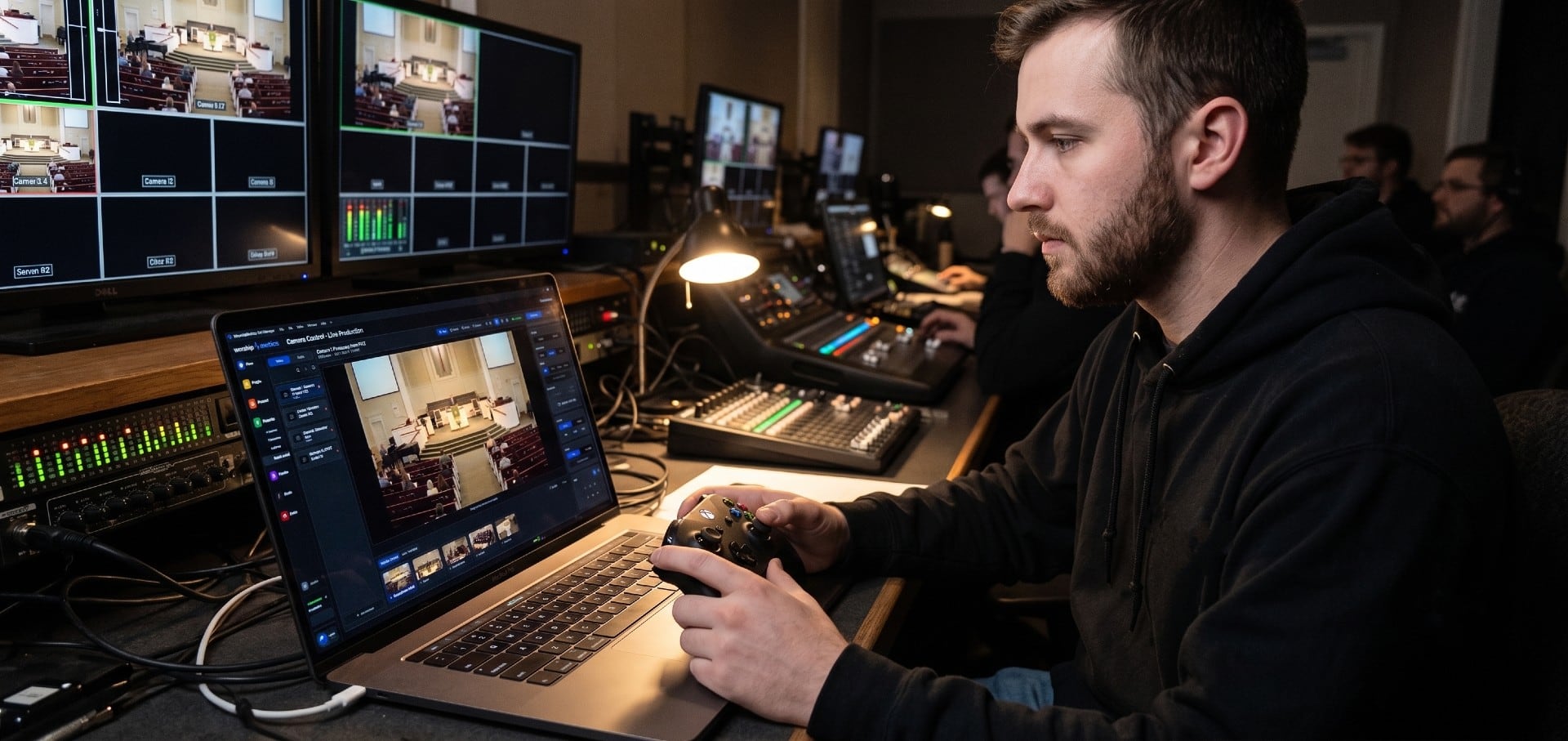
How to Control PTZ Cameras with an Xbox Controller
Drive your church's PTZ cameras with an Xbox controller: analog pan and tilt, zoom on the triggers, focus on the bumpers and presets on A, B, X and Y. What you need, setup step by step, the button map, and fixes when the controller doesn't respond.
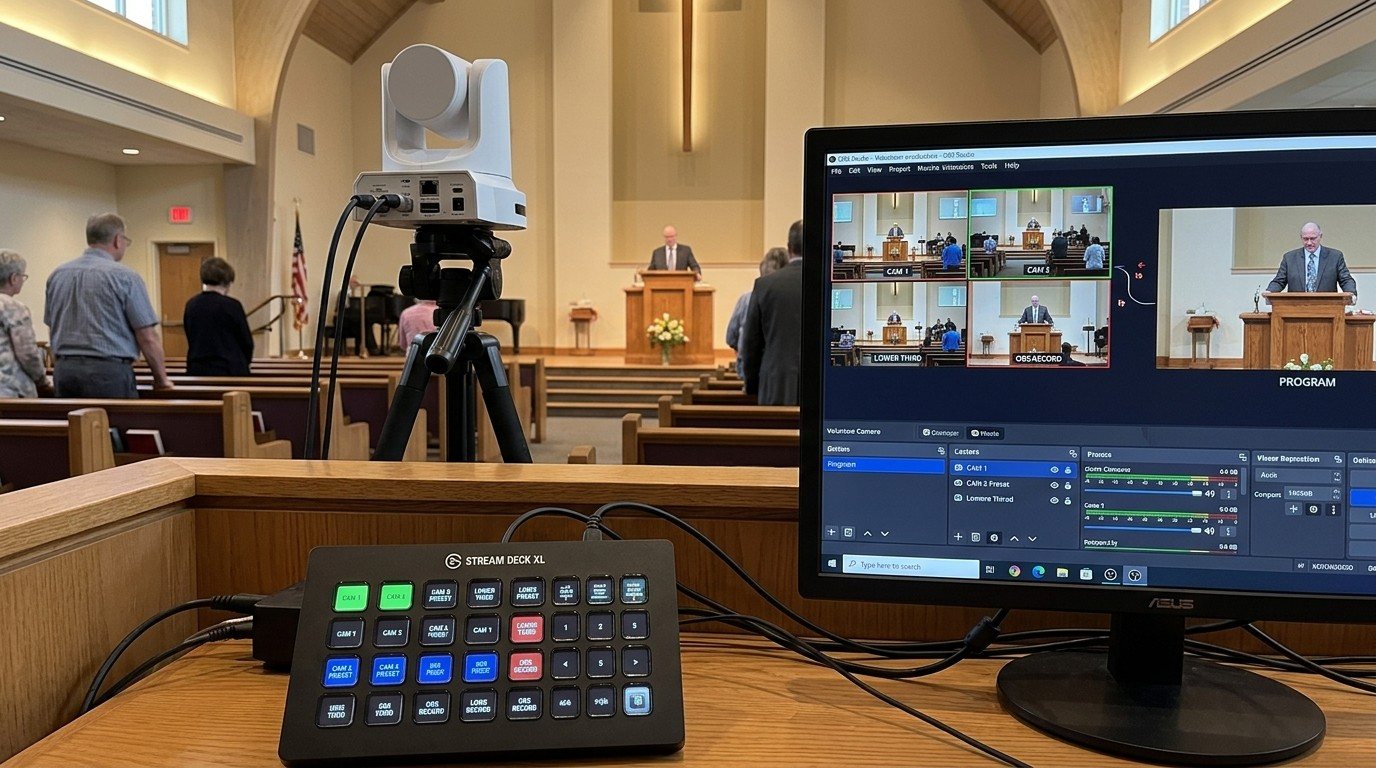
Controlling Projectors, PTZ Cameras, and Sound Boards with Bitfocus Companion
Bitfocus Companion can control far more than OBS and vMix. Projectors over PJLink, PTZ cameras over VISCA, digital sound boards over the network, and almost anything else with an IP address. Here's how churches connect the rest of the room, and how to plan a 'Start Service' button that does it all.