The most expensive sentence in church AV is “let’s just replace everything.” It’s expensive because it isn’t necessary, and because it throws away the part of the system that was working to fix the part that wasn’t.
A good upgrade starts with a map of what you own and a short decision about each piece: keep it, replace it, or keep it and fix how it’s connected. Here is the table most churches end up with, and why.
Keep: the cameras
Cameras age slowly. A camera that gives you a clean, well-exposed picture today will give you the same picture after the upgrade. Churches replace cameras for three reasons that hold up: the picture is genuinely poor in your room’s light, you need a feature the camera doesn’t have (a PTZ you can control from the booth, for instance), or you’re adding an angle the fixed cameras can’t see.
What usually needs attention is not the camera but the path from the camera to the switcher. A long HDMI run that drops out when the room warms up, a converter nobody trusts, a cable that was never labeled. That’s a cable and converter decision, and it’s much cheaper than a camera.
Keep: the sound board
The stream mix is the most common audio complaint on a church livestream, and it is almost never the board’s fault. The room sounds fine; the stream sounds thin or distorted because the stream is being fed from the main mix, which was built for the room, not for a pair of earbuds at home.
Most boards can send a separate mix to the stream from an aux or a matrix output. That is a Saturday afternoon of setup, not a purchase. Replace the board when the room itself sounds bad, when the board has no spare output at all, or when it’s failing. Otherwise keep it, and fix the mix.
Keep: the screens and projectors
Screens in the room are the most visible gear and the least likely to be the problem. Keep them. If a screen shows the wrong thing or nothing at all, that is a presentation and signal-routing question: what’s driving it, over what cable, from which output. The screen itself is fine.
Replace: the streaming computer
This is the piece churches most often should replace and most often try to nurse along. The streaming computer is also the encoder, and on a system built around OBS or vMix it’s doing the heaviest work in the booth. An office PC from a few years ago will stream, right up until a Sunday when it won’t.
Two things make the replacement cheaper than people expect. First, you don’t need a hardware encoder box on the rack: with Tech Manager on a PC the church owns, the computer is the encoder. Second, you’ll know when the new one is struggling, because Pulse watches CPU load, memory, disks, and the stream, and alerts you before the room notices.
Replace: the cables nobody can trace
Every church booth has a bundle behind the desk that nobody has opened in years. The upgrade is the moment to pull it, label every run, and put the labels on a map. Not because the cables are bad, though some are, but because an unlabeled cable is a cable only one person understands.
Labeled cables and a Signal Map that prints a wiring diagram and a patch sheet are what make the booth teachable. They’re also what makes support fast: “reseat SDI-002” is a sentence that only works when SDI-002 is written on the cable.
Replace, sometimes: the switcher
A switcher gets replaced when it ran out of inputs, when it can’t do the thing you’re adding (a second output to an overflow room, say), or when the way it’s controlled is the reason only one person can run the booth. A switcher that still has inputs to spare and does what you need is a keep, even if it’s a few years old. OBS, vMix, and a Blackmagic ATEM all work well in churches, and many churches combine them.
Keep and fix: the network
The network is the piece most churches overlook and the one most upgrades quietly improve. A church that streams over the same Wi-Fi the lobby uses, or a switch that’s also carrying a backup job on Sunday morning, will drop a stream with perfectly good gear. Keep the hardware; fix what shares the path on Sunday, and get the booth onto a wired connection if it isn’t.
The decision table
| Piece | Usually | Replace when |
|---|---|---|
| Cameras | Keep | The picture is poor in your light, you need PTZ control, or you’re adding an angle |
| Sound board | Keep, fix the stream mix | The room sounds bad, no spare output, or it’s failing |
| Screens, projectors | Keep | Only when they fail |
| Streaming computer | Replace | It’s more than a few years old, or it alerts every week |
| Cables | Replace and label | Always worth it on the booth side; the map matters more than the copper |
| Switcher | Keep | Out of inputs, can’t do the thing you’re adding, or only one person can run it |
| Network | Keep, fix the path | Wi-Fi in the booth, or shared with something that runs on Sunday |
Quote only what’s missing
When the table is filled in, the quote is short. A system designed for your room reuses what you kept, replaces what you circled, and arrives built and tested before it ships, with a dedicated project manager, remote setup included, and on-site installation and training quoted separately so you only pay for what your team needs.
The first step is still free: put what you own into the Signal Map and let the map tell you what to reuse.
Next: see what every WorshipMetrics Livestream System includes, how the project runs from the first call to Sunday morning, and the three starting points fitted to your room, on the Upgrade the booth page.
Related questions
- Can we keep our cameras in a church AV upgrade?
- Usually, yes. Cameras age slowly, and a camera that produces a clean picture today will produce one after the upgrade. What changes is how the picture gets to the switcher and the stream, which is a cable, converter, or network question, not a camera question.
- Should we replace the sound board when we upgrade the livestream?
- Only if the room sounds bad or the board has no clean way to send a separate mix to the stream. Most boards can feed the stream from an aux or a matrix output. The stream mix is a setup problem far more often than a hardware one.
- What usually gets replaced in a church livestream upgrade?
- The streaming computer, the cable runs nobody can trace, and sometimes a switcher that ran out of inputs. The computer is the most common because it is also the encoder, and an aging one is the usual reason a stream drops.
What Church Leadership Should See on Monday: Attendance Trends That Mean Something
NextOne Sunday, Four Audiences: The Lobby, the Room, the Feed, and the Living Room
Related Articles
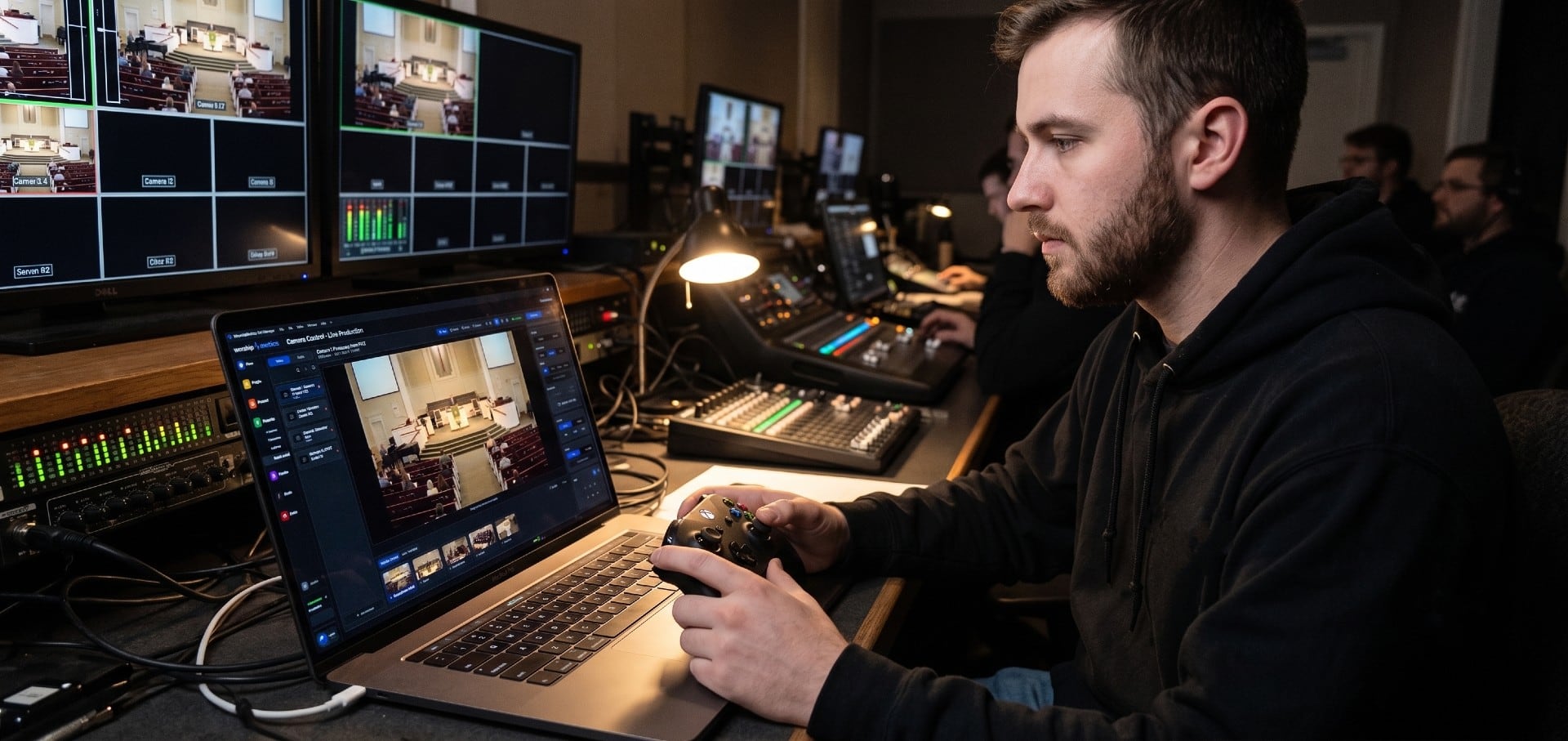
How to Control PTZ Cameras with an Xbox Controller
Drive your church's PTZ cameras with an Xbox controller: analog pan and tilt, zoom on the triggers, focus on the bumpers and presets on A, B, X and Y. What you need, setup step by step, the button map, and fixes when the controller doesn't respond.
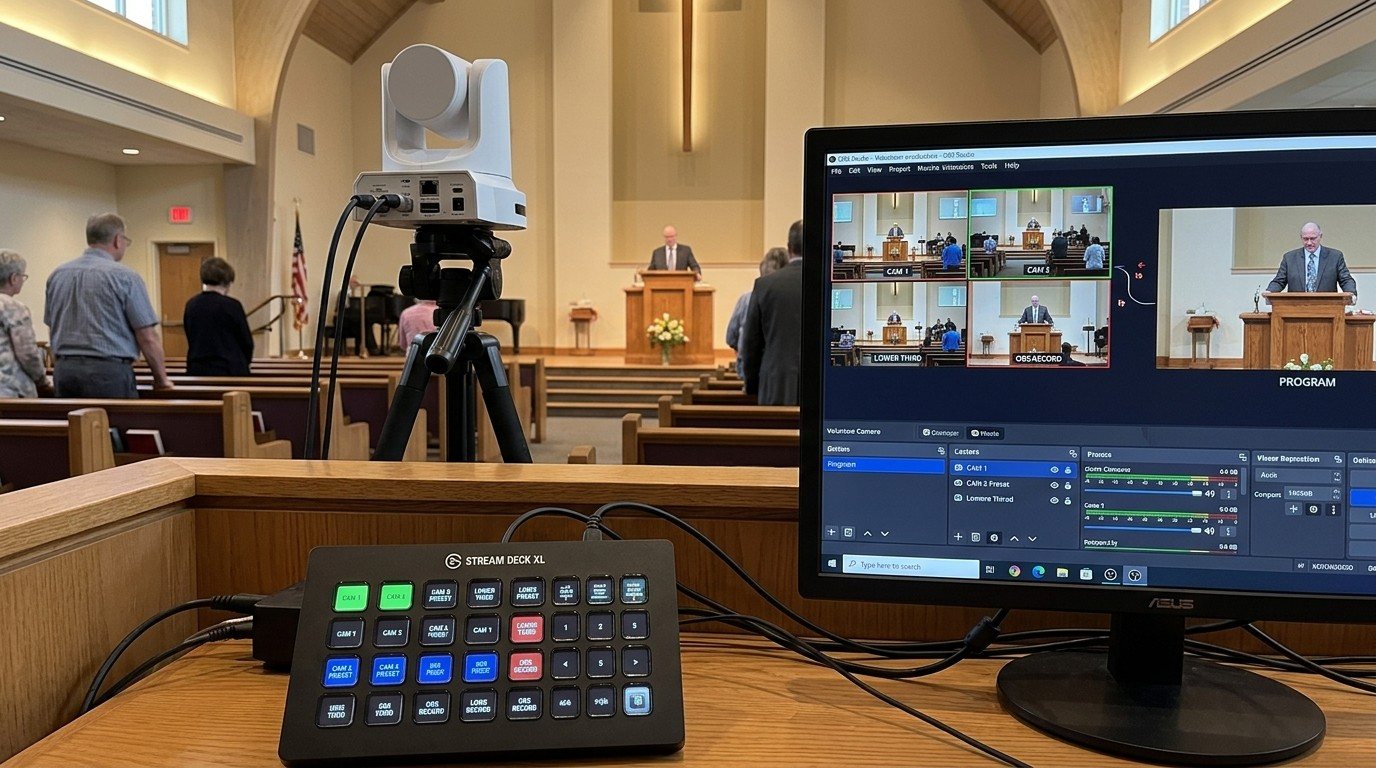
Controlling Projectors, PTZ Cameras, and Sound Boards with Bitfocus Companion
Bitfocus Companion can control far more than OBS and vMix. Projectors over PJLink, PTZ cameras over VISCA, digital sound boards over the network, and almost anything else with an IP address. Here's how churches connect the rest of the room, and how to plan a 'Start Service' button that does it all.
PTZ Camera Troubleshooting for Churches: The 10 Problems Behind Almost Every Sunday Failure
A symptom-first field guide to the PTZ and network camera failures church booths actually hit — cameras that vanish from the network, presets that drift, flicker under LED lighting, video lagging the audio — with fast checks for each, and the upgrades that end the guessing: a mapped system, cameras on watch, and AI that knows your wiring.