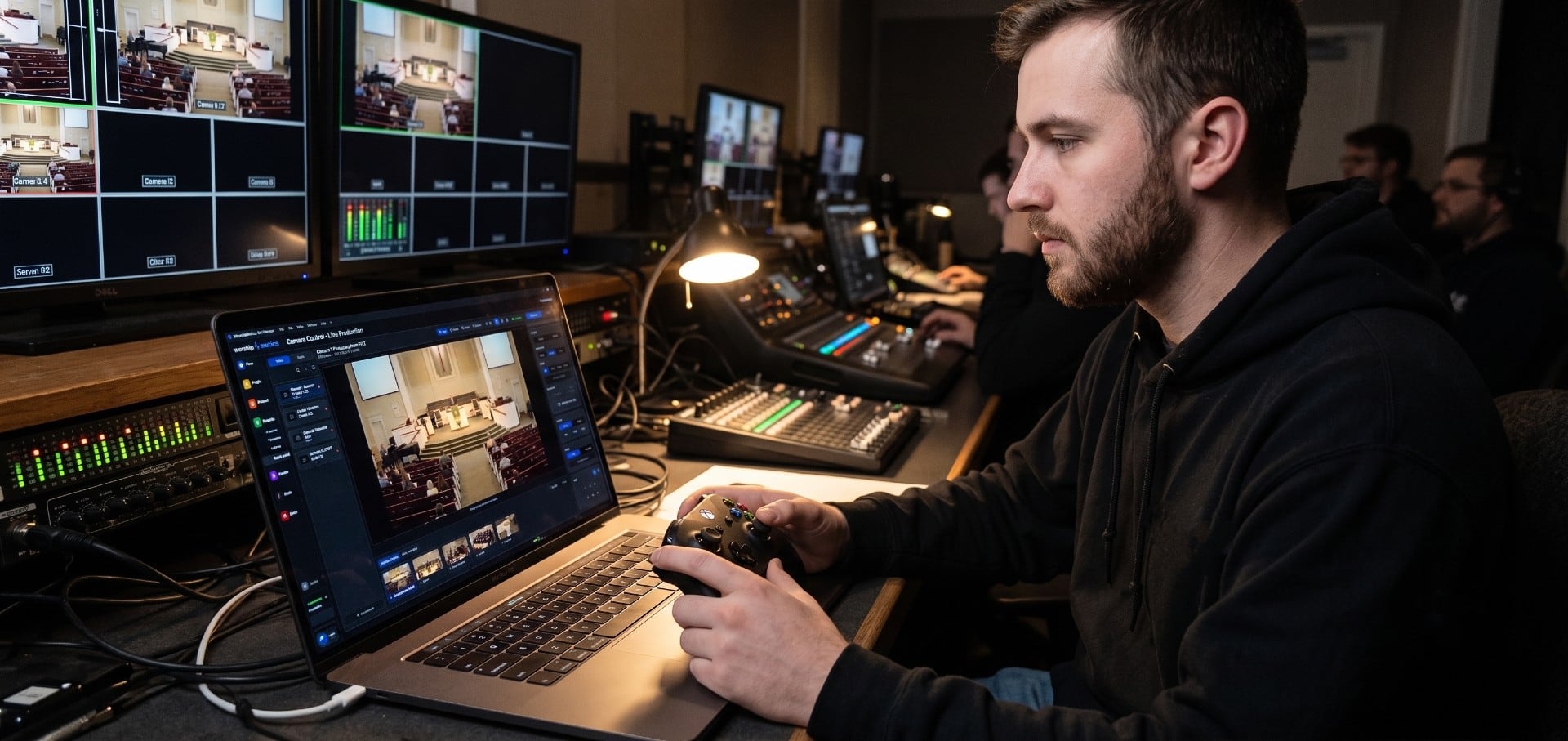
How to use this guide when the service starts in twenty minutes
This is a field guide, not a lecture. Scan the ten symptoms below, find the one on your screen, and run its fast checks in order — each links to a full deep dive if the quick version doesn’t land the fix. Mid-service, remember the camera operator’s version of first aid: switch to another angle first, then troubleshoot. Two rules make every fix safer: change one thing at a time, and say what you touched.
This guide is part of a series — the booth’s software front doors are OBS, vMix, and ProPresenter troubleshooting, and the pre-service half of all of them lives on one printable checklist.
1. The camera won’t connect to the network at all
Follow the physical layer before touching software: link lights at both ends, the same cable into a known-good port, and — for PoE cameras — whether the camera is getting power at all (no LED means no PoE, and that’s a switch conversation, not a camera one). If the hardware path is alive, the question becomes addressing: is the camera even on the same subnet as the machine looking for it?
Deep dives: PTZ camera not connecting, step by step, and church network design for AV.
2. The camera keeps losing its IP address
The Sunday classic: everything worked until the building’s router rebooted, and now the camera answers at a new address nobody knows. DHCP is the culprit — a camera that other gear points at by address needs a static IP or a DHCP reservation, chosen once, written down, and labeled on the camera itself.
Deep dive: why PTZ cameras lose their IP, and the permanent fix.
3. An NDI camera vanished from the source list
NDI discovery is a network feature, so a missing NDI camera is a network symptom: same subnet and VLAN (mDNS discovery doesn’t cross VLANs by default), no firewall that reclassified the network as “Public,” and the camera’s NDI stream actually enabled. The software’s source list is the last suspect.
Deep dives: NDI camera not showing in OBS or vMix, and NDI on a church network, fixed end to end.
4. The camera’s web UI won’t load
You can see its video but not its settings page — usually a browser problem wearing a camera costume: an HTTPS redirect the camera can’t serve, a cached page from an old firmware, or a plugin-era interface that wants a different browser. Try plain http://, an incognito window, and a second browser before blaming the camera.
Deep dive: camera web UI not loading in the browser.
5. Presets recall to the wrong position
The wide shot is suddenly framing the drummer’s elbow. Presets drift for physical reasons — the camera was nudged, the mount loosened, power cycled mid-move — and for digital ones: the preset was re-saved by accident, or different control surfaces are numbering presets differently. Re-save from a known-good framing and label which surface owns the presets.
Deep dive: PTZ presets not recalling correctly.
6. The image flickers or pulses under the lights
Flicker is almost never the camera failing — it’s the camera’s shutter arguing with LED lighting. The fix is matching the camera’s anti-flicker/frequency setting to the room’s lighting, and on dimmer-driven LEDs, moving the dimmer off the flicker-inducing range. Network congestion produces a different artifact — stutter — with a different fix.
Deep dive: camera flickering and stuttering during church streams.
7. The video lags behind the audio
The room hears the downbeat, the stream sees it late. Camera paths (especially NDI and heavily-processed inputs) add frames of delay that the audio path doesn’t share. Measure the offset once, delay the audio to match the slowest camera, and write the number where the next operator will find it.
Deep dives: camera video lagging behind audio, and audio/video sync fixes.
8. The picture went black mid-service
For HDMI and SDI cameras, a mid-service black frame is a path problem: a marginal cable finally failing, an extender or converter overheating, or an EDID handshake renegotiating. Switch angles, then test the path segment by segment after service — the failure is almost always at a connector, not inside the camera.
Deep dives: HDMI signal dropping or going black, and which AV signals survive which paths.
9. Control works but video doesn’t — or the reverse
A PTZ camera is two systems in one body: a video path (SDI, HDMI, or NDI) and a control path (VISCA over the network, or serial). They fail independently — which is diagnostic gold. Joystick works but no picture? The video path is the patient. Picture fine but no control? Check the control port, protocol, and address in your controller’s config.
Deep dive: the full PTZ setup guide — video and control paths explained.
10. It worked last Sunday
Nothing changed — except the switch got two more devices plugged in and its PoE budget ran out at the exact moment every camera woke up. Or a port died quietly. Or someone re-patched a cable and didn’t say so. Power budgets, port health, and undocumented changes are the three ghosts of camera-land; all three die in daylight.
Deep dives: PoE classes and power budgets for church AV, and an AV inventory that stays true.
When the list stops helping: three upgrades that change the game
If this page fixed your morning, bookmark it and go do the service. But cameras are network devices bolted to walls — the fixes above all assumed you knew which switch port, which cable, and which address. Those assumptions are upgradeable.
Upgrade one: a mapped system is a system you can hand to someone else
Every camera fix above starts with “follow the signal backward” — thirty seconds with a real map, half a service without one. A Signal Map — every camera, every labeled cable, every switch port, every address, printable as patch sheets — turns troubleshooting into wayfinding and makes the knowledge transferable: new volunteers train against the map, a labeling discipline survives re-racks, and the booth survives its builder leaving.
Upgrade two: put every camera on watch
Here’s the camera-specific superpower: stop discovering failures on Sunday. Flag a camera “Alert when offline” in WorshipMetrics and every machine running Tech Manager probes it continuously — and because multiple machines act as witnesses, Pulse can tell you the difference that matters: the camera is down (every observer agrees — walk to the booth) versus one path to the camera is down (verdict: degraded — check a switch port, not the camera). A camera that dies Thursday night pages your phone Thursday night, with published thresholds, not vibes.
Upgrade three: Luminos — help that already knows your wiring
Luminos, the AI assistant in WorshipMetrics, doesn’t answer camera questions from generic checklists — it reads your church: your inventory, your Signal Map down to cable IDs and switch ports, live device health from the watchers above, and every past incident. “Why is camera two black but camera one is fine?” gets an answer that reasons over your topology and names the port worth checking. It’s there for the volunteer alone in the booth, and it answers 910-WORSHIP by voice as Journey.
How WorshipMetrics handles this
The ten symptoms above stop being emergencies when the cameras live inside a watched, documented system: Pulse monitors every flagged camera from multiple observers around the clock, the Signal Map holds the ports and paths your team used to keep in their heads, alerts reach your phone before Sunday finds the failure, and Luminos reads all of it so the next troubleshooting session starts with the answers pre-loaded. The same platform also drives the cameras — Camera Control puts pan, tilt, zoom, focus and picture presets for every PTZ head in a browser tab, so the person framing the shot doesn’t have to be the person in the booth chair. Monitoring, the map, and alerts are free forever — the fastest way to calmer camera work is to let the system start watching this week.
Related questions
- What is the fastest way to troubleshoot a PTZ camera during a church service?
- Work from the symptom, not from theory: identify which of the ten failure shapes you're looking at — no network connection, a changed IP, missing NDI, a dead web UI, drifted presets, flicker, lag, a black picture, control without video, or a camera that worked last Sunday — and run that symptom's short checks in order. Mid-service, switch to another angle first; a live room is not the place to re-address a camera.
- Why does our PTZ camera keep dropping off the network?
- The three usual suspects, in order: DHCP handing the camera a different address than everything expects (fix with a static IP or a DHCP reservation), a PoE switch running out of power budget when every port wakes up at once, and discovery traffic that cannot cross VLANs. The camera is usually innocent — its network path is the patient.
- How do we know a camera is really down and not just unreachable from one computer?
- Only by asking more than one witness. In WorshipMetrics, every machine running Tech Manager probes the cameras you flag, and Pulse only declares a camera offline when every fresh observer agrees — one machine losing its path shows as degraded instead, which points you at a switch or cable rather than the camera. That distinction is the difference between a real fix and an hour of wrong guesses.
ProPresenter Troubleshooting for Church Teams: The 10 Problems Behind Almost Every Sunday Failure
NextVideo Switcher Troubleshooting for Churches: The 10 Problems Behind Almost Every Sunday Failure
Related Articles
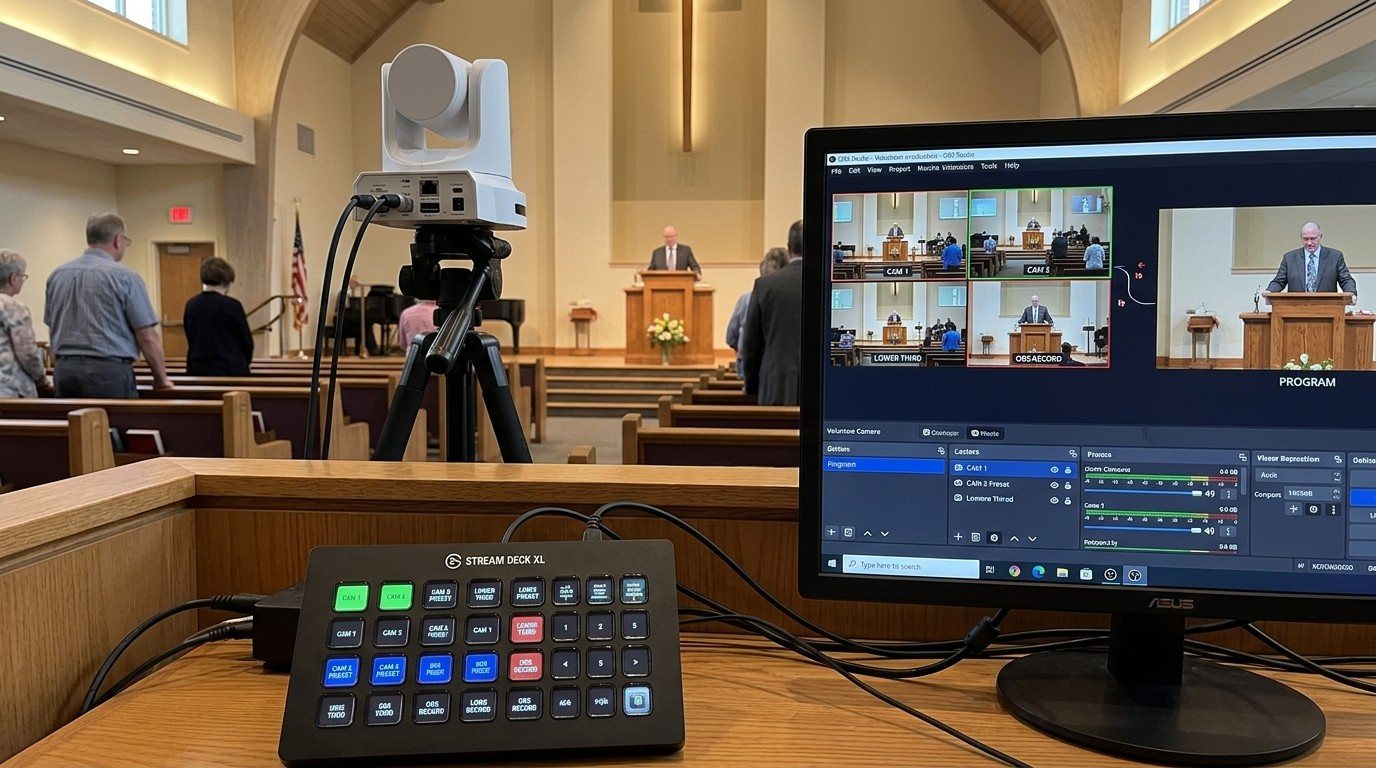
Controlling Projectors, PTZ Cameras, and Sound Boards with Bitfocus Companion
Bitfocus Companion can control far more than OBS and vMix. Projectors over PJLink, PTZ cameras over VISCA, digital sound boards over the network, and almost anything else with an IP address. Here's how churches connect the rest of the room, and how to plan a 'Start Service' button that does it all.
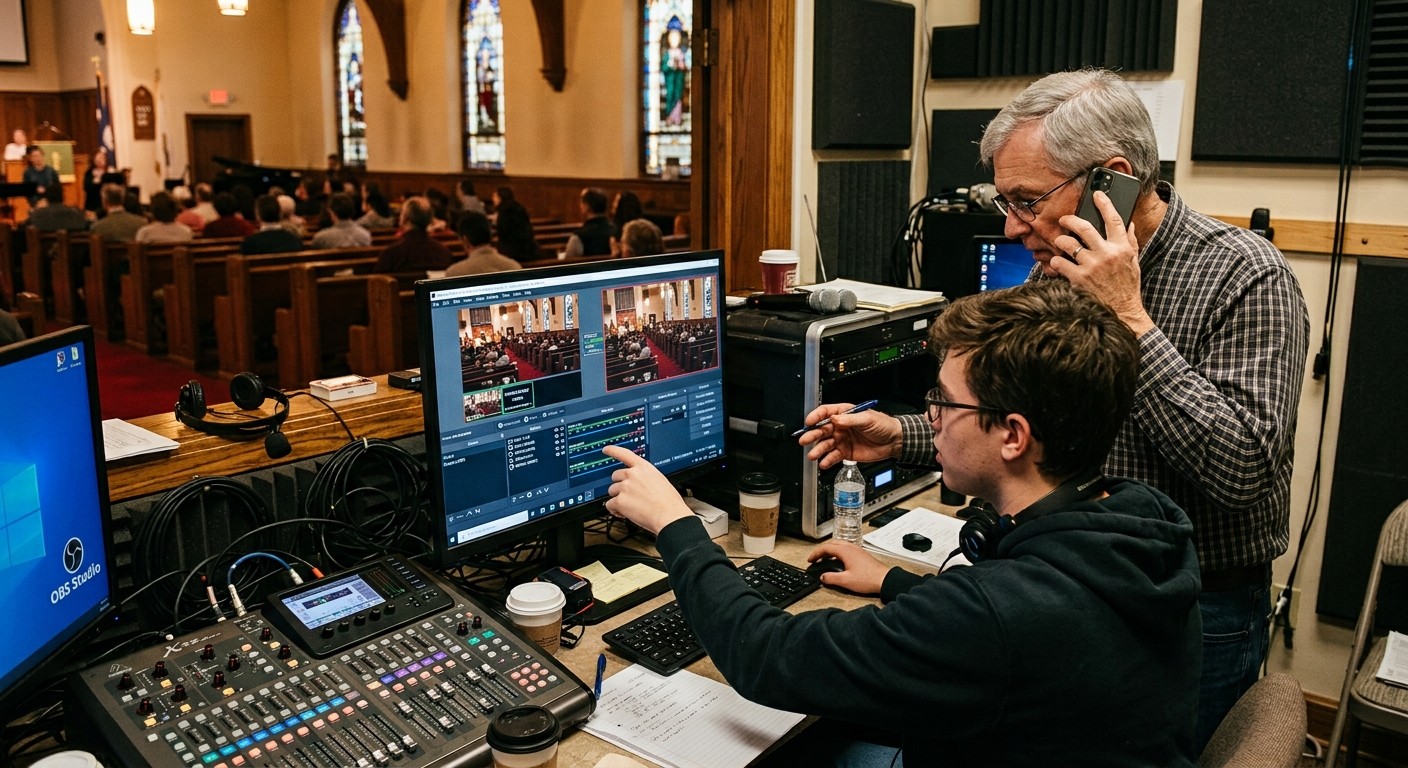
AI That Knows Your Wiring: How Luminos and Journey Actually Work
The AV manager's tour of the context architecture: how the Signal Map, live inventory, telemetry, and support history become an assistant that answers questions about YOUR booth — in the app as Luminos, on the phone as Journey.
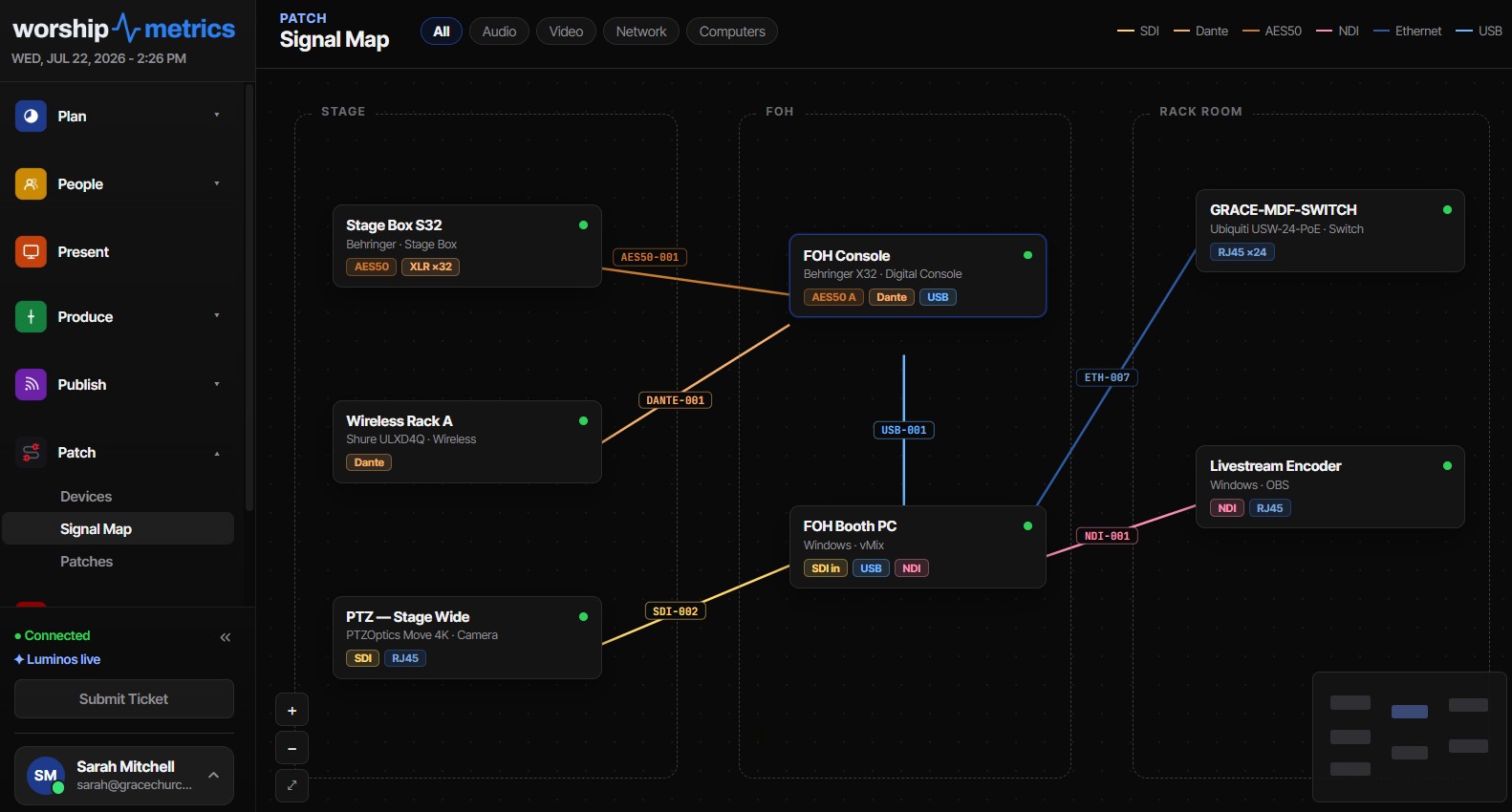
Connecting a UniFi Controller to WorshipMetrics: Port-Precise Truth
How to link a Ubiquiti UniFi controller to WorshipMetrics with an API key or a local admin account, and what port-precise topology unlocks: auto-inferred Ethernet wires, live PoE draw per port, and negotiated vs. maximum link speed.