You saved a preset for the pastor’s position, but when you recall it during the service, the camera pans to the wrong spot or overshoots the target. This is frustrating mid-stream — the good news is it’s usually a simple fix involving speed settings, motor calibration, or a resaved preset. Let’s get those shots back on target.
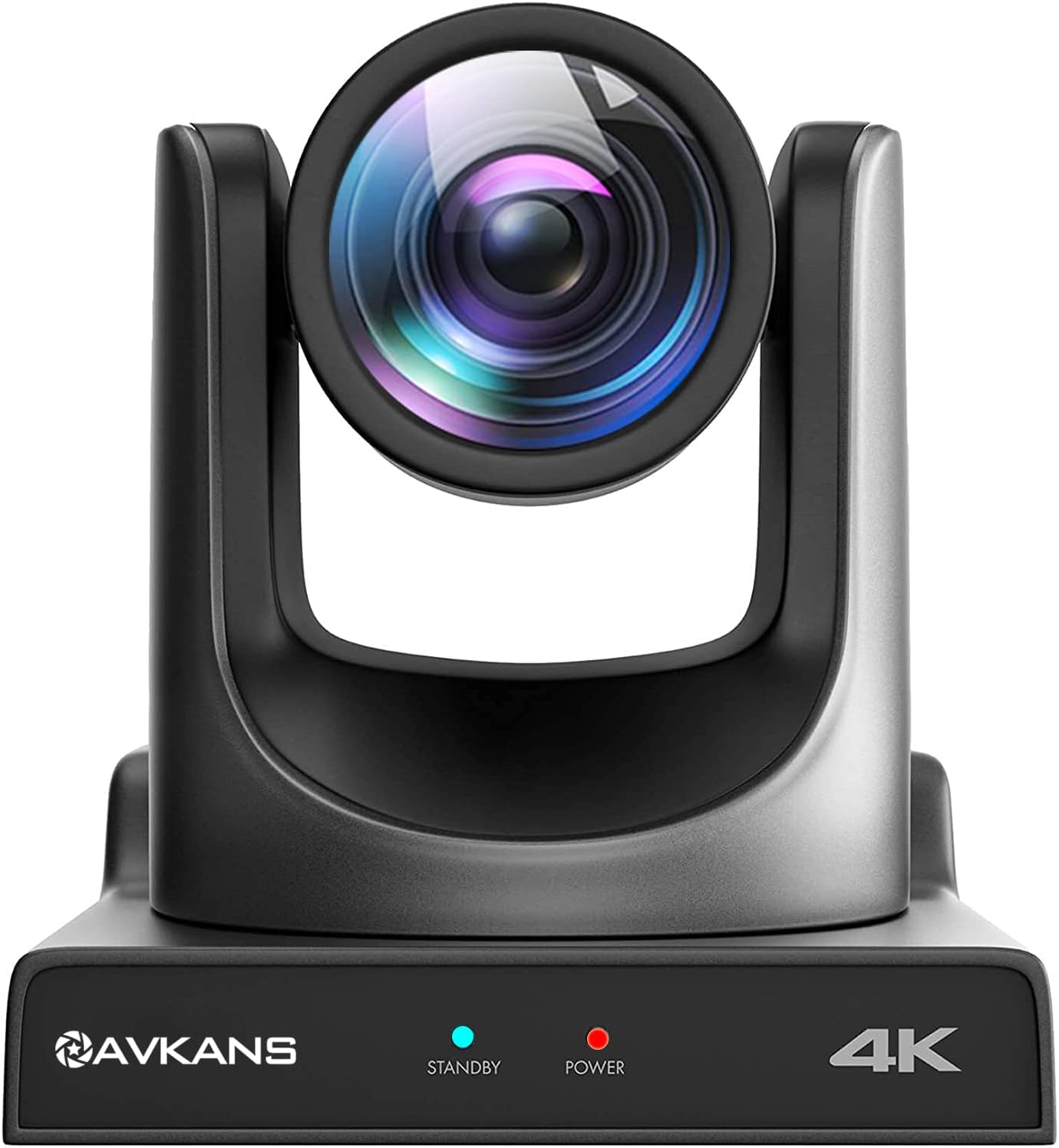
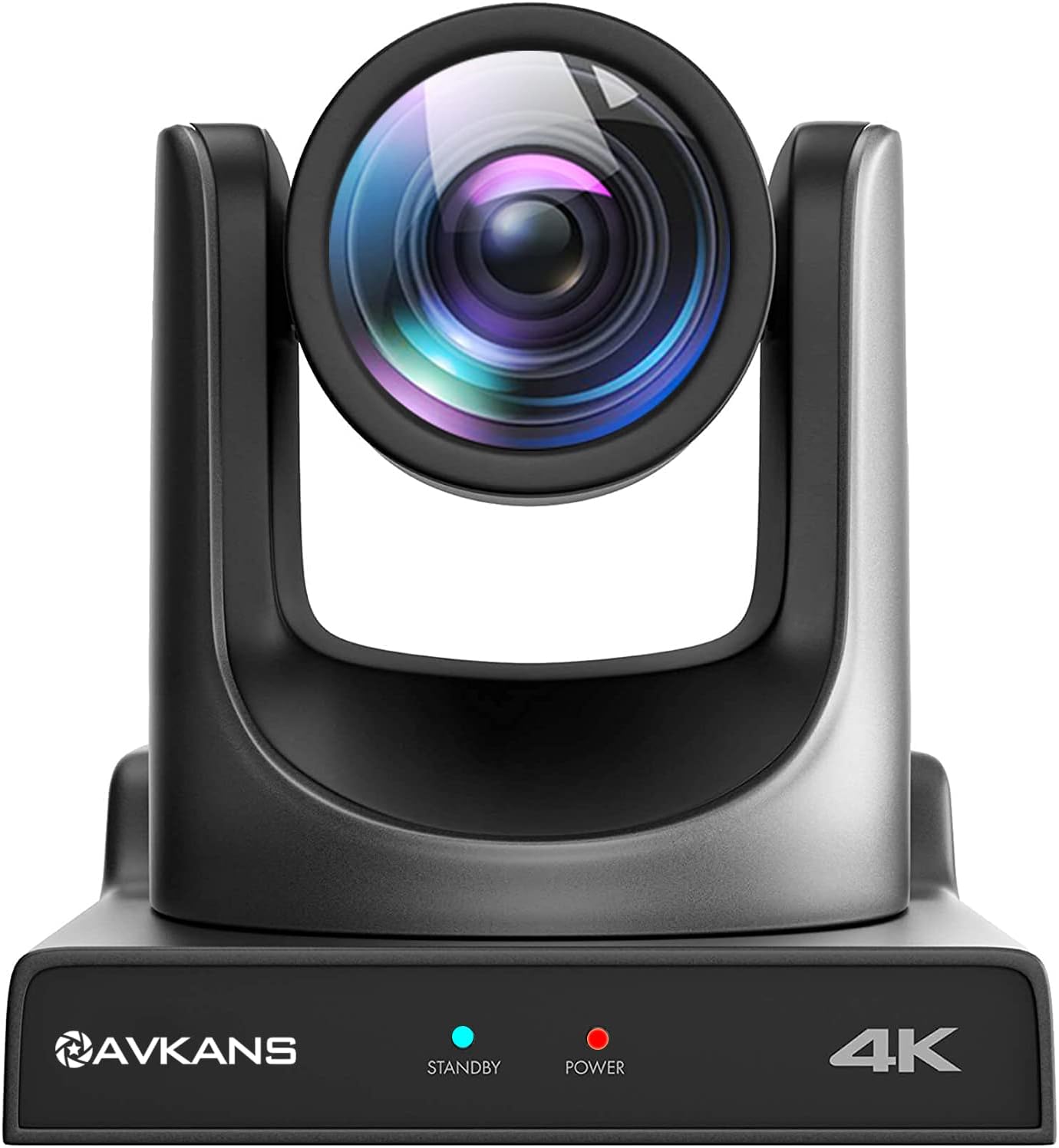
Check the Preset Speed Setting
PTZ motors move at different speeds depending on your control speed setting. If the speed is too fast, the camera can overshoot and land on the wrong position:
- Open your PTZ control software (e.g., AVKANS software, VISCA controller, vMix PTZ control)
- Look for a Speed or Pan/Tilt Speed slider
- Set it to medium (usually around 50% of max) and test recalling a preset
- If the preset is more accurate at medium speed, your motors may be too aggressive at full speed
- For live services, keep speed at 30–50% — slow and reliable beats fast and inaccurate
Note: Some control software has separate speed settings for pan, tilt, and zoom. Make sure you’re adjusting pan/tilt speed, not just zoom speed.
Resave the Presets
If changing speed didn’t fix it, the preset data itself may be stale. Delete and recreate the presets:
- Position the camera exactly where you want it (pan, tilt, and zoom)
- In your control software, delete the old preset
- Save a new preset at the current position
- Test recall — move the camera away, then recall the preset
- If it lands correctly now, you’re done
- Repeat for all presets you use during the service
This is the most common fix. Sometimes presets drift slightly over time or get corrupted.
Check for Motor Calibration Drift
PTZ motors can slowly drift out of calibration, especially if the camera has been running for years or if it’s been power-cycled many times. Most cameras allow you to recalibrate:
- Access the camera’s web interface (navigate to
http://[CAMERA_IP]) - Look for Maintenance, Calibration, or Motor Settings
- Find the option to calibrate motors or home position (exact names vary by manufacturer)
- Run the calibration — the camera will move to known reference positions
- Once calibration completes, resave all your presets (see step above)
Warning: Calibration can take 2–5 minutes. Do this before the service starts, not during.
Verify Control Protocol Matches
If you’re using a hardware controller (not software), make sure it’s using the same protocol as the camera:
- Check the camera’s protocol: is it VISCA, ONVIF, PELCO-P, or PELCO-D? (Check the manual or the camera’s web UI)
- In your controller software, verify the protocol is set to match
- If the protocol is wrong, presets may save but not recall reliably
- Switch to the correct protocol and resave presets
Common mistake: the camera is set to VISCA but the controller is using ONVIF — they technically talk, but presets behave erratically.
Check for Controller/Camera Firmware Mismatch
Sometimes a firmware update on the controller or camera breaks preset compatibility:
- Check your control software version (usually in Help > About)
- Check the camera firmware version (in the web UI, usually under System or About)
- Visit the manufacturer’s support page and see if there’s a newer firmware available
- Update the camera firmware first (if available), then the controller software
- Resave all presets after any firmware updates
Firmware mismatches can cause presets to shift by a few degrees.
Test with a Single Simple Preset
Before the service, save a simple test preset:
- Position the camera at the center of the sanctuary (medium pan, medium tilt, standard zoom)
- Name it “TEST” or “Center”
- Move the camera away (pan left, zoom in)
- Recall “CENTER” — the camera should smoothly return to the exact center position
- If it lands correctly, your presets are calibrated and speed is appropriate
- Now test your main presets (pastor, choir, audience) one by one
For Multiple Cameras or Preset Banks
If you’re using multiple presets across different cameras:
- Make sure each camera has its own preset bank — don’t cross-assign presets between cameras
- Label presets clearly: “Cam1-Pastor”, “Cam2-Choir”, etc.
- Test each camera’s presets independently before mixing them in the production workflow
Quick sanity check before the service:
- Speed slider is set to 30–50% (not max)
- All presets recalled correctly in dry run
- Camera moved to center position and recalled successfully
- Latest firmware is installed on camera and controller