How to use this guide when the service starts in twenty minutes
This is a field guide, not a lecture. Scan the ten symptoms below, find the one on your screen, and run its fast checks in order — each links to a full deep dive if the quick version doesn’t land the fix. Two rules make every fix safer: change one thing at a time, and say out loud (or type in the team chat) what you touched. Half of next week’s mystery is this week’s undocumented fix.
This guide is part of a series — the booth’s other two front doors are OBS troubleshooting and vMix troubleshooting, and the pre-service half of all three lives on one printable checklist you can tape to the desk.
1. The audience screen is blank — or showing your desktop
The most public failure in church tech. Fast sequence: check the output configuration before touching cables — macOS and Windows both love to rearrange displays after a projector powered on in the wrong order, an adapter re-seated, or an OS update. Re-assign the audience screen in ProPresenter’s screen configuration, and only then walk the cable path. If the projector shows “no signal” rather than your desktop, the problem is the cable path, not the software.
Deep dive: the complete ProPresenter church setup covers output configuration from scratch.
2. The NDI output isn’t visible in OBS or vMix
Your slides reach the stream over the network, so an invisible NDI output is usually a network symptom: same subnet and VLAN, discovery not blocked by a firewall that decided the network is “Public,” and the NDI output actually enabled in ProPresenter’s screen setup. The streaming software’s source list is the last suspect, not the first.
Deep dives: ProPresenter NDI output not visible, setting up ProPresenter NDI output properly, and running OBS and ProPresenter together.
3. Lag, freezes, or crashes mid-service
ProPresenter under load is almost always a media problem wearing a software costume: oversized video files, motion backgrounds decoding on the CPU, a library on a nearly-full drive. Fast sequence: restart ProPresenter (not the machine) between rehearsal and service, close everything else, and note which slide triggered the stutter — the answer is usually in that file.
Deep dive: ProPresenter crashing, lagging, or slow — the performance fixes, plus the media discipline that prevents it.
4. Media won’t play — black thumbnail, silent video
The file moved, the drive didn’t mount, or the codec never belonged in a live rig. Fast sequence: does the file play in the OS’s own player? If not, ProPresenter never had a chance. If it plays there but not in ProPresenter, re-link the media and check for exotic codecs — live presentation wants boring H.264, not whatever the editor exported at midnight.
Deep dive: the performance guide covers codecs and media relinking.
5. The stage display is blank or showing the wrong thing
The platform can see it, the congregation can’t — which makes it feel low-stakes until the worship leader loses the lyrics mid-verse. Stage displays fail two ways: the output died (treat as symptom 1 — screen configuration, then cable), or the layout changed (someone edited the stage layout, or the wrong layout is assigned to this look).
Deep dive: ProPresenter stage display setup for worship leaders.
6. The wrong lyrics or arrangement is on screen
The band went to the bridge and the slides didn’t. This is rarely a software bug — it’s an arrangement mismatch: the version in the library isn’t the arrangement the worship leader planned, or a guest operator picked the other copy of the song. The fix is upstream: one source of truth for arrangements, agreed before rehearsal, and duplicate songs purged before they ambush anyone.
Deep dives: what carries over when you migrate a ProPresenter song library covers the library-hygiene side, and if licensing reporting is part of your lyrics workflow, the CCLI answer.
7. The Planning Center import didn’t bring the service in
Sunday’s plan lives in Planning Center; the slides live in ProPresenter — and when the sync breaks, someone rebuilds the service by hand at 8 a.m. Fast sequence: confirm the integration is signed in (tokens expire quietly), the right service type is selected, and the plan items actually carry the songs (an empty plan imports emptily).
Deep dive: ProPresenter + Planning Center integration, end to end.
8. Lower thirds aren’t keying over the video feed
Lyrics meant to float over cameras are showing a black box instead — the alpha key path between ProPresenter and the switcher lost its fill/key pairing. Fast sequence: confirm both outputs (fill and key) are still assigned and cabled, and the switcher’s keyer is looking at the right pair — a re-patched cable that swapped fill and key produces exactly this.
Deep dive: ProPresenter alpha keying with an ATEM.
9. It worked last Sunday — someone changed something
A guest operator “cleaned up” the looks, a theme edit rippled across every song, an update reset an output. Without a baseline you’re archaeology-ing your own rig at 8:40 a.m. The habit that fixes it: export the working configuration after every good Sunday, keep the presentation computer’s changes deliberate, and train volunteers on the workflow rather than the folklore.
Deep dive: the advanced setup guide’s backup discipline — show files, templates, and output notes.
10. Nobody can find the right presentation under pressure
Not a malfunction — the slow failure that makes every other one worse. If the operator is hunting through “Easter_FINAL_v3(2)” folders while the room waits, the library structure is working against the ministry. Organize by how services actually run, name things a stranger could navigate, and purge duplicates quarterly.
Deep dive: library organization for real services.
When the list stops helping: three upgrades that change the game
If this page fixed your morning, bookmark it and go do the service. But notice what every fix above assumed: you were there, you knew which cable feeds which screen, and you’d remember all of this next time. Those assumptions are the fragile part — and they’re upgradeable.
Upgrade one: a mapped system is a system you can hand to someone else
A ProPresenter rig is an output-routing machine — audience screens, stage displays, NDI to the stream, fill and key to the switcher — and almost every fix above starts with “follow the signal backward.” That takes thirty seconds with a real map and half a service without one. A Signal Map — every device, every labeled cable, every port, printable as patch sheets — turns troubleshooting into wayfinding and, bigger, makes the knowledge transferable: new volunteers train against the map, a labeling discipline survives re-racks, and the booth survives its builder leaving.
Upgrade two: Luminos — troubleshooting help that already knows your booth
Luminos, the AI assistant in WorshipMetrics, doesn’t answer from generic internet checklists — it reads your church: your inventory, your Signal Map down to cable IDs, live telemetry from the machines Tech Manager watches, and every past service’s health report. Ask “why is the confidence monitor dark?” and it names the actual cable and the actual port. It’s there for the volunteer alone at the presentation desk, and it answers 910-WORSHIP by voice as Journey.
Upgrade three: sometimes the fix is fewer moving parts
Here’s the honest one. If ProPresenter is stable and your team knows it — keep it, genuinely. But if you’re on this page every week, notice how many symptoms above come from the architecture: a dedicated machine, local media files, display-hardware roulette, one expert operator. WorshipMetrics Present takes a different shape — presentations build themselves from the service plan, lyrics follow the arrangement the worship leader actually chose (symptom 6 stops existing), the stage display runs in any browser on whatever screen is free (symptom 5 gets a spare tire), and multi-screen output works from the browser without display-arrangement archaeology. It imports ProPresenter 4 through 7 documents, so trying it costs an afternoon, not a rebuild.
How WorshipMetrics handles this
The ten symptoms above stop being emergencies when the system around the presentation rig is doing its job: Tech Manager watches the machines every few seconds, Pulse alerts your phone when something goes dark, the Signal Map holds the output wiring your team used to keep in their heads, and Luminos reads all of it — so the next troubleshooting session starts with the answers pre-loaded. Monitoring, the map, and alerts are free forever, and if the simpler-architecture question is live for your team, Present is sitting in the same platform, already connected to everything above.
Related questions
- What is the fastest way to troubleshoot ProPresenter during a church service?
- Work from the symptom, not from theory: identify which of the ten failure shapes you're looking at — blank audience screen, invisible NDI output, lag or crashes, media that won't play, wrong stage display, wrong arrangement, a failed Planning Center import, a broken key, changed settings, or a library nobody can navigate — and run that symptom's short checks in order. Change one thing at a time, and tell the team what you touched.
- Why does ProPresenter break in a different way every Sunday?
- Rotating failures are rarely ten separate problems — they're one condition producing symptoms: an unwatched presentation machine, no settings baseline, output wiring that lives in one person's head, and a single overloaded operator. Fixing this Sunday's symptom doesn't touch the condition. The fix is the system around the software: documentation, telemetry, a trained team — and sometimes fewer moving parts.
- Should our church switch away from ProPresenter?
- Not if it's working — a stable ProPresenter rig your team knows is worth keeping. The honest question is total complexity: a dedicated machine, local files, per-seat licenses, and one expert operator is a lot of surface area for a volunteer team. If the fix list keeps growing, a browser-based tool that builds presentations from the service plan — and imports ProPresenter 4 through 7 documents — is worth an afternoon's look.
OBS Troubleshooting for Church Streams: The 10 Problems Behind Almost Every Sunday Failure
NextPTZ Camera Troubleshooting for Churches: The 10 Problems Behind Almost Every Sunday Failure
Related Articles
Digital Signage Scheduling That Understands Church Calendars
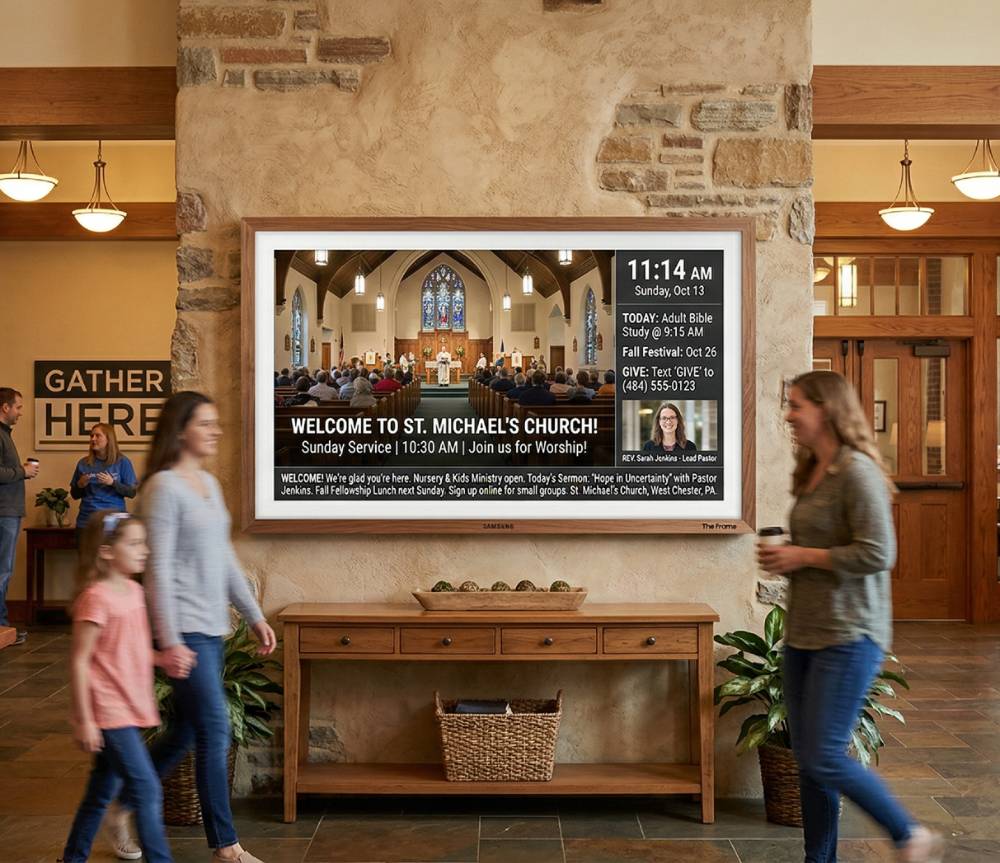
How day-of-week signage schedules and date-range calendar overrides work together, so a Christmas takeover can run for a season and hand the screens back automatically.
NDI Alpha-Channel Slides: A Clean Lyrics Key Without Chroma
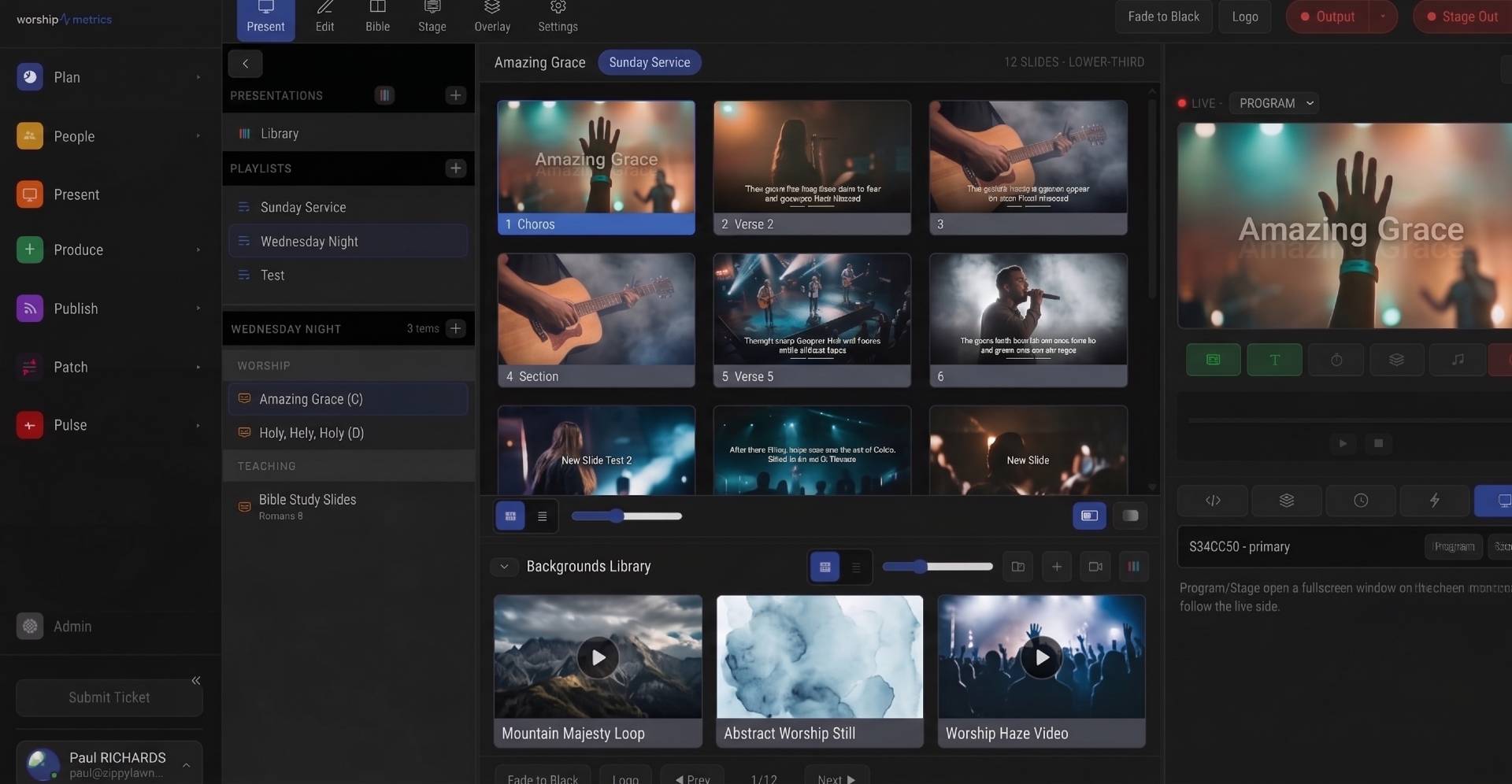
How alpha-channel NDI lets you key lyrics and lower thirds over IMAG cleanly, and how to publish and receive a true-transparency slide feed in vMix or OBS.
Projector, Stage Display, and Beyond: Multi-Screen Output from a Browser
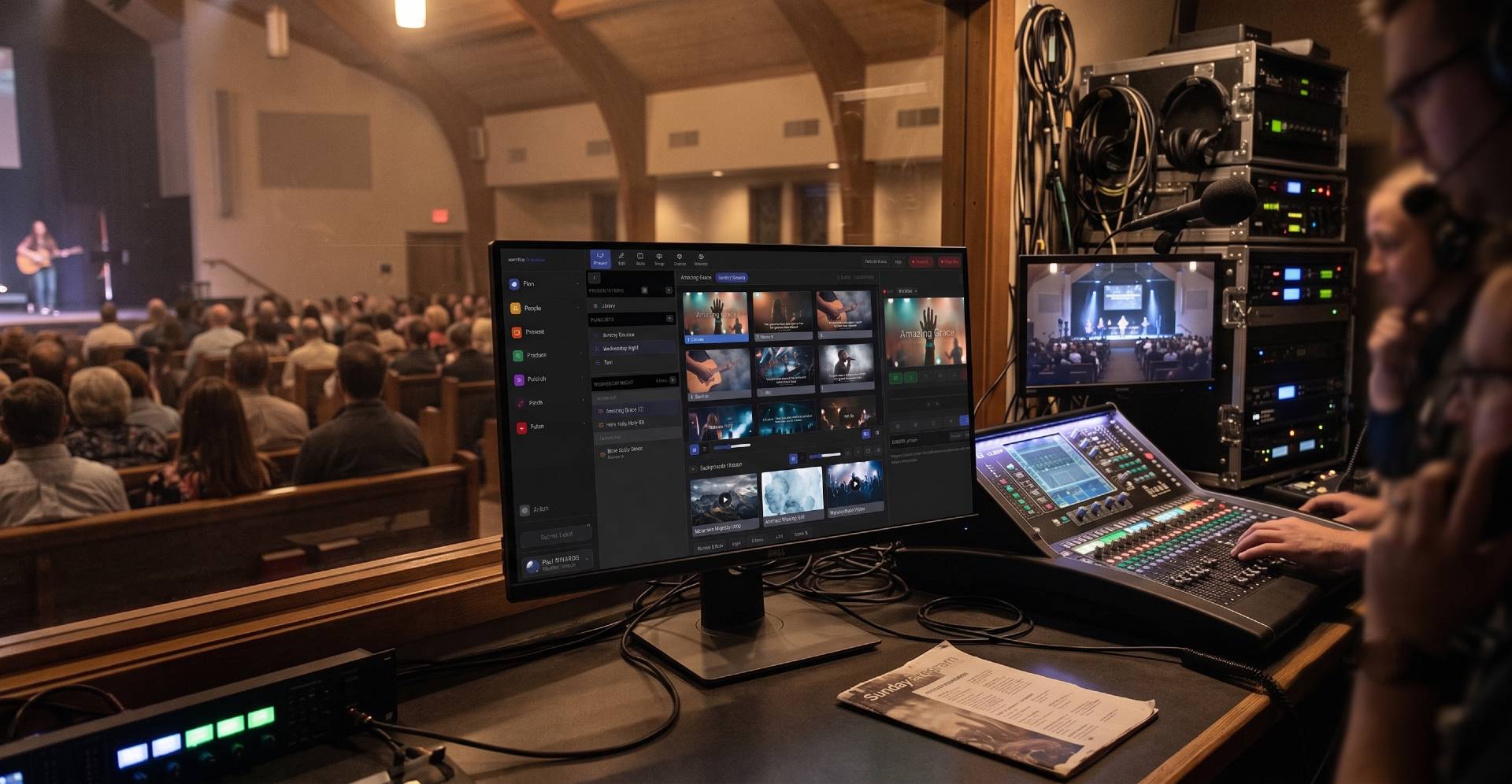
How WorshipMetrics Present drives projectors, confidence monitors, and stage displays from a browser tab, with per-output looks, resolutions, and audio routing.