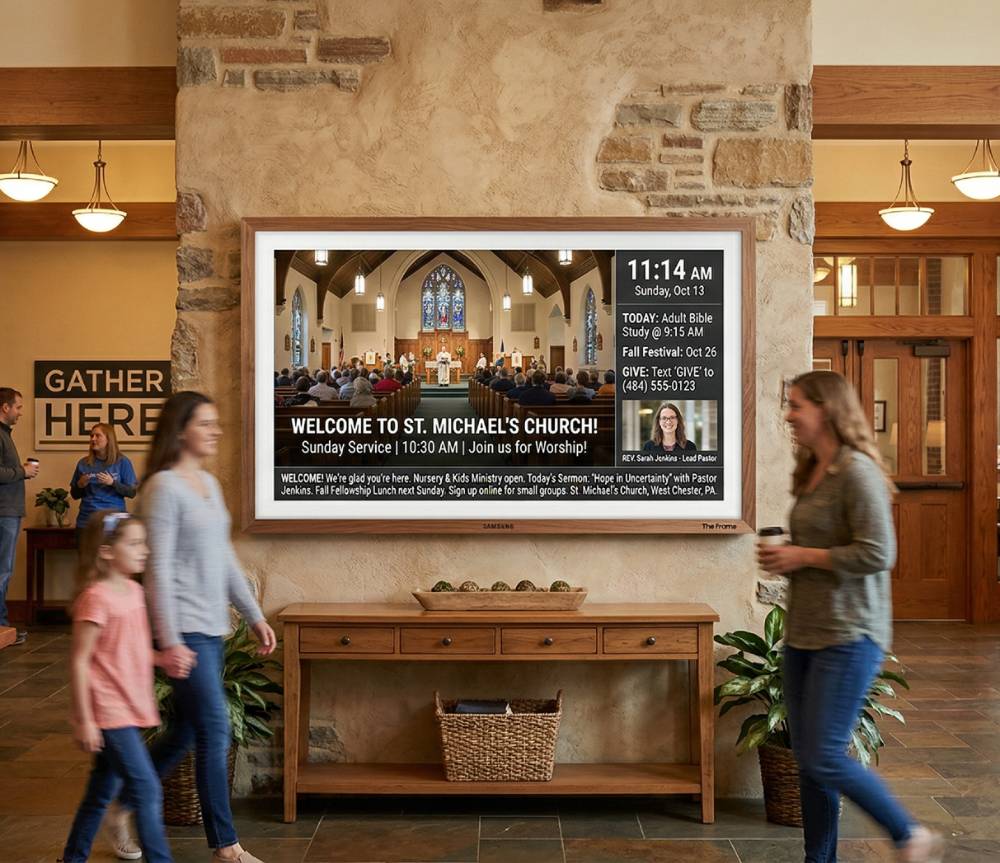
The two clocks every church lobby runs on
Church life keeps time on two clocks at once. The first is the weekly rhythm: Sunday services, Wednesday youth night, Thursday rehearsal, the Saturday men’s breakfast. The second is the seasonal calendar: Advent, Christmas Eve, Lent, Easter, VBS week, the fall kickoff. Both clocks are always running, and your lobby screens need to answer to both.
Most digital signage tools were designed for retail, where content changes when a campaign changes and “seasonal” means someone remembers to swap the playlist. That model breaks down in a church, usually in one of two ways. Either the seasonal content never goes up on time because uploading it means dismantling the carefully built weekly loop, or it goes up and then lingers — the classic Christmas slide still playing on January 20th because nobody remembered to take it down.
A scheduling system built for churches treats these as two distinct layers: a day-of-week schedule that defines the normal week, and date-range calendar overrides that sit on top of it for a defined window and then get out of the way. This article walks through how those layers work in WorshipMetrics signage, how screen groups and priorities resolve conflicts, and why details like timezone-correct day boundaries matter more than they first appear.
The weekly backbone: day-of-week schedules
The day-of-week schedule is the foundation. It answers the question “on a normal Tuesday, what does the kids-wing screen show?” — and it answers it once, permanently, rather than requiring someone to program each week by hand.
In WorshipMetrics, each screen (or group of screens — more on groups below) plays a looping playlist, and playlist items carry per-item scheduling. That means the loop itself can be smarter than a flat rotation:
- The Sunday-morning welcome sequence appears only on Sunday mornings.
- The youth-night countdown shows on Wednesdays, not all week.
- The general announcement rotation runs every day as the connective tissue between the scheduled pieces.
Items also carry transitions and can use canvas and template layouts, so a schedule change never means rebuilding artwork — the layout is defined once and the schedule decides when it plays.
The important property of the weekly layer is that it is stable. Once your normal week is defined, it should survive untouched through every season of the year. Everything seasonal happens in the next layer.
Seasonal takeovers: date-range calendar overrides
A calendar override is a schedule entry bound to a date range instead of a weekday. The canonical example: an Advent deck scheduled for December 1 through January 2. During that window, the override takes the screen. On January 3, the weekly schedule is simply what remains — the override expires and the screens revert automatically, with no takedown task on anyone’s list.
This is the detail that makes the two-layer model work. The seasonal content was never merged into the weekly loop, so there is nothing to un-merge. The weekly schedule was never edited, so there is nothing to restore. The override was a guest, and it left on the date printed on its invitation.
Priorities: when overrides overlap
Real church calendars stack. Advent runs December 1 to January 2, but Christmas Eve is its own event inside that window, and a weather closure can land on top of anything. WorshipMetrics calendar overrides carry a priority from 0 to 1000, and the higher-priority entry wins when windows overlap. A workable convention looks like this:
| Layer | Example | Suggested priority |
|---|---|---|
| Weekly schedule | Normal announcement loop | (base layer — no priority needed) |
| Season | Advent deck, Dec 1 – Jan 2 | 100 |
| Special day | Christmas Eve deck, Dec 24 only | 500 |
| Urgent notice | Weather closure, single day | 900 |
The exact numbers matter less than the spacing: leave room between tiers so a new entry can slot in without renumbering everything. With a ladder like this, December 24 plays the Christmas Eve deck, December 26 falls back to the Advent deck, and January 3 is quietly back to normal — all from entries you created in November.
Screen groups: schedule places, not televisions
Scheduling gets unmanageable fast if every physical TV is its own scheduling target. Seven lobby screens should behave like one place, not seven devices.
Any TV with a web browser joins WorshipMetrics by opening app.worshipmetrics.com/tv and showing a code you scan with your phone, and those screens organize into groups: Lobby, Kids Wing, Café, Youth Room. Schedules and overrides target the group, so the Advent takeover you built once lands on every lobby screen simultaneously, while the kids wing keeps its own loop with its own seasonal override.
Groups also keep growth cheap. When the café adds a second screen, it joins the Café group and inherits the entire schedule — weekly layer, seasonal overrides, priorities and all — with zero additional programming.
What the screens play
A schedule is only as useful as what it can play. Screens play Present loops and playlists, so lobby slides, videos and countdowns are built in Present with your themes. The announcement loop on the lobby TV and the slides on Sunday’s screens come from the same place, in the same look, and nobody has to learn a second design tool.
Why day boundaries need a timezone
Here is a failure mode that has burned plenty of churches on hosted signage platforms: the schedule says “Sunday,” but the server thinks in UTC. For a church in Dallas, UTC midnight is 6:00 PM local time the evening before — so “Sunday content” appears during the Saturday evening service, and Sunday’s own evening service plays Monday’s loop.
Day-of-week scheduling is only meaningful if “Tuesday” means Tuesday where the screen hangs. WorshipMetrics computes schedule day boundaries timezone-aware, so the day flips at local midnight, date-range overrides begin and end on local dates, and a multi-campus church with buildings in different timezones gets correct behavior at each campus without anyone doing UTC arithmetic. When you evaluate any signage product, this is worth testing explicitly: schedule something for “tomorrow” at 11 PM local time and see when it actually appears.
Knowing a screen is dark before the greeter does
A perfect schedule playing on a crashed screen is still a blank wall, and lobby TVs fail quietly — a power flick, a Wi-Fi drop, a browser tab someone closed. The person who usually discovers it is a greeter on Sunday morning, which is the worst possible time.
WorshipMetrics checks in on every registered screen and flags offline screens within five minutes, so the office finds out on Tuesday afternoon, not Sunday at 8:55. Alongside detection, each screen reports a now-playing thumbnail — a live picture of what it is actually showing — and accepts remote refresh and go-to-slide commands. That combination turns “drive to the building and look” into a thirty-second desk check: see the thumbnail, confirm the override took effect, push a refresh if a screen is stuck.
Two related practices make this even more effective. First, put your screens on solid network footing — our guide to church network design for AV and streaming covers segmenting display devices so a busy guest Wi-Fi never starves them. Second, track the screens themselves like the equipment they are; the AV inventory and maintenance guide shows how to keep locations, models, and service history findable when a specific TV starts misbehaving.
Worked example: Christmas without dismantling the week
Put the pieces together for a December that runs itself:
- Leave the weekly layer alone. Your normal loops keep their per-item weekday scheduling all year.
- Create the Advent override for the Lobby and Café groups: December 1 – January 2, priority 100, playing the Advent deck — seasonal slides, a countdown to Christmas Eve service, service times for the holiday schedule.
- Create the Christmas Eve override: December 24 only, priority 500, with that night’s specific content — service countdown, welcome screens, parking notes.
- During the season, spot-check from a desk. Now-playing thumbnails confirm every lobby screen picked up the takeover; offline detection flags the café TV when someone unplugs it for the staff party.
- Do nothing in January. On January 3, every screen is back to the normal weekly loop because the overrides expired.
The weekly schedule and the Christmas takeover never fought, because they never lived in the same layer. That is the whole design.
One more seasonal trick: for overflow rooms and lobby viewing during Christmas Eve itself, put Present on any screen with a web browser: a web link shows the live slides on a signed-in laptop or lobby TV, so a room that looped announcements all month can follow the service for the night. See multi-screen output from Present for how those outputs are configured, and the volunteer training guide for turning the whole December plan into a checklist someone else can run next year.
How WorshipMetrics handles this
Everything above is the built-in scheduling model of WorshipMetrics Signage: screens join from any TV browser with a code you scan (one screen on Free, unlimited on Pro and Max), organize into groups, and play Present loops and playlists with per-item scheduling and transitions. Day-of-week schedules define the normal week with timezone-correct day boundaries; date-range calendar overrides with 0–1000 priorities handle seasons and special days, then revert automatically. Offline screens are flagged within five minutes, and now-playing thumbnails plus remote refresh and go-to-slide commands give the church office live control — so the screens by the front door say the right thing in the right season, without a January takedown task ever making the list.
How Church AV Alerts Reach Your Phone (Text and Email)
NextConnecting a UniFi Controller to WorshipMetrics: Port-Precise Truth
Related Articles
ProPresenter Troubleshooting for Church Teams: The 10 Problems Behind Almost Every Sunday Failure
A symptom-first field guide to the ProPresenter failures church booths actually hit — blank outputs, invisible NDI, mid-service lag, stage display showing the wrong thing — with the fast checks for each, and the upgrades that make next Sunday faster: a mapped system, AI that knows your wiring, and fewer moving parts.
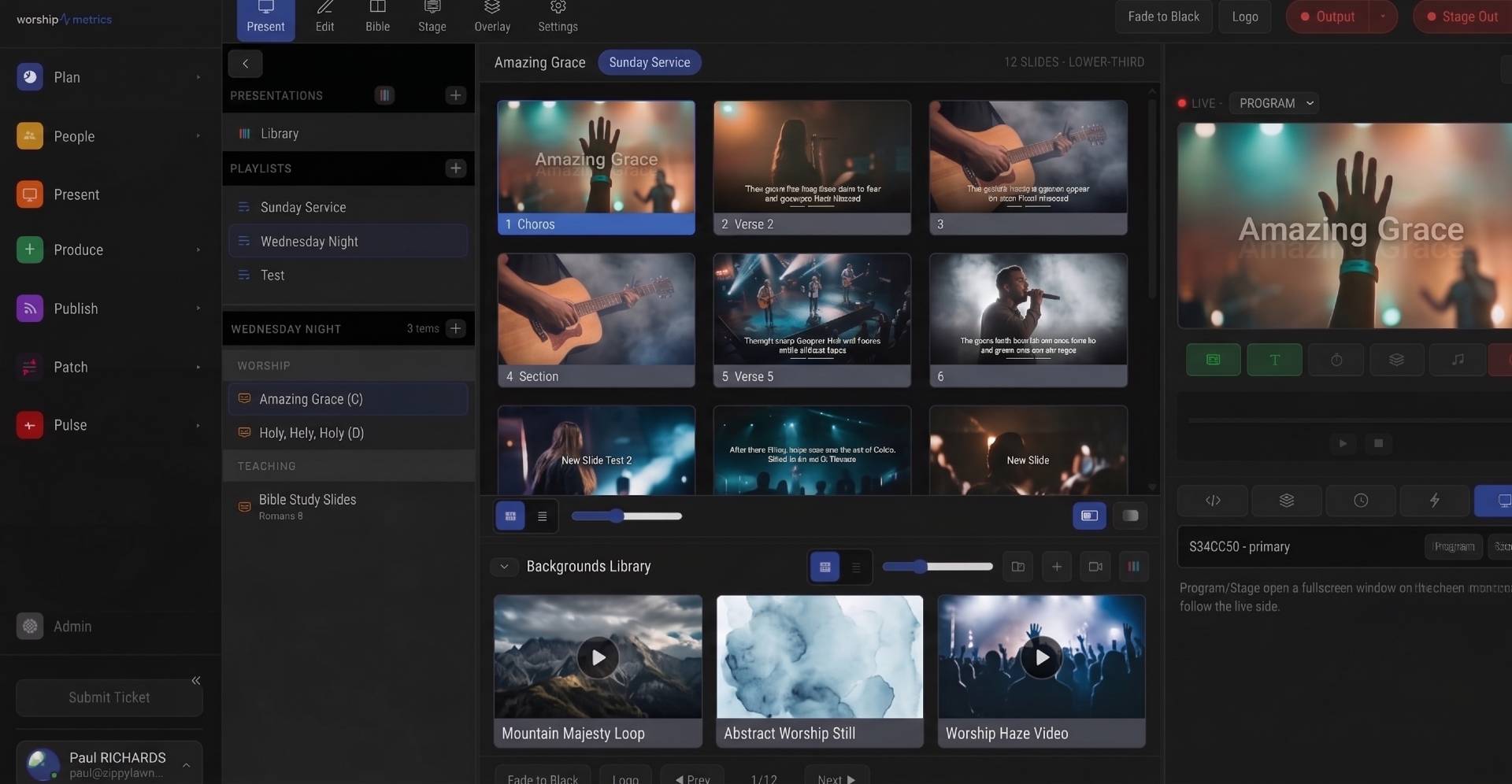
NDI Alpha-Channel Slides: A Clean Lyrics Key Without Chroma
How alpha-channel NDI lets you key lyrics and lower thirds over IMAG cleanly, and how to publish and receive a true-transparency slide feed in vMix or OBS.
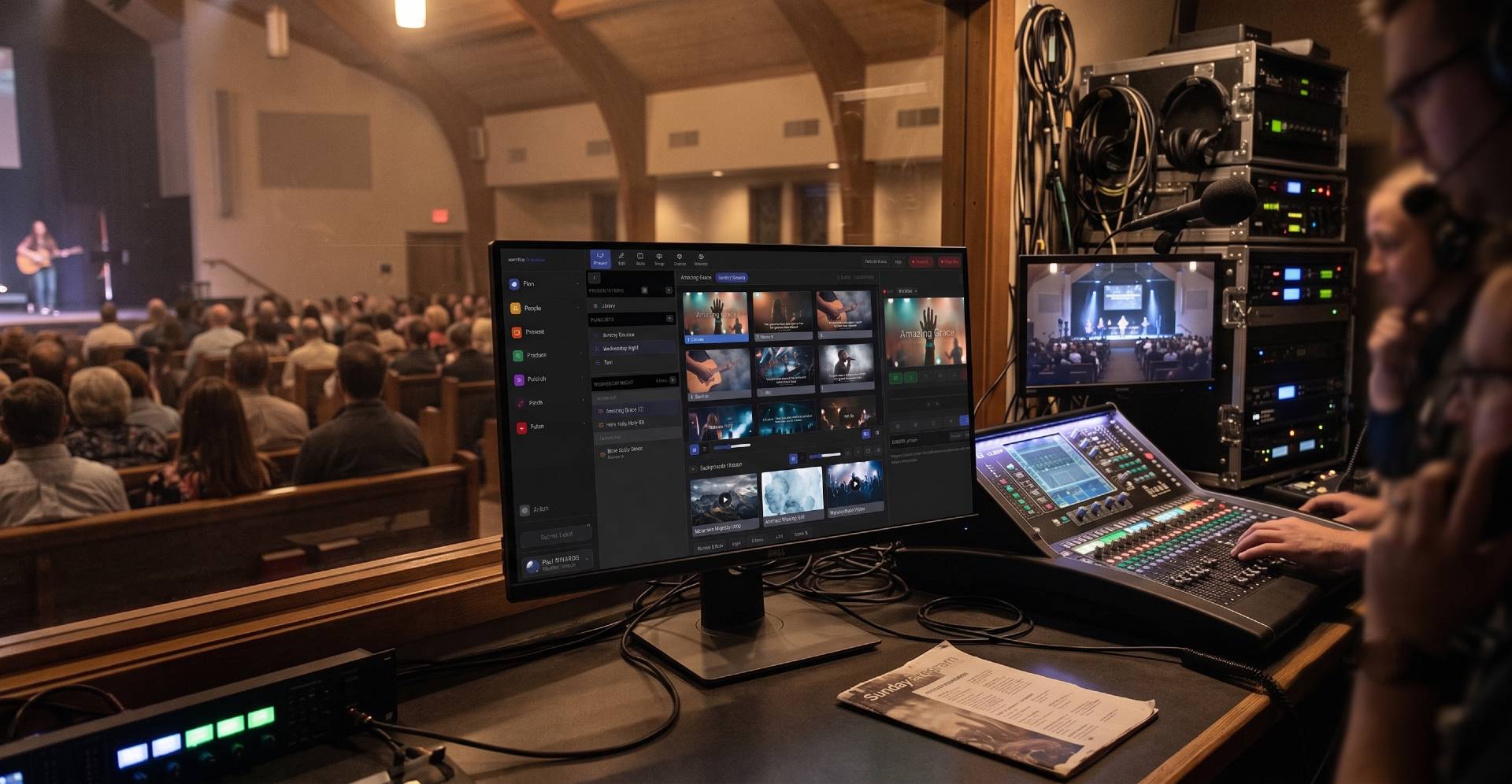
Projector, Stage Display, and Beyond: Multi-Screen Output from a Browser
How WorshipMetrics Present drives projectors, confidence monitors, and stage displays from a browser tab, with per-output looks, resolutions, and audio routing.