Introduction
Modern church AV depends on network stability more than ever. Cameras, switchers, encoders, displays, PTZ control, signage, and production computers all suffer when the network is treated like an afterthought.
Many teams still think of networking as something separate from AV. In practice, the network now is part of the AV system. If it is unstable, the service feels unstable even when the hardware itself is healthy.
Separate Production Traffic from General Use
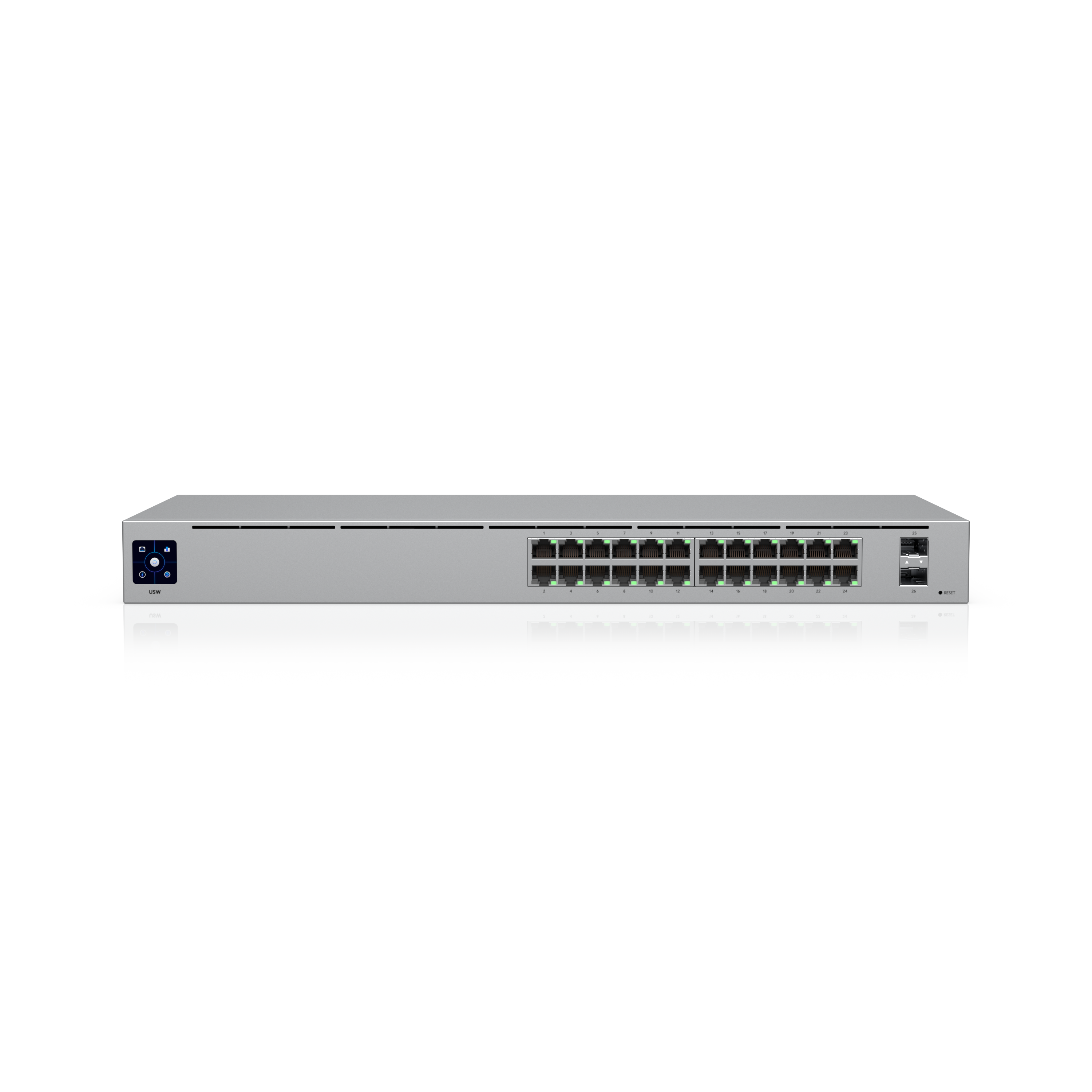
Guest WiFi, office traffic, and production traffic should not compete blindly. VLANs, switch planning, and policy decisions help protect the workflows that must remain stable during service.
This does not always require an enterprise-level redesign. But it does require intentionality. Ask:
- what devices are essential to the service?
- what devices are optional or non-time-sensitive?
- which traffic types should never compete during live production?
- where are the most common bottlenecks?
The more your production traffic is protected from unrelated load, the more reliable your service becomes.
Know Your Upload Reality
Streaming reliability depends on actual, tested upload performance, not on advertised ISP speeds. Latency and jitter matter almost as much as raw bandwidth.
That means testing under real conditions:
- during service hours
- while other church traffic is active
- repeatedly over time, not just once
One good speed test does not mean the network is ready for every Sunday. Stability matters more than a single peak result.
Map the Physical and Logical Paths
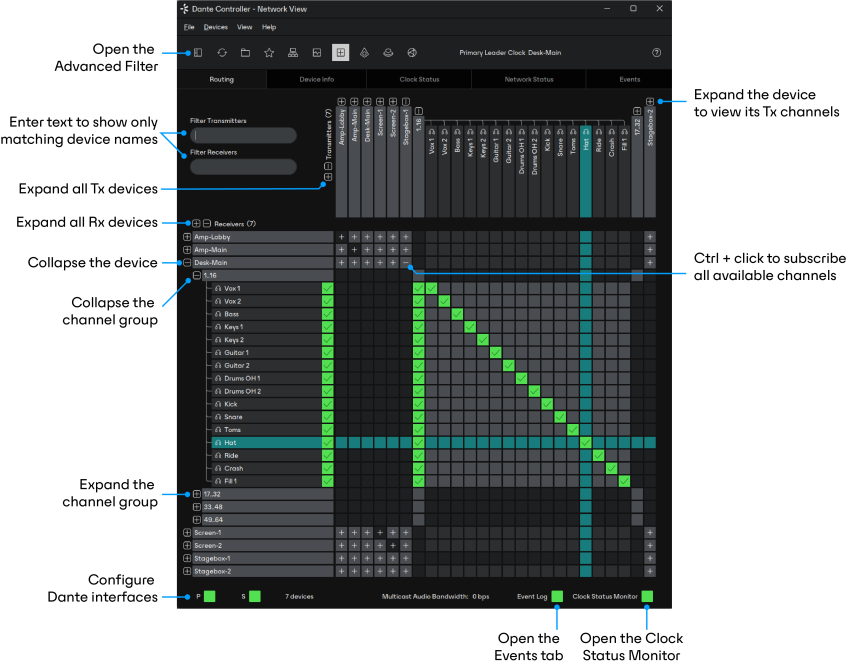
A network diagram should include both cabling and device relationships. That documentation reduces troubleshooting time dramatically when the signal path becomes complex.
Document:
- switch locations
- uplink relationships
- production computer paths
- PTZ camera connections
- encoder and signage endpoints
- any VLAN or special routing logic
If a team cannot explain how a key device reaches the network, recovery will be slower when the path breaks.
Design for Failure Modes
The right question is not whether the internet will ever fail. It is what your displays, signage, and stream workflow should do when it does.
Good network planning asks:
- what stays up locally when the WAN fails?
- what devices need UPS support?
- what workflows depend on cloud access and what can continue locally?
- how will the team know a failure happened?
Resilience is not only about preventing every outage. It is also about knowing what the room should do when one occurs.
Monitor Continuously
A network problem that appears random often has a pattern. Continuous monitoring gives you the timeline needed to diagnose recurring degradation instead of guessing at causes.
The best monitoring does more than confirm the network is technically online. It helps the team see whether:
- upload performance is degrading
- specific devices are dropping on and off
- traffic spikes happen at consistent times
- service-impacting issues are local or internet-facing
That timeline is often the difference between a real diagnosis and a vague theory.
The Practical Numbers
A few rules of thumb cover most church production networks:
- Give AV its own VLAN if you can, separate from office and guest networks.
- Use a managed PoE switch with enough power per port for your PTZ cameras. Many need 30 watts or more, so check each camera’s PoE class. (See PoE classes for church AV.)
- Run Cat6 at minimum, and Cat6a if you’re planning for 10GbE or long NDI runs.
- Budget upload bandwidth generously. A 1080p stream typically runs about 4–10 Mbps, so plan for at least 20 Mbps of dedicated upstream, and more if the building sends separate streams to several platforms. (Check yours with the streaming bitrate calculator.)
- Test under load, with the cameras, the stream, and guest Wi-Fi all running, not on an idle Tuesday afternoon.
Reliable systems build trust. Expandable systems build teams. Affordable systems create access. Thoughtful network design helps you do all three.
Match the Network to the Ministry Model
A small congregation with one camera and one stream does not need the same network design as a multi-campus system with PTZ control, digital signage, and distributed production.
The point is not to overbuild. The point is to align the network with what ministry actually requires now, with enough structure to grow later.
Conclusion
Reliable network infrastructure is not separate from church AV. It is the foundation underneath almost every modern production workflow your team depends on.
When the network is treated like part of the show, your systems become easier to support, easier to monitor, and much less likely to surprise you in the middle of service.
Running video over the network? See what network a church needs for NDI and how NDI saves churches money.
Building a Searchable Sermon Archive & Video Library
NextLED Walls vs Projectors: The Church Sanctuary Display Guide
Related Articles
Controlling Projectors, PTZ Cameras, and Sound Boards with Bitfocus Companion
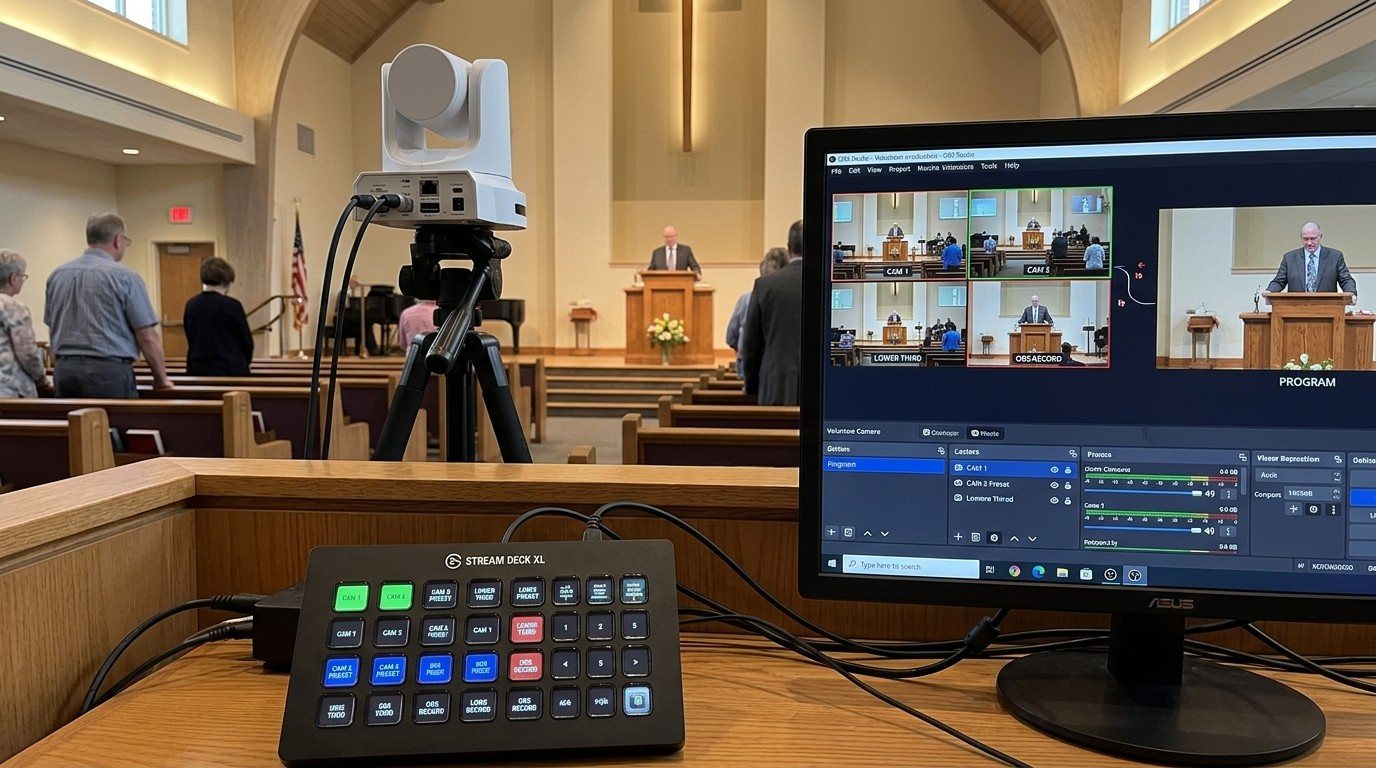
Bitfocus Companion can control far more than OBS and vMix. Projectors over PJLink, PTZ cameras over VISCA, digital sound boards over the network, and almost anything else with an IP address. Here's how churches connect the rest of the room, and how to plan a 'Start Service' button that does it all.
PTZ Camera Troubleshooting for Churches: The 10 Problems Behind Almost Every Sunday Failure
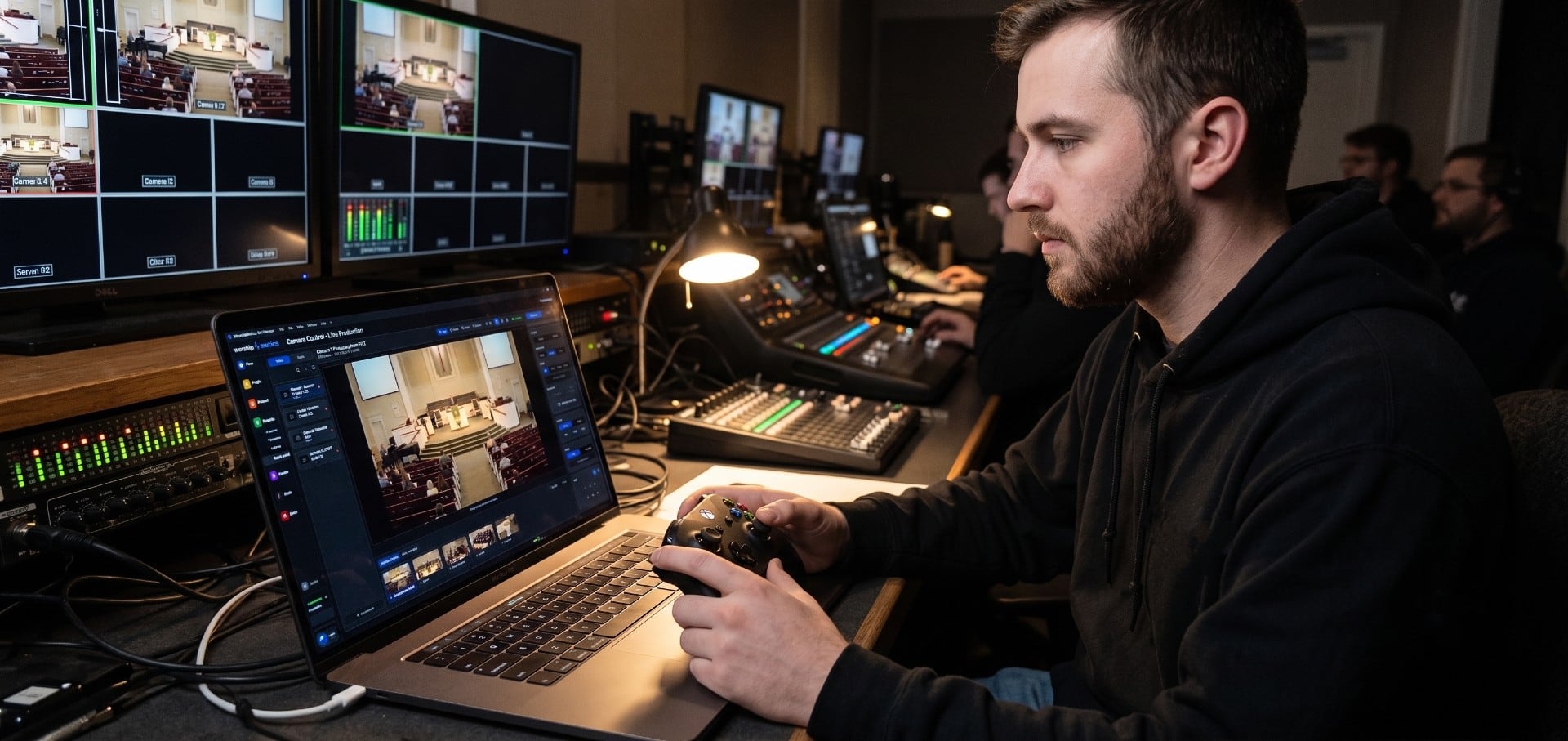
A symptom-first field guide to the PTZ and network camera failures church booths actually hit — cameras that vanish from the network, presets that drift, flicker under LED lighting, video lagging the audio — with fast checks for each, and the upgrades that end the guessing: a mapped system, cameras on watch, and AI that knows your wiring.
AI That Knows Your Wiring: How Luminos and Journey Actually Work
The AV manager's tour of the context architecture: how the Signal Map, live inventory, telemetry, and support history become an assistant that answers questions about YOUR booth — in the app as Luminos, on the phone as Journey.