Introduction
ProPresenter 7 can be incredibly reliable in worship environments, but only when media, outputs, and volunteer workflows are planned intentionally. Most instability comes from bad assumptions, not from the software itself.
The software is powerful enough to support worship lyrics, sermon graphics, lower thirds, confidence monitors, and stage displays all at once. That power becomes a weakness when the team builds a presentation workflow that only one person understands.
Organize Presentations for Real Services
The structure of your library should reflect how your team actually runs services. If volunteers cannot find the right presentation quickly, the technical setup is already working against the ministry flow.
A healthy structure usually includes:
- clear service-by-service organization
- repeatable naming for songs, sermon decks, and announcement slides
- shared templates for common recurring elements
- a standard place for confidence-monitor content
The easier it is to find the right content under pressure, the more reliable the room feels.

Separate Outputs Clearly
Slides for the room, confidence monitor content, and livestream graphics often need different outputs. Clear separation prevents last-minute confusion and accidental routing mistakes.
Before service, your team should know exactly which output is responsible for:
- main room screens
- stage confidence monitor
- lower-thirds or key/fill paths if used
- lobby or overflow feeds if they depend on presentation output
When outputs are poorly defined, troubleshooting gets messy fast.
Keep Media Optimized
Large, poorly prepared media files cause avoidable stress. Video compression, slide size, and storage discipline matter more as your presentation system grows.
If the machine is constantly decoding oversized video, switching giant graphics, or reading from a cluttered drive, volunteers will feel the lag before they understand the cause.
That is why media discipline matters:
- optimize files before importing them
- keep file naming consistent
- remove unused duplicates periodically
- review storage health on the presentation computer
Rehearse Volunteer Handovers
The software may be powerful, but the real question is whether a volunteer can take over mid-service without panic. Design the workflow so it survives real human handoffs.
That means:
- standard cueing language
- consistent control surfaces or hotkeys
- simple fallback instructions
- confidence that another operator can step in if needed
If the workflow only works when one specific operator is present, it is not yet mature.
Back Up the Show Files
Presentation confidence grows when templates, media libraries, and output settings are backed up routinely. Recovery should not depend on hoping one computer never fails.
Backups should cover:
- song libraries and recurring templates
- sermon decks and playlists
- media assets and linked folders
- output configuration notes
- volunteer instructions for restoring the system
Backups are not just about disaster recovery. They are about reducing fear when something changes.
Plan for Sunday Flow, Not Just Slide Flow
ProPresenter should support the service rhythm, not just the content order. Think through transitions between worship, announcements, prayer, message, response, and any livestream-specific moments.
That broader view often reveals where:
- operators need cleaner transitions
- confidence monitors need different content
- stage displays need less clutter
- volunteers need fewer decisions to make live
Conclusion
Advanced ProPresenter setups work best when complexity is hidden behind strong preparation and a volunteer-friendly front end.
The healthiest systems are not the ones with the most features enabled. They are the ones where the room, the operators, and the software all work together in a way that feels calm on Sunday.
How WorshipMetrics handles this
The same principles shape WorshipMetrics Present: presentations are built from the service plan rather than assembled separately, lyrics follow the arrangement the worship leader chose, and the stage display shows the platform what it needs — current and next slide, section labels, and the chord chart in the right key. It runs in the browser, so the operator’s view is available from whichever machine is free.
If ProPresenter is working well for your team, keep it — whenever you want the two libraries in one place, import ProPresenter 7 shows straight into Present and bring ProPresenter 4–6, ChordPro and OpenLyrics files in through Songs.
NDI Over IP: Replacing Cables with Your Church Network
NextVideo Switcher Showdown: ATEM vs Roland vs vMix for Churches
Related Articles
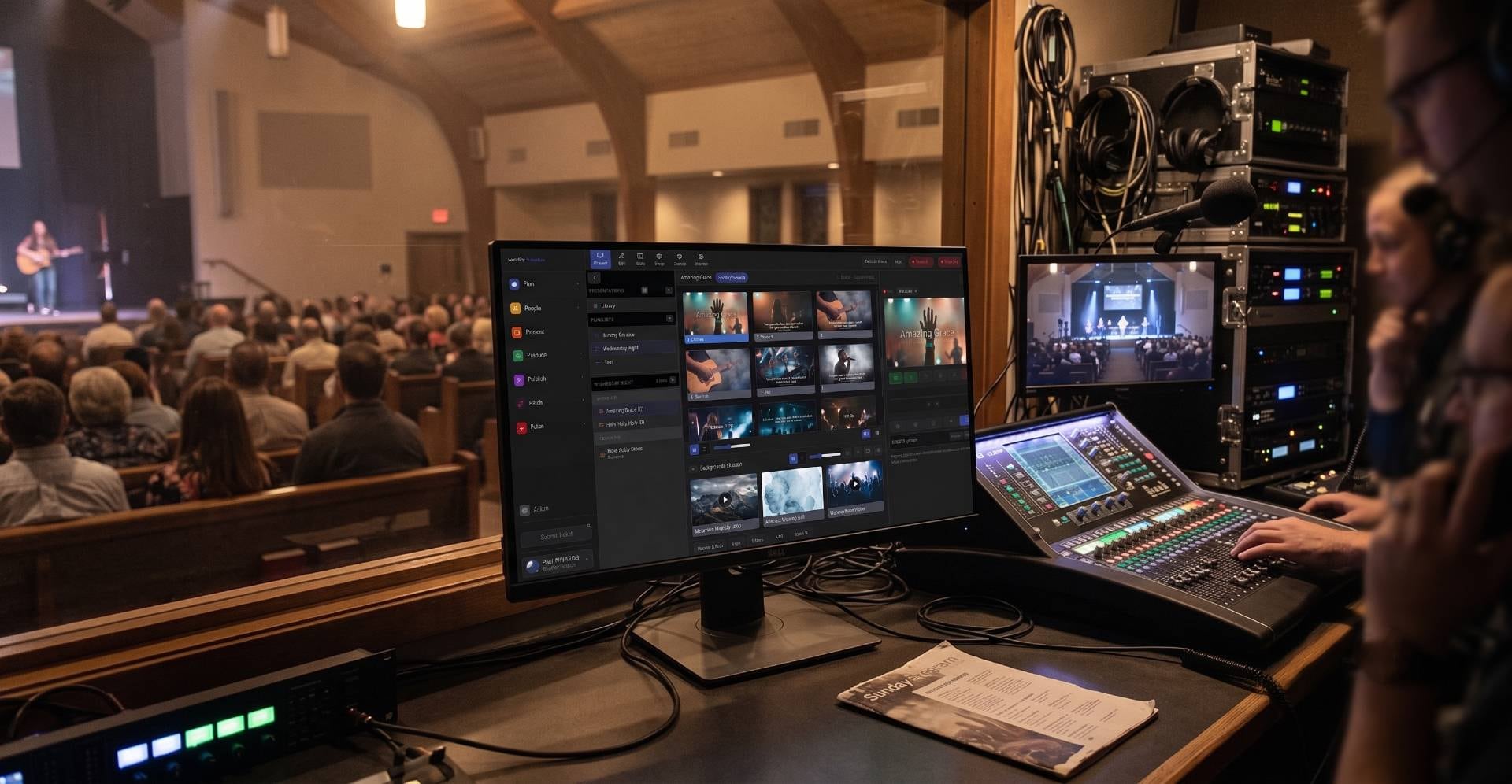
Best Free Church Presentation Software (2026): Honest Picks and What You Give Up
The free church presentation software worth considering in 2026, including WorshipMetrics Present, FreeShow, OpenLP, WorshipTools Presenter and VideoPsalm, what 'free ProPresenter' really means, and what churches give up by not paying.
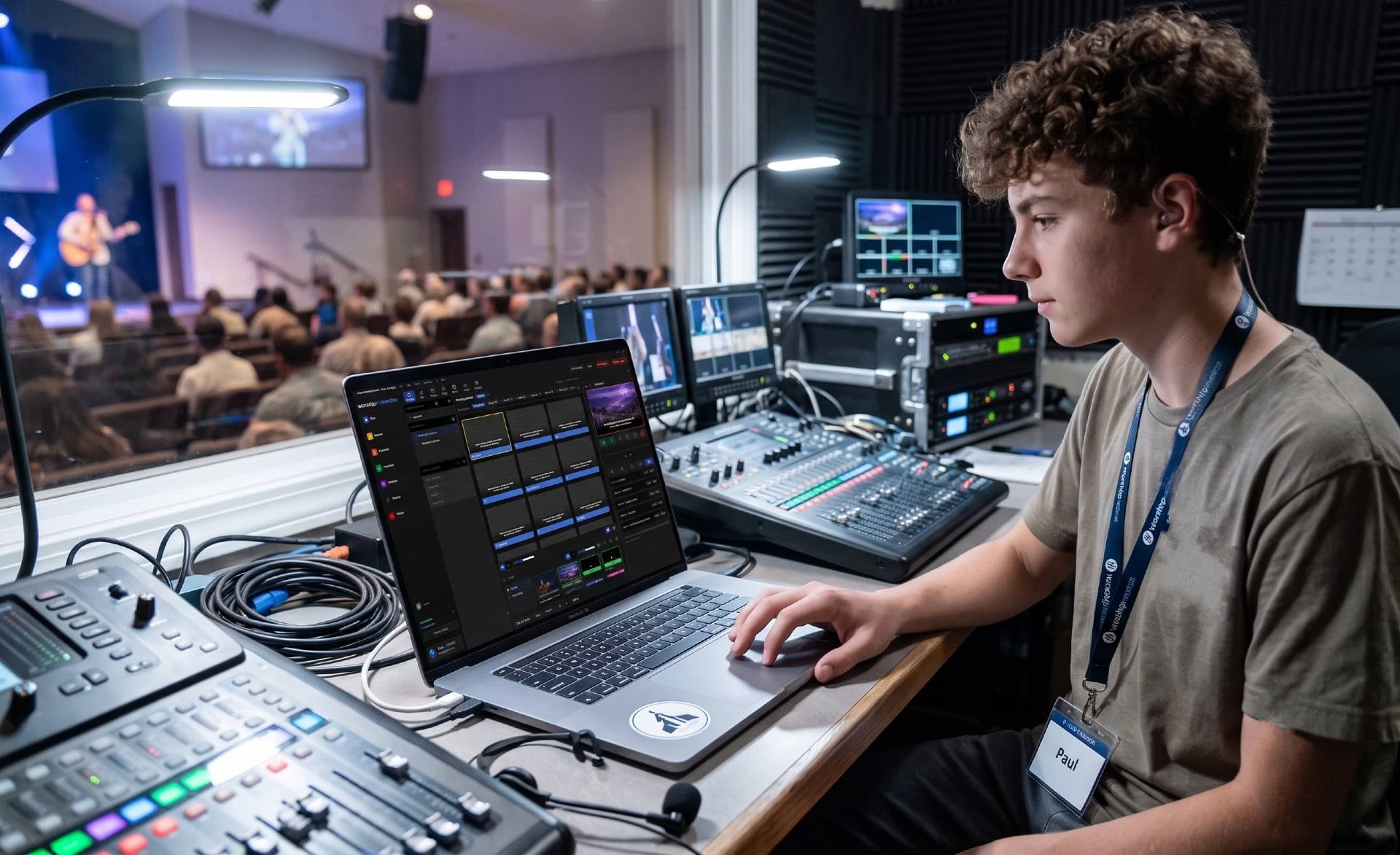
EasyWorship vs ProPresenter: Which Fits Your Church? (2026)
EasyWorship vs ProPresenter in 2026: both now run on Windows and Mac and both are subscriptions. Current prices per computer and per campus, trials, features, learning curve, and which church each one fits, plus a free alternative.

Is ProPresenter Free? Pricing, Trial Limits & Free Alternatives (2026)
The straight answer to 'is ProPresenter free?': what the free download can and can't do, the watermark, the 14-day trial, current subscription prices per seat, what older versions still do, and free alternatives for churches.