Introduction
Choosing a switcher for church production is not just about feature lists. It is about how your volunteers operate under pressure, how your room is wired, and how much flexibility you need for livestream, in-room IMAG, and future growth.
ATEM, Roland, and vMix can all serve congregations well. The right choice depends less on brand loyalty and more on how the system will actually be run on Sunday by the people available to run it.
ATEM Strengths and Tradeoffs
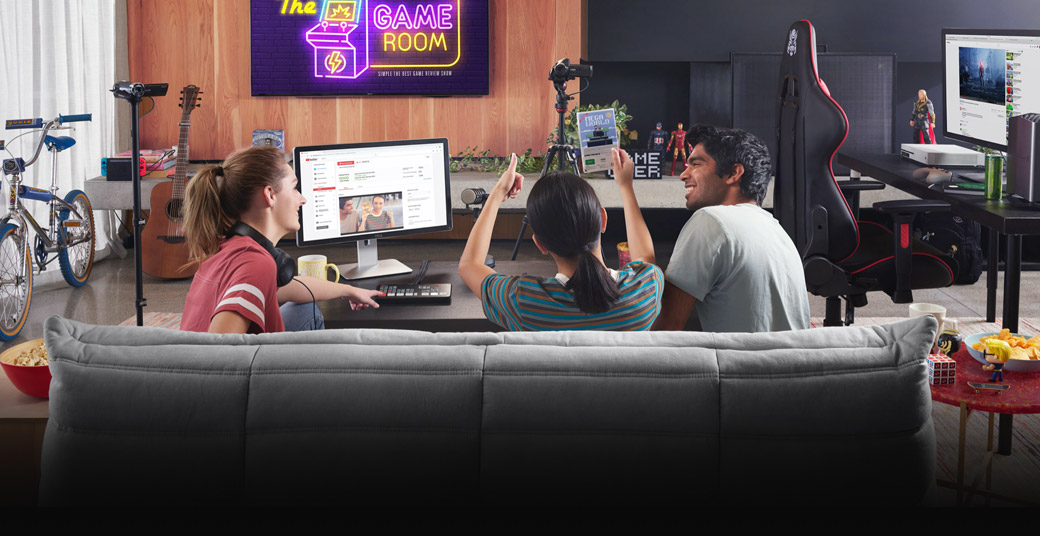
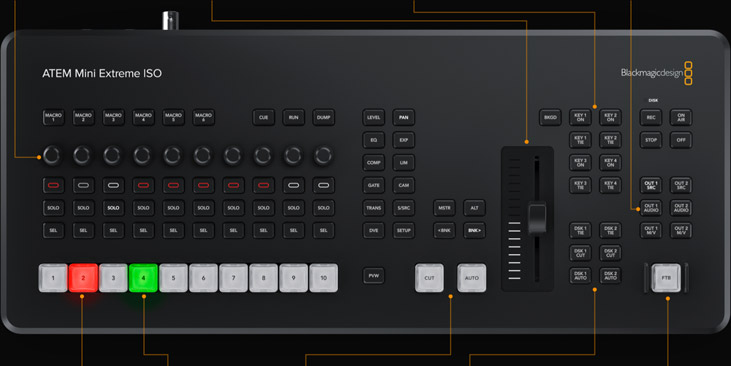
ATEM systems are popular because they are affordable and capable, but they also reward teams willing to learn a slightly more technical workflow.
ATEM can be a strong fit when you want:
- a hardware-first switching approach
- deeper control for technically confident operators
- flexibility around different Blackmagic ecosystem tools
- an affordable entry into multi-camera production
The tradeoff is that some teams find the workflow less intuitive at first, especially if volunteers are not already comfortable with production software and routing concepts.
Roland Strengths and Tradeoffs
Roland switchers often appeal to teams that want a more appliance-like experience. Simplicity can be a major advantage when volunteer training bandwidth is limited.
Roland may fit well when your congregation values:
- straightforward physical controls
- simpler day-of operation
- lower cognitive load for rotating volunteers
- stable, predictable workflows over deep customization
The tradeoff is that some teams will eventually outgrow the flexibility if the production needs become more complex.
vMix Strengths and Tradeoffs
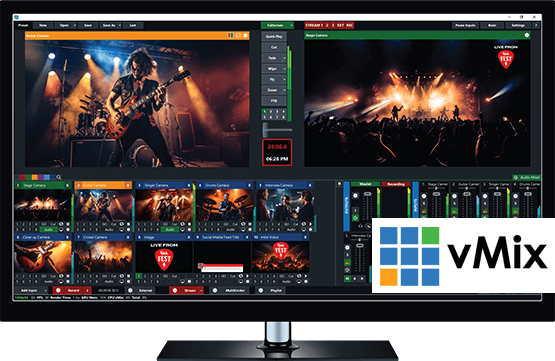
vMix offers enormous flexibility, especially for teams already comfortable with computer-based production. That flexibility also means more dependence on the host machine and software discipline.
vMix is compelling when you need:
- flexible switching and graphics paths
- deeper software-based production control
- a workflow that can evolve quickly
- integration with a broader computer-based production stack
The tradeoff is operational complexity. If the production computer is weak or the team lacks confidence with software workflows, the flexibility can become fragile.
Match the Tool to the Team
The best switcher is not always the most powerful one. It is the one your volunteers can run consistently and recover from when the service gets unpredictable.
Ask practical questions:
- How many operators do we really have?
- How often does the team rotate?
- How comfortable is the average volunteer with software-based production?
- Does this tool reduce stress or increase it?
If a powerful tool depends on one person always being present, that is an operations risk.
Plan for Integration, Not Just Switching
Switchers do not live in isolation. Think about audio, graphics, cameras, stream outputs, recordings, and remote support before deciding what is best.
The switcher should fit the broader workflow for:
- PTZ camera control
- lower thirds and lyric overlays
- livestream monitoring
- recording and archive needs
- signage and display outputs
A great switcher can still be the wrong decision if it does not fit the full ecosystem around it.
Think About Failure Recovery
When the service gets stressful, recovery matters more than spec depth. Which option helps the team recover fastest if:
- a source disappears
- a stream path changes
- a volunteer freezes under pressure
- the production computer struggles
Calm recovery is one of the most important, and most overlooked, buying criteria.
OBS, vMix, or a Switcher on Its Own?
A quick way to frame the software side of the decision:
- OBS is free, widely supported, and more capable than many people expect. It’s the right starting point for almost every church. (See the OBS church guide.)
- vMix earns its license cost when you need multiple outputs or heavy graphics work.
- A hardware switcher alone, like an ATEM without a software encoder, is clean and reliable, but limits overlays and scene flexibility.
Many churches land on OBS or vMix alongside an ATEM: the ATEM handles physical switching, and the computer handles encoding, recording, and graphics. For many teams, that combination is the sweet spot. (If you already own an ATEM and only need a reliable way to stream it, a standalone encoder from our Extras can be the most affordable upgrade. See do we need a computer to livestream?) Before changing anything, read should our church switch from OBS?, because the software is often not what’s failing you.
Conclusion
The right switcher depends on your room, your team, and your support model. The biggest mistake is buying for capability without buying for operability.
The strongest congregation production systems are the ones volunteers can repeat confidently, not just the ones with the longest features list.
Using a Blackmagic ATEM? Splitting ATEM Mini jobs for church volunteers. See also when your church outgrows the ATEM Mini · ATEM Mini + OBS.
ProPresenter 7 Advanced Setup & Best Practices
NextAV Inventory Management & Maintenance Schedules
Related Articles
Choosing a PTZ Camera for Church Live Streaming
How to choose PTZ cameras for a church: how much zoom your room needs (with the math), NDI vs SDI vs HDMI vs USB, how many cameras to buy, sensors and low light, control and auto-tracking, and current models and prices at every budget.
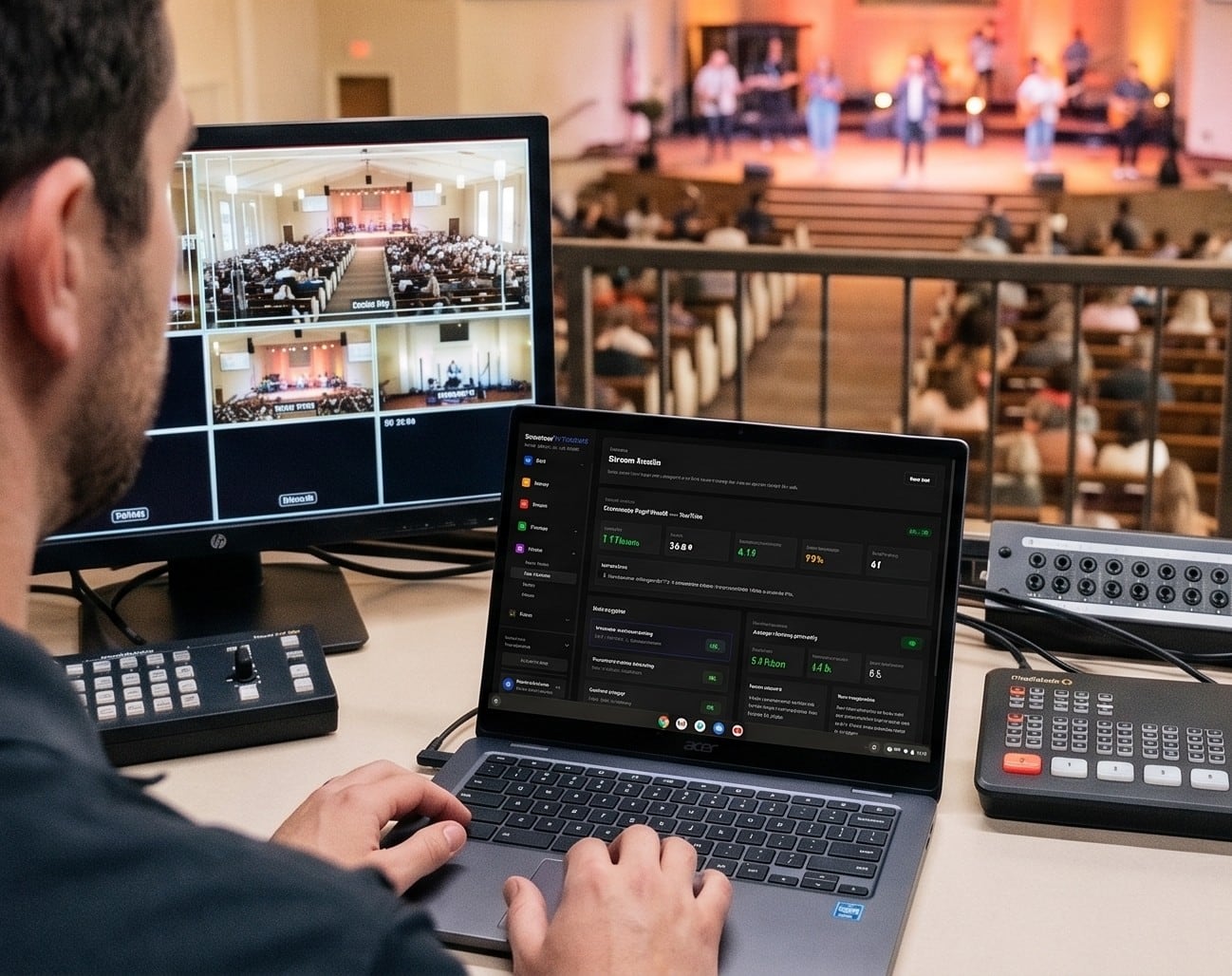
Church Streaming Services Compared: Resi, BoxCast, YouTube, Facebook and More (2026)
Church live streaming services side by side: what Resi, BoxCast, Subsplash, Vimeo, Restream, Castr, SermonAudio, YouTube and Facebook cost in 2026, how each handles reliability and simulcasting, what happens to your recordings, and which fits your church.
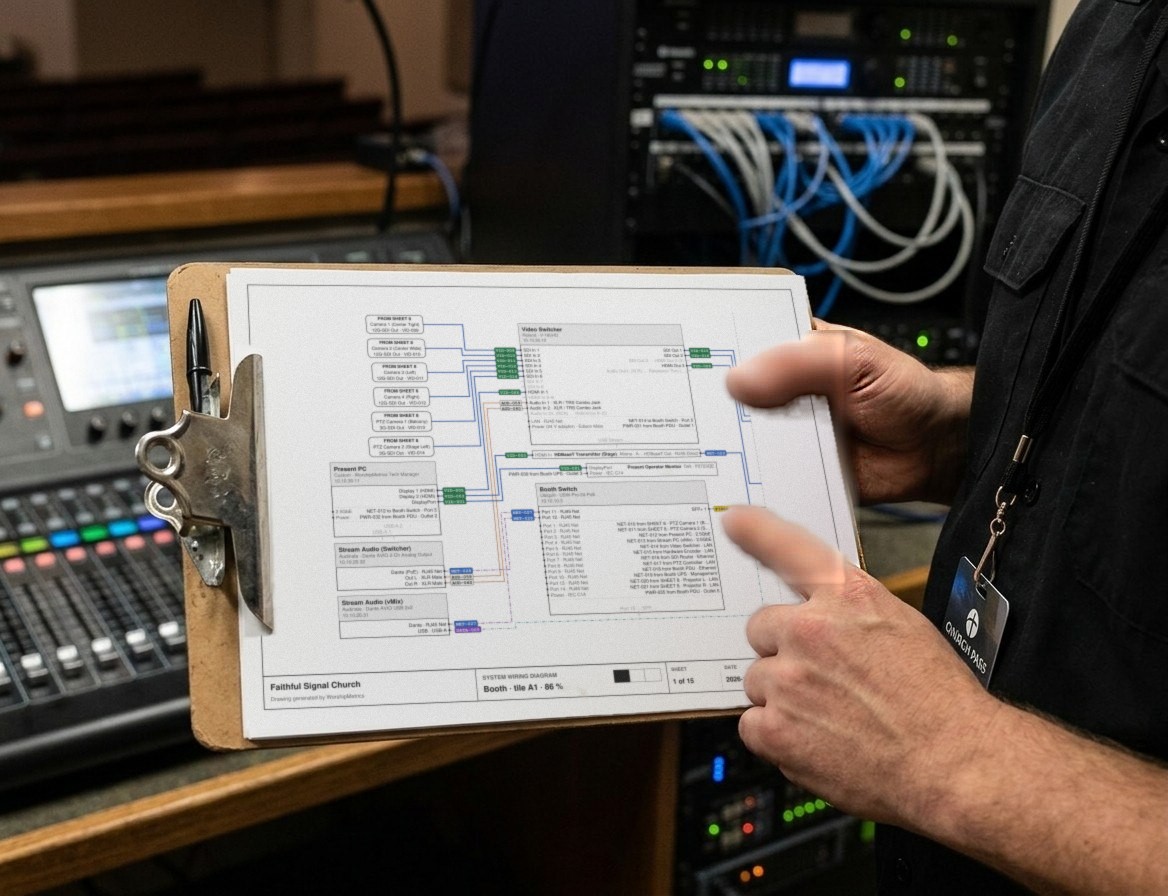
Church Video System Design: Planning From Sanctuary to Stream
How to plan a church video system before you buy anything: what it's for, where the cameras go, how video, audio and slides flow to the stream, which cables run where, and how to document it so the next volunteer can run it.