Three ways to get the service online
Every church livestream ends the same way: a finished picture and sound go out to YouTube, Facebook or your website. There are three common ways to do that last step.
1. A switcher with built-in streaming
Some switchers can stream on their own. The ATEM Mini Pro, for example, can stream directly over an Ethernet cable.
- Good for: a small setup where the switcher is already doing the camera work
- Gives up: advanced graphics and lyrics on the stream, flexible multi-platform streaming, and a full-quality local recording unless your model supports it
2. A standalone streaming encoder
A small box like the Magewell Ultra Stream (HDMI or SDI) takes the output of any switcher and streams it, no computer required.
- Good for: churches that already own a switcher, or want a backup stream path in case the computer fails mid-service
- Why we like it: it’s one of the most affordable upgrades a church can make to an existing system, and it’s simple enough for any volunteer
- Gives up: the encoder streams what it’s given; switching, graphics and lyrics happen upstream
It’s in our Extras, and it works with what you already own. (For a deeper comparison, see hardware encoder comparison.)
3. A streaming computer
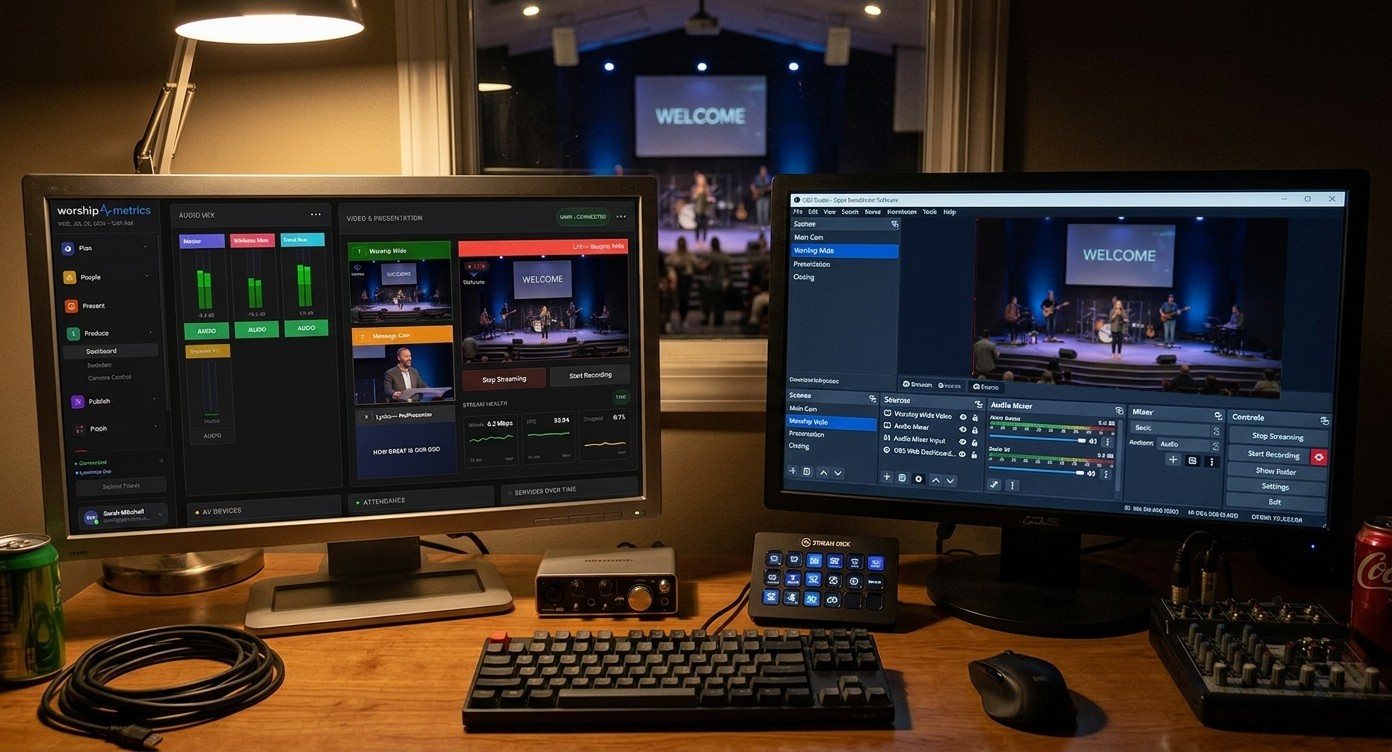
A dedicated computer running OBS or vMix does everything in one place: switching, lyrics and graphics, recording, instant replay, outputs to projectors and overflow rooms, and streaming to several platforms at once.
- Good for: churches that want slides and lyrics on the stream, more than a couple of cameras, or screens in the room
- Gives up: simplicity, unless it’s set up and locked down well. (See why Windows updates break church livestreams.)
Our Livestream Systems are this option, built and tested for churches in Good, Better and Best sizes.
Side by side
| Switcher streaming | Standalone encoder | Streaming computer | |
|---|---|---|---|
| Lyrics and graphics on the stream | Basic | From upstream | Full |
| Multi-platform streaming | Limited | Depends on model | Yes |
| Room outputs (IMAG, overflow) | Limited | No | Yes |
| Instant replay | No | No | Yes (vMix) |
| Simplicity for volunteers | High | Very high | Depends on setup |
| Works as a backup stream path | Sometimes | Yes | Not by itself |
The answer most churches land on
A streaming computer for production, and a small encoder as a backup. The computer gives you lyrics, graphics, recording and room outputs. The encoder means a computer problem doesn’t take the whole stream down.
Whatever you choose, decide how you’ll know when the stream drops, because nobody in the room can see it. (See get an alert on your phone when the stream drops.)
Not sure which you need?
Map your current system. If you already own a good switcher, we may tell you a single encoder is all you need. If the computer is the bottleneck, we’ll show you which upgrade helps most. It’s the best way to get the best price, because we’ll only quote what’s missing.
Related reading
The big picture: church livestream setup: what you need, OBS vs. vMix vs. ATEM, and a booth volunteers can run.
Related questions
- Can a church livestream without a computer?
- Yes. Some switchers, such as the ATEM Mini Pro, can stream directly over Ethernet, and a standalone encoder like the Magewell Ultra Stream can take the output of any HDMI or SDI switcher and send it to YouTube, Facebook or your website. You give up some flexibility with graphics, lyrics and multi-platform streaming.
- Is a hardware encoder or a streaming computer better for a church?
- A hardware encoder is simpler and very reliable for sending one finished feed online. A streaming computer is more flexible: switching, lyrics and graphics, recording, replay, room outputs and multistreaming in one place. Many churches use both: the computer for production and a small encoder as a backup stream path.
- What's the cheapest way to make our existing stream more reliable?
- If you already own a switcher, adding a standalone streaming encoder is often the most affordable upgrade. If the computer is the weak link, upgrading its capture or graphics card, or wiring it to the network, may be enough.
Capture Card, Graphics Card, Network Card: What Each Part of a Church Streaming Computer Does
NextShould We Fix Our Church AV System or Replace It? When to Start Over
Related Articles

Bitfocus Companion + ATEM Mini: A Stream Deck Panel for Your Church Switcher
A Stream Deck running Bitfocus Companion turns a Blackmagic ATEM into plain-word buttons with colors that show what's live, and the same panel can run PTZ cameras, projectors, and more. Here's how to connect Companion to an ATEM and build a volunteer page.

Lyrics Over the Camera on an ATEM Mini: Luma Keys, Chroma Keys, and the Slides Computer
To put song lyrics over the camera shot on a Blackmagic ATEM Mini, feed the slides computer into an ATEM input and key it over the camera. Here's how luma and chroma keys work for lyrics, how to design slides that key cleanly, and who should run it.

ATEM Mini + OBS for Church: Hardware Camera Switching with OBS for Graphics and Streaming
Many churches use an ATEM Mini as a camera switcher and send its output into OBS over USB as a webcam. The ATEM gives volunteers real buttons; OBS adds lyrics, graphics, recording, and streaming. Here's how to set it up, split the jobs, and avoid the common sync and quality problems.