Introduction
Hardware encoders appeal to congregations because they can simplify streaming and reduce dependency on a general-purpose computer. But not every encoder fits every workflow.
Some teams want a device that simply starts the stream reliably. Others need more flexibility, more monitoring, or better integration with the rest of the production stack. That is why a comparison should begin with the ministry environment, not just a spec sheet.
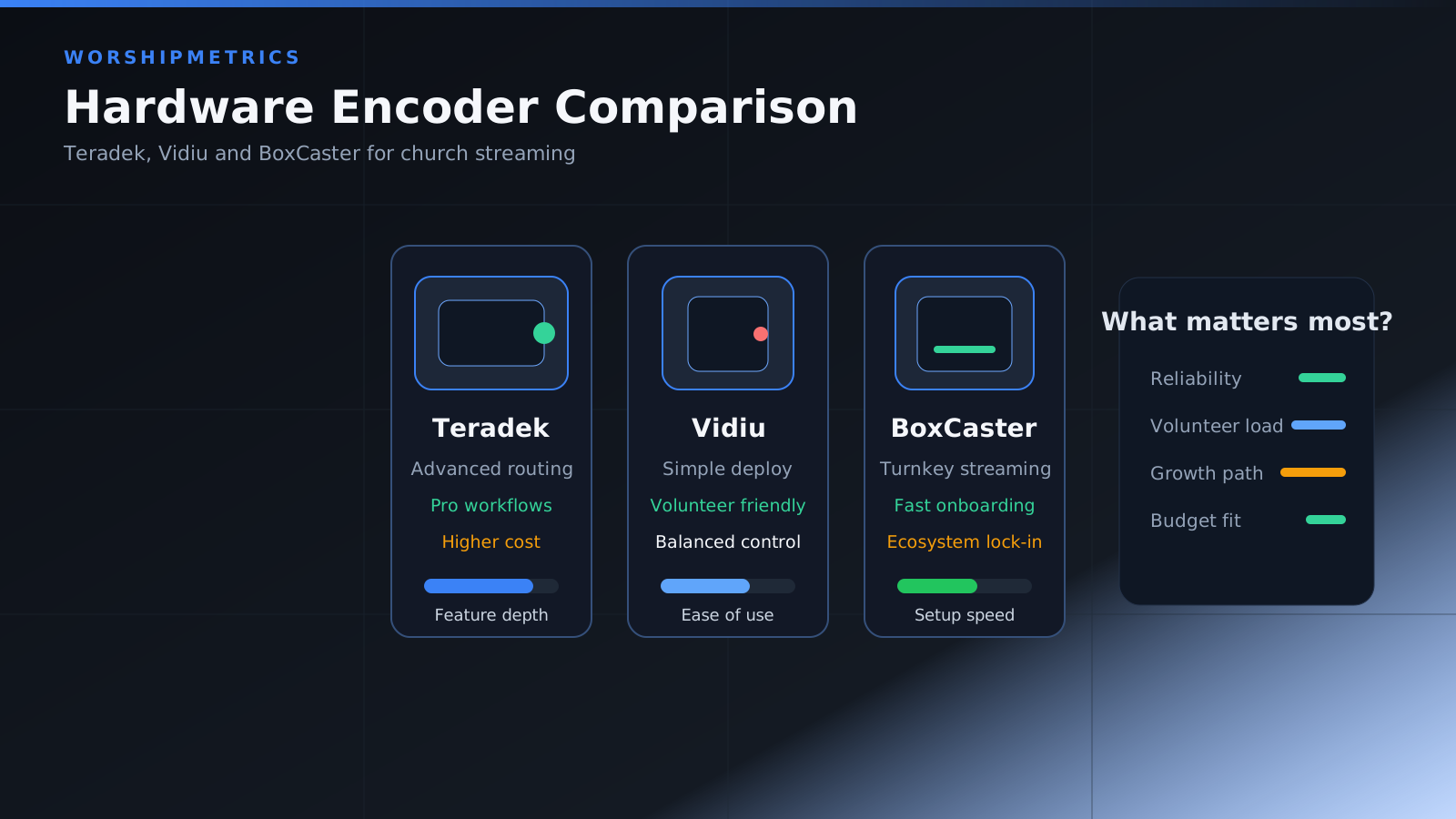
Compare Simplicity vs Flexibility
Some encoders are better for highly focused, low-maintenance streaming. Others support more complex environments but require deeper setup and support knowledge.
When evaluating encoder options, ask:
- Does this reduce operator stress or add more menu layers?
- Can volunteers recover from a failure quickly?
- Is the device flexible enough for future needs without becoming difficult to operate now?
Simplicity is often worth more than theoretical capability when the stream must run every week.
Teradek Vidiu X
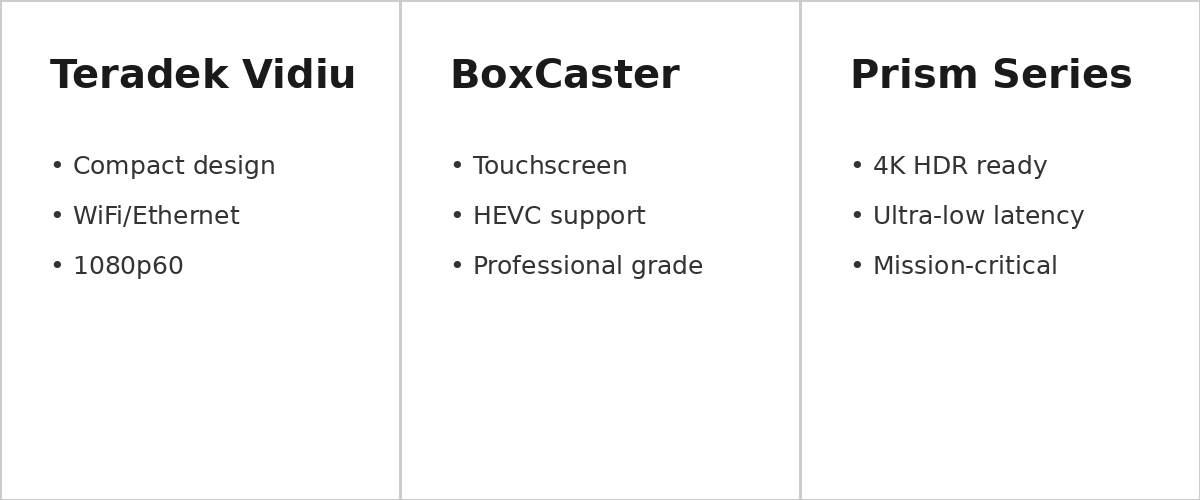
The Vidiu X is a compact, portable encoder that handles HDMI input and streams via WiFi, Ethernet, or cellular. It’s designed for simple operation with minimal configuration, making it ideal for churches with smaller technical teams.
Think About Reliability Under Real Conditions
The right comparison is not just feature-to-feature. It is how the device behaves during unstable internet, heat, volunteer turnover, and long Sunday production days.
Reliable streaming hardware should be evaluated under conditions like:
- fluctuating upload performance
- long service durations
- repeated weekly use without constant reconfiguration
- volunteers with different technical comfort levels
The question is not whether the encoder works in ideal conditions. It is whether it remains dependable when the room is full and the pressure is real.
Evaluate Monitoring and Recovery Options
An encoder is easier to trust when your team can see its state clearly and recover from failure quickly. Visibility should be part of the buying decision.
Look for answers to questions like:
- can the team easily tell whether the encoder is healthy?
- are alerts or status indicators clear?
- how easy is it to restart or recover the stream?
- what information is available when the stream degrades?
Monitoring often matters more in practice than another niche feature.
BoxCast Spark
The BoxCast Spark offers a professional touchscreen interface that makes monitoring and status visibility straightforward for volunteers. Real-time feedback helps operators quickly identify and resolve streaming issues before the congregation notices.
Consider Integration with the Rest of the Stack
How the encoder fits into switching, camera control, audio flow, and post-service workflows matters more than isolated specifications.
A congregation should evaluate whether the encoder works well with:
- current switchers or software production systems
- the existing audio workflow
- remote support tools
- recording and archive needs
- future production plans
An encoder that is excellent in isolation may still be a bad fit in the real room.
Teradek Prism Series
For organizations with advanced production requirements, the Teradek Prism Series delivers award-winning reliability with 4K HDR support, ultra-low latency, and mission-critical features. It’s built for broadcast-quality streaming and complex multi-site production workflows.
Match the Encoder to the Ministry Context
A small congregation with one service may need something very different from a multi-campus team with overflow, recording, and remote support requirements.
That is why no single recommendation fits everyone. One team may prioritize minimal setup and dependable streaming. Another may care more about visibility, supportability, and integration with a broader platform.
Budget for the Full Workflow
The price of the encoder is only part of the decision. Also think about:
- support expectations
- operational simplicity
- replacement path
- what happens if the primary stream workflow changes later
Sometimes the more expensive device is actually the cheaper long-term decision because it reduces operational friction.
Conclusion
The best hardware encoder is the one that fits your support model and service pressure, not just the one with the longest feature list.
The strongest decisions come from comparing reliability, visibility, and workflow fit rather than only comparing technical bullet points.
Multi-Track Worship Recording: Capturing Stems from the Console
NextAV Budget Planning & Gear Upgrade Roadmap for Churches
Related Articles

Bitfocus Companion + ATEM Mini: A Stream Deck Panel for Your Church Switcher
A Stream Deck running Bitfocus Companion turns a Blackmagic ATEM into plain-word buttons with colors that show what's live, and the same panel can run PTZ cameras, projectors, and more. Here's how to connect Companion to an ATEM and build a volunteer page.

Lyrics Over the Camera on an ATEM Mini: Luma Keys, Chroma Keys, and the Slides Computer
To put song lyrics over the camera shot on a Blackmagic ATEM Mini, feed the slides computer into an ATEM input and key it over the camera. Here's how luma and chroma keys work for lyrics, how to design slides that key cleanly, and who should run it.

ATEM Mini + OBS for Church: Hardware Camera Switching with OBS for Graphics and Streaming
Many churches use an ATEM Mini as a camera switcher and send its output into OBS over USB as a webcam. The ATEM gives volunteers real buttons; OBS adds lyrics, graphics, recording, and streaming. Here's how to set it up, split the jobs, and avoid the common sync and quality problems.