Introduction
AV budgets are usually limited, which means every purchase carries more weight. Good planning is not about buying less. It is about buying in the right order.
Most congregations do not struggle because they bought nothing. They struggle because they bought the wrong next thing: a camera before fixing the network, a switcher before stabilizing audio, or a display before documenting the signal path.
Start with the Biggest Bottleneck
Most congregations do not need to upgrade everything at once. The wisest roadmap starts with the system failure or friction point creating the most weekly pain.
That bottleneck might be:
- unstable streaming
- poor spoken-word clarity
- weak volunteer workflows
- outdated presentation flow
- no visibility into device health
The right first investment is the one that reduces repeated Sunday stress most noticeably.
Distinguish Mission Impact from Wish Lists
Some upgrades directly improve reliability, clarity, or reach. Others mainly satisfy preference. Those are not the same category of spending.
A useful planning question is: does this purchase help us serve better every week, or does it mostly make the system feel more impressive?
That distinction helps leaders prioritize:
- reliability over novelty
- clarity over complexity
- supportability over raw feature count
Account for Infrastructure, Not Just Gear
Mounting, signal flow, network changes, training, and support often matter as much as the device itself. Budget planning breaks down when only the hardware line item is considered.
Whenever you plan a major purchase, ask what else it requires:
- network upgrades
- power changes
- mounts or brackets
- training time
- new routing or software support
- future maintenance burden
The gear rarely arrives alone.
Plan for Volunteer Capacity
An upgrade that increases operational difficulty may not be a true upgrade. Roadmaps should account for who will actually run and maintain the system every week.
If the team is volunteer-led, ask:
- can the current team operate this confidently?
- can new volunteers be trained reasonably quickly?
- does this purchase reduce panic or create more decisions?
An advanced tool with no support structure can be more expensive than a simpler solution that people can actually use.
Build the Roadmap in Phases
Healthy AV roadmaps usually work in phases rather than in one giant leap. For example:
- stabilize the core workflow
- improve visibility and monitoring
- expand quality or flexibility
- modernize supporting systems like signage or archive workflows
This phased approach helps leadership understand how each investment builds on the last one.
Think in Tiers: Fragile vs. Sustainable
The useful question isn’t cheap versus expensive, or basic versus impressive. It’s fragile versus sustainable. At every budget level, the goal is the same: a system your team can learn, repeat, and recover from.
| Tier | Rough budget | Typical system | What you’re really buying |
|---|---|---|---|
| Starter | about $1,500–$3,500 | One or two PTZ cameras with NDI or RTSP output, one production PC running OBS, an audio feed from your existing console, a wired connection to the streaming PC | A few essential things done well, taught quickly. Skip the hardware switcher here; OBS with two NDI inputs is enough. |
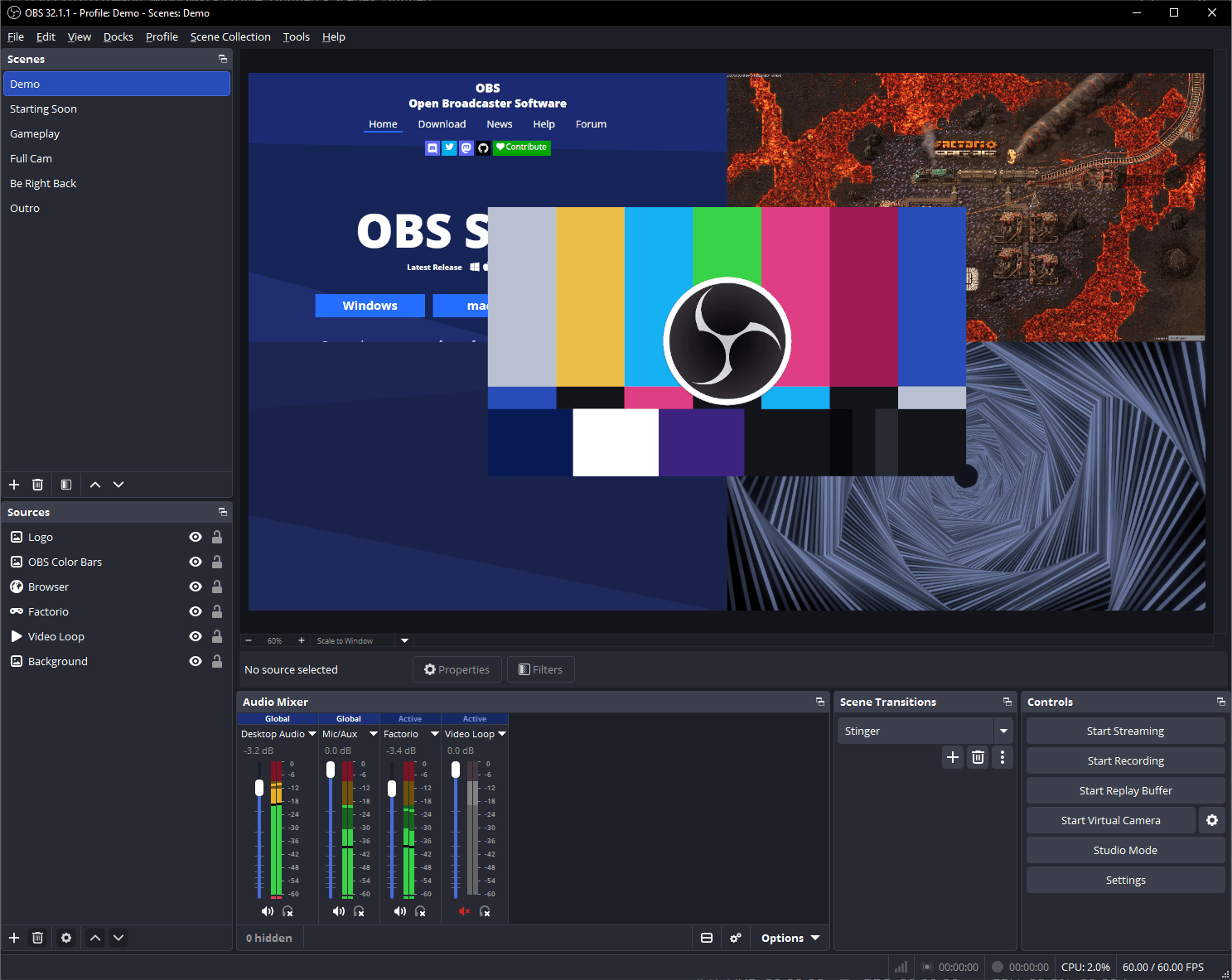
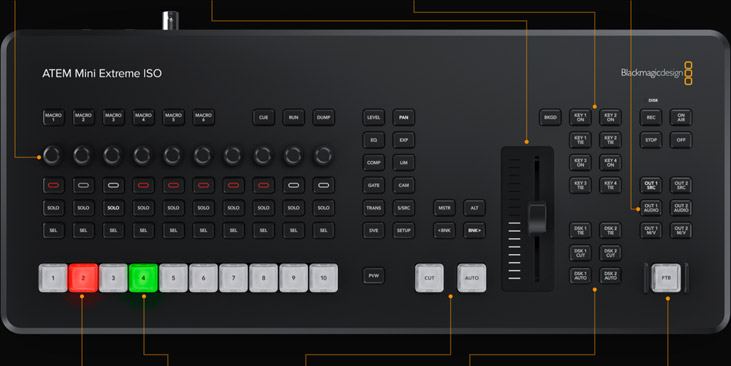
| Solid | about $6,000–$12,000 | Three or four PTZ cameras, an ATEM Mini Pro or similar switcher, a dedicated streaming PC, a second recording PC for redundancy, a dedicated stream mix, PoE switching | Reliability and room to separate roles. Most churches start building a real team at this tier. |
| Advanced | about $18,000–$40,000+ | Five to eight cameras with distributed control, a larger switcher, redundant encoders, separate stream and room mixes, networked signage, a booth with a multiviewer | Resilience and creative range for five or six seats, without sacrificing usability. |
Budgets vary by region, room, and what you already own, so treat these as orientation, not quotes. And if a “bigger” system only adds complexity, dependence on one person, and Sunday-morning panic, it isn’t really an upgrade.
Four Questions Before Any Purchase
Before anything goes on the roadmap, ask:
- What specific ministry role will this make possible or easier?
- Can a new volunteer or student learn this role with reasonable training?
- Does this improve reliability, not just capability?
- Does it fit a network and workflow plan that can grow over time?
If you can’t answer those clearly, pause before buying. The role cards guide helps with question one, and network infrastructure for church AV with question four.
Review the Roadmap Annually
The right next step changes as systems age and ministry goals shift. Revisit the roadmap with real operational data instead of relying on old assumptions.
Annual review should include:
- what failed this year
- what caused recurring volunteer stress
- what equipment is aging out
- what improvements would actually change weekly ministry effectiveness
Budget planning is healthiest when it responds to evidence instead of preference alone.
Conclusion
Budget planning improves when technology decisions are tied to weekly ministry outcomes rather than isolated equipment desire.
The strongest AV roadmaps are simple, phased, and honest about what actually needs to be fixed first.
Before you budget: see our church AV system is old and complicated: where do we start an upgrade?
Planning a livestreaming system? Our Livestream Systems show reference prices for Good, Better and Best church systems. To get the best price, map your current system first so we can reuse what you already own.
Hardware Encoder Comparison: Teradek, Vidiu & BoxCaster
NextRemote AV Support & Troubleshooting Systems for Churches
Related Articles

Making a Complicated Church AV System Easy to Run, Without Hiring an AV Company
Many church AV systems aren't too old or too small. They're too complicated for a volunteer. A simple button panel built with Bitfocus Companion can hide that complexity behind plain-word buttons, and a church can often build it themselves. Here's when that works, when to call a professional, and how to start.

Your Church Livestream Team, Connected Even When They're Not at Church
A three-person livestream team only works if everyone shares the same plan, the same wiring diagram, and the same news when something breaks. Here's how WorshipMetrics connects the director, slides, and camera volunteers through the week: chat, alerts, documentation, AI help, scheduling, and cloud control for OBS and vMix.

The Three-Person Church Livestream Team: Director, Slides, and Cameras
A church livestream runs best with three clear jobs: a director on OBS or vMix, a slides operator, and a camera operator. Here's what each role does before, during, and after the service, what skills it takes, and how the three talk to each other.