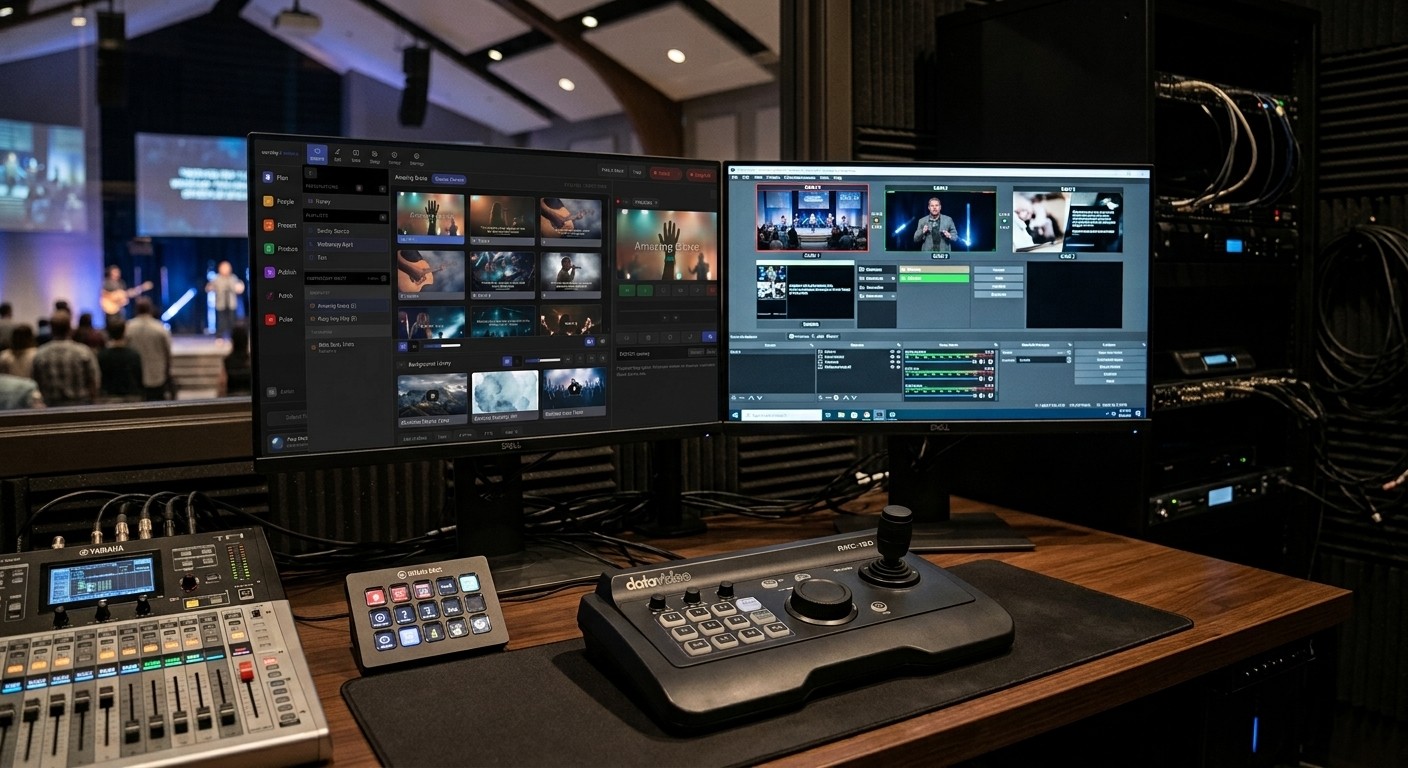
The instinct to buy new gear
When a church’s AV system is old, complicated, and only a couple of volunteers can run it, the natural instinct is: let’s replace it. New cameras, a new mixer, a new computer.
Sometimes that’s right. But often, the biggest problems aren’t the gear at all. They’re:
- Nobody knows exactly how it’s connected. It lives in one person’s head.
- Too many separate tools that don’t talk to each other.
- No warning when something breaks until someone in the congregation notices.
- Too few people trained to run it.
New equipment doesn’t fix any of those. In fact, a bigger system can make them worse. So start in a different place.
Phase 1: Document what you have (week 1–2)
You can’t plan an upgrade without knowing what you have. Make a simple list of:
- Every device: cameras, mixer, computer, projector, TVs, switcher, encoder, wireless mics
- How they connect: which cable goes where
- What software you use: for slides, streaming, and recording
- Who knows how to run each part
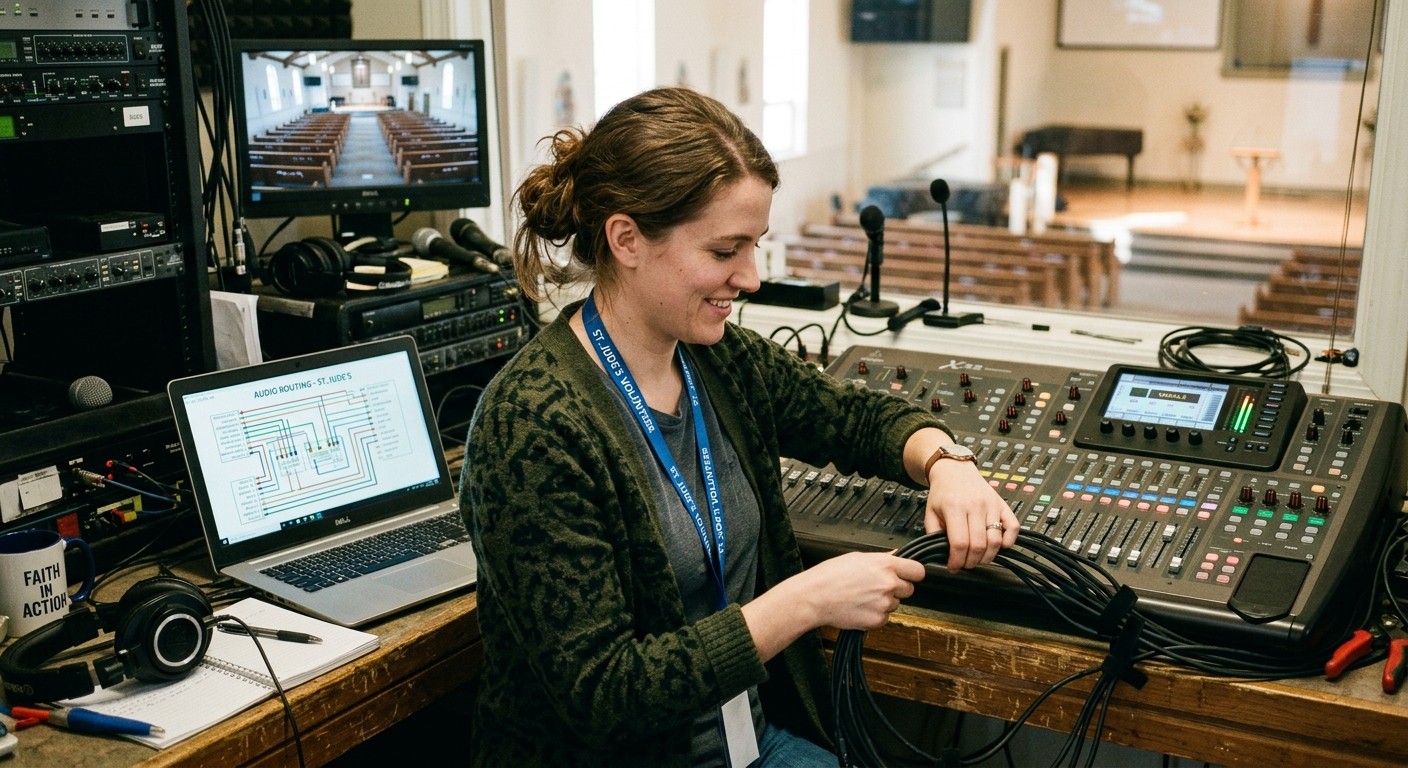
This alone often reveals the real problems: a single fragile cable, a computer doing too many jobs, or a step only one person understands.
WorshipMetrics makes this easier with the Signal Map, which documents your devices and cable runs and prints an up-to-date wiring diagram for the booth. Install Tech Manager, free, on your church’s computer, and it can see the devices it’s connected to. (See the handoff checklist.)
Phase 2: Write down what goes wrong (week 2–4)
For the next few Sundays, keep a simple log: what went wrong, when, and how it was fixed. Most churches find the same three or four problems over and over, for example:
- The stream drops or never starts
- Slides don’t appear on the livestream (see lyrics and slides on your livestream)
- Audio is too quiet or distorted online
- The service doesn’t end up on Facebook or the website (see Facebook and your website at once)
These are your real upgrade priorities.
Phase 3: Simplify before you spend (month 2)
Before buying anything, see what you can make simpler:
- Fewer tools. Can slides, streaming, and scheduling live in one system instead of five? (See one platform instead of six subscriptions.)
- Get warned early. Monitoring that alerts you when the stream or recording stops means problems get fixed in minutes, not discovered after the service. WorshipMetrics monitoring is free.
- Make it easier to run. A clear checklist and a simpler booth let more volunteers serve. (See the Sunday checklist and running AV with a few volunteers.)
Many churches find that after this step, the system that felt “old and complicated” is actually manageable.
Phase 4: Upgrade the gear that truly limits you (month 3+)
Now upgrade, in order of the problems you logged. For each purchase, ask:
- What specific problem does this fix?
- Can a new volunteer learn to use it?
- Does it make Sunday more reliable, not just more capable?
- Does it fit where we want to be in three years?
Typical priorities for a church of 100 to 300:
| If your problem is… | Consider… |
|---|---|
| The stream keeps dropping | A wired network connection for the streaming computer, then a more reliable computer |
| The online audio is poor | A dedicated mix for the stream |
| Only one fixed camera | A PTZ camera that a volunteer can control from a tablet or browser |
| Slides and video don’t come together | Presentation software that sends slides straight into the stream |
(See AV budget planning for churches for typical costs at each level.)
If the streaming computer is the piece holding you back, see our Livestream Systems: Good, Better and Best livestreaming systems built and tested for churches, with the parts list if you’d rather build it yourself.
When to call in help
Bring in an AV integrator for major work: new speakers, permanent wiring, or a full video system. For everything else, guidance often matters more than labor. (See do we need to hire a church AV company?.)
Talk it through
Not sure where your church fits? Map your current system and we’ll show you what to reuse, what to upgrade, and what to add. Or call 910-WORSHIP. Journey, our AI phone assistant, answers any hour and connects you with our team to talk through an upgrade path for your church. Or book a call.
If you’re the person who keeps the church running but you’re not a tech person, start with a church administrator’s guide to the AV booth.
Not sure what’s wrong yet? Take the free two-minute AV system checkup, or read should we fix or replace our AV system?
Related questions
- Where should a church start when upgrading its AV system?
- Start by documenting what you already have and listing what goes wrong most often. Many problems come from complexity and missing documentation, not old gear. Fix the most frequent failures and simplify the workflow first, then upgrade equipment where it truly limits you.
- How much does it cost to upgrade a church AV system?
- It varies widely. A starter streaming setup can be a few thousand dollars, a solid setup for a mid-size church often runs $6,000 to $12,000, and larger systems cost more. Software and documentation improvements can deliver big gains for far less, which is why they should come first.
- Do we need to hire an AV company to upgrade?
- Not always. Many churches can document, simplify, and make targeted upgrades themselves with good guidance. An AV integrator makes sense for major installs like new speakers, wiring, or a full video system.
What a Church AV System Review Looks Like (and What to Have Ready)
NextHow Do I Put Lyrics and Slides on Our Church Livestream?
Related Articles

Making a Complicated Church AV System Easy to Run, Without Hiring an AV Company
Many church AV systems aren't too old or too small. They're too complicated for a volunteer. A simple button panel built with Bitfocus Companion can hide that complexity behind plain-word buttons, and a church can often build it themselves. Here's when that works, when to call a professional, and how to start.

Your Church Livestream Team, Connected Even When They're Not at Church
A three-person livestream team only works if everyone shares the same plan, the same wiring diagram, and the same news when something breaks. Here's how WorshipMetrics connects the director, slides, and camera volunteers through the week: chat, alerts, documentation, AI help, scheduling, and cloud control for OBS and vMix.

The Three-Person Church Livestream Team: Director, Slides, and Cameras
A church livestream runs best with three clear jobs: a director on OBS or vMix, a slides operator, and a camera operator. Here's what each role does before, during, and after the service, what skills it takes, and how the three talk to each other.