Why it matters
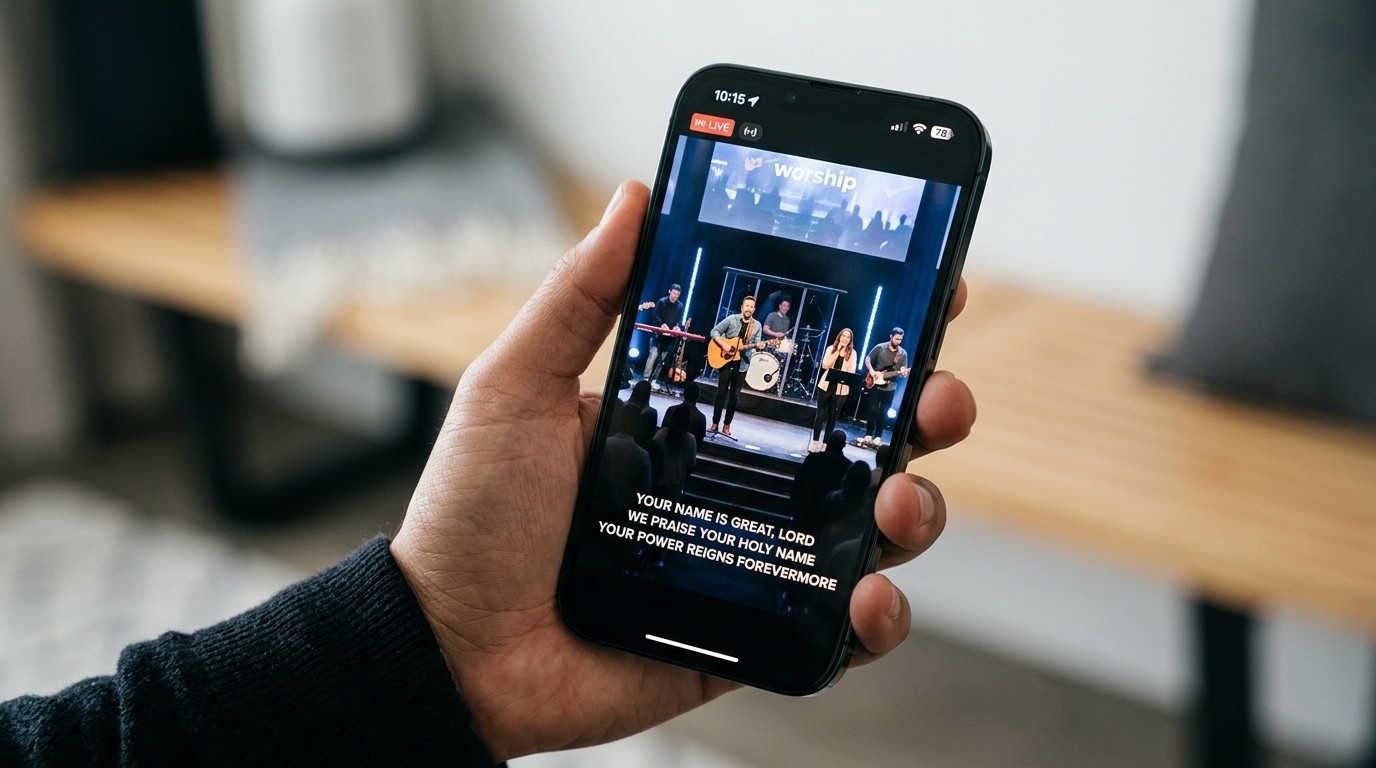
When someone watches your service at home and the worship starts, they want to sing along. If the livestream only shows the band, or a blurry shot of the projector screen, they can’t. Lyrics, scripture, and sermon points on the stream make online viewers participants, not spectators. (See how to engage online church viewers.)
Getting slides and the live video together is one of the most common struggles churches tell us about. Here’s how it works.
The three common ways
1. Film the projector screen (simplest, worst-looking)
Point a camera at the screen in the room and switch to that shot during songs.
- Pros: no extra setup
- Cons: blurry, washed out, hard to read on a phone, and you lose the camera shot of the people
Fine as a starting point, but most churches outgrow it quickly.
2. A second video output from the presentation computer
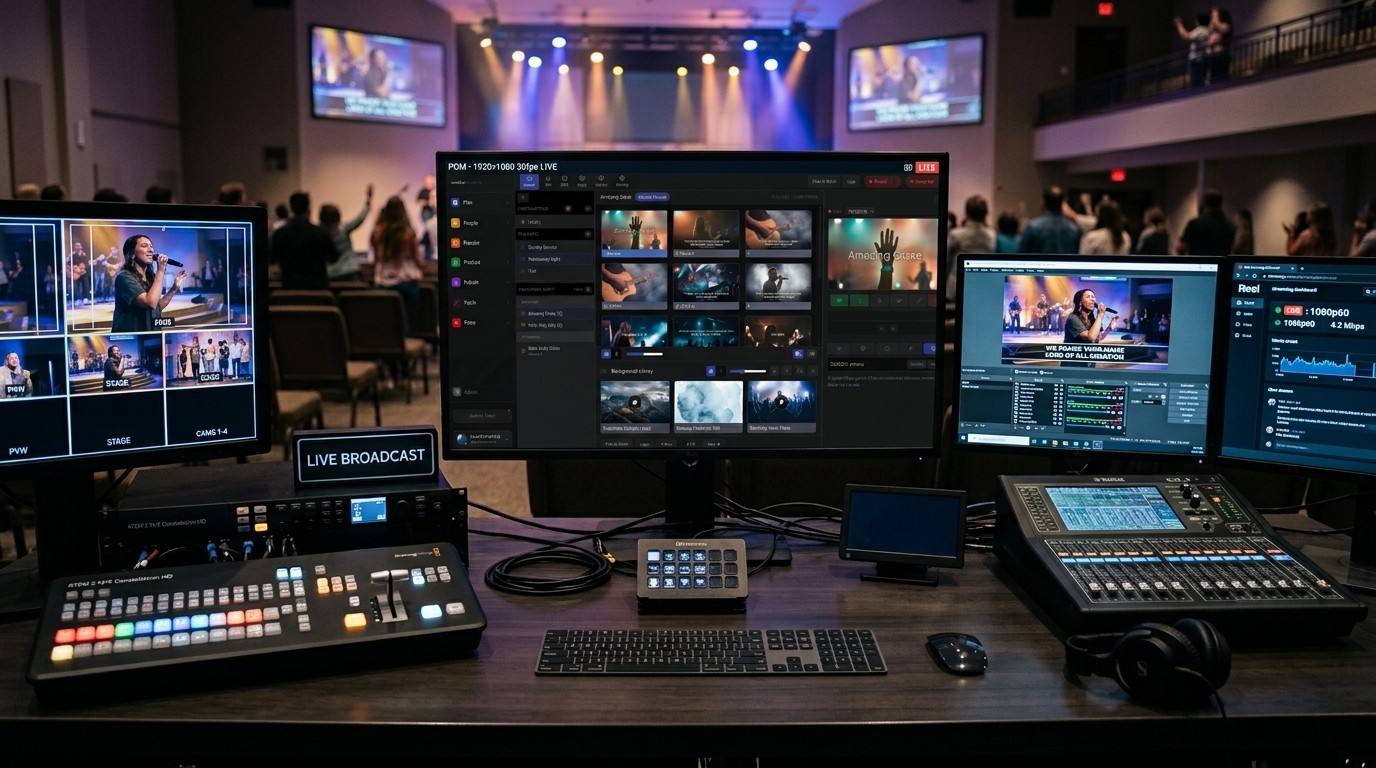
The presentation computer sends a second video signal (often HDMI) into your video switcher or capture card, and the person running the stream switches to it or layers it over the camera.
- Pros: sharp, readable slides
- Cons: needs an extra cable and input, and putting lyrics over the camera shot takes extra setup (often a green background that’s keyed out)
3. A network feed into your streaming software (cleanest)
The presentation software sends its slides over your church’s network as an NDI feed, which streaming software like OBS or vMix picks up like a camera. With a transparent background, lyrics sit cleanly over the camera shot as a lower third.
- Pros: sharp, no extra cables, lyrics over the live shot look professional
- Cons: needs a reasonably capable computer and a good wired network (see network infrastructure for church AV)
Which one fits your church?
| Your situation | Best fit |
|---|---|
| Just starting, one camera, minimal gear | Option 1, but plan to move on |
| You have a video switcher (like an ATEM) | Option 2 |
| You stream with OBS or vMix | Option 3 |
Make it look good on a phone
Most online viewers watch on a phone. Slides designed for a big room screen are often hard to read at that size.
- Use a lower-third layout for lyrics: one or two lines at the bottom, over the camera shot.
- Big, high-contrast text. White text with a soft shadow works over almost anything.
- Fewer words per slide. Two lines is easier to follow than six.
- Keep your brand consistent: the same fonts and colors as your other screens. (See one look everywhere.)
How WorshipMetrics does it
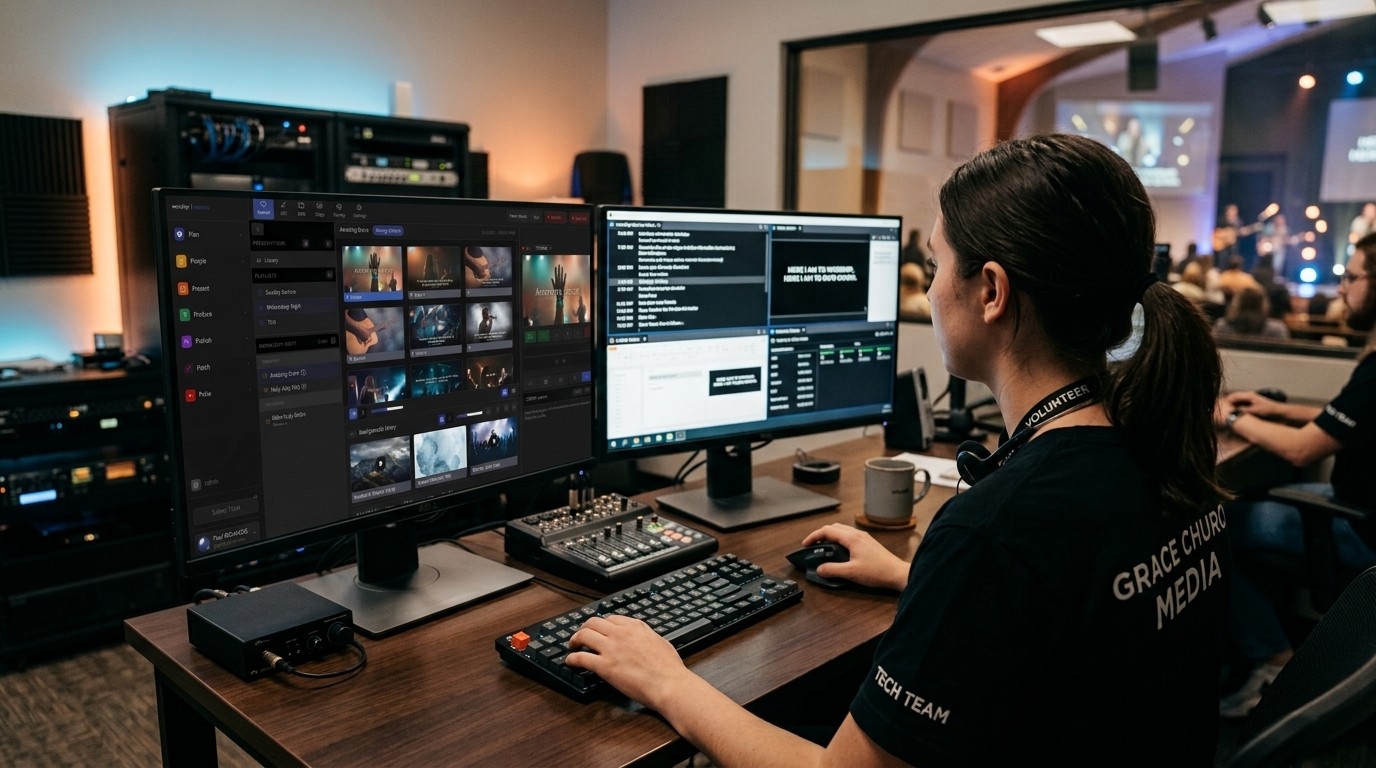
Present, the free presentation tool in WorshipMetrics, builds your lyrics, scripture, and slides from the service plan, so nobody retypes them on Saturday night. To get them into the stream:
- Tech Manager (free, on your streaming computer) publishes a Present output as an NDI source with a true transparent background, so OBS or vMix can place lyrics cleanly over the camera, with no green-screen keying.
- Present includes a Lower-Third lyrics layout and per-church themes with your colors, fonts, and logo, so the stream looks like your church.
- Present can also drive your room screens and stage display from the same service plan. (See multi-screen output from a browser.)
For the technical details of the network feed, see NDI alpha-channel slides.
Need help setting it up?
Call 910-WORSHIP. Journey, our AI phone assistant, answers any hour and brings in a person when you need one. If your whole system feels old and complicated, start with where to start an upgrade.
Using a Blackmagic ATEM? Splitting ATEM Mini jobs for church volunteers. See also lyrics over the camera on an ATEM · ATEM Mini + OBS.
Related questions
- How do we show song lyrics on our church livestream?
- Send your presentation into the streaming software or video switcher. The three common ways are a second video output from the presentation computer, a network (NDI) feed into software like OBS or vMix, or using the projector screen as a camera shot. A clean network feed with lyrics as a lower third usually looks best.
- Why do our slides look bad or blurry on the stream?
- Usually because a camera is filming the projector screen, or the slides are designed for a big screen, not a small phone. Send the slides directly into the stream instead, and use a lower-third lyrics layout with large, high-contrast text.
- Can we show lyrics over the camera shot instead of full-screen slides?
- Yes. That's called a lower-third or keyed lyrics look. It needs a presentation feed with a transparent background, which software like WorshipMetrics Present can send as an NDI source into OBS or vMix.
Our Church AV System Is Old and Complicated. Where Do We Start an Upgrade?
NextWhat Network Does a Church Need for NDI?
Related Articles

Bitfocus Companion + ATEM Mini: A Stream Deck Panel for Your Church Switcher
A Stream Deck running Bitfocus Companion turns a Blackmagic ATEM into plain-word buttons with colors that show what's live, and the same panel can run PTZ cameras, projectors, and more. Here's how to connect Companion to an ATEM and build a volunteer page.

Lyrics Over the Camera on an ATEM Mini: Luma Keys, Chroma Keys, and the Slides Computer
To put song lyrics over the camera shot on a Blackmagic ATEM Mini, feed the slides computer into an ATEM input and key it over the camera. Here's how luma and chroma keys work for lyrics, how to design slides that key cleanly, and who should run it.

ATEM Mini + OBS for Church: Hardware Camera Switching with OBS for Graphics and Streaming
Many churches use an ATEM Mini as a camera switcher and send its output into OBS over USB as a webcam. The ATEM gives volunteers real buttons; OBS adds lyrics, graphics, recording, and streaming. Here's how to set it up, split the jobs, and avoid the common sync and quality problems.