Knowledge that walks out the door
Every church has one: the person who knows why the second camera needs to be power-cycled, which input the pastor’s mic is on, and where the stream key is. When they move, burn out, or simply step back, the church discovers how much of the system lived in their head.
The fix isn’t to keep that person forever. It’s to expect handoff and make it routine. Healthy ministries are built through repetition and handoffs, not permanent dependence on one person.
The handoff checklist
Before anyone leaves a role, whether a volunteer or a tech director, ask for a written handoff that covers:
1. Access
- Every account the role uses: streaming platforms, software licenses, cloud services, device admin pages.
- Stored in the church’s password manager, not a sticky note, a personal phone, or someone’s memory.
- Ownership moved to a church-owned email address, not a personal one.
2. The pre-service checklist
- What they do every Sunday, in order, from arrival to going live.
- Timing: “Cameras on by 8:30, stream started by 9:50.”
3. Common issues and fixes
- The problems that come up regularly and exactly how they fix them.
- “If the projector says ‘no signal,’ check the HDMI extender in the closet first.”
4. The people
- Who they coordinate with each week: worship leader, pastor, audio, the chat host.
- Vendors, installers, and support contacts, with phone numbers.
5. The system
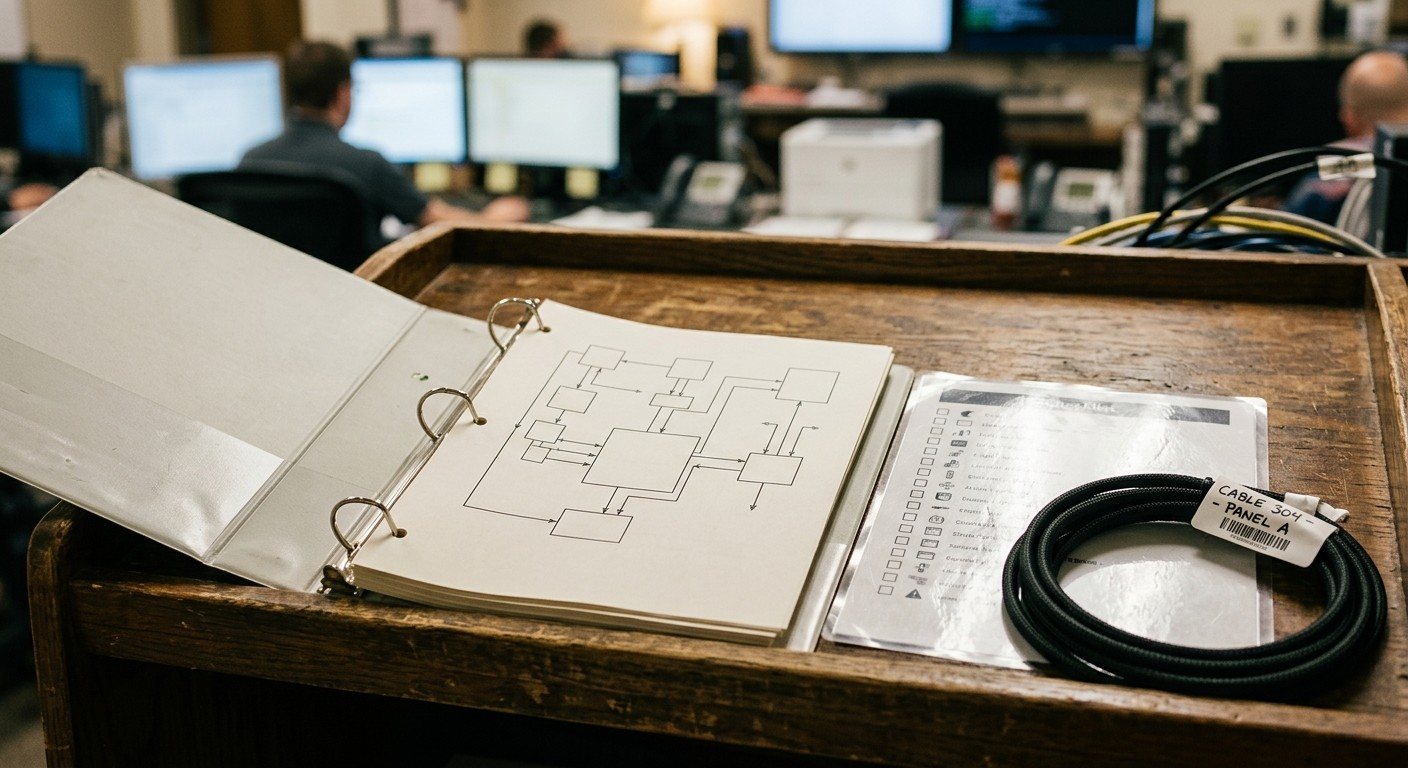
- What’s connected to what: a simple diagram, photos of the rack, and labeled cables. (See a cable labeling system that survives turnover.)
6. “Things I wish I’d known when I started”
- A short, honest note. This is the most valuable part of the handoff and the one most often skipped. Ask for it specifically.
Overlap beats documents
Documents help, but nothing replaces overlap. Aim for at least two Sundays where the new person runs the role while the departing person sits beside them, the same “operate with a safety net” stage from the 90-day onboarding path.
Don’t wait for a resignation
The best handoff document is one that already exists. Keep it current all year, and review it every six months. Then an unexpected move, illness, or burnout isn’t a crisis. (See what happens when your vMix person leaves and the church tech burnout cycle.)
Two habits prevent most handoff emergencies:
- Train two people for every critical seat. If only one person can run the stream, you have a single point of failure.
- Write it where everyone can find it. Not in someone’s notes app.
Let the system document itself
Much of the handoff checklist is information a system can keep for you. In WorshipMetrics, a guided wizard builds a Signal Map of your booth: your devices organized by type and room, with automatic wiring diagrams. When someone new takes over, they start with a picture of the system that lives with the church, not in one person’s head. And Luminos, the WorshipMetrics AI, uses that map, so the new person can ask “why won’t camera two connect?” and get an answer based on your setup. (See AI that knows your wiring.)
Combined with a short written handoff, that’s how Sunday survives the transition.
Related questions
- What should be in a church AV handoff document?
- Where account access is stored (in a password manager, never on a sticky note), the pre-service checklist, common problems and their fixes, the people they coordinate with each week, vendor and support contacts, and a short 'things I wish I'd known when I started' note.
- When should a handoff happen?
- Before the person leaves, ideally with at least two Sundays of overlap where the new person runs the role while the departing person watches. Better still, keep the handoff document current all year so an unexpected departure isn't a crisis.
- How do we avoid depending on one person in the first place?
- Train at least two people for every critical seat, document the system where everyone can find it, and keep account access in a shared church password manager. Every role should be one the church could fill next month if it had to.
Safeguarding Students in Church Tech: The Non-Negotiables Checklist
NextThe 90-Day Onboarding Path for Church AV Volunteers
Related Articles

Making a Complicated Church AV System Easy to Run, Without Hiring an AV Company
Many church AV systems aren't too old or too small. They're too complicated for a volunteer. A simple button panel built with Bitfocus Companion can hide that complexity behind plain-word buttons, and a church can often build it themselves. Here's when that works, when to call a professional, and how to start.

Your Church Livestream Team, Connected Even When They're Not at Church
A three-person livestream team only works if everyone shares the same plan, the same wiring diagram, and the same news when something breaks. Here's how WorshipMetrics connects the director, slides, and camera volunteers through the week: chat, alerts, documentation, AI help, scheduling, and cloud control for OBS and vMix.

The Three-Person Church Livestream Team: Director, Slides, and Cameras
A church livestream runs best with three clear jobs: a director on OBS or vMix, a slides operator, and a camera operator. Here's what each role does before, during, and after the service, what skills it takes, and how the three talk to each other.