Real responsibility needs a real safety layer
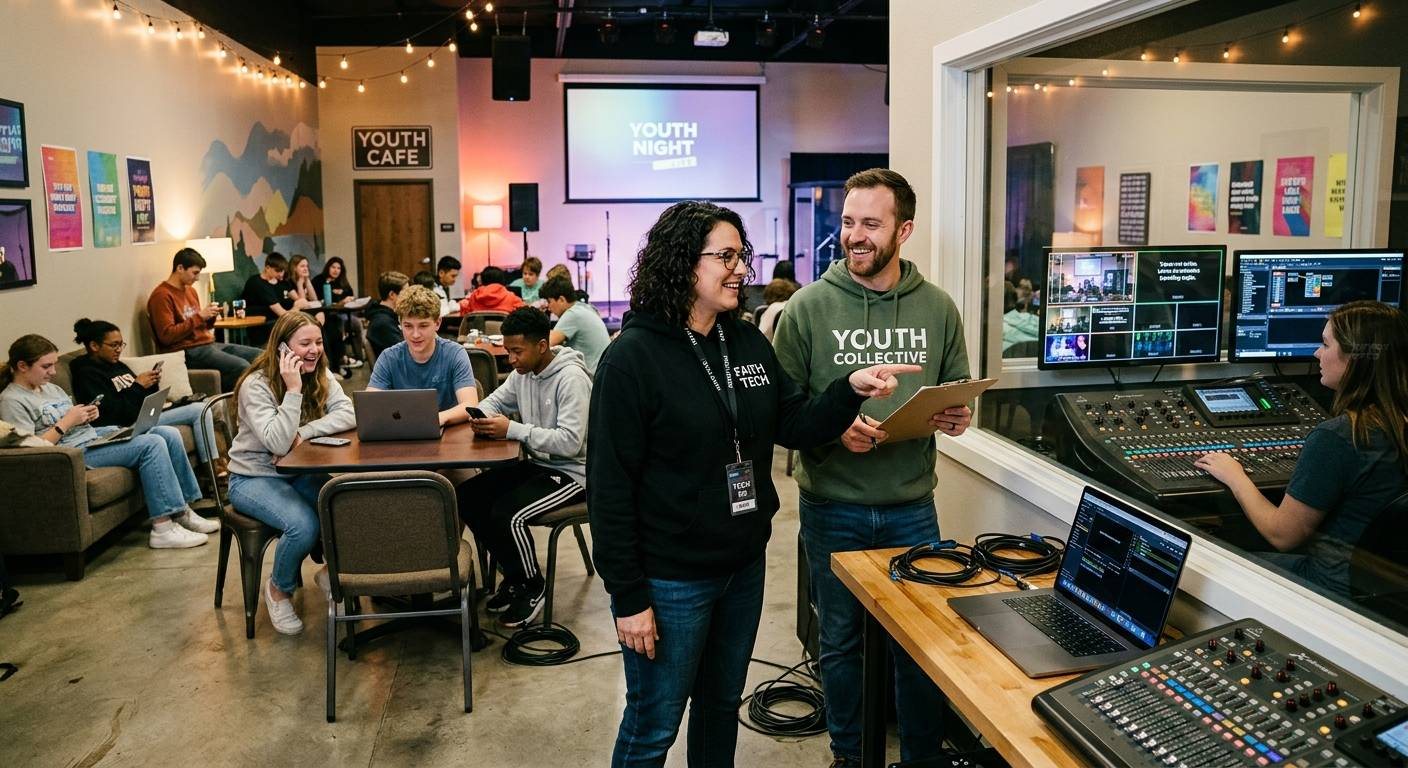
Putting students in the booth gives them real responsibility, mentors who know their names, and a reason to stay connected after graduation. It also puts minors and adults together in small rooms, late rehearsals, and group chats. That’s exactly why safeguarding can’t be added later.
These policies can feel heavy until you notice who they protect: the students, the volunteers, and the church, all at once. A mentor who follows the two-adult rule is never put in a position where their integrity can be questioned.
This checklist is a starting point, not legal advice. Your church, denomination, or insurer likely has its own policies. Use whichever is stricter, and have leadership approve the final version.
The non-negotiables
1. The two-adult rule
No student is ever alone with a single adult: not in the booth, not in a storage room, not during an editing session, not in a car. If only one adult is available, the session moves to an open space or waits.
2. Background checks for every adult mentor
Every adult who serves with students gets a background check before they start, renewed on a regular schedule (annually is common). That includes the experienced volunteer everyone already trusts.
3. Signed parental consent
Before a student serves for the first time, a parent or guardian signs a consent form. It covers the role, the schedule, the supervision, photo and video policies, and how to contact leaders.
4. A communication policy
Adults don’t send private messages to students. Communication goes through a parent or a group thread that includes other leaders. This applies everywhere: texts, social media, and online spaces like a church Discord or team chat.
5. A reporting path everyone knows
Every mentor and every student knows who to tell if something feels wrong, and that they can report without getting in trouble. Post it in the booth. Repeat it at the start of each semester.
Practical additions for the booth
- Keep the booth visible. Glass, an open door, or a booth in the room is better than a closed-off back room.
- Set sign-in and pickup times for rehearsals and evening sessions, and share them with parents.
- Separate students from sensitive information. Students running the stream shouldn’t be the ones receiving private prayer requests or crisis messages. Those go to trained adults. (See the chat host guide.)
- Mind the camera. Have a clear policy on filming people, especially children, and train students to follow it.
- Get consent before publishing anyone’s story or face in a feature video, and a parent’s or guardian’s consent for anyone under 18. (See testimony videos.)
Safer by design
Part of keeping students safe is making sure they’re never stuck alone with a problem. In WorshipMetrics, a mentor can watch a student’s controls live from anywhere and help without being in the room, and routine failures like a stopped stream are flagged instantly with a one-tap restart. The full case for students running Sunday is in can students safely run a church livestream?.
Put it in the launch plan
If you’re starting an AV Club, make this checklist part of the proposal, not a follow-up. Leadership and parents will ask about it, and having it ready shows you’ve thought it through. The one-page AV Club proposal is a good place to start.
Related questions
- What safeguarding policies does a church need for student AV volunteers?
- At minimum: the two-adult rule (no student alone with a single adult), background checks for every adult mentor renewed on a regular schedule, signed parental consent before serving, a communication policy that keeps adult-student messages in group threads or through parents, and a reporting path every mentor and student knows.
- Can an adult mentor text a student volunteer directly?
- Under most church safeguarding policies, no. Communication should go through a parent or a group thread that includes other leaders. Check your church's or denomination's policy, and follow the stricter rule if they differ.
- Do safeguarding rules apply to online spaces like Discord or team chat?
- Yes. The same rules apply: no private messages between adults and minors, group channels that include other leaders, and clear moderation. Write that into your policy explicitly.
Online Prayer Requests: The Workflow That Shows Whether Your Online Ministry Is Real
NextThe Church AV Handoff Checklist: Before Anyone Leaves a Role
Related Articles

Making a Complicated Church AV System Easy to Run, Without Hiring an AV Company
Many church AV systems aren't too old or too small. They're too complicated for a volunteer. A simple button panel built with Bitfocus Companion can hide that complexity behind plain-word buttons, and a church can often build it themselves. Here's when that works, when to call a professional, and how to start.

Your Church Livestream Team, Connected Even When They're Not at Church
A three-person livestream team only works if everyone shares the same plan, the same wiring diagram, and the same news when something breaks. Here's how WorshipMetrics connects the director, slides, and camera volunteers through the week: chat, alerts, documentation, AI help, scheduling, and cloud control for OBS and vMix.

The Three-Person Church Livestream Team: Director, Slides, and Cameras
A church livestream runs best with three clear jobs: a director on OBS or vMix, a slides operator, and a camera operator. Here's what each role does before, during, and after the service, what skills it takes, and how the three talk to each other.