The invitation is the easy part
Almost every church stream says something like “if you need prayer, let us know.” Far fewer can answer the next question honestly: what happens to the request after someone sends it?
Sometimes it lands in a general inbox that’s checked on Tuesdays. Sometimes it scrolls away in a public chat. Sometimes it reaches a staff member who’s on vacation. The person who sent it doesn’t see any of that. They only see that nobody answered.
That’s why prayer is the best test of an online ministry. A prayer request is personal and costs the person something to send. If the system around it works, the ministry is real. If it doesn’t, no amount of production quality will make up for it.
The end-to-end workflow
Here is the whole path, from the invitation on screen to the follow-up a week later. Every step needs an owner.
1. Invite it clearly. Use one short link or QR code that appears in the welcome loop, in a lower third before the sermon, in the chat, and on the end screen. Use the same link every week so regular viewers learn it.
2. Receive it in one place. Pick a single destination, usually a simple form, and send every request there, including ones that arrive in chat or by social media message. One place means nothing gets lost between inboxes.
3. Ask two questions on the form.
- “Would you like someone to contact you?” (and how: email, text, or call)
- “Who may see this request?” (pastors only, or the prayer team too)
4. Acknowledge it the same day. A named person, the first responder, replies personally, ideally during or right after the service. Two warm sentences are enough: “Thank you for trusting us with this, [name]. I prayed for you this morning, and someone from our pastoral team will be in touch this week.”
5. Move it from public to private. If a request comes in through public chat, the chat host thanks the person briefly in public, then moves to a private message or points them to the form. Never discuss details in public.
6. Follow up personally. A pastor or trained prayer team member follows up within the week if the person asked for it. Note that it happened.
7. Close the loop. Weeks later, a short check-in (“We’ve kept praying for you. How are things?”) is often the moment an anonymous viewer becomes someone the church knows. More on that in from anonymous to known.
Test it before you trust it
Before you invite real requests, send a test one with an obviously fake name. Then check:
- Did it arrive where you expected?
- Who saw it, and how quickly?
- Did anyone reply, and did the reply sound like a person?
If any answer is uncertain, that’s where the work should start. Run the test again every quarter, and include it in your pathway audit.
Privacy and care
Prayer requests can include health details, family conflict, and other sensitive information. A few rules protect the people who trust you with them:
- Limit access. Only the people responding should see requests. Don’t forward them to large group chats.
- Honor the sharing choice the person made on the form.
- Keep requests out of public channels, including social media comments and public Discord channels.
- Don’t keep more than you need. Decide how long requests are kept, and delete them after that.
- Have an escalation path for anything that suggests someone is in danger. The chat host guide covers it, including the 988 Suicide and Crisis Lifeline in the US.
Automation can support care. It can’t be the care.
An automatic “we received your request” email is fine as a receipt. It doesn’t count as a response. The person needs to hear from a human with a name. Use tools to make sure nothing gets missed: a reminder, a shared list, a follow-up status. Keep the reply itself personal.
Where WorshipMetrics fits
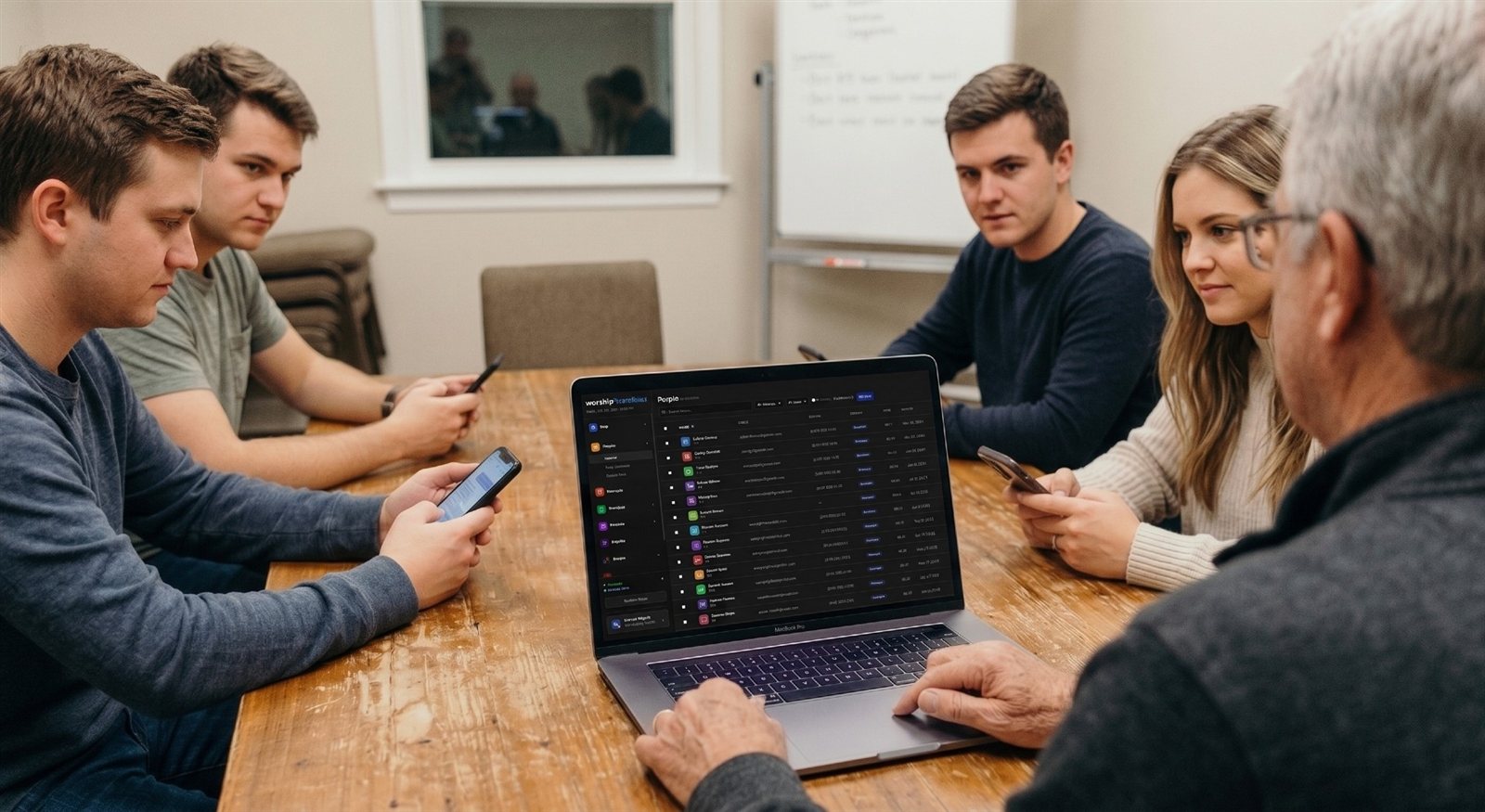
Prayer follow-up works best when it’s connected to the person, not floating in an inbox. In WorshipMetrics People, guests and members live in one directory with their contact details and household, and QR check-in matches returning faces automatically. So when an online viewer finally visits, they’re already a person in your directory, not a stranger. Read more about connecting guest follow-up for online and in-person visitors.
If you’re the pastor, the volunteer, or the tech director
Pastor: own the promise. If the stream invites prayer, make sure a named person answers every request, every week, including when you’re away.
Volunteer: if you’re the first responder, reply the same day. Short and warm beats long and late.
Tech director: make the link impossible to miss and impossible to break. Check it every Sunday, the same way you check the stream key.
Print it: the free Online Ministry Checklist puts this and the rest of the weekly online routine on one page for your team.
Related questions
- How should a church handle prayer requests from online viewers?
- Decide one place where requests are received, name who responds first and how fast, move anything personal out of public chat, and record that each request got a reply. Then test it with a fake request before you invite real ones.
- How fast should a church respond to an online prayer request?
- Acknowledge it the same day, ideally during or right after the service, and follow up personally within the week. A quick, short, human reply matters more than a long, polished one.
- Should prayer requests be shared with the whole prayer team?
- Only with permission. Ask on the form whether the person wants the request kept with pastors only or shared with the prayer team, and respect the answer. Keep requests out of public channels and limit who can see them.
From Anonymous to Known: A Four-Step Follow-Up System for Online Church Visitors
NextSafeguarding Students in Church Tech: The Non-Negotiables Checklist
Related Articles

Making a Complicated Church AV System Easy to Run, Without Hiring an AV Company
Many church AV systems aren't too old or too small. They're too complicated for a volunteer. A simple button panel built with Bitfocus Companion can hide that complexity behind plain-word buttons, and a church can often build it themselves. Here's when that works, when to call a professional, and how to start.

Your Church Livestream Team, Connected Even When They're Not at Church
A three-person livestream team only works if everyone shares the same plan, the same wiring diagram, and the same news when something breaks. Here's how WorshipMetrics connects the director, slides, and camera volunteers through the week: chat, alerts, documentation, AI help, scheduling, and cloud control for OBS and vMix.

The Three-Person Church Livestream Team: Director, Slides, and Cameras
A church livestream runs best with three clear jobs: a director on OBS or vMix, a slides operator, and a camera operator. Here's what each role does before, during, and after the service, what skills it takes, and how the three talk to each other.