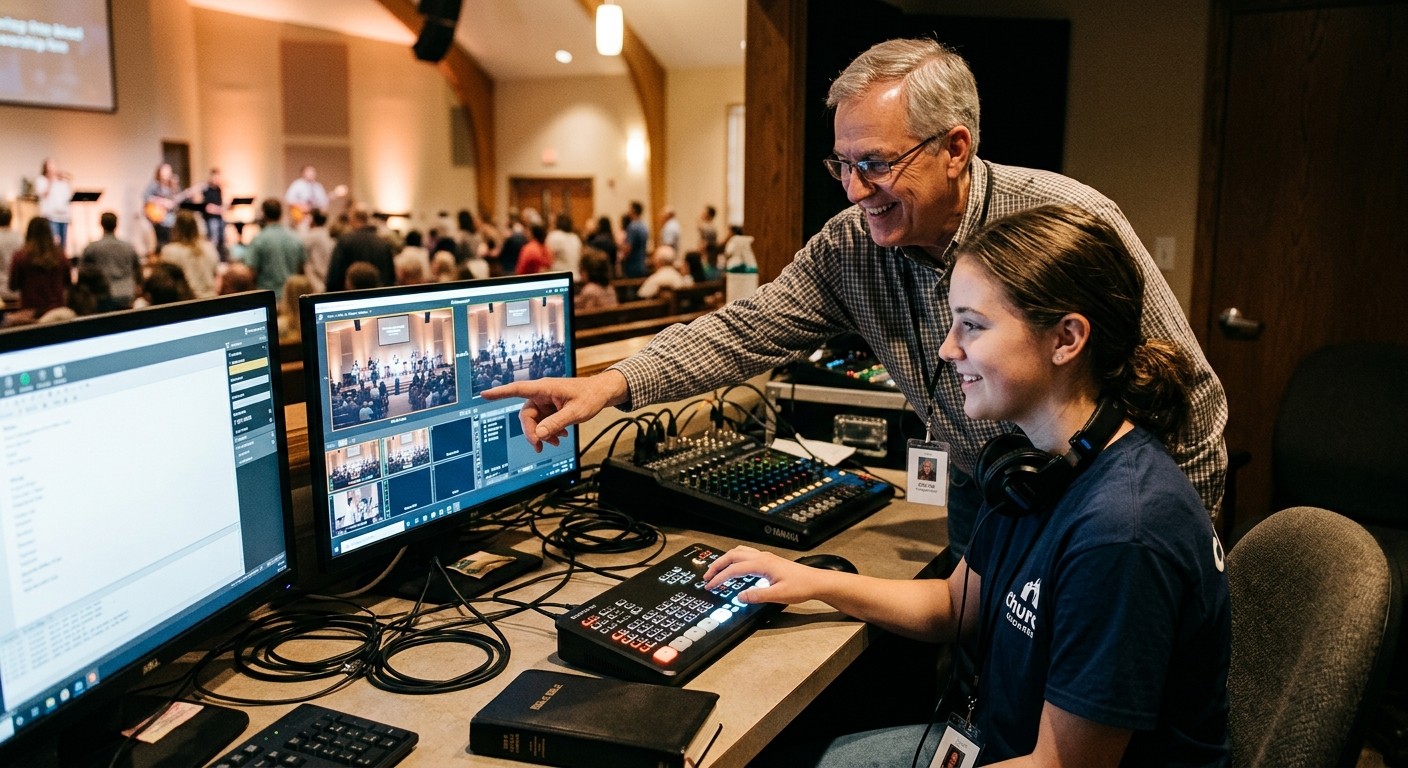
“Just sit with me once”
Most church AV training goes like this: a new volunteer sits beside the tech director for one Sunday, watches a lot of buttons get pressed, and is handed the seat the next week. Some people survive it. Many quietly stop signing up after a stressful Sunday or two.
The problem isn’t the volunteer. It’s that there’s no path. A predictable 90-day onboarding arc gives new volunteers time to learn, gives trainers a plan, and protects Sunday while someone is learning.
The four stages
| Weeks | Stage | What the new volunteer does |
|---|---|---|
| 1–2 | Shadow | Sits beside the current operator and watches. No responsibility. Asks questions after the service. |
| 3–4 | Assist | Handles one small task, like a few slides or one camera move, while the operator supervises. |
| 5–8 | Operate with a safety net | Runs the whole role, with an experienced operator sitting beside them ready to step in. |
| 9–12 | Run solo | Runs the role independently, with a quick check-in before and after the service. |
At the end of week 12, they’re ready to serve on their own. Not long after, they’re ready to start training the next person.
If someone can’t solo by week 12
If a volunteer can’t run the role on their own after twelve weeks, the problem usually isn’t the volunteer. Look at:
- The role. Is it too complex? Could it be split into two seats?
- The training. Was it informal? Are the steps written down anywhere?
- The fit. Would this person thrive in a different seat? Someone who freezes on cameras may be excellent as a chat host.
That diagnosis matters. A volunteer who feels they “failed” tech training rarely comes back. A volunteer who’s moved to a better-fitting seat often stays for years.
Make each stage concrete
Shadow (weeks 1–2)
- Give them the role card on day one.
- Include them in the story huddle, so they learn why, not just how.
- After each service, answer their questions for ten minutes.
Assist (weeks 3–4)
- Pick one task they can own completely.
- Praise what went right before correcting what went wrong.
Operate with a safety net (weeks 5–8)
- The trainer keeps their hands off the controls unless something is about to go wrong on screen.
- Review one thing after each service: a cut, a slide, a mix decision.
Run solo (weeks 9–12)
- A five-minute check-in before the service (“anything unusual today?”) and after (“how did it feel?”).
- Mark the milestone. Tell the team and the church when someone starts serving on their own.
Make learning safer
New volunteers learn faster when mistakes aren’t scary. WorshipMetrics helps here:
- Trainers can watch from anywhere. A mentor can see the operator’s actual controls live and step in remotely. (See multiple operators on one system.)
- Routine failures get caught. If the stream or recording stops, the team is alerted right away, with a one-tap restart offered.
- Practice runs are separate. Test runs let new volunteers practice without affecting your real service history.
- Seats get scheduled properly. With volunteer scheduling, put the trainee and the trainer on the same service a month ahead, so shadow weeks are planned, not improvised.
Write it down once
The 90-day path only works if each role’s steps are written somewhere a new volunteer can find them. Start with one role, usually lyrics or camera, and write the checklist the current operator follows. That document becomes both the training guide and the handoff checklist when that operator eventually moves on.
For more on the training itself, see training volunteer AV teams and how to train volunteers on OBS.
Keep the culture healthy: see excellence without perfectionism in church media.
Related questions
- How long does it take to train a church AV volunteer?
- Plan on about 90 days for most roles: two weeks shadowing, two weeks assisting, four weeks operating with someone beside them, and four weeks running solo with check-ins. Simple seats like lyrics may go faster; directing and stream coordination usually take longer.
- What if a volunteer can't run their role alone after 12 weeks?
- Usually the problem isn't the volunteer. The role may be too complex, the training too informal, or the person may be better suited to a different seat. Simplify the role, write down the steps, or try another role.
- Can students follow the same onboarding path?
- Yes. The same four stages work well for students, with an adult mentor in the same role and your church's safeguarding policies in place.
The Church AV Handoff Checklist: Before Anyone Leaves a Role
NextA Shared Shot Vocabulary for Church Camera Teams (and How to Cut With the Story)
Related Articles

Making a Complicated Church AV System Easy to Run, Without Hiring an AV Company
Many church AV systems aren't too old or too small. They're too complicated for a volunteer. A simple button panel built with Bitfocus Companion can hide that complexity behind plain-word buttons, and a church can often build it themselves. Here's when that works, when to call a professional, and how to start.

Your Church Livestream Team, Connected Even When They're Not at Church
A three-person livestream team only works if everyone shares the same plan, the same wiring diagram, and the same news when something breaks. Here's how WorshipMetrics connects the director, slides, and camera volunteers through the week: chat, alerts, documentation, AI help, scheduling, and cloud control for OBS and vMix.

The Three-Person Church Livestream Team: Director, Slides, and Cameras
A church livestream runs best with three clear jobs: a director on OBS or vMix, a slides operator, and a camera operator. Here's what each role does before, during, and after the service, what skills it takes, and how the three talk to each other.