A team needs a common language
When the director says “give me something wider” and the camera operator hears “zoom out a little,” the shot that ends up on screen is a guess. Multiply that by every cut in a service and the stream feels unsettled, even if no one can say why.
A shared shot vocabulary fixes this. It gives the whole team the same words for the same pictures, so the director can call shots quickly and new operators can learn faster.
The four shots every operator should know
| Shot | What it shows | When to use it |
|---|---|---|
| Wide | The whole room: stage and congregation | Openings, transitions, the benediction, big moments of worship |
| Medium | Speaker or worship leader from about the waist up | Most of the sermon and most songs |
| Close-up | Face and expression | Emotional moments, key sentences, prayer |
| Reaction / cutaway | The congregation responding | Songs people know by heart, laughter, “amen” moments |
That’s enough for most churches. Teach these four before adding anything else.
The reaction shot is the one churches use least and online viewers miss most. It shows people at home that they’re watching a church, not a stage. (See how to engage online viewers.) Follow your church’s filming policy, favor wide reaction shots over individual close-ups, and keep children’s areas off camera.
Name presets by purpose, not position
With PTZ cameras, presets are your shot vocabulary in hardware form. Name them for what they’re for:
Preset 1→ Room WidePreset 4→ Pastor MediumPreset 7→ Congregation ResponsePreset 9→ Baptism Close
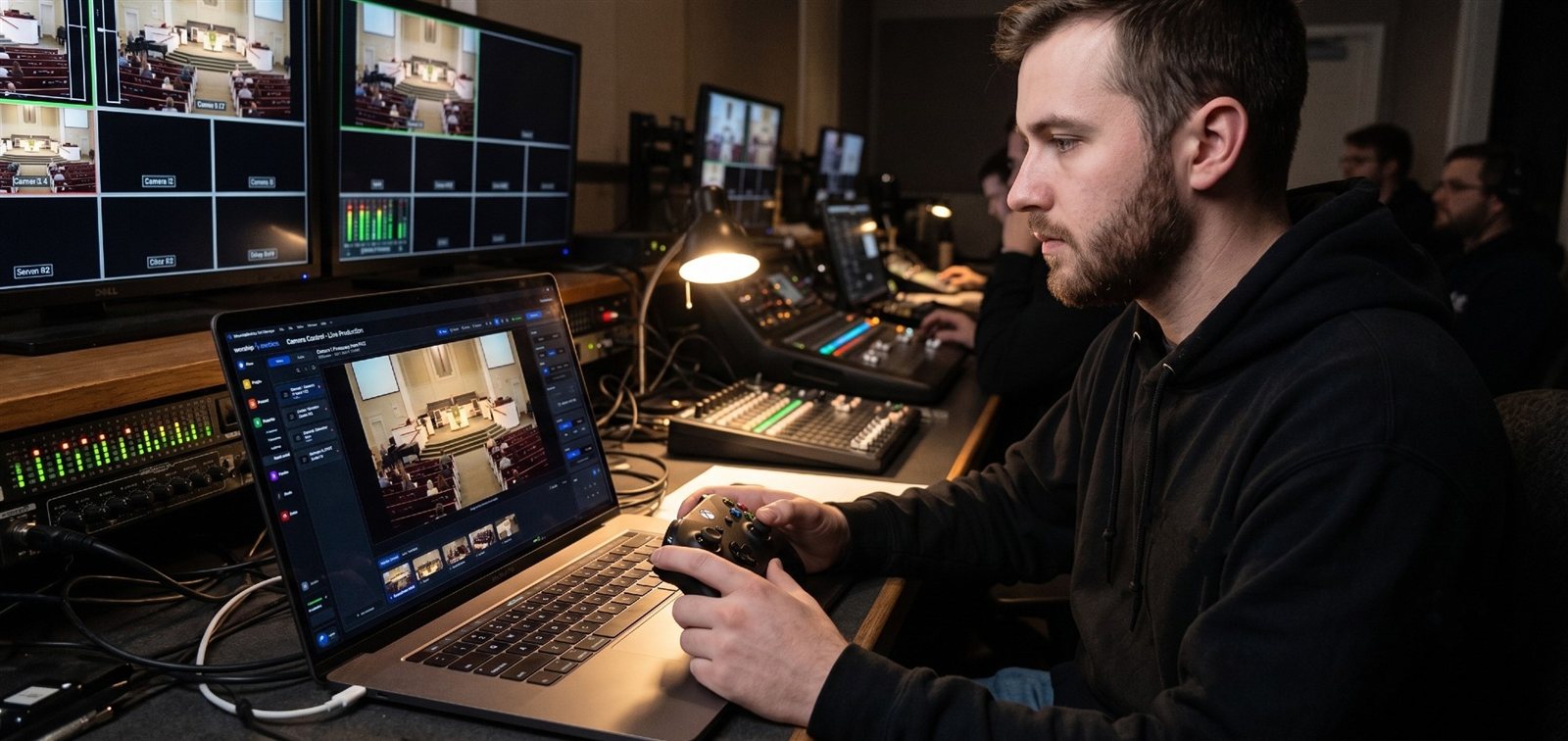
“Congregation Response” tells a new operator far more than “Preset 7.” In WorshipMetrics Camera Control, each preset tile shows a still of the actual shot instead of a number, so a new volunteer can see which framing they’re about to recall before they press it.
Five rules for cutting with the story
- Cut on the musical phrase, not in the middle of a lyric line.
- Stay on the speaker through the key sentence of a point. Cut after it lands, not during it.
- Hold on faces during emotional moments. The urge to cut away is usually the wrong one.
- Use the wide shot at transitions: the start of worship, the move to the sermon, the benediction.
- When in doubt, stay put. A steady shot rarely hurts the story. A nervous cut often does.
These rules work best when the team knows the story before the service starts. That’s what the five-minute story huddle is for.
Mark moments live for your clipper
The fastest way to better clips is to catch moments as they happen. Assign someone, often the director or a student learning the role, to log timestamps during the service with a few words about each moment:
38:12, the brother story 52:40, baptism, wide reaction 1:04:15, closing line, “nobody is too far gone”
A shared note on a phone works fine. Hand the log to your clipper on Monday, and they’ll find the story in minutes instead of hours. WorshipMetrics also suggests strong sermon moments with AI, so the human log and the AI shortlist can be checked against each other.
Train it in one session
Teach the vocabulary in one 30-minute session:
- Show each of the four shots on the actual cameras.
- Walk through the preset names together.
- Play back a recent service and pause at each cut: did it follow the rules?
- Have each operator call a few shots while someone else runs the camera.
Then add it to the camera operator role card and the 90-day onboarding path.
Related questions
- What camera shots should a church live stream use?
- Four cover almost everything: a wide shot that shows the whole room, a medium shot of the speaker or worship leader from about the waist up, a close-up for emotional moments, and a reaction or cutaway shot of the congregation responding.
- How should we name PTZ camera presets?
- By their story purpose, not their position. 'Congregation Response' or 'Pastor Medium' tells a new operator far more than 'Preset 7.' Clear names make training faster and mistakes rarer.
- When should a church director cut between cameras?
- Cut on the musical phrase rather than mid-lyric, stay on the speaker until a key sentence lands, hold on faces during emotional moments, use the wide shot at transitions, and when in doubt, stay put. A steady shot rarely hurts the story; a nervous cut often does.
The 90-Day Onboarding Path for Church AV Volunteers
NextHow Many Touches Before Someone Visits Your Church? Building a Touchpoint Map
Related Articles

Bitfocus Companion + ATEM Mini: A Stream Deck Panel for Your Church Switcher
A Stream Deck running Bitfocus Companion turns a Blackmagic ATEM into plain-word buttons with colors that show what's live, and the same panel can run PTZ cameras, projectors, and more. Here's how to connect Companion to an ATEM and build a volunteer page.

Lyrics Over the Camera on an ATEM Mini: Luma Keys, Chroma Keys, and the Slides Computer
To put song lyrics over the camera shot on a Blackmagic ATEM Mini, feed the slides computer into an ATEM input and key it over the camera. Here's how luma and chroma keys work for lyrics, how to design slides that key cleanly, and who should run it.

ATEM Mini + OBS for Church: Hardware Camera Switching with OBS for Graphics and Streaming
Many churches use an ATEM Mini as a camera switcher and send its output into OBS over USB as a webcam. The ATEM gives volunteers real buttons; OBS adds lyrics, graphics, recording, and streaming. Here's how to set it up, split the jobs, and avoid the common sync and quality problems.