Introduction
PTZ cameras can reduce staffing pressure and improve shot consistency, but only if they are positioned well and managed with discipline. Bad PTZ placement creates complicated workarounds that no amount of presets can fix.
For many congregations, PTZ cameras are attractive because they promise remote control, simpler operation, and fewer volunteers needed in the room. Those are real advantages, but they only show up when the camera plan matches the service plan.
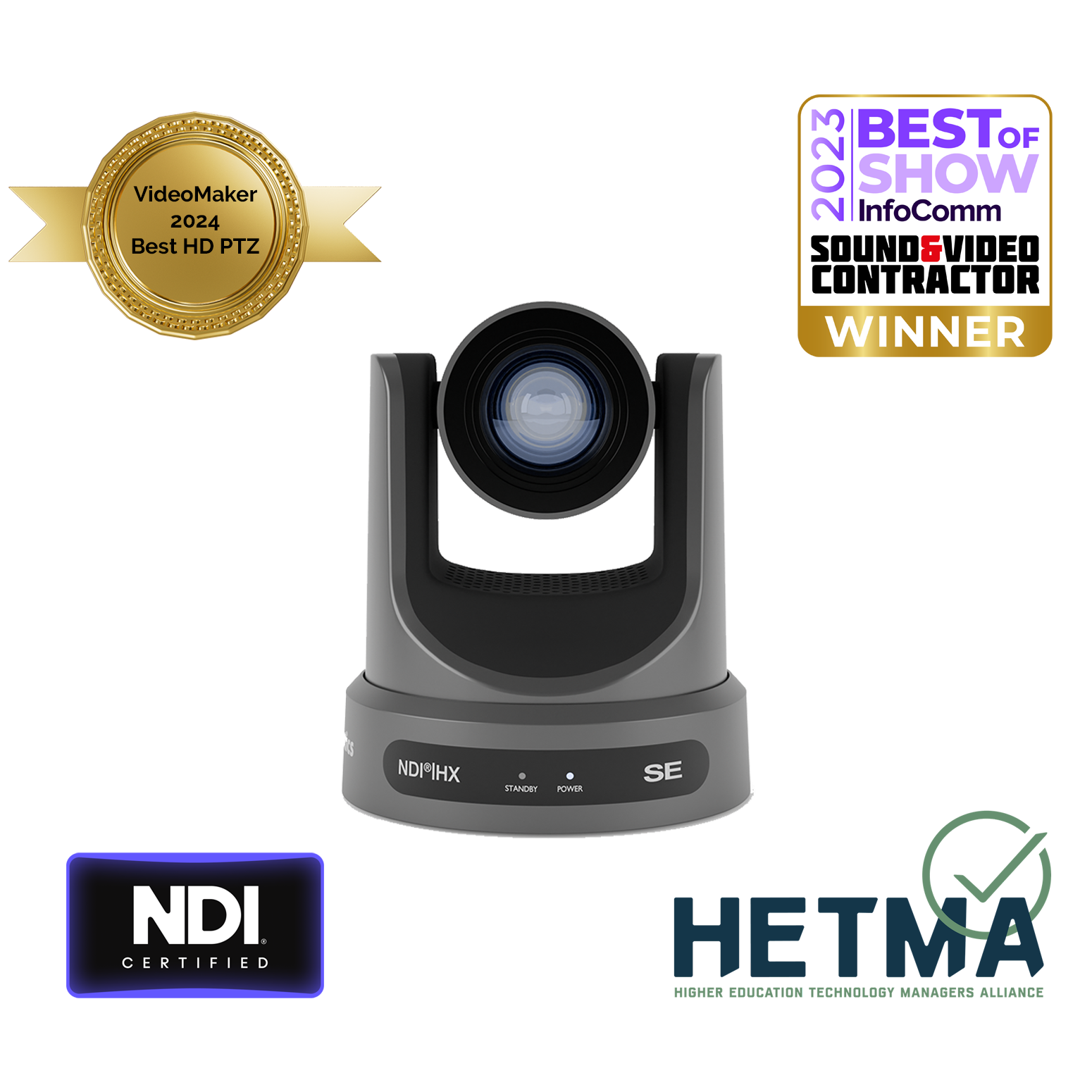
Start with Coverage, Not Features
Think first about what each camera needs to see: pulpit, congregation, worship team, choir, baptistry, or stage-wide framing. Coverage matters more than how many presets the camera supports.
Before mounting anything, answer these questions:
- What moments matter most during the service?
- Which positions must stay visible even when people move?
- What framing will online viewers actually need?
- What shot can function as the safe fallback when everything else gets busy?
The best PTZ system is rarely the one with the most cameras. It is the one with the clearest role for each camera.
Build a Reliable Network Path
Remote control only works when the network path is predictable. Assign clean IPs, document ports, confirm ONVIF support, and avoid ad hoc switch changes the week before a major event.
PTZ systems depend on more than video quality. They depend on:
- stable switching
- known IP addresses
- clear control paths
- adequate PoE where required
- network documentation that survives turnover
If the camera can be controlled only when one specific volunteer remembers the setup, the system is still fragile.
Standardize Your Presets
Presets should be named for ministry moments, not for whoever created them. Wide, Pulpit, Choir, and Band Left are more useful than preset names only one operator understands.
Useful preset systems usually include:
- a neutral wide shot
- a primary speaker preset
- worship team coverage presets
- congregation or response moments
- backup presets for transitions or troubleshooting
Once those presets are established, the operator can think in ministry moments instead of raw camera numbers.
Plan for Remote Operation
If remote control is part of the goal, decide who can move cameras, from where, and under what conditions. Remote access should reduce panic, not create competing operators.
This is especially important if multiple people can control the same cameras. Decide in advance:
- who has authority to move cameras during service
- who can access presets remotely
- whether remote control is for emergency support or routine operation
- how changes are documented when presets move or expand
Without these boundaries, remote control can create confusion instead of flexibility.
Test Movement During a Real Service Pattern
A PTZ setup should be tested during actual worship flow, not just in an empty room. Crowd movement, stage lighting, and timing all affect how usable the system feels live.
A camera that looks great on a quiet weekday may struggle with:
- stage haze or changing light levels
- quick movement between worship and teaching
- volunteers switching too late under pressure
- online framing that feels disconnected from the room
The real test is not whether the camera moves. It is whether the camera supports the service without becoming a distraction.
Document the Physical Reality
Remote control is only one part of long-term success. Document the physical mounting point, cable path, power source, network path, and intended use of each camera while the install is still fresh.
That documentation matters when:
- a volunteer leaves
- firmware changes introduce problems
- another staff member needs to troubleshoot remotely
- one preset no longer works because the room changed
PTZ systems stay stable when the physical and digital setup are treated as one documented system.
Conclusion
PTZ cameras become a real ministry advantage when coverage, naming, control, and documentation are planned as part of the service rather than added on afterward.
Good PTZ deployment is not mostly about motors or presets. It is about giving your team predictable shots, clear responsibilities, and one less thing to panic about on Sunday.
Make the booth easier to run: How to make your church livestream easier for volunteers: the three-seat setup. See also adding a camera operator to your OBS stream · adding a camera operator to your vMix production.
One button panel for the whole booth: Bitfocus Companion for churches: one button panel for your whole AV system. See also controlling projectors, PTZ cameras, and sound boards · a touch control panel with an Android tablet.
Clipping Sermons for Social Media: Reels, Shorts & TikTok Workflow
NextHow to Simultaneously Stream to YouTube, Facebook & More
Related Articles
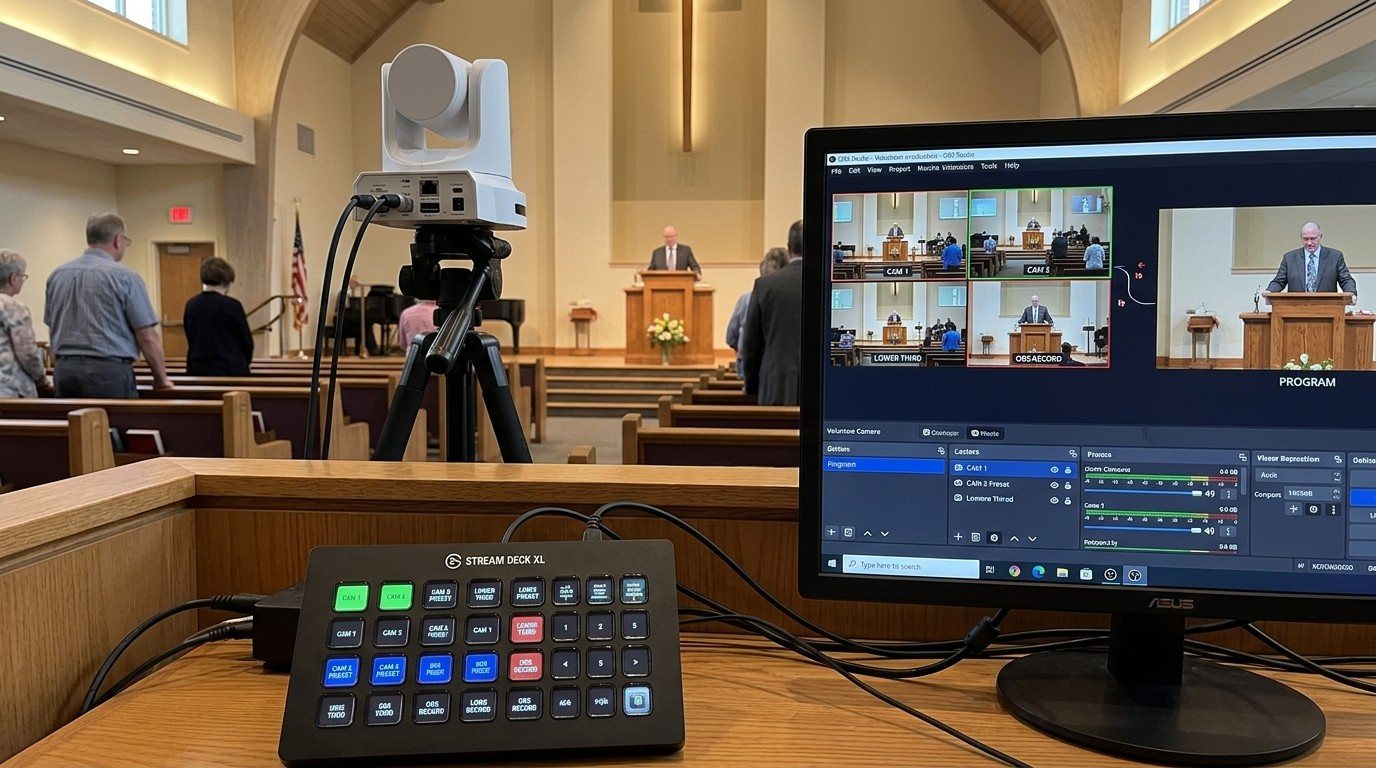
Controlling Projectors, PTZ Cameras, and Sound Boards with Bitfocus Companion
Bitfocus Companion can control far more than OBS and vMix. Projectors over PJLink, PTZ cameras over VISCA, digital sound boards over the network, and almost anything else with an IP address. Here's how churches connect the rest of the room, and how to plan a 'Start Service' button that does it all.
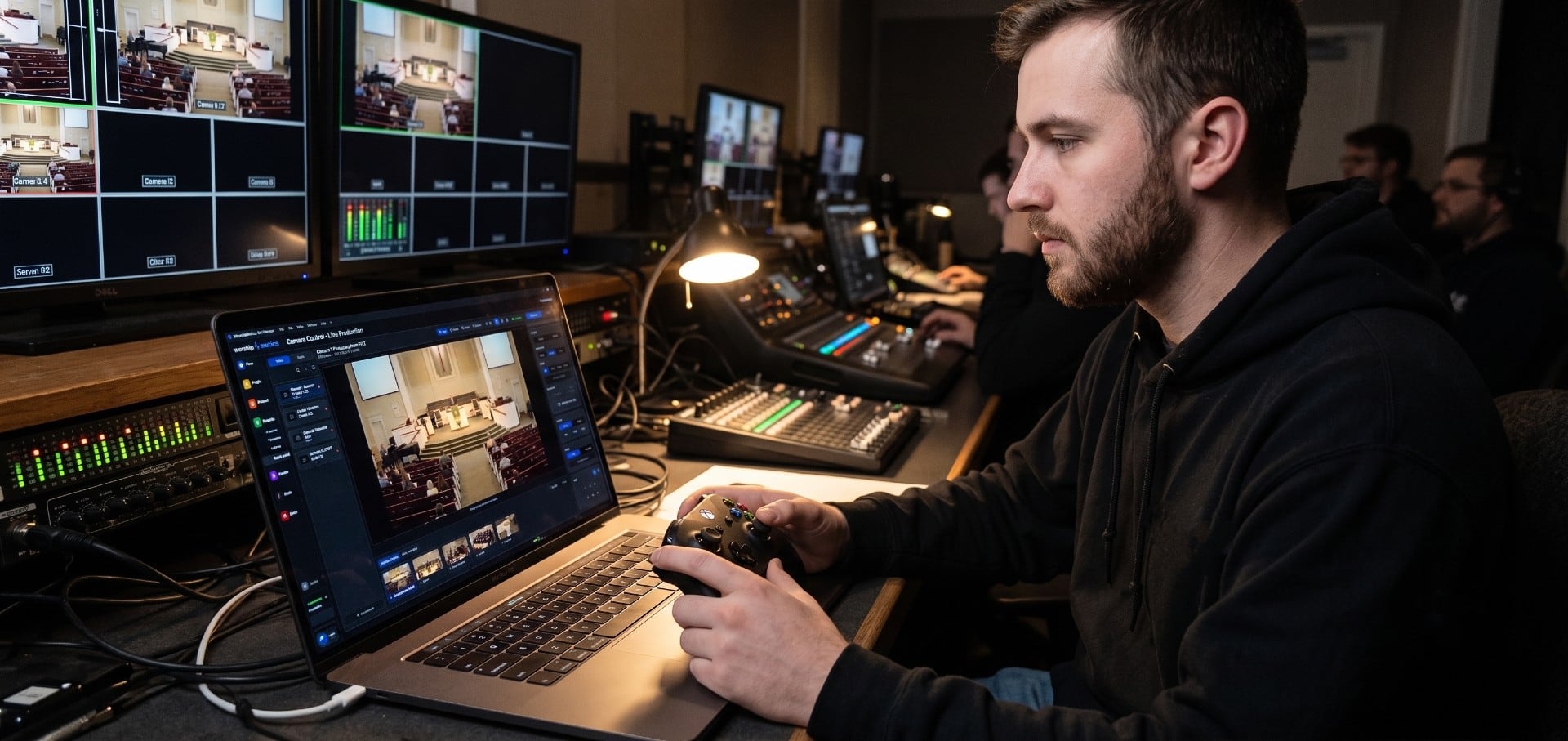
PTZ Camera Troubleshooting for Churches: The 10 Problems Behind Almost Every Sunday Failure
A symptom-first field guide to the PTZ and network camera failures church booths actually hit — cameras that vanish from the network, presets that drift, flicker under LED lighting, video lagging the audio — with fast checks for each, and the upgrades that end the guessing: a mapped system, cameras on watch, and AI that knows your wiring.
AI That Knows Your Wiring: How Luminos and Journey Actually Work
The AV manager's tour of the context architecture: how the Signal Map, live inventory, telemetry, and support history become an assistant that answers questions about YOUR booth — in the app as Luminos, on the phone as Journey.