Introduction
Most congregations already create enough content for social media every week. The problem is not a lack of meaningful moments. The problem is building a workflow that gets those moments out of the Sunday recording and into social channels while they are still timely.
If clipping sermons always becomes a Monday afternoon scramble, the system is too manual. A sustainable process should help your team identify strong moments quickly, format them for phones, and publish them without turning every sermon into a separate editing project.
Choose the Right Moments
Not every clip should be a sermon highlight. Great short-form content can come from teaching, worship transitions, prayer, testimony, or a concise pastoral challenge that lands cleanly in under a minute.
The most effective clips usually have three traits:
- they can stand alone without five minutes of context
- they land emotionally or practically in the first few seconds
- they create curiosity about the fuller message or congregation
Your goal is not simply to make clips. It is to choose moments that travel well.
Edit for Mobile First
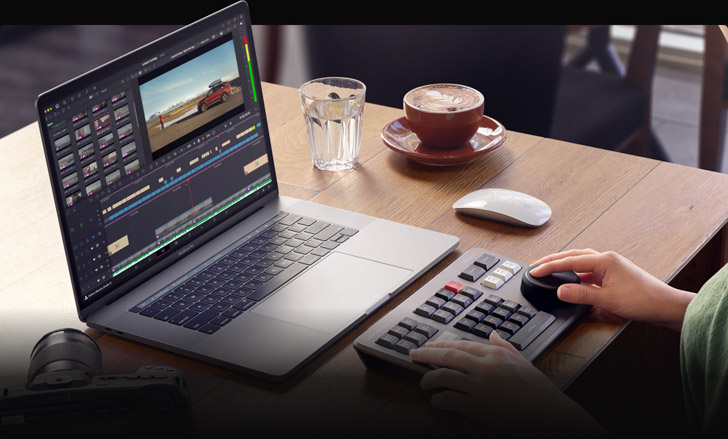
Short-form social content should be framed for phones, not just cropped from a horizontal recording. Captions, pacing, and clear visual focus matter more than raw duration.
That usually means:
- vertical or mobile-safe framing
- readable captions from the first line
- a clear focal subject
- minimal dead time at the start of the clip
- platform-appropriate duration
If a clip still feels like a long sermon video squeezed smaller, it has not really been edited for social.
Build a Weekly Publishing Rhythm
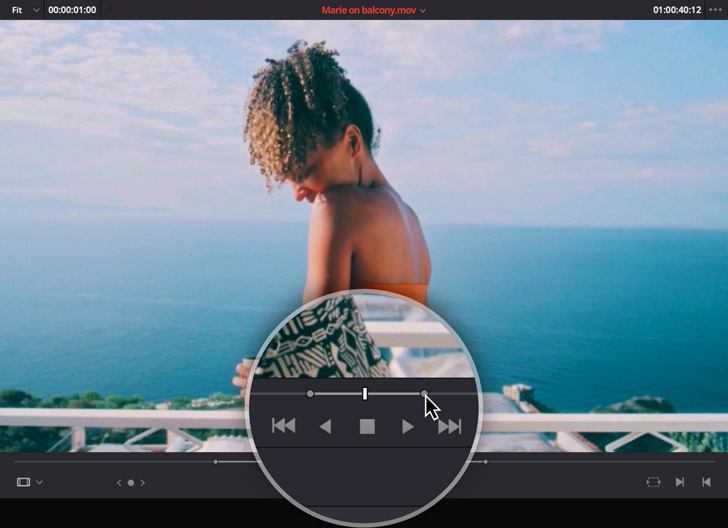
The best clip strategy is consistent, not sporadic. Decide what gets clipped, who approves it, and how soon after service it should be published.
A healthy rhythm often looks like this:
- Sunday: identify and queue candidate moments
- Sunday afternoon or evening: generate first-pass clips
- Monday: review, approve, and schedule
- Tuesday through Thursday: publish across key channels
Consistency matters more than volume. One strong clip every week is more valuable than a burst of six clips followed by silence.
Reuse the Same Source Material Across Platforms
One sermon moment can become a Reel, a Short, a TikTok, and an archive asset if it is formatted intentionally. The goal is reuse without multiplying the editing burden.
That means deciding in advance:
- which aspect ratio is primary
- how captions will be styled
- what title or overlay pattern is standard
- where the clip should point next
The more reusable your formatting system becomes, the less every new clip feels like starting from zero.
Track What Resonates
Some messages travel better than others. Watch which clip types generate engagement, shares, saves, comments, and meaningful follow-up so your next batch improves over time.
Look beyond raw views. Ask:
- Which clips are being shared?
- Which ones lead viewers back to the full message?
- Which clip types actually connect with people outside the congregation?
- Which themes consistently create responses?
Those patterns help you refine the process rather than posting blindly.
Build the Workflow Around Approval
Many congregations hesitate to use short-form video because they do not want content going live without review. That is a healthy concern.
The answer is not to avoid clipping. It is to make approval part of the system. Someone should be able to review clips, confirm they represent the message well, and then approve them quickly.
When approval is part of the workflow, social publishing feels safer and more repeatable.
Connect Clips to a Larger Digital Strategy
Clips work best when they are not isolated. They should connect to the full sermon archive, livestream strategy, follow-up pathways, and broader communication plan.
Short-form content is not just promotion. It is often the first interaction someone has with your congregation online. That makes consistency and clarity even more important.
Conclusion
Clipping sermons for social media works best when it becomes part of the post-service workflow rather than a side project someone remembers on Monday afternoon.
The strongest teams do not rely on heroic editing energy. They build a repeatable system that moves good moments from the cloud to the public quickly, clearly, and consistently.
Next: the bigger picture on using social media well, from the vision to a policy template and a Christmas plan, on the Social Media for Churches page.
OBS Studio: Complete Church Streaming Setup Guide
NextPTZ Camera Setup & Remote Control for Live Church Production
Related Articles
A Content Engine That Stays Personal: More Clips, Better Titles, Better Thumbnails
Keeping up online means more content than most church teams can make by hand. Clipping every service, with AI help on titles, descriptions, and thumbnails, turns one sermon into a week of posts. Here's how to build a church content engine that stays personal, controllable, and true to your voice.
Which Sermons Resonate? What Clip Metrics Tell Pastors
When you clip every service, each clip becomes a small signal: what people watched, finished, shared, and came back to. Here's how pastors can read sermon clip metrics to learn what's connecting with their congregation and community, without letting the numbers write the sermon.
Which Worship Songs Does Your Congregation Love? Song Insights From Clips
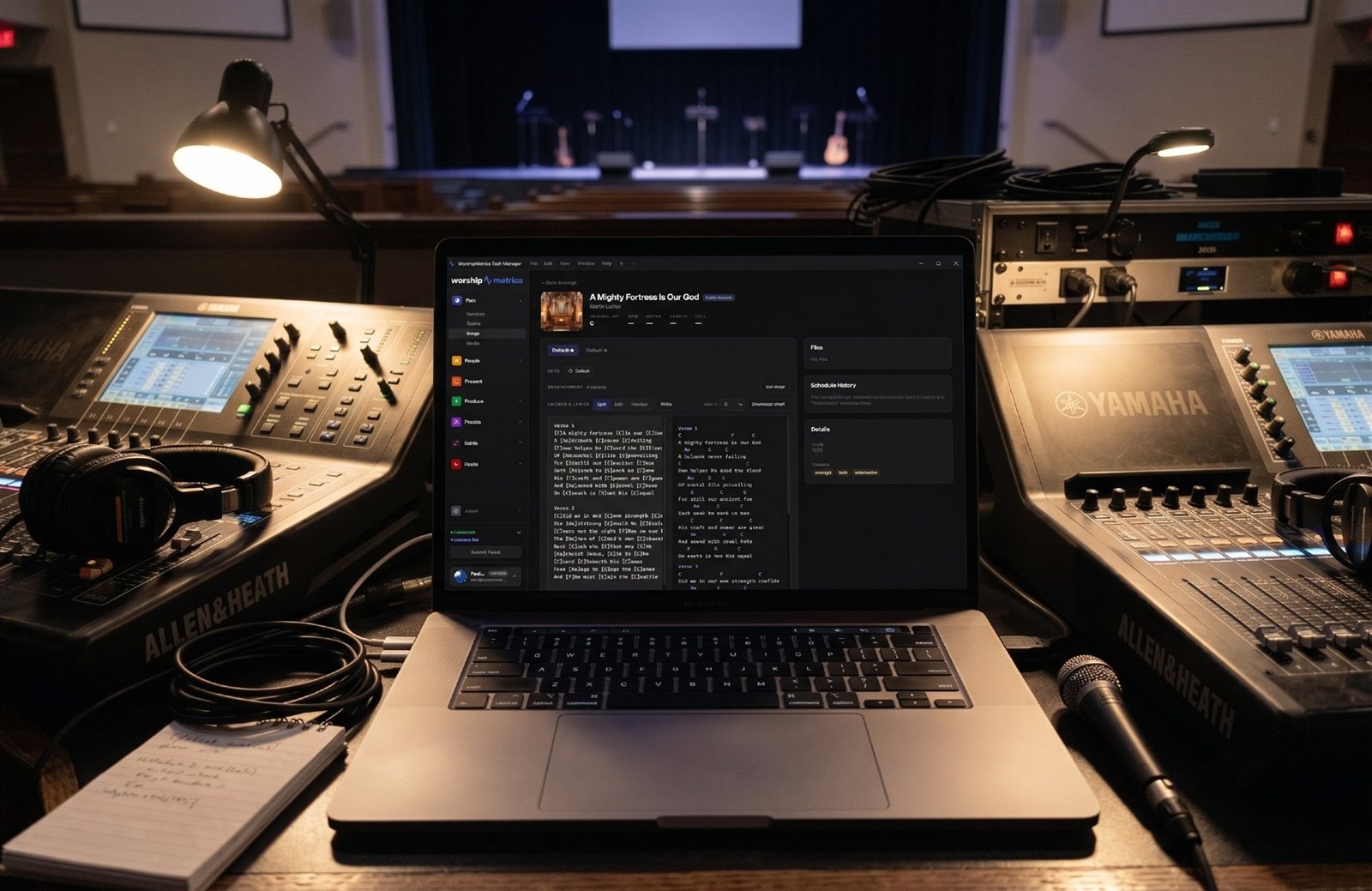
Worship leaders usually choose songs by feel, familiarity, and theme. Clip metrics add another view: which songs people play again and again, at church and online. Here's how to read worship song insights to plan stronger sets, and the licensing to check along the way.