Introduction
Streaming to more than one platform can expand reach, but it also increases the number of failure points if the workflow is not designed carefully. More destinations should not mean more Sunday chaos.
The real question is not “Can we stream everywhere?” It is “Can we do it in a way our team can support every week?” Multi-platform streaming should increase ministry reach without multiplying operator stress.
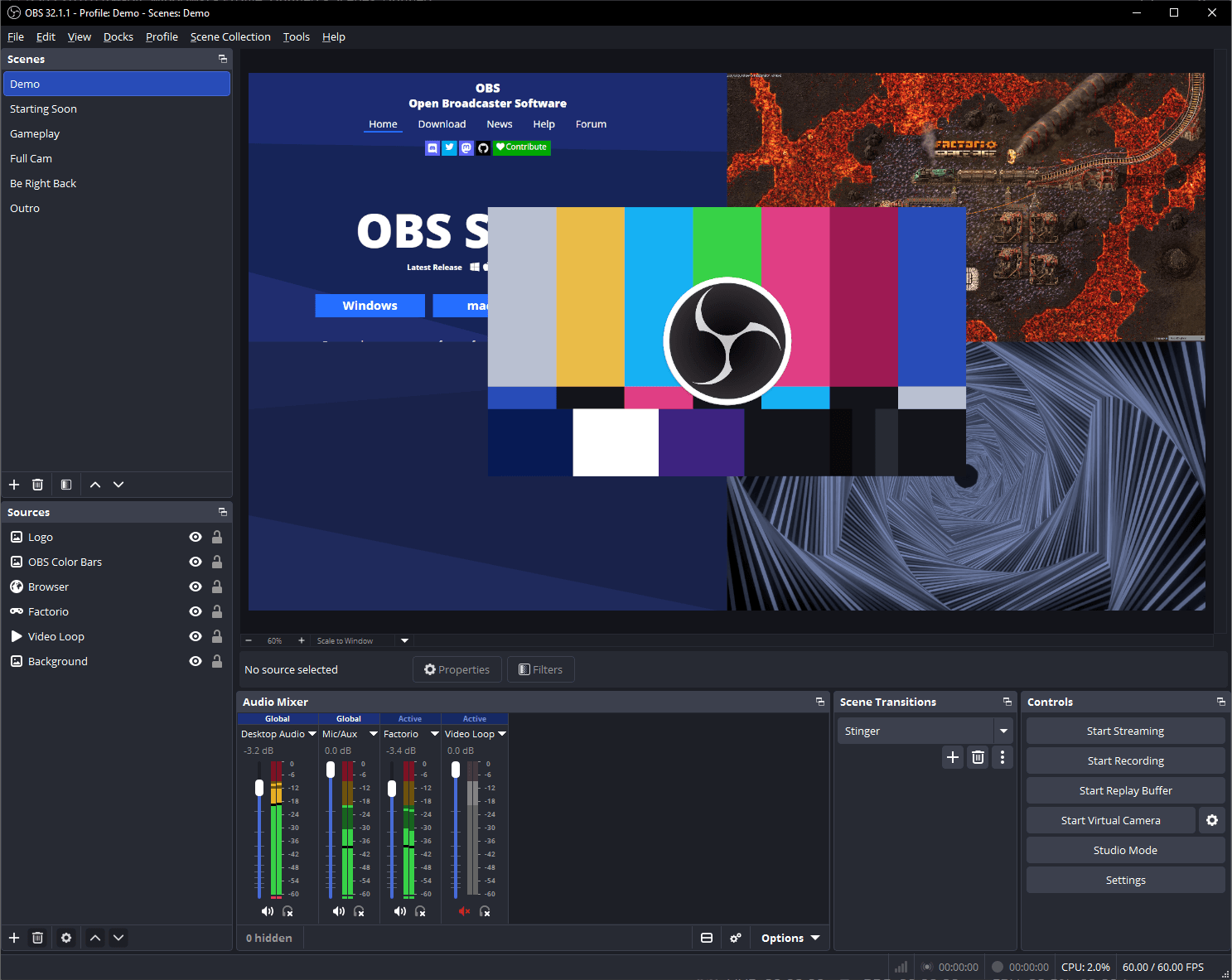
Decide Which Platforms Actually Matter
Not every congregation needs to stream everywhere. Start with the platforms your people already use, then expand only if the team can support the extra complexity.
For most congregations, the healthiest starting point is to choose platforms based on audience behavior, not on fear of missing out. Ask:
- Where is our congregation already watching?
- Which platform actually creates follow-up opportunities?
- Which destination matters for discoverability?
- Which destinations are just adding operational noise?
Fewer platforms with stronger consistency usually outperform a scattered everywhere strategy.
Know Your Bandwidth Budget
If you stream directly to multiple destinations, your upload requirements increase quickly. Even when using a restream service, your source stream must remain stable enough to feed every endpoint reliably.
This is where teams get surprised. The encoder may look healthy, but if the internet margin is too thin, the service becomes fragile. Build around tested reality, not ISP marketing.
At minimum, confirm:
- measured upload speed at service time
- consistency, not just peak result
- latency and jitter behavior
- whether the same network also supports staff, volunteers, or guest traffic during service
Choose Between Direct Streaming and Restreaming
There are two common approaches:
- send separate streams to each platform directly
- send one primary stream to a restreaming service that redistributes it
Direct streaming gives more direct control, but it can increase complexity and bandwidth demand. Restreaming often simplifies the workflow, but it adds another service dependency that must be monitored.
The right choice depends on whether your bigger constraint is bandwidth, operator simplicity, or platform-specific control.
Simplify Volunteer Decision-Making
The operator should not be making platform decisions during the service. Presets, stream keys, and destination logic should be prepared in advance.
Volunteer-friendly multi-streaming means:
- one known start procedure
- one known stop procedure
- one clear signal path
- no last-minute platform toggling unless truly necessary
The more hidden complexity you can remove from the live operator, the more reliable the service becomes.
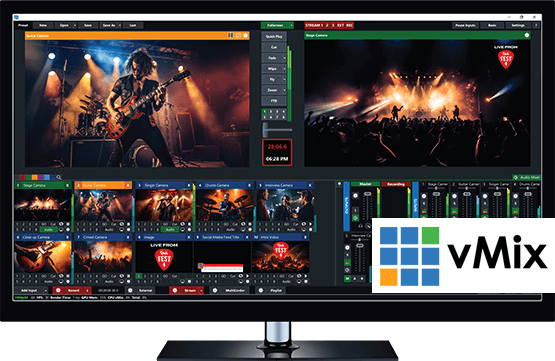
Monitor Each Destination Separately
A healthy source encoder does not guarantee every platform is healthy. One destination may be having ingest problems even while another looks fine.
If a destination matters pastorally or strategically, someone needs visibility into whether:
- the platform accepted the stream
- the stream is still active
- audio and video are arriving as expected
- viewership behavior changed during the service because of a technical issue
That visibility should be part of the operating plan, not an afterthought.
Plan the Follow-Up Path Too
Multi-platform streaming is not only a technical problem. It is also a communication and follow-up problem.
Different platforms create different opportunities:
- comments and chat
- direct messages
- profile visits
- link clicks
- later replay engagement
If your congregation is streaming to multiple destinations, decide how those signals will be noticed and who is responsible for responding.
Review the Results After Service
Each platform surfaces different engagement patterns. Use post-service review to decide whether multi-streaming is worth the operational cost for your congregation.
Look at:
- stability by destination
- audience size and retention
- meaningful engagement, not just view count
- which platform actually produces follow-up or next steps
This prevents your team from carrying complexity that is not producing real ministry value.
Conclusion
Multi-streaming helps when it is intentional. The best approach is usually fewer platforms, clearer workflows, and stronger monitoring rather than streaming everywhere by default.
The healthiest systems are the ones where every destination has a reason to exist, every operator knows the process, and every failure point is visible before the congregation feels it.
Plain-English version: how do we stream our service to Facebook and our church website at the same time?
PTZ Camera Setup & Remote Control for Live Church Production
NextDigital Mixing Board Setup & Eliminating Feedback in Church
Related Articles
Choosing a PTZ Camera for Church Live Streaming
How to choose PTZ cameras for a church: how much zoom your room needs (with the math), NDI vs SDI vs HDMI vs USB, how many cameras to buy, sensors and low light, control and auto-tracking, and current models and prices at every budget.
Church Streaming Services Compared: Resi, BoxCast, YouTube, Facebook and More (2026)
Church live streaming services side by side: what Resi, BoxCast, Subsplash, Vimeo, Restream, Castr, SermonAudio, YouTube and Facebook cost in 2026, how each handles reliability and simulcasting, what happens to your recordings, and which fits your church.
Church Video System Design: Planning From Sanctuary to Stream
How to plan a church video system before you buy anything: what it's for, where the cameras go, how video, audio and slides flow to the stream, which cables run where, and how to document it so the next volunteer can run it.