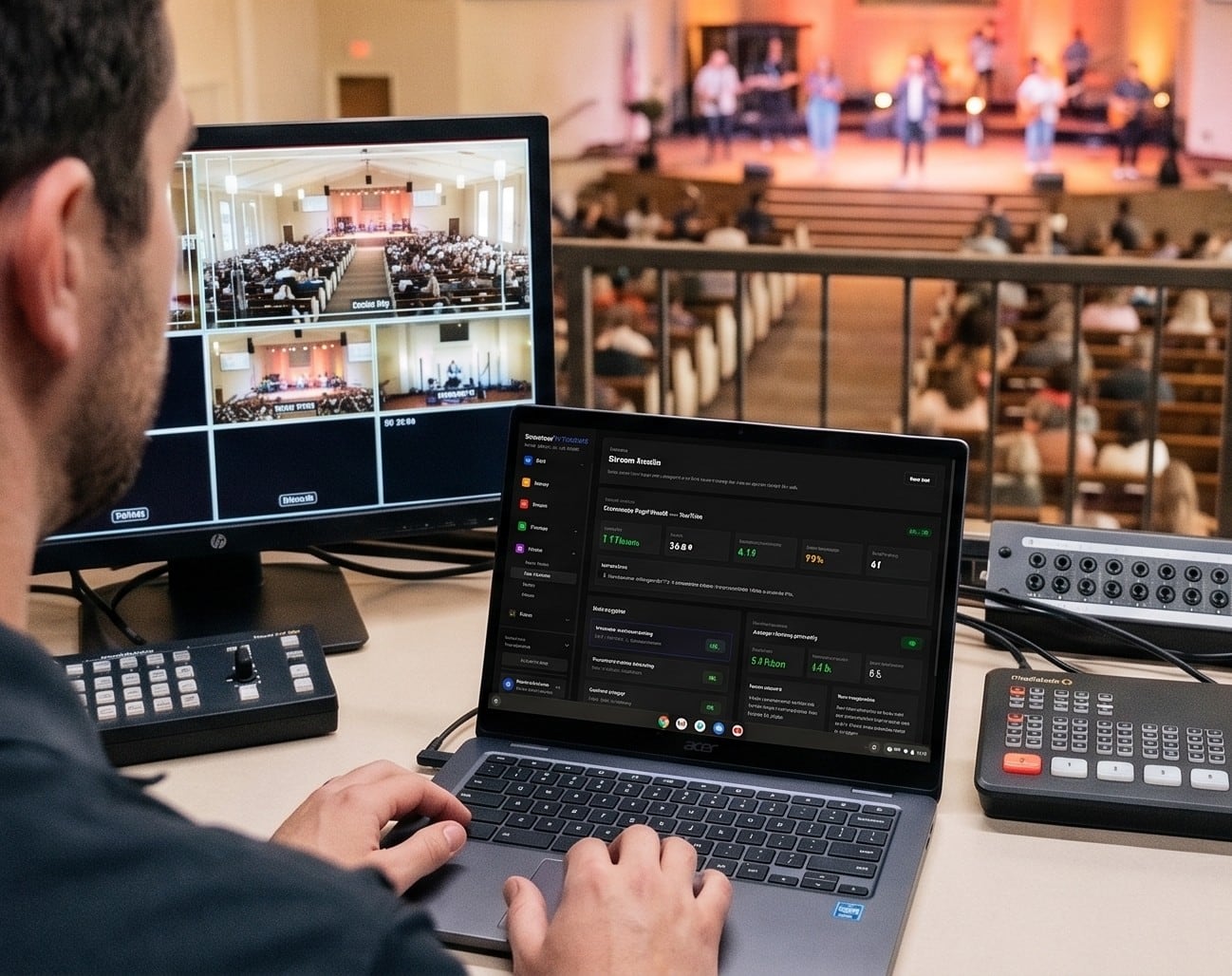
Choosing where your church streams is a bigger decision than it looks. It decides what your viewers see (ads or no ads, your brand or someone else’s), what happens when the internet hiccups, whether last week’s sermon still exists next month, and what you’ll pay every year.
This guide compares the options churches actually use in 2026: free platforms, multistreaming services, church streaming platforms and general video platforms. Prices are from each company’s own pricing page, read on October 17, 2026. They change, so check before you sign.
For a framework on what a platform needs to do before you compare names, see How to Choose a Church Live Streaming Platform.
The comparison at a glance
| Service | Starting price | Simulcast to several destinations | Your own website player | What happens to recordings | Contract |
|---|---|---|---|---|---|
| YouTube Live | Free | No | YouTube embed | Kept (streams under 12 hours) | None |
| Facebook Live | Free | No | Facebook embed | Deleted after 30 days unless saved | None |
| Restream | Free; paid from $19/mo | Yes, 2 to 8+ channels | Business plan ($239/mo) | Kept 15 to 30 days on paid plans | Monthly or yearly |
| Castr | $19.99/mo | Yes, 6 to 30 destinations | Yes, every plan | Video hosting from 100 GB | No long-term contract |
| StreamingChurch.tv | $19/mo | Premium and up | Yes | On-demand library | Monthly |
| SermonAudio | $59.95/mo | Yes | Yes | Kept 2 weeks unless saved as a sermon | Monthly price; terms not published |
| Vimeo | Advanced, $75/mo billed yearly | Yes | Yes | Within your storage | Annual billing |
| BoxCast | $109/mo billed yearly | Yes: Facebook, YouTube, X | Yes | 90 days to 1 year | Annual commitment |
| Resi | $99/mo billed yearly (social only); website from $159 | Facebook and YouTube; more with an add-on | From $159/mo | 7 to 30 days; library is a separate plan | 12 months, 60 days’ notice |
| Subsplash Live | Quote, by church size | Yes | Yes, plus apps | Added to your media library | 1 to 2 years, auto-renews |
| WorshipMetrics | Free to YouTube and Facebook; Max $99/mo ($79 founding) | Max: up to 10 | Max: your own page, player and domain | Max: every service recorded | Monthly or yearly, cancel anytime |
Free platforms: YouTube and Facebook
Most churches start here, and for many it’s enough.
YouTube Live
Good: free, where people already watch, reusable stream keys so the booth never changes settings, scheduled streams, and replays archived automatically for streams under 12 hours.
Watch out for:
- Setup takes time. You need to verify the channel with a phone number, and the first time you enable live streaming it can take up to 24 hours. Plan ahead.
- Copyright interruptions. YouTube scans every live stream for copyrighted music. Its own help center says a live stream can be interrupted even if you’ve licensed the music. A takedown during a live stream restricts live streaming for 7 days.
- Ads, suggestions and distractions around your service, and limited control over what viewers see next.
Facebook Live
Good: free, and it’s where many older members already are. Persistent stream keys keep the booth simple.
Watch out for:
- Eligibility. Going live requires a Page (or professional profile) with at least 100 followers, on an account at least 60 days old.
- Your services don’t stay. Since February 2025, Facebook deletes live videos 30 days after the stream unless you download them or convert them to Reels. You need your own archive.
- Music muting. Facebook’s music guidelines say live content with music can be blocked or muted, and that its terms don’t authorize any music use.
The verdict on free: a fine place to start, and worth keeping as destinations even when you add a paid platform. Just don’t make them the only home for your services.
Multistreaming services: Restream and Castr
Multistreaming services take one stream from your booth and copy it to several destinations, so your computer encodes once.
Restream
Free for two channels (with Restream branding), then Standard at $19/mo (3 channels), Professional at $49/mo (5 channels) and Business at $239/mo (8 channels, plus a website player). Recordings on paid plans are kept 15 to 30 days, and there’s a 7-day money-back guarantee for first-time subscribers. It’s not built for churches, but it’s simple and inexpensive.
Castr
Plans run from $19.99/mo (Starter) to $749.99/mo (Events), with discounts for paying yearly and no long-term contract. Every plan includes multistreaming, an embeddable player with chat, video hosting and a paywall. SRT ingest is on every plan; failover ingest comes on the Ultra plan and up. Like Restream, it’s a general tool, not church-specific.
Best for: churches already streaming to YouTube and Facebook that want to add destinations or a basic website player without changing their setup.
Church streaming platforms
These are built for churches: a branded player for your website, recordings, simulcasting, and support that understands Sunday mornings.
BoxCast
Plans start at $109/mo billed yearly (Standard), then Deluxe ($169), Advanced ($249) and 4K ($449), with Premium by quote. Monthly billing costs a little more, and every plan requires an annual commitment with a 30-day money-back guarantee and a 14-day free trial. Every plan includes at least 10,000 viewer-hours a month, simulcasting to Facebook, YouTube and X, and a white-labeled player. Recordings are kept 90 days on Standard and a year on higher plans.
Reliability: BoxCast Flow, its own protocol with adaptive recovery and forward error correction, runs on BoxCast’s Spark encoder ($1,199 for HDMI, $1,499 for SDI) and its apps. It also accepts RTMP and SRT from other encoders. BoxCast quotes about 30 seconds of standard latency.
Best for: churches that want a full church streaming platform with generous viewing hours and the option of their own encoder.
Resi
Resi’s Live Streaming plans start at $99/mo billed yearly for Facebook and YouTube only, $159/mo to add your website (Starter Lite) and $299/mo for Pro. Keeping a library of past services is a separate On Demand plan from $49/mo, and hardware encoders start at $799.99.
Reliability: Resi’s Resilient Streaming Protocol stores video on the encoder during a dropout and resends it, which makes it very robust on weak connections. The trade-offs: it only works on Resi hardware or its ProPresenter plugin, and streams run about 90 seconds to 2 minutes behind live. Contracts are 12 months with 60 days’ notice to cancel.
Best for: large and multi-site churches that put delivery above cost. Our full Resi Streaming Review covers every plan, the contract and the alternatives.
Subsplash Live
Subsplash bundles live streaming with its church app, website and media tools. Pricing is by quote, “based on church size and usage”. Streams go to your app, website, Facebook and YouTube, and recordings are added to your media library. It accepts SRT and RTMP from any encoder.
Read the contract carefully: Subsplash’s terms set a first term of one or two years that renews automatically each year, with 30 days’ written notice to cancel and a fee for leaving early. Subsplash also owns StreamSpot, an older church streaming service whose marketing site no longer shows prices.
Best for: churches that want streaming, an app and a media library from one vendor.
SermonAudio
$59.95/mo for a Broadcaster account, with unlimited live webcasting included, simulcasting to Facebook, YouTube or any RTMP destination, an audio-only stream, and a sermon library with automatic transcripts. Replays last two weeks unless you archive the webcast as a sermon. It’s sermon-centric rather than service-centric.
Best for: preaching-focused churches that want a sermon library first and a live stream second.
StreamingChurch.tv
A long-running church streaming service with simple monthly plans from $19/mo (social embed) to $179/mo, a 30-day free trial with no card, unlimited audience, and chat, on-demand and TV apps from the Basic plan. Social simulcasting comes on Premium and up.
Best for: small churches that want a church-specific service with month-to-month pricing.
General video platforms: Vimeo
Vimeo’s live streaming starts on the Advanced plan ($75/mo billed yearly), with simulcasting to up to 10 built-in and 20 custom destinations, chat, Q&A and DVR. Vimeo was acquired by Bending Spoons in November 2025, and since then some customers it treats as businesses have been moved to its $400/mo Studio plan. If you’re on Vimeo, keep an eye on your plan.
Best for: churches already using Vimeo for video hosting.
A watch-party layer: Church Online Platform
Life.Church’s Church Online Platform is free and doesn’t host video at all. It wraps your stream (from YouTube, Facebook, Resi, BoxCast and others) in a church experience with chat, live prayer and a giving button. If your goal is community during the service, pair it with any video source.
Where WorshipMetrics fits
WorshipMetrics comes at streaming from the booth outward:
- Free, on every plan: stream to YouTube and Facebook from Tech Manager on your church computer, with PTZ camera control, switcher control and monitoring that alerts you when the stream drops.
- Max, $99/mo ($79 founding price): hosted live streaming on your own branded page, website player and domain (like watch.yourchurch.org), simulcasting to up to 10 destinations, live chat with prayer requests, every service recorded in the cloud, a video library, and 1,000 viewer-hours a month on your page and player. YouTube and Facebook viewers don’t count toward that. Monthly or yearly, with a 30-day free trial, and you can cancel anytime.
It works with the encoder you already own (OBS, vMix, an ATEM or a hardware encoder) over RTMPS or SRT, so there’s nothing proprietary to buy. And because your stream page is your own, your service isn’t interrupted by a copyright bot; your streaming license still applies.
Where others are stronger: Resi and BoxCast have proprietary resilience protocols on their own hardware and larger viewing allowances; Subsplash bundles a church app. Comparisons: WorshipMetrics vs BoxCast, vs Resi and vs Restream.
How the reliability approaches differ
When a church stream fails, it’s usually the building’s internet. Platforms handle that differently:
- RTMP (the default in most encoders) just sends. If the connection drops, those seconds are gone.
- SRT resends lost packets within a short window, so brief hiccups don’t show. Castr, BoxCast, Subsplash and WorshipMetrics accept it.
- Proprietary protocols, such as Resi’s RSP and BoxCast Flow, add their own recovery on their own encoders. Resi’s stores video during longer dropouts, at the cost of a longer delay.
- A local recording in the booth is the cheapest insurance of all. Whatever platform you choose, record locally too.
None of this fixes a connection that’s too slow. Stream at no more than half your upload speed as measured on Sunday morning, on a wired connection. See Is Our Church WiFi Good Enough to Livestream?
How to choose
| If your church… | Start with |
|---|---|
| Is small, budget-conscious and just starting | YouTube and Facebook, streaming from free software, with a local recording |
| Wants to add destinations without changing the booth | Restream or Castr |
| Wants its own ad-free page and player, recordings and chat, with the gear it already has | WorshipMetrics Max, BoxCast or Castr |
| Is large or multi-site and puts delivery first | Resi or BoxCast |
| Wants streaming, an app and media in one contract | Subsplash |
| Is preaching-focused and wants a sermon library | SermonAudio |
Whatever you choose, keep YouTube and Facebook as destinations where your people already are, keep your own archive, and get a streaming license for worship music.
This comparison is part of our church live streaming series. Start with the hub, How to Live Stream a Church Service.
Related questions
- What is the best streaming service for churches?
- It depends on size and budget. Small churches usually start free on YouTube and Facebook. Churches that want their own ad-free player, recordings and simulcasting look at church platforms such as BoxCast, Resi, Subsplash or WorshipMetrics Max. Large and multi-site churches that prioritize delivery above cost often choose Resi or BoxCast.
- Is it free to live stream a church service?
- Streaming to YouTube and Facebook is free. You'll still need equipment, a streaming license for worship music, and enough upload speed. Paid church platforms add your own branded player, recordings, simulcasting and support.
- Can a church stream to YouTube and Facebook at the same time?
- Yes. The reliable way is to send one stream from the booth to a service that copies it to every destination (simulcasting), rather than making the booth computer encode several streams. Restream, Castr, BoxCast, Resi (with an add-on), Vimeo and WorshipMetrics Max all do this.
- Why does Facebook or YouTube mute our church service?
- Both scan live streams for copyrighted music, and their automated systems don't know about church licenses. YouTube says a live stream can be interrupted even if you've licensed the music. Streaming to your own page and player avoids the automated matching, though you still need a streaming license.
Choosing a PTZ Camera for Church Live Streaming
NextChurch Video System Design: Planning From Sanctuary to Stream
Related Articles
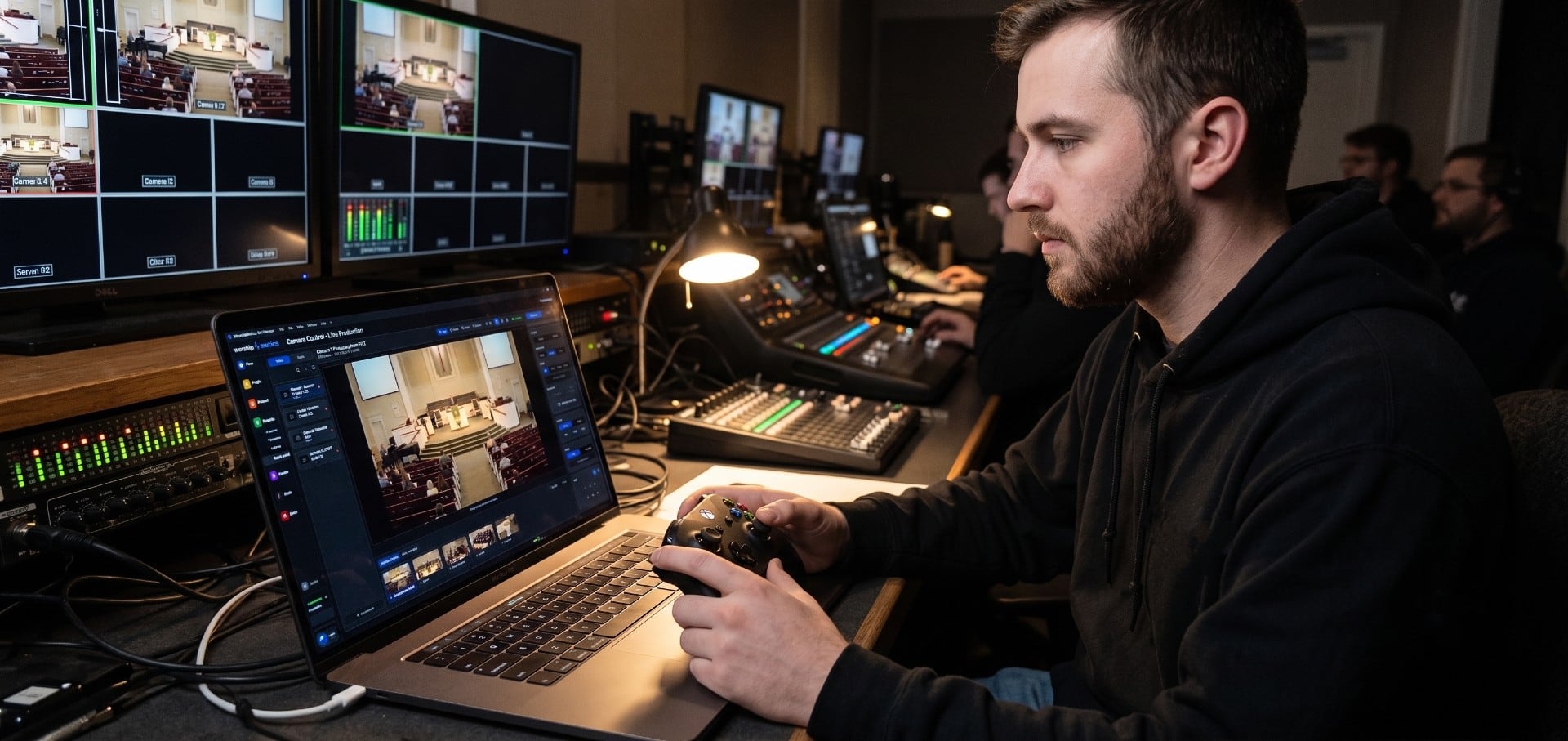
Choosing a PTZ Camera for Church Live Streaming
How to choose PTZ cameras for a church: how much zoom your room needs (with the math), NDI vs SDI vs HDMI vs USB, how many cameras to buy, sensors and low light, control and auto-tracking, and current models and prices at every budget.
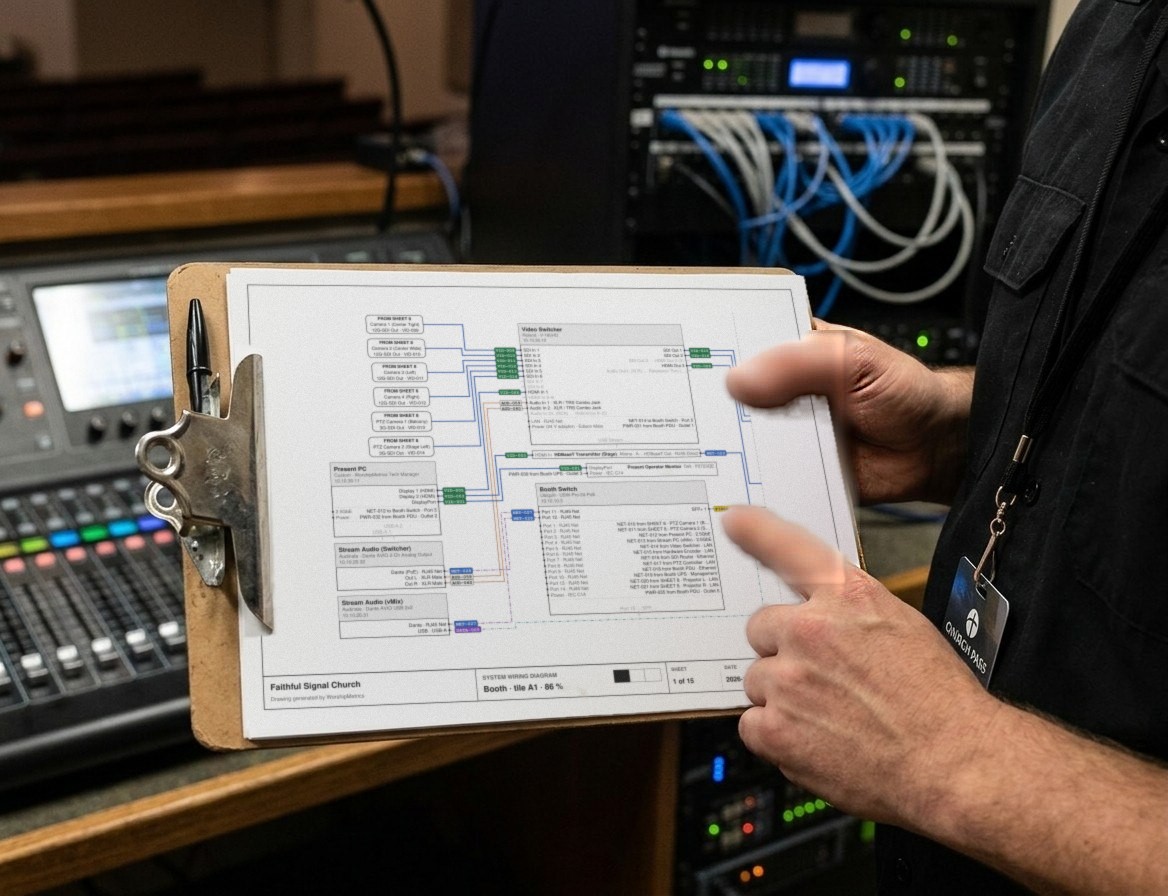
Church Video System Design: Planning From Sanctuary to Stream
How to plan a church video system before you buy anything: what it's for, where the cameras go, how video, audio and slides flow to the stream, which cables run where, and how to document it so the next volunteer can run it.
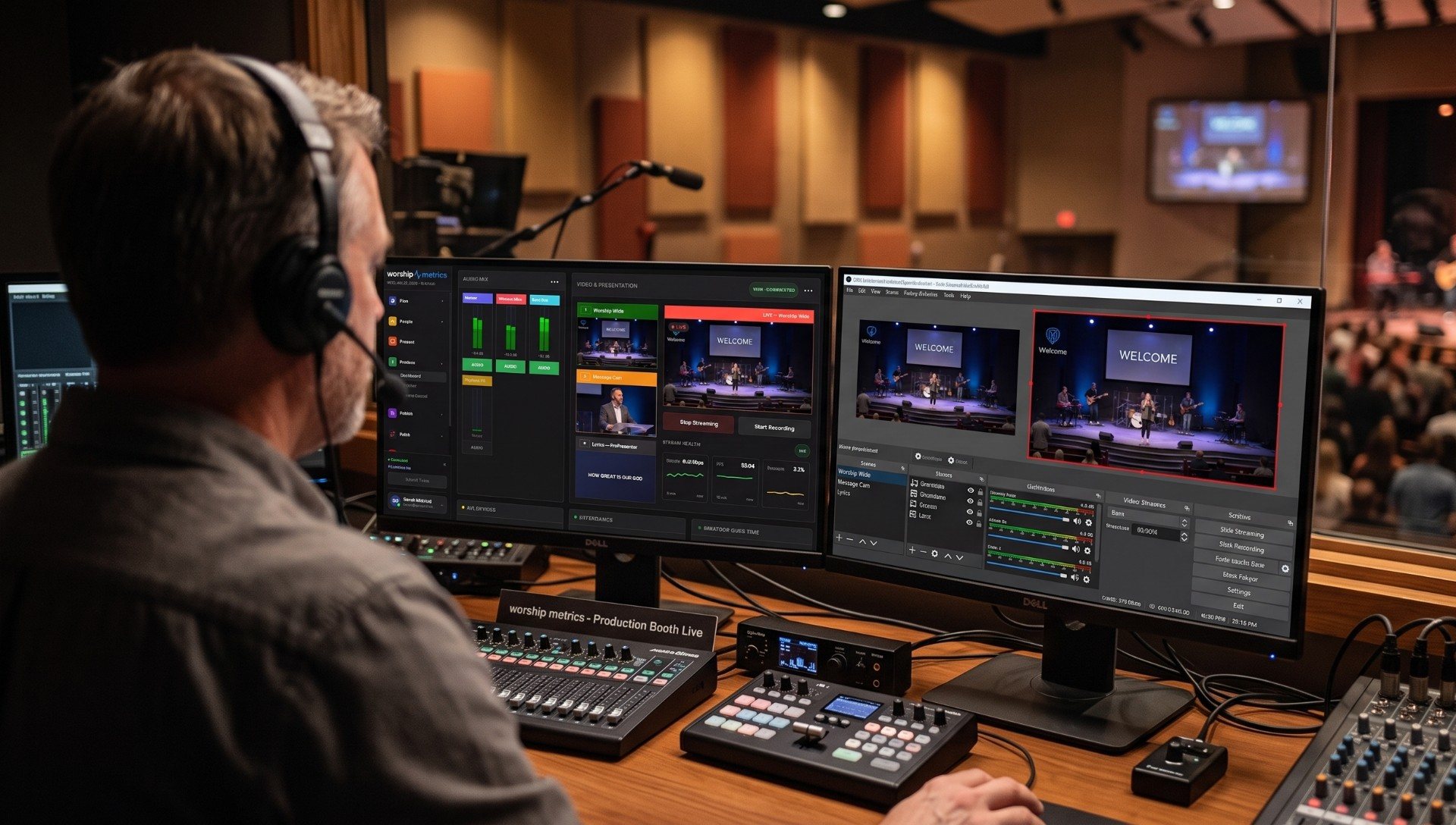
How to Live Stream a Church Service: The Complete Setup Guide
The best way to live stream a church service, start to finish: the parts every church stream needs, complete starter, mid-size and pro setups with gear, software and destinations, a first-stream checklist, and how to keep it running every Sunday.