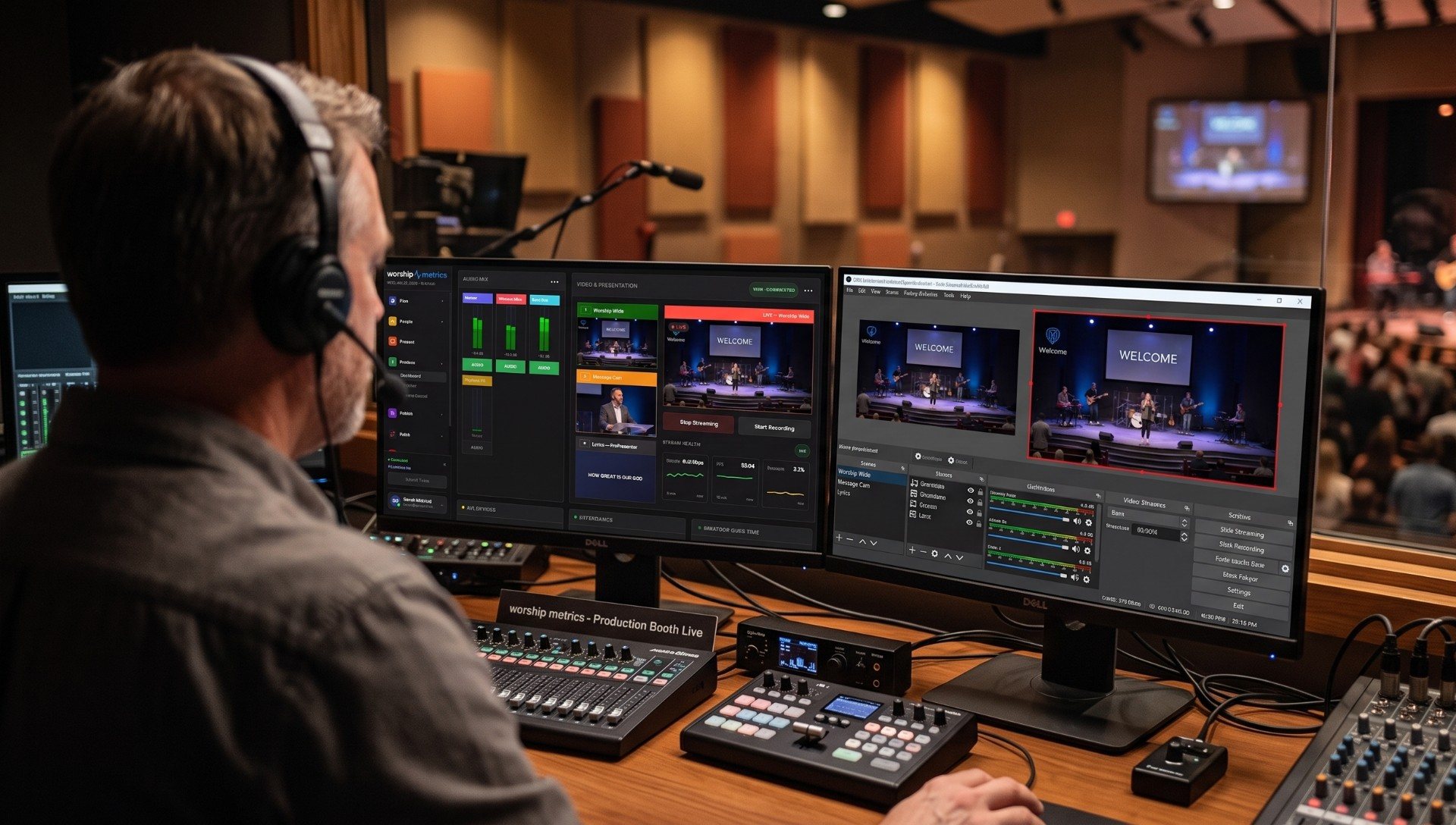
There are two ways to live stream a church service. You can buy whatever the last church you visited uses, plug it in and hope. Or you can build the simplest setup your volunteers can run every single week, then grow it as your team grows.
This guide is about the second way. It covers the parts every church stream needs, three complete setups by budget, a checklist for your first stream, and how to keep it running when the person who built it is on vacation.
The short answer: for most churches, the best live stream setup is one or two cameras on the speaker, a separate audio mix from the sound board, a dedicated computer or hardware switcher wired to the internet, and one service that sends the stream to YouTube, Facebook and your website at the same time. Everything else is an upgrade.
The parts of every church live stream
Every church stream, from a phone on a tripod to a broadcast truck, has the same parts:
| Part | What it does | Where most churches start |
|---|---|---|
| Cameras | Capture the speaker, the worship team and the room | One PTZ camera at the back, centered on the pulpit |
| Audio | Gets the sound into the stream | A separate stream mix from the sound board |
| Slides and lyrics | Puts words, scripture and announcements on screen | The same presentation software that feeds the room |
| Switcher or production software | Chooses which camera is live and adds graphics | OBS (free), vMix, or a hardware switcher like an ATEM Mini |
| Encoder | Compresses the program into a stream | Built into OBS or vMix, or a hardware encoder |
| Internet | Carries the stream out of the building | A wired connection with enough upload speed |
| Destination | Where people watch | YouTube, Facebook and your church website |
| License | Covers streaming copyrighted worship music | A streaming license such as CCLI’s |
| People | Run it every week | One volunteer, with a checklist |
The last row is the one most guides leave out, and it’s the one that decides whether your stream is still running in a year. Keep it in mind for every choice that follows.
Before you buy: decide what the stream is for
Is your stream for members who are sick or traveling? For homebound members who watch every week? For people deciding whether to visit? For a second campus? The answer changes what matters. A stream for homebound members needs clear audio and a steady shot more than it needs five camera angles. A stream for first-time visitors needs a welcoming start and a clear way to connect.
If your team hasn’t had that conversation, start with What Is Our Church Live Stream Actually For?
Church live stream setups by budget
These three setups cover most churches. Prices are rough 2026 street prices in US dollars, for planning, not quotes.
Starter: one camera, one volunteer (about $500 to $2,500)
Who it’s for: church plants and congregations under about 150 people, streaming mainly for members who can’t be there.
Gear:
- One camera. A budget PTZ camera or a good camcorder on a tripod at the back, framed on the pulpit. A budget 1080p PTZ camera runs roughly $430 to $1,000; a used camcorder with clean HDMI output can cost less.
- A capture device to get the camera into a computer: a USB capture device, or a small hardware switcher like an ATEM Mini if you’ll add a second camera soon.
- A USB audio interface to take a stream mix from your sound board.
- The computer you already have, if it’s reasonably recent. See What’s the Best Computer for Church Livestreaming?
Software: OBS Studio, which is free. WorshipMetrics Tech Manager is free too: it streams to YouTube and Facebook, controls the PTZ camera, and alerts you if the stream or the computer has a problem.
Destinations: YouTube and Facebook, both free.
Who runs it: one volunteer with a one-page checklist.
What you give up: one camera angle, limited redundancy, and a computer that may also be doing other jobs. The church plant streaming guide goes deeper on getting started with almost nothing.
Mid-size: three cameras, a real booth (about $7,000 to $12,000)
Who it’s for: churches of roughly 100 to 400 seats that want a stream that looks professional and runs the same every week.
Gear:
- Three network (NDI) PTZ cameras: a main camera on the pulpit, a side angle for worship, and a wide safety shot. Network cameras carry video, control and power on one cable each. See Choosing a PTZ Camera for Church Live Streaming.
- A PoE network switch to power the cameras, and a PTZ joystick for the camera operator.
- A dedicated streaming computer with professional capture inputs. Our Essentials (Good) Livestream System is $4,995: a rack-mounted computer with Magewell capture for up to four cameras, OBS installed (vMix optional), and WorshipMetrics monitoring.
- Slides from your presentation computer over HDMI or NDI, ideally with a transparent background so lyrics sit over the camera.
- Audio from an aux or matrix on the sound board, over USB, Dante or SDI.
Software: OBS or vMix, plus your presentation software, plus Tech Manager for camera control and monitoring.
Destinations: YouTube, Facebook and your website at the same time. Send one stream to a service that delivers it everywhere, instead of making the booth computer encode several.
Who runs it: one or two volunteers. A second person on cameras makes a big difference. See The Three-Person Church Livestream Team.
Pro: IMAG, overflow and a production team (about $20,000 and up)
Who it’s for: churches of roughly 500 seats and up, multi-campus churches, and any church where the computer has to feed screens in the room as well as the stream.
Gear:
- Four to six 4K PTZ cameras (or a mix of PTZ and operated cameras), on network or SDI runs.
- A production computer that feeds the room: IMAG on the big screens, confidence monitors for the stage, lobby TVs and overflow rooms. Our Studio (Better) system is $8,995 with eight SDI inputs and vMix; Broadcast (Best) is $17,995 with 12 or more cameras, 4K and six or more outputs.
- A UPS, a dedicated AV network, and redundant recording.
Software: vMix (with OBS installed as a backup), presentation software sending slides over NDI, and Tech Manager watching every device.
Destinations: your own branded watch page and player, plus YouTube and Facebook, recorded automatically for on-demand viewing.
Who runs it: a team of three or more with a director. See Video Switcher Showdown: ATEM vs Roland vs vMix and Good, Better or Best: Which Church Livestreaming System Fits?
At a glance
| Starter | Mid-size | Pro | |
|---|---|---|---|
| Typical church | Under 150 | 100 to 400 seats | 500+ seats, multi-campus |
| Cameras | 1 | 3 network PTZ | 4 to 6, often 4K |
| Switching | OBS or ATEM Mini | OBS or vMix on a dedicated computer | vMix on a production computer |
| Feeds the room? | No | Rarely | Yes: IMAG, stage, overflow |
| Destinations | YouTube, Facebook | YouTube, Facebook, website | Own watch page plus everywhere |
| People per Sunday | 1 | 1 to 2 | 3+ |
| Rough cost | $500 to $2,500 | $7,000 to $12,000 | $20,000+ |
Your first stream: a step-by-step checklist
- Set up your destinations early. On YouTube, verify your channel with a phone number and enable live streaming well before your first Sunday: the first time, it can take up to 24 hours to switch on. Create a reusable stream key so the booth settings never change. On Facebook, stream from your church’s Page; streaming software needs a Page with at least 100 followers on an account at least 60 days old, and a persistent stream key saves re-entering settings every week.
- Get your streaming license. Projecting lyrics is covered by a church copyright license, but streaming worship songs needs a streaming license too, such as CCLI’s Streaming License, which CCLI prices by church size, from $84 a year for the smallest churches. Recorded tracks and multitracks usually need separate permission. Can Churches Post Worship Song Clips? covers what a license does and doesn’t cover.
- Place and frame the main camera. As straight-on to the pulpit as you can, close to the speaker’s eye line. The system design guide shows where cameras go.
- Get a stream mix from the sound board. Not the room mix. More on this below.
- Wire the computer to the internet and run a speed test on a Sunday morning. Stream at no more than half the upload speed you measure.
- Choose sensible encoder settings. A steady 720p beats a stuttering 1080p every time. See Church Encoder Settings That Survive Sunday.
- Build your scenes: a pre-service welcome loop, worship with lyrics over the camera, the sermon, and a closing slide with what to do next. See The Pre-Service Welcome Loop.
- Do a private test stream on a weekday. Stream as “unlisted” or “private”, watch it on a phone with headphones, and fix what you hear.
- Record locally as well as streaming, so a dropped connection doesn’t lose the sermon.
- Write the one-page Sunday checklist and have someone who didn’t build the system run the next test from it.
Audio: the biggest quality upgrade for the least money
Viewers forgive a soft picture. They leave when they can’t hear the pastor.
The problem is that the room mix is built for a loud, live room: the band is already acoustically loud, so the board adds very little of it, and vocals sit where they need to for people standing 40 feet away. Online, that same mix sounds thin, with a pastor who’s too quiet or a band that disappears.
The fix is a separate stream mix from an aux or matrix output on the sound board, with someone checking it on headphones. Why Your Church Livestream Sounds Bad, and How a Separate Stream Mix Fixes It shows how, and the three classic livestream audio problems covers the pastor who’s too quiet, out of sync or echoey.
Slides and lyrics on the stream
People at home sing along too. Send your presentation software into the stream as a video source, over HDMI, SDI or NDI, and put the lyrics over the camera instead of cutting to a full-screen slide. How Do I Put Lyrics and Slides on Our Church Livestream? walks through the options.
If you don’t have presentation software yet, WorshipMetrics Present is free, runs in a browser, and sends lyrics to the stream over NDI from Tech Manager. See Best Free Church Presentation Software for the alternatives.
Where to send your stream
Most churches start on YouTube and Facebook because they’re free and people are already there. Many add their own website, so viewers can watch without ads, algorithms or a Facebook account. The options, from free platforms to church streaming services like Resi and BoxCast, are compared in Church Streaming Services Compared.
Two things to know before choosing:
- Free platforms can interrupt your service. YouTube and Facebook scan live streams for copyrighted music. YouTube’s own help pages say a live stream can be interrupted even if you’ve licensed the music. A stream on your own page and player avoids the bots, though your streaming license still applies.
- Facebook doesn’t keep your services. Since February 2025, Facebook deletes live videos 30 days after the stream unless you download them or turn them into Reels. Keep your own archive.
- Don’t encode the same service several times in the booth. Send one stream to a service that delivers it to every destination at once.
Streaming to YouTube and Facebook from Tech Manager is free on every WorshipMetrics plan. Max adds hosted live streaming: your own branded watch page and website player, up to 10 destinations at once, live chat, and every service recorded in the cloud.
Keeping it running every Sunday
A stream that works on launch day and fails in month four is the most common story in church tech. What keeps it running:
- A checklist, not a hero. If only one person can run the stream, you have a single point of failure. See Can Volunteers Run the Livestream When the Tech Director Is Out of Town?
- Smaller jobs. “Run cameras” gets more yeses than “run the stream”. See Recruiting Livestream Volunteers by Splitting the Job.
- Someone watching the stream, not just the booth. Tech Manager watches the computer, the cameras and the stream for free, and Self Healing offers a one-tap restart if the stream stops.
- A plan for when it breaks. Your Church Live Stream Dropped Mid-Service. Now What?
Common mistakes to avoid
- Streaming over WiFi. Wire the streaming computer, every time.
- Using the room mix. Give the stream its own mix.
- Buying cameras before planning where they go. Walk the room with a tape measure first.
- Too many destinations from the booth computer. Encode once, deliver everywhere.
- Building a system only one person understands. Document it and write the checklist.
- Testing on Sunday morning. Test on a weekday, with the stream private.
Keep going
This guide is the hub for our church live streaming series. Next:
- Choosing a PTZ Camera for Church Live Streaming: zoom by room size, NDI vs SDI vs USB, and how many cameras you need.
- Church Video System Design: Planning From Sanctuary to Stream: camera placement, signal flow and cabling, with diagrams.
- Church Streaming Services Compared: Resi, BoxCast, YouTube, Facebook and more on cost, reliability and simulcasting.
- Resi Streaming Review: pricing, features and alternatives.
Ready to start? Create your church’s free WorshipMetrics account: streaming to YouTube and Facebook, PTZ camera control and system monitoring are free forever. Want a system built and tested for you? See our Livestream Systems, or call 910-WORSHIP.
Related questions
- What is the best way to live stream a church service?
- The setup your volunteers can run every week without the person who built it. For most churches that means one or two cameras on the speaker, a separate audio mix from the sound board, a dedicated computer or hardware switcher wired to the internet, and one service that sends the stream to YouTube, Facebook and your website at the same time.
- How much does it cost to live stream a church service?
- A starter setup with one camera, a capture device and free OBS software can cost under $1,500 if you already own a computer. A mid-size setup with three network PTZ cameras and a dedicated streaming computer usually lands around $7,000 to $12,000. Larger systems with 4K cameras, IMAG and overflow rooms start around $20,000. Streaming to YouTube and Facebook is free.
- What equipment do you need to live stream a church service?
- At minimum: a camera, an audio feed from your sound board, a way to get both into a computer or encoder (a capture device or switcher), a wired internet connection, and a destination such as YouTube or Facebook. Most churches add slides and lyrics, a second camera, and a streaming license for worship music.
- Do churches need a license to live stream worship music?
- Usually, yes. Projecting lyrics is covered by a church copyright license, but streaming copyrighted worship songs needs a separate streaming license, such as CCLI's Streaming License. Recorded tracks and multitracks may need extra permission.
- How much internet speed does a church need to live stream?
- Stream at no more than half your upload speed as measured on Sunday morning, on a wired connection. If a Sunday speed test shows 20 Mbps up, a stream of 4 to 6 Mbps is comfortable. Don't stream over WiFi.
EasyWorship vs ProPresenter: Which Fits Your Church? (2026)
NextIs ProPresenter Free? Pricing, Trial Limits & Free Alternatives (2026)
Related Articles
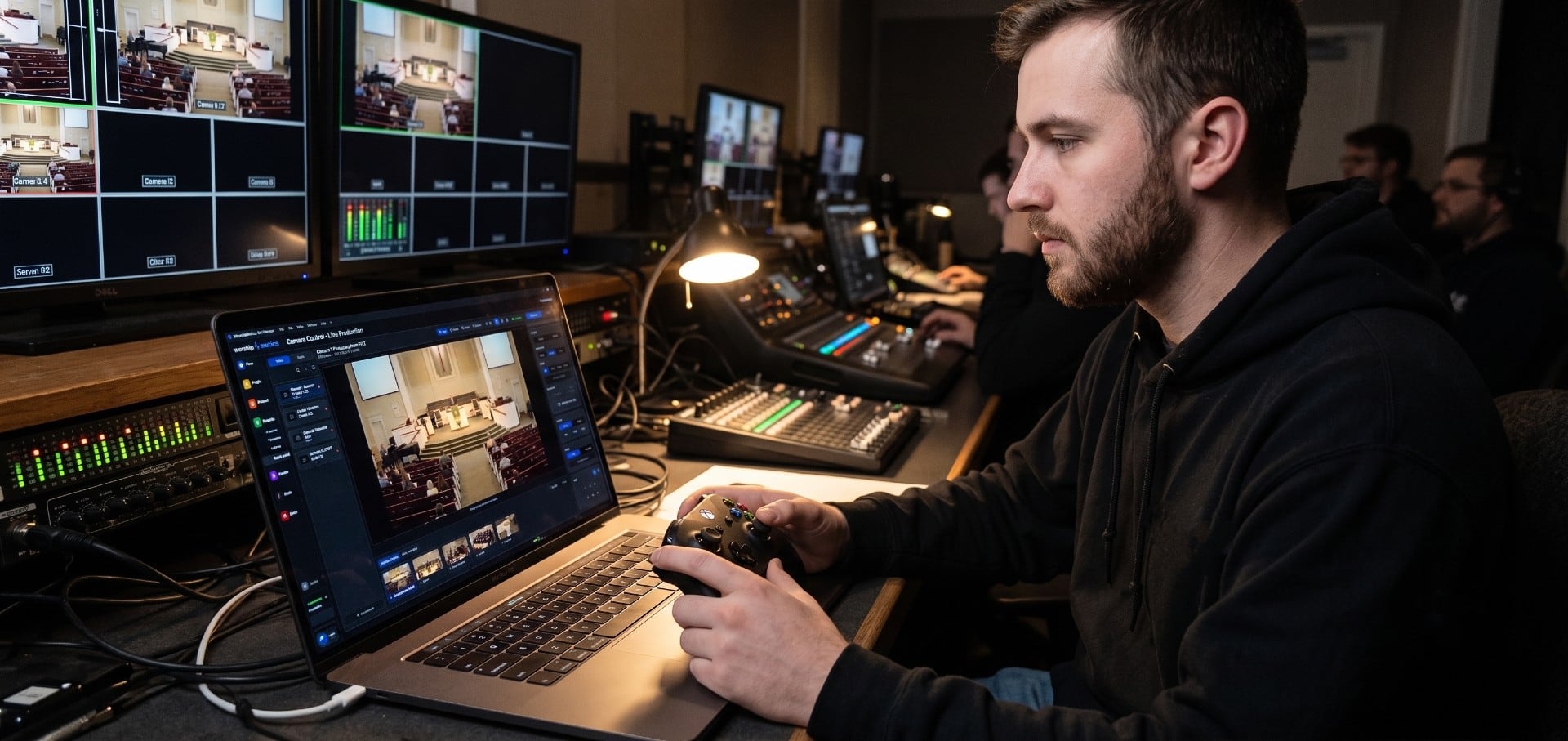
Choosing a PTZ Camera for Church Live Streaming
How to choose PTZ cameras for a church: how much zoom your room needs (with the math), NDI vs SDI vs HDMI vs USB, how many cameras to buy, sensors and low light, control and auto-tracking, and current models and prices at every budget.
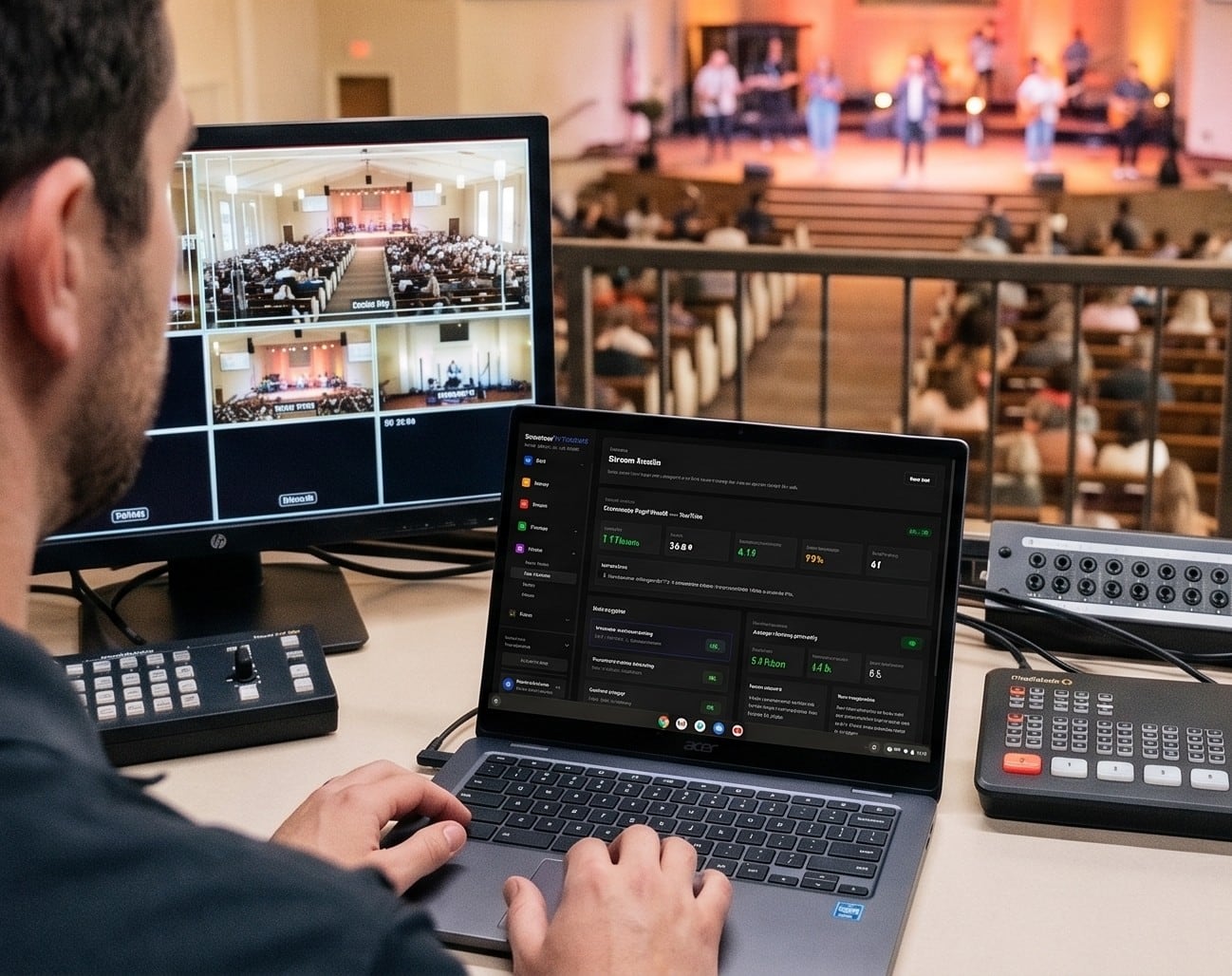
Church Streaming Services Compared: Resi, BoxCast, YouTube, Facebook and More (2026)
Church live streaming services side by side: what Resi, BoxCast, Subsplash, Vimeo, Restream, Castr, SermonAudio, YouTube and Facebook cost in 2026, how each handles reliability and simulcasting, what happens to your recordings, and which fits your church.
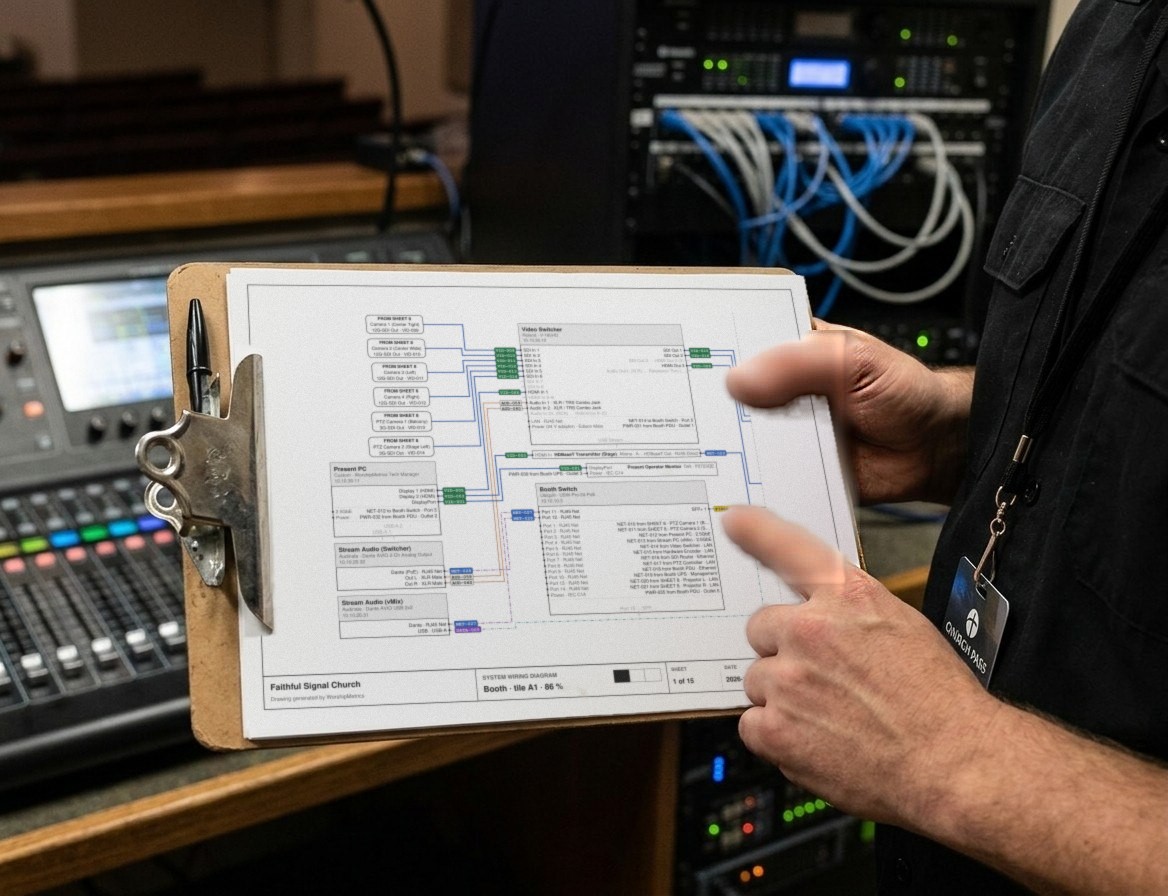
Church Video System Design: Planning From Sanctuary to Stream
How to plan a church video system before you buy anything: what it's for, where the cameras go, how video, audio and slides flow to the stream, which cables run where, and how to document it so the next volunteer can run it.