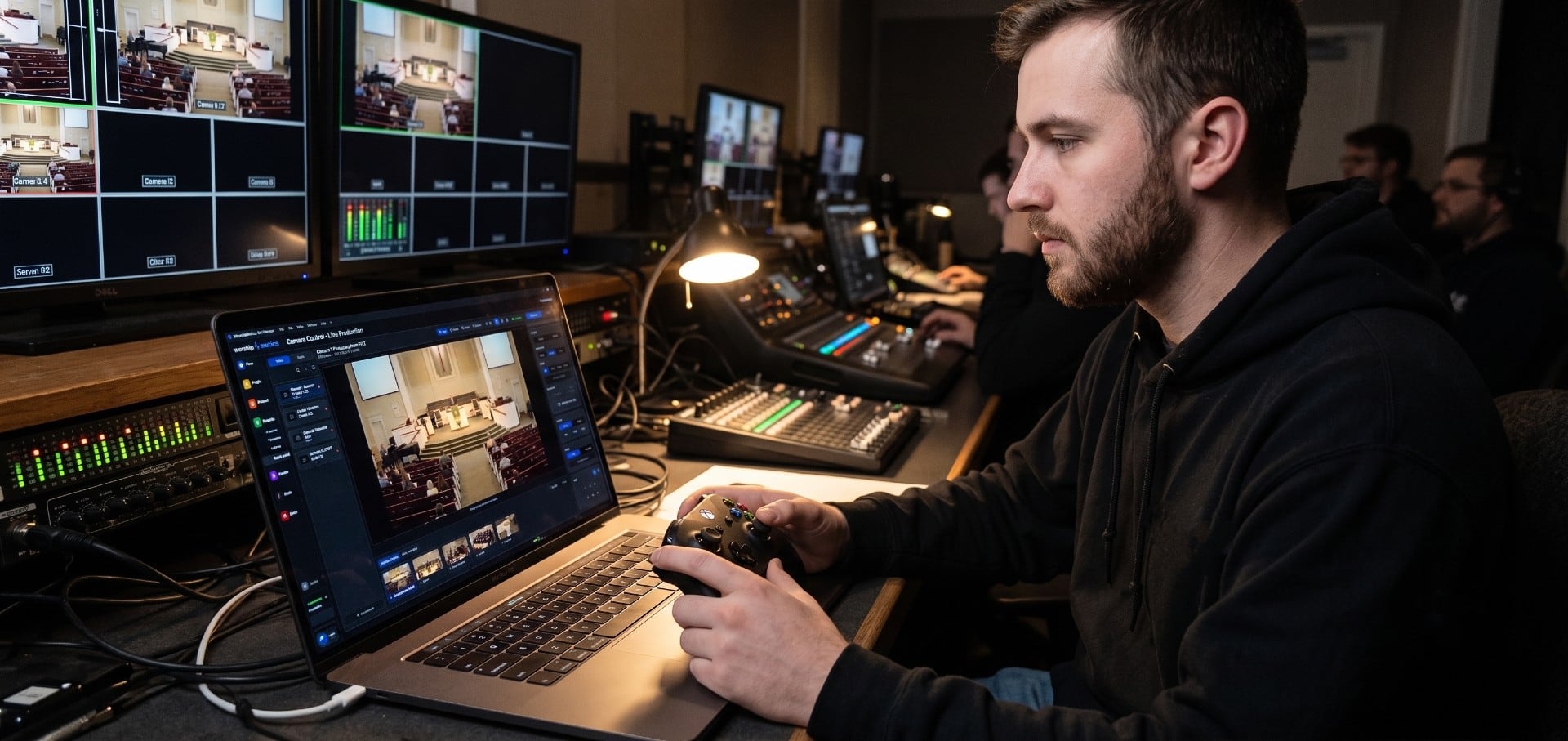
PTZ (pan-tilt-zoom) cameras have become the default for church live streaming for good reasons. One volunteer can run three or four of them from a joystick or a tablet. They mount on a wall or a balcony rail, out of everyone’s way. They move silently. And presets mean a new volunteer can get a professional-looking shot with one tap.
But they’re easy to buy wrong. The number on the box that matters most (zoom) only makes sense once you’ve measured your room, and the connection on the back decides your cabling, your switch and your computer.
Our co-founder Paul Richards spent twelve years at PTZOptics helping churches get their services on camera, and this guide follows the order of questions that works in church after church: distance, connection, how many, image quality, control, then budget.
1. Start with distance, not megapixels
Measure from each place a camera could go to the pulpit. That distance, and the shot you want, decide how much optical zoom you need.
The math is simple: the width of the shot equals 2 × distance × tan(half the camera’s field of view). Using the narrowest (fully zoomed) horizontal field of view from current spec sheets, about 6.9° for a 12x camera, 3.5° for a 20x and 2.4° for a 30x, here’s how wide the tightest shot is at different distances:
| Distance to pulpit | 12x (≈6.9°) | 20x (≈3.5°) | 30x (≈2.4°) |
|---|---|---|---|
| 30 ft | 3.6 ft | 1.8 ft | 1.3 ft |
| 50 ft | 6.0 ft | 3.1 ft | 2.1 ft |
| 75 ft | 9.0 ft | 4.6 ft | 3.1 ft |
| 100 ft | 12.1 ft | 6.1 ft | 4.2 ft |
| 150 ft | 18.1 ft | 9.2 ft | 6.3 ft |
A tight head-and-shoulders shot is about 3 feet wide. A waist-up shot is about 6 feet wide. So, as a rule of thumb:
| Camera | Tight shot works up to about | Waist-up works up to about |
|---|---|---|
| 12x | 25 ft | 50 ft |
| 20x | 50 ft | 100 ft |
| 30x | 70 ft | 140 ft |
Buy a little more zoom than the math says. You’ll rarely use the very end of the lens, and optical quality is usually best a little short of it.
Two catches:
- More zoom means less width at the wide end. A typical 12x lens is about 72° wide; most 20x and 30x lenses are about 60°. A wide camera close to a broad platform may need the 12x, not the 30x.
- “Total zoom” isn’t optical zoom. Many 4K cameras advertise extra digital zoom on top of the optical number (for example “20x optical plus 2x digital”). It crops the sensor, which can work for a 1080p stream, but plan your positions around the optical number.
2. Pick the connection
The connector on the back of the camera decides how far the camera can be from the booth, what cable you pull, and what you need on the other end.
| Connection | Practical run | One cable carries | You’ll also need | Best for |
|---|---|---|---|---|
| NDI (network) | 100 m (328 ft) of Cat6 per run, more through switches | Video, audio, control and PoE power | A PoE network switch; software that receives NDI (OBS, vMix, Tech Manager) | Most churches |
| SDI | About 100 m (300 ft) for 3G-SDI on good coax | Video and embedded audio | Separate power and a control cable; SDI inputs on your switcher or capture card | Long, rock-solid runs into a hardware switcher |
| HDMI | About 15 m (45 ft) at most before you need extenders | Video and audio | Separate power and control | Cameras close to the booth |
| USB (UVC) | About 5 m (16 ft) without active extension | Video and control | A free USB port | One camera near one computer |
We recommend NDI PTZ cameras for most churches. One Cat6 cable per camera replaces a video cable, a control cable and a power run, and the camera shows up on the network for any computer that needs it. Why We Recommend NDI PTZ Cameras for Churches explains the reasoning, and NDI vs. SDI vs. HDMI for Churches goes deeper on each.
Three things to check on the spec sheet before you buy a network camera:
- Which network video format it uses. Most church PTZ cameras use NDI|HX (compressed, light on the network). A few use full-bandwidth NDI, which needs a stronger network. And some use something else entirely: PTZOptics’ Link 4K, for example, uses Dante AV-H on its network port rather than NDI. Make sure the format matches your software.
- Which PoE class it needs. Some cameras run on standard PoE (802.3af); many 4K models need PoE+ (802.3at), and a few, like Sony’s SRG-A40 and Panasonic’s AW-UE80, need PoE++ (802.3bt). Add up every camera’s draw and pick a switch with headroom. See PoE Classes for Church AV.
- Whether your network is ready. Several NDI cameras on the same switch as guest WiFi is a recipe for Sunday stutters. See What Network Does a Church Need for NDI?
Most current PTZ cameras offer several outputs at once (NDI, SDI, HDMI and USB), so you can mix: NDI for the stream, SDI to an IMAG switcher.
3. Decide how many cameras
More cameras isn’t automatically better. Each one needs a position, a cable, a switcher input and, eventually, someone paying attention to it.
| Cameras | What you can do | Typical shots |
|---|---|---|
| 1 | A steady, well-framed service | Medium shot of the speaker, slightly wide so small moves stay in frame |
| 2 | Cut away while a camera moves, so a moving shot never goes live | Speaker (tight), plus a wide of the whole platform |
| 3 | A stream that feels produced, with a second angle for worship | Speaker, wide, plus a side angle on the worship leader and band |
| 4+ | Band close-ups, reaction shots, special moments, IMAG | Add a second side angle, a band camera or a reverse of the congregation |
Most churches land on three. Church Video System Design shows where each one goes, with a floor plan, and A Shared Shot Vocabulary for Church Camera Teams helps the team call shots.
4. Image quality: sensor, light and resolution
Two cameras with the same zoom can look very different in a sanctuary, and light is usually why.
- Sensor size matters most in dim rooms. Budget and mid-range PTZ cameras use small sensors, often 1/2.8 inch. Step-up 4K models use 1/2.5 or 1/1.8 inch, and premium models go to 1 inch or larger. Bigger sensors gather more light, so faces stay clean instead of grainy when the platform is dim.
- Light the platform before you upgrade the camera. “Minimum illumination” figures on spec sheets are measured under different conditions by each maker, usually with gain turned up, so they can’t be compared. Lighting designers commonly aim for at least 50 foot-candles (about 540 lux) on a speaker’s face for video, and 80 to 100 is better. A camera that looks great in a bright conference room can look soft in a sanctuary lit for mood. Even, frontal light on the speaker’s face improves every camera you own.
- Watch the background. A projection screen, LED wall or window behind the speaker makes the camera expose for the bright spot and darkens the face.
- 1080p or 4K? Most church streams go out at 1080p or 720p. 4K cameras earn their price when you feed large IMAG screens, want to crop shots in post, or plan to keep the cameras for many years. For a stream-only church, a good 1080p camera on the pulpit beats a cheap 4K camera.
- Match your cameras. Different brands, and sometimes different batches of the same brand, render skin tones differently. Buying the same model for every position saves hours of color matching.
5. Control: presets, joysticks and auto-tracking
A PTZ camera is only as good as the person (or software) moving it.
- Presets store a framed shot (pulpit, worship leader, baptistery) and recall it with one press. Build your presets during the week, name them in plain words, and most volunteers will rarely need the joystick.
- Joysticks give a camera operator smooth, proportional moves. Most speak VISCA over IP, and many also take serial RS-232/422 control. VISCA-over-IP PTZ Control covers ports, presets and why cameras sometimes run away.
- Auto-tracking follows a speaker who paces. Many current models have it built in, including PTZOptics’ Move series, BirdDog’s X series and several budget brands. It’s useful for a single-camera church with a mobile preacher. Test it in your room: platforms with screens, crosses and band members can confuse it.
- Software control puts every camera in one place. WorshipMetrics Tech Manager controls unlimited PTZ cameras from the booth computer for free, with tap-a-thumbnail presets and a phone remote that needs no account. On Pro and Max, Camera Control (beta) runs the cameras from any browser, so a volunteer can frame a shot from a laptop in the balcony. It works with PTZOptics, Sony, Panasonic, BirdDog, AVKANS, SMTAV, Marshall, AVer and most cameras that speak VISCA or ONVIF.
If you already run vMix or OBS, Adding a Camera Operator to Your vMix Church Production and the OBS version show how to make cameras their own seat.
6. Models and prices at every budget
Prices below are current prices from the manufacturer’s store or an authorized dealer, checked on October 17, 2026. They move often, so treat them as a guide.
Under $1,000: budget NDI PTZ
Good for starter setups, side and wide angles, and churches with good light.
| Model | Zoom | Sensor | Network video | Notes | Price |
|---|---|---|---|---|---|
| AVKANS LV20N | 20x | 1/2.8” | NDI|HX3 | Auto-tracking built in | $429 |
| SMTAV BA30-N | 30x | 1/2.7” | NDI | 1080p, standard PoE | $619 |
| AVKANS AV-CM30-NDI | 30x | 1/2.8” | NDI|HX2/HX3 | AI tracking | $679 |
| BirdDog X1 | 20x | 1/2.8” | NDI|HX2/HX3 | Presenter tracking, standard PoE | $895 to $995 |
$1,000 to $3,000: the church sweet spot
Better optics, better support and more consistent color. A good choice for the main pulpit camera.
| Model | Zoom | Sensor | Network video | Notes | Price |
|---|---|---|---|---|---|
| PTZOptics Move SE | 12x / 20x / 30x | 1/2.8” | NDI|HX3 | 1080p, auto-tracking, standard PoE | $1,199 to $1,499 |
| BirdDog X1 Ultra | 12x | 1/2.8” | NDI|HX | 4K | $1,195 to $1,495 |
| PTZOptics Move 4K | 12x / 20x / 30x | 1/2.5” to 1/1.8” | NDI|HX3 | 4K, auto-tracking, PoE+ | $1,999 to $2,699 |
| BirdDog X4 Ultra | 20x | 1/1.8” | NDI|HX | 4K, presenter and zone tracking, PoE+ | $2,195 |
| Canon CR-N300 | 20x | 1/2.3” | NDI|HX2 | 4K, 3G-SDI, free basic auto-tracking | $2,699 |
| Sony SRG-A12 | 12x | 1/2.5” | NDI|HX | 4K, auto framing, PoE++ | $2,799 |
$3,000 and up: large sensors and broadcast lines
For big rooms, low light and large IMAG screens.
| Model | Zoom | Sensor | Notes | Price |
|---|---|---|---|---|
| Sony SRG-A40 | 20x | 1/2.5” | 4K, 3G-SDI, NDI|HX, auto framing, PoE++ | $3,200 |
| Panasonic AW-UE50 | 24x | 1/2.5” | 4K, 3G-SDI, NDI|HX2, auto-tracking, PoE+ | $3,299 |
| AVer TR335 | 30x | 1/2.8” | Presenter and zone tracking, NDI|HX3 | $3,539 to $3,751 |
| Panasonic AW-UE80 | 24x | 1/2.5” | 4K60, full NDI and NDI|HX2, PoE++ | $4,999 |
| Canon CR-N500 | 15x | 1” | 4K, NDI|HX2, genlock | $5,699 |
| BirdDog XL Ultra | 20x | 4/3” | Very large sensor for low light | $6,995 |
| PTZOptics Rise 4K | 20x | 1” | 12G-SDI, PoE++; shipping Q4 2026 | $7,999 |
Broadcast-brand cameras often need a license or firmware step to turn on NDI, so check what’s included when you buy.
A note on older models: BirdDog stopped making its popular P200 and P400 in April 2024, and Sony has discontinued the SRG-X400 (replaced by the SRG-A40) and SRG-X120. They’re still out there, and used ones can be a bargain, but buy knowing they’re no longer made.
7. Mounting and installation
- Mount solidly. A wall or ceiling mount rated for the camera, not a shelf. Any wobble shows up at full zoom.
- Upside-down is fine. PTZ cameras flip the image for ceiling mounting in their settings.
- Mind the height. Close to the speaker’s eye line looks natural. A steep downward angle shows the top of the pastor’s head.
- Keep cable paths clean and out of aisles and exits. Label both ends.
- Pull a spare cable to every position while the ceiling is open.
PTZ Camera Mounting and Cable Management for Churches has more installation detail.
Common mistakes
- Buying by zoom number alone. Measure first; a 30x in a small room can’t go wide enough.
- Ignoring light. No camera fixes a dark platform.
- HDMI for a long run. Past about 15 meters, use NDI or SDI.
- Forgetting the switch. Network cameras need a PoE switch with enough power budget.
- Mixing brands for the main angles. Color matching takes longer than you think.
- Skipping presets. Presets are what make PTZ volunteer-friendly.
Keep going
This post is part of our church live streaming series. Start at the hub, How to Live Stream a Church Service, or read on:
- Church Video System Design: Planning From Sanctuary to Stream
- Church Streaming Services Compared
- PTZ Camera Troubleshooting for Churches
Not sure which cameras fit your room? Our Livestream Systems include suggested PTZ camera packages, quoted with your system: map your current system and request a quote, or call 910-WORSHIP. And whatever cameras you choose, Tech Manager controls them for free.
Related questions
- How much zoom does a church PTZ camera need?
- It depends on the distance from the camera to the pulpit. For a tight head-and-shoulders shot, about 3 feet wide, a 12x camera works up to roughly 25 feet away, a 20x up to roughly 50 feet, and a 30x up to roughly 70 feet. For a waist-up shot, double those distances.
- Is NDI, SDI, HDMI or USB best for church PTZ cameras?
- For most churches, NDI. One network cable up to 100 meters carries video, audio, camera control and PoE power. SDI is the choice for long, rock-solid runs into a hardware switcher. HDMI is fine for runs of about 15 meters (45 feet) or less. USB suits a single camera close to the computer.
- How many cameras does a church need to live stream?
- One camera on the speaker is enough to start. Two (the speaker plus a wide shot) let you cut away without a moving shot going live. Three (adding a side angle for worship) is where most churches land for a stream that feels produced.
- Are cheap PTZ cameras good enough for church?
- Budget NDI PTZ cameras under $1,000 can look good in a well-lit room and are a fine way to start. You give up low-light performance, color consistency between units and long-term support. Spend more on the main pulpit camera, where viewers look most.
Best Free Church Presentation Software (2026): Honest Picks and What You Give Up
NextChurch Streaming Services Compared: Resi, BoxCast, YouTube, Facebook and More (2026)
Related Articles
Church Streaming Services Compared: Resi, BoxCast, YouTube, Facebook and More (2026)
Church live streaming services side by side: what Resi, BoxCast, Subsplash, Vimeo, Restream, Castr, SermonAudio, YouTube and Facebook cost in 2026, how each handles reliability and simulcasting, what happens to your recordings, and which fits your church.
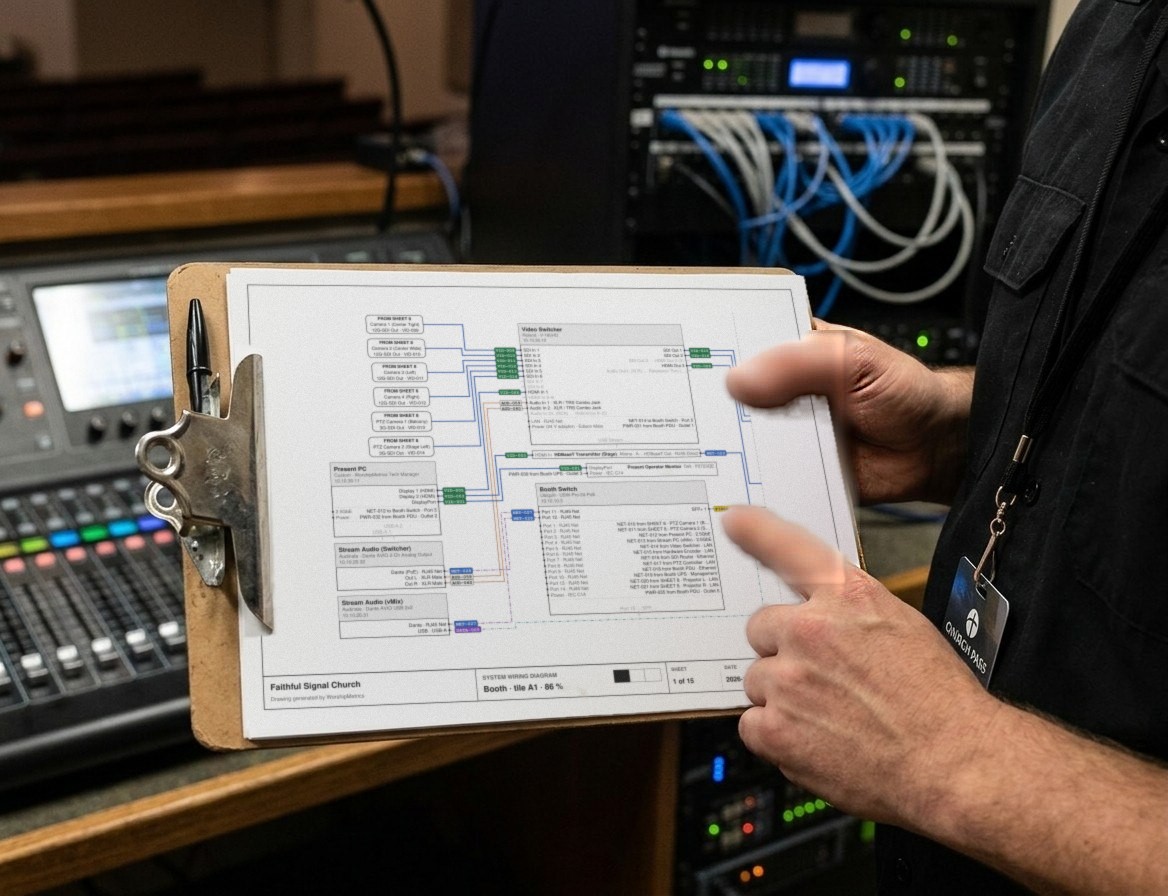
Church Video System Design: Planning From Sanctuary to Stream
How to plan a church video system before you buy anything: what it's for, where the cameras go, how video, audio and slides flow to the stream, which cables run where, and how to document it so the next volunteer can run it.
How to Live Stream a Church Service: The Complete Setup Guide
The best way to live stream a church service, start to finish: the parts every church stream needs, complete starter, mid-size and pro setups with gear, software and destinations, a first-stream checklist, and how to keep it running every Sunday.