One cable per camera
Most of the cost and trouble of a camera install is in the cables: a video run, a power outlet and a control line to every position. An NDI PTZ camera collapses all three into one network cable:
- Video and audio travel as NDI over the network
- Pan, tilt, zoom and presets travel on the same cable
- Power comes from a PoE network switch
That’s why we recommend NDI PTZ cameras for most churches, and why they’re the cameras we suggest adding to our Livestream Systems. (See how NDI saves churches money.)
Why PTZ works so well in churches
- One volunteer can run several cameras, recalling preset shots like “pulpit,” “baptistry” and “wide.”
- Cameras live out of the way on walls, balconies or ceilings, not on tripods in the aisle.
- Quiet motors move during a prayer without anyone noticing.
Reading the spec sheet
NDI|HX3. The current efficient NDI format: about 50 to 62 Mbps at 1080p60 with low delay. A gigabit network carries several comfortably. (See what is NDI?)
Zoom. 12x or 20x covers most sanctuaries from the back wall; deep rooms and balconies may want 25x to 30x. Our Studio and Broadcast bundles use 25x and 31x models.
PoE class. Check the camera’s power draw against your switch’s per-port limit and total budget. Many PTZ cameras need PoE+ (802.3at). (See PoE classes for church AV.)
Backup outputs. SDI, HDMI or USB outputs mean the camera still works if you ever need a direct cable.
Control protocol. Most cameras speak VISCA over IP. Make sure your control software supports your camera.
Choosing PTZ cameras
There is no single right brand. Look for professional image quality, smooth and quiet movement, and the connections your room needs (SDI, HDMI, USB and network) at a price that fits your budget. NDI|HX3 models carry video, audio, control and power over one cable. Adding cameras to one of our Livestream Systems? We’ll suggest models that fit your room and quote them in your consultation.
Already have cameras you love? Keep them. Every Livestream System works with any camera that has HDMI, SDI or NDI output, and a Magewell encoder can put an older camera on the network.
Running them with WorshipMetrics
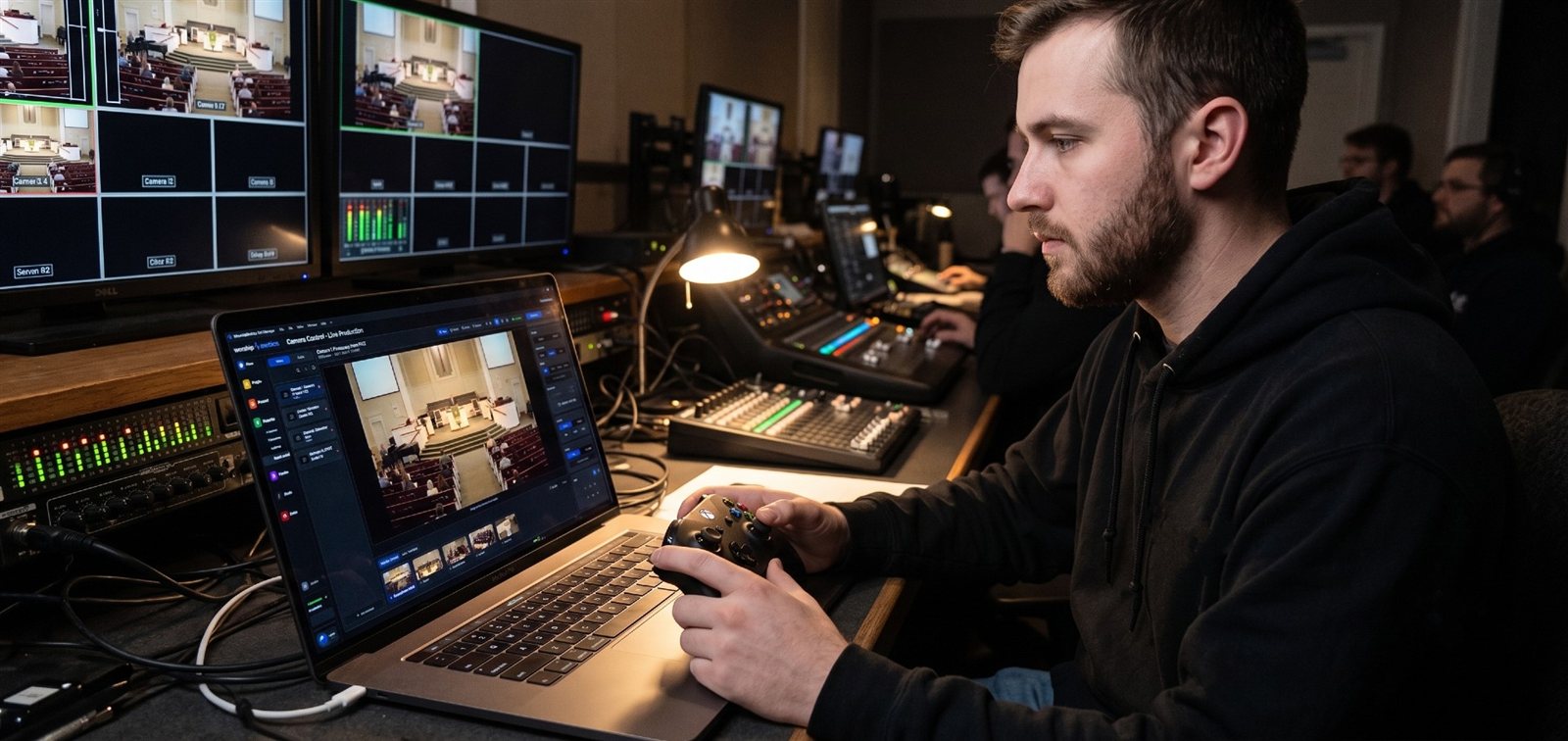
Camera Control scans the network, finds your PTZ cameras with make and model identified, and lets anyone on the team drive them from a browser, with presets that show a picture of the shot. That means a volunteer can run cameras from a tablet anywhere in the building, not just from a seat in the booth.
Before you buy
- Check the network. A wired gigabit network with a PoE switch, separate from guest Wi-Fi. (See what network does a church need for NDI?)
- Plan the positions and measure the distance to the stage for zoom.
- Map what you have. Our map-your-system checklist takes a few minutes and is the best way to get the best price: we’ll tell you which cameras to keep and which to add.
For setup and troubleshooting, see the PTZ camera troubleshooting guide.
Related questions
- What is an NDI PTZ camera?
- A pan-tilt-zoom camera that sends its video and audio over a network cable using NDI, takes pan, tilt, zoom and preset commands over the same cable, and usually draws power from a PoE network switch. One cable does everything.
- What should a church look for in an NDI PTZ camera?
- NDI|HX3 (or full NDI) support, the zoom range your room needs, PoE power within your switch's budget, SDI or HDMI outputs as a backup, quiet motors, and presets. Check that your control software supports the camera's control protocol.
- Can we mix NDI cameras with our existing SDI or HDMI cameras?
- Yes. Production software like vMix and OBS takes both, and a Magewell encoder can put an existing camera on the network too. Most churches mix them while they transition.
NDI Over the Internet: Second Campuses, Remote Guests and Remote Help
NextHow NDI Saves Churches Money on Video Cabling, Routing and Mixing
Related Articles

Bitfocus Companion + ATEM Mini: A Stream Deck Panel for Your Church Switcher
A Stream Deck running Bitfocus Companion turns a Blackmagic ATEM into plain-word buttons with colors that show what's live, and the same panel can run PTZ cameras, projectors, and more. Here's how to connect Companion to an ATEM and build a volunteer page.

Lyrics Over the Camera on an ATEM Mini: Luma Keys, Chroma Keys, and the Slides Computer
To put song lyrics over the camera shot on a Blackmagic ATEM Mini, feed the slides computer into an ATEM input and key it over the camera. Here's how luma and chroma keys work for lyrics, how to design slides that key cleanly, and who should run it.

ATEM Mini + OBS for Church: Hardware Camera Switching with OBS for Graphics and Streaming
Many churches use an ATEM Mini as a camera switcher and send its output into OBS over USB as a webcam. The ATEM gives volunteers real buttons; OBS adds lyrics, graphics, recording, and streaming. Here's how to set it up, split the jobs, and avoid the common sync and quality problems.